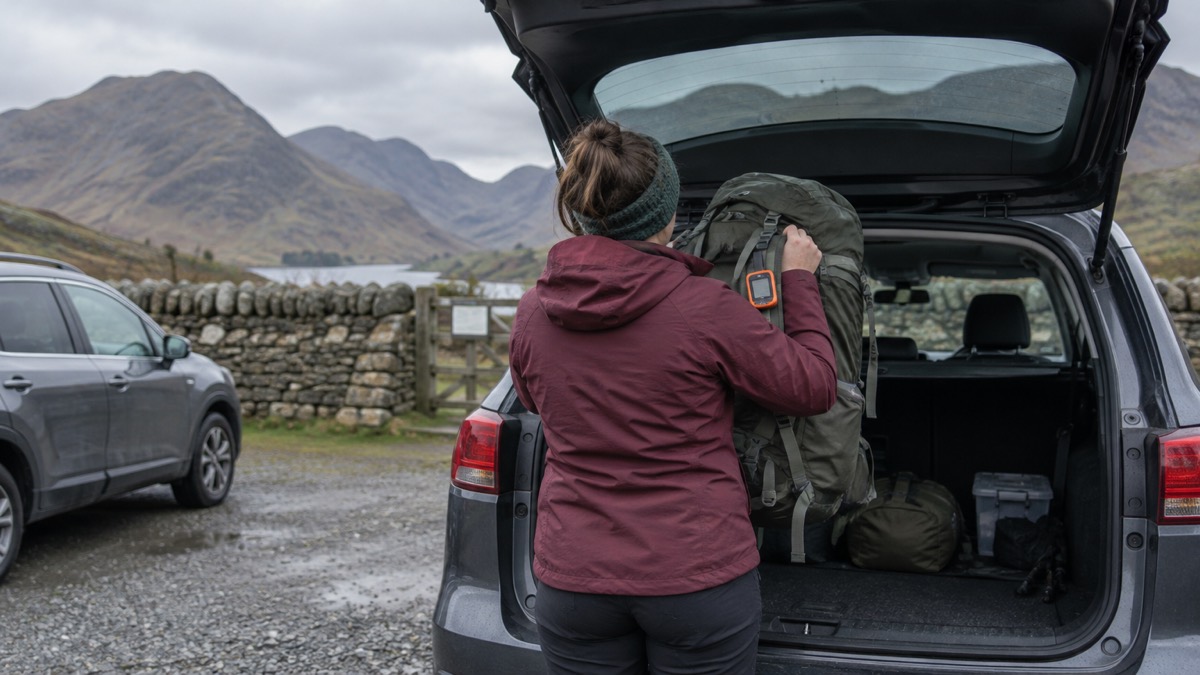
If you are somewhere with no mobile signal and you need help, you have two routes: a dedicated satellite messenger, or the satellite SOS built into a newer phone. Both send a message to the sky rather than to a mast. The difference is in what they can carry, how they behave when signal returns, and what you have to do to make them work.
A dedicated communicator such as the ZOLEO Satellite Communicator pairs with your phone and sends two-way messages over the Iridium satellite network when mobile coverage or Wi-Fi is unavailable1. It has a dedicated SOS button that the maker says works even if your smartphone is damaged or out of battery2. Newer phones carry their own version: some mobile devices can use Emergency SOS on iOS and Satellite SOS on Android to contact emergency services via satellite if no mobile networks are available3.
Whichever you carry, the sky decides. Satellite communication requires a clear view of the sky, and connectivity is not guaranteed: it may be affected by satellite availability, terrain, weather, environmental conditions and device positioning1. Plan for that before you rely on either.
| Dedicated satellite messenger | Phone satellite SOS | |
|---|---|---|
| What it sends | Two-way messaging, SMS, email and app-to-app4 | Emergency text to the emergency services3 |
| Who answers | A 24/7 monitoring team with real-time updates10 | An Emergency Support Provider relaying to the emergency services11 |
| If your phone is dead | Dedicated SOS button works even if your smartphone is damaged or out of battery5 | Not available without the phone11 |
| Message length | SMS 160 characters, email 200, app-to-app 900+4 | Set by the phone's emergency questionnaire11 |
| What it depends on | Clear view of the sky1 | Clear view of the sky, plus device, carrier and battery life16 |
What a satellite communicator does when there is no phone signal
A satellite communicator is a small, rugged device that talks to satellites instead of masts. The ZOLEO global satellite communicator works with your smartphone to transmit messages over the Iridium satellite network when mobile coverage or Wi-Fi is unavailable9. It can be used on its own, or paired with your smartphone or tablet for more advanced features1. The pairing runs through a free mobile app for smartphones and tablets7.
The point of it is two-way contact, not a one-off distress flare. The maker describes full two-way satellite texting, not just emergency alerts, with a dedicated SMS number and email4. That matters for a household because it means the person waiting at home can message you, and you can answer. It also means you can send a check-in to say you are safe without triggering an emergency response.
The device is built for the outdoors rather than the kitchen table. The maker lists an IP68 rating and MIL-STD 810G durability alongside the 200+ hours of battery life7. In plain terms, it is sealed against dust and water and rated to survive rough handling. That does not make it indestructible, and it does not remove the need for a clear view of the sky.
Where it earns its place is the gap between "no bars" and "emergency". The UK has 8% of its landmass with no mobile signal, and coverage is much weaker in rural areas6. If you walk, sail, farm or drive in those places, a communicator turns a dead phone into a working one. If you never leave strong signal, it is a device you may never use, and that is a fair reason not to buy one.
How ZOLEO switches between satellite, mobile and Wi-Fi
The clever part of a ZOLEO is that you do not manage the network. It defaults to cellular or Wi-Fi whenever either is available, so satellite is only used when you need to1. The maker describes this as intelligent network switching that keeps you connected across cellular, Wi-Fi and satellite without interruption10. Your connection follows you as you move across the three, so you never miss a message when paired with the ZOLEO app5.
The practical effect is that ordinary life costs you nothing in satellite time. When you are at home on Wi-Fi, messages travel that way. When you are in town with a mobile signal, they travel over cellular. Only when both fail does the device reach for the satellite. The maker puts it as taking advantage of the lowest-cost network, transmitting via cellular and Wi-Fi when it is available, and over the Iridium satellite network when it is not8.
There is a second behaviour worth knowing. The app delivers messages over cellular or Wi-Fi when available, even when the ZOLEO device is off10. So if you leave the communicator in a bag and switch it on days later, messages sent to your ZOLEO address in the meantime are waiting. That is useful for a household where one person carries the device and others want to reach them.
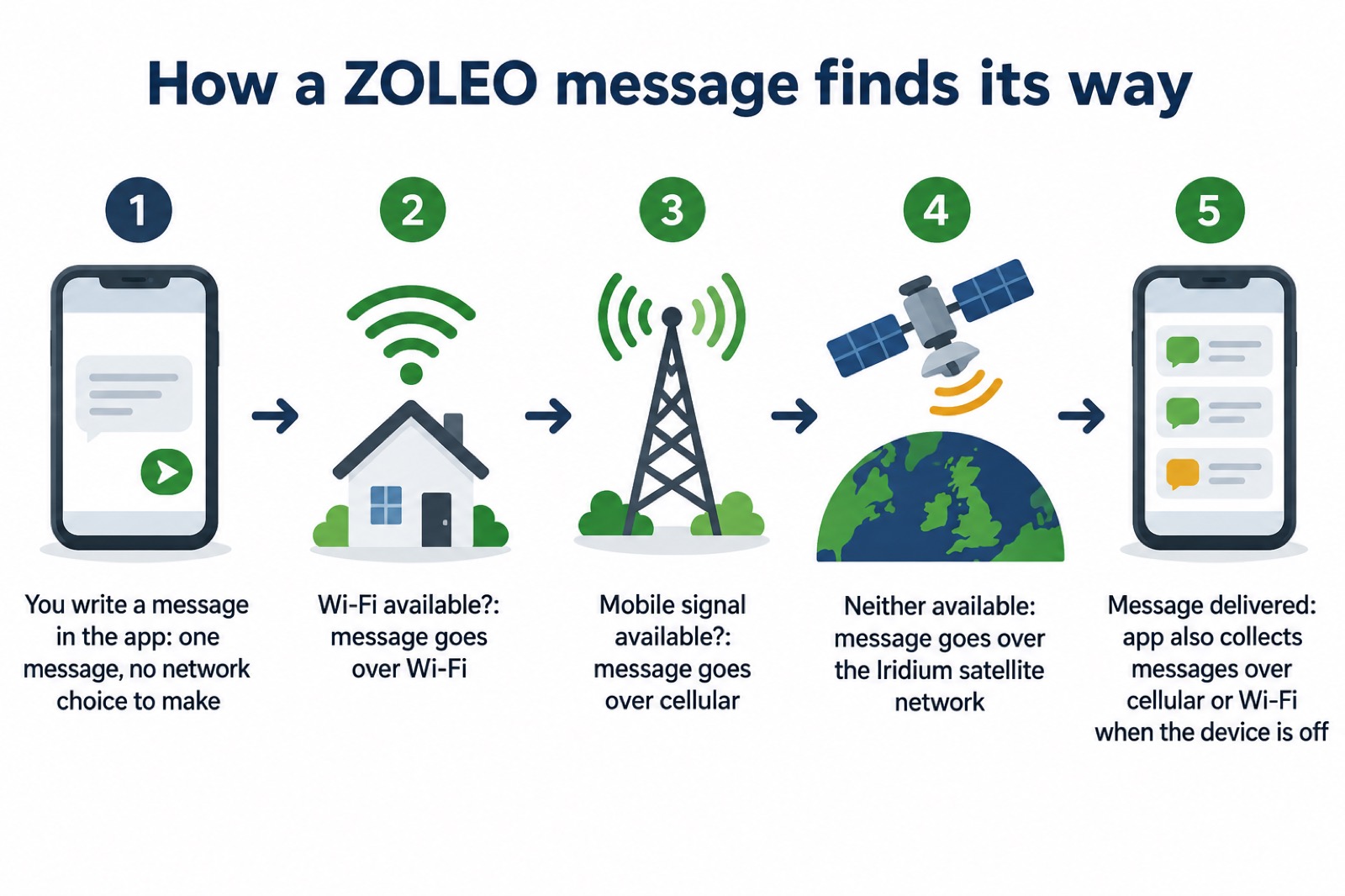
The limit is the sky. If it does not have a clear view of the open sky, it may take a few minutes to connect with the satellites passing overhead to transmit messages9. A direct line of sight between the device and a satellite is required to send and retrieve messages11. The maker also notes that the less often your device checks for messages, the longer its battery will last9, which is a trade-off you control in the app settings.
Coverage from the Iridium satellite network
Iridium is described by the maker as the only commercial satellite network with truly global coverage across land, oceans, skies and even the Polar Regions5. The same source says it offers coverage everywhere on the planet, including Earth's landmasses, oceans, skies and Polar Regions8. For a UK household, that means the network is not the limiting factor: if you can see sky, you are inside the coverage area.
| What the network covers | Detail | Source |
|---|---|---|
| Land, oceans, skies | Global coverage across all of them | 5 |
| Polar Regions | Included, unlike some other networks | 8 |
| UK and Europe | Within the global footprint | 1 |
| Gaps | The maker states there are no coverage gaps | 8 |
What varies is not the network but your situation. The maker is explicit that connectivity is not guaranteed and may be affected by satellite availability, terrain, weather, environmental conditions, device positioning and other factors outside its control1. A wood, a steep-sided valley, a building or a heavy storm can all interrupt the line of sight. The answer is not a different network but a different position: move to open ground, hold the device up, and give it a few minutes.
This is where a satellite service differs from a mobile one. A satellite internet service works by bouncing signals off satellites rather than relying on ground-based infrastructure12. That is why it keeps working when masts lose power or backhaul, and why it is worth considering when land-based networks are down. The Iridium network behind a communicator such as ZOLEO is described by its operator as the only satellite network that provides truly global coverage, reaching landmasses, oceans, skies and the Polar Regions13. A device without a clear view of the open sky may take a few minutes to connect with the satellites passing overhead to transmit messages14.
For a household weighing this up, the honest summary is that Iridium coverage is not the question. The question is whether you will be somewhere with sky above you when you need it, and whether you have kept the battery charged for the moment it matters.
Satellite messenger or phone satellite SOS: how each one reaches help
Both routes end at the emergency services, but they start differently. On a phone, some mobile devices can use Emergency SOS on iOS and Satellite SOS on Android to contact emergency services via satellite if no mobile networks are available3. On a dedicated communicator, two-way SOS connects you directly with a 24/7 monitoring team, providing real-time updates until help arrives10. The monitoring team is the difference: a person who stays with you, rather than a message that is sent and left.
The phone route has steps you should know before you need them. On Android, if you do not have a mobile or Wi-Fi network, you will find an option to use Satellite SOS in the dialer11. You fill out the emergency questionnaire to describe your emergency, answer on-screen questions to share it with emergency contacts, tap Notify or Don't notify, then follow the prompts to position your phone and connect to the satellite11. An Emergency Support Provider then interfaces between you and the emergency services11. You will need Google Messages as your default messaging app to use the service, and if you change your default messaging app, Satellite SOS will no longer be available11.
On iPhone, the advice is to try calling the local emergency number first, because you may be able to make the call even if your normal mobile provider's network isn't available15. If that fails, in the address field of a new message you can type "emergency", "emergencies", "SOS", "help" or "send help" to text emergency services via satellite15. Once connected, the emergency service provider should reply via text within a few minutes, though connection and response times vary based on location, site conditions and other factors11. In Europe, the alert text message to your emergency contacts comes from SOS112 (767112)15. To receive additional text messages, your emergency contacts need to respond "YES" to the first message within 48 hours15.
The maker of ZOLEO states that most built-in phone and smartwatch satellite features are designed primarily for one-way emergency texting and depend on your device, carrier and battery life17. That is a maker's characterisation of a rival approach, so weigh it as such. The official position is simply that some devices can do it3. What the official guidance does not say is that a phone replaces a communicator for routine messaging, because it does not.
Using satellite messaging in the UK countryside
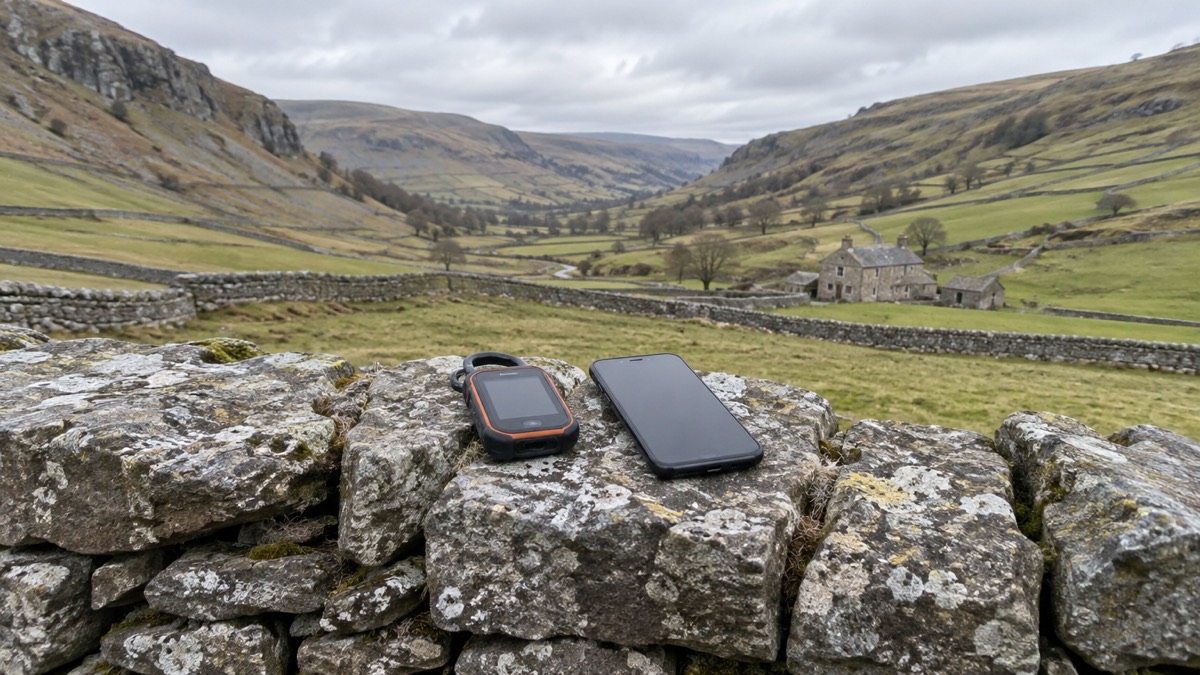
The UK is not one coverage picture. Ofcom's guidance for severe weather points people to text messages when calls will not connect: if your phone is showing that it has signal, but phone calls are not connecting, try sending a standard text message, because these messages might still get through even if the mobile network is extremely busy, and by using text messages you will also help to reduce the pressure on the mobile network3. That is the first thing to try, before any satellite device.
If there is no signal at all, the satellite route is the fallback. The 8% of UK landmass with no mobile signal is concentrated in rural areas6, which is exactly where hillwalkers, farmers and remote households spend their time. A communicator is most useful there, and least useful in a city where signal is strong and masts are close.
There is a wider household point. The digital phone switchover means your landline will connect over the internet, and your telephone will be connected to a router rather than a wall socket18. Telephone providers across the UK are switching traditional landlines to digital phone lines19. That makes the home phone dependent on broadband and power in a way it was not before, which is one reason a satellite option appeals to households in weak-signal areas. If that is your situation, the digital landline switchover guide explains what changes, and what to do when phones and the internet go down covers the household plan.
For a household, the sensible order is: know where the nearest signal is, and carry a satellite device only if your regular routes take you out of coverage. The satellite messaging and SOS on phones guide covers the phone side in more detail, and satellite messengers: what they do and how to choose one covers the dedicated devices.
Taking a satellite communicator abroad: check local restrictions first
Satellite devices are radios, and radios are regulated country by country. The maker advises travellers to contact the local consulate or customs office for information on any restrictions which may prohibit use8. Do this before you book, not at the departure gate. Some countries restrict satellite communicators, and the rules can change.
The phone route has its own geography. Emergency SOS via satellite is available in a set number of countries, and international travellers who visit a country or region where the feature is available can use it while visiting, except if they bought their iPhone in certain countries or regions15. In the UK, iOS 16.2 or later is required15. So a phone that works at home may not work on a foreign hillside, and a phone bought elsewhere may not work here.
| Check before you travel | Why it matters | Source |
|---|---|---|
| Local consulate or customs office | Restrictions may prohibit use of satellite devices | 8 |
| Phone model and software | iOS 16.2 or later required in the UK; some countries excluded | 15 |
| Country availability | The feature works only where it is offered | 15 |
| Default messaging app | Changing it disables Satellite SOS on Android | 11 |
There is also a practical point about the device itself. If it does not have a clear view of the open sky, it may take a few minutes to connect with the satellites passing overhead to transmit messages9. Abroad, that means open ground away from buildings and trees, and patience while it connects. Keep the battery topped up, and remember that the less often your device checks for messages, the longer its battery will last9.
Where to get help and what to have ready
The first line of help is still the ordinary phone. Ofcom's advice for severe weather is to try a standard text message if calls will not connect, because texts may still get through and they reduce pressure on the network3. If you have a landline, use it or use Wi-Fi calling where possible, as high demand may make landlines more reliable14. Age UK's advice is to fully charge your mobile phone and keep it on you, and to have a non-electric landline phone to hand and know where to plug it in20.
For households that need extra support, the Priority Services Register is the route. It gives communications providers' customers use of emergency SMS, mobile only21, among other help. If someone in your household is older, disabled or medically dependent, register before an emergency rather than during one. The extra help in an emergency guide sets out what is available, and extra help from phone and broadband providers explains how to ask.
A short list to have ready:
- A charged phone and a charged communicator, with the app installed and signed in
- A written contact plan, so the person at home knows who to ring and when
- The satellite SOS steps for your phone, practised once on a clear day
- The local consulate or customs contact if you are travelling with a satellite device8
- A paper note of emergency numbers, in case the phone is the thing that fails
The emergency and non-emergency numbers checklist covers the numbers to keep on paper, and getting your mobile phone ready for an emergency covers the settings. If you are weighing a communicator against a phone, the ZOLEO Satellite Communicator page sets out the device in detail, and the Apple Watch page covers the watch route.
Sources (21)
- Global messaging overview, ZOLEO, 2026-10-29
- Satellite Communicator Features | ZOLEO, ZOLEO
- Stay connected in severe weather, Ofcom, 2026-10-13
- ZOLEO vs iPhone satellite messaging, ZOLEO, 2026-10-29
- ZOLEO Global Satellite Communicator product page, ZOLEO, 2026-10-29
- Written evidence on mobile coverage, UK Parliament, 2022-01-13
- Satellite communicator, ZOLEO, 2026-10-29
- Global coverage, ZOLEO, 2026-10-29
- Getting started with satellite messaging, ZOLEO, 2026-10-29
- Global messaging overview, ZOLEO, 2026-10-29
- Satellite SOS on Android, Google, 2026-10-29
- Community emergency planning guide: respond and recover, Scottish Government, 2026-03
- Get emergency help through Satellite SOS with Google Pixel Watch 4 and 5 - Google Pixel Watch Help, Google
- Helping broadband and mobile users stay connected, Ofcom
- Emergency SOS via satellite, Apple, 2026-10-05
- Global messaging overview, ZOLEO, 2026-10-29
- Seamless Global Messaging for Smartphones | ZOLEO, ZOLEO
- Technology to keep you safe at home, Independent Age, 2026
- Priority services, National Grid, 2026-10-29
- Are we ready for the next crisis?, Age UK, 2016-02
- Priority Services Register, Surrey County Council, 2026-10-28
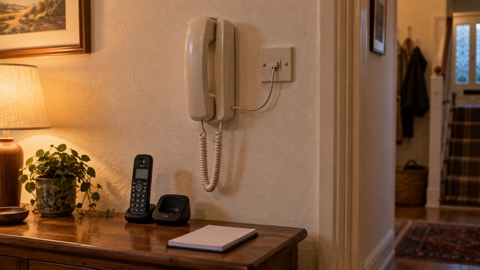 Corded or Cordless Phones
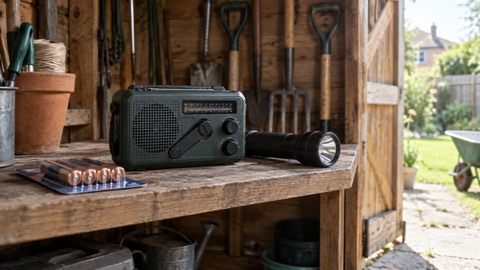 Wind-Up and Battery Radios
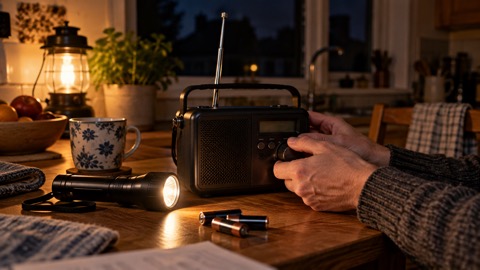 DAB or FM Radios