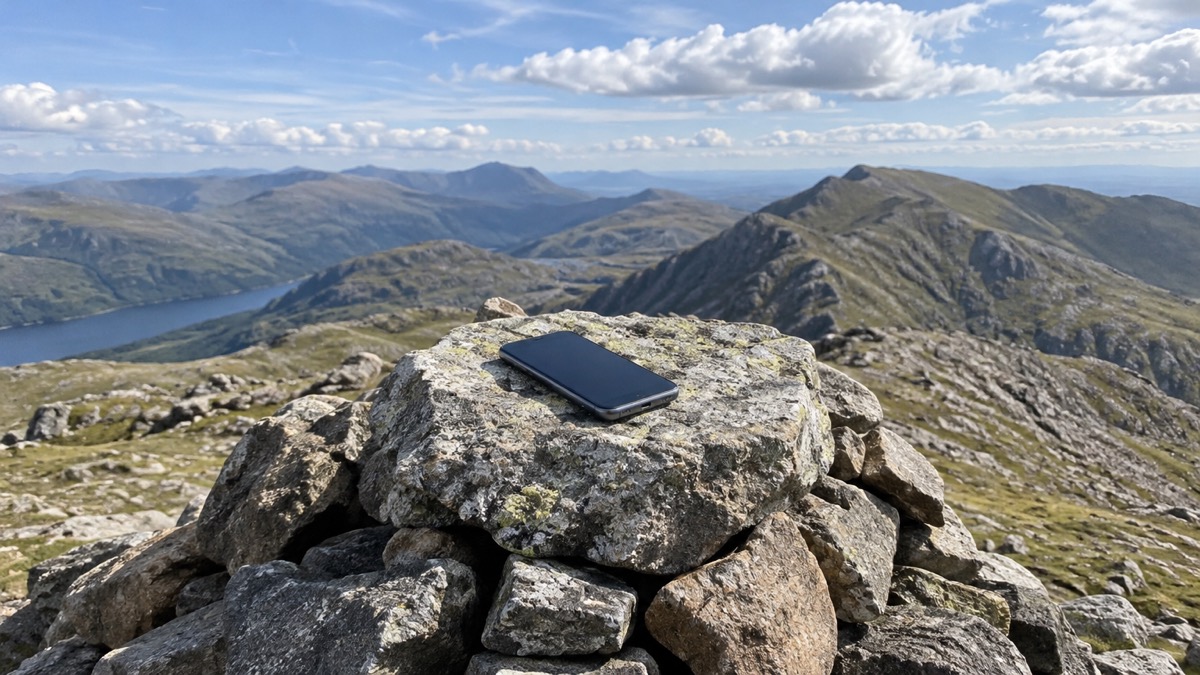
If your phone shows "No service" and someone needs an ambulance, the police or the fire and rescue service, you still have options. Some mobile devices can use Emergency SOS (on iPhones) and Satellite SOS (on Android phones) to contact the emergency services via satellite when no mobile network is available, according to Ofcom, the UK's communications regulator1. Before anything else, try to call 999 in the normal way: in the UK, national roaming for emergency calls means you can use any mobile phone network to contact the emergency services even if you are not its customer2. Satellite SOS is the backup for when that, too, fails.
This page explains where satellite SOS fits into getting help in the UK, what else works when networks are down, and what to set up before you ever need any of it. It sits alongside our guides on calling 999 and 112, what to do when your mobile network is down and satellite messengers as standalone devices.
Try 999 first: satellite SOS is for when there is no other way
The emergency number in the UK is 999, and the advice from official bodies is consistent: call it if you are concerned about your safety or the safety of others3. Ambulance guidance for emergencies such as a suspected stroke is to phone 999 immediately and ask for an ambulance6. Satellite SOS does not change that. It is a last-resort route, not a quicker or better one, and it exists for the situations where a normal call is impossible.
Before you assume you have no signal, it helps to know how emergency calls behave when networks are struggling. In the UK, national roaming is enabled for emergency calls, so you can use any mobile phone network to contact the emergency services even if you are not a customer of that network, and you may see the message "Emergency calls only" on your handset2. Ofcom gives the same advice for outages: if your mobile provider is experiencing an outage, you will be able to automatically use another provider's network to call 999 or 112 free of charge, displayed as "Emergency calls only" on Android or "SOS only" on iOS1. So a phone that looks unusable may still get a call through.
Only when no network of any kind is reachable does satellite SOS come into play. Ofcom describes it plainly: some mobile devices can use Emergency SOS (iOS) and Satellite SOS (Android) to contact emergency services via satellite if no mobile networks are available1. Treat it as the third rung on a ladder: your own network, then any other network, then satellite.
If you cannot use voice telephony at all, whether because of hearing loss, speech impairment or injury, there are dedicated routes to 999, and they are covered in the next section. If you are unable to use voice telephony, alternative options are available, including the emergencySMS service via BT Relay and 999 BSL for British Sign Language users7.
Which phones can send SOS by satellite in the UK
Ofcom, the UK's communications regulator, confirms that some mobile devices can use Emergency SOS (iOS) and Satellite SOS (Android) to contact emergency services via satellite if no mobile networks are available1. That is the official position: the capability exists on phones from both major platforms, and it is recognised in UK guidance on staying connected in severe weather.
Which specific models support it, and how each maker's service is set up, changes as new phones are released, so check the maker's own current information for your handset. We cover the two platforms in detail on separate pages: how to use Emergency SOS via satellite on iPhone and how to use Satellite SOS on Android phones. If you are weighing up whether a satellite-capable phone is enough, or whether a standalone device makes sense for your household, see our comparison of a satellite messenger or phone satellite SOS.
Do not confuse satellite SOS with the UK Emergency Alerts system, which is a different thing entirely. Emergency alerts work on iPhones running iOS 14.5 or later, and Android phones and tablets running Android 11 or later, on all 4G and 5G phone networks in the UK8. Alerts are one-way warnings sent to your phone or tablet based on your current location, and you do not need to turn on location services to receive them9. Receiving alerts tells you nothing about whether your phone can send an SOS by satellite, and vice versa.
You need to be outside with a clear view of the sky
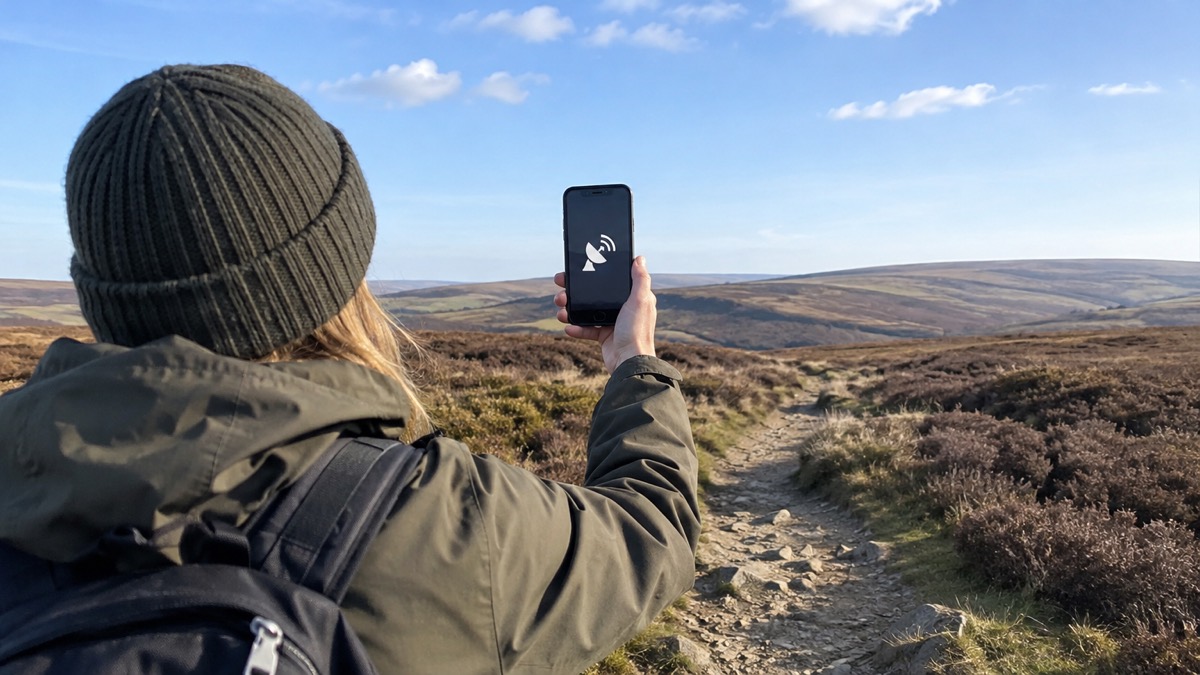
Satellite SOS depends on your phone being able to reach a satellite, which is why these features are designed for use outdoors rather than indoors. The comparison that official guidance draws is with places built for emergencies where signals cannot reach: in road tunnels, for example, official advice is to call for help using the SOS phones at the evacuation spot outside the tunnel10. The same principle applies in reverse. Deep indoors, in basements, in vehicles with metal roofs or in deep valleys, a satellite link is harder to establish or keep than a mobile one, and a session can drop if the view of the sky is lost.
What this means in practice:
- Move outside, or to a window or doorway with the widest possible view of the sky, before starting a session.
- Stay still and keep the phone raised while the session is active, following any on-screen prompts about direction.
- If you are in a vehicle, step out of it where it is safe to do so, and never stop in a live traffic lane to attempt a satellite session.
Bear in mind that the emergency services themselves plan for signal dead spots. On motorways there are emergency phones at regular intervals, and official winter driving advice is that if you break down with no phone signal on the motorway you will need to locate the nearest emergency phone11. On quieter roads, assess the situation: it may be a case of walking to the nearest house or sitting tight and waiting for a passing motorist to stop and help11. Satellite SOS widens your options in these situations, but it does not remove the need to think about where you are and what else is around you.
How to start an emergency session, and what happens next
The exact steps differ between iPhone and Android, and we set them out on the platform pages: Emergency SOS via satellite on iPhone and Satellite SOS on Android phones. What is common to both, and what matters most in the moment, is the shape of the exchange.
When you start an emergency session, your phone gathers the information the emergency services need and sends it via satellite. A satellite SOS session does the same job as a 999 call by a different route: a short, structured exchange rather than a voice conversation, with your phone prompting you for the details a handler needs.
Because every exchange takes time over a satellite link, answer the questions as completely and as briefly as you can. The sort of information that matters is the same as in any 999 contact: what has happened, where you are, who needs help and how badly. Our page on how to give emergency services your exact location explains how location is conveyed, and our page on what happens when you ring 999 explains what happens at the other end.
One habit worth building before you ever need this: teach children how and when to call 999, as Cheshire Fire and Rescue Service advises for household emergency readiness7. A household in which everyone, including children, knows how to raise the alarm is better prepared than one that relies on a single person remembering the steps under stress.
What your phone shares, and setting up emergency contacts you trust
An emergency session is not anonymous. The emergencySMS model shows what is shared: your message goes to the UK 999 service and is passed to the police, ambulance, fire rescue or coastguard12. A satellite SOS session likewise exists to pass information to responders, so assume that what you type, and information your phone supplies about your situation, reaches the emergency services.
That is a good reason to set up your emergency information in advance, and to choose the people named in it deliberately.
- Add emergency contacts and medical details to your phone's lock screen, so they are reachable without unlocking it. Our guide to adding medical and emergency contacts to your phone covers how.
- Choose people who are likely to answer an unknown number, who know your household's circumstances, and who can act on a message rather than just worry about it.
- Tell the people you name that they are listed, and what a message from an emergency service might look like.
- Keep a paper list of emergency and non-emergency numbers as well, in case your phone is the thing that has failed. Our emergency numbers checklist is a starting point.
Ready Scotland's advice on sharing information extends the same idea to your community: speak to friends, family and neighbours, create an instant messaging or social media group for your street or building, encourage others to create an emergency plan for their home, and make a community emergency plan13. Clear, accurate information helps others prepare and get support quickly in an emergency13. In a situation where you are calling for help by satellite, a neighbour who knows to check on your household is part of the same safety net.
When satellite SOS will not work, and what to do instead
Satellite SOS has hard limits, and planning around them matters more than the feature itself.
When no mobile network is available but another provider's is. This is the most common "no signal" situation, and it is already solved: national roaming for emergency calls means you can use any mobile phone network to contact the emergency services even if you are not a customer2. Ofcom confirms that during a provider outage you can automatically use another provider's network to call 999 or 112 free of charge1. Try the call before anything else.
When you cannot use voice telephony. If you are deaf, hard of hearing or speech-impaired, there are established alternatives, and they need setting up in advance. The Next Generation Text Service lets deaf, hard of hearing or speech-impaired people in the UK alert police, ambulance, fire or coastguard services by calling via a relay assistant or texting a message to 999 using the emergencySMS service14. You must register your phone beforehand, as Cheshire Fire and Rescue Service stresses15. The 999 BSL UK Emergency Video Relay Service enables a deaf person to use an app on a smartphone, tablet or laptop to call an emergency service, including ambulance, police, fire or coastguard16, and the service is available to download as a smartphone app on iOS and Android and to access as a web-based platform17. These are free services that give an alternative way to contact the emergency services18. We cover them in detail on emergencySMS: how to register and text 999 and 999 BSL and Relay UK.
| Route to 999 | Who it is for | What to do in advance |
|---|---|---|
| Ordinary 999 call | Everyone, first choice | Teach children how and when to call 9997 |
| Any network's 999 or 112 | Anyone whose own network has no signal | Nothing: roaming is automatic and free1 |
| emergencySMS | Deaf, hard of hearing and speech-impaired people | Register your phone beforehand12 |
| 999 BSL video relay | British Sign Language users | Download the app or bookmark the website17 |
| Relay UK relay assistant | People who cannot use voice telephony | An alternative way to contact the emergency services, including 99914 |
When the situation is urgent but not an emergency. Satellite SOS is for the emergency services, not for advice. NHS 111 is for urgent but not life-threatening health advice, or when your GP surgery is closed19, and it is sometimes the fastest way to get advice on non-life-threatening emergencies20. It is available 24 hours a day, 365 days a year, and free to use from mobile and landline phones5. You can also use NHS 111 online21, and British Sign Language speakers can use a dedicated video service at signvideo.co.uk/nhs11122. Our page on non-emergency numbers gathers 101, 105 and NHS 111 in one place.
When your phone itself is the problem. A flat battery, a damaged handset or a lost phone defeats satellite SOS as surely as it defeats a call. Keep your phone charged, keep it updated by installing the latest software and patches, and only install apps from official app stores such as Google Play, the Apple App Store or the Samsung Galaxy Store, as the National Cyber Security Centre advises23. Our checklists on getting your mobile phone ready and what to keep charged before a power cut cover the rest.
Getting help in situations that are not 999 emergencies
Not every moment without signal is an emergency, and it is worth knowing the rungs below 999 as well as the ones above.
For health, NHS 111 covers urgent but non-life-threatening needs by phone and online, 24 hours a day, every day, free of charge5. For a mental health crisis, both NHS 111 and the South London Crisis WhatsApp service are available 24 hours a day, 7 days a week, for people of all ages, and the WhatsApp service can be reached on 0303 330 151124.
For incidents on the railways, the British Transport Police can be reached on 0800 405 04025. For flooding, Floodline can be reached by textphone on 0345 602 6340 in England, Scotland and Wales26, and our flooding guide covers signing up for flood warnings in advance.
Our page on what the SOS button in your car does explains the eCall system fitted to most cars and vans since April 2018, which contacts the emergency services automatically after a severe crash.
Finally, keep the wider picture in view. The UK Government emergency alert system will warn you about any life-threatening emergencies and give advice on what to do, with alerts sent directly to your phone or tablet13. Alerts reach a mobile phone within about 4 to 10 seconds of being sent27, and in Wales dual language English and Welsh messages are possible27. Our Emergency Alerts guide explains the system, and our page on what to do when networks fail pulls the whole subject together: satellite SOS is one layer in a household's plan for staying informed and in touch, not the plan itself.
Sources (27)
- Stay connected in severe weather, Ofcom
- UK transition from analogue to digital landlines, GOV.UK
- Responsibilities for flooding, Scottish Environment Protection Agency
- Additional-support-when-accessing-999 - Welsh Ambulance Services University NHS Trust, Welsh Ambulance Services University NHS Trust
- When to use 111, London Ambulance Service
- Identifying a stroke, Scottish Ambulance Service
- Be ready for emergencies, Cheshire Fire and Rescue Service
- How alerts work, GOV.UK
- Get prepared for emergencies: alerts, Prepare Campaign
- Driving safely in tunnels, Traffic Wales
- Winter car kit, Met Office
- EmergencySMS service :: East Midlands Ambulance Service, East Midlands Ambulance Service
- Find and share information in an emergency, Ready Scotland
- Home safety advice for people with disabilities, Mid and West Wales Fire and Rescue Service
- Smoke alarms: additional advice, Cheshire Fire and Rescue Service
- 999 BSL emergency video relay service, North West Ambulance Service
- Help in crisis for deaf people, Derbyshire Healthcare NHS Foundation Trust
- Flat fire safety: stay safe, Manchester Fire and Rescue Service
- Storm preparation, Cornwall Council
- Get the right help and support, South Western Ambulance Service
- NHS 111 online, NHS England
- NHS 111, NHS England
- Scam missed parcel SMS messages, National Cyber Security Centre
- Urgent help, South West London and St George's Mental Health NHS Trust
- Others who can help, Devon and Cornwall Police
- Get flood warnings, GOV.UK
- National emergency alerts, Warwick District Council
 Free Alert Services
 Emergency Apps
 Digital Switchover Checklist
 When Phones and Internet Fail
 Official Warnings and News
 Emergency Radios
 Telecare on Digital Phone Lines
 Mobile Networks in Power Cuts
 Broadband Outages
 Router and Hub Power Cuts
 Wi-Fi Calling
 Satellite Messengers
 Calling 999 and 112
 Non-Emergency Numbers
 Getting Your Phone Ready