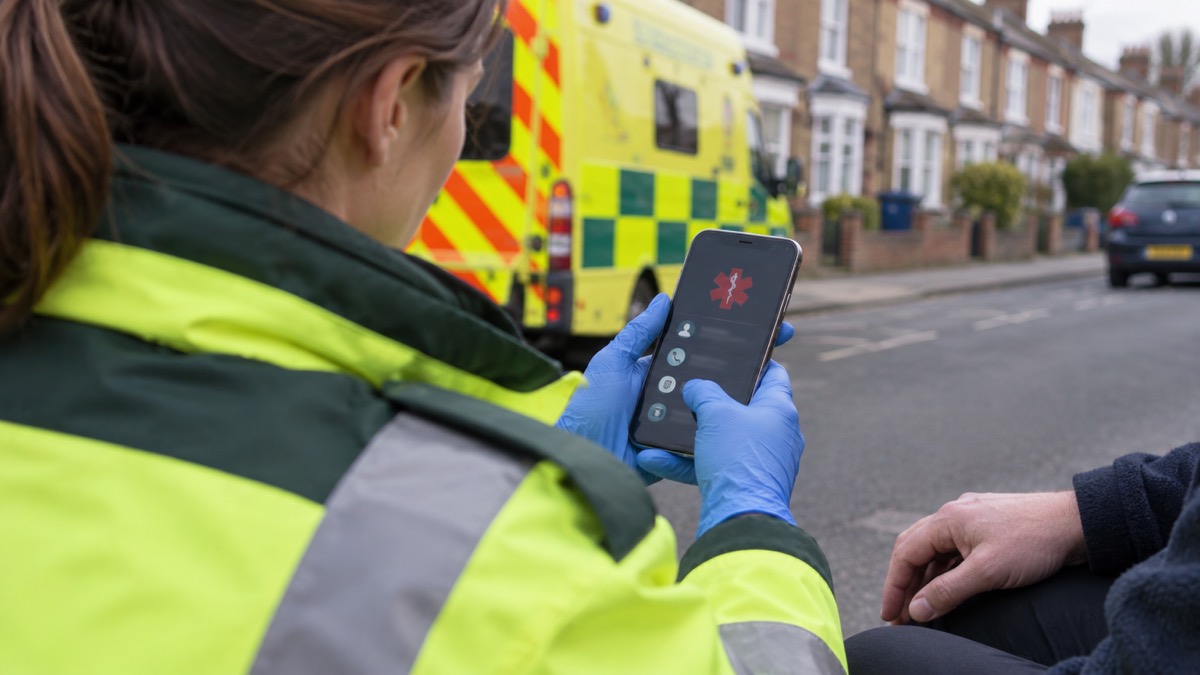
If you were injured and could not speak for yourself, the person helping you would need two things fast: who to call, and what medical conditions or medicines matter. Both can sit on your phone, reachable without your passcode. The government's Be Ready campaign advises adding emergency contacts or medical information to your mobile phone, often called ICE or Medical ID on smartphones, so emergency services can access it without unlocking your phone1.
ICE stands for In Case of Emergency. The idea is simple: a contact saved under that label, or entered through your phone's own emergency feature, tells anyone helping you who to ring3. On an iPhone this is the Medical ID in the Health app; on Android it is the emergency information in your safety settings. Once an emergency contact is set up, even if your phone is locked you can select Emergency call at the bottom of the screen and the number can be seen and called4.
Set it up now, while nothing is wrong. It takes a few minutes, it costs nothing, and it is the kind of preparation that only matters on the day it matters completely. This guide covers why the system exists, how to set it up on an iPhone and on an Android phone, what medical information to include, how to make it visible on a locked screen, and how to keep it current.
Why emergency services look for ICE contacts and a Medical ID
The purpose is not administrative. It is to give a stranger, a paramedic or a passer-by a route into your life at the moment you cannot provide one. Official guidance is explicit that the point of adding emergency contacts or medical information is so emergency services can access it without unlocking your phone1. Wiltshire and Swindon's preparedness pages put it in human terms: this could be very important if one day you are injured and someone needs to contact your designated family or friends3.
The ICE convention predates smartphones and still works on any phone with an address book. The idea is to store the word ICE in your mobile phone address book before the name and number of the person to contact; if your ICE contact is deaf, type ICETEXT, and for more than one partner save them as ICE1, ICE2 and so on6. National Grid's power cut guidance for households gives the same simple instruction: add the word ICE next to important phone numbers in your phone, because ICE stands for In Case of Emergency and tells emergency services who to call if you are hurt7.
There is a second, quieter reason. A contact list is not only for the emergency services. It is for the neighbour who finds you, the colleague in the next seat, the stranger at the roadside. Alzheimer's Society guidance suggests keeping ICE numbers in a visible place, like near a phone or on the wall, so they can be found by anyone in the household8. The phone version of that is the lock screen entry.
"Add emergency contacts or medical information to your mobile phone (often called 'ICE' or 'Medical ID' on smartphones) so emergency services can access it without unlocking your phone."
Setting up Medical ID and emergency contacts on an iPhone
On an iPhone the feature is called Medical ID, and it lives in the Health app. You fill in the details you want shown, add one or more emergency contacts, and choose to show the Medical ID on the lock screen. Once it is set, someone holding your locked phone can open it from the Emergency call screen and ring your contact without knowing your passcode.
The government's travel advice is a useful prompt for anyone who has not done it: store one or more emergency contact numbers on your mobile phone or keep a written copy in your wallet or purse, using the ICE or Medical ID feature on your phone if it has one9. That phrasing matters. The feature is optional and varies by device, so the written copy is the fallback, not an afterthought.
A few practical points make the difference between a Medical ID that helps and one that does not:
- Add at least one contact, ideally two. If the first cannot be reached, the second may answer.
- Choose people who will pick up an unknown number. A contact who screens calls is no use in an emergency.
- Tell them you have listed them. The Be Ready campaign advises letting your chosen emergency contact know2.
- Show it on the lock screen. A Medical ID that is hidden behind the passcode defeats the purpose.
- Review it when things change. A new phone, a new medicine or a changed number all need updating.
Adding emergency contacts and medical information on an Android phone
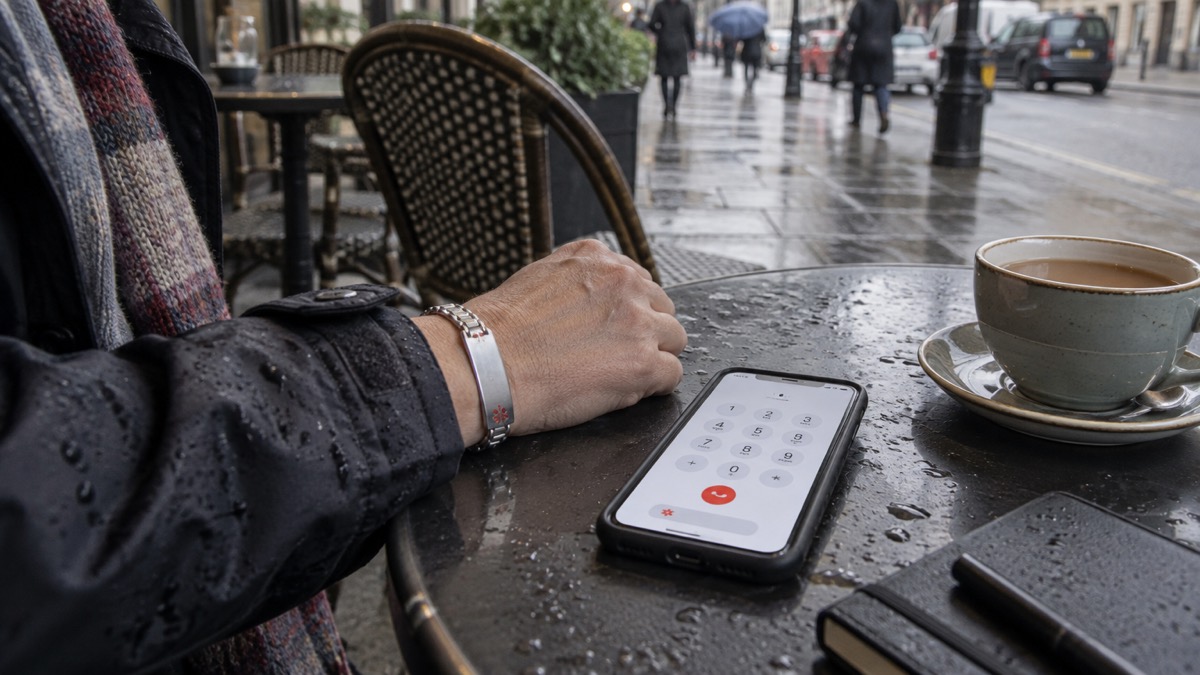
On Android the equivalent sits in the phone's safety and emergency settings, where you can add emergency contacts and medical information and choose to show it on the lock screen. Ofcom's guidance for staying connected in severe weather names both routes: add in case of emergency (ICE) contacts that can be easily found on your phone, and enable any safety and emergency features such as the personal safety feature on Android and the Health app on iOS5.
The same principles apply as on an iPhone. Add the people you would want called, add the medical details that would change how you are treated, and make sure the information is set to display when the phone is locked. Then check it from the lock screen yourself, as a stranger would, to confirm it appears.
Android phones vary between makers, so the exact menu names differ. The reliable approach is to search your settings for the terms the phone uses. Searching your settings for "emergency alerts" is the route to the alert settings on Android, and the same search finds the alert settings on an iPhone10.
| iPhone | Android | |
|---|---|---|
| Where it lives | Medical ID in the Health app | Emergency information in safety settings |
| What it holds | Medical details and emergency contacts | Medical details and emergency contacts |
| Lock screen access | From the Emergency call screen | From the lock screen emergency option |
| How to check it | Open it from a locked screen | Open it from a locked screen |
| Fallback | Written copy in wallet or purse9 | Written copy in wallet or purse9 |
What medical information to include
The test for every entry is whether it would change what someone does for you in the first few minutes. Conditions that affect treatment, medicines and doses, allergies, and the name and number of who to call all pass that test. So does anything a responder would otherwise have to guess.
Official guidance gives a clear starting list. The Be Ready checklist advises writing down contact details of who you would need to contact in an emergency, including anyone who might need checking on, and a list of any regular medication and doses1. Carers' guidance from Cornwall Council, describing the Message in a Bottle scheme, lists the same core: personal information, contact details, contact details for emergencies and next of kin, and medication and information about medical conditions11.
A workable Medical ID entry usually covers:
- Emergency contacts, at least one and preferably two, with their relationship to you.
- Regular medication and doses, as the Be Ready checklist suggests1.
- Medical conditions that affect treatment or that a responder should know about11.
- Allergies, particularly to medicines.
- Anyone who depends on you, such as a person you care for who might need checking on2.
- Your GP or medical provider, so a responder can reach them.
Keep it short. A long list is harder to read under pressure than five clear lines. And consider the sensitivity of what you add: the Be Ready campaign advises thinking about how sensitive the information is before you put it on a lock screen2.
Making your details visible on the lock screen
The whole value of the feature depends on it being reachable when the phone is locked. Wiltshire and Swindon's guidance describes how this works in practice: once an emergency contact is set up, even if your phone is locked you can simply select Emergency call at the bottom of the screen, and the ICE numbers can be seen and called, which is useful if you are injured and someone needs to contact your designated family or friends3. Their out and about advice makes the same point: programme ICE contacts into your phone so that should someone need to contact them for you in an emergency, they do not need to unlock your phone13.
So the final step is a test. Lock your phone, hand it to someone else, and ask them to find your emergency contact and your medical details without your passcode. If they cannot, the setting is not switched on or the details are not set to show.
Keeping your details up to date
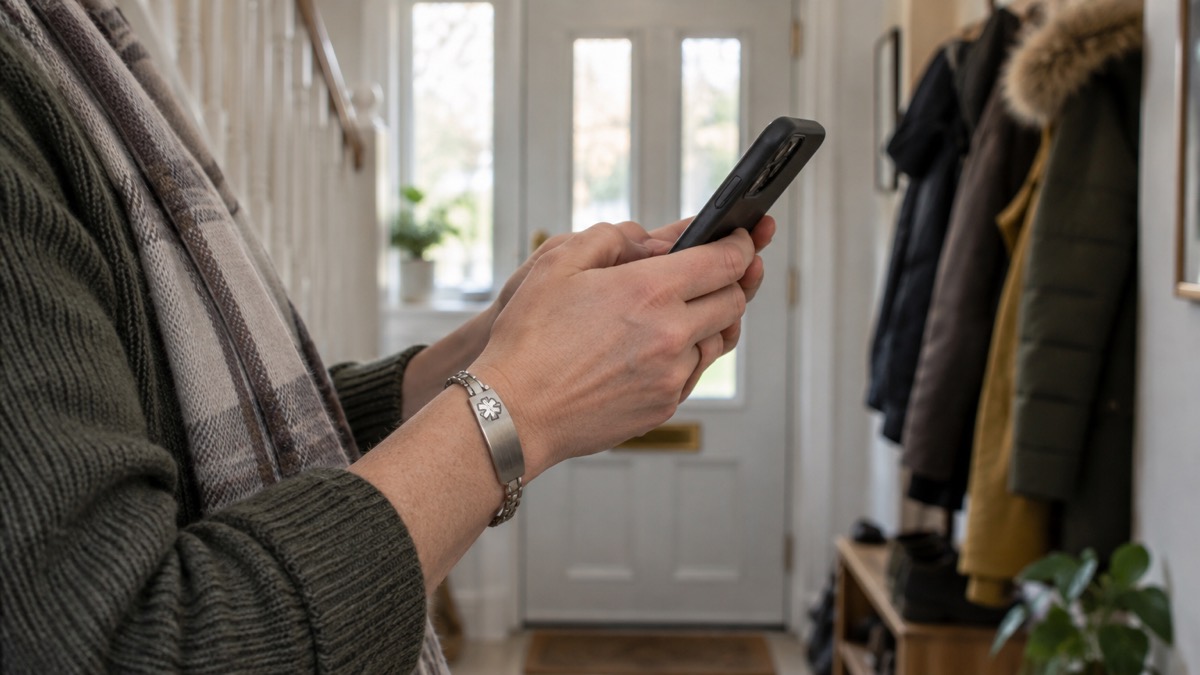
An out-of-date Medical ID can be worse than none, because it tells a responder something confidently wrong. Central Bedfordshire's emergency kit guidance is blunt about the habit needed: do not forget to check once in a while to see if the details are still up to date, such as emergency phone numbers for family and medical providers14.
The Welsh Government's resilience statement makes the broader case for keeping important contact details accessible, noting that simple measures such as this can help reduce disruption when incidents occur15. A contact list that is current is part of that.
Build the check into moments you already have:
- When your medication changes, update the list and doses.
- When you change phone, set the Medical ID up again on the new device.
- When a contact changes their number, correct it.
- When someone on your list moves away or becomes unreachable, replace them.
- At the start of winter, when power cuts and illness are more likely, give it a once-over.
Who to choose as a contact, and what to do for others
Choose someone who will answer, who knows you well enough to act, and who can be reached at most times. A partner, a family member or a close friend is the usual choice. If you care for someone, carers' guidance suggests including who to contact in an emergency, whether family, friends or professionals17, so a professional number alongside a personal one is sensible. Staffordshire's carers' guidance adds the practical step of keeping important contact details in an easy-to-find location and identifying family members, friends or neighbours who may be able to help in an emergency18.
For children, the priority is teaching them what to do before they need it. Help them to create a list of emergency contact numbers, just in case19. If a child carries a phone, set up their emergency contacts too, and make sure they know how to reach them from the lock screen.
For older relatives, set up the Medical ID with them rather than for them, so the details are right and they know it is there. Keep a written copy in the house as well, since a phone may be locked or out of reach.
If you do not have a smartphone
The principle does not depend on the device. Ready Scotland's advice is simply to have one or more emergency contact numbers on your phone or in your bag20. A basic mobile can hold ICE contacts in its address book using the ICE, ICETEXT and ICE1, ICE2 convention6. A home phone that does not need electricity, rather than a cordless one, can keep working in a power cut21.
And the paper copy is not a lesser option. Write down key phone numbers, including the contact details of people you may need to reach urgently12, and keep emergency contact numbers on paper where you can find them16. For a household with no smartphone at all, that written list, kept somewhere visible, does the same job the lock screen does for everyone else.
Sources (21)
- Be Ready for Emergencies, Cabinet Office, 2026-10-21
- Get Prepared for Emergencies, Cabinet Office, 2026-10-21
- Prepare: Yourself, Wiltshire and Swindon Prepared, 2026-10-25
- Be Prepared, West Midlands Ambulance Service, 2026-10-25
- Stay Connected in Severe Weather, Ofcom, 2026-10-13
- Are You Ready Booklet, Culham Parish Council, 2025-09
- Preparing for a Power Cut (Easy Read), National Grid
- Keeping Secure at Home, Alzheimer's Society, 2026-10-29
- Travel Advice, Cabinet Office, 2026-10-06
- Opting Out of Emergency Alerts, GOV.UK
- Emergency Planning for Carers, Cornwall Council, 2026-01-14
- Emergency Information Leaflet, Surrey County Council, 2026-01-08
- Out and About, Wiltshire and Swindon Prepared, 2026-10-25
- Emergency Kits and Grab Bags, Central Bedfordshire Council
- Statement on Resilience and Emergency Preparedness, Welsh Government, 2026-10-13
- At Home, Wiltshire and Swindon Prepared, 2026-10-25
- Plan for Emergencies and Changes, Staffordshire County Council
- Be Prepared for Winter Emergencies, NHS Norfolk and Suffolk ICB, 2026-10-01
- Be Ready for Emergencies, Cheshire Fire and Rescue Service, 2026-10-14
- Emergency Kit, Ready Scotland, 2026-10-22
- Loss of Utilities, East Cambridgeshire District Council
 Free Alert Services
 Emergency Apps
 Digital Switchover Checklist
 Silent 999 Calls
 Giving Your Exact Location
 When to Call 999
 Calling 999 With No Signal
 999 by Wi-Fi Calling
 When You Get an Alert
 Alerts While Driving
 Spotting a Genuine Alert
 Phones That Get Alerts
 Emergency Alerts On or Off
 Emergency Alert Privacy
 Emergency Alert Tests