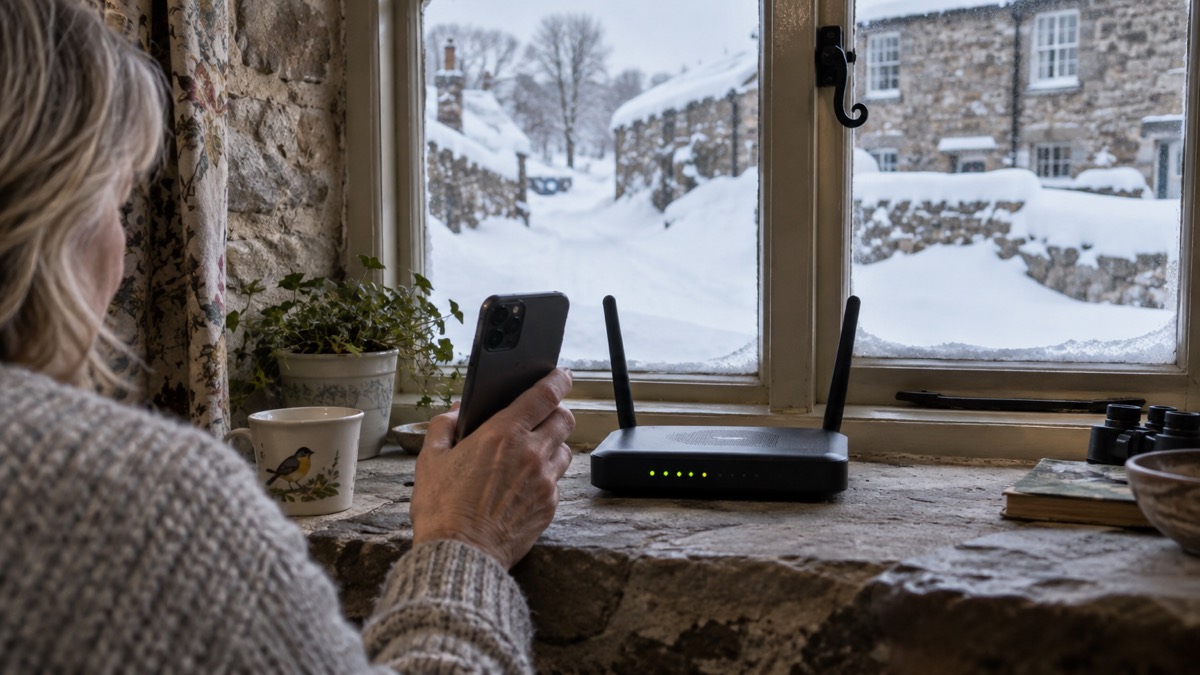
Yes, you can call 999 over Wi-Fi calling, provided two things are true: Wi-Fi calling is switched on in your phone's settings, and your home broadband is working. Ofcom advises turning on Wi-Fi calling on your mobile device so that calls can go over your broadband connection when your mobile network is unavailable1. For a household with poor indoor mobile signal, that is the difference between a phone that works at the kitchen table and one that does not.
It is not a guarantee. Wi-Fi calling runs on your router and your broadband line, so a power cut or a broadband fault takes it away at exactly the moment you might need it. Ofcom warns that in the most serious circumstances your mobile phone, landline and broadband connection could all be down, meaning you may not be able to contact the emergency services on 9992. The answer is to switch Wi-Fi calling on now, and to have a second route to 999 ready.
This page covers how a 999 call works when it goes over Wi-Fi, when it will not connect, the other ways to reach the emergency services, and how to get your phone ready before anything happens.
Yes, you can call 999 over Wi-Fi calling
Wi-Fi calling lets your mobile handset send and receive calls over your home broadband rather than over the mobile network. Ofcom's advice is direct: turn on Wi-Fi calling in your settings on your mobile device to allow calls over your broadband connection if your mobile network is unavailable1. Once it is on, dialling 999 works the same way as any other call. The phone uses the internet connection, and the call is connected to the emergency operator.
This matters most in homes where the mobile signal is weak. Thick walls, a basement flat, a rural location or a dead spot in one room can all leave you with a phone that shows one bar or none. Wi-Fi calling fills that gap using a connection you already pay for. It is also useful when your own mobile provider has an outage but your broadband, from a different company, is still running. The government's Prepare campaign notes that if your mobile network is down but you have a working internet connection, you may still be able to make calls over Wi-Fi by enabling Wi-Fi calling on your device3.
There are limits worth knowing before you rely on it. Wi-Fi calling is a setting on your phone and your provider's service, so it must be enabled and working before the emergency, not during it. It also depends on your broadband being up, which is why the next sections matter. And it is not the only fallback: even with no signal on your usual network, a 999 call will connect through another network if one is available1. Wi-Fi calling is one route among several, and the household that has more than one is the one that gets through.
What happens when you dial 999 on Wi-Fi
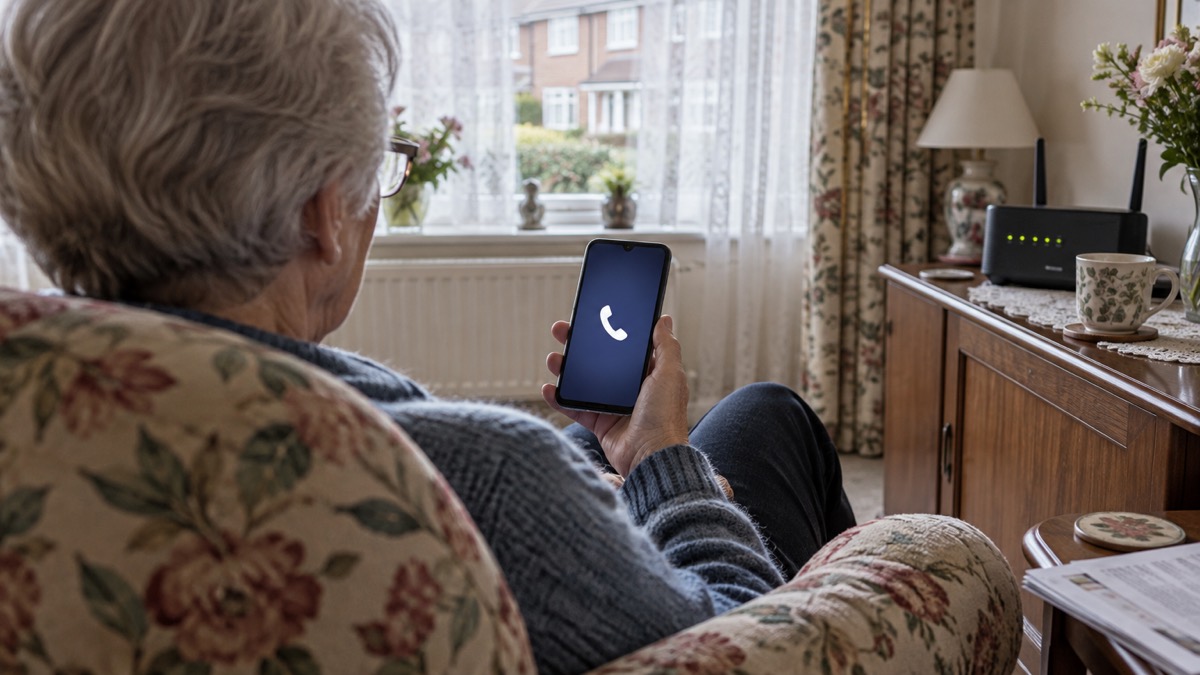
The call itself is handled exactly as any other 999 call. When you dial 999, a BT operator will ask you what service you need4. You say fire, police, ambulance or coastguard, and you are connected to the right control room. The Scottish Ambulance Service sets out what you will be asked next: the phone number you are calling from, the address or location including postcode if possible, and whether the patient is conscious and breathing5. Have those answers ready before you dial.
The critical difference with a Wi-Fi or mobile call is location. When 999 calls are made from landlines, information about where you are calling from should be automatically available to the call handlers to help provide a response6. That automatic location is not something to assume on a Wi-Fi call. Be ready to state your full address, including the postcode, and a landmark if you are somewhere unfamiliar. When you dial 999, a BT operator will ask you what service you need7.
"When you dial 999, a BT operator will ask you what service you need."
A few practical points make the call go smoothly. Stay on the line until you are told to hang up; if the call is disconnected, call handlers will attempt to call you back on the number you gave5. Speak clearly and answer the questions in order. If you cannot speak, there are other routes, covered below. And do not delay dialling to look up a number or find a signal: 999 is free and works from any phone, including a mobile with no credit1.
When Wi-Fi calling may not connect: power cuts and broadband faults
Wi-Fi calling has one weakness that matters more than any other: it needs mains power and a working broadband line. Your router is a mains-powered device. When the power goes, the router goes, and the Wi-Fi call cannot be made. The same applies to a broadband fault, a damaged cable or an outage at your provider. The Prepare campaign is blunt about the risk: you could still lose access to communication services due to a power cut or a problem affecting your service provider, and you may not be able to contact emergency services on 999 during this time3.
If you have a power cut and no back-up power to your landline, and you face a life-threatening emergency, official advice is to attempt to call 999 or 112 using a mobile. You might receive signal from a nearby area that is not affected, because emergency calls automatically roam onto all available networks8. That is the key point: a mobile 999 call does not depend on your own provider's signal. It will use any network it can reach.
| Situation | Does Wi-Fi calling work? | What to do |
|---|---|---|
| Power cut, router off | No | Try a mobile 999 call; it roams onto any available network8 |
| Broadband fault, power on | No | Use mobile signal, or a neighbour's phone3 |
| Mobile network down, broadband up | Yes, if Wi-Fi calling is on | Make the call over Wi-Fi3 |
| All three down | No | Try both mobile and landline; one may work3 |
Other ways to reach 999 if your phone or Wi-Fi fails
Wi-Fi calling is one route. A household should know the others, because the one that works depends on what has failed.
- Mobile call, any network. Even if you have no signal on your usual mobile network, calling 999 will automatically connect through another network if one is available1. This is displayed as "emergency calls only" on Android or "SOS only" on iOS1.
- Landline. If your landline is working, use it. If your landline is not working, try your mobile; if your mobile network is down but your Wi-Fi is up, use Wi-Fi calling3.
- Try both. Official advice is to try calling from both a mobile and a landline, as if one is disrupted the other may be available3.
- Text 999. If you cannot hear or speak on the phone, you can send an SMS text message to 999 in an emergency, but you must register your phone beforehand9.
- Relay UK. If you use Relay UK, dial 18000 instead of 999, or use the Relay UK app11.
The digital landline switchover adds a wrinkle. As phone lines move to digital, a traditional landline may not work in a power cut unless your provider supplies a back-up. Ofcom's switchover advice is clear: if you do not have any other way to call 999, tell your phone provider now12. South Gloucestershire Council makes the same point for households moving to digital landlines13. Ask your provider what happens to your phone in a power cut, and do not assume the answer is "it keeps working".
Getting your phone ready before an emergency
The work is done now, not when the emergency starts. A few minutes spent on settings and a written note will make the difference.
- Turn on Wi-Fi calling. Go into your phone's settings and enable Wi-Fi calling, so calls use your broadband when the mobile network is unavailable1.
- Check it works. Make an ordinary call over Wi-Fi at home to confirm the setting is active and your router carries calls.
- Register for emergencySMS. If you cannot hear or speak on the phone, register your phone for the 999 text service before you need it9. National Highways recommends registering before making a journey if you are deaf, hard of hearing or speech impaired10.
- Save your address. Keep your full address and postcode somewhere you can read it out, in case you need to give it on a call5.
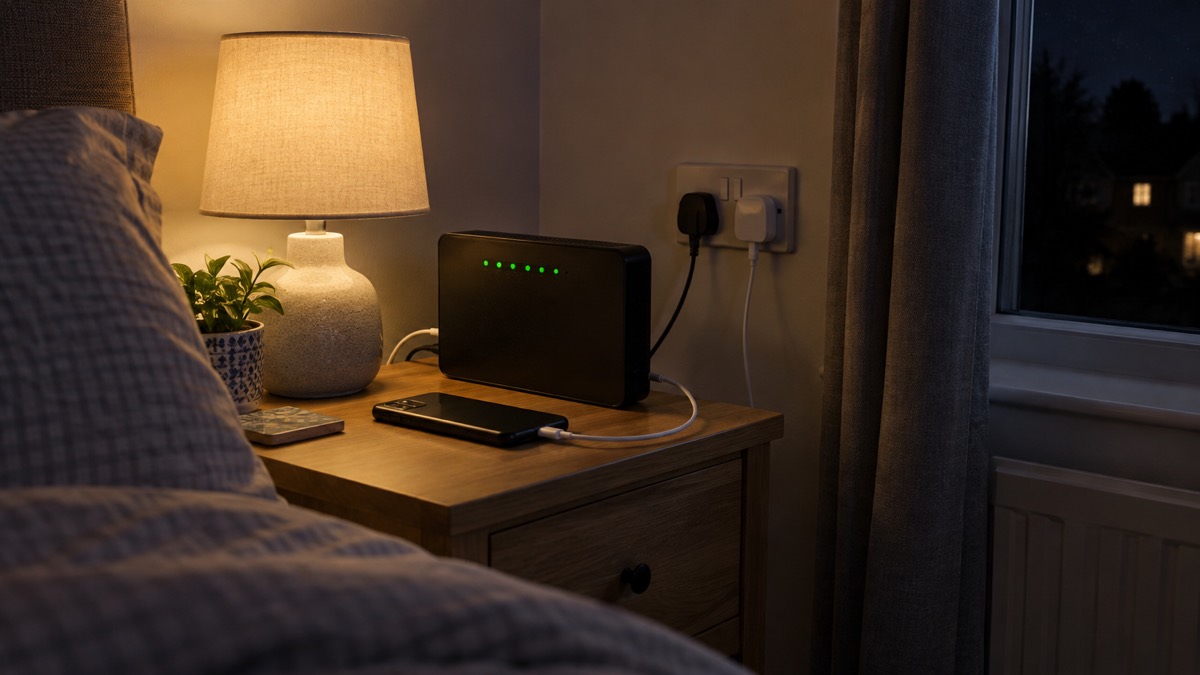
- Keep a phone charged and to hand. Official winter safety advice is to ensure you have access to a phone before bed14.
- Know your non-emergency numbers. A power cut is not a 999 matter. Call 105 to report a power cut15, or the National Grid power cut line on 0800 365 900 for non-emergency power cut queries16.
It also helps to know when 999 is the right call. Call 999 if you or someone else is in immediate danger17. For a fire, the advice is to get out, stay out and call 99918. For a medical emergency or fire, telephone 99915. For anything that is not an emergency, use the non-emergency numbers instead, so the line stays free for those who need it.
If you want to go further, our guides on getting your mobile phone ready for an emergency and what to do when phones and the internet go down set out the wider preparations. For the full picture of how a 999 call is handled, see calling 999 and 112.
Sources (18)
- Stay connected in severe weather, Ofcom, 2026-10-13
- Planning for phone and broadband outages - News - Wiltshire & Swindon Prepared, Wiltshire & Swindon Prepared (Wiltshire & Swindon Local Resilience Forum)
- Phone and broadband outages, Prepare campaign, 2026-10-25
- Calling 999, London Fire Brigade, 2026-10-25
- Phoning 999, Scottish Ambulance Service, 2026-10-29
- If you can't speak when you call 999, Bath and North East Somerset Council, 2026
- Power, gas and water: what if they fail, Surrey County Council, 2025-12-29
- Loss of essential services, Greater Manchester Combined Authority, 2026-10-29
- Contacting 999 with speech or hearing impairment, East of England Ambulance Service, 2026-10-29
- Driving on motorways, National Highways, 2026-10-29
- Additional support when accessing 999, Welsh Ambulance Service, 2026-10-29
- Future of landline calls, Ofcom, 2026
- Switchover to digital landlines, South Gloucestershire Council, 2026
- Winter safety, Greater Manchester Fire and Rescue Service, 2026-10-29
- Adverse weather events, Llangattock Community Council, 2026-10-25
- 24 hour emergency numbers, Cornwall Council, 2026-02-04
- Be ready for emergencies, Be Ready campaign, 2026-10-21
- Smoke alarms, Cheshire Fire and Rescue Service, 2026-07-27
 Free Alert Services
 Emergency Apps
 Digital Switchover Checklist
 Silent 999 Calls
 Giving Your Exact Location
 When to Call 999
 Calling 999 With No Signal
 When You Get an Alert
 Alerts While Driving
 Spotting a Genuine Alert
 Phones That Get Alerts
 Emergency Alerts On or Off
 Emergency Alert Privacy
 Emergency Alert Tests
 Alerts Without a Mobile Phone