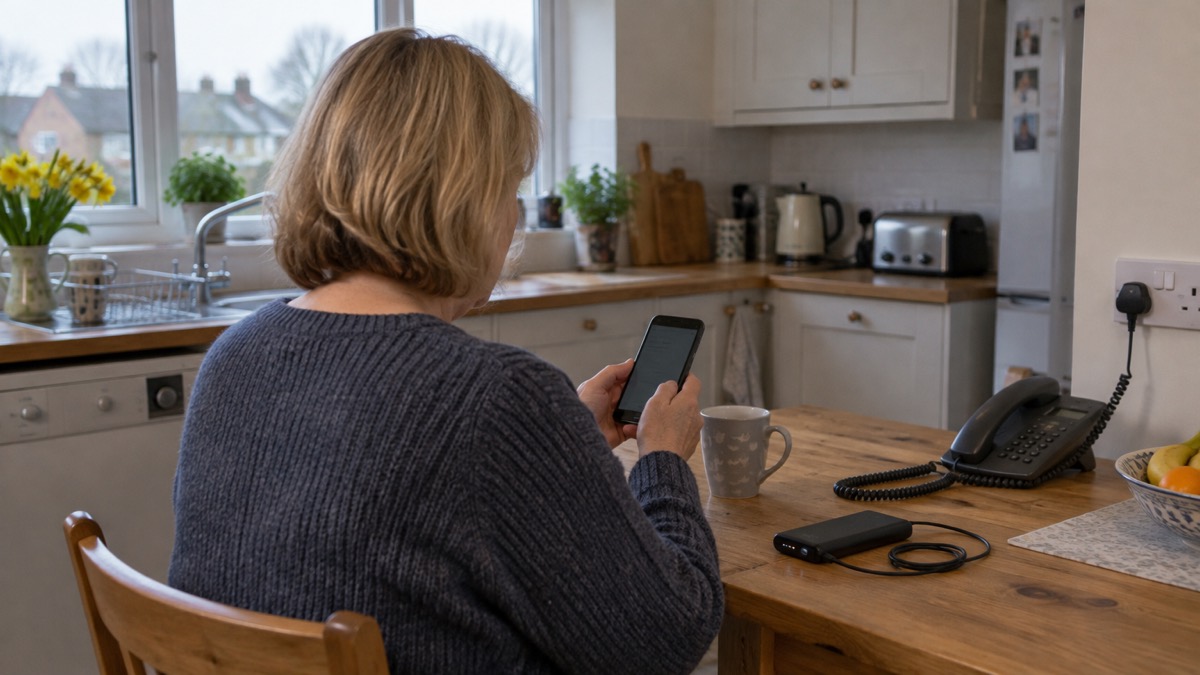
Your mobile phone is likely to be the most useful piece of emergency equipment you own, but only if it is set up before something goes wrong. That means treating it as part of your household's emergency preparations rather than an everyday convenience, and leaving the government's Emergency Alerts switched on so you can be warned when there is a danger to life nearby1.
There is one piece of set-up that must be done in advance and cannot be done during an emergency: registering for the emergencySMS service, which lets people who cannot make voice calls text 999. You register by texting the word "register" to 999 and following the instructions you are sent3. If anyone in your household is deaf, has a speech impairment, or could find themselves unable to speak on a call, do this today.
This page sets out the phone settings and habits to sort out now, in the order you need them: keeping the phone alive, charging ahead of bad weather, emergency contacts and Medical ID, Emergency SOS and satellite features, texting 999, giving your location, crash detection, Emergency Alerts, and phone set-up for people at risk of falls.
Keep your phone charged and on you
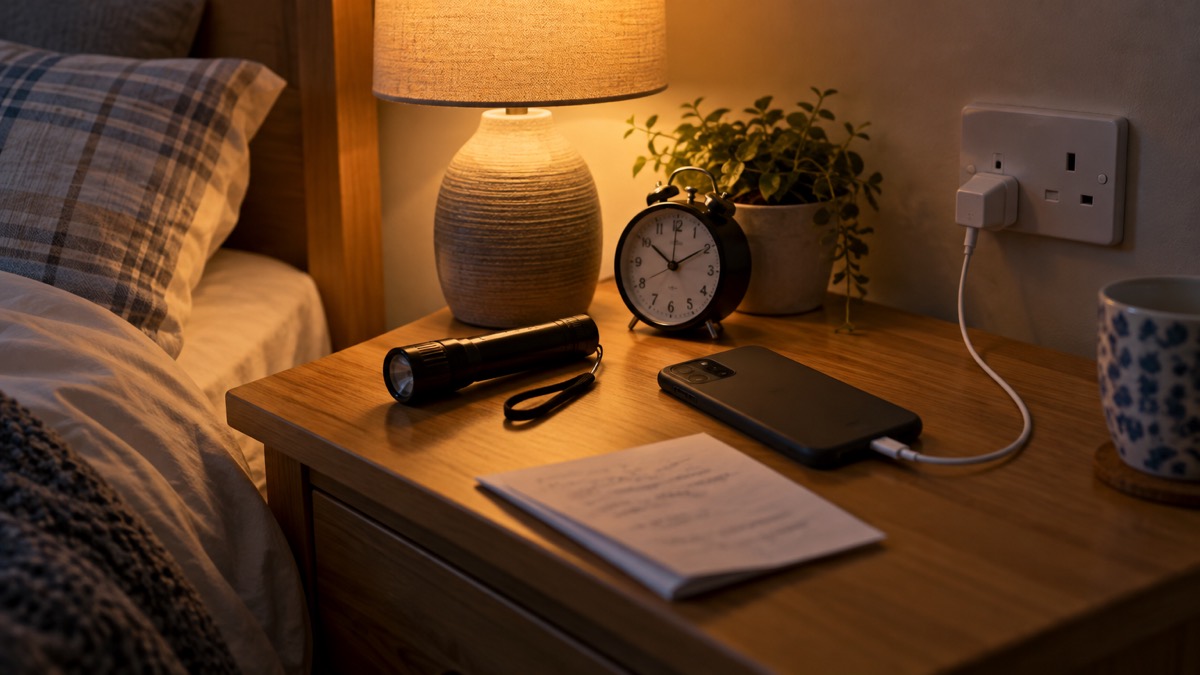
The single most repeated piece of official advice about phones in emergencies is also the plainest: keep it charged. The Met Office's power cut advice says to make sure you keep your mobile phone charged so you can make calls in case of an emergency1. Fire and rescue services give the same instruction in their home safety advice: keep a charged mobile phone with you in case of emergency8, and keep a phone in the bedroom in case you need to make an emergency call during the night9. Public Health Wales adds the second half of the habit: keep the phone charged, make sure it holds all your important numbers, and keep a list on paper as well7.
Charged means charged all the time, not just when you go out. NHS inform in Scotland, in its advice on what to do if you fall, is direct about this: your mobile phone needs to be charged and switched on all the time, and a number to call in an emergency can be programmed into it10. Staffordshire's falls prevention advice makes the same point about proximity: keep a phone or alert device nearby in case you need help11. A phone on 3 per cent battery in another room is not an emergency phone.
Three practical habits follow from the official advice:
- Keep a charger in your emergency kit. The Scottish Government's Ready Scotland emergency kit list includes a mobile phone charger12, and Neath Port Talbot's emergency kit checklist says to take a mobile phone and charger if you have to leave your home13.
- Keep spare means of charging. Wiltshire and Swindon Prepared advises keeping extra batteries to charge your phone2, and Argyll and Bute Council says to keep your mobile and other devices charged14.
- Keep a charged power pack. A power pack that is charged, even if it only charges a phone, helps you stay in contact with loved ones in an emergency or power cut4.
If your phone is on pay as you go, keep it topped up with funds as well as charged, keep it on you at all times, and share your number with a relative or neighbour as an emergency contact15. Cheshire Fire and Rescue Service's ice safety advice carries the same message to anyone out in cold weather: keep your phone charged and accessible so you can call for help16.
For people with hearing difficulties, Devon and Somerset Fire and Rescue Service advises keeping a phone nearby in case you need to make an emergency call, and if it is a mobile, keeping it charged17. West Yorkshire Fire and Rescue Service extends the same advice to anyone who uses medication or medical devices at home: keep a phone within easy reach in case of emergency, and keep a phone or telecare device within reach if you rely on equipment such as airflow pressure-relieving mattresses18.
Charge phones and battery packs before extreme weather arrives
When a storm is forecast, charging moves from a habit to a job to be done that day. Cornwall Council's storm preparation advice says to charge your phone, power banks and any essential medical equipment before the storm arrives19. The UK government's storms guidance says the same: charge mobile phones, power banks and any back-up batteries for medical equipment in case there is a power cut20. Ready Scotland's storms and high winds advice adds one more step to do at the same time: find your emergency plan and make sure it is up to date21.
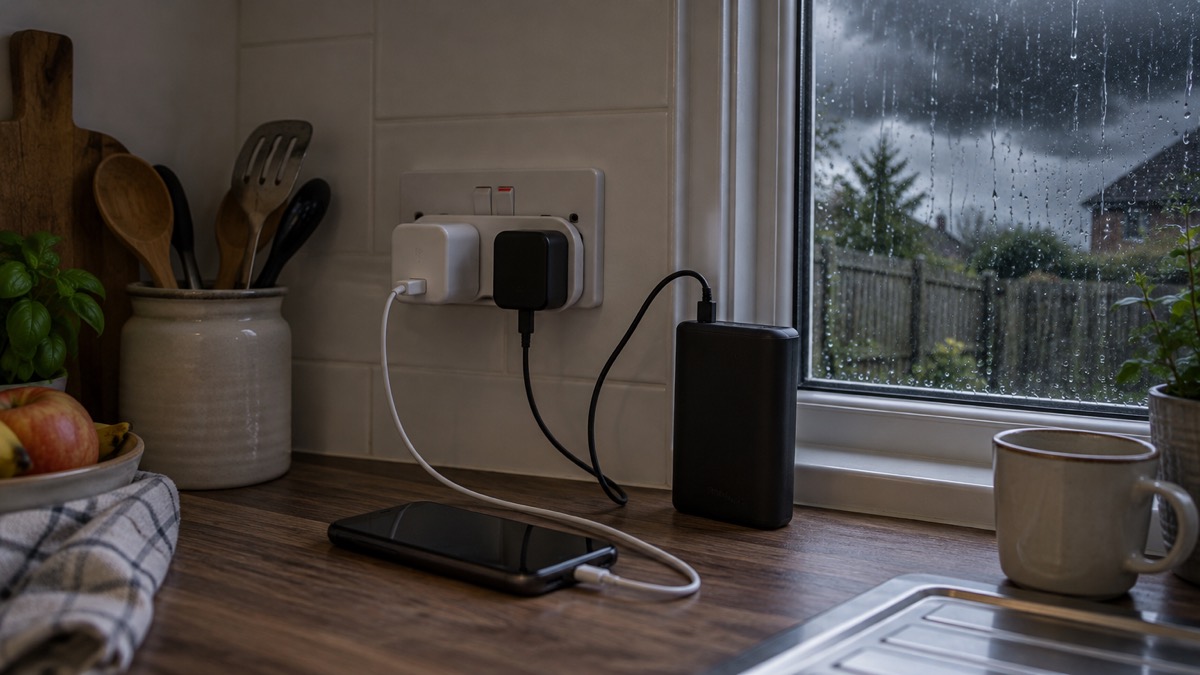
The reason is that storms bring power cuts, and power cuts take out more than your charger. Nottinghamshire County Council points out that cordless home telephones need mains power to work, so a charged mobile may be your only working phone22. Ofcom's advice for staying connected in severe weather adds two settings worth turning on in advance: add "in case of emergency" (ICE) contacts that can be easily found on your phone, and enable any safety and emergency features such as the "personal safety" feature on Android and the Health app on iOS23.
What to charge when a storm warning is issued:
- Every mobile phone in the household19
- Power banks and battery packs20
- Back-up batteries for any medical equipment20
- Anything else you would need to stay in touch or informed, such as a radio12
The Met Office WeatherReady campaign also suggests considering a separate battery charger, and storing key information such as the power cut helpline number (105) on your phone22. If the power does go out, our page on what to keep charged before a power cut goes further, and mobile networks in a power cut explains what happens to signal.
Emergency contacts and Medical ID: the settings to add now
The government's Prepare campaign gives the clearest instruction on this: add emergency contacts or medical information to your mobile phone, often called "ICE" or "Medical ID" on smartphones, so emergency services can access it without unlocking your phone. The campaign also adds two cautions worth acting on: consider the sensitivity of the information you include, and let your chosen emergency contact know they are listed5.
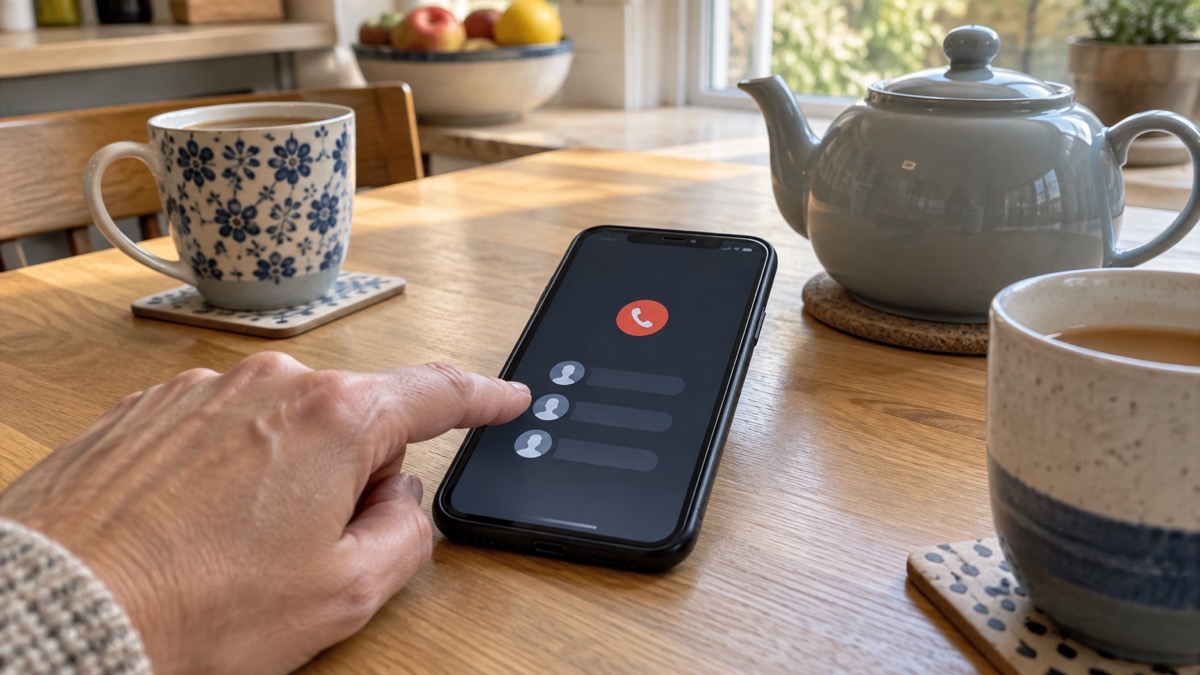
The reason this matters is the lock screen. Wiltshire and Swindon Prepared explains that once an emergency contact is set up, even if your phone is locked, anyone can select Emergency call at the bottom of the screen to see and call the ICE numbers2. That is how a passer-by, a paramedic or a neighbour can reach your family without knowing your passcode.
Choosing contacts is a small decision worth making deliberately. Ready Scotland says to have one or more emergency contact numbers on your phone or in your bag12. Neath Port Talbot's emergency kit checklist includes a list of emergency contact numbers kept at home13. North Devon Council's advice is the most detailed: write down important phone numbers, including your utility suppliers and the people you may need to contact24. A paper copy matters because, as Nottinghamshire points out, mobile networks may be jammed in an emergency and cordless telephones need power to work, so think ahead about how your family will stay in touch22. North Devon also suggests keeping copies of important documents and useful contact numbers in a waterproof wallet24.
Our page on how to add medical and emergency contacts to your phone gives step-by-step instructions, and keeping in touch with your household: a contact plan covers the wider family arrangements.
Emergency SOS and satellite features: help when you cannot dial
Modern phones have built-in features that call for help when you cannot. Ofcom notes that some mobile devices can use Emergency SOS (iOS) and Satellite SOS (Android) to contact emergency services via satellite where no mobile networks are available23. These features are a backstop rather than a first resort: if you can dial, dial 999. The government's Prepare campaign states the rule plainly: call 999 if you or someone else is in immediate danger5.
One related setting is worth knowing about in advance because it changes what you see on your screen. If your own mobile provider is experiencing an outage, you will be able to automatically use another provider's network to call 999 or 112 free of charge. Ofcom explains this is displayed as "emergency calls only" on Android or "SOS only" on iOS23. So a phone showing "SOS only" can still make an emergency call: try it before assuming you have no signal. Our pages on how to call 999 when your mobile network is down and satellite messaging and SOS on phones cover these situations in detail.
The features only help if they are set up. Ofcom's advice is to enable any safety and emergency features, such as the personal safety feature on Android and the Health app on iOS, alongside your ICE contacts23. Do this now, while nothing is wrong, and check that the emergency contacts the feature will notify are the people you actually want called.
Texting 999: register for emergencySMS before you need it
The emergencySMS service lets people who cannot make voice calls contact the 999 emergency services by text message. Yorkshire Ambulance Service states the eligibility plainly: if you cannot make voice calls, you can contact the 999 emergency services by SMS text from your mobile phone25. The Welsh Ambulance Service says the same for Wales: if you cannot hear or speak on the phone, you can send an SMS text message to 999 in an emergency26.
The critical point, repeated by every ambulance service that runs the service, is that you must register in advance. Cheshire Fire and Rescue Service states you must register your phone beforehand27. The Welsh Ambulance Service is blunter: you must register your mobile phone in advance, and you cannot register during an emergency26.
Registration takes a few texts:
- Text the word "register" to 9993
- You will get a reply: read it carefully25
- Follow the instructions you are sent, confirming with a "YES" text26
- You will receive a message confirming your registration26
Once registered, texting 999 in an emergency passes your message to the police, ambulance, fire and rescue or coastguard as appropriate27. When you text, include accurate location information: East of England Ambulance Service says it will be able to respond quicker and more appropriately if you include this information and are as accurate as possible28.
Devon and Somerset Fire and Rescue Service adds a warning that applies to everyone, not only emergencySMS users: do not try to contact your local fire station or fire safety team in an emergency. Dial 9993. Our page on emergencySMS: how to register and text 999 gives the full process, and 999 BSL and Relay UK covers other ways for deaf people to reach 999.
Giving emergency services your exact location
When you do call 999, the single most useful thing you can give the operator is where you are. Warwickshire County Council's fire escape plan advice says to give the whole address of the incident when calling 99929. That sounds obvious at home, but it matters most when you are not at home: on a motorway hard shoulder, on a country road, or in an unfamiliar place.
National Highways' motorway driving advice gives three ways to pass your location on a motorway: press the eCall SOS button if your vehicle has one, use a mobile telephone mapping application, or quote the numbers and letters on the marker posts or driver location signs located along the edge of the road30. The driver location signs exist precisely so you can read out a precise position in a few seconds. A mapping app on your phone works too, which is a good reason to have one that shows your position, and to have the phone charged enough to open it.
National Highways also gives one instruction that runs against instinct: do not stop to assist another vehicle that has broken down or been involved in a collision. You may feel you want to help, but it is safer to call National Highways on 0300 123 5000, or if there is an immediate risk to life, call 99930. Our page on how to give emergency services your exact location goes into the detail.
Crash Detection and the eCall button in your car
Many cars and vans are fitted with the eCall emergency call system, which is designed to summon help after a serious collision without the occupants having to do anything31. If your vehicle's sensors fail to activate the feature automatically after a crash, you can press the eCall SOS button to trigger the emergency call manually31.
Two boundaries on its use matter. First, National Highways says clearly: do not use the emergency call system or press the eCall SOS button if you only require breakdown recovery or vehicle roadside assistance31. For a breakdown, if you can leave your vehicle safely, press your bCall button or use your phone to call for breakdown recovery or roadside assistance31. Second, keep a phone charger in the car: Ready Scotland's car emergency kit list includes a phone charger alongside the home kit's charger12.
Phones and smartwatches add their own crash detection features, which can call for help after a serious car crash even when you cannot. As with Emergency SOS, these need setting up in advance, and the people they notify need to know they are listed. Our page on crash detection on phones and watches explains how it works, and what the SOS button in your car does covers eCall.
Emergency Alerts: the warnings your phone can receive
The UK government's Emergency Alerts system enables people to be contacted via their mobile phone and tablet if their lives are at risk in an emergency6. Alerts are messages sent to compatible 4G and 5G mobile phones and tablets when there is a danger to life, such as severe flooding or fires6. They are sent using mobile phone networks to compatible phones and tablets in a specific geographical area, so only the people in the affected area receive the warning32.
You will know if you get an Emergency Alert because you will hear a loud siren-like sound and your phone will use a distinct vibration, with a message on your screen telling you about the emergency and what you need to do6. Alerts are sent to compatible 4G and 5G mobile phones and tablets when there is a danger to life6.
The default is on, and that is the right setting for almost everyone. But two conditions can stop alerts reaching you, and one safety warning matters for a small group.
The technical condition: you may not receive alerts if your device is in airplane mode34. So if you keep your phone in aeroplane mode to save battery, switch it off during an emergency. The naming condition: depending on the manufacturer and software version of your phone, emergency alerts settings may be called different names, such as "wireless emergency alerts" or "emergency broadcasts"35. On other Android phones the settings are generally found through Settings > Sounds > Advanced > Emergency Broadcasts, or Settings > Wireless & Networks > More > Cell Broadcasts, or Settings > General Settings > Emergency Alerts, or through the text message app's emergency alert settings36. Searching your settings for "emergency alerts" is the quickest route35.
Android phones and tablets may get more than one reminder about the same emergency alert, and these reminders can be turned off through the emergency alerts settings on the device34. The alerts are designed to attract attention and to be accessible: compatible phones use a loud siren-like sound so people with visual impairments are not excluded, the alert can work with screen magnification, may read the message out and override volume settings, and the noise should be audible to hearing aid users36.
Our page on Emergency Alerts: how the UK phone warning system works covers the system in full, with narrower pages on compatible phones, turning alerts off or on and what to do when you get an alert.
Phones for people at risk of falls
For someone at risk of falls, the phone is not a convenience but the means of getting help, and the official advice is specific. NHS inform in Scotland advises having a community alarm or mobile phone on you at all times, and lists the ways to call for help after a fall: use a community alarm if you have one, use a phone to call a relative, friend or neighbour, ask your smart speaker to call someone who can help, or try shouting or banging on a wall to attract a neighbour's attention10.
The reason a phone beats shouting is reliability. NHS inform's guidance on creating a falls plan notes that calling out or banging on a wall or floor could be difficult if you are unwell or hurt, and that using a phone or alarm is more reliable15. That is also why the phone must be on the person, not on a table in another room: Staffordshire's falls prevention advice says to keep a phone or alert device nearby in case you need help11, and West Yorkshire Fire and Rescue Service says to keep a phone within easy reach for anyone using medication or medical devices at home18.
A falls plan, written in advance, should set out who to call and how15. The same thinking applies to unpaid carers: Norfolk County Council's carer's emergency plan issues an emergency carer's card with a phone number on it that can be called to put the plan into action37. For people who rely on telecare or community alarms, our page on telecare and personal alarms when phone lines go digital explains what changes as the phone network moves over, and extra help in an emergency gathers the wider support available.
A five-minute check to do today
Most of this page takes minutes rather than hours. Work through it once, then repeat the charging part whenever bad weather is forecast.
- [ ] Phone charged, switched on, and on you or within reach1
- [ ] Charger in your emergency kit, plus a power pack kept charged12
- [ ] ICE contacts and Medical ID set up, and your chosen contact told5
- [ ] Safety features enabled: personal safety on Android, Health app on iOS23
- [ ] Registered for emergencySMS: texted "register" to 999 and confirmed3
- [ ] Emergency Alerts left switched on, and aeroplane mode understood34
- [ ] Paper list of important numbers, including utility suppliers24
- [ ] A mapping app that shows your position, for giving locations to 99930
If a storm is named, add the pre-storm charging round: phones, power banks and back-up batteries for medical equipment, all charged before the weather arrives19. Then read staying informed and in touch in an emergency for the wider picture of warnings, radios and back-up ways to communicate.
Sources (37)
- What to do in a power cut, Met Office, 2026-10-25
- Prepare yourself, Wiltshire and Swindon Prepared, 2026-10-25
- Calling 999, London Fire Brigade, 2026-10-25
- Personal resilience: yourself, Wiltshire and Swindon Prepared, 2026-10-25
- Get prepared for emergencies, Prepare campaign, 2026-10-21
- Emergency Alerts System factsheet, Prepare campaign, 2025-08
- Weather and health, Public Health Wales, 2026-07-16
- Celebrate safely, Humberside Fire and Rescue Service, 2026-10-26
- Fire safety for people with hearing difficulties, Devon and Somerset Fire and Rescue Service, 2024-03-18
- What to do if you fall, NHS inform, 2026-04-30
- Falls prevention, Staffordshire County Council, 2026
- Emergency kit, Ready Scotland, 2026-10-22
- Emergency kit checklist, Neath Port Talbot Council, 2026-10-29
- Be prepared at home and in your community, Argyll and Bute Council, 2026
- Creating a falls plan, NHS inform, 2024-06-18
- Ice safety, Cheshire Fire and Rescue Service, 2026-05-27
- Safety for people with hearing difficulties, Avon Fire and Rescue Service, 2024-03-18
- Medication and medical devices, West Yorkshire Fire and Rescue Service, 2026-10-29
- Storm preparation, Cornwall Council, 2026-10-29
- Storms, Prepare campaign, 2026-10-19
- Storms and wind, Ready Scotland, 2026-03-24
- Preparing for an emergency, Nottinghamshire County Council, 2026-10-29
- Stay connected in severe weather, Ofcom, 2026-10-13
- Be prepared for emergencies, North Devon Council, 2026-10-29
- Using 999 with speech or hearing impairment, Yorkshire Ambulance Service, 2026-10-29
- Additional support when accessing 999, Welsh Ambulance Service, 2026-10-29
- Smoke alarms and emergency SMS, Cheshire Fire and Rescue Service, 2026-07-27
- Contacting 999 with speech or hearing impairment, East of England Ambulance Service, 2026-10-29
- Making a home escape plan, Warwickshire County Council, 2026-10-29
- Driving on motorways, National Highways, 2026-10-29
- eCall, National Highways, 2026-10-29
- Emergency Alerts service, Croydon Council, 2026
- UK Government Emergency Alerts service - Surrey County Council, Surrey County Council
- How alerts work, GOV.UK, 2026
- Opting out, GOV.UK, 2026
- National Emergency Alerts factsheet, Lydiard Tregoze Parish Council, 2023
- Create an emergency plan - Norfolk County Council, Norfolk County Council
 Free Alert Services
 Emergency Apps
 Digital Switchover Checklist
 When Phones and Internet Fail
 Official Warnings and News
 Emergency Radios
 Telecare on Digital Phone Lines
 Mobile Networks in Power Cuts
 Broadband Outages
 Router and Hub Power Cuts
 Wi-Fi Calling
 Satellite Messaging and SOS
 Satellite Messengers
 Calling 999 and 112
 Non-Emergency Numbers