
If you own a recent Pixel phone, it can send a message to the emergency services by satellite when there is no mobile or Wi-Fi signal at all. Google calls this Satellite SOS, and it is available on all Pixel devices from the Pixel 9 onwards, except the Pixel 9a1. You do not need a separate gadget or a subscription to a satellite company: the phone in your pocket does the work, provided it is set up correctly and you can see the sky.
The catch is that it only works if Google Messages is your default messaging app. Google states plainly that you will need Google Messages as your default messaging app to use the service, and that if you change your default messaging app, Satellite SOS will no longer be available1. That is the single most important thing to check before you rely on it, because you cannot change the setting once you are out of coverage.
It is also a last resort, not a first one. Google's own guidance says emergency help through the satellite service should be used only under exceptional circumstances, when no other means of reaching emergency services are available1. In most UK emergencies an ordinary 999 call will still get through, even in a power cut, because your phone can roam onto another network for emergency calls2. Satellite SOS is what you fall back on when that fails.
What Satellite SOS actually does
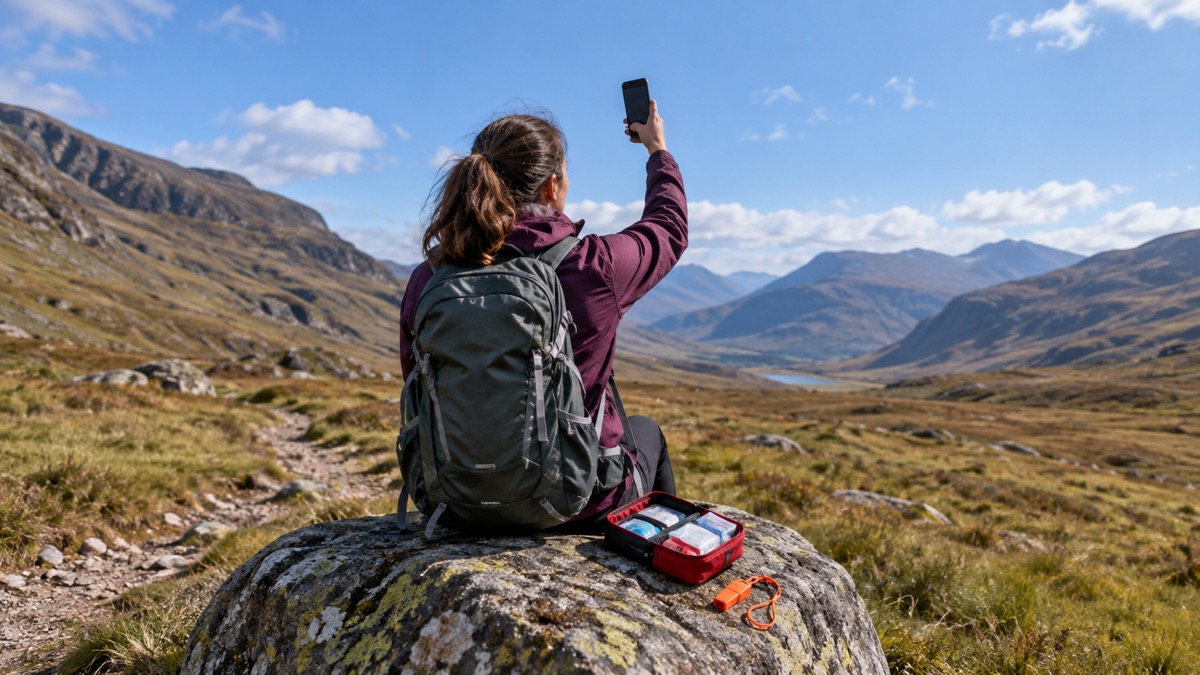
Satellite SOS lets a phone contact the emergency services through a satellite rather than a mobile mast. Ofcom describes the idea in general terms: some mobile devices can use Emergency SOS on iOS and Satellite SOS on Android to contact emergency services via satellite if no mobile networks are available2. The phone talks to a satellite overhead, and the satellite passes the message on to the emergency services on the ground.
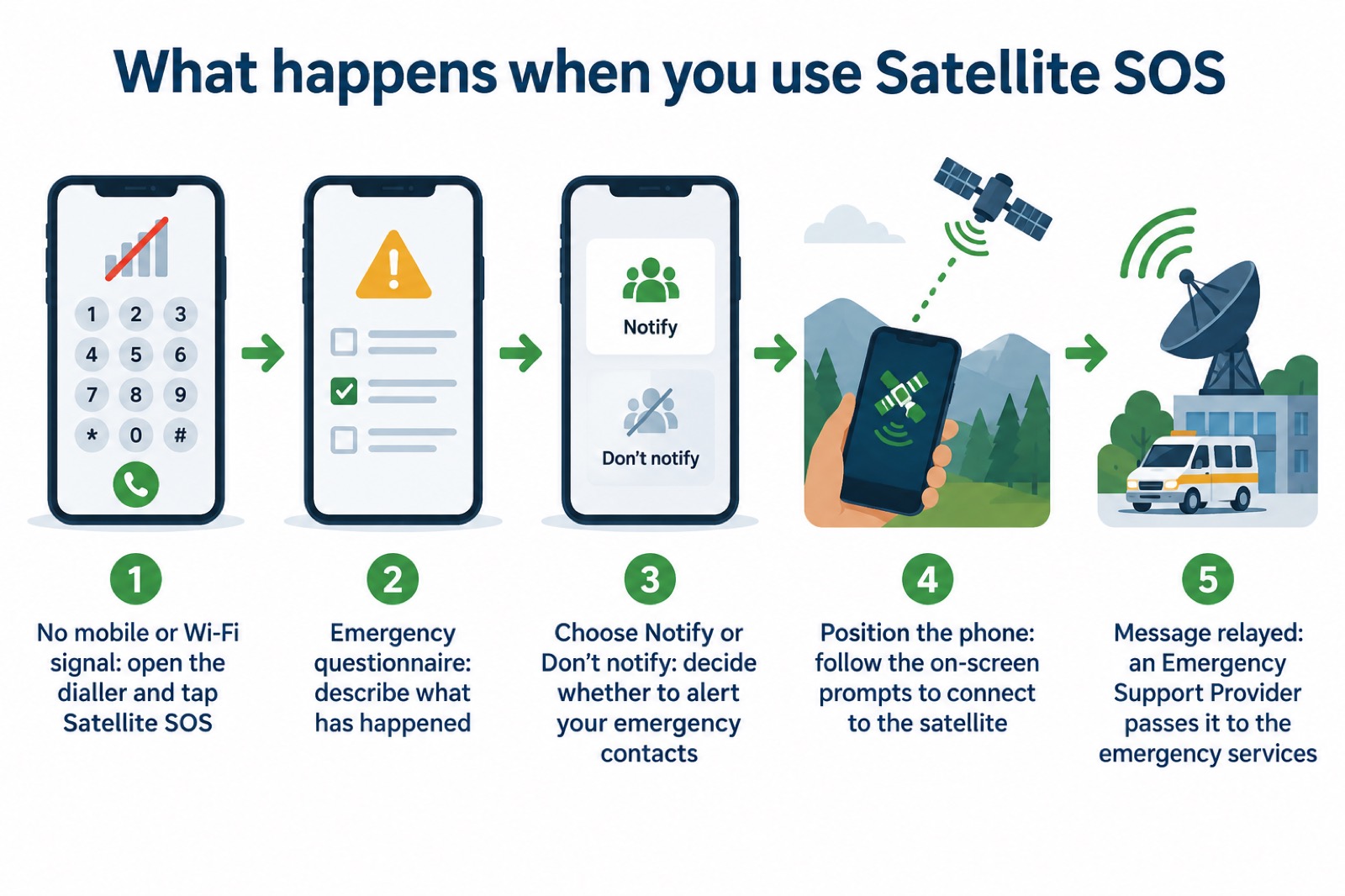
On a Pixel, the process is guided by the phone. Google's instructions say you fill out an emergency questionnaire to describe your emergency, answer on-screen questions to share it with your emergency contacts, tap Notify or Don't notify, and then follow the on-screen prompts to position your phone and connect to the satellite1. On a Pixel Watch, Google says you answer a few quick questions to get the help you need, and an Emergency Support Provider then acts between you and the emergency services3.
That word "questionnaire" matters. Satellite messages are short and slow compared with a phone call, so the phone gathers the essentials in advance: what has happened, where you are, and who should be told. Answer the questions as fully as you can. The clearer your answers, the more useful the message that reaches responders.
Which phones and watches can use it
Satellite SOS is not on every Android phone. Google's support pages give the list precisely, and it is worth reading carefully because the exceptions catch people out.
| Device | Satellite SOS available? | Source |
|---|---|---|
| Pixel 9, Pixel 9 Pro, Pixel 9 Pro XL, Pixel 9 Pro Fold | Yes | 4 |
| Pixel devices from Pixel 9 onwards, except Pixel 9a | Yes | 1 |
| Pixel 9a | No | 1 |
| Pixel Watch 4 LTE and Pixel Watch 5 LTE | Yes | 3 |
| Other Android phones | Check with the maker | 2 |
Google's older support article lists the feature as available on the Pixel 9, Pixel 9 Pro, Pixel 9 Pro XL and Pixel 9 Pro Fold only4, while its newer article describes it as available on all Pixel devices since Pixel 9, except Pixel 9a1. The newer wording is the broader one and the one to work from, but if you own a Pixel 9a, treat it as unsupported.
If you own a different make of Android phone, do not assume. Ofcom's general statement that some devices can use Satellite SOS on Android2 does not mean every handset has it. Check your phone's own settings and your maker's guidance, and until you have confirmed it, plan on the basis that you cannot use satellite help.
Google Messages has to be your default app
This is the requirement people most often miss. Google states that you will need Google Messages as your default messaging app to use the service1, and repeats the point in its other support article4. If you switch to a different messaging app, the satellite option stops being available.
The reason is practical rather than arbitrary. Satellite SOS works by starting a text conversation with the emergency services, so the phone needs to know which app handles messages. If that is not Google Messages, the satellite route has nowhere to go.
To set it, open your phone's settings, find the section for apps and default apps, and choose Google Messages as your default messaging app. Do this at home, on a normal day, and then leave it alone. Changing it back and forth is exactly the kind of thing that leaves you without the feature when you need it.
It is worth checking after any phone update or after installing a new messaging app, since either can change the default. A minute spent confirming the setting is worth more than any amount of reading about satellites.
Using it when there is no signal
The moment to use Satellite SOS is when your phone shows no bars and no Wi-Fi, and an ordinary call will not connect. Google's instruction is to dial the emergency services line in your area, and if you do not have a mobile or Wi-Fi network, to tap the Satellite SOS option in the dialler3. From there, follow the prompts.
Before you do that, try a normal call. Ofcom explains that if your mobile provider is experiencing an outage, you will be able to automatically use another provider's network to call 999 or 112 free of charge, displayed as emergency calls only on Android or SOS only on iOS2. Many apparent signal failures are one network down while another still works, and a voice call is faster and richer than a satellite message.
If you are heading somewhere remote, prepare in advance. The government's preparedness guidance advises downloading or printing maps so you can navigate without internet access, noting that your smartphone's GPS may still work with no signal but that map apps need pre-downloaded maps to show routes5. The same principle applies to satellite help: know the steps before you go, because you cannot look them up out of coverage.
Emergency SOS on iPhone and Satellite SOS on Android
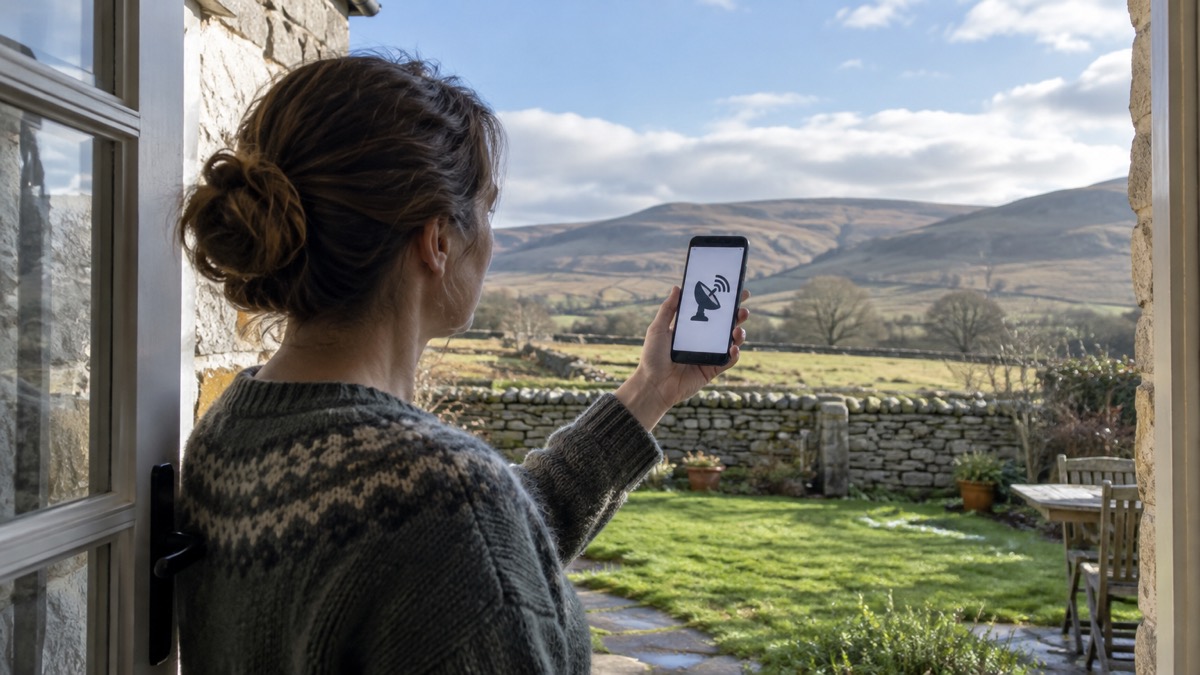
The two systems do the same job by different routes, and a household may well have one of each. Ofcom groups them together, describing Emergency SOS on iOS and Satellite SOS on Android as ways to contact emergency services via satellite when no mobile networks are available2.
On an iPhone, Apple says you can use Emergency SOS via satellite to text emergency services when you are outside mobile service and Wi-Fi coverage6. Apple lists the UK among the countries where the service works7. The iPhone shares information with responders as it goes: Apple states that it shares Medical ID, emergency contact information, emergency questionnaire answers, location including elevation, and remaining battery life8.
| Satellite SOS on Android | Emergency SOS via satellite on iPhone | |
|---|---|---|
| What it does | Contacts emergency services by satellite2 | Texts emergency services by satellite6 |
| Works when | No mobile or Wi-Fi network3 | Outside mobile and Wi-Fi coverage6 |
| UK coverage | Pixel 9 and later, except 9a1 | Listed among supported countries7 |
| Information shared | Emergency questionnaire answers1 | Medical ID, contacts, location, battery level8 |
The practical point for a household is that each person should learn the method on their own handset. The idea is shared, but the taps are not. If you want the iPhone steps in detail, see How to Use Emergency SOS via Satellite on iPhone, and for the wider picture of what these services can and cannot do, read Satellite Messaging and SOS on Phones.
When to call 999 instead
Satellite SOS is a fallback, and treating it as anything else wastes time you may not have. The emergency services are clear that 999 is for emergencies: the South Western Ambulance Service lists severe bleeding among the situations that warrant a 999 call9, and Greater Manchester Fire and Rescue Service simply says to dial 99910. If you can make that call, make it.
There are also established alternatives for people who cannot use a voice call. The fire services point to 999 BSL, EmergencySMS and Relay UK as alternative ways to contact the emergency services for people who are deaf or have hearing loss11. The Welsh Ambulance Service also provides additional support for people accessing 99912. These are not satellite services, but they matter when you are working out how your household would raise the alarm.
If you have no other way to call 999, tell your phone provider now, as the digital landline switchover advice puts it13. That is a conversation to have on a calm day, not during a storm. For more on the alternatives, see How to Call 999 When Your Mobile Network Is Down and When Should You Call 999?.
Getting ready before you need it
The work of using Satellite SOS happens before the emergency. A few minutes now means the feature is there when nothing else is.
- Confirm your phone is a supported model, and that it is not a Pixel 9a1.
- Set Google Messages as your default messaging app, and check it again after updates1.
- Learn where the Satellite SOS option sits in the dialler, so you are not hunting for it3.
- Make sure your emergency contacts are up to date, since the questionnaire offers to notify them1.
- Keep your phone charged, and carry a way to charge it if you will be away from mains power.
- Download offline maps before travelling anywhere remote5.
For the wider job of getting a handset ready, see Getting Your Mobile Phone Ready for an Emergency. If you want a device that works independently of your phone, a dedicated messenger is a different option; our guide to Satellite Communicators sets out what they do, and Satellite Messenger or Phone Satellite SOS compares the two approaches.
Sources (13)
- Use Satellite SOS on Pixel phone, Google, 2026-10-29
- Stay connected in severe weather, Ofcom, 2026-10-13
- Use Satellite SOS on Pixel Watch, Google, 2026-10-29
- Emergency SOS on Pixel, Google, 2026-10-29
- Phone and broadband outages, UK Government, 2026-10-12
- Emergency SOS, Apple, 2026
- ZOLEO vs iPhone satellite messaging, ZOLEO, 2026-10-29
- Emergency SOS via satellite, Apple, 2026-10-05
- When to call 999, South Western Ambulance Service, 2026-10-29
- Staying safe, Greater Manchester Fire and Rescue Service, 2026-10-29
- Additional advice for people who are deaf or have hearing loss, Greater Manchester Fire and Rescue Service, 2026-10-29
- Additional support when accessing 999, Welsh Ambulance Service, 2026-10-29
- What to do in a power cut, Met Office, 2026-10-25
 Free Alert Services
 Emergency Apps
 Digital Switchover Checklist
 Silent 999 Calls
 Giving Your Exact Location
 When to Call 999
 Calling 999 With No Signal
 999 by Wi-Fi Calling
 When You Get an Alert
 Alerts While Driving
 Spotting a Genuine Alert
 Phones That Get Alerts
 Emergency Alerts On or Off
 Emergency Alert Privacy
 Emergency Alert Tests