Emergency Alerts do not track your location, do not need your phone number and do not collect personal data. The government's own guidance is direct about it: alerts are sent to compatible 4G and 5G phones in an area of risk, and the sender does not need to know where you are or who you are1. Your phone does not report back, and nothing about you is gathered when an alert sounds3.
That matters because the question people actually ask is a nervous one: is this thing watching me? The answer is no, and the way the system works explains why it does not have to. An alert is broadcast from the masts covering the area at risk, so every compatible phone in range receives it. The government does not need to know the specific location or personal data on your device to make that happen4.
The same design answers the cost question. There is nothing to pay, no data used and no call made. What follows sets out what the system does and does not know, why your location settings can stay off, how to opt out if you have a reason to, and how a location-aware personal alarm differs from an alert on your phone.
Emergency Alerts do not track your location
The privacy position is set out in the same words by council after council, because they are all repeating the national guidance. Emergency Alerts do not track your location, need your phone number, or collect personal data1. The system is one-way: it does not provide any feedback on your location or on whether you have received an alert, and no data is being gathered about you, your phone or your location3. The government's own frequently asked questions put it the same way: data about you, your device or your location will not be collected or shared2.
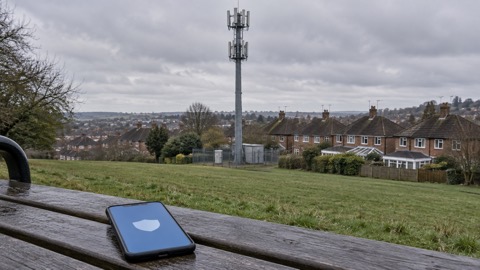
It helps to picture the mechanism. Alerts are sent using the mobile phone networks to compatible phones and tablets in a specific geographical area7. Every compatible phone or tablet in range of a mast will receive the alert, and alerts are only sent if your current location is affected9. That is a broadcast, not a message addressed to you. Nothing travels back up the line.
Two practical points follow. First, the service will never send you an email or ask you to provide personal details, so anything that does is not the alerts service1. If you want to check whether an alert you have seen is genuine, you can do so at gov.uk/alerts, or ask neighbours, friends or family nearby whether they received it too4. Second, alerts are not a replacement for local news, radio, television or social media, so keep an eye on those as well1.
Alerts follow where you are now, not where you live
This is the part that surprises people. You will get alerts based on your current location, not where you live or work5. If you are at home in one county and an emergency strikes in another, you will not be told about it unless you are near the affected area. Equally, if you are visiting a town on the day something happens there, your phone will alert you even though you do not live there.
The logic is that an alert is only useful if the danger is close enough to act on. The system is triggered when there is a danger to your life, health or property in the area in which you are located10. Being warned about a fire 200 miles from your kitchen would train people to ignore alerts; being warned about one two streets away gives you something to do.
A few consequences worth knowing:
- Travelling: your phone follows you, so you are covered wherever you are in the country, not just at your home address.
- Family elsewhere: you will not receive an alert on their behalf. If you want to know what is happening where a relative lives, they will need to tell you, or you can check official warnings.
- No registration: there is nothing to sign up to and no address to keep up to date, because the system does not use either.
For the wider picture of how warnings reach households, including radio and official news channels, see Where to Get Official Warnings and News in an Emergency. And if you want the mechanics of the alert itself, from the sound to what to do when it goes off, Emergency Alerts: How the UK Phone Warning System Works covers it.
No phone number, no personal data collected
There is no list. The government does not need your phone number or any of your details to send you an alert11. The organisations that can send alerts do not need to know your phone number or location either6. Emergency Alerts require no personal information at all, whether a telephone number, an identity or a location3.
That has a reassuring side effect for anyone uneasy about signing up to things. You cannot be added to a marketing list, because there is no list. You cannot have your details lost in a breach of the alerts system, because the system holds none. The only organisations that can send an alert are the government and the emergency services3.
| Question | What the system needs | What that means for you |
|---|---|---|
| Does it know my phone number? | No11 | Nothing to register, nothing to update |
| Does it know my name or address? | No3 | No personal profile is built |
| Does it know where I am? | Only that a phone is in the area covered by the masts4 | No specific location is recorded |
| Does it know I received the alert? | No, it is one-way3 | No read receipt, no feedback |
Location services can stay off and you still get alerts
You do not need to turn on location services to receive alerts6. Switching them off will not affect your ability to receive them12. This is the clearest proof that the system is not tracking you: it works perfectly well with the very setting that would allow tracking turned off.
The reason is the broadcast design again. The alert is pushed out from the masts covering the area at risk, and your phone picks it up because it is in range, not because it has told anyone where it is4. Your phone's GPS, which is what location services use, plays no part.
If you have kept location services off for privacy, or to save battery, you can leave them off. If you use them for maps and weather, leave them on. Either way, the alert will arrive. The only things that stop an alert reaching you are practical: the device being turned off, connected to a 2G or 3G network, connected to Wi-Fi only, or not compatible with the system2.
What an alert costs you: nothing
Receiving an alert costs nothing. It is not a text message, so there is no charge from your network, and it is not a data download, so it uses none of your allowance. Alerts work on compatible devices connected to UK 4G and 5G mobile networks, and you do not need to be connected to Wi-Fi or mobile data to get one7.
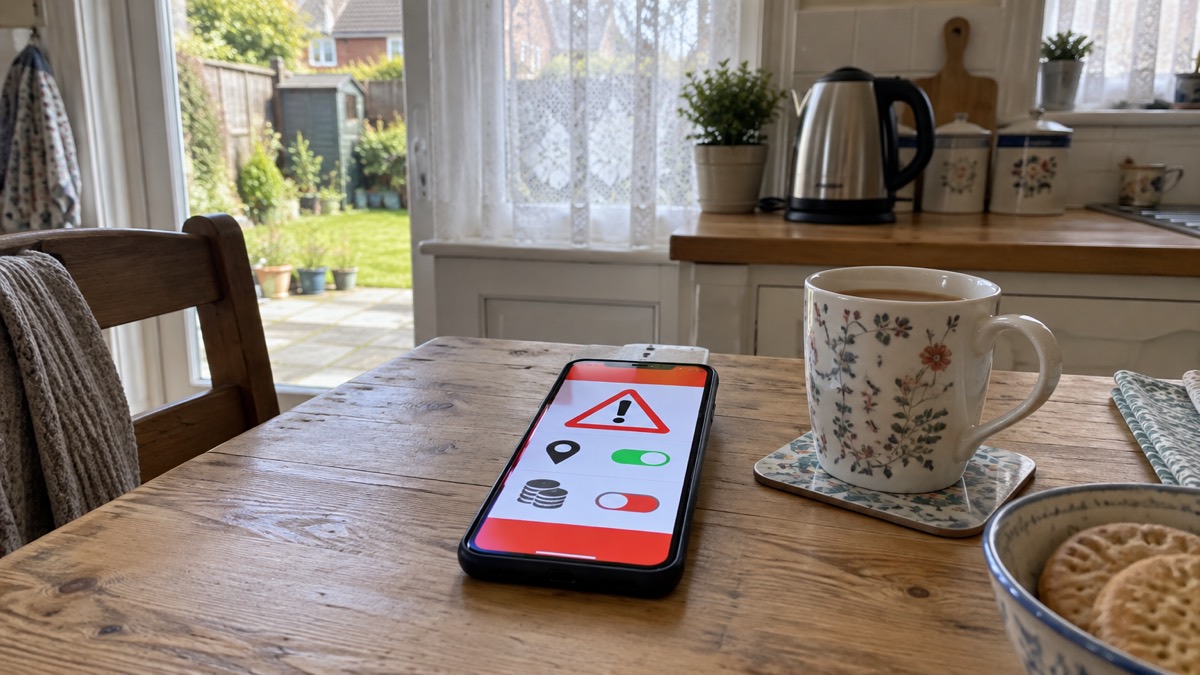
That last point is worth dwelling on, because it is where people imagine a hidden cost. If your mobile data is switched off, or you have run out of allowance for the month, the alert still arrives. It travels on the network's broadcast channel, not on your data plan. The same applies if you are on a pay-as-you-go phone with no credit.
There is one charge worth knowing about, and it is not about alerts. If you make an emergency call while roaming abroad, your operator may apply additional charges to send your phone's location to emergency responders14. That is a charge for a call you choose to make in another country, using a location-sharing feature, and it has nothing to do with the alert system at home.
Opting out, and what you give up
You can opt out of emergency alerts, and the government publishes instructions for different devices at gov.uk/alerts/opting-out8. It is done through your phone settings rather than by contacting anyone, because there is no register to come off11.
The government does not recommend it, and the reason is simple: the alerts warn of a danger to life, health or property close to you10. But it recognises that there are circumstances where switching them off is the right call. Victims of domestic abuse with a concealed phone may find it appropriate to turn off alerts, because a loud alert on a hidden handset could reveal it8. The guidance says it is possible to opt out if you need your phone to stay concealed3.
Age UK's summary is fair: you do not have to receive these alerts, and while this is not recommended, it is a personal choice16. If you do turn them off, think about how else you would learn of a nearby emergency. Alerts do not replace local news, radio, television or social media1, and those channels carry the same warnings. For households without a compatible phone at all, existing procedures remain: people without a mobile will still be made aware through the news and local emergency services3.
If you are weighing it up, our page on how to turn emergency alerts off or on walks through the settings, and Will Your Phone Receive Emergency Alerts? covers which devices are compatible in the first place.
How location-aware alarm pendants differ
A personal alarm is a different piece of equipment with a different purpose, and it is worth being clear about the difference because the two get confused. An Emergency Alert is a one-way broadcast to every phone in an area. A personal alarm is a two-way device you wear, which calls a response centre when you press it or when it detects a fall.
Telecare services describe the basic type: a pendant alarm is something you wear on your wrist or hang around your neck, and if you fall or need help you press a button to trigger a call to the alarm receiving centre17. Scotland's NHS Inform sets out the same model17. The location-aware versions add GPS, and that is where the privacy question arises again.
The makers are explicit that these devices do not track you continuously. The GPS pendant does not track your location all the time; it sends the coordinates of its location when an alarm call is sent18. The location-aware GPS pendant does not continuously track your location, and the response team will only be aware of your location after an alert has been sent and you have been connected19. The product page says the same: the GPS personal alarm does not continuously track your location, and location information is sent when an alarm is raised20.
| Device | What it does | When location is shared |
|---|---|---|
| Emergency Alert on a phone | One-way broadcast to phones in an area at risk3 | Never; no location is collected3 |
| Basic pendant alarm | Button worn on wrist or neck triggers a call to a response centre17 | Not applicable; no GPS |
| Location-aware GPS pendant | Sends coordinates when an alarm is raised18 | Only after you raise an alarm and are connected19 |
| GPS personal alarm watch | Sends GPS location when an alarm is raised, with a locator beacon for a more accurate fix at home21 | When an alarm is raised21 |
There are practical details worth knowing. If a mobile signal cannot be found, a location-aware GPS pendant will switch to using the alarm unit at home to call the response team19. For wearers with a pacemaker, the maker advises attaching the GPS pendant to the supplied split ring, which can be clipped to a belt or keys, rather than wearing it against the chest22. And the watch versions add features beyond location: a pedometer to track daily steps and a heart rate monitor23.
If you are considering telecare for yourself or a relative, our guide to telecare and personal alarms when phone lines go digital explains how these devices connect and what changes with the switchover.
Sources (23)
- Emergency Alerts, GOV.UK, 2026
- How Emergency Alerts Work, GOV.UK, 2026
- National Emergency Alerts, Warwick District Council, 2026
- Emergency Alerts, Denbighshire County Council, 2026
- Emergency Alerts, Isle of Anglesey County Council, 2026
- Alerts and Warnings, UK Government, 2026
- Emergency Alerts Service, Croydon Council, 2026
- Opting Out of Emergency Alerts, GOV.UK, 2026
- Wildfires: Protecting Your Home and Garden, London Fire Brigade, 2026
- Emergency Alerts Service, Mobile UK, 2026
- Emergency Alerts Easy Read, UK Government, 2025
- Emergency Alerts, BT, 2026
- Get Prepared for Emergencies: Alerts, UK Government, 2026
- Emergency Location Service, Google, 2026
- Frequently Asked Questions About Emergency Alerts, UK Government, 2023
- National Emergency Alerts, Age UK, 2026
- Telecare, NHS Inform Scotland, 2024
- Taking Care Anywhere FAQs, Taking Care, 2026
- Taking Care Anywhere FAQs (v2), Taking Care, 2026
- Taking Care Anywhere GPS Fall Alarm, Taking Care, 2026
- Personal Alarm Watch, Taking Care, 2026
- Taking Care GO FAQs, Taking Care, 2026
- MindMe Watch Package FAQs, Taking Care, 2026
 Free Alert Services
 Emergency Apps
 Digital Switchover Checklist
 Silent 999 Calls
 Giving Your Exact Location
 When to Call 999
 Calling 999 With No Signal
 999 by Wi-Fi Calling
 When You Get an Alert
 Alerts While Driving
 Spotting a Genuine Alert
 Phones That Get Alerts
 Emergency Alerts On or Off
 Emergency Alert Tests
 Alerts Without a Mobile Phone