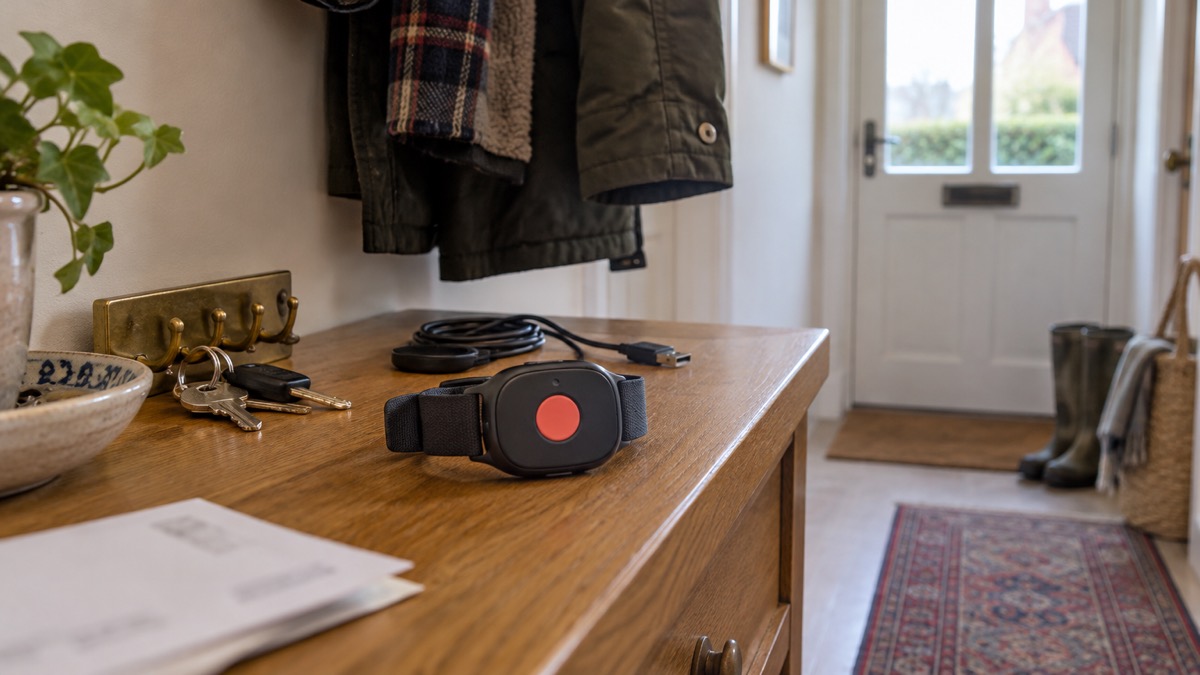
The Taking Care Out-and-About Personal Alarm Watch is a wrist-worn alarm with a single SOS button. Press it and the watch calls Taking Care's 24/7 UK Emergency Resolution Team, who speak to you through the built-in speaker and microphone and can see your GPS location1. It works on a built-in 4G SIM, so it needs no landline, no Wi-Fi and no mobile phone of its own1.
It is for someone who wants a way to call for help both at home and when out, and who will remember to charge it. The maker states the battery lasts approximately 30 hours, so the habit that keeps it working is charging it every night2. It is splash proof only and should not be worn in the bath or shower, and it does not detect falls2.
This page sets out what the watch does, how to set it up, how to look after the battery, what it cannot do, and how to get support. If you are still deciding what kind of alarm suits your household, start with our guide to personal alarms and how to choose one.
What the Out-and-About Personal Alarm Watch does
The watch combines emergency support with everyday health features in a wrist-worn device4. Its main job is simple: one button, pressed once, puts you through to a person. The maker describes a simple help button that calls the 24/7 Emergency Resolution Team, and says the watch is designed to work across the UK wherever there is a 4G mobile signal4.
Because it is worn on the wrist, it stays with you in a way a phone in a bag or on a table does not. The maker makes the point that alarms can be worn at all times, so they are never out of reach like a mobile phone may be5. That is the case for a watch over a phone for someone who might fall in the garden, feel unwell in a shop, or become confused while out.
The maker lists the situations it is intended for: medical emergencies, feeling lost or unwell, falls, injuries, feeling unsafe or distressed, fire, flood, a burst pipe or a suspected intruder1. It is not only for medical events. If you are at home when something goes wrong, or out when you need help, the same button applies.
It also carries everyday features. The watch tracks steps, movement and daily activity, with the step count shown on the watch and in the app, and the app shows a guide to heart rate alongside battery level and GPS location1. These are wellbeing features, not medical monitoring, and the maker does not present them as such.
What it is not: it is not a phone, it does not detect falls, and it is not built for swimming or bathing. Each of those limits is covered below, because each one changes how you use it.
Getting help: press the SOS button to speak to the 24/7 team
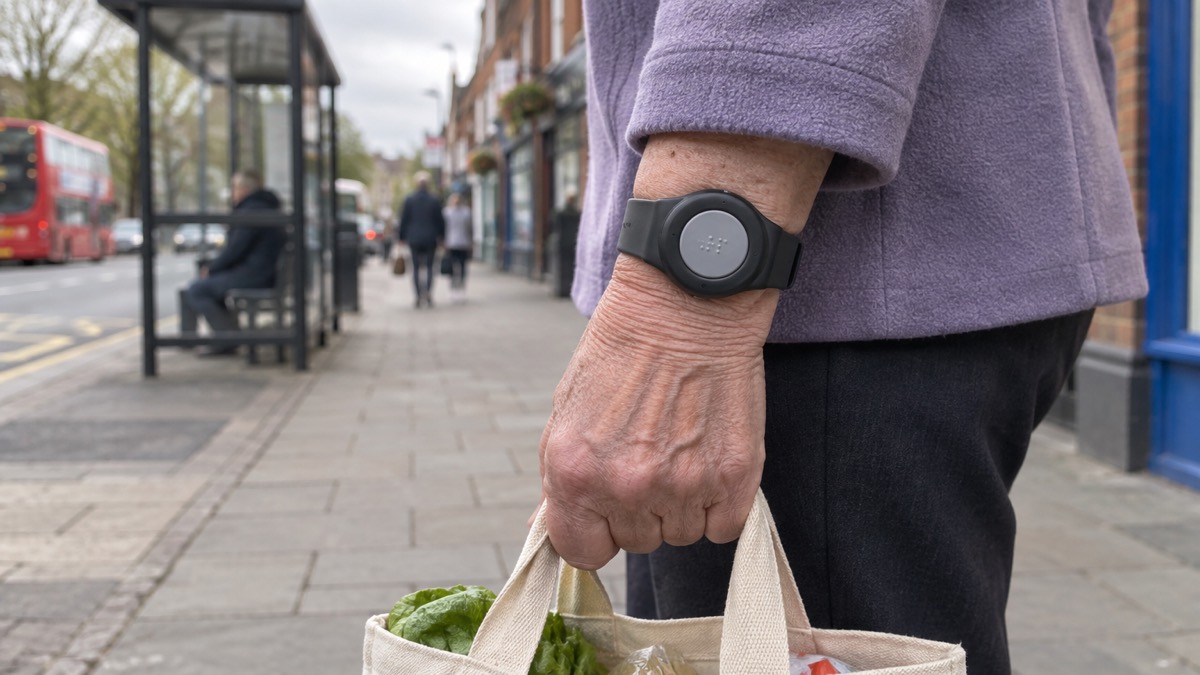
To call for help, press the SOS button on the front of the watch2. The maker states you will be connected straight away to the 24/7 UK Emergency Resolution Team, and that the team aims to answer alarm calls within 30 seconds1. The button is braille embossed, so it can be found by touch1.
The team is UK-based and available 24 hours a day, seven days a week6. When the call connects you speak through the watch's built-in speaker and microphone, so you do not need to hold anything to your ear1. The subscription includes unlimited emergency SOS calls to the monitoring team and unlimited GPS tracking, so there is no reason to hold back from pressing the button2.
What happens on the other end follows a settled pattern for monitored alarms. Official guidance on assistive technology describes it: pressing the personal alarm makes the lifeline call the control centre, where a trained member of staff assesses the situation, checks if you are okay and takes appropriate action, which could include calling a family member, a friend or the emergency services7. Independent guidance makes the same point about support centres being used to calls and not minding them8.
If you cannot speak, the maker states the team will still know who you are, your location and that you may need help, and will follow your agreed emergency plan, contacting your emergency contacts or the emergency services if needed1. That plan is only as good as the information you give at set-up, which is why the emergency contacts and medical details section below matters.
Specifications
The table below sets out what the maker states about the watch. Where a figure decides whether the watch suits you, it is the one to check against your circumstances.
| Feature | What the maker states |
|---|---|
| Wearing | Wrist worn4 |
| Calling | SOS button, braille embossed, with two-way speaker and microphone1 |
| Monitoring | 24/7 UK Emergency Resolution Team, aiming to answer within 30 seconds1 |
| Connection | Built-in multi-network SIM on 4G; no landline, Wi-Fi or mobile phone needed1 |
| Coverage | Across the UK wherever there is a 4G mobile signal1 |
| Battery | Approximately 30 hours; about an hour to fully charge2 |
| Water resistance | IP67 water-resistant, for light rain and splashes3 |
| Location | GPS location shared when an alarm is raised1 |
| Everyday features | Step count, activity tracking, heart rate guide in the app1 |
| In the box | Watch, magnetic charging cable and plug, quick reference user guide2 |
The maker's product page and its support articles describe the water resistance slightly differently. The product page states the watch is IP67 water-resistant and designed to handle light rain and splashes1. The support article for the Out-and-About watch states it is splash proof but not water-resistant and should not be worn in the bath or shower2. Treat the stricter instruction as the one to follow: keep it out of the bath and shower.
There is no engineer visit or specialist installation, and no app is needed to set it up1. You charge it, switch it on and follow the guide.
Battery: about 30 hours, so charge it every night
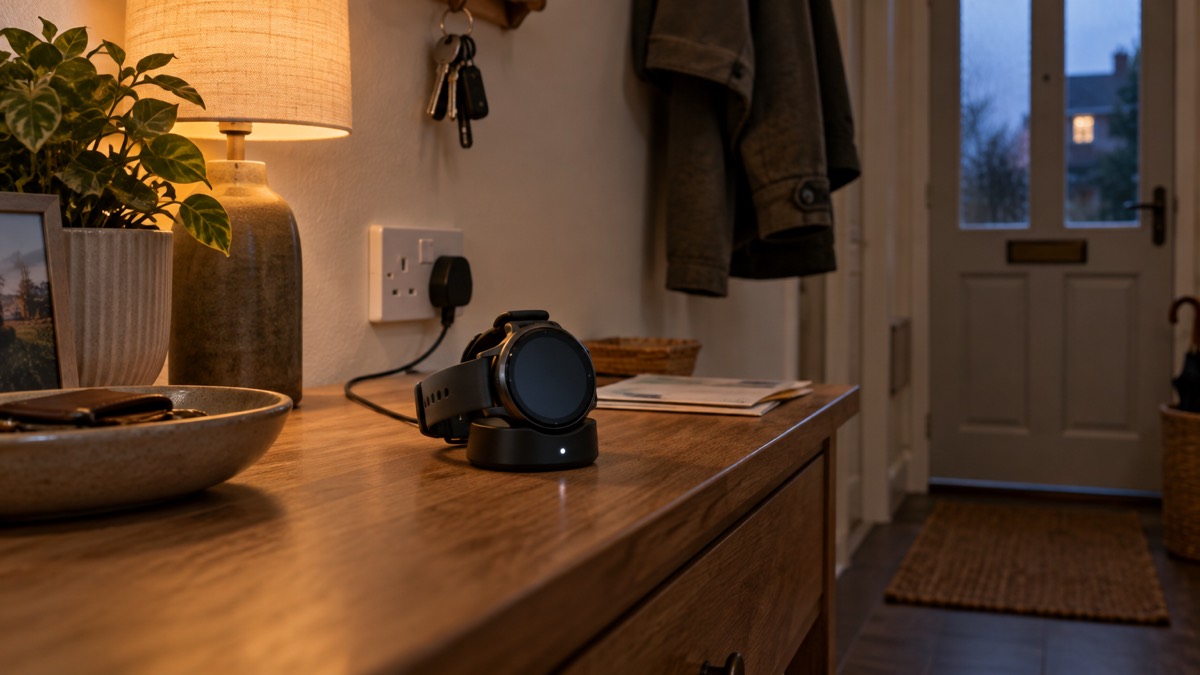
The maker states the watch lasts approximately 30 hours2. That is a little over a day of typical use, which is why the practical routine is to put it on the charging cradle every night, in the same place, at the same time, as part of going to bed. A watch charged nightly does not run flat in the day.
Charging is quick. The maker states the battery fully charges in an hour, and that charging for 1 hour should be sufficient after the initial charge2. For the first charge, the maker recommends charging the watch for 2 hours2. The watch comes with a charging cradle and cable with magnetic contacts, which makes connecting it easy3.
Two behaviours are worth knowing. When placed on charge the watch will power up automatically, so do not be alarmed if the screen lights up when you set it down3. And the maker's guidance is to fully charge the watch before first use9.
If the battery level matters to you, the app shows it alongside GPS location and a guide to heart rate1. A family member with the app can see at a glance whether the watch has been charged.
For context, battery life varies widely between alarm types. Independent guidance notes that a personal alarm you wear usually has a battery life of 12 months, but you should check with the manufacturer, and that a backup battery in an alarm linked to your phone usually lasts from 24 to 48 hours10. A watch that needs nightly charging is at the demanding end of that range, and the routine is what makes it reliable.
The Out-and-About watch does not detect falls
This is the single most important limit to understand before you buy. The maker states plainly that the Out-and-About Personal Alarm Watch does not detect falls2. If you fall and cannot press the button, the watch will not call for you.
That matters because falls are common and because a person who has fallen may be unable to reach a button, particularly if they are injured, confused or trapped. If automatic fall detection is what you need, a fall alarm is a different product. The maker's own guidance on fall alarms explains how they work: sensors, typically accelerometers and gyroscopes, and a sophisticated algorithm designed to react to a sudden free fall from a standing position, followed by a significant impact and no movement6.
Even a fall alarm has limits, and it is worth knowing them. The maker states that backward falls are less likely to be detected when the pendant is worn around the neck, that it is not possible to adjust the fall alarm sensitivity, and that the algorithm may not trigger an alarm call if the person wearing it is less than 1.2 metres (4 feet) tall6. The maker's product page for its fall detection feature adds that it may not detect every fall, as it is designed to detect hard, unobstructed falls1.
So the choice is between a watch you press and a fall alarm that may press for you. Our guide to fall detectors and how automatic fall alerts work sets out the difference, and which falls a fall detector may miss covers the limits in more detail. If you want both a wearable for out and about and automatic detection at home, they can be separate devices.
Splash proof only: keep it out of the bath and shower
The maker's instruction for this watch is clear: it is splash proof but is not water-resistant, so it should not be worn in the bath or shower2. The product page adds that the watch should not be exposed to salt water, chlorinated water, hot soapy water or hot steam, and that the maker does not recommend wearing it in the bath or shower1.
This is a real limit, because the bathroom is where many falls happen. It is also a costly one: the maker states that water damage from the bath or shower is not covered by the warranty9. A watch ruined by steam or soapy water is not a fault, and the warranty will not put it right.
The maker's general position on its other alarms is different. It states that most personal alarms are water-resistant and can be worn in the shower or bathroom11. That makes the watch an exception in its range, and it is worth knowing if you are choosing between products. Our page on whether you can wear a personal alarm in the bath or shower covers the options.
Practical habits that protect the watch:
- Take it off before a bath or shower and leave it on a dry surface within reach, not on the edge of the bath.
- Keep it away from steam, so not on a shelf in a hot bathroom during a long shower.
- Wipe it with a dry cloth if it gets splashed, rather than leaving it damp.
- Do not take it swimming, and keep it away from chlorinated and salt water1.
Independent safety guidance on small electrical items makes the same general point: protect them from damage and do not immerse them in water12.
When there is no signal: the X symbol and mobile blackspots
The watch depends on a 4G mobile signal. The maker states that it works across the UK wherever there is a 4G mobile signal, and that the built-in SIM automatically connects to the strongest available 4G network1.
The watch shows you the signal. Network reception is shown in the top left-hand corner of the screen, and more bars means better reception9. If the X symbol is displayed, there is no reception and an emergency call cannot be made3. If you see the X, the maker's instruction is to restart the watch, and if the problem persists to contact Customer Services3.
Blackspots happen. The maker states that occasionally, due to the proximity of masts or the building itself, there may be blackspots, and that this is true of all mobile devices3. Thick walls, basements, some rural areas and large metal structures can all weaken a signal. If you regularly visit somewhere with poor reception, check the signal bars when you arrive, and know where in the building or garden the signal is strongest.
Because the watch uses mobile networks rather than Wi-Fi, it keeps working if your home internet goes down11. That is a genuine advantage in a power cut or broadband outage. Official guidance on phone and broadband outages advises that if you have medical or personal alarm devices that use phone or internet connections, you should check with the provider or manufacturer how they work if the network is down13.
GPS location, safety zones and who can see where you are
When you raise an alarm, the watch shares your GPS location with the Emergency Resolution Team, so they know where to send help4. The maker states that your location is only shared with Taking Care when an alarm is raised1.
The app adds more. It shows a guide to heart rate, the watch's battery level and GPS location1. The maker also lets you create safety zones to monitor movements in and out of areas. In the maker's words:
Safety zones are useful for a family supporting someone who may become confused or wander. They are not a substitute for supervision, and they depend on the watch having a signal and a charge. If the person you care for is living with dementia, our guide to dementia and emergencies and the Herbert Protocol cover what to do if someone goes missing.
On privacy, the position is straightforward: Taking Care sees your location when an alarm is raised, and app users can allow trusted contacts to view location1. Decide as a family who has the app and who can see what, and tell the person wearing the watch, so nobody feels watched without knowing.
Setting up the watch, emergency contacts and key safe details
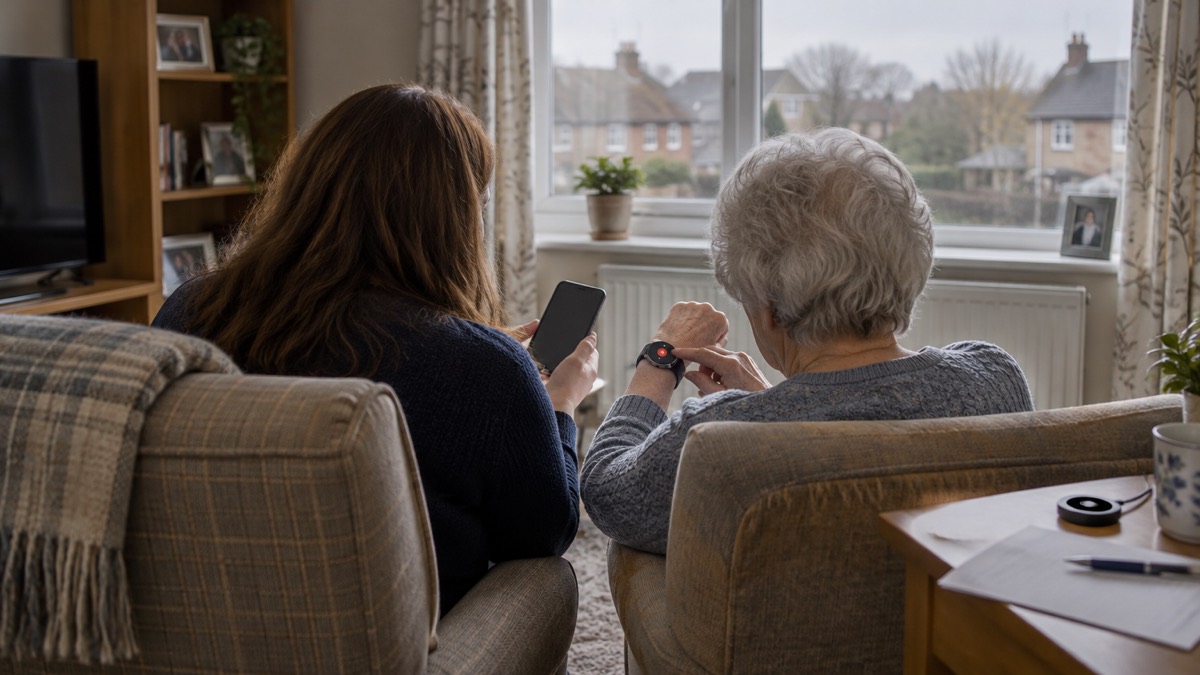
Setting up is a short job, done once. The maker's steps are to charge the watch, turn it on and press the SOS button to place a test alarm call to the Emergency Resolution Team, which activates the watch2. An easy-to-follow user guide is included with your order3.
The information you give at set-up is what makes the alarm work well. After ordering you will receive a link to an online form where you can provide your emergency contacts, medical information and key safe details1. You can also give these by post using the form in your welcome pack, or by phone on 0800 023 43019.
If you have a key safe, the maker recommends that you provide the location and key safe code, and states that this is only shared with the emergency services so they can access your property quickly9. Our guide to key safes and letting responders in explains where to fit one, and where to fit a key safe for emergency access goes into the detail.
A short set-up checklist:
- Charge the watch for 2 hours the first time2.
- Turn it on and check the signal bars in the top left of the screen9.
- Press the SOS button to place a test alarm call and activate the watch2.
- Complete the online form with emergency contacts, medical information and key safe details1.
- Agree with your contacts what the team should do if they cannot reach you.
That last point matters. The maker's wellbeing call service states that if it cannot speak with the next of kin, it will call the alarm user to check they are OK14. A clear plan, written down and shared, saves time when it counts.
Subscription, ownership, support and warranty
The watch is bought, and the subscription pays for the monitoring service. The maker states that the subscription is for the alarm monitoring service, and that it covers the 24-hour alarm monitoring service2. The subscription includes a multi-network SIM already fitted in the watch, with no Pay As You Go charges3.
The maker's terms for its personal alarms include no hidden fees, no long contracts and pro-rata refunds, with repairs, calls and data included in the subscription of rented personal alarms11. For the watch itself, the warranty covers faults or issues during the first 12 months, and the maker will repair or replace it where appropriate1.
Cancellation is straightforward. The maker states you have the right to cancel within 30 days of purchase, with no cancellation fee and no complicated requirements or hidden charges3. You can return the watch within 30 days for a full refund, including both the set-up cost and the subscription1.
On VAT, the maker states that prices exclude VAT and that most customers qualify for VAT exemption1. You may be eligible if you have a long-term medical condition, are chronically sick or are registered disabled1. The maker also states that you do not need to pay VAT if you, or the person you are buying for, are disabled or have a condition that requires regular medication15.
If the watch is lost or damaged, the maker states you would need to order a replacement to continue benefiting from the 24-hour monitored alarm service2. That is worth knowing before it happens, particularly if the watch is worn outside the home.
Where to get help and what to do next
If you are considering the watch, the first question is whether its limits suit your household. It is a good fit for someone who will wear it, will charge it nightly, lives and travels where there is a 4G signal, and can press a button when they need help. It is a poor fit for someone who needs automatic fall detection, who spends long periods in the bath or shower, or who is often in places with no mobile signal.
If you need help paying for or arranging an alarm, ask your local authority. Our guide to extra help in an emergency for older, disabled and medically dependent households sets out the wider support available, including the Priority Services Registers for energy and water.
If you already have an alarm that runs over a traditional phone line, act before your line changes. Ofcom advises that you tell your landline provider and your device supplier before your landline is changed to digital if you, or someone in your household, has a telecare alarm, health pendant, personal alarm or any other device that uses your phone line16. National Grid's guidance is to contact the company that supplies your alarm and ask them to confirm that it is compatible with the new digital phone network and what happens to it if the power goes off, and not to assume it will keep working after the switch or during a power cut17. Carers Trust reports that the transition is expected to be completed by January 202718.
If you want to understand how a press is handled from start to finish, read what happens when you press a personal alarm. If you are weighing a watch against a pendant for the home, our comparison of a home personal alarm or GPS alarm will help, and if you are deciding between a watch and a phone, see personal alarm or mobile phone for an older person living alone.
Sources (18)
- Personal Alarm Watch product page, Taking Care, 2026-10-29
- Out-and-About Personal Alarm Watch FAQs, Taking Care, 2026-10-29
- Personal Alarm Watch FAQs, Taking Care, 2026-10-29
- Why Choose Taking Care Personal Alarms, Taking Care, 2026-10-29
- Emergency Alarm Resolution Centres, Taking Care, 2026-10-29
- How Fall Alarms Work, Taking Care, 2026-01
- Assistive Technology, Warwickshire County Council, 2026-10-29
- Technology to Keep You Safe at Home, Independent Age, 2026
- MindMe Watch Package FAQs, Taking Care, 2026-10-29
- Prepare for a Power Cut, Citizens Advice, 2023-11-14
- Taking Care, Taking Care, 2026-10-29
- Alarm Clocks, Electrical Safety First, 2026-10-25
- Phone and Broadband Outages, Prepare campaign, 2026-10-12
- Wellbeing Calls, Taking Care, 2026-10-29
- Special Offer | Personal Alarms | Blue Light Card, Taking Care (taking.care)
- Future of Landline Calls, Ofcom, 2026-08-26
- The Landline Switchover, National Grid, 2026-10-26
- Emergencies, Adaptations and Telecare, Carers Trust, 2027-01
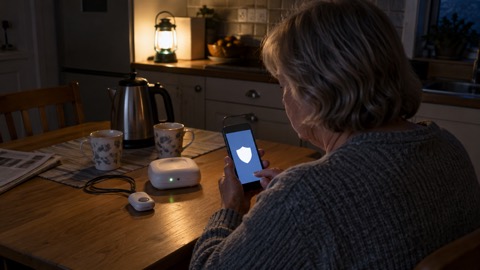 Taking Care Digital Alarm
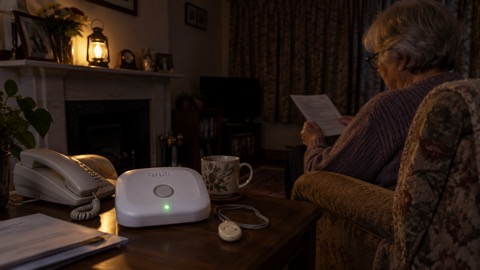 Taking Care Digital Fall Alarm
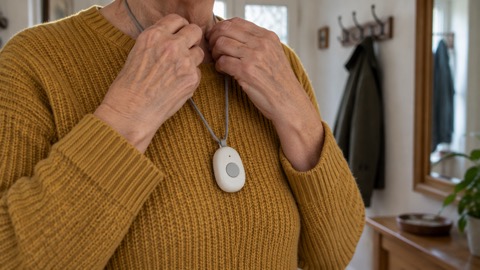 Taking Care Anywhere GPS Pendant