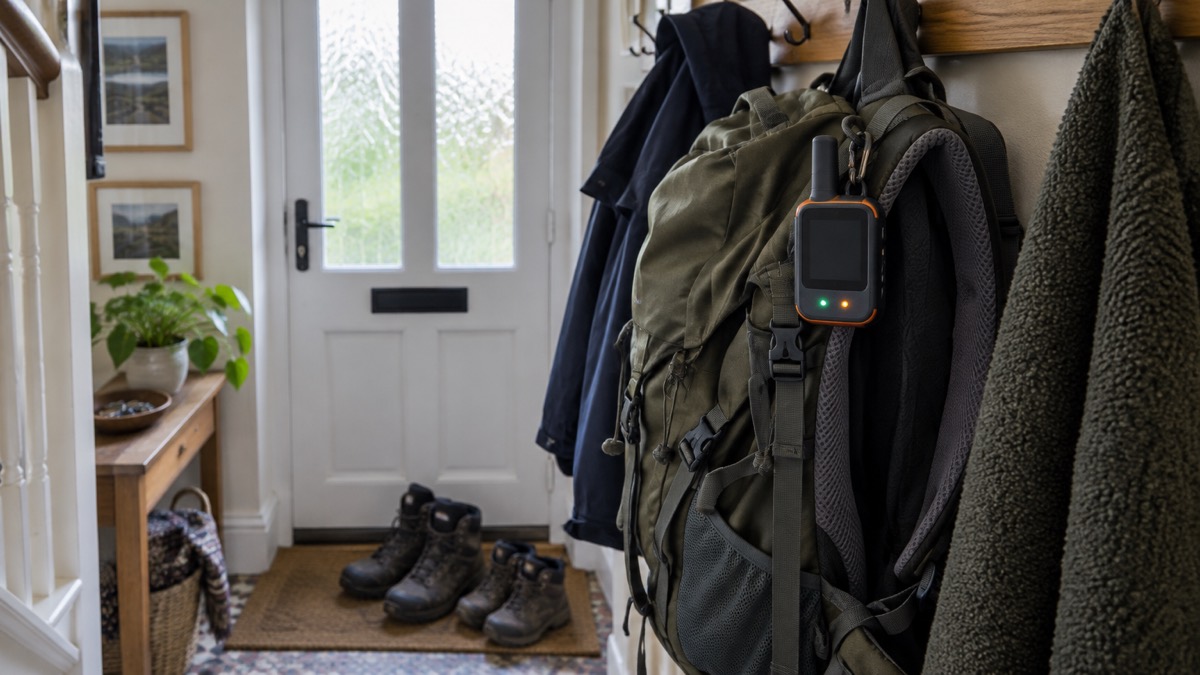
A ZOLEO is a small satellite communicator that lets you send and receive text messages, send a check-in to say you are safe, and raise an SOS when there is no mobile signal. It works with your smartphone over Bluetooth, or on its own using its buttons, and it sends over the Iridium satellite network when mobile coverage or Wi-Fi is unavailable1. It is not a phone: the maker states plainly that ZOLEO does not support voice calling and is a two-way satellite messaging device2.
For a household, the appeal is the gap it fills. Mobile masts can fail in a power cut or a storm, and large parts of the UK countryside have no usable signal at the best of times. A satellite communicator does not depend on any of that. It needs a clear view of the sky, a charged battery and an active service plan, and then it can get a short message out from almost anywhere.
This page sets out what the ZOLEO can and cannot do, its specifications, how to place it so it reaches the satellites, how long the battery lasts and how to activate, test and charge it safely. It is a named product page, so the instructions here are the maker's own for its own device.
What the ZOLEO does when there is no mobile signal
The device is a compact satellite communicator that works with your smartphone to transmit messages over the Iridium satellite network when mobile coverage or Wi-Fi is unavailable1. When either of those networks is available, it defaults to them, so satellite is only used when it is needed4. That keeps the satellite link for the moments that matter and, in normal use, means messages move seamlessly across satellite, cellular and Wi-Fi4.
You can use it on its own, or pair it with your smartphone or tablet for more advanced features4. On its own, the built-in buttons let you send a check-in or trigger an SOS5. Paired with the app, you get full two-way messaging, location sharing and weather forecasts.
The maker describes it as a Safety and Preparedness Platform and compact satellite communicator, and says it uses the Iridium satellite network, which provides global coverage4. Coverage is not the same as a guarantee: the maker states that satellite communication requires a clear view of the sky, and that connectivity is not guaranteed and may be affected by satellite availability, terrain, weather, environmental conditions, device positioning and other factors4.
For a UK household, that makes it a tool for the edges of normal life: a remote walk, a boat, a farm or rural property, or the aftermath of a storm that has taken out the local mast. If you are weighing it against the satellite features built into some phones, the maker notes that most of those are designed primarily for one-way emergency texting and depend on your device, carrier and battery life, whereas ZOLEO is built for two-way messaging4. For the wider picture, see Satellite Messengers: What They Do and How to Choose One and Satellite Messaging and SOS on Phones: What It Does.
Specifications: 150 g, IP68, 200+ hours of battery
The headline figures are a weight of 150 g (5.3 oz) and a battery life of 200+ hours3. One maker product page lists the weight as 142 g (5 oz); the two figures disagree, and the 150 g figure is the one given alongside the full specification table3. The device is dust- and water-resistant to IP68, rated to 1.5 m (4.9 ft) for 30 minutes, and shock-resistant to MIL-STD 810G3.
| Specification | Figure |
|---|---|
| Weight | 150 g (5.3 oz)3 |
| Size (L x W x D) | 9.1 x 6.6 x 2.7 cm (3.58 x 2.6 x 1.06 in)3 |
| Battery life | 200+ hours4 |
| Ingress protection | IP68, dust- and water-resistant to 1.5 m (4.9 ft) for 30 min3 |
| Durability | MIL-STD 810G4 |
| Power input | USB-C3 |
| Operating temperature | -20°C to 55°C (-4°F to 131°F)3 |
| Charging temperature | 0°C to 45°C (32°F to 113°F)3 |
| Storage temperature | -20°C to 60°C (-4°F to 140°F)3 |
| GPS accuracy | 2.5 m (8.2 ft) under ideal conditions3 |
| Navigation systems | GPS, GLONASS3 |
| Bluetooth | Secure PIN-based Bluetooth LE, one connection at a time, up to 50 m (164 ft)3 |
| Network | Iridium satellite network1 |
The Bluetooth link is worth understanding before you rely on it. The device pairs with smartphones and tablets using secure PIN-based Bluetooth LE, supports one connection at a time, and has a range of up to 50 m (164 ft)3. That means one phone at a time, and the phone can be up to 50 m away, which is useful if you want to leave the communicator in a clear spot while you shelter nearby.
The box contains the ZOLEO device, a lanyard, a carabiner, a USB-C cable 50 cm (20 in), a Quick Start Guide and a Limited Lifetime Device Warranty3. The carabiner and lanyard matter more than they look: they are how you keep the device on your person or pack where it can see the sky.
SOS and check-ins work from the device even if your phone is dead
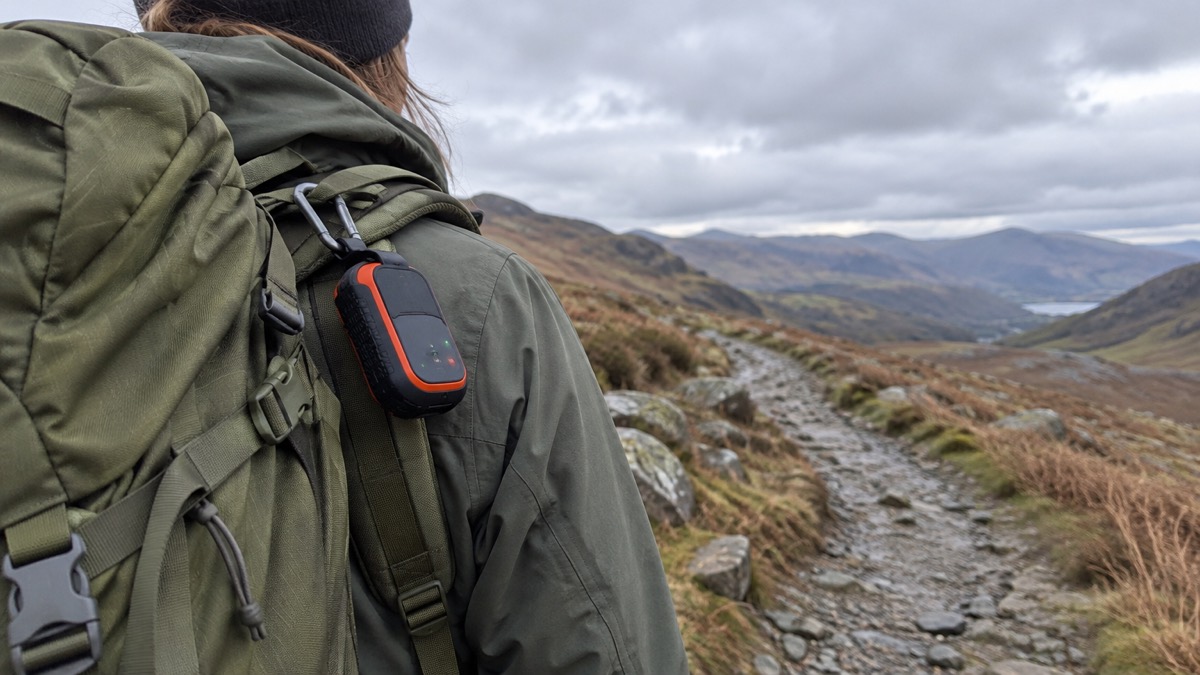
The dedicated SOS and Check-in buttons work even if your smartphone is damaged or out of battery3. That is the point of having them on the device rather than only in the app: the communicator is the part that talks to the satellites, and it does not need the phone to do it. As a device, ZOLEO works on its own, letting you send a check-in or trigger an SOS with the push of a button5.
When you raise an SOS, two-way SOS connects you directly with a 24/7 monitoring team, providing real-time updates until help arrives4. The dedicated SOS and Check-in buttons work even if your smartphone is damaged or out of battery4. Without the app, the device still sends your SOS alert to Global Rescue with your GPS location and remaining battery life, and the SOS LED confirms once your alert has been received6. Even when you are using ZOLEO without the app, the device's LEDs confirm that your SOS message was received6. On the device, the SOS LED will double-blink red when your SOS has been confirmed6.
The SOS button is covered to prevent false alarms, and an alert is also cancellable3. That cover is a small but sensible design choice: it reduces the chance of a knock in a rucksack setting off a callout.
Check-ins are the everyday half of the same system. A check-in lets others know you are okay4, and you can set the device to include your GPS coordinates with check-in messages automatically if you wish3. Unlimited free check-in messages are included with all plans, according to the maker7. For a household, that is a simple routine: a check-in when you reach the coast path, another when you turn back, and no need for anyone to worry about a missing text.
Two-way messaging: 160-character SMS, longer app-to-app messages and email
ZOLEO offers full two-way messaging, so you can stay in touch with your Safety Circle using a dedicated SMS number and email4. It supports full two-way satellite texting, not just emergency alerts4. You can exchange messages with any SMS number, email address or another ZOLEO app user2.
Message length depends on where the message is going, and it is worth knowing before you type a long one:
| Where the message goes | Maximum length |
|---|---|
| SMS to any mobile number | 160 characters7 |
| Email address | 200 characters7 |
| App-to-app (ZOLEO app user) | 900+ characters7 |
The dedicated SMS number and email are how people reach you4. Give them to the people who would worry about you before you go, so they can message you directly rather than waiting to hear. Messages move seamlessly across satellite, cellular and Wi-Fi4, and the app delivers messages over cellular or Wi-Fi even when the ZOLEO device is off, so you never miss a message4. Messages from other ZOLEO app users are still delivered via the ZOLEO app when the device is off2.
Transmission is not instant. It can take between a few seconds to a couple of minutes to transmit messages over the Iridium satellite network8. If the device does not have a clear view of the open sky, it may take a few minutes to connect with the satellites passing overhead1. Plan for that: send your message, then wait with the device in place rather than walking on and wondering why nothing has gone.
Beyond messaging, the app adds GPS location sharing, check-ins, Location Share+ updates and a secure ShareMap URL4, plus a weather forecast for any location with Xweather4. There is also 24/7 Medical Assist for non-emergencies4. For the household contact side of this, see Keeping in Touch With Your Household: A Contact Plan.
Where to put it so it reaches the satellites
A direct line of sight between the device and a satellite is required to make the connection needed to send and retrieve messages1. Everything about placement follows from that one requirement. Position your ZOLEO device face up with its blinking lights pointed toward the sky to ensure a clear line of sight1. The maker recommends clipping it to your backpack or person for ease of use1.
Obstruction is the usual reason a message fails. Tall buildings, trees, landforms, devices that operate on similar frequencies and even your body can block the line of sight1. That last one surprises people: holding the unit against your chest while you wait can be enough to stop it working.
- Do: place it face up, lights to the sky, with nothing overhead1.
- Do: clip it to your pack or clothing so it stays with you1.
- Do not: place it under an overhang, in a pocket or inside a bag1.
- In a vehicle or vessel: place it close to a windshield or window with an unobstructed view of the sky8.
If you are in a wood, a street of tall buildings or a valley, move to open ground before you try to send. The device will keep trying, but a few minutes of walking to a clearing is usually faster than waiting under cover.
It will not work indoors, in a pocket or in a bag
The ZOLEO device is not intended for use indoors2. It needs a clear line of sight with satellites to transmit2. This is the single most common way a satellite communicator disappoints its owner: it is left on a kitchen table, in a coat pocket or at the bottom of a daypack, and nothing sends.
The maker's guidance is explicit: to ensure a good connection with the Iridium satellite network, do not place the ZOLEO device under an overhang, in a pocket or inside a bag1. A window is not a substitute for open sky, and a car roof or a porch will block the signal just as effectively as a ceiling.
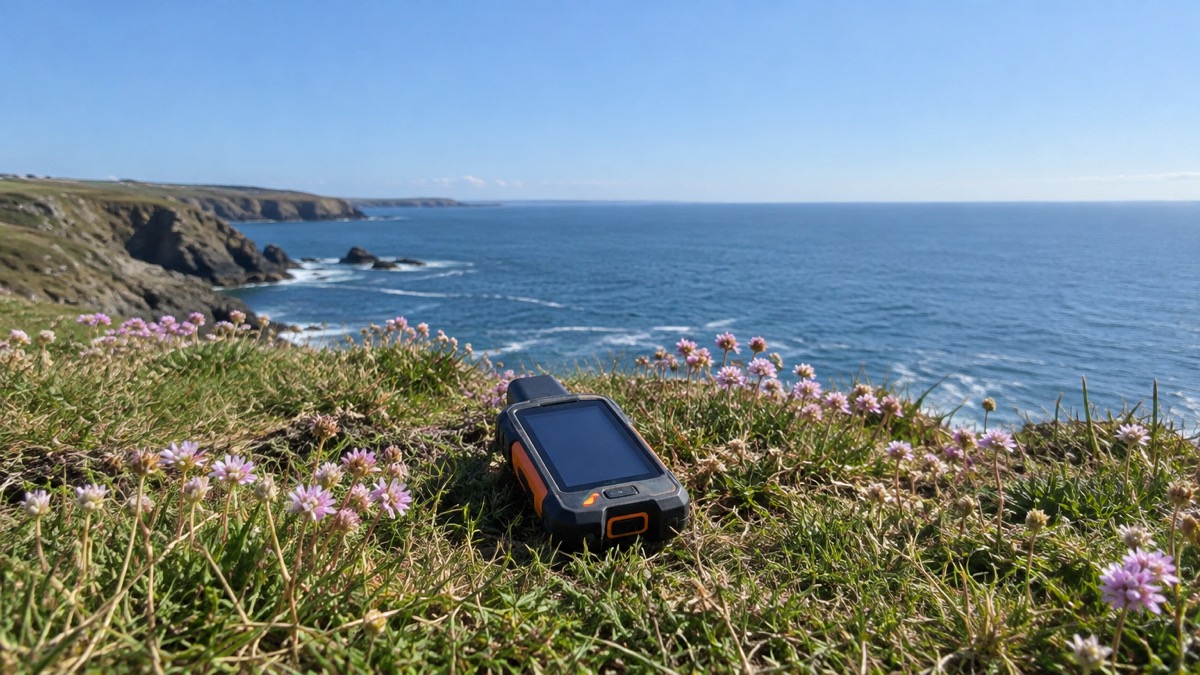
The practical routine is to treat the communicator like a piece of outdoor kit, not a phone. When you stop, take it out, set it face up somewhere open, and let it do its job. When you move on, clip it back on the outside of your pack rather than burying it. If you are sheltering indoors during a storm and want to send a message, you will need to step outside or to a spot with open sky.
Battery life depends on how often it checks for messages
The maker quotes 200+ hours of battery life4, but that figure is not fixed. The less often your device checks for messages, the longer its battery will last1. By default, your ZOLEO device will check for new satellite messages every 12 minutes1. You can easily change the frequency of message checks using the free ZOLEO mobile app1.
That gives you a dial to turn depending on what you are doing:
- Long trip, few messages expected: lengthen the check interval to stretch the battery1.
- Active emergency or coordination: shorten it so replies arrive sooner, accepting that the battery drains faster1.
- Waiting for a specific reply: leave the device in place with a clear view and check the app rather than moving it around.
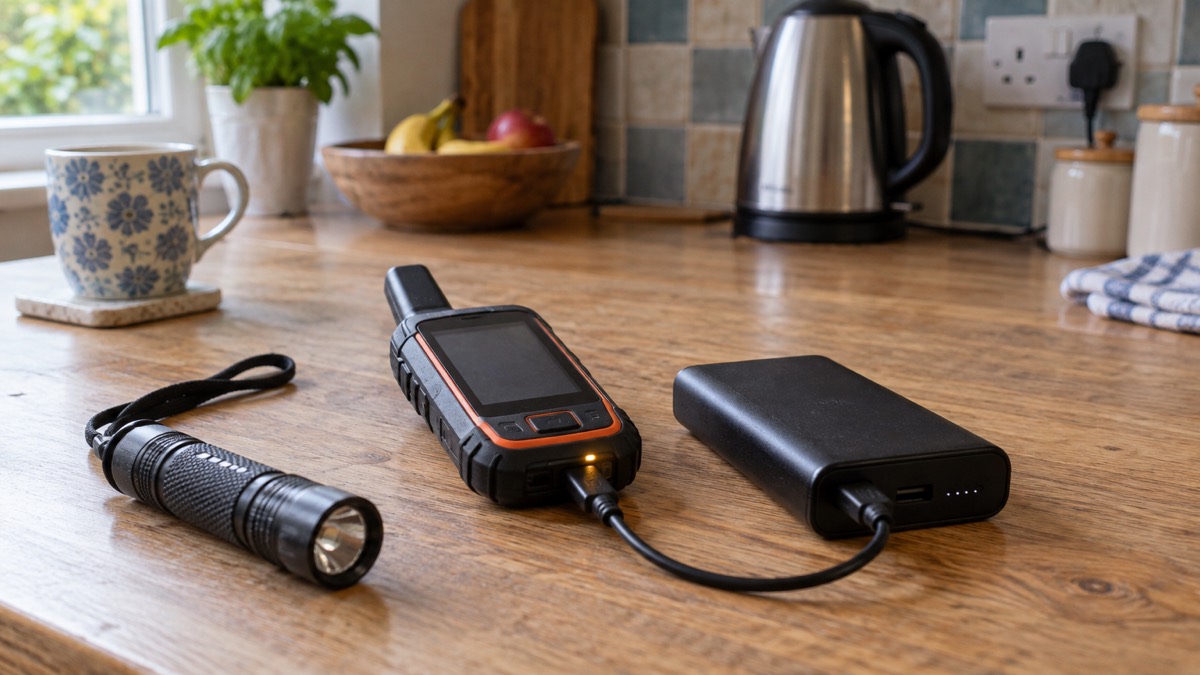
The device also reports its remaining battery life in the SOS alert it sends6, which helps a monitoring team understand how long they may have to reach you. Charging is by USB-C3, so a standard cable and a power bank will do the job, and the 50 cm cable in the box is sized for pack use3.
Activating, testing and charging it safely
Set the device up before you need it, not on the hillside. Activation starts at the maker's activation page, where you input your ZOLEO device information, then pick an email address for the ZOLEO device and select the home country for your ZOLEO SMS number9. You then input your credit card details and your ZOLEO will be ready to use in just minutes, and the maker sends an email when your device is activated on the Iridium satellite network9.
A service plan is part of this. ZOLEO requires an active service plan to transmit messages over the Iridium satellite network1. Without one, the device will not send over satellite, however charged it is.
Charging and storage have temperature limits that matter in a British winter. The battery charging temperature is 0°C to 45°C (32°F to 113°F)3. Do not charge the device below freezing: bring it indoors or into a warm vehicle first and let it come up to temperature. The device will operate at -20°C to 55°C (-4°F to 131°F) and can be stored between -20°C and 60°C (-4°F to 140°F)3.
A sensible routine before any trip:
- Charge it fully at room temperature over USB-C3.
- Check the service plan is active1.
- Take it outside, face up with a clear view of the sky, and send a test message to a household member1.
- Confirm the reply arrives and the LEDs show what you expect3.
- Clip it to your pack or clothing, not inside it1.
The device carries a Limited Lifetime Device Warranty3. Keep the proof of purchase with the box contents, and if anything fails, deal with the maker directly. For the wider question of what to keep charged and ready at home, see What to Keep Charged Before a Power Cut.
Sources (9)
- Getting started with satellite messaging, ZOLEO, 2026-10-29
- How to activate, ZOLEO, 2026-10-29
- Mobile messaging app, ZOLEO, 2026-10-29
- Global messaging overview, ZOLEO, 2026-10-29
- ZOLEO Global Satellite Communicator, ZOLEO, 2026-10-29
- ZOLEO vs iPhone satellite messaging, ZOLEO, 2026-10-29
- Satellite communicator, ZOLEO, 2026-10-29
- Getting started with satellite messaging, ZOLEO, 2026-10-29
- Global coverage, ZOLEO, 2026-10-29