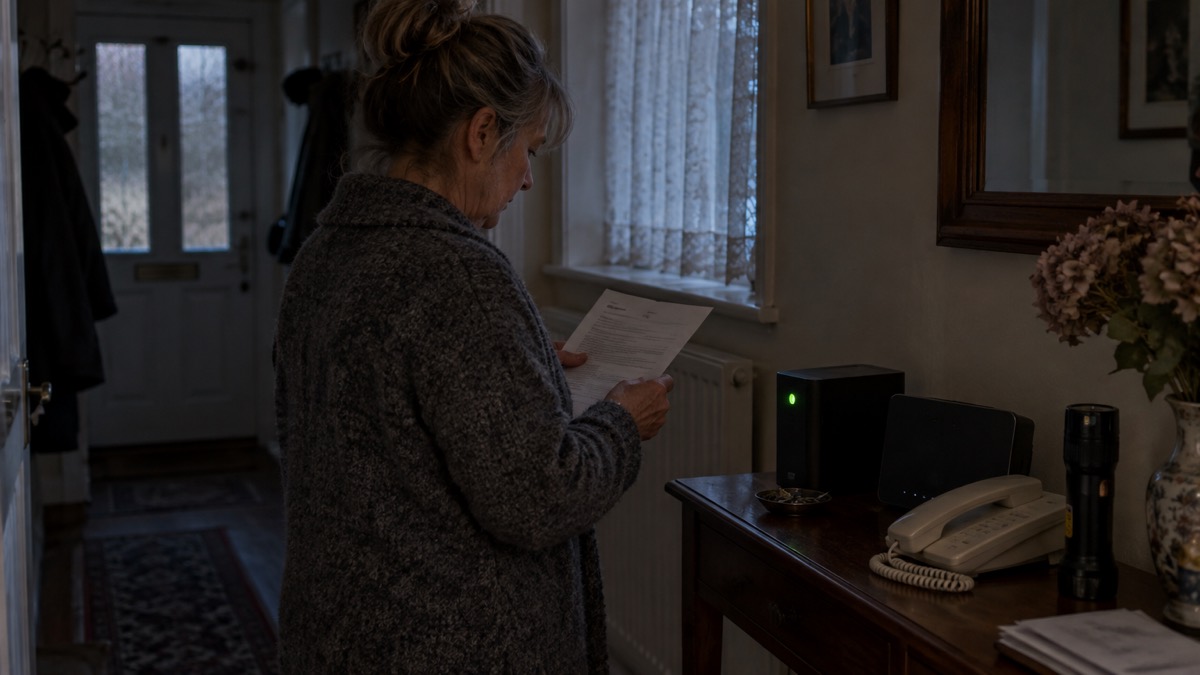
If your home phone runs over broadband, a power cut can take it down with the lights. Digital Voice needs broadband and mains electricity, so when the power goes, the phone goes with it, and that includes the ability to ring 9991. The answer is a battery back up unit: a box that keeps the phone alive for a while after the mains fails.
Ofcom, the telecoms regulator, says a landline battery back up must last for at least one hour in a power cut, and that some providers supply units that last up to seven hours2. If you have no working mobile phone or no reliable mobile signal, your landline provider must offer you a free back up solution such as a battery back up unit2. If you do have a mobile, a charged phone is your first line of defence, and the battery unit is the second.
This page explains what the BT battery back up unit is for, who can get one, how to use it safely, and what to do if it fails. It also covers the other things in your home that depend on the phone line, from telecare alarms to smoke alarms, and the steps to take before your switch date.
Why a Digital Voice phone goes silent in a power cut
The old copper phone line carried its own power from the exchange, which is why a simple corded phone often kept working when the lights went out. Digital Voice is different. The call travels over your broadband connection, and the hub that carries it needs mains electricity. The Royal National Institute for Deaf People puts it plainly: digital lines need broadband and mains electricity, and during a power cut your landline may not work unless you have power backup4.
That matters most for the one call nobody wants to think about. If you have a power cut, no back up power to your landline and a life threatening emergency, the government's preparedness guidance says you should attempt to call 999 or 112 using a mobile3. You may get a signal from a nearby area that is unaffected, because emergency calls automatically roam onto all available networks3. That roaming is why a mobile can sometimes work when your own network shows nothing.
The battery back up unit exists to cover the gap between the power failing and you finding another way to call. It is not a generator and it does not keep your broadband running. It keeps the phone able to make calls, which is the part that matters in an emergency.
Who BT offers a battery back up unit to
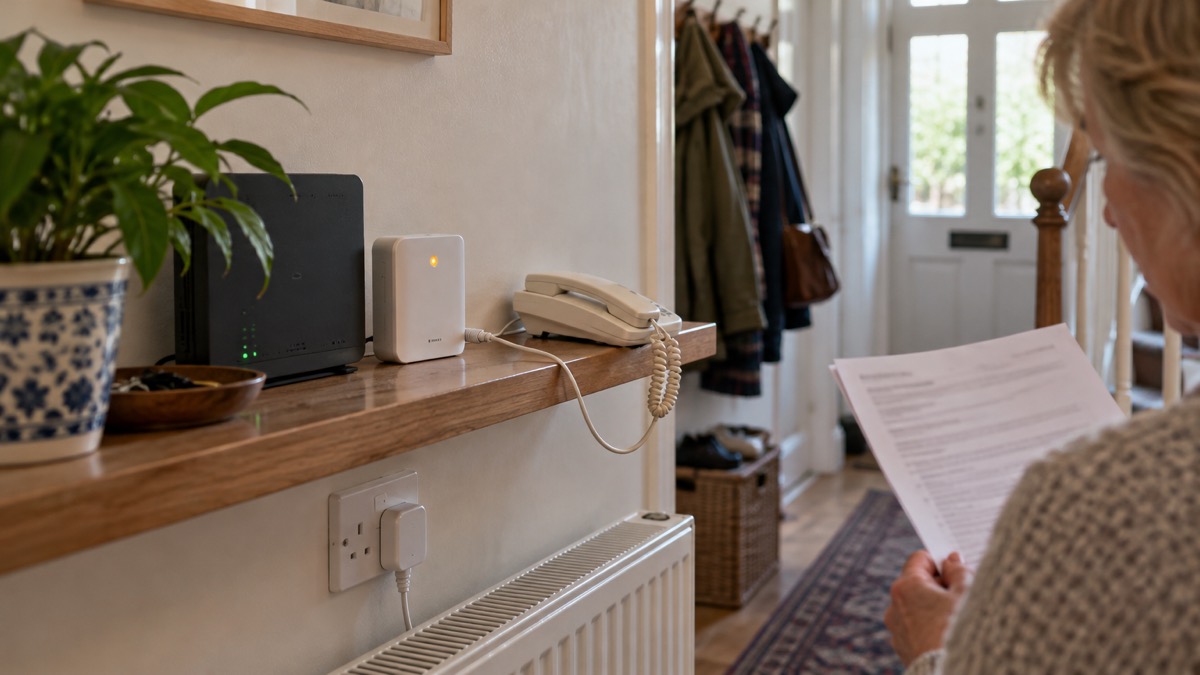
The rules are set by the regulator, not by goodwill. Ofcom says that if you do not have a working mobile phone or a reliable mobile signal, your landline provider must offer you, for free, a back up solution such as a battery back up unit for your home2. The government's preparedness guidance says the same: your landline provider might offer you a free solution such as a back up battery unit, for a minimum of one hour, so you can call the emergency services during a power cut3.
Suffolk County Council's switchover guidance widens the group slightly. It says your telephone provider can offer a free solution such as a battery back up unit that lets you contact emergency services, aimed at people who depend on their landline, have additional needs, or cannot use a mobile5. If you recognise yourself in any of those descriptions, ask.
BT's own switchover material describes Battery Backup Units as designed for long term emergency use6. That wording is worth noting: this is equipment meant to sit ready for years, not a stopgap.
| Your situation | What to ask for |
|---|---|
| No mobile phone at all | A free battery back up unit from your provider2 |
| Mobile phone, but no reliable signal at home | A free battery back up unit from your provider2 |
| Mobile phone and good signal | A charged mobile as your main backup; ask about a unit if you rely on the landline5 |
| Additional needs or you cannot use a mobile | Tell your provider; a free unit may be available5 |
If you are a BT customer, you can call 0330 1234 150 or register through the webform on the Connected Together website for extra support making the switch to Digital Voice4. Do this before your switch date, not after.
Keep a charged mobile phone as your first backup
A battery unit is a single point of failure: one box, one battery, one set of instructions. A mobile phone is a second route out, and official guidance treats it as the default. Switchover advice says a mobile phone is recommended as an emergency backup7. Anglesey Council's winter guidance says to keep your mobile charged so you can call for support if needed8.
The fire and rescue service goes further, and its reasoning is worth taking on board. Dorset and Wiltshire Fire and Rescue Service advises keeping a phone in the bedroom in case you need to make an emergency call, and if it is a mobile, keeping it charged9. The government's fire safety guidance for people with sight, hearing or mobility difficulties gives the same instruction10. A phone left charging in the kitchen is no use to you at three in the morning.
Practical steps that official guidance supports:
- Keep extra batteries or a power bank to charge your phone11
- Keep your mobile charged and make sure it holds all your important numbers, with a list on paper too12
- Keep a list of important contact numbers that is not only stored in your mobile, in case the battery runs out13
- Keep a paper copy of numbers for family, neighbours, your doctor and utilities, in case your phone loses power or you cannot reach your contacts14
No mobile signal or no mobile phone: what to do
If you have neither a working mobile nor a reliable signal, you are exactly the household the free unit rule was written for2. Ask your provider for it, and ask early. If your provider cannot supply one, or you are still waiting, the fallback is to find a working phone elsewhere: a neighbour's line, a nearby shop, or a mobile signal a short walk away.
For people who cannot use voice telephony at all, there are alternatives. The fire service points to the EmergencySMS service via BT Relay, or 999 BSL for British Sign Language users, for people unable to use voice telephony16. Both need setting up in advance, so do it on a quiet afternoon rather than during an outage.
Telecare, personal alarms and burglar alarms
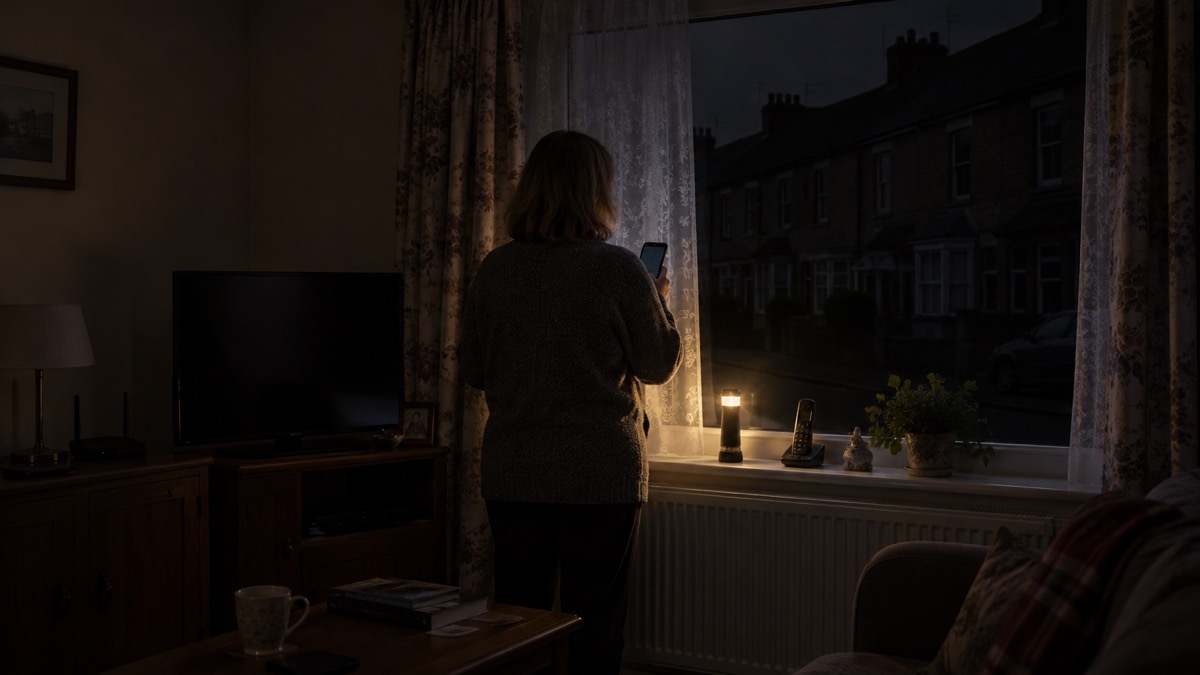
Anything in your home that uses the phone line to raise an alarm needs checking before the switch, not after. The Telecare National Action Plan, published by the government, notes that existing analogue telecare devices typically provide between 12 and 24 hours of operation via an internal battery in the event of a power failure17. That is a longer window than a landline back up gives you, but it belongs to the old equipment, and it ends when the analogue line does.
Argyll and Bute Council's switchover guidance is direct: if you or a relative uses a telecare alarm, also known as a community alarm, contact your provider to check that it is compatible18. The Scottish Government's ready campaign says the provider will assess your needs and may provide a free battery backup and have engineers test it, so care alarms and other important devices continue to work during a power cut19.
Burglar alarms and other line-connected devices deserve the same question. Ask your alarm company whether your system will still signal after the switch, and get the answer in writing.
Big button, corded and cordless phones on Digital Voice
The good news is that most handsets survive the change. The Royal National Institute for Deaf People states that over 99% of handsets work with the new system4. If you use a big button phone because of sight or dexterity, or a corded phone because it never needs charging, the handset itself is unlikely to be the problem.
What changes is where the phone plugs in. On the day of the switchover, your home phone will need to be plugged into a WiFi hub; if you have not got one, your provider will send one along with an adapter and instructions, or an engineer7. A cordless phone brings its own consideration: the base station needs power, so in a cut it is only as good as the back up feeding it. A corded handset plugged into a powered hub behaves the same way.
If you have phone sockets in other rooms, an adapter lets you keep using them. Ask your provider for one if it is not in the box.
Switch Over Day: connecting your phone to the Smart Hub 2
Switch Over Day is the day your phone stops using the old wall socket and starts using your broadband hub. The steps are simple, but do them in order and test the result.
- Check the hub is powered and connected to your broadband7.
- Plug the phone into the hub, using the adapter if your handset needs one7.
- If no hub has arrived, contact your provider; they will send one with an adapter and instructions, or arrange an engineer7.
- Make a test call, and ask someone to call you back.
- Pull the mains plug on the hub for a moment to see whether your back up unit takes over, then plug it back in.
Telling BT about additional needs before you switch
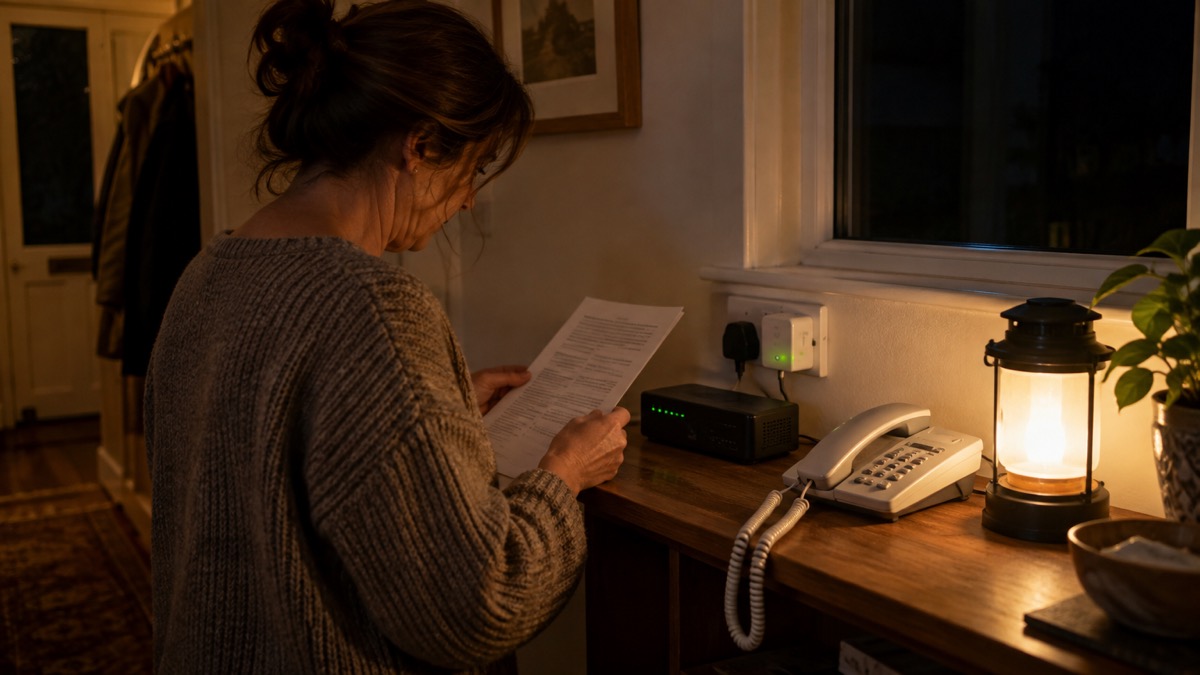
The switch is easier if your provider knows your circumstances before the day. The Royal National Institute for Deaf People advises contacting your landline provider, sharing your communication needs, and reaching out to its own contact service for advice4. BT customers can call 0330 1234 150 or register through the Connected Together webform for extra support making the switch4.
BT is also hosting webinars to help guide you through what the digital switchover means for you, why acting now is essential and how to ensure your services continue without disruption6. BT has published a conversation starter pack to help people explain the switch to family and friends, which is useful if a relative is doing the arranging20.
If you are deaf or have hearing difficulties, have spare batteries for your hearing and assisted communications devices, and if you rely on a battery pack, keep a spare battery fully charged21.
Keeping your phone number, and what Digital Voice costs
Two worries come up again and again, and both have calm answers. On cost, the Royal National Institute for Deaf People states that pricing and plans remain unchanged, with added benefits such as spam call blocking4. If you are offered a paid upgrade as part of the switch, ask what it includes and whether it is optional.
On your number, the switch changes how the line is delivered, not who you are. Confirm your number with your provider before the day, and keep a paper list of the numbers you ring most, so a lost contact list is an inconvenience rather than a crisis14.
Calls claiming to be from BT: how to spot a scam
The switchover has attracted fraud. Ofcom has warned about recorded messages or callers claiming that, because more people are working from home because of the coronavirus, your broadband needs slowing down or switching off, then trying to get you to speak to an operator or press a button22. The details date the scam, but the pattern has not gone away.
The defence is simple. Never act on an unexpected call. Hang up, look up the number yourself, and ring back. For BT that is 0330 1234 1504. Genuine providers do not need you to press buttons to keep your line working.
Batteries, smoke alarms and staying safe
A back up unit is a battery in your home, and the fire and rescue service has clear advice on both counts. Many hard-wired smoke alarms also have a back up battery that will need to be replaced when it fails23. South Wales Fire and Rescue Service says electric alarms normally have a 9v back up battery in them in case you have a power cut, and that it should be changed every year; a running out battery can make the alarm beep24.
Stock up on extra batteries so that important things like smoke alarms can continue to keep you safe25. Keep a mobile phone and a wind up or battery powered charger in your emergency kit26, and spare batteries in your household emergency pack27.
When the analogue network switches off
The deadline is fixed. BT states that the UK's copper analogue phone network will be retired and upgraded to a digital service by the end of January 2027, requiring home phone customers to switch7. Openreach gives 31 January 2027 as the date by which all traditional phone lines must move to a digital service2.
Most households will be asked to switch before then, and the battery back up question should be settled as part of that switch, not afterwards. If you have not heard from your provider, ring them.
Sources (27)
- Full Fibre Broadband upgrade and Digital Voice | BT Help, BT
- Future of landline calls, Ofcom, 2026
- Power cuts, UK Government, 2026
- Your landline is going digital: here's how to stay connected, RNID, 2025
- Digital switchover telecare guide, Suffolk County Council, 2025
- Switchover to digital landlines | BETA - South Gloucestershire Council, South Gloucestershire Council
- The digital switchover, Suffolk County Council, 2026
- Winter ready, Isle of Anglesey County Council, 2026
- Fire safety for people with hearing difficulties, Dorset and Wiltshire Fire and Rescue Service, 2026
- Fire safety for people with sight, hearing or mobility issues, UK Government, 2022
- Yourself, Wiltshire and Swindon Prepared, 2026
- Weather and health, Public Health Wales, 2026
- Loss of utilities, Birmingham City Council, 2026
- Phone and broadband outages, UK Government, 2026
- Storms, UK Government, 2026
- Fire safety information for residents living in flats, Greater Manchester Fire and Rescue Service, 2026
- Telecare National Action Plan, UK Government, 2025
- Digital phone switchover, Argyll and Bute Council, 2026
- Disabled people and carers, Scottish Government, 2026
- Connected Together - All-IP - About BT | BT Plc, BT
- Advice for disabled persons and carers, UK Government, 2026
- Coronavirus scam calls and texts, Ofcom, 2024
- Smoke alarms, Cheshire Fire and Rescue Service, 2026
- Smoke alarms, South Wales Fire and Rescue Service, 2026
- Battery safety, Greater Manchester Fire and Rescue Service, 2026
- Preparing for an emergency, Nottinghamshire County Council, 2026
- Create a household emergency plan, Dumfries and Galloway Council, 2026