
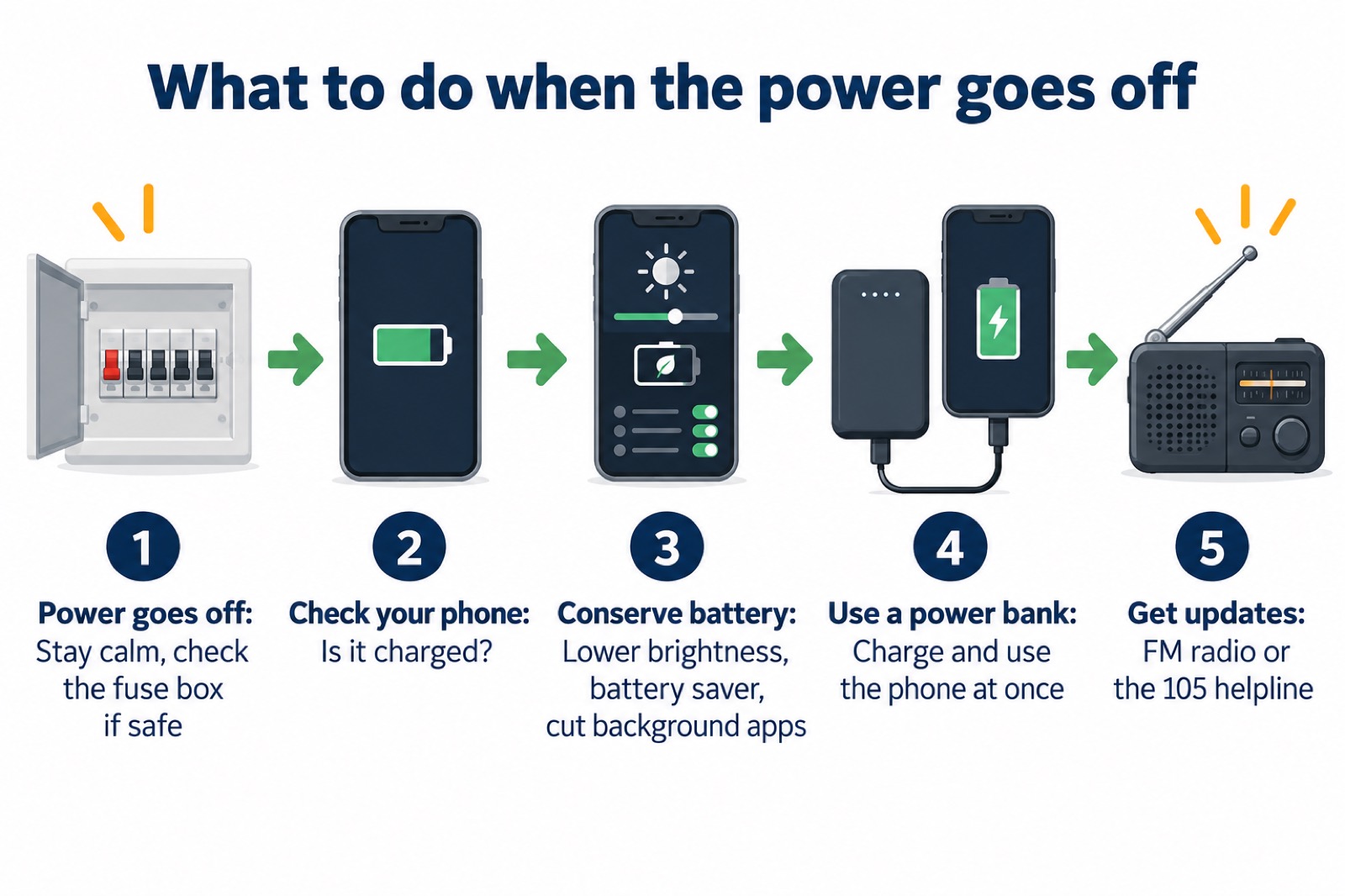
When the power goes off, your phone is the thing most likely to let you down, not because the network has failed but because the battery has. The single most useful thing you can do is keep it charged before the cut arrives. Network operators and the Met Office both say the same thing: keep a mobile phone fully charged so you can go online for updates or call if you have a power cut1. If a cut is planned, charge your phone and other electrical devices before the power is due to be turned off3.
Once the power is off, the job changes from charging to conserving. Cut apps running in the background1. Keep calls brief to conserve battery4. A charged power bank, kept topped up in advance, lets you charge the phone and still use it at the same time5.
The reason all this matters is simple. The mobile network may still be operating even though your phone has run out of battery5. A charged phone lets you ring the national 105 power cut helpline, and it is worth having an analogue phone as well because that does not run off the mains6.
Why a charged phone matters when the power goes off
A power cut does not necessarily take the mobile network with it. The mobile phone network may still be operating even though your phone runs out of battery5. Mobile phones may work if they are charged, depending on how widespread the power cut is9. That is the whole argument for conserving battery: the signal may be there, waiting for a phone with enough charge to use it.
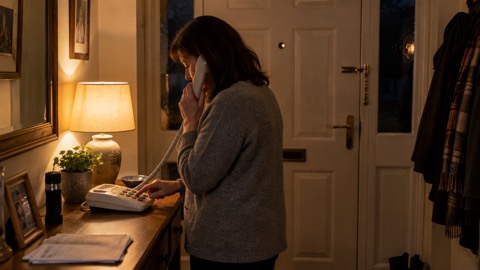
A working phone does three jobs in an outage. It lets you call for support if needed10, it lets you go online for updates1, and it lets you give your network operator a call on the national 105 emergency helpline6. The 105 service is the number to ring when the power is off and you need to report it or find out what is happening.
There is a limit worth knowing. A charged phone gives you battery power for a short time at least, not indefinitely11. That is why the advice is always to have a second source of power and a second way of getting information. A charged power bank, a torch and spare batteries at home provide reassurance, and it is sensible to keep important telephone numbers written down somewhere accessible12. An FM radio, battery or wind-up, lets you get updates during a power cut without touching your phone battery at all13.
If you have a corded phone, it may keep working when the power is off, unlike a cordless handset that depends on mains power. The choice is set out in our guide to corded or cordless home phones in a power cut.
Charge your phone fully before a power cut
The best time to charge is before the lights go out, and there are three situations where official advice says to do it.
- A planned power cut. If your operator has told you about a planned outage, charge your mobile phone and other electrical devices before the power is due to be turned off3. The same instruction appears in the operator's own explanation of planned cuts14.
- A storm forecast. Charge mobile phones, power banks and any back-up batteries for medical equipment in case there is a power cut15. This is the government's storm advice, and it covers the whole household, not just phones.
- Hot weather. Keep electronic devices such as mobile phones and laptops fully charged in case of a power cut16. Heat puts strain on the network, and a flat phone is a poor companion to a hot afternoon.
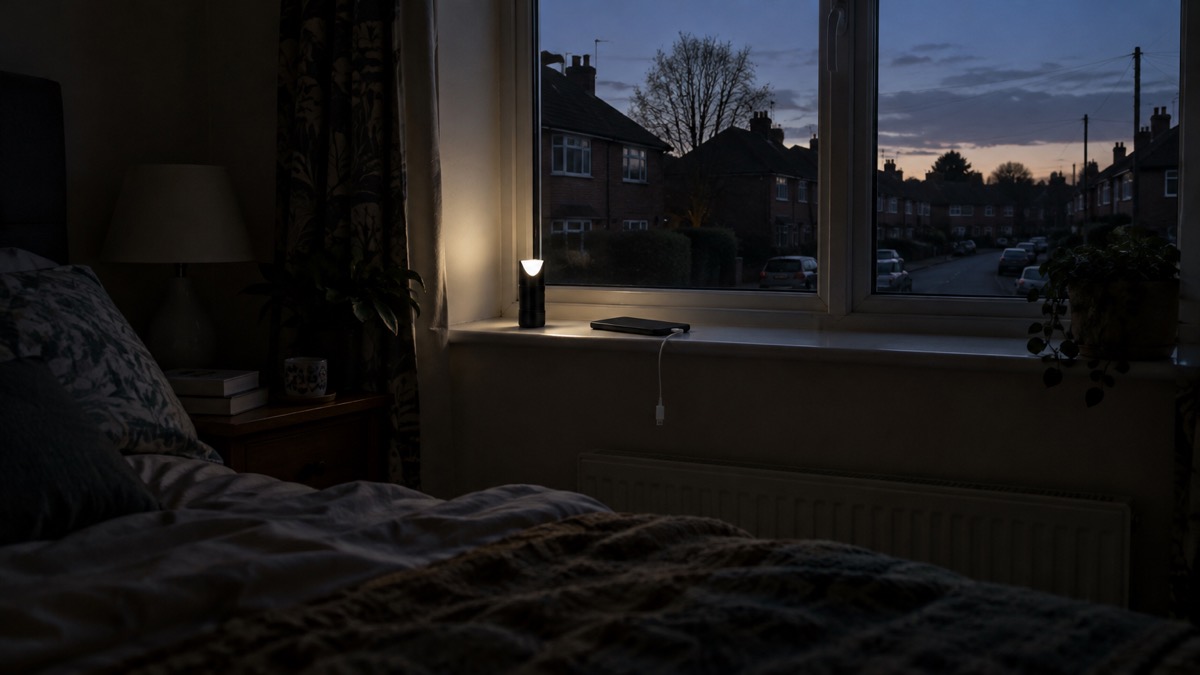
If you use your phone as a torch, charge it before you go out17. A phone torch drains a battery quickly, and the Met Office's advice is to make sure the phone is fully charged before relying on it17.
For a planned cut, the operator's own leaflet is blunt: charge your mobile phone or electrical device before we are due to turn the power off3. If you have an electric vehicle, charge it in advance too, because the charger stops when the power goes off and most start working again once power is restored, though some models may need a check, reset or restart through an app18.
Cut apps running in the background
Once the power is off, every setting that draws current matters. Cut apps running in the background1. These are apps you are not using but which keep working, checking for messages, syncing photos or refreshing feeds. Closing them leaves more of the battery for calls and updates.
Ofcom's advice adds two more steps: lower your screen brightness and turn on battery saver mode19. The screen is one of the heaviest drains on a phone, so dimming it and letting the phone manage its own power makes a real difference over an evening. The same guidance is published in Welsh, with the same instruction to lower screen brightness and switch on battery saver mode20.
Then there is how you use the phone. Keep conversations brief and short to conserve battery4. Limit the use of your laptop or smartphone to save battery power9. A long call to a friend to pass the time is exactly what a flat battery cannot afford.
| What to do | Why it helps | Who advises it |
|---|---|---|
| Cut apps running in the background | Stops apps you are not using from draining the battery | 1 |
| Lower screen brightness | The screen is a heavy drain | 7 |
| Turn on battery saver mode | Lets the phone manage its own power | 7 |
| Keep calls brief and short | Long calls use battery fast | 4 |
| Limit phone and laptop use | Preserves battery for when it is needed | 9 |
Keeping your phone charged as part of a household power cut plan
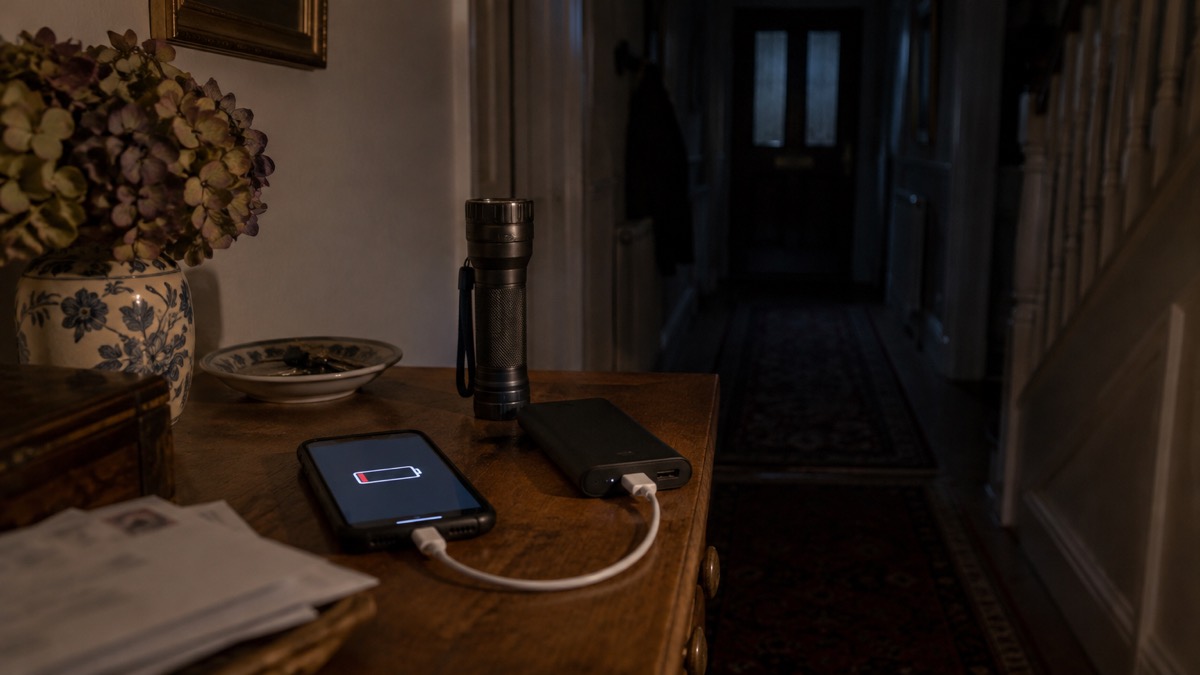
A phone is only one part of a household plan, but it is the part that ties the rest together. Keep a mobile phone fully charged so you can use it to go online for updates or call if you have a power cut1. Make sure you keep your mobile phone charged so you can make calls in case of an emergency2. Keep your mobile charged so you can call for support if needed10.
The plan needs a power source that does not depend on the mains. A small power bank, charged regularly, can help power your mobile phone in a power cut21. Keep a charged power bank, a torch and spare batteries at home, and keep important telephone numbers written down somewhere accessible12. A power pack that is charged can be very helpful in an emergency or power cut, even if it just charges a phone, because it helps you stay in contact with loved ones4.
It also needs information that does not rely on the phone at all. Consider a separate battery charger, and store key information such as the power cut helpline number, 105, on your phone8. Keep an FM radio, battery or wind-up, to get updates during a power cut13. Keep mobile phones, laptops, tablets and power banks fully charged so you will have use of battery power for a short time at least11.
| Item | What it does for the household | Source |
|---|---|---|
| Charged mobile phone | Calls, updates, the 105 helpline | 1 |
| Charged power bank | Tops the phone up without mains power | 21 |
| Torch and spare batteries | Light without draining the phone | 12 |
| Written phone numbers | Contact details if the phone dies | 12 |
| Battery or wind-up FM radio | Updates without using phone battery | 13 |
| Separate battery charger | A second way to charge | 8 |
The plan should also say who does what. Our guide to keeping in touch with your household sets out how to agree a contact plan, and getting your mobile phone ready for an emergency covers the settings and contacts to put in place before anything happens. If someone in the household depends on medical equipment, charge any back-up batteries when a storm is forecast15.
What to keep charged, and how to make it last
The wider the net of charged devices, the longer the household stays in touch. Keep mobile phones, laptops or tablets fully charged, so you will have use of battery power for a short time at least if there is a power cut11. The same advice appears in the Northern Ireland Executive's storm guidance23 and in Welsh council preparedness advice24.
A power bank is the workhorse. Battery power packs are a reliable source of power to draw on when the electricity goes off, letting you charge your phone and still use it at the same time5. Keep a charged power pack, even if it just charges a phone, to help you stay in contact with loved ones in an emergency or power cut4. Keep your mobile phone charged and any battery packs you may have25.
There is a limit to what any of this can do. A charged phone gives you battery power for a short time at least11, not for days. Plan on the basis that the phone is a tool for the first hours, and that the radio and the written numbers are what carry you beyond that. If the mobile network itself is down, our guide to what to do when phones and the internet go down explains the alternatives, and mobile networks in a power cut covers how masts and their backup batteries behave.
Where to get help and updates
The first number to know is 105, the national power cut helpline. Store it on your phone before anything happens8. A charged phone lets you call it6. If you have a corded phone, it may work when the power is off, which is why operators suggest having an analogue phone as well6.
For updates without using your phone, an FM radio, battery or wind-up, lets you get updates during a power cut13. Our guide to which radio stations to tune into during a power cut covers what to listen for.
If you need extra help, tell your network operator. The Priority Services Register gives households with older, disabled or medically dependent members priority during a power cut, and our guide to extra help in an emergency explains who qualifies and how to sign up. Our power cuts section covers the wider household plan, and what to keep charged before a power cut is a printable checklist of everything on this page.
Sources (25)
- Types of power cut, Powercut105, 2026
- What to do in a power cut, Met Office, 2026
- Your planned power cut explained: repairing our network, SSEN, 2026
- Yourself, Wiltshire and Swindon Prepared, 2026
- How to prepare for the loss of electricity, Wiltshire and Swindon Prepared, 2026
- Power cut safety advice during Storm Dudley and Storm Eunice, SP Energy Networks, 2022
- What to do if you have a power cut, Energy Networks Association (ENA), Energy Networks Association (ENA)
- Top tips to be WeatherReady, Met Office, 2026
- What to do in a power cut, SP Energy Networks, 2026
- Winter ready, Isle of Anglesey County Council, 2026
- Strong winds: weather warning information and advice, nidirect, 2026
- Be prepared for winter emergencies, NHS Norfolk and Suffolk ICB, 2026
- Household Emergency Plan, Be Ready campaign, 2026
- Your planned power cut explained: network maintenance and inspection, SSEN, 2026
- Storms, Prepare campaign, 2026
- Heatwave, Lancashire Prepared, 2026
- Weather hacks, Met Office, 2026
- Planned outage, SSEN, 2026
- Stay connected in severe weather, Ofcom, 2026
- Stay connected in severe weather (Welsh), Ofcom, 2026
- Be more resilient in 30 simple ways in 30 days, Scottish Borders Council, 2026
- Batteries and chargers, London Fire Brigade, 2026
- Strong winds and heavy rain: warning information and advice, nidirect, 2026
- Get prepared, Carmarthenshire County Council, 2026
- Staying safe in the snow, North Yorkshire Fire and Rescue Service, 2026
 Free Alert Services
 Emergency Apps
 Digital Switchover Checklist
 Silent 999 Calls
 Giving Your Exact Location
 When to Call 999
 Calling 999 With No Signal
 999 by Wi-Fi Calling
 When You Get an Alert
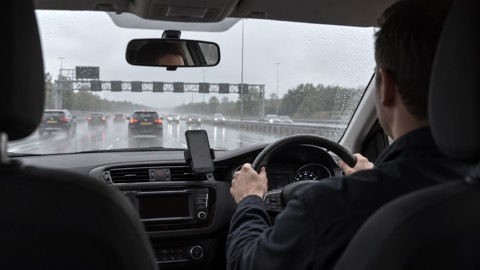 Alerts While Driving
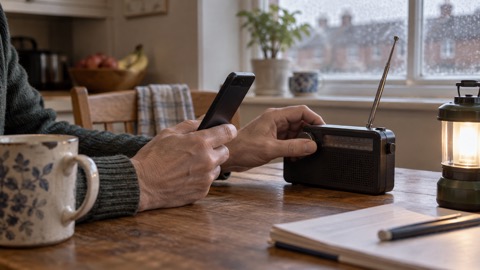 Spotting a Genuine Alert
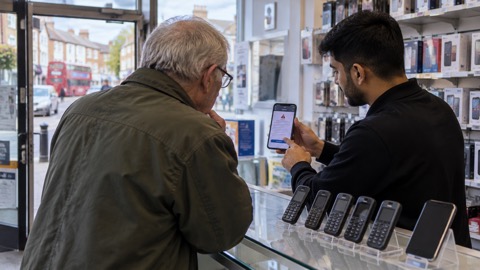 Phones That Get Alerts
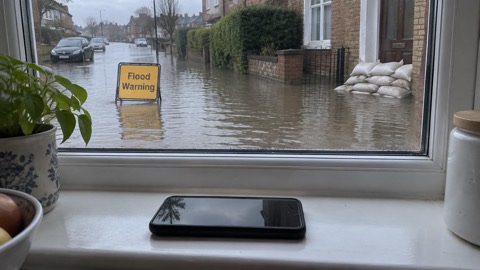 Emergency Alerts On or Off
 Emergency Alert Privacy
 Emergency Alert Tests