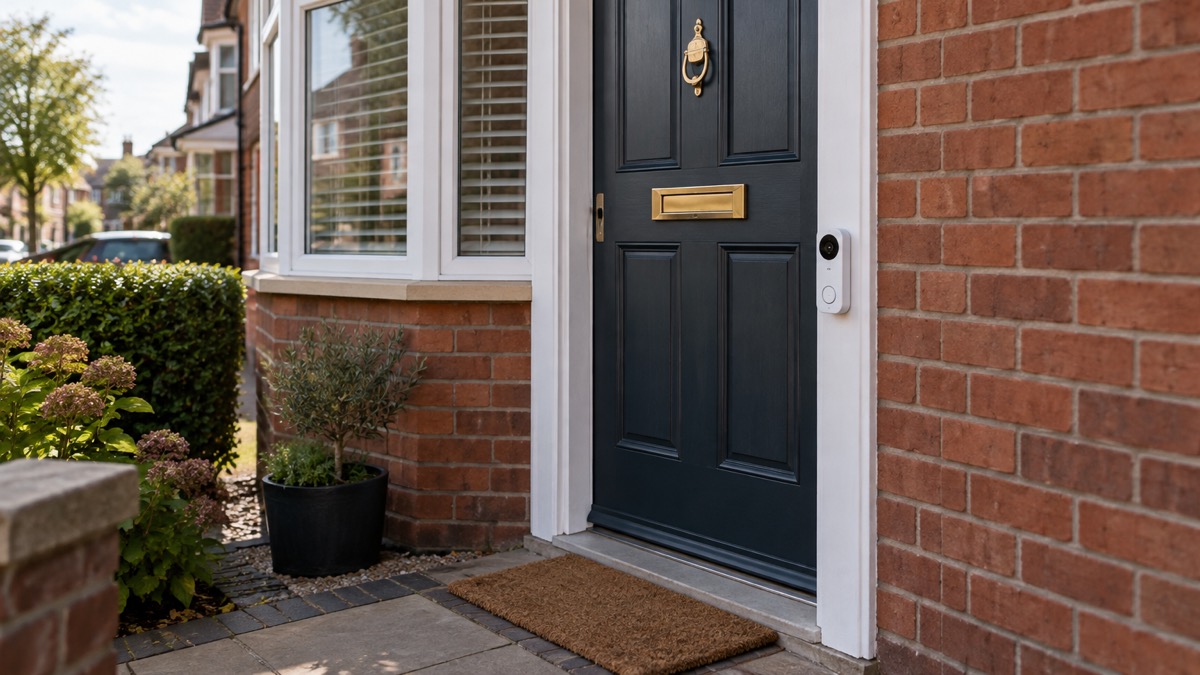
The Blink Battery Doorbell 2K+ is a wireless video doorbell that runs on three AA batteries and records at 2K resolution1. It is designed for an easy, wireless installation that suits renters and homeowners alike, because it needs no doorbell wiring1. Before you buy, the two things that decide whether it suits your home are the batteries and the network: Blink quotes up to 21 months of battery life, while a reviewer testing the doorbell estimates changing the batteries every six months2. It also needs a Sync Module, which connects to your 2.4GHz Wi-Fi network while the doorbell talks to the module over a low-power radio link2.
If you already own one, the practical jobs are straightforward. Fit it around four feet (1.2 metres) off the ground to the bottom of the unit, drill the top hole first and use a plumb line or level, because the screw holes give no left to right adjustment2. Keep the receipt, because Blink redirects any questions about your purchase to the original point of sale5. And check what your bundle includes: recording a live on-demand feed requires a subscription, though you can add local storage by buying a Sync Module2.
This page sets out what the doorbell does, what its specifications are, how to mount and connect it, how to look after the batteries, and where to get help. It does not compare it with other doorbells or recommend one over another.
What the Blink Battery Doorbell 2K+ is and who it suits
The Blink Battery Doorbell 2K+ is a battery-powered video doorbell with 2K resolution and a wireless setup1. Because it runs on batteries rather than mains wiring, it can be fitted without an electrician and without connecting to existing doorbell wiring, which is why Blink describes the setup as suited to renters and homeowners alike1. If you want to power a doorbell from the mains, you need the wired version: battery and wired power are separate models2.
The doorbell is IP65-rated, which means it is protected against dust and water jets, and it measures 130 x 48 x 34mm and weighs 113g, the same as the second generation model2. Its field of view is 140 degrees, slightly lower than the 150 degrees of the second generation doorbell2. It has no fisheye correction and no siren, and no visible light LEDs2. The night vision system has three settings: Automatic switches to infrared when light is low, On uses infrared continuously, and Off turns it off2.
In use, a reviewer measured the doorbell taking 3.9 seconds to alert on motion over Wi-Fi, 3.5 seconds to launch a live stream from the app and 2.7 seconds to launch a live stream from an alert2. Smart home integration is limited to Alexa2.
| Specification | Detail |
|---|---|
| Video resolution | 2K1 |
| Power source | Three AA batteries, wireless setup6 |
| Dimensions | 130 x 48 x 34mm2 |
| Weight | 113g2 |
| Weather rating | IP652 |
| Field of view | 140 degrees2 |
| Night vision | Automatic, On, Off2 |
| Smart home | Alexa only2 |
| Siren | None2 |
Battery life: up to 21 months quoted, about six months in use
Blink quotes up to 21 months of battery life for the doorbell, and more broadly says its wire-free devices get up to two years of battery life1. A reviewer who tested the doorbell is more cautious, estimating that the batteries need changing every six months2. The gap between the two figures is worth understanding before you rely on either: quoted battery life is measured under particular conditions, and how often the doorbell wakes to detect motion, record and send alerts will shorten it. Treat the quoted figure as a best case and the reviewer's estimate as a realistic guide for a busy front door.
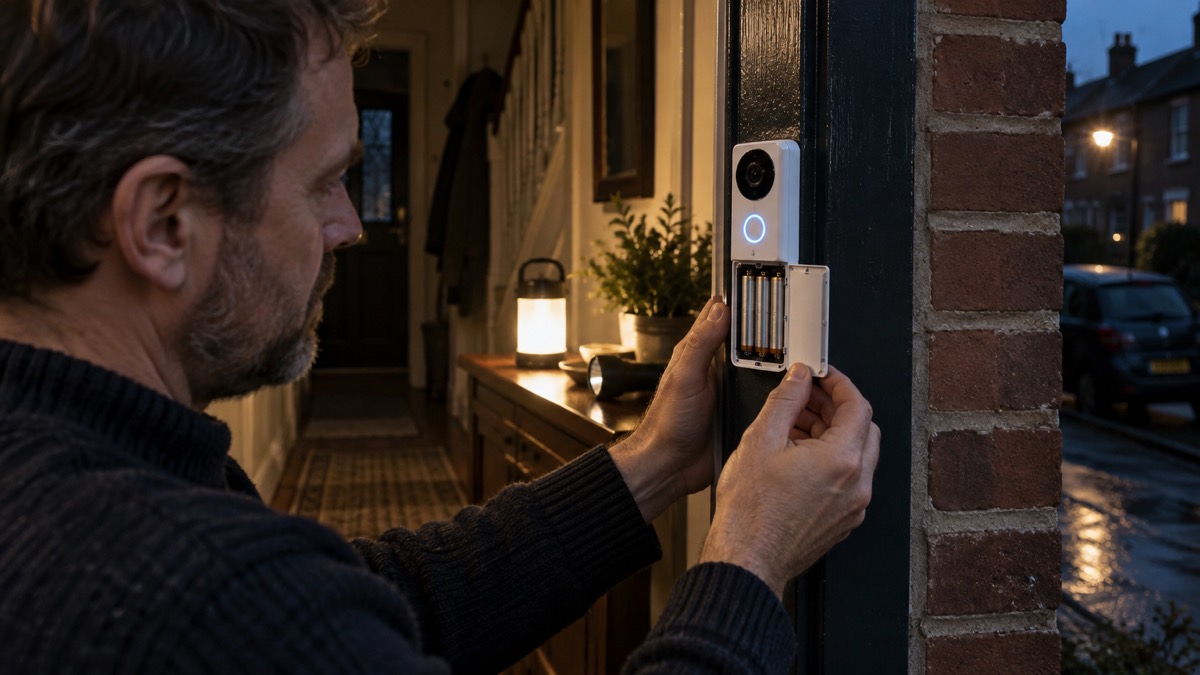
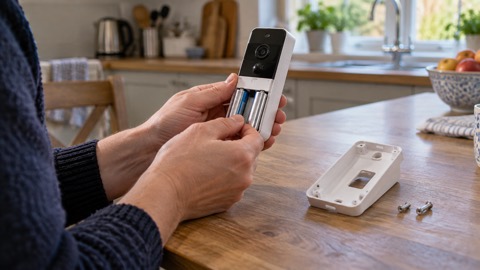
The doorbell takes three AA batteries, and the box includes a set of three Energizer lithium AA batteries2. Keep a spare set of three at home so that a flat battery does not leave the doorbell out of action while you wait for a delivery. When you change them, replace all three at once rather than mixing old and new cells.
Battery life is not unique to doorbells. Independent guidance on smart door locks notes that their batteries last from six months to a couple of years and eventually need replacing or recharging, that firmware updates may be needed, and that an internet connection is needed for features like remote unlocking7. The lesson carries across: any battery-powered device at the door needs a routine for checking and replacing its cells, and a plan for what happens when the battery goes flat.
Mounting it straight: drill the top hole first
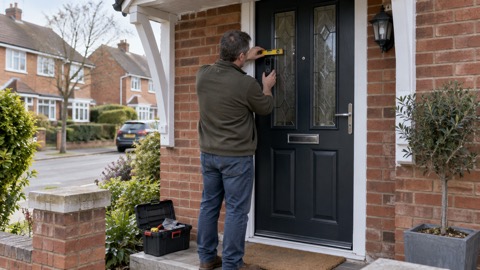
Independent guidance puts the best mounting height at around four feet (1.2 metres) off the ground, measured to the bottom of the doorbell unit4. That height puts the camera at a useful angle for visitors and keeps the doorbell within easy reach.
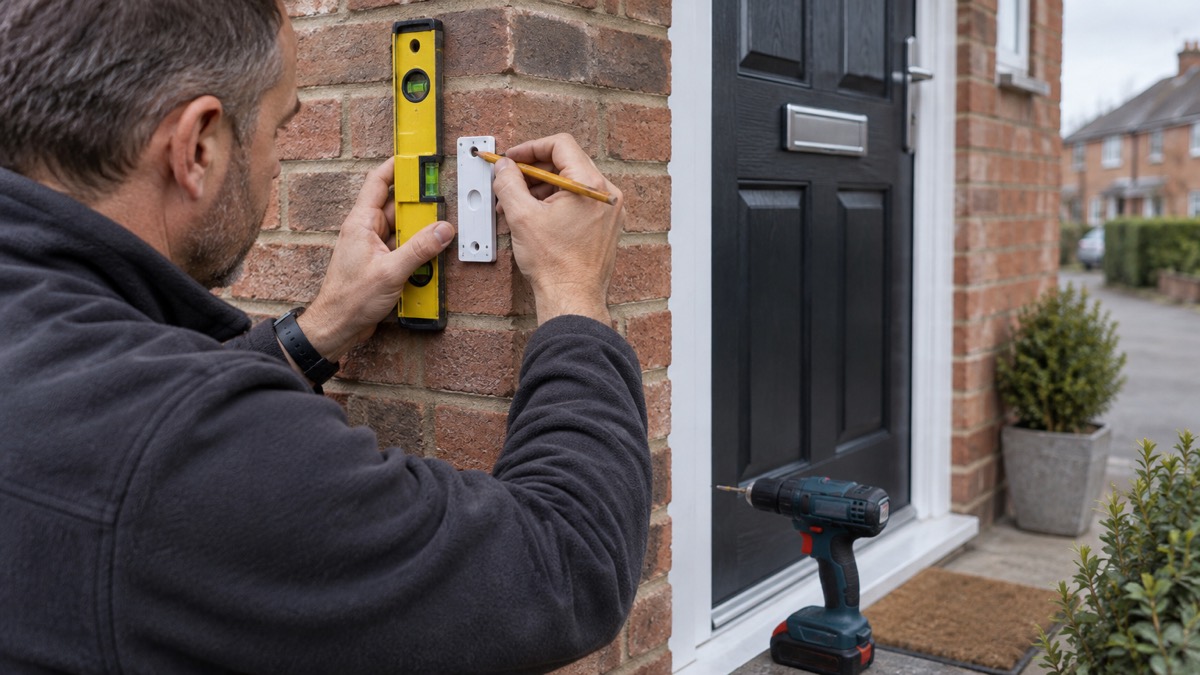
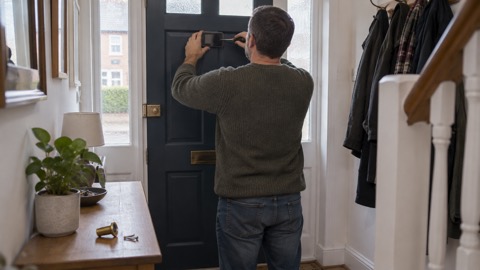
The doorbell does not clip onto the mount for the original Blink doorbell, but the screw holes are in the same place, so you can reuse the existing holes in the wall2. There is no left to right adjustment space in the screw holes, so drill the top hole first, then use a plumb line or level to avoid mounting it wonky2. Get the top fixing right and the rest follows; get it wrong and there is no slack to correct it afterwards.
- Decide the height: around four feet (1.2 metres) off the ground to the bottom of the unit4.
- Mark and drill the top hole first2.
- Use a plumb line or level to line up the remaining holes, because the screw holes give no left to right adjustment2.
- Fix the mount in place, then fit the doorbell.
How it connects: Sync Module and 2.4GHz Wi-Fi
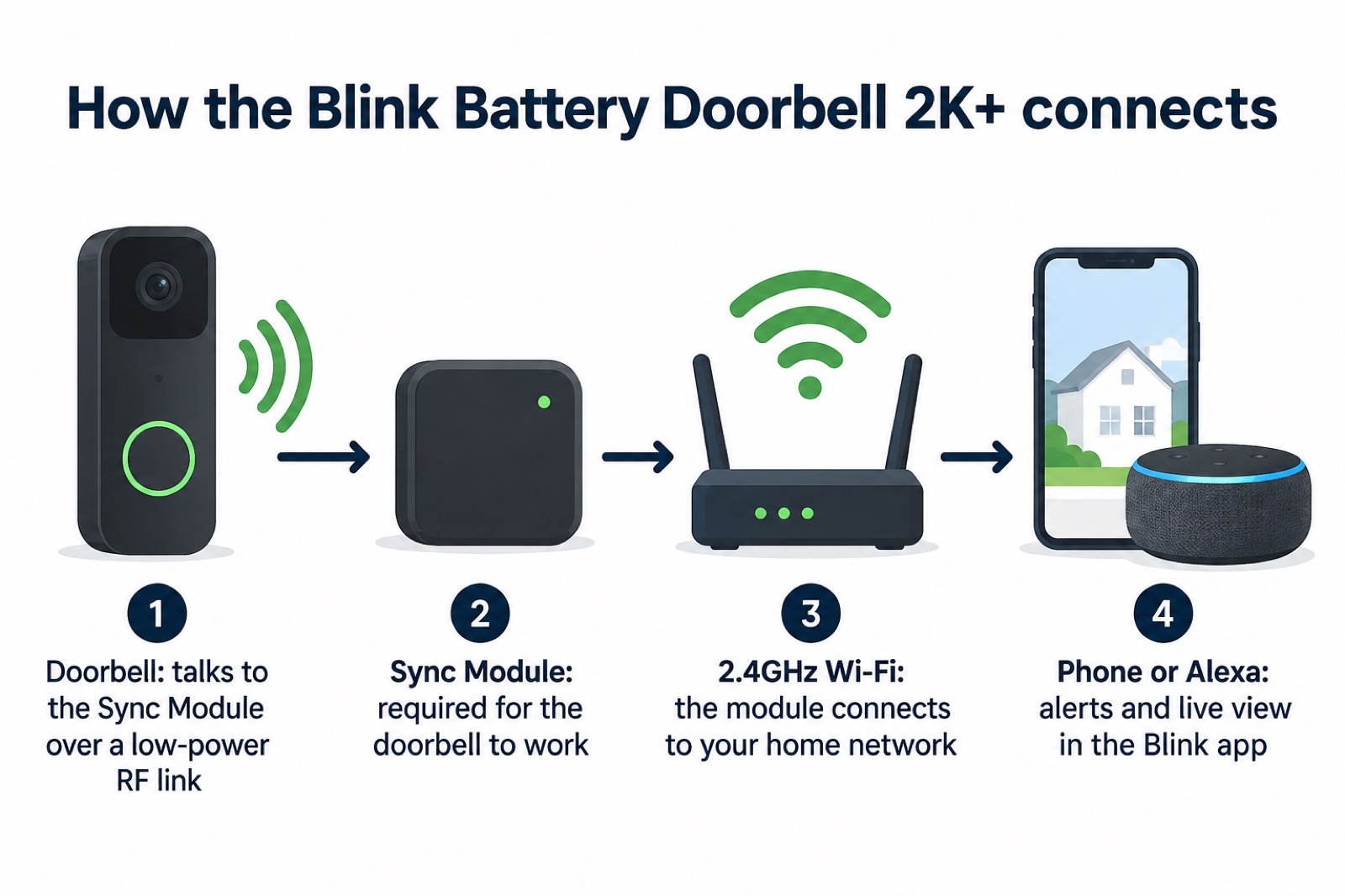
A Sync Module is required for the Blink Battery Doorbell 2K+3. The doorbell connects to its Sync Module via a low-power RF link, and the module then connects to your 2.4GHz Wi-Fi network2. That two-stage arrangement is why the doorbell itself does not need to reach your router directly, and why the position of the Sync Module matters as much as the position of the doorbell.
Some doorbells will only work on the 2.4GHz band, and dual-band offers greater flexibility4. If your router broadcasts both bands under one name, check that the Sync Module is connecting on 2.4GHz before you assume a fault. Blink's own setup guidance describes a mode in which the Video Doorbell connects to Wi-Fi but not to a Sync Module or existing doorbell wiring, so follow the setup instructions for the configuration you are using8.
Recording, storage and subscriptions
Recording a live on-demand feed requires a subscription2. That is the key limit to understand before you buy: the doorbell will alert you to a visitor, but recording what the camera sees on demand depends on a subscription. If you want to keep footage on your own equipment, you can buy a Sync Module with Blink doorbells for local storage4. The Sync Module is required anyway, so local storage is a matter of choosing the right module and setting it up.
The doorbell has no siren and no visible light LEDs, so it deters through being seen and through the alerts it sends rather than through sound or light2. Smart home integration is limited to Alexa2. If you use Alexa devices at home, the doorbell fits into that setup; if you use another system, plan on using the Blink app.
For the wider picture of what these devices can and cannot do, see Video Doorbells: What They Do and How to Choose One and Battery or Wired Video Doorbell?. If you are weighing a doorbell against a separate camera, Video Doorbell or Outdoor Camera? sets out the difference. Footage that reaches beyond your boundary brings data protection duties, covered in Filming Beyond Your Boundary: CCTV, Doorbells and Data Protection, and account security is covered in Camera and Doorbell Accounts: Stopping Strangers Getting In.
Where to buy it in the UK and keeping your receipt
Blink lists its UK retailers as Amazon.co.uk, Argos, ScrewFix, Very, Curry's PC World and John Lewis, and its country page also names Amazon UK, Screwfix, Very and Littlewoods for the United Kingdom5. In Ireland, Blink points buyers to Amazon.co.uk5. Buy from a retailer you can contact easily, because Blink advises keeping your receipt: any questions about your purchase will be redirected to the original point of sale5. That means the shop, not Blink, is your first point of contact for order queries, returns and warranty questions, so keep the receipt somewhere you can find it and note which retailer you used.
Blink's own product pages set out the doorbell's features and the wider range1. For the general principles of choosing and using a doorbell, the section page Home Security: A Household Guide is the place to start, and Blink Video Doorbell covers the earlier model in the range.
Sources (9)
- Blink products, Blink
- Blink Battery Doorbell 2K+ review, Expert Reviews, 2026-11-02
- Blink Video Doorbell FAQ, Blink Support
- How to buy the best smart video doorbell, Which?, 2026-10-16
- Where to buy, Blink Support
- Blink home page, Blink
- Do I need a smart door lock?, Which?, 2026-04-15
- Blink Video Doorbell setup, Blink Support
- Blink select country, Blink

 Ajax DoorBell
 Arlo Essential 2K Doorbell
 Blink Video Doorbell
 EZVIZ HP3 Pro
 Google Nest Doorbell Battery
 Ring Battery Video Doorbell
 Ubiquiti UniFi Doorbell Lite
 Ubiquiti UniFi G4 Doorbell Pro