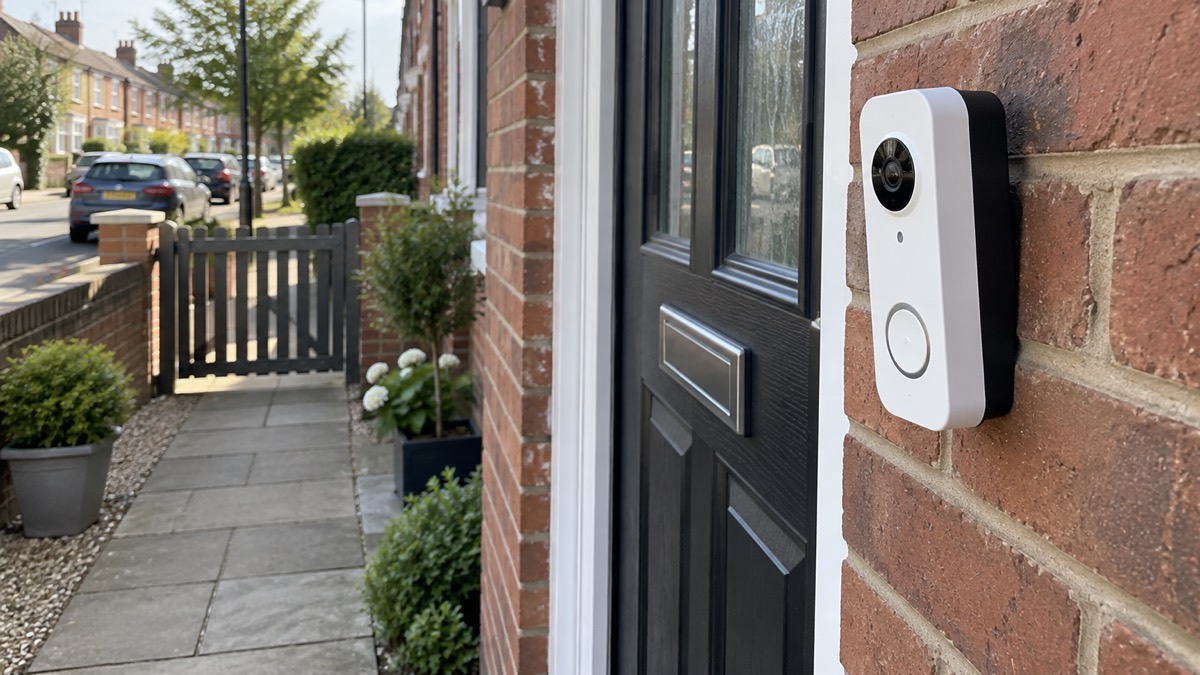
The Google Nest Doorbell (Battery) is a video doorbell that runs on a built-in rechargeable battery and can also draw a trickle charge from existing doorbell wiring. Google lists the battery at 6 Ah and 3.65 V, the wiring input at 8 to 24 VAC, 10 VA, 50/60 Hz, and the camera view at 145° diagonal1. It is a doorbell first: it lets you see and speak to whoever is at the door, and it can use your existing chime rather than replacing it.
What it is not is a substitute for a burglar alarm, and it is not the Welsh Government's Nest fuel poverty scheme, which shares its name and nothing else. If you arrived here looking for help with heating bills in Wales, that is a different subject and is covered further down.
This page sets out what the doorbell does, how to power it, what it sees, how to charge and store it safely, and where to get help if something goes wrong. It gives no prices and does not rank it against other doorbells.
What the Nest Doorbell (Battery) is and what it does at your door
At its simplest, this is a doorbell with a camera, a microphone and a speaker. When someone approaches or presses the button, it can alert your phone and let you see and talk to them from wherever you are. Google's specification sheet sets out the hardware: a 145° diagonal wide-angle view, a PIR sensor for motion and proximity, four infrared LEDs at 850 nm for night vision, and 2.4 GHz Wi-Fi in the UK and the rest of the world outside the United States1.
Two limits matter more than the specification list. The first is storage. Which? notes that the Nest Doorbell (Battery) has no local storage and only limited free cloud storage2. In plain terms, recordings live in Google's cloud rather than on a card in the device, and the free tier is limited. What that means for you is that the doorbell is strongest at the live moment, seeing and speaking to a caller, and weaker as a long-term record of everything that happened outside your door.
The second is software life. Which? reports that Google's Nest has said it will support the doorbell for "at least five years after launch"2. A doorbell is a small computer, and its useful life is set by how long it keeps getting updates. If you are buying one to last a decade, that figure is the one to weigh.
It suits a household that wants to see who is at the door before opening it, that has a phone to hand, and that is comfortable with a device that depends on Wi-Fi and a cloud account. It does not suit someone who wants footage stored at home with no subscription, or who has no reliable broadband at the door. If you are weighing up the whole category, our guide to video doorbells sets out what they do and how to choose one, and battery or wired video doorbell covers the power choice in general terms.
Battery and wiring: running it on its own or from your existing doorbell wires
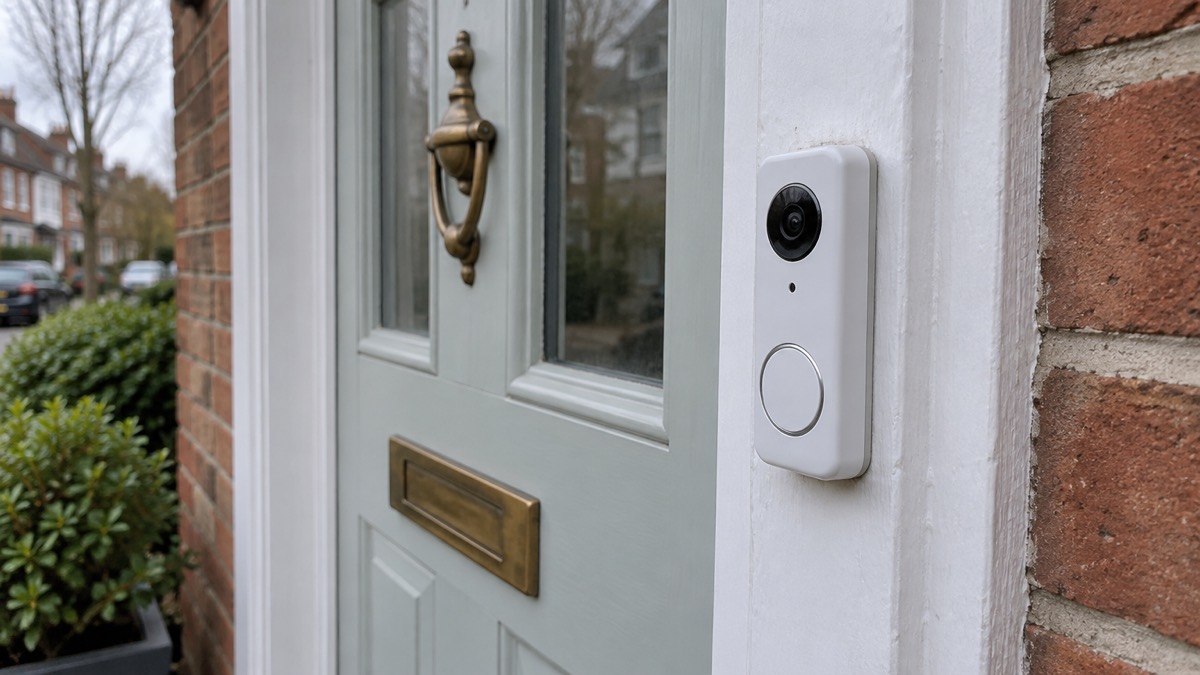
You have two ways to power it, and the choice changes how much maintenance you take on.
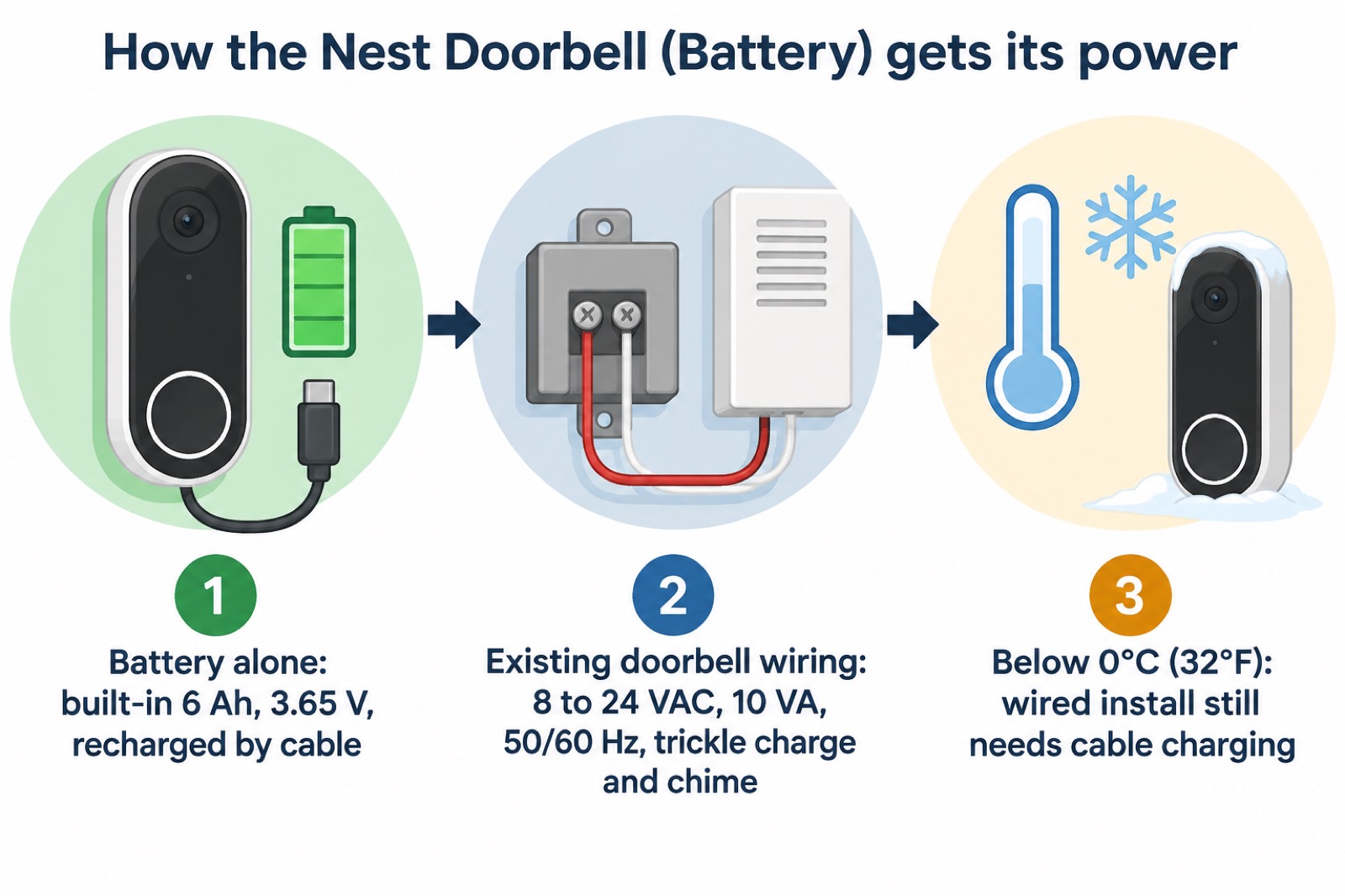
Run it on the battery alone and you fit it anywhere within Wi-Fi range, with no wiring at all. The trade-off is that you recharge it by hand, using the 1 m (3 ft) charging cable Google includes in the box1. Run it from existing doorbell wiring and it trickle-charges from the same wires that ring your chime, so you recharge far less often.
The wiring route has conditions. Google specifies an input of 8 to 24 VAC, 10 VA, 50/60 Hz1. Which? notes that wired doorbells generally need existing doorbell wiring plus a standard 18-volt AC supply to power the camera2, which sits inside Google's range. If your existing transformer falls outside 8 to 24 VAC, the doorbell is not designed to run from it. Have a qualified electrician check the supply before you rely on it.
The same pattern appears across the category: battery doorbells can be wired to an existing doorbell system but only receive a trickle charge from it, and are primarily powered by the battery3. Arlo describes its wireless doorbell as either battery or hardwired to existing wiring4, and Reolink lists its doorbells as rechargeable battery or wired power5. None of this is a reason to prefer one over another; it is simply how battery doorbells work.
Seeing and detecting visitors: motion sensing and the 145° diagonal view
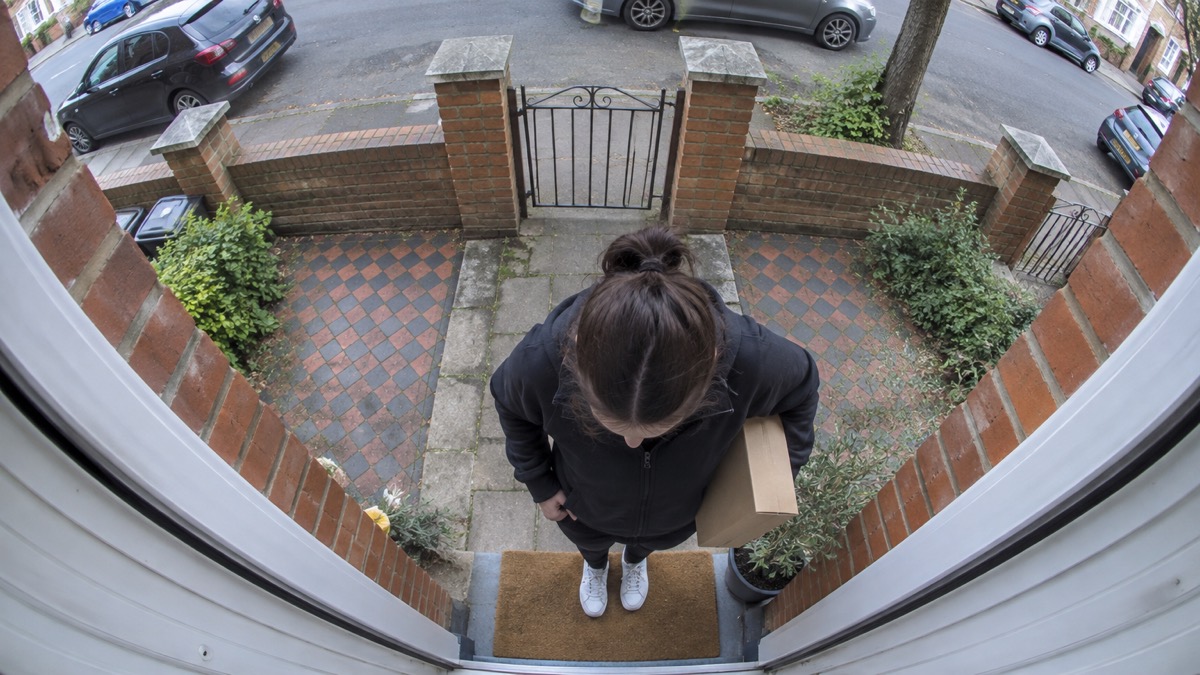
The camera's 145° diagonal view is wide, and wide is what you want at a front door: it takes in a visitor standing close to the bell as well as the path they walked up. Four infrared LEDs at 850 nm give it night vision, so the view does not stop at dusk1.
Detection is handled by a PIR sensor that Google describes as a motion and proximity sensor1. That is the part that notices someone approaching before they press the button, which is the difference between answering the door to a caller you have seen and opening it to one you have not. Which? notes that good doorbells will spot someone up to 2.5 metres away2, so where you mount it decides how much warning you get. Fit it at a height and angle where a visitor's face and hands are in view, not looking down at the top of a hat.
A doorbell camera also raises questions beyond the door. Footage that reaches past your boundary is covered by data protection law, and our guide to filming beyond your boundary explains what that means for a household. Because the doorbell lives on your Wi-Fi and a cloud account, it is worth reading camera and doorbell accounts on stopping strangers getting in, and how long cameras and doorbells get software updates if long-term support is on your mind. If your broadband or mobile signal is poor, alarms and cameras on a weak mobile signal covers what still works.
Materials and recycled content
Google states that the Nest Doorbell (Battery) is sustainably designed with 45% recycled content across its plastic parts1. That is the maker's figure for this model, and it is the only materials claim the specification sheet makes.
Recycled content in the casing says nothing about what happens to the doorbell at the end of its life, and that is where the household has a real job to do. The doorbell contains a lithium-ion battery. Fire and rescue services warn about the fire risk from lithium batteries, and the safe route for a device like this is a household waste recycling centre or a WEEE collection point rather than the kerbside bin6. Some local councils in Wales offer kerbside collection for small portable batteries, so check your local authority's website6.
Household batteries, including AA, AAA, button and rechargeable types, can be recycled at most leading supermarkets and household recycling centres7. Where the battery is not removable, recycle the entire device at a household waste recycling centre or through a WEEE collection point6. Check items for hidden batteries before recycling anything8.
Charging, storing and living with the battery safely
The doorbell's battery is the part that needs your attention, and the fire and rescue services are clear about how to treat lithium batteries in the home. Their advice is to be conscious of overloading, not to charge items overnight, and to use chargers from a reputable source rather than cheap aftermarket chargers9. Portsmouth Homes adds the plainest rule of all: do not charge when sleeping or not at home8.
For this doorbell that means charging it while you are up and about, with the cable Google supplies, and unplugging it when it is full. Do not leave it charging overnight on a kitchen worktop, and do not charge it on a soft surface where heat cannot escape.
Storage matters too, because the doorbell is small and its battery is not. Keep spare batteries and small devices out of children's reach. Items using button batteries and any spares should be stored safely and out of children's reach10, and spare button batteries should not be left loose in drawers or on surfaces11. Button batteries are the small, round batteries found in a growing number of toys and everyday objects like remote controls and car key fobs12, and they are in car key fobs, small remote controls, gaming headsets, kitchen and bathroom scales, calculators, children's toys, children's thermometers and musical books and cards13. If you have young children, our guide to keeping your home safe covers the wider picture.
If a child swallows a button battery, do not make them sick12. Get medical help immediately. The NHS advises what to do if your child has an accident14.
Not the Nest fuel poverty scheme in Wales
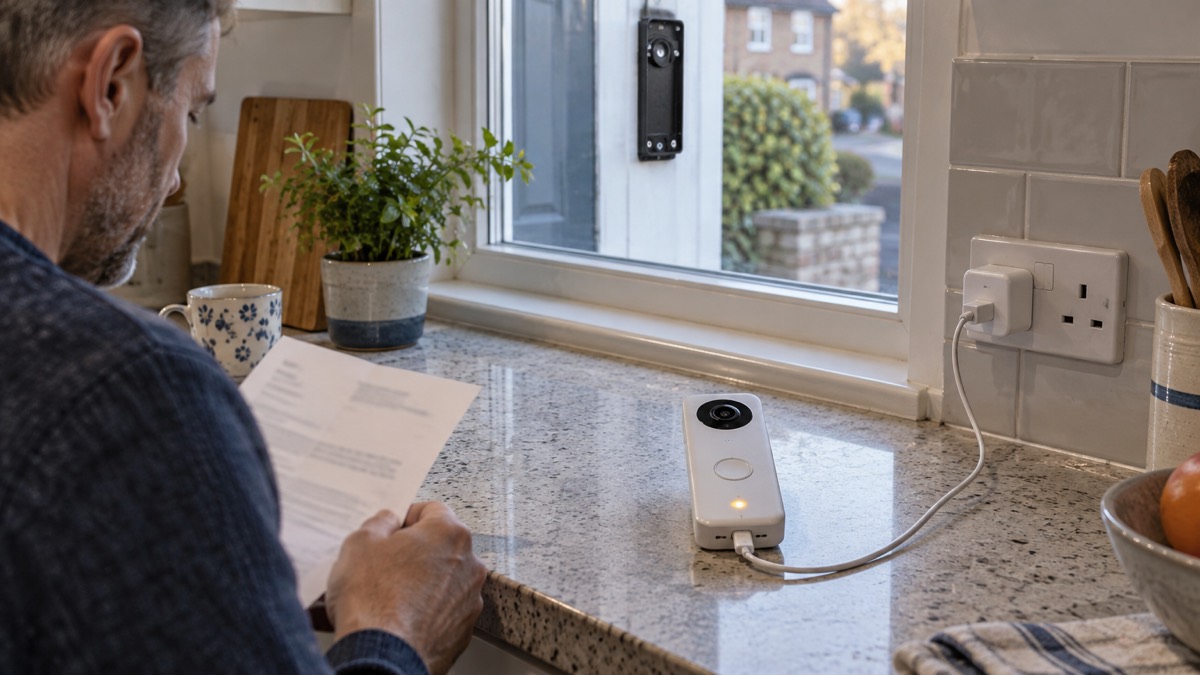
Search for "Nest" and Wales together and you will find two different things. The Google Nest Doorbell (Battery) is a doorbell. The Welsh Government's Nest scheme was a fuel poverty scheme, and it is not connected to the doorbell in any way.
The history is worth knowing if you are following an old link. The Welsh Government funded Nest as its fuel poverty scheme from 201115, and the scheme ran in pilot until March 2022 and as Nest until March 202315. The Welsh Government Warm Homes Nest scheme came to an end at the end of March 2024 and was replaced by the Welsh Government Warm Homes Scheme on Monday 1 April 202415. Its successor is funded: the Welsh Government budgeted £35 million to the Warm Homes Nest scheme in the 2025 to 2026 financial year15, and in October 2025 said it was investing more than £30 million that year to help lower-income families keep warm and escape cold, damp conditions15.
If you need help with heating costs, the schemes to look for are the Warm Home Discount, the Winter Fuel Payment and Cold Weather Payment, local welfare assistance and the household support fund, the Energy Company Obligation, the Warm Homes Nest scheme in Wales, the Home Upgrade Grant in England, and the Priority Services Register run by fuel suppliers and distribution network operators16. In Wales, the Welsh Government publishes winter preparedness advice15, and Anglesey Council's winter ready pages are a local example11. Our guide to extra help in an emergency explains how to ask for support, and power cuts covers what to do when the electricity fails.
Where to get help and what to do if something goes wrong
There is no product recall in the information available for this doorbell, so the routine steps are the ones that matter: keep the software updated, charge safely, and recycle the device properly at the end of its life.
For support, start with Google's own support pages, which carry the specification sheet and setup guidance1. If you are choosing between doorbells, our video doorbells guide and the battery or wired comparison set out the trade-offs without ranking products. If you want to know how a doorbell fits with cameras and alarms more widely, burglar alarms and home cameras and CCTV cover the neighbouring choices, and video doorbell or outdoor camera helps you decide which you actually need.
For battery fires or a device that is overheating, get out, stay out and call 999. For disposal, use a household waste recycling centre or a WEEE collection point6. For help with heating costs in Wales, the Warm Homes Nest scheme is the one to search for15.
Sources (16)
- Nest Doorbell (Battery) specifications, Google, 2026-11-03
- How to buy the best smart video doorbell, Which?, 2026-10-16
- Doorbell security camera FAQ, Ring, 2026-11-03
- Wireless video doorbells, Arlo, 2026
- Video doorbells, Reolink, 2026-11-03
- Lithium battery fire safety, Mid and West Wales Fire and Rescue Service, 2026-10-26
- Batteries, Devon and Somerset Fire and Rescue Service, 2025-08-07
- Battery safety, Portsmouth City Council, 2026-10-26
- Stay safe this Christmas, North Wales Fire and Rescue Service, 2020-12-08
- Preventing accidents, Just One Norfolk NHS, 2026-10-28
- Winter ready, Isle of Anglesey County Council, 2026-10-25
- Button batteries, NHS, 2026-10-25
- Home safety, Carmarthenshire County Council, 2024-09-10
- What to do if your child has an accident, NHS, 2025-12-18
- Written statement: contingency planning for winter, Welsh Government, 2011-11-24
- Energy domestic consumer advice, Ofgem, 2023-11

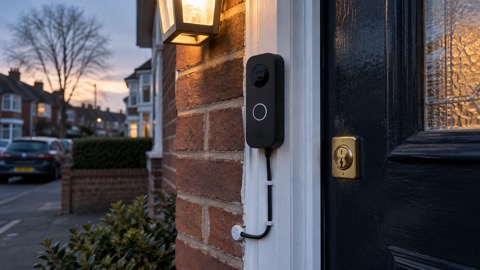 Ajax DoorBell
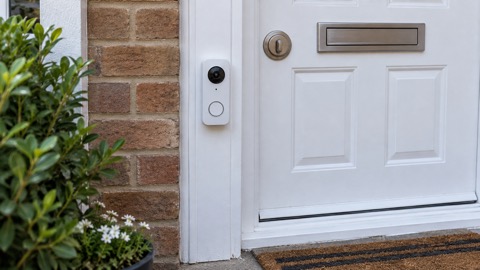 Arlo Essential 2K Doorbell
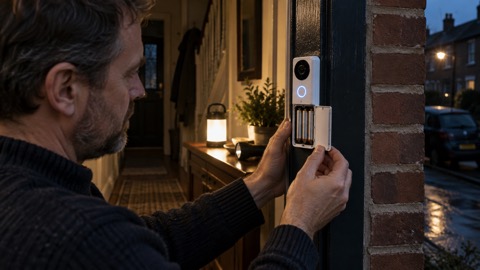 Blink Battery Doorbell 2K+
 Blink Video Doorbell
 EZVIZ HP3 Pro
 Ring Battery Video Doorbell
 Ubiquiti UniFi Doorbell Lite
 Ubiquiti UniFi G4 Doorbell Pro