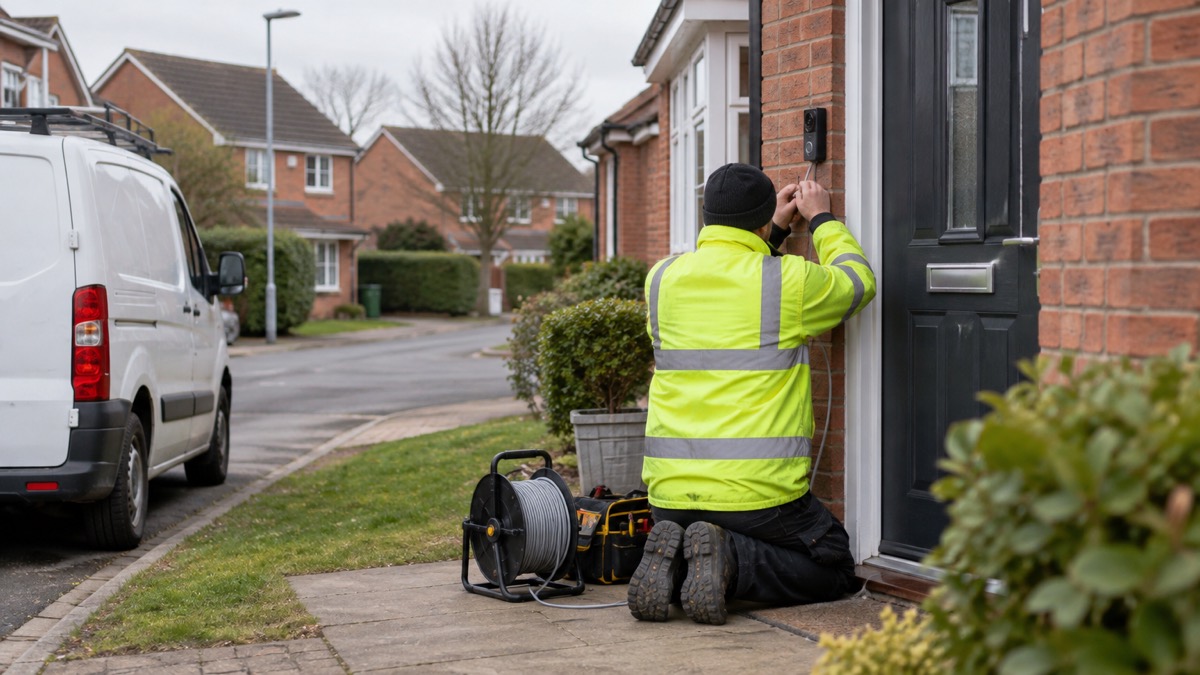
The UniFi Doorbell Lite is a compact video doorbell that gets both its power and its network connection through a single Ethernet cable, a design known as Power over Ethernet, or PoE1. That one cable is the thing to understand before you buy: it is what makes the doorbell dependable day to day, and it is what decides how it behaves when the power or the internet goes down. There is no battery to charge and no Wi-Fi to drop, but there is also no separate power source to fall back on.
For an ordinary household, the practical questions are simple. Will it keep an eye on the door through a power cut or a broadband outage? How high should it go, and what does it need at the other end of the cable? What does it actually record, and where do those recordings live? This page sets out what the doorbell does, what it needs from your home network, how to mount it sensibly, and how to keep it working when things go wrong.
What the UniFi Doorbell Lite is and who it suits
The maker describes it as a "Compact PoE video doorbell with two-way audio and versatile mounting options"1. In plain terms, it is a camera and a doorbell in one unit that sits by your front door, lets you see and speak to whoever is there, and is wired rather than battery powered. It is part of the wider UniFi range from Ubiquiti, so it is designed to work with the rest of that maker's network and recording equipment rather than as a standalone gadget.
That shapes who it suits. A household that already runs a wired network, or is willing to have one installed, gets the most from it: the doorbell becomes one more device on a system that is already there. A household that wants to stick a doorbell on the wall and connect it to the home Wi-Fi in ten minutes is looking at a different kind of product. The trade is straightforward. Wired means no battery to remember and no wireless signal to worry about, but it means a cable has to reach the door, and the recording and remote viewing depend on equipment at the other end.
It is worth being clear about what a video doorbell does and does not do for home security. It lets you see and speak to a caller before opening the door, which is useful against bogus callers and unexpected visitors, and it gives you a record of who came to the door. It is not a burglar alarm and it does not summon help. If you are weighing up whether a doorbell or a camera is the better fit for your home, our guide to video doorbells and the comparison of a video doorbell or outdoor camera set out the differences.
Power and connection through a single Ethernet cable
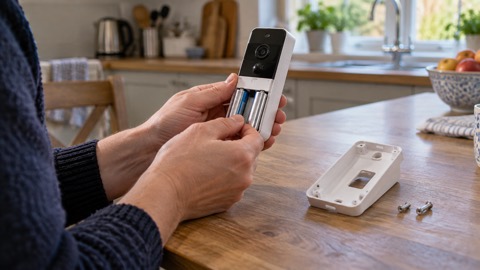
The defining feature is that one cable does two jobs. The maker describes the Doorbell Lite as powered and connected through a single Ethernet cable for a streamlined installation and reliable performance1. That is the Power over Ethernet design: the same cable that carries the network connection also carries the power, so there is no separate mains supply at the door1. The maker's own description of the product type makes the PoE design central to what it is1.
This is not a niche idea. Ofcom, the communications regulator, advises that for the best broadband speeds you should "use an Ethernet cable to connect your computer directly to your router rather than using wifi, for a faster, more reliable connection"4. The same principle applies to a doorbell: a cabled connection is not at the mercy of walls, distance or interference in the way a wireless one can be. Other makers take the same approach for their wired models, describing Power over Ethernet as giving "nonstop power and a reliable connection"1.
What that means in practice:
- At the door: the doorbell needs a cable run to it, usually from inside the house.
- At the other end: that cable has to reach a device that supplies PoE, typically a PoE switch or injector connected to your network.
- No battery: there is nothing to recharge, so the doorbell does not go quiet because someone forgot.
- No Wi-Fi pairing: there is no wireless password to enter and no signal to test at the door.
The catch is the same as the benefit. Because the doorbell has no power of its own, everything it does depends on the equipment feeding that cable staying powered. That is the thread that runs through the rest of this page.
Specifications at a glance
The maker's listing gives the headline specifications. Where a figure is not stated for this model, it is not given here.
| Specification | Detail |
|---|---|
| Product type | Compact PoE video doorbell with two-way audio and versatile mounting options1 |
| Model number | UVC-Doorbell-Lite-B1 |
| Colour | Black1 |
| Power and connection | Single Ethernet cable (Power over Ethernet)5 |
| Audio | Two-way1 |
| Mounting | Versatile mounting options1 |
| Design | Simple, low-profile design suited for any space1 |
| Weather | Weather resistant1 |
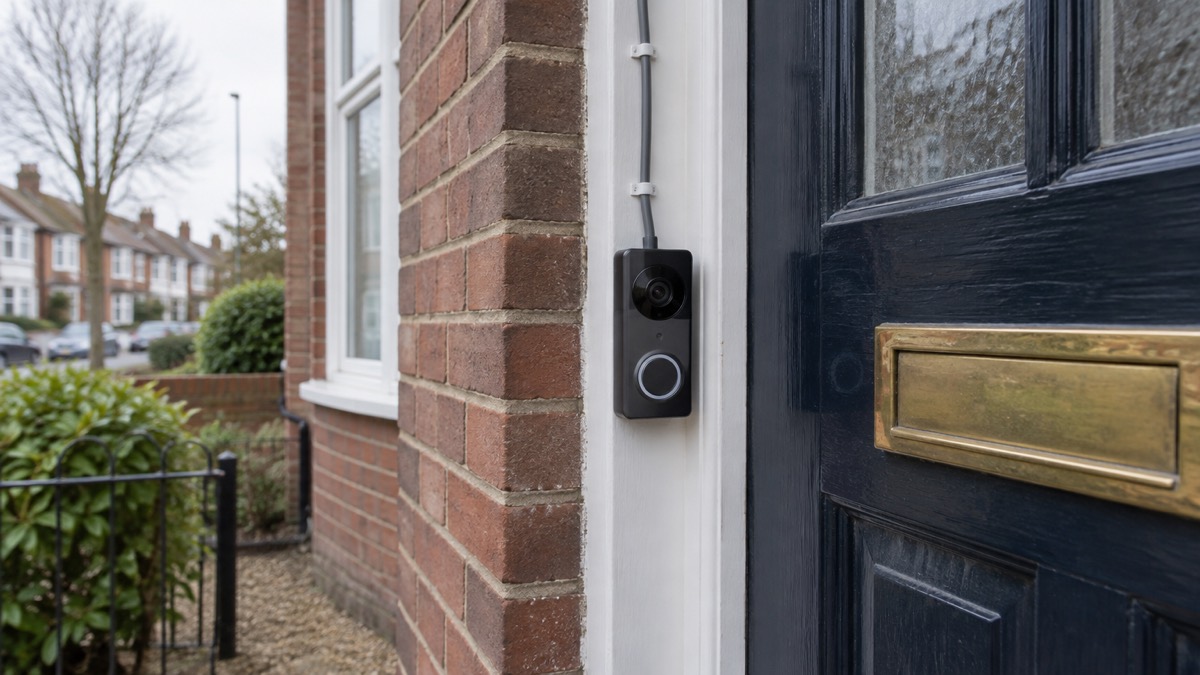
The maker describes the Doorbell Lite as a simple, low-profile design suited for any space1, and it is weather resistant1, so it is built to sit outside at the door through the seasons. Those two points decide more about day-to-day use than any single figure: a unit that suits the space you have and stands up to the weather is one you can leave in place and forget about until someone calls.
Two-way audio is the feature that lets you answer the door without opening it. The maker lists two-way audio as part of what the Doorbell Lite does1, so you can speak to a caller at the door from wherever you are. The exact detection options and how they are set up are configured in the UniFi system, so follow the maker's setup guidance for your equipment.
Night vision, audio and detections at the door
The doorbell is built to be useful after dark as well as in daylight. The maker lists it as weather resistant1, so it is intended to stay mounted outside rather than be taken in each night. Think about where the doorbell points as well as how high it sits: the maker's guidance puts the bottom of the unit around four feet (1.2 metres) from the ground3, which keeps the camera at a height where it sees a caller's face rather than the top of their head.
Two-way audio changes how you answer the door. Rather than opening it to a stranger, you can speak to them first and decide. That is a small habit that pays off against doorstep crime: a caller who realises they are being watched and spoken to tends to move on. Our guide to bogus callers explains the scripts and tricks to watch for, and checking a doorstep caller is genuine covers how to verify who someone claims to be.
AI detections at the door do the filtering. Instead of a notification every time a leaf moves, the doorbell can tell you when a person is there6. That matters most when you are out or asleep: a useful alert is one you will actually look at. Set the detection zones and sensitivity to suit your doorway, and check them after a week or two so you are not missing callers or being buzzed by the same passing car every morning.
Weather, mounting and where to put it
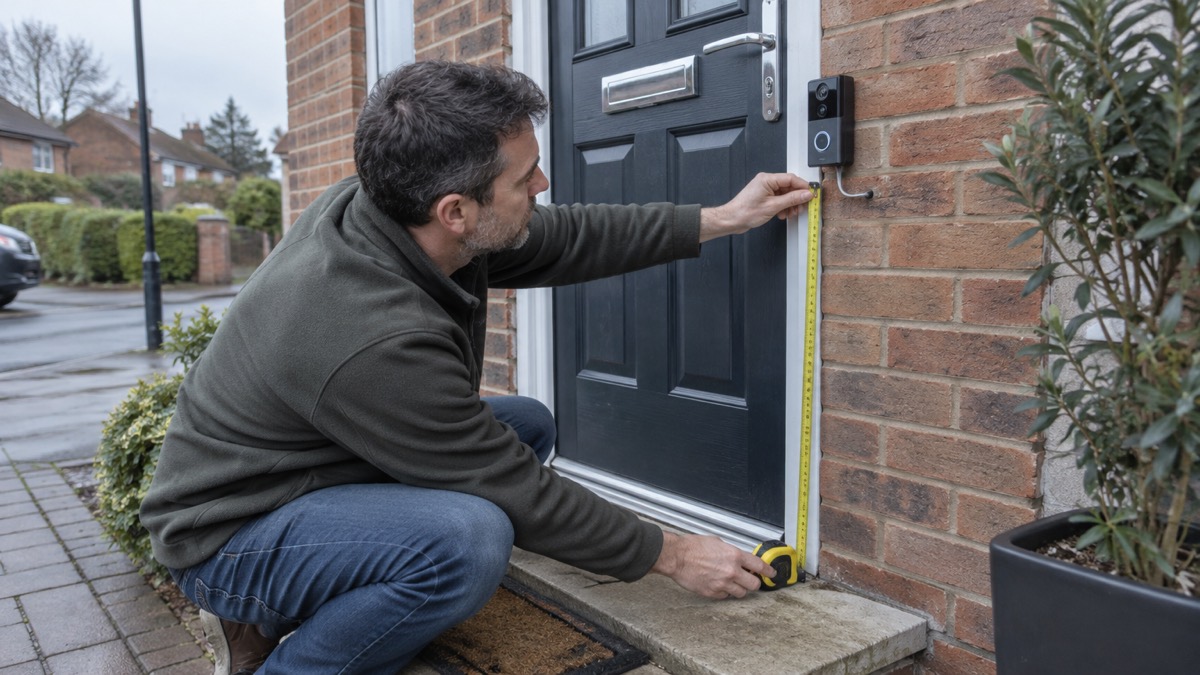
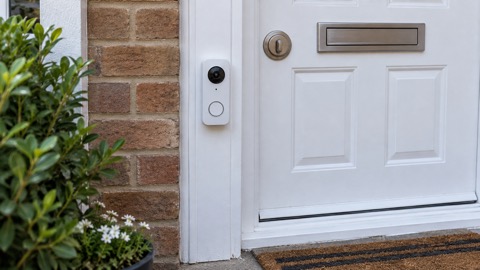
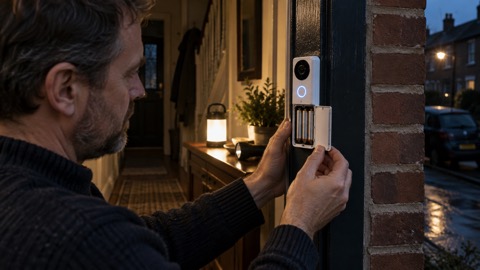
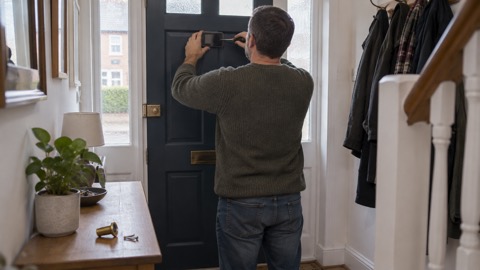
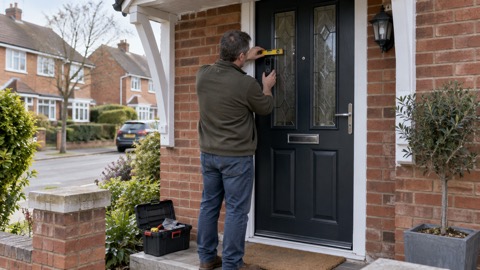
The doorbell is designed to be mounted outdoors, and the maker lists versatile mounting options1. Getting the height right matters more than it sounds. Independent testing guidance for video doorbells puts the best height at "around four feet (1.2 metres) off the ground (to the bottom of the doorbell unit)"3. At that height the camera tends to catch faces rather than the tops of heads or the pavement.
A few practical points before you drill:
- Measure to the bottom of the unit, not the top, when setting the height3.
- Plan the cable route first. The Ethernet cable has to reach the doorbell, so decide where it enters the house before you fix the bracket.
- Check the view. Stand where the doorbell will sit and look at what the camera will see: the path, the gate, the step.
- Keep it clear of standing water. Mount it where rain runs off rather than pools.
Outdoor equipment lasts longer when it is looked after. Independent guidance on flood resilience makes the point that routine inspection and maintenance of outdoor products is essential, because seals can become worn or damaged over time7. The same habit applies to a doorbell: check the mounting and the cable entry now and then, and clear away leaves and dirt that gather around it. If your home is in a flood risk area, our guide to flooding and the section on making a damaged home safe cover what to do when water gets in.
What happens in a power cut or internet outage
This is the question that matters most for a household that wants to be ready. The honest answer has two parts, and they are different.
When the internet goes down but the power stays on, a camera that supports local storage keeps recording. As one maker explains, many security cameras "continue recording even if the internet goes offline, as long as they support local storage, such as a microSD card or NVR", while remote viewing, cloud storage and mobile notifications are unavailable until the connection is restored8. Because the Doorbell Lite is a PoE device, it records to the UniFi system it is connected to rather than to a cloud service, so the recording continues as long as that system is running. What you lose is the ability to check in from your phone while you are out.
When the power goes off, the doorbell goes off with it, because it has no battery and draws its power down the cable1. The same is true of the network equipment feeding that cable. A standard home battery installation will not rescue it either: most standard battery installations cut off during a power cut, to avoid sending electricity out to the grid9. So the doorbell is only as resilient as the power supply behind it.
There is a wider point here about planning for outages. Power cuts affect much more than a doorbell: they affect equipment such as stair lifts, bath hoists and adjustable beds10, and they interrupt the routers and handsets that digital landlines depend on11. A household plan for a power cut should start with the things people need, then the conveniences. Our guide to keeping your home protected in a power cut and the section on power cuts go through the practical steps.
Keeping it ready: power cuts, broadband and the household plan
A doorbell is one small part of how a household stays safe and in touch, so it helps to see it in that context. The steps below are the ones that keep the doorbell useful and keep the household safe at the same time.
- Leave a light on so you know when power is restored12.
- Switch off and unplug appliances, especially fires, cookers, irons and hair straighteners, in case you forget they are on when the power returns13.
- Check with the neighbours if your lights go off, because lights on nearby could mean your circuit has tripped or only one area is cut off14.
- Stay back from damaged equipment and do not touch it15.
- Keep one light switched on so you know when power is back16.
For the doorbell specifically, the readiness steps are about the network. Keep the recorder and the PoE equipment on a circuit you understand, know how to restart them in the right order, and check after an outage that the doorbell has come back and is recording. If your broadband is slow or your mobile signal is weak, our guide to alarms and cameras on a weak signal covers what to expect.
That warning matters for any household with a doorbell, because the same router that feeds your network may be the one your phone line depends on. If you do not have a mobile or live somewhere with no signal, your landline provider should offer you a solution such as a battery back-up unit so you can still make emergency calls during a power cut11. Households with extra needs should look at our guide to extra help in an emergency.
Recording, storage and looking after the footage
Where the recordings live is the part of a doorbell system that people think about least and regret most. Because the Doorbell Lite is a PoE device on a UniFi system, recordings are kept on the recorder or storage you have connected, not on the doorbell itself. That is good for privacy and for keeping footage when the internet drops8, but it means the recorder is the thing to look after.
A few habits keep the footage useful:
- Check the recorder is recording after any outage or update, not just that the doorbell is online.
- Keep the storage device somewhere sensible, away from damp and heat.
- Review who has access. Doorbell and camera accounts are a way in for strangers if they are not locked down; our guide to camera and doorbell accounts explains how to secure them.
- Know the rules on filming. A doorbell that looks beyond your boundary raises data protection questions; our guide to filming beyond your boundary sets out what to consider.
If you need footage after an incident, get it saved and backed up before it is overwritten. Our guide to after a burglary covers what to do with evidence and who to give it to.
Support, warranty and where to get help
The Doorbell Lite is a Ubiquiti product, so support and warranty run through the maker and the retailer you bought it from. Keep the model number, UVC-Doorbell-Lite-B1, with your paperwork so you can identify the unit when you contact them. If something goes wrong, describe the fault in terms of what you can see: whether the doorbell has power, whether it appears on the network, and whether recordings are being made.
For the household side of things, help is closer than you might think. If a power cut knocks out your equipment, report it and check the restoration time with your network operator; the free number 105 connects you to your electricity network operator12. If you have a vulnerability or rely on medical equipment, ask your supplier about the Priority Services Register, which energy networks use to prioritise support during outages15. Charities and local groups can also help; our guide to community resilience explains how neighbours and local groups organise.
None of this is a reason to avoid a wired doorbell. It is a reason to understand it. A PoE doorbell is dependable while the power and network are up, and the household that knows exactly what it depends on is the one that is not caught out when they are not.
Sources (17)
- UniFi Doorbell Lite product page, Ubiquiti, 2026-11-03
- UniFi Protect Doorbell Security Cameras - Ubiquiti, Ubiquiti (UI)
- How to buy the best smart video doorbell, Which?, 2026-10-16
- Helping broadband and mobile users stay connected, Ofcom, 2020-03-25
- UniFi Protect Doorbell Security Cameras - Ubiquiti, Ubiquiti (ui.com)
- Video Doorbells | Doorbell Camera without Subscription - Reolink UK, Reolink UK
- Know your flood risk: homeowners guide to PFR, The Flood Hub, 2025
- Security cameras without WiFi, Reolink, 2026-11-03
- Battery storage, CAT, 2025-06-27
- Power cuts, Wigan Council, 2026-10-29
- UK transition from analogue to digital landlines, GOV.UK, 2023-01-06
- Storm advice, Powercut 105, 2026-10-26
- What to do in a power cut, SP Energy Networks, 2026-10-26
- Power cuts advice, The AA, 2025-06-06
- Public access defibrillators: a guide for communities, Resuscitation Council UK, 2025-10
- SSEN yellow alert warning for the north of Scotland ahead of Storm Isha, SSEN, 2024-01-20
- Landlines, National Grid, 2026-10-26

 Ajax DoorBell
 Arlo Essential 2K Doorbell
 Blink Battery Doorbell 2K+
 Blink Video Doorbell
 EZVIZ HP3 Pro
 Google Nest Doorbell Battery
 Ring Battery Video Doorbell
 Ubiquiti UniFi G4 Doorbell Pro