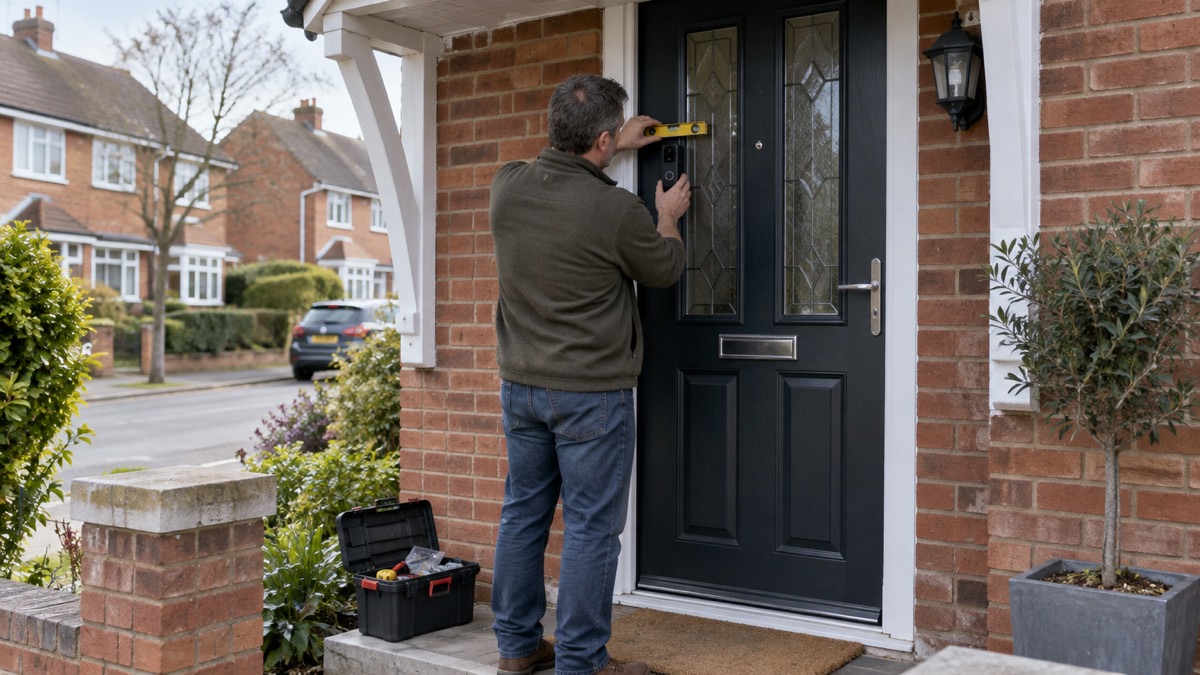
The UniFi G4 Doorbell Pro is a premium video doorbell from Ubiquiti with an enhanced package detection camera and an integrated display1. It is sold in two connection versions, Power-over-Ethernet (PoE) and WiFi, and it can be powered by USB-C or by AC2. For a household, that means a doorbell that shows callers on a screen at the door, watches for parcels left on the step, and can be wired for reliability or run over your existing WiFi.
Before you order, check two things. First, the UK store lists the G4 Doorbell Pro as "Notify me when available", so stock is not guaranteed1. Second, the doorbell is designed for outdoor covered installations only, with weather-resistant durability, so it needs a porch, canopy or deep eaves above it2. Get those two points settled and the rest of the setup is straightforward.
This page covers what the doorbell does, how the versions differ, how to power and connect it, where to fit it, how to set it up with the UniFi Protect app, and how to keep it working and your recordings safe.
What the G4 Doorbell Pro does for a household
A video doorbell is one part of a wider home security picture. The Security Systems and Alarms Inspection Board notes that smart packages may include a wi-fi CCTV camera, a video doorbell and an app to control the system4. The G4 Doorbell Pro fits that pattern: it is a doorbell, a camera and a display in one unit, managed through Ubiquiti's app.
The features that matter day to day are the package detection camera and the integrated display1. Package detection is useful if parcels are left on the step while you are out, and the display gives a caller something to see and interact with at the door. Ubiquiti describes the PoE Kit version as including an NFC and fingerprint reader, a programmable welcome display and a secondary package detection camera2. Those are features of the kit, so check which bundle you are buying.
G4 Doorbell Pro, UniFi G4 Doorbell and G4 Doorbell: how the versions differ
Ubiquiti's doorbell range has more than one model, and the names are close enough to cause confusion. The table below sets out what the product pages say about each.
| Model | What Ubiquiti says it is | Connection | Notes |
|---|---|---|---|
| G4 Doorbell Pro | Premium UniFi doorbell with an enhanced package detection camera and integrated display1 | PoE or WiFi2 | Listed in Black1 |
| G4 Doorbell Pro PoE Kit | Premium UniFi doorbell with integrated PoE and included PoE chime for plug-and-play installation2 | PoE6 | Adds NFC and fingerprint reader, programmable welcome display, secondary package detection camera2 |
| UniFi G4 Doorbell | WiFi-connected doorbell with an integrated night vision camera and porch light5 | WiFi5 | Model code UVC-G4-Doorbell5 |
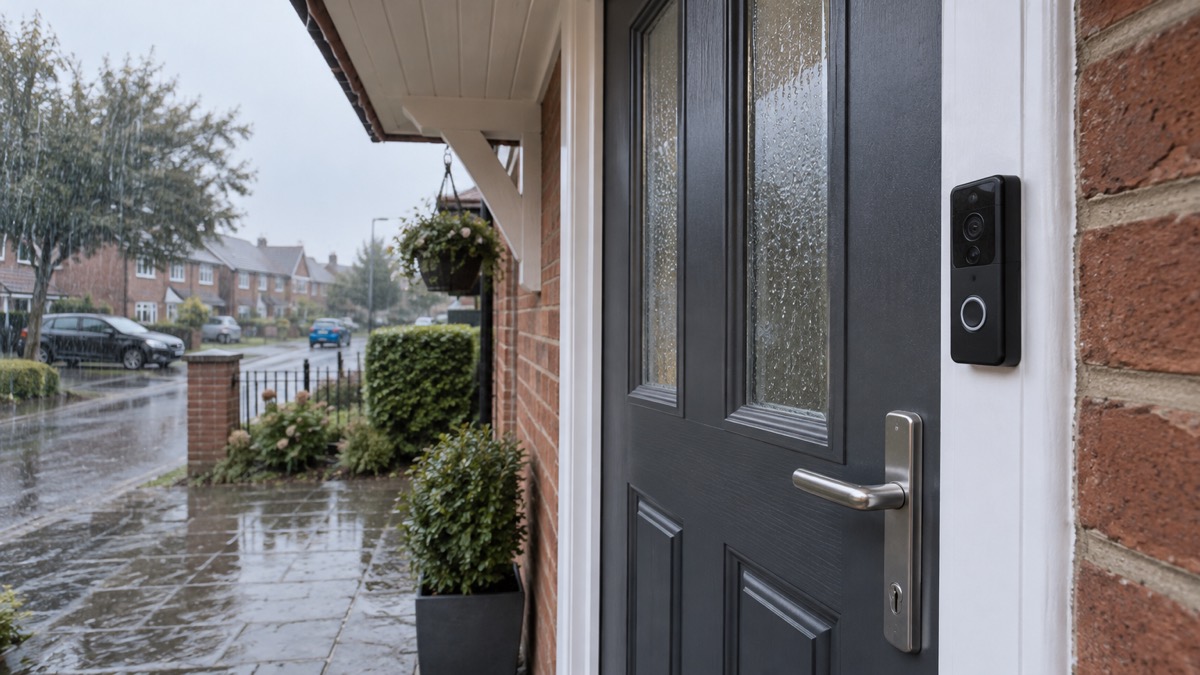
The practical difference is in the connection and the extras. The Pro model adds the enhanced package detection camera and the integrated display1. The PoE Kit adds the chime and the reader features2. The standard G4 Doorbell is the WiFi model with night vision and a porch light5.
If you are choosing between them, think about wiring first. A wired doorbell needs existing doorbell wiring and a standard 18-volt AC supply to power the camera, according to Which?3. If you do not have that, a WiFi or PoE model avoids the problem, but PoE needs an Ethernet run to the door.
PoE or WiFi: choosing the connection
Ubiquiti sells the G4 Doorbell Pro in PoE and WiFi versions, and its own guidance is to "Choose the connection that fits your setup, Power-over-Ethernet for wired reliability or WiFi for flexible installs"2. That is the whole decision in one line: reliability against flexibility.
PoE means the doorbell gets its power and its network connection down a single Ethernet cable. That suits a household that can run a cable to the door, or that already has Ubiquiti networking gear. WiFi means no cable to the door, which suits a rented home or a solid wall where chasing a cable is not practical.
Which? notes that some doorbells will only work on the 2.4GHz band, and that dual-band offers greater flexibility3. Check the band your router uses before you buy, because a doorbell that only works on one band may not connect to a network set up for the other.
The trade-off is not just convenience. A WiFi doorbell depends on your wireless network staying up, and a PoE doorbell depends on the cable and the switch at the other end. For a household that wants the doorbell to keep working when the broadband is flaky, the wired option is the more robust of the two.
Powering the doorbell by USB-C or AC
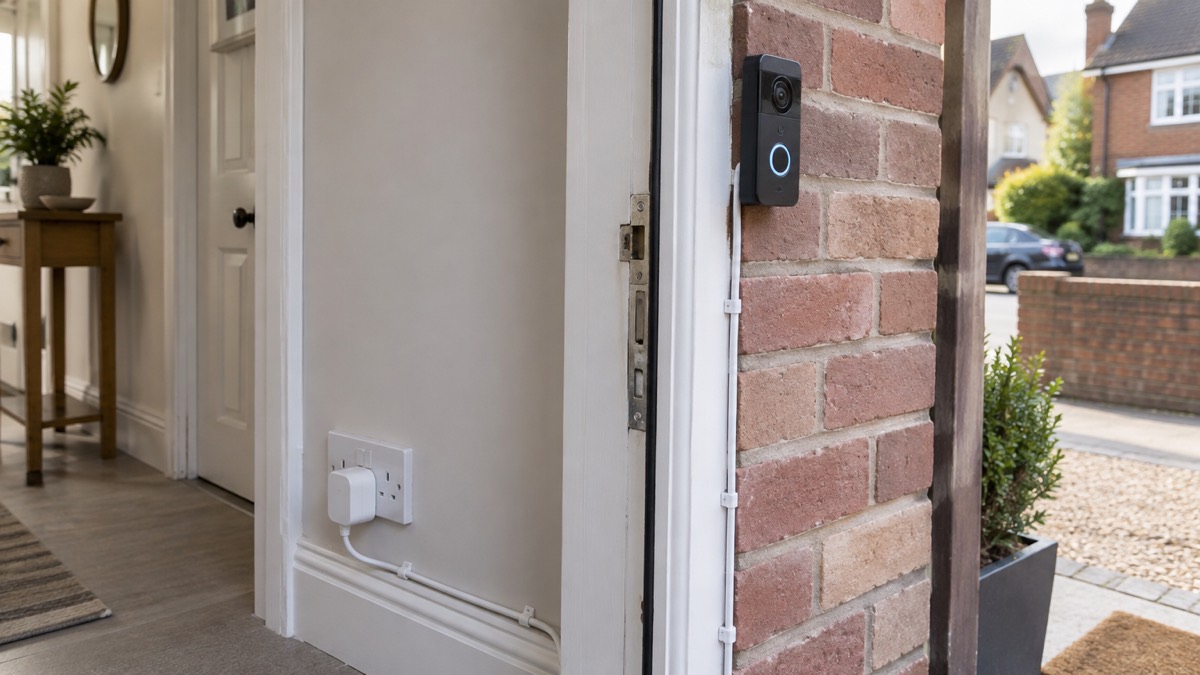
Ubiquiti lists the G4 Doorbell Pro's power method as USB-C or AC3. The AC option is a seven-metre-long power adapter that connects the doorbell to a standard AC outlet2. That length gives you some freedom about where the socket goes, but it still means a cable run from the door to a plug.
USB-C power is the more flexible of the two. Electrical Safety First describes USB Power Delivery, which works over USB-C, as the most powerful and flexible option, because the charger and device talk to each other to agree on the safest and fastest charging level8. It also notes that USB-C with Power Delivery means fewer chargers, faster charging and one connector that works across many devices8.
The choice between USB-C and AC comes down to where the power is. If there is a socket near the door, the AC adapter is the simpler route. If not, USB-C gives you more options for routing a cable to a convenient supply.
Where it can be fitted: outdoor covered installations only
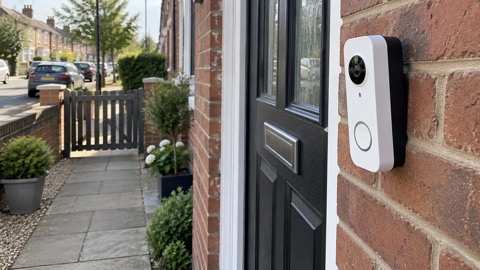
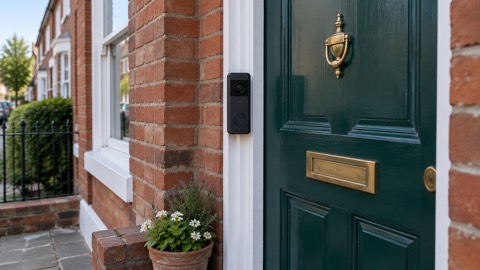
Ubiquiti states that the G4 Doorbell Pro is designed for outdoor covered installations with weather-resistant durability2. That is a specific instruction, not a suggestion. The doorbell is weather-resistant, not waterproof, and it needs a roof over it.
In practice, that means a porch, a canopy, deep eaves or a recessed doorway. A door that faces the prevailing wind and rain with nothing above it is not the right place. If your front door is exposed, consider whether a different position, such as a side return or a covered passage, would work better.
The fitting also affects the camera view. A doorbell under a canopy sees less sky and more of the step, which is what you want for package detection. A doorbell in direct sun or driving rain will perform worse and may fail sooner.
Setting up WiFi with the UniFi Protect app
Ubiquiti states that third-party WiFi configuration is available during setup with the UniFi Protect mobile app1. That means you can connect the WiFi model to your own network, not just to Ubiquiti equipment, and you do it through the app during the initial setup.
Before you start, secure your network. Secured by Design advises changing the default administrator credentials for the router settings and the issued Wi-Fi password, and using WPA2 encryption10. Do that first, so the doorbell joins a network that is already locked down.
The setup sequence is:
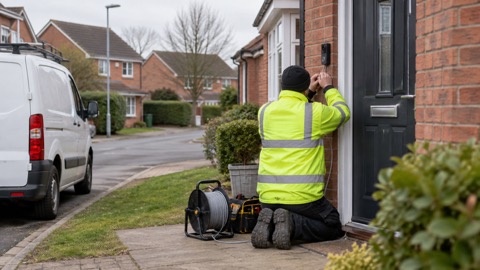
- Fit the doorbell in its covered position and connect power2.
- Open the UniFi Protect app and start the setup for the doorbell1.
- When prompted, choose third-party WiFi configuration and enter your network details1.
- Complete the setup and check the live view and the display.
If the doorbell will not connect, check the band your router is using. Which? notes that some doorbells only work on the 2.4GHz band, while dual-band offers greater flexibility3. A doorbell that only supports one band will not appear on a network set up for the other.
Keeping it working in a power cut or internet outage
A doorbell is only useful if it works when something goes wrong. The G4 Doorbell Pro's behaviour in an outage depends on how it is powered and connected.
A PoE doorbell draws power down the Ethernet cable, so it stays up as long as the network switch and the router have power. A WiFi doorbell depends on the mains supply at its power adapter and on the wireless network. In a power cut, both will stop unless the network equipment is on a backup supply.
For a household that wants the doorbell to keep working, the practical steps are:
- Put the router and the PoE switch on a small uninterruptible power supply or backup power unit.
- Keep the doorbell's power adapter on a circuit that is not switched off at night.
- Check the live view after any outage to confirm the doorbell has reconnected.
The doorbell is one part of a wider plan. For more on keeping home security working when the power goes, see Keeping Your Home Protected in a Power Cut. For the wider household picture, see Power Cuts: A Household Guide.
Storing recordings safely and keeping the account secure
Where the recordings go depends on the UniFi Protect system you run. The doorbell is managed through the app, and the recordings are held on the UniFi Protect recorder or console you have set up. Check the storage and retention settings in the app so you know how long footage is kept.
Account security matters as much as the camera. Secured by Design advises changing default administrator credentials and using WPA2 encryption on the router10. The same principle applies to the UniFi Protect account: use a strong, unique password and do not share it.
For more on protecting camera accounts, see Camera and Doorbell Accounts: Stopping Strangers Getting In. For the rules on filming beyond your boundary, see Filming Beyond Your Boundary: CCTV, Doorbells and Data Protection.
UK availability and what to check before you buy
The UK store lists the G4 Doorbell Pro as "Notify me when available"1. The standard G4 Doorbell is listed the same way5. The G4 Doorbell Pro PoE Kit is listed with no restock date yet6. In short, stock is not guaranteed at the time of writing, so check the listing before you plan an install.
Before you order, confirm:
- The connection: PoE or WiFi, and whether your network and wiring support it2.
- The position: a covered outdoor location with weather protection2.
- The colour: the G4 Doorbell Pro is listed in Black1.
If you are building a new system, it is worth checking the wider range alongside the G4 Doorbell Pro rather than assuming the doorbell is the only option.
Support, warranty and where to get help
Keep your order confirmation and the model code, because support will ask for them.
If you are choosing a doorbell as part of a wider security plan, the Home Security: A Household Guide sets out the whole picture. For the doorbell category specifically, see Video Doorbells: What They Do and How to Choose One. If you are weighing a wired or battery model, see Battery or Wired Video Doorbell?.
For the maker's own product range, see Ubiquiti.
Sources (11)
- UniFi G4 Doorbell Pro, Ubiquiti, 2026-11-03
- UniFi Doorbells, Ubiquiti, 2026
- How to buy the best smart video doorbell, Which?, 2026-10-16
- Protecting your home: alarm systems, SSAIB, 2026-11-02
- UniFi G4 Doorbell, Ubiquiti, 2026-11-03
- UniFi Doorbells category, Ubiquiti, 2026-11-03
- UniFi Doorbells (UK), Ubiquiti, 2026
- USB chargers, Electrical Safety First, 2026-10-26
- DIY installation, KeySafe, 2026-11-02
- Cyber security advice, Secured by Design, 2026
- UniFi G4 Doorbell (EU), Ubiquiti, 2026-11-03

 Ajax DoorBell
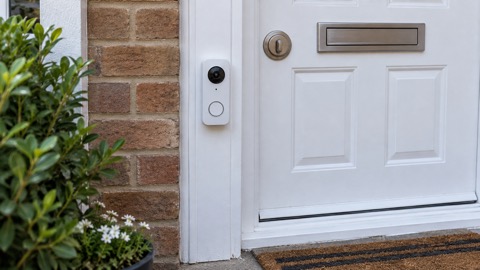 Arlo Essential 2K Doorbell
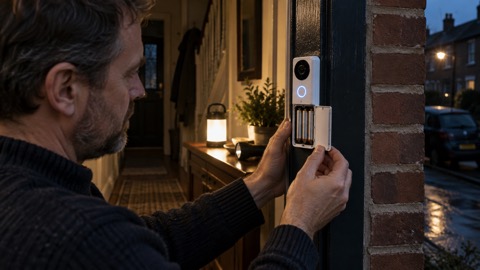 Blink Battery Doorbell 2K+
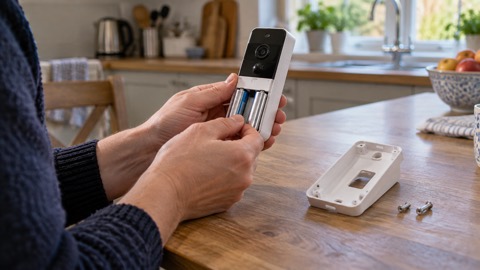 Blink Video Doorbell
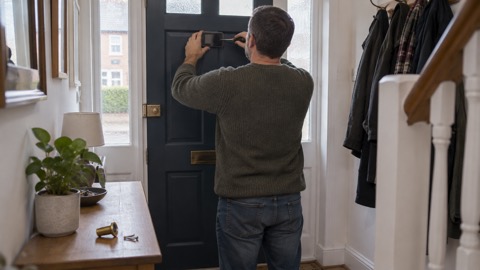 EZVIZ HP3 Pro
 Google Nest Doorbell Battery
 Ring Battery Video Doorbell
 Ubiquiti UniFi Doorbell Lite