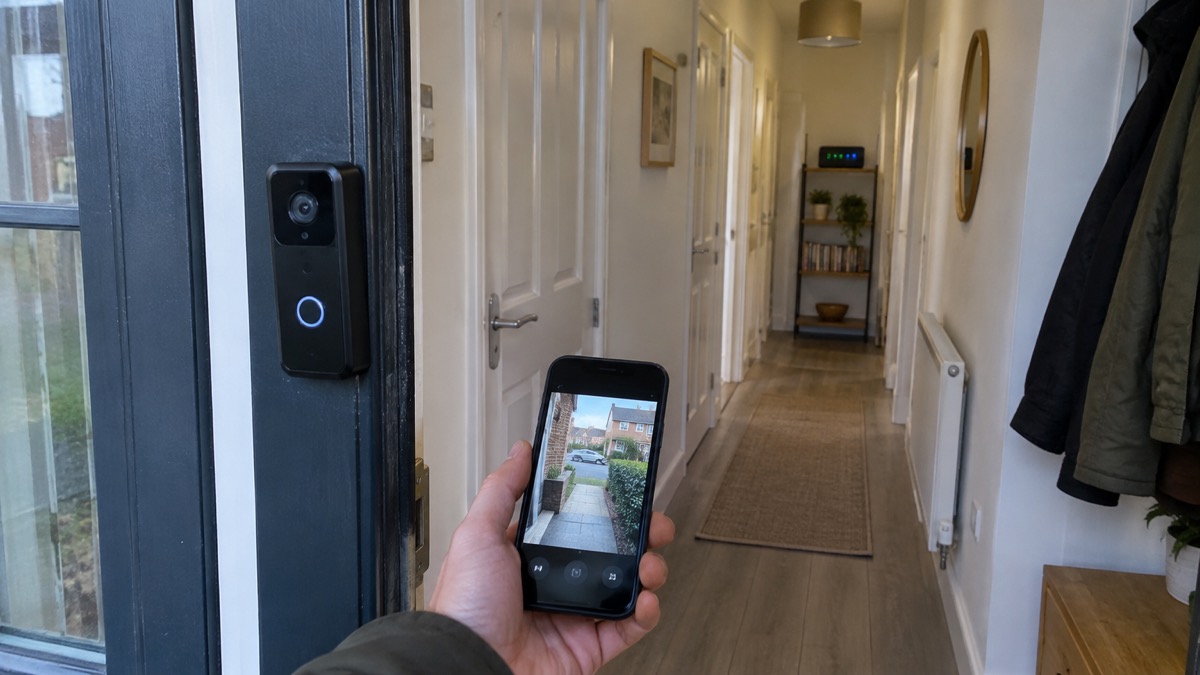
A video doorbell lets you see, hear and speak to whoever is at your door from your phone, and it records what happens on your doorstep while you are out or upstairs. The choice between a battery model and a wired one comes down to three practical questions: do you already have doorbell wiring, do you want the doorbell to keep working when the power goes off, and how much maintenance are you willing to do?
If you have no existing wiring, a battery doorbell is the straightforward answer. It needs no electrician, mounts with screws and a bracket, and keeps recording during a power cut. Reolink's own guidance says that if you want easy installation, recording during power outages and portability, a wireless battery-powered doorbell is the better fit1. If you have standard doorbell wiring and want always-on power with no battery to recharge, a wired model suits you better, but check the voltage your wiring supplies before buying2.
Whichever you choose, the doorbell is only half the job. It needs a Wi-Fi signal at the front door, a phone to talk to it from, and a safe way to charge or power it. This page sets out how each type behaves, what the specifications mean in practice, and how to fit one without wiring.
A battery doorbell keeps recording when the power goes off
The strongest practical argument for a battery doorbell is what happens when the mains fails. A wired doorbell draws its power from your home's wiring, so when the power goes off it stops working. A battery model carries its own supply and carries on. Reolink states that its Battery Video Doorbell (2nd Gen) automatically switches to battery mode during power outages to keep the front door protected3.
That difference matters more than it first appears. A power cut is exactly when you might want to know who is at the door, and it is also when a wired unit goes dark. Ring's battery-powered doorbells and cameras run for several months on normal use before needing a recharge, so the battery is not a daily concern7.
There is a trade-off in recording. In battery mode, Reolink's doorbell records when it detects motion; it records continuously around the clock only in wired power mode3. Continuous recording also needs somewhere to store the footage: Reolink says 24/7 recordings are stored only on the doorbell's microSD card, while motion recordings go to an NVR or hub if you have one3. So a battery doorbell protects you through an outage, but it may capture less than a wired one does in normal running.
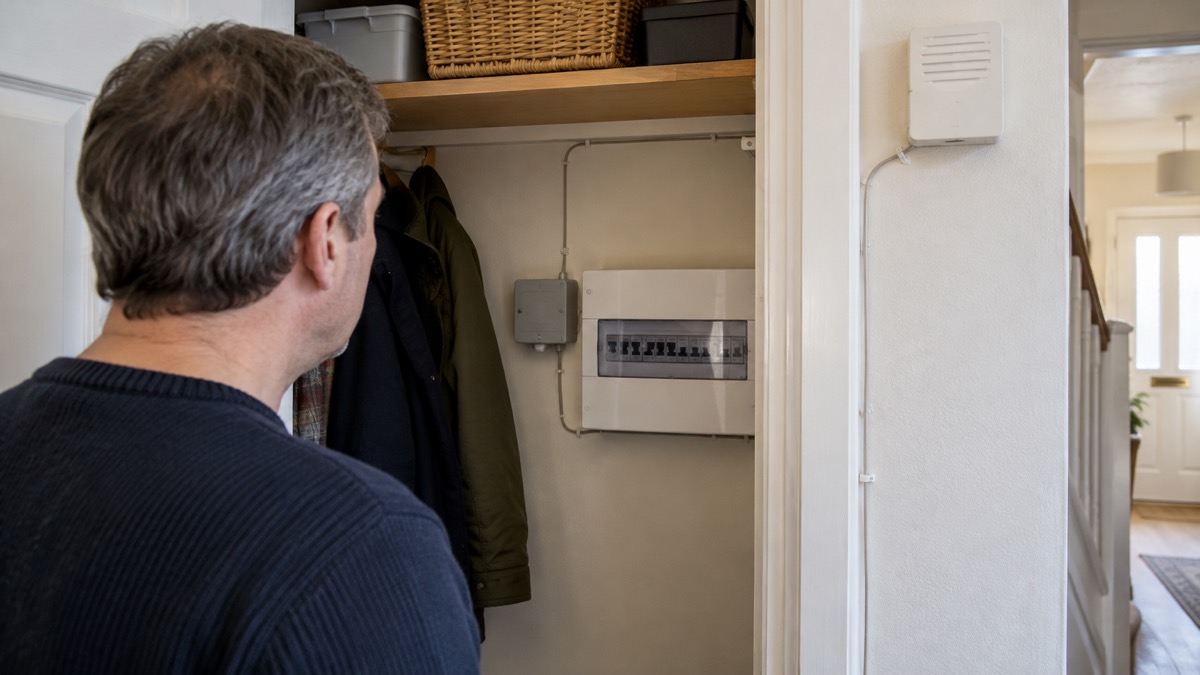
Wired doorbells have their own advantages. They never need charging, they can run continuous recording, and they draw power from wiring you may already have. Ring's Wired Video Doorbell (2nd Gen) connects to standard doorbell wiring and requires an 8-24VAC power supply4. Which matters more, uninterrupted recording or uninterrupted power, is the decision you are really making.
Battery or wired: how each one behaves
The two types differ in more than their power source. A wired doorbell is always on, so it can watch continuously and respond instantly. A battery doorbell sleeps between events to conserve power, waking when its motion sensor triggers. That is why battery models quote motion-triggered recording as their default and wired models quote continuous recording.
Ring sets out the split clearly: some of its doorbells are battery-powered, while others are hardwired only and need connection to your home's existing wiring or a Plug-In Adapter7. Its wired models take power from that wiring and stay on. Its battery models can also be wired to the existing doorbell system, but they only receive a trickle charge from it and remain primarily battery-powered7. A solar charger can provide a similar trickle charge7.
| Behaviour | Battery doorbell | Wired doorbell |
|---|---|---|
| Power source | Rechargeable battery, sometimes with trickle charge from wiring7 | Mains doorbell wiring, always on8 |
| In a power cut | Keeps working on its battery3 | Stops working |
| Recording default | Motion-triggered3 | Continuous where supported3 |
| Installation | Do it yourself with included accessories9 | Needs compatible wiring, sometimes an adapter10 |
| Maintenance | Recharge every few months7 | None for power |
The maintenance point is worth weighing honestly. A battery doorbell needs its battery removed and recharged periodically, which means a ladder, a removal tool and a few hours without cover at the door. Ring's battery models detach easily with the included removal tool and recharge via USB-C8. If you are not able to get up a ladder safely, a wired model removes that chore entirely, provided your wiring is compatible.
For a fuller comparison of what doorbells do and how to choose between them, see Video Doorbells: What They Do and How to Choose One.
Doorbells that work either way: wired or wire-free
You are not always choosing one type for good. Several current models can be installed either wire-free on a battery or hardwired to existing doorbell wiring, which gives you the option to start on battery and wire it later, or to keep a trickle charge topped up.
Arlo's wireless doorbell can be installed wire-free using its integrated battery or connected to existing doorbell wiring11. Blink's Video Doorbell (2nd Gen) supports both wired and wireless installation6. Ring's battery doorbells can be hardwired, and its Battery Video Doorbell 2K Plus has a removable rechargeable battery and can be hardwired9. Arlo's Essential 2K Wireless Video Doorbell can be charged inside or hardwired for continuous power12.
This flexibility is useful in a rented home or a house where the existing chime wiring is old or unreliable. You can fit the doorbell on battery now and add wiring later if you decide you want continuous recording. It also means a single model can suit you through a change of circumstances, such as a move or a rewiring job.
The catch is that "supports wired installation" does not mean "works with any wiring". Ring's Wired Video Doorbell (2nd Gen) needs 8-24VAC4, and Which? notes that wired doorbells generally require existing doorbell wiring plus a standard 18-volt AC supply to power the camera2. If your existing chime is battery-operated or your transformer is undersized, the wired option may not work without an adapter. Ring offers a Plug-In Adapter for its Wired Video Doorbell (3rd Gen) to power it from a standard electrical socket where existing wiring is incompatible10.
Batteries: AA lithium cells in some models, built-in packs in others
Battery doorbells are not all the same under the cover. Some take standard AA cells you can buy in a shop; others have a built-in pack you recharge by cable; others have a removable pack you take out and charge indoors. Knowing which you are buying affects both running costs and how long the doorbell is out of action while it charges.
Blink is explicit about its battery. Its Video Doorbell (2nd Gen) requires three Energizer AA 1.5-volt lithium non-rechargeable batteries for both wired and wireless installations6. Its original Video Doorbell takes two AA 1.5-volt lithium non-rechargeable batteries, and Blink states that even when wired, the doorbell is always powered by them5. Blink also says plainly: "You should not use rechargeable batteries with your doorbell. Use one pair of non-rechargeable, Lithium Metal, size AA, 1.5v batteries."5
Other makers use rechargeable packs. Ring's Battery Video Doorbell 2K has a removable rechargeable battery and can be hardwired13, and its Battery Video Doorbell 4K Pro uses a Quick Release Ultra Battery Pack, which Ring describes as its fastest-charging battery14. Arlo's Essential 2K Wireless Video Doorbell has a battery that is not removable, so you charge the whole doorbell inside or hardwire it for continuous power12.
The practical rule is to fit exactly the battery the maker specifies. A doorbell designed around non-rechargeable lithium cells may not tolerate the lower voltage of a rechargeable cell, and a maker's warranty may depend on it. Keep a spare set of the correct cells so the doorbell is not out of action while you order more.
Wi-Fi: most doorbells need a 2.4GHz connection
A video doorbell is a small computer with a camera, and it needs a reliable Wi-Fi signal at the front door to send video to your phone. That is often the weakest link in a home installation, because the front door is usually the furthest point from the router and may be separated by a thick wall.
Many doorbells work only on the 2.4GHz band. Which? notes that some doorbells will only work on 2.4GHz, while dual-band offers greater flexibility2. Ring's Battery Video Doorbell (2nd Gen) specifies an 802.11 b/g/n Wi-Fi connection at 2.4GHz13, and Blink's Video Doorbell (2nd Gen) specifies 802.11b/g/n at 2.4GHz17. Google's Nest Doorbell (battery) uses 802.11b/g/n 2.4GHz Wi-Fi outside the United States18.
Some models do better. Ring's Wired Video Doorbell 2K Plus supports 2.4GHz and 5.0GHz4, and its Wired Video Doorbell Pro (3rd Gen) uses Wi-Fi 6 (802.11ax) dual-band 2.4GHz and 5GHz10. Reolink lists 2.4/5GHz Wi-Fi across its battery and wired Wi-Fi doorbells1. If your router is modern and your signal is strong, dual-band gives you more headroom.
Before buying, check three things: the Wi-Fi band your chosen model needs, the signal strength at the door, and your upload speed. Blink specifies a high-speed internet connection with a minimum upload speed of 2 Mbit/sec for its doorbell5. If the signal is weak, a mesh node or a doorbell that supports 5GHz may help, but no doorbell can compensate for a connection that drops out.
Picture and view: from 1080p to 2K, 135° to 150°
The camera specification decides what you can actually see: whether a face is recognisable, whether a parcel on the step is visible, and whether you can read a number plate at the kerb. Two numbers matter most, resolution and field of view, and they pull against each other.
Resolution is quoted in pixels or in marketing terms. Ring's range runs from 1080p HD on its Video Doorbell Elite8 through 1440p HD head-to-toe video on its Battery Video Doorbell8 to Retinal 2K on its Battery Video Doorbell 2K8 and Retinal 4K on its Battery Video Doorbell 4K Pro14. Blink's Video Doorbell (2nd Gen) offers HD video up to 1440p5, and its Wired Doorbell 2K+ offers 2K video at 1920 x 1920p5. Reolink lists 2K 4MP across its doorbells1.
Field of view is the angle the lens covers. A wider view shows more of the doorstep and the path, but each part of the image is smaller. Blink's Video Doorbell (2nd Gen) has a 150° field of view5, its Wired Doorbell 2K+ has 140°5, and Ring's Wired Video Doorbell 2K (2nd Gen) has a 140x140 head-to-toe field of view4. Reolink's Battery Video Doorbell (2nd Gen) lists a 180° diagonal, 150° horizontal and 150° vertical view3.
| Model | Resolution | Field of view |
|---|---|---|
| Ring Battery Video Doorbell 2K | Retinal 2K8 | Not stated |
| Ring Wired Video Doorbell 2K (2nd Gen) | Retinal 2K head-to-toe8 | 140x1404 |
| Blink Video Doorbell (2nd Gen) | HD up to 1440p5 | 150°5 |
| Blink Wired Doorbell 2K+ | 2K (1920 x 1920p)5 | 140°5 |
| Reolink Battery Video Doorbell (2nd Gen) | 2K 4MP1 | 180° diagonal, 150° horizontal3 |
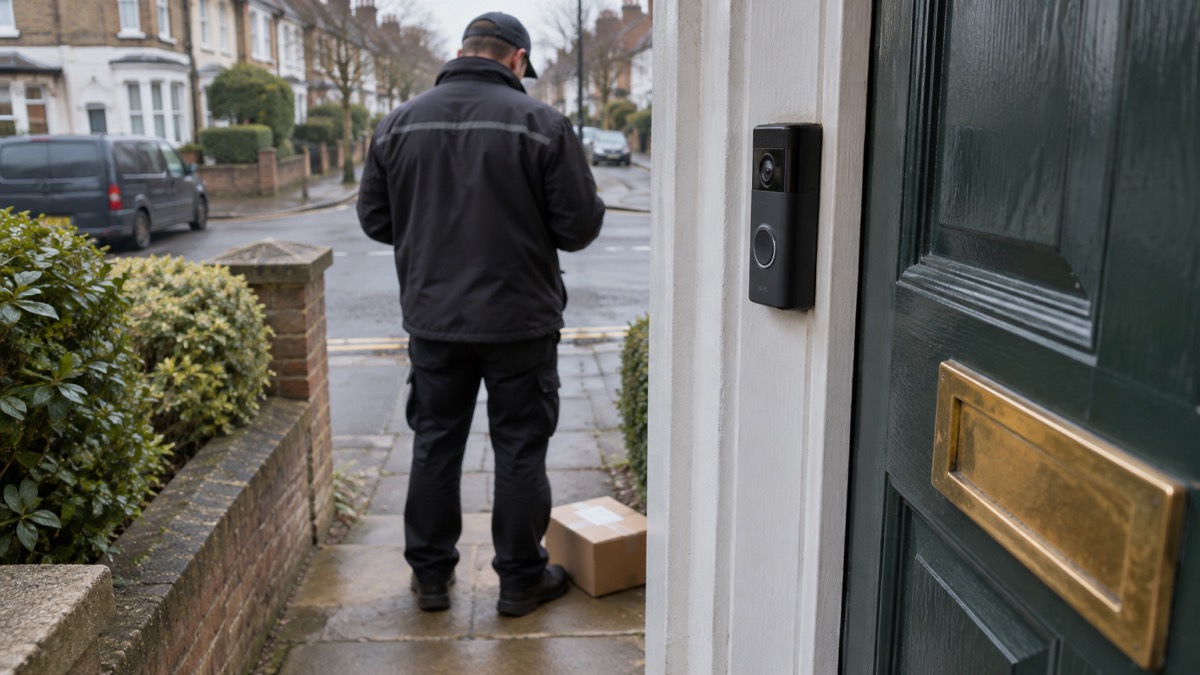
Head-to-toe video is worth understanding. A conventional wide view shows a person's head and shoulders but cuts off parcels at their feet. A head-to-toe or 1:1 aspect ratio shows the full height of a visitor and the ground in front of the door, which is why several makers now quote it. Ring's Wired Video Doorbell 4K Elite uses a 140° horizontal and 140° vertical view at a 1:1 aspect ratio19.
Fitting a battery doorbell without existing wiring
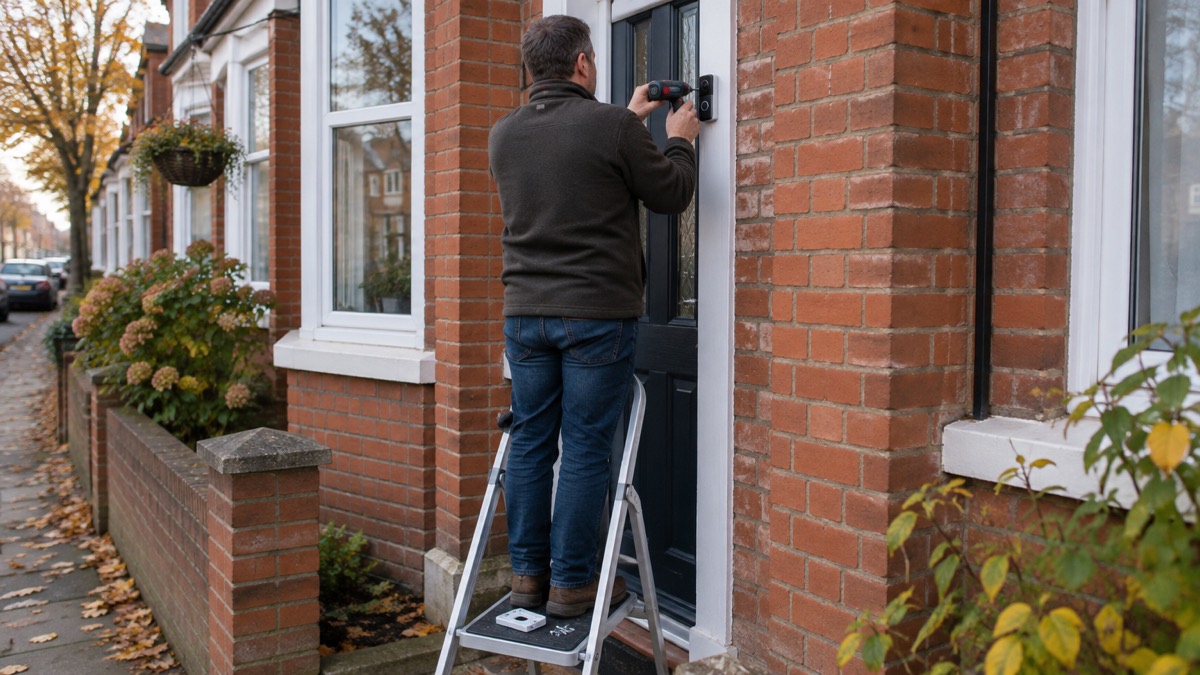
If you have no doorbell wiring, a battery doorbell is a job you can do yourself. Ring describes the process in three steps: connect the doorbell to the Ring app, mount it by screwing the bracket to the wall and clicking the doorbell into place, and recharge it by inserting the removal tool to detach it from the wall13. Ring's Battery Video Doorbell 2K Plus is described as a do-it-yourself installation with included accessories9.
Before you drill, plan the position. The doorbell should see the approach to the door and the ground where parcels are left, at a height where a visitor's face is in frame. Check the Wi-Fi signal at that spot with your phone before committing. If the door is on a corner or the approach is angled, a corner or wedge mount may be needed; Blink lists these as sold separately for its Video Doorbell (2nd Gen)6.
The steps, in order:
- Check the Wi-Fi signal at the intended position with your phone.
- Charge the battery fully before first use, following the maker's instructions.
- Fix the bracket at the chosen height, using the drill template supplied where one is included17.
- Connect the doorbell to the maker's app and complete setup.
- Click the doorbell into the bracket and test motion alerts and two-way talk.
- Note how the battery detaches, so you can recharge it without forcing anything13.
For the wider question of where a doorbell fits alongside cameras and alarms, see Home Security: A Household Guide, and for the rules on what your doorbell can film beyond your boundary, see Filming Beyond Your Boundary: CCTV, Doorbells and Data Protection.
Sources (19)
- Reolink video doorbells, Reolink, 2026-11-03
- How to buy the best smart video doorbell, Which?, 2026-10-16
- Reolink Video Doorbell (2nd Gen), Reolink, 2026-11-02
- Wired Video Doorbell (2nd Gen), Ring, 2026-11-03
- Blink Video Doorbell FAQ, Blink, 2026-11-03
- Video Doorbell (2nd Gen) FAQ, Blink, 2026-11-03
- Doorbell and security camera FAQ, Ring, 2026-11-03
- Video doorbell cameras, Ring, 2026-11-03
- Battery Video Doorbell Plus (2nd Gen), Ring, 2026-11-03
- Wired Video Doorbell Pro (3rd Gen), Ring, 2026-11-03
- Arlo doorbells, Arlo, 2026
- Arlo Essential 2K Wireless Video Doorbell, Arlo, 2026
- Battery Video Doorbell (2nd Gen), Ring, 2026-11-03
- Battery Video Doorbell Pro (2nd Gen), Ring, 2026-11-03
- Battery safety, Tower Hamlets Council, 2026-10-29
- Batteries and charging safety, Essex Fire and Rescue Service, 2026-10-29
- Blink Video Doorbell (2nd Gen) tech specs, Blink, 2026-11-03
- Nest Doorbell specifications, Google, 2026-11-03
- Wired Video Doorbell 4K Elite | POE Doorbell Camera – Ring, Ring (en-uk.ring.com)
 Alarm vs Camera
 Doorbell vs Camera
 Wired or Battery Cameras