

Ubiquiti makes the UniFi range: smart video doorbells, security cameras, a network video recorder and a cloud gateway. For a household, the useful question is not what the kit can do on a good day but what it does when the power goes, the broadband drops, or a storm takes out the street. The honest answer is that it is mains and network dependent. The cameras and recorder need power and a working connection, so in a long outage they stop watching. What they give you is a record before and after, and a view of the front door when you are away or asleep.
Plan the system as one part of your home security and keep a separate, simple layer that does not need power: a torch, a battery radio, a charged phone and a written plan. The National Cyber Security Centre (NCSC) advises that smart devices almost always need an internet connection, a smartphone or tablet, and an app or online account to manage them1. That is the dependency to design around.
The short answer: what Ubiquiti is, and what it is not
Ubiquiti is the maker behind the UniFi range. In a household it is a security system: a doorbell that shows you who is at the door, cameras that watch the garden, drive or side gate, a recorder that keeps the footage, and a gateway that runs the network they sit on. It is not an emergency kit. It does not store water, heat a room or keep the lights on. Its value in a preparedness plan is narrow and real: it tells you what happened at your property while you were out, asleep or evacuated, and it gives you a record if something goes wrong.
The limit is the same as for any smart device. The NCSC's guidance for smart devices in the home sets out the minimum a household will need: an internet connection, a smartphone or tablet to install an app or create an online account, and the app or account itself to manage the device1. If any of those fails, the system stops being useful in the way you bought it for.
Which? reviewed smart video doorbells and found that Ubiquiti did not provide specific support lengths for its doorbells2. That matters for a household planning years ahead: you cannot assume a fixed number of years of security updates. Check the maker's current documentation before you commit to a model, and keep the software updated for as long as updates are offered.
What to do: set it up so it still helps when things go wrong
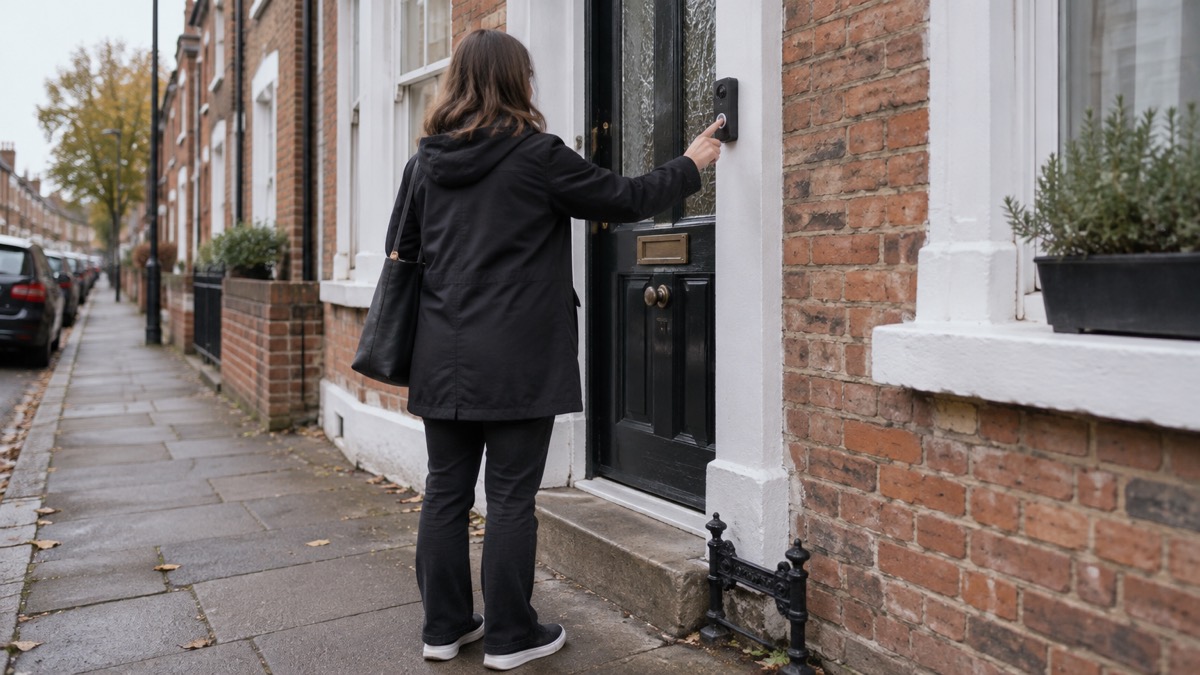
Set the system up in the order that makes it useful in an emergency, not the order the boxes suggest.
- Decide what you want it to do. A doorbell answers the door. A camera covers a route. A recorder keeps the footage. Write down which of those you actually need before buying anything.
- Check the dependencies. Confirm you have an internet connection, a phone or tablet, and the app or account the device needs2. If your broadband is unreliable, plan for the cameras to be unavailable during an outage.
- Secure it before you rely on it. Use strong passwords and passphrases, never reuse passwords across accounts, turn on two factor authentication, and keep the device software updated3. The NCSC also advises connecting smart devices to a separate or guest network so any compromise stays contained4.
- Keep the software current. Apply updates to apps and device software as soon as they are available, and turn on automatic updates if the device offers them5. Updating can take time and needs a reliable connection, so do it at home on Wi-Fi with the device plugged in6.
- Write the plan down and tell the household. Tell others that live with you what to do7. A camera system nobody else knows how to check is half a system.
- Keep a fallback. A charged power bank for your phone, a battery or wind-up radio, a torch and spare batteries belong in the emergency kit whatever cameras you own8.
What you need: the kit, by type
Ubiquiti's household range falls into four groups. Each has a job in a preparedness plan, and each has a dependency you should know before you buy.
| Kit type | What it does for the household | What it needs | Where it fits a plan |
|---|---|---|---|
| Video doorbells | Shows and records who is at the door | Power, network, app or account2 | Knowing who called while you were out or asleep |
| Security cameras | Covers the garden, drive or side access | Power, network, recorder for stored footage2 | A record of activity around the property |
| Network video recorder | Stores the footage on your premises | Power, network, cameras | Keeping the record when a cloud account is not wanted |
| Cloud gateway | Runs and manages the network the devices sit on | Power, broadband | One place to manage the system and its security |
Doorbells
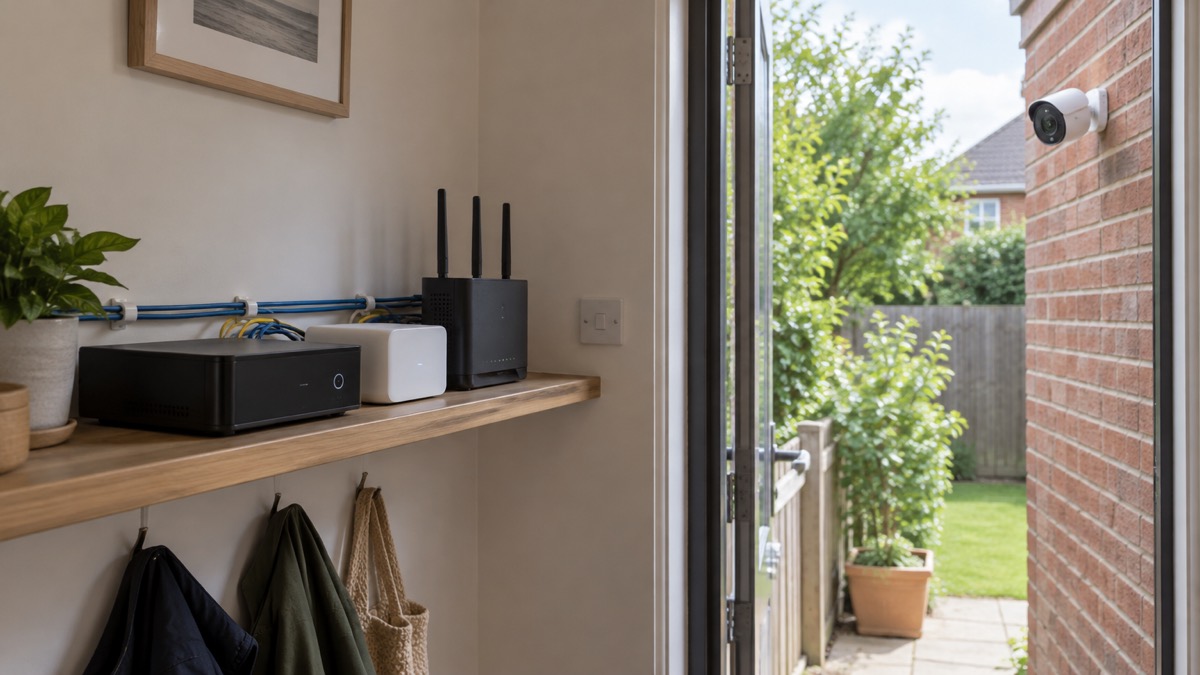
The doorbell is the piece most households start with. The UniFi G4 Doorbell Pro is the fuller model, and the UniFi Doorbell Lite is the simpler one. Which? notes that the G4 Doorbell offers continuous recording, but you need to buy an additional storage device from Ubiquiti to make it work2. If continuous recording matters to you, budget for the storage as part of the system, not as an afterthought. For the wider picture on doorbells, see the home security guide.
Cameras
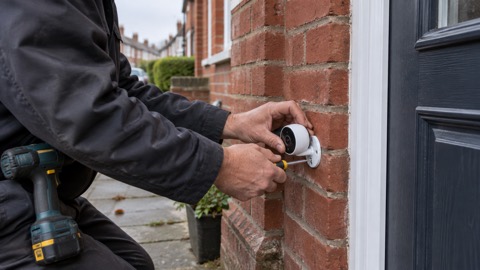
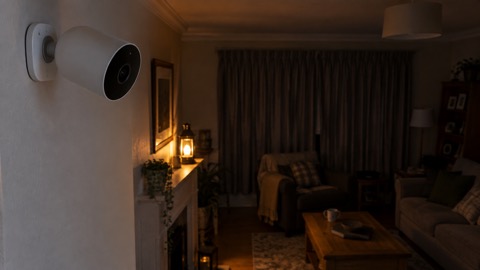
The camera range covers the angles a household usually needs. The UniFi G6 Bullet and UniFi G6 Turret are the outdoor shapes for a wall or eave, the UniFi G6 Dome suits a position where you want a less obtrusive unit, the UniFi G6 Instant is the compact option, and the UniFi G5 Flex is the flexible indoor or sheltered position. Choose by where the camera goes and what it needs to see, not by which is newest.
Recorder and gateway
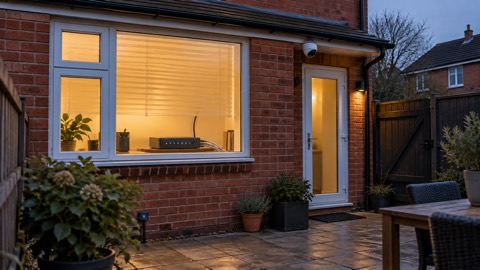
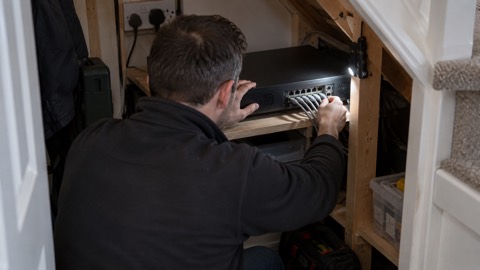
The UniFi Network Video Recorder is the storage device that makes continuous recording work. Keeping footage on your own premises means the record survives a cloud account problem, but it also means the recorder needs power and a network to be useful. The UniFi Cloud Gateway Ultra runs the network the devices sit on. Both are the parts that decide whether the system keeps working when the broadband does not.
Keeping it running through a power cut or outage
The system is only as good as its power and its connection. In a power cut the cameras and recorder stop, and the app on your phone has nothing to show. That is the moment to switch to the simple layer: a torch, a battery radio, a charged phone and your written plan. The power cuts guide covers the household routine; the backup power guide covers what can keep a router or recorder going.
If you want the system to survive a short outage, the sensible approach is to keep the router and recorder on a small backup supply and accept that the cameras may drop first. Do not run extension leads and chargers into unsafe places to keep a camera alive. The fire and rescue service advises keeping cables tidy to avoid trips and falls9, and keeping escape routes clear so you can evacuate quickly and safely10. A camera cable across a hallway is a hazard, not a security measure.
For the wider picture on keeping connected when the mains fails, see staying informed and self-reliance.
Staying safe: securing the system and the household
A camera system is a small computer network in your home, and it needs the same care as any other. The NCSC's top tips for staying secure online are the baseline: use strong passwords and passphrases, never reuse passwords for different accounts, avoid opening suspicious emails or messages, avoid clicking unknown and untrusted links, keep the device software updated, turn on two factor authentication, and follow any safety advice given by the device manufacturer3. Police Scotland gives the same advice for smart devices: strong passwords, no reuse, avoid suspicious messages and links, keep software updated, turn on two factor authentication, and follow the manufacturer's safety advice11.
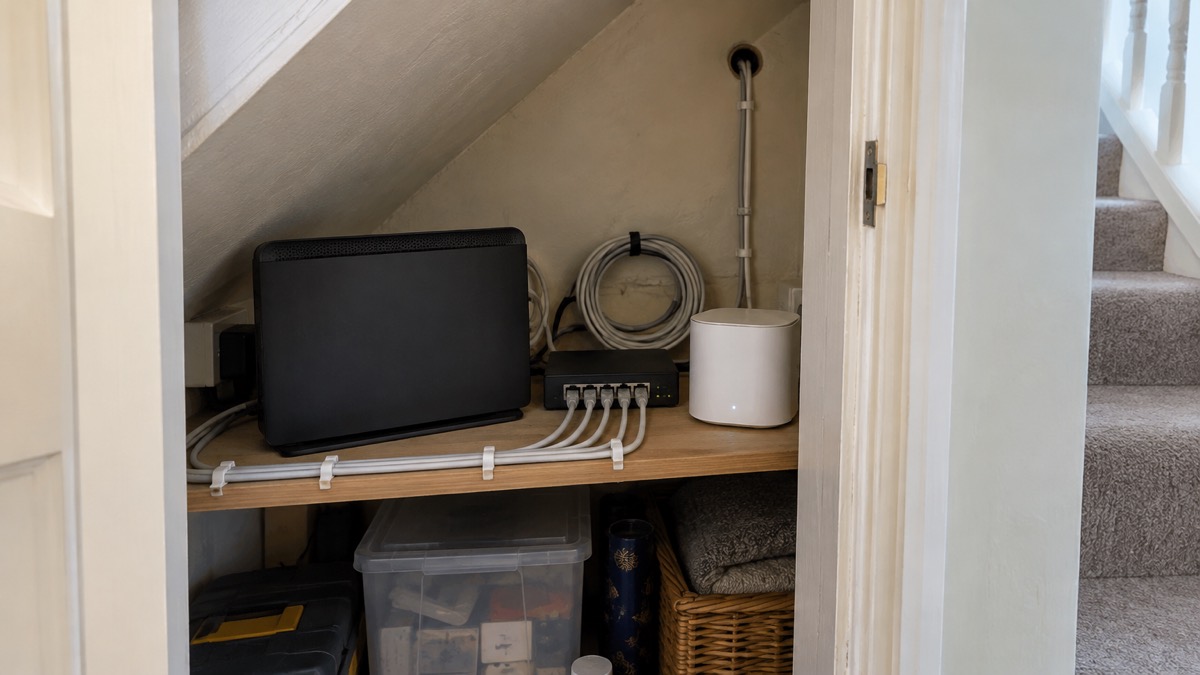
The NCSC also advises connecting smart devices to a separate or guest network so any compromise remains quarantined within that network4. That is a practical step for a household with a doorbell, cameras and a recorder: put them on their own network and keep the family laptops and phones on another.
If you think a device has been compromised, the NCSC's advice is to open your antivirus product and run a scan, then take the actions it recommends12. If you opened a suspicious link, run a full scan and let the antivirus clean up any problems it finds13. If an account has been hacked, follow the NCSC's recovery steps6. For more advice on keeping smart devices secure, contact the manufacturer or read the NCSC's smart device guidance11.
Where Scotland, Wales and Northern Ireland differ
The cyber security advice above applies across the UK: the NCSC's guidance is UK-wide. The differences that matter for a household with a camera system are in the power arrangements and in the local help available.
On power, the official report into the 9 August 2019 power disruption sets out how demand would be disconnected in stages under the Low Frequency Demand Disconnection scheme. At Stage 8, 5% of demand would be disconnected in England and Wales (NGET), 10% in Southern Scotland (SPT) and 10% in Northern Scotland (SHET)14. At Stage 4, 7.5% of demand would be disconnected in England and Wales and 10% in Southern Scotland14. What it means for you is simple: a widespread power cut can affect any part of the UK, and your cameras will go dark wherever you live.
On local help, fire and rescue services across the UK offer home safety visits. Warwickshire Fire and Rescue Service lists home security as part of its safe and well visit15. Ask your local service what it offers. For household planning, the Scottish Borders guidance on personal resilience is a useful starting point for households in Scotland7, and the Essex Prepared guidance on recovering from an emergency covers what to do once you are home, including contacting utility companies if damage has occurred16.
Sources (17)
- Smart devices in the home, National Cyber Security Centre, 2024-02-23
- How to buy the best smart video doorbell, Which?, 2026-10-16
- Top tips for staying secure online, National Cyber Security Centre, 2021-12-21
- Cyber security advice, Secured by Design, 2026
- Install the latest software and app updates, National Cyber Security Centre, 2022-08-24
- Recovering a hacked account, National Cyber Security Centre, 2022-08-24
- Prepared personal resilience, Scottish Borders Council, 2026-10-29
- Be ready for emergencies, Cheshire Fire and Rescue Service, 2026-10-14
- Extreme weather summer guide, London Fire Brigade, 2024-05
- Battery fires, Devon and Somerset Fire and Rescue Service, 2026
- Smart devices, Police Scotland, 2026-11-02
- Citizen infected devices, National Cyber Security Centre, 2026
- Phishing, National Cyber Security Centre, 2026
- Power disruption 9 August 2019 final report, Department for Business, Energy and Industrial Strategy, 2020-01
- Apply for a safe and well visit, Warwickshire County Council, 2026-10-29
- Recovering from an emergency, Essex Prepared, 2026-10-29
- Emergency video relay, Ofcom, 2023-03-31
 UniFi G4 Doorbell Pro
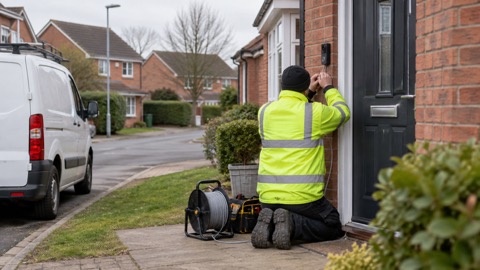 UniFi Doorbell Lite
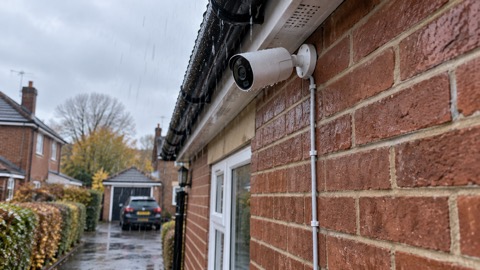 UniFi G6 Bullet
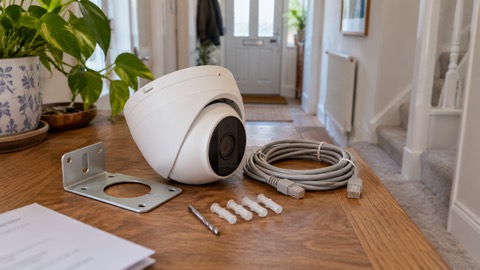 UniFi G6 Turret
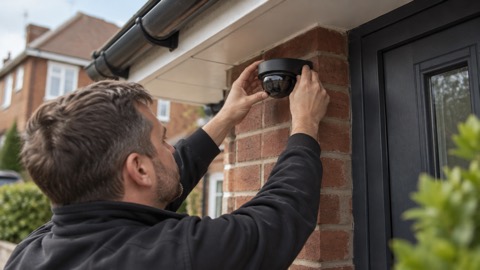 UniFi G6 Dome
 UniFi G6 Instant
 UniFi G5 Flex
 UniFi Cloud Gateway Ultra
 UniFi Network Video Recorder