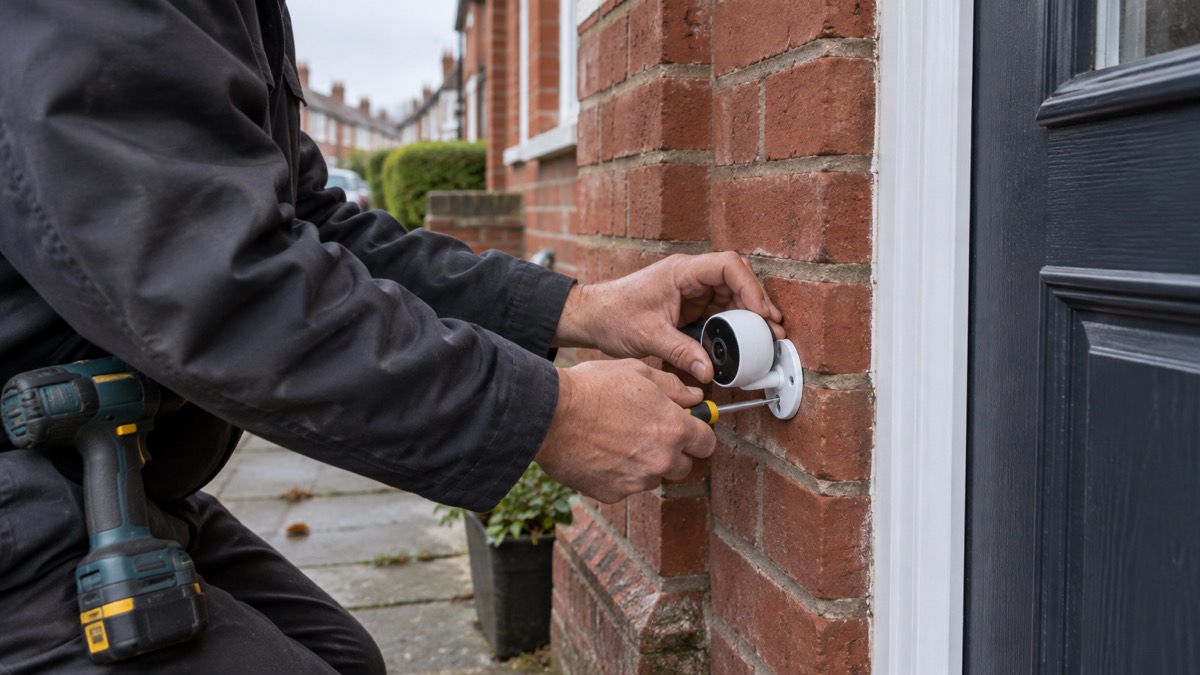
The UniFi G6 Instant is a small, plug-and-play 4K WiFi camera from Ubiquiti, sold in the UK as the UVC-G6-INS-W. It measures 81.7 x 50.1 x 57.2 mm (3.2 x 2 x 2.3 inches)1. For a household, that means one camera you can put up yourself, watch from the UniFi Protect app, and use to speak to whoever is at the door.
The practical limits matter as much as the specification. Night vision reaches 6 m (20 ft) with infrared, so it covers a doorway, a path or a short drive rather than a long garden2. Outdoors it carries an IPX5 rating while covered and an IK04 impact rating, so it wants a sheltered position under an eave or porch rather than full exposure to driving rain4. It runs on WiFi and an AC power adapter, which means a power cut takes the camera down with everything else unless you have planned for it4.
This page sets out what the camera does, what its ratings mean in practice, how to set it up and keep it ready, and where its recordings and account security need attention. It is one camera in a wider picture: if you are still deciding between cameras, alarms and doorbells, start with our guide to home cameras and CCTV.
What the G6 Instant is and who it suits
Ubiquiti describes the G6 Instant as a plug-and-play, 4K WiFi-connected camera with a 1/1.8 inch 8MP image sensor, a Multi-TOPS AI Engine and two-way audio6. When the Gen 6 range was introduced, the company presented it as a truly plug-and-play experience with a wireless design that allows easy installation and deployment without complex setup procedures5. In plain terms, it is a camera you power from a socket, join to your WiFi, and then watch and manage through the UniFi Protect app.
That shape of camera suits particular households. It is a good fit if you want one clear view of a front door, a side gate, a shed or a parking space, and you want to put it up yourself without running network cable. It is also a reasonable fit if you already use Ubiquiti networking equipment, because the camera is designed to sit within that system. It is a less obvious fit if you need to watch a long boundary, because the infrared range is 6 m (20 ft)2, or if you want a camera that keeps recording through a power cut without any extra equipment, because it depends on mains power through its adapter4.
The camera is compact: 81.7 x 50.1 x 57.2 mm (3.2 x 2 x 2.3 inches)2. That size makes it easy to tuck under a porch roof or onto a windowsill, and easy to move later if the view is not right. Check the version on the listing before you order: Ubiquiti notes that the EU version of its compact cameras comes with an EU power plug only3.
Specifications at a glance
The figures below are Ubiquiti's own, taken from its product pages and store listing. Where the same figure appears on more than one page, it is consistent.
| Specification | Figure |
|---|---|
| Model number | UVC-G6-INS-W5 |
| Resolution | 4K3 |
| Image sensor | 1/1.8 inch 8MP3 |
| Field of view | 109.9 degrees horizontal3 |
| Night vision | Infrared up to 6 m (20 ft)2 |
| Water resistance | IPX5 while covered4 |
| Impact rating | IK042 |
| Audio | Two-way3 |
| Power and connection | WiFi and AC power adapter4 |
| Dimensions | 81.7 x 50.1 x 57.2 mm (3.2 x 2 x 2.3 inches)5 |
| Versions | EU Version, UK Version5 |
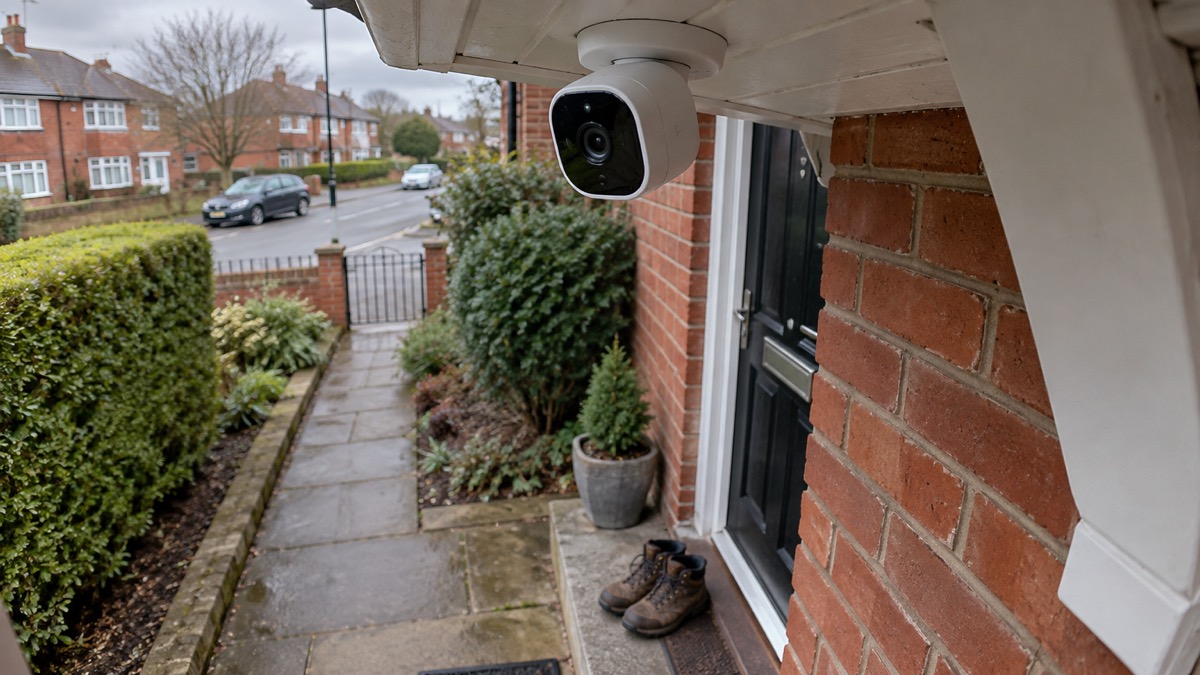
Two of these deserve a word of explanation. The 109.9 degree horizontal view is wide enough to take in a doorway and the step in front of it, but it is not a panoramic lens, so you still need to aim it at the ground you care about3. The 1/1.8 inch sensor is the light-gathering part of the camera, and Ubiquiti pairs it with the Multi-TOPS AI Engine for analytics3. The AI engine is described as supporting advanced analytics such as face ID and licence plate recognition on selected models, so check the specification for your exact model before you rely on either feature4.
If you are weighing this camera against a battery model, our comparison of wired or battery security cameras sets out the trade-offs, and if you are choosing between a camera at the door and a doorbell, see video doorbell or outdoor camera.
Night vision, weather and where to put it
The G6 Instant sees in the dark using infrared, out to 6 m (20 ft)2. That is the single most useful figure for planning where it goes. A front door, a back door, a bin store or a short driveway all sit comfortably inside that distance. A garage at the end of a long garden, or a parking bay across a street, will not. Ubiquiti describes the camera as having an ultra-compact yet outdoor-capable design with IR illumination for reliable night vision5.
Outdoors, the ratings decide the position. The camera is rated IPX5 while covered, and IK04 for impact4. The word "covered" is doing real work: mount it under a porch, an eave or a canopy so rain does not fall directly on it. The IP rating system is a useful thing to understand when you are buying any outdoor electrical equipment. Electrical Safety First explains that outdoor lighting equipment should carry an IP rating, which indicates how well it stands up to external conditions, and that for outdoor use the last number should be three or higher7. The G6 Instant's IPX5 rating follows that logic, with the added condition that it is covered.
The IK04 rating is about resistance to impact, which matters if the camera is within reach of a path, a gate or a bin store. It is a modest rating, not a guarantee, so mount it high enough to be awkward to reach and angled down at the ground you want to watch.
Setting it up: Auto-Link, the Protect app and your WiFi
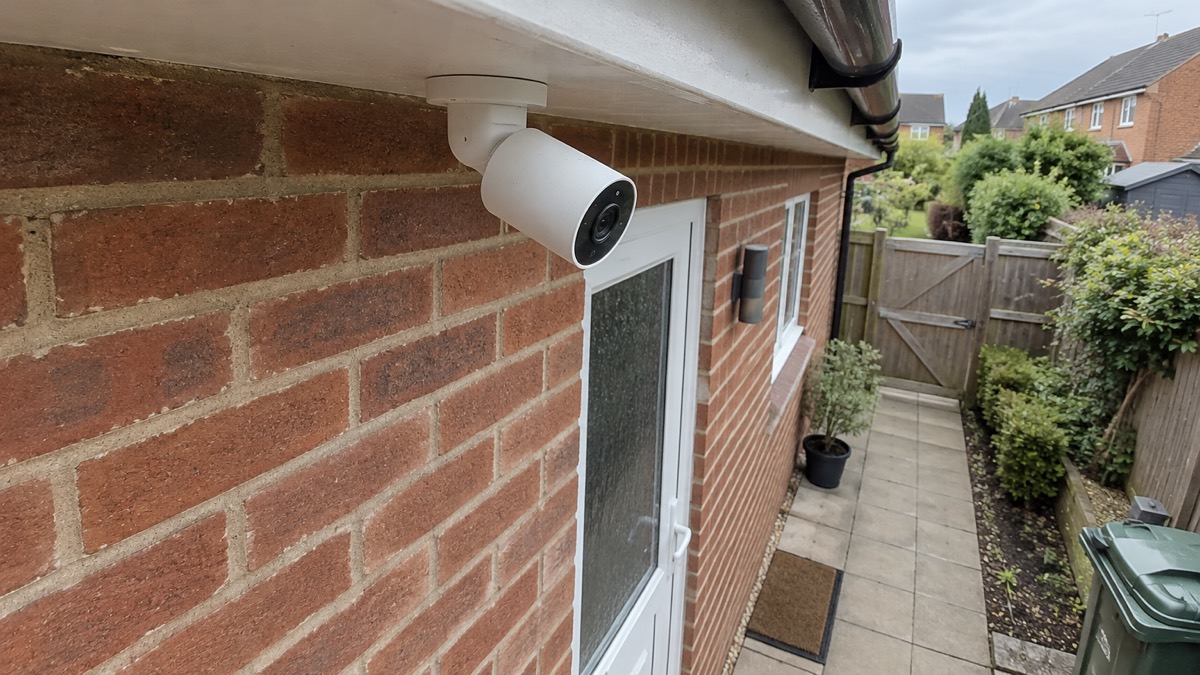
Ubiquiti says the G6 Instant offers a truly plug-and-play setup using UniFi Auto-Link right out of the box, and that it installs in minutes using versatile mounting options5. The sequence for a household is straightforward: mount the camera where you want it, connect it to its AC power adapter, and then add it in the UniFi Protect mobile app.
The camera is not limited to Ubiquiti's own network equipment. Ubiquiti states that third-party WiFi configuration is available during setup with the UniFi Protect mobile app6. That means you can put it on your ordinary home WiFi, which is what most households will do. Have your WiFi name and password to hand before you start, and set the camera up while you are standing near the router, then move it to its final position and check the signal there.
A sensible order of work:
- Decide the view first, standing where the camera will go and checking that the doorway or path you care about is in frame.
- Mount the camera under cover, high enough to be out of easy reach, and angle it down.
- Connect the AC power adapter and add the camera in the UniFi Protect app, using third-party WiFi configuration if you are on your own network6.
- Check the live view at night as well as by day, so you know what the camera actually shows after dark.
- Turn on automatic updates for the app and the camera if the option is there, and apply updates as soon as they are available8.
That last step is not housekeeping. The National Cyber Security Centre advises that you should apply updates to your apps and your device's software as soon as they are available, and turn on automatic updates if available; it notes that updating may take time and requires a reliable internet connection, best done at home on WiFi with the device plugged in8. A camera is a device on your network with a view into your home, so keeping it current is part of using it responsibly. Our guide to camera and doorbell accounts covers the account side in more detail.
Power, connection and what happens in an outage
The G6 Instant is powered by WiFi and an AC power adapter4. That single fact shapes how it behaves in an emergency. If the mains power goes off, the camera goes off with it, because its adapter has nothing to draw from. If your broadband or WiFi router loses power, the camera may have power but no network to talk to. Neither of those is a fault in the camera; it is simply how a mains-powered WiFi camera works.
For a household that wants cover during a power cut, the answer is to plan the power and the network together, not the camera alone. Our guide to keeping your home protected in a power cut sets out the wider approach, and backup power at home covers what can keep a router and a camera running. If your broadband is slow or your mobile signal is weak where the camera goes, read alarms and cameras on a weak mobile signal or slow broadband before you commit to a position.
There is a second question households often ask: can the camera record without the internet? That depends on the rest of your UniFi setup rather than the camera alone, and our page on cameras that record without the internet explains the options. If you are building a UniFi system around the camera, the UniFi Network Video Recorder and the UniFi Cloud Gateway Ultra are the pieces that hold and manage recordings.
Keeping recordings and the account safe
A camera is only as useful as the recordings you can find afterwards, and only as safe as the account behind it. Two habits do most of the work. The first is keeping the app and the camera's software up to date, which the National Cyber Security Centre advises doing as soon as updates are available, with automatic updates turned on where possible8. The second is treating the UniFi Protect account like any other account that can see inside your home: a strong, unique password, and care about who else has access.
If an account is ever compromised, the National Cyber Security Centre has a step-by-step guide to recovering a hacked account, which is worth reading before you need it8. Our page on stopping strangers getting into camera and doorbell accounts goes through the settings that matter, and how to stop your security camera being hacked covers the network side.
Where the recordings live depends on your setup. A camera on its own, viewed through the app, is one thing; a camera feeding a recorder is another, and the recorder is what gives you a searchable history. If you are relying on the camera for evidence after an incident, check that recordings are being kept where you expect and for as long as you expect before you need them.
Versions, plugs and the older G3 Instant
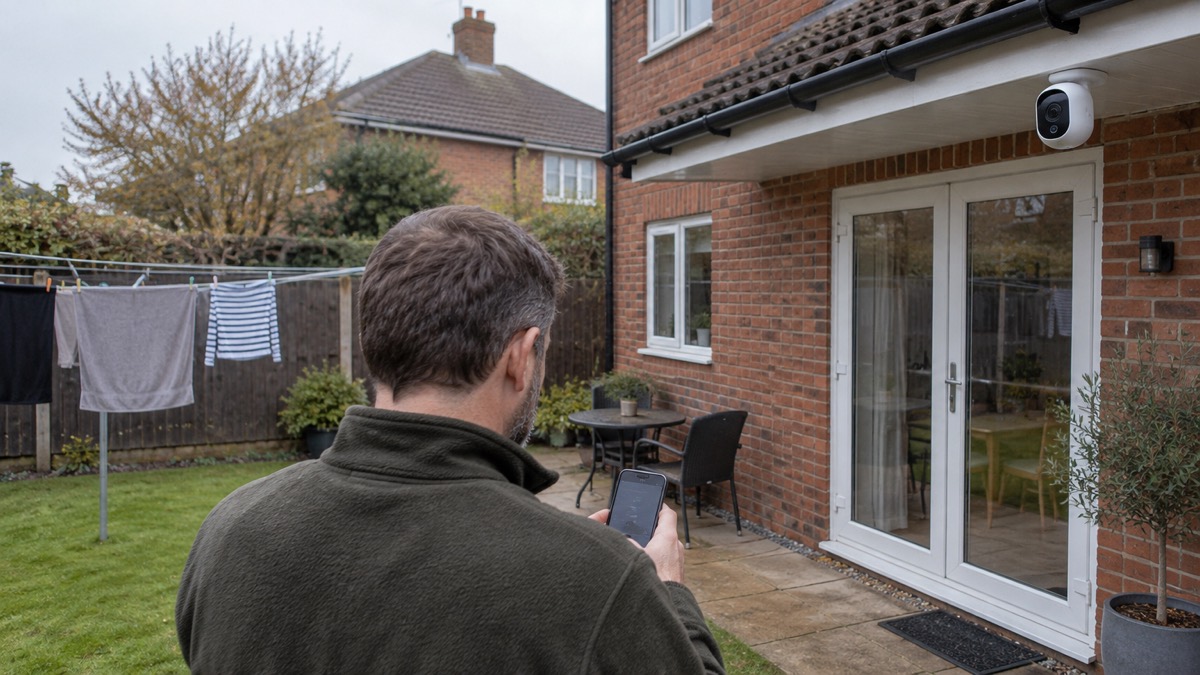
Check the version on the listing before you order. Buy the UK Version for a British socket. If you are buying for a home in the Republic of Ireland or elsewhere in the EU, the EU Version is the matching one: Ubiquiti notes that the EU version of its compact cameras comes with an EU power plug only3. The same pattern applies across Ubiquiti's compact cameras, and it is worth checking the version on the listing before you order rather than after.
The G3 Instant is the older compact camera in the same family, described by Ubiquiti as a compact, wide-angle, WiFi-connected camera with two-way audio10. Its UK store listing currently shows a Notify me when available message, which indicates it is not in stock there at the time of writing10. If you specifically want the G3 Instant, check the store rather than assuming it has gone for good. The G6 Instant is the model Ubiquiti presents as its current plug-and-play compact camera5.
On plugs and fuses, the ordinary rules apply. Electrical Safety First advises that the fuse should be the correct size and meet British Standard BS 1362, marked on the fuse body, and that you should check the manufacturer's instructions if you are unsure which fuse to use9. If you are buying any outdoor electrical equipment, its guidance on IP ratings is a useful check: for outdoor use, the last number should be three or higher7.
Where the G6 Instant fits in a home security plan
A camera is one layer of a home security plan, not the whole of it. Locks, doors, windows, lighting and the habit of making a house look occupied all do work that a camera cannot. Our guide to how burglars choose a home explains what puts a property off, and doors and locks and windows cover the physical side. If you are deciding between a camera and an alarm, burglar alarm or CCTV camera sets the two side by side.
The G6 Instant's particular contribution is a clear, wide view of a small area, day and night, with the ability to speak through it3. That makes it useful for a front door, a side gate or a shed, and less useful for a long boundary. It is also a camera that depends on mains power and WiFi, so it belongs in a plan that already thinks about power cuts and broadband outages4. If you are building that plan from the start, our home security guide is the place to begin, and getting started covers the wider household preparations that sit around it.
Sources (10)
- Compact cameras, Ubiquiti
- All physical security, Ubiquiti
- Special devices, Ubiquiti
- Compact cameras, Ubiquiti
- Introducing the Gen 6 camera lineup, Ubiquiti, 2025-03-24
- Camera G6 Instant - Ubiquiti Store Europe, Ubiquiti Store Europe
- How to avoid a costly lockdown DIY disaster, Electrical Safety First, 2026-10-25
- Recovering a hacked account, National Cyber Security Centre, 2022-08-24
- Plugs and fuses, Electrical Safety First, 2026-10-26
- G3 Instant, Ubiquiti

 Ajax BulletCam
 Ajax TurretCam
 Aqara Camera Hub G350
 Arlo Essential 3 2K
 Arlo Essential 3 Indoor
 Arlo Pro 6
 Arlo Ultra 2
 Arlo Ultra 3
 Blink Outdoor 4
 Eufy SoloCam S340
 Eufy eufyCam S3 Pro Kit
 Eufy eufyCam S4 Setup