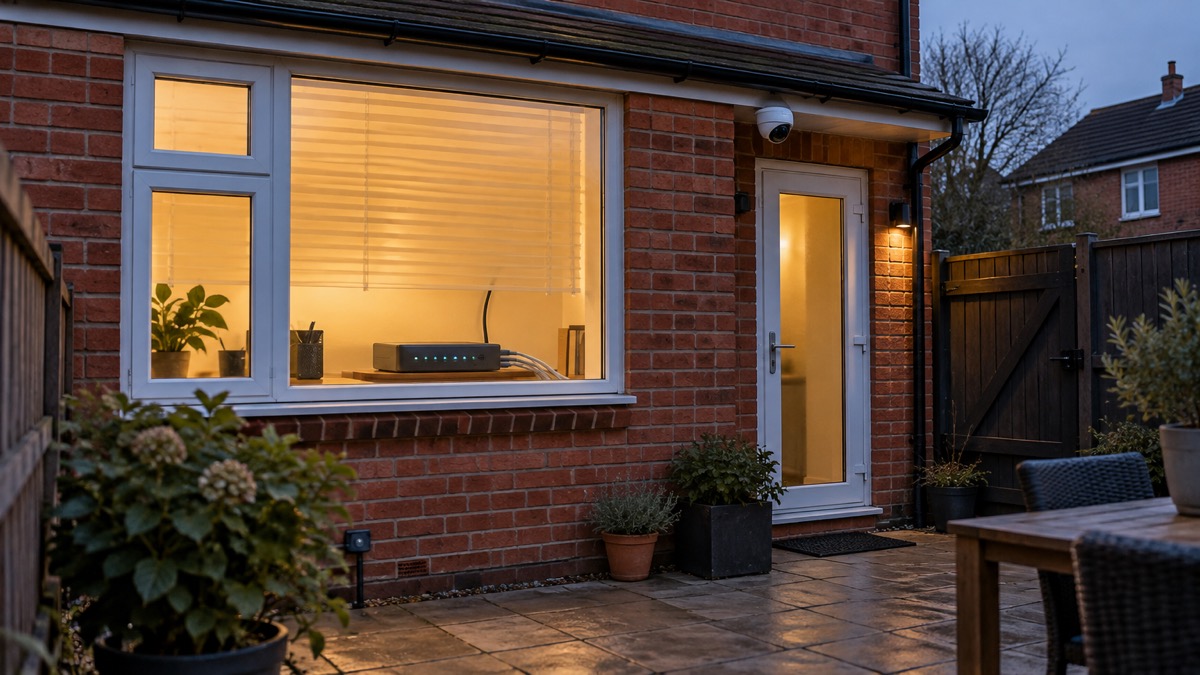
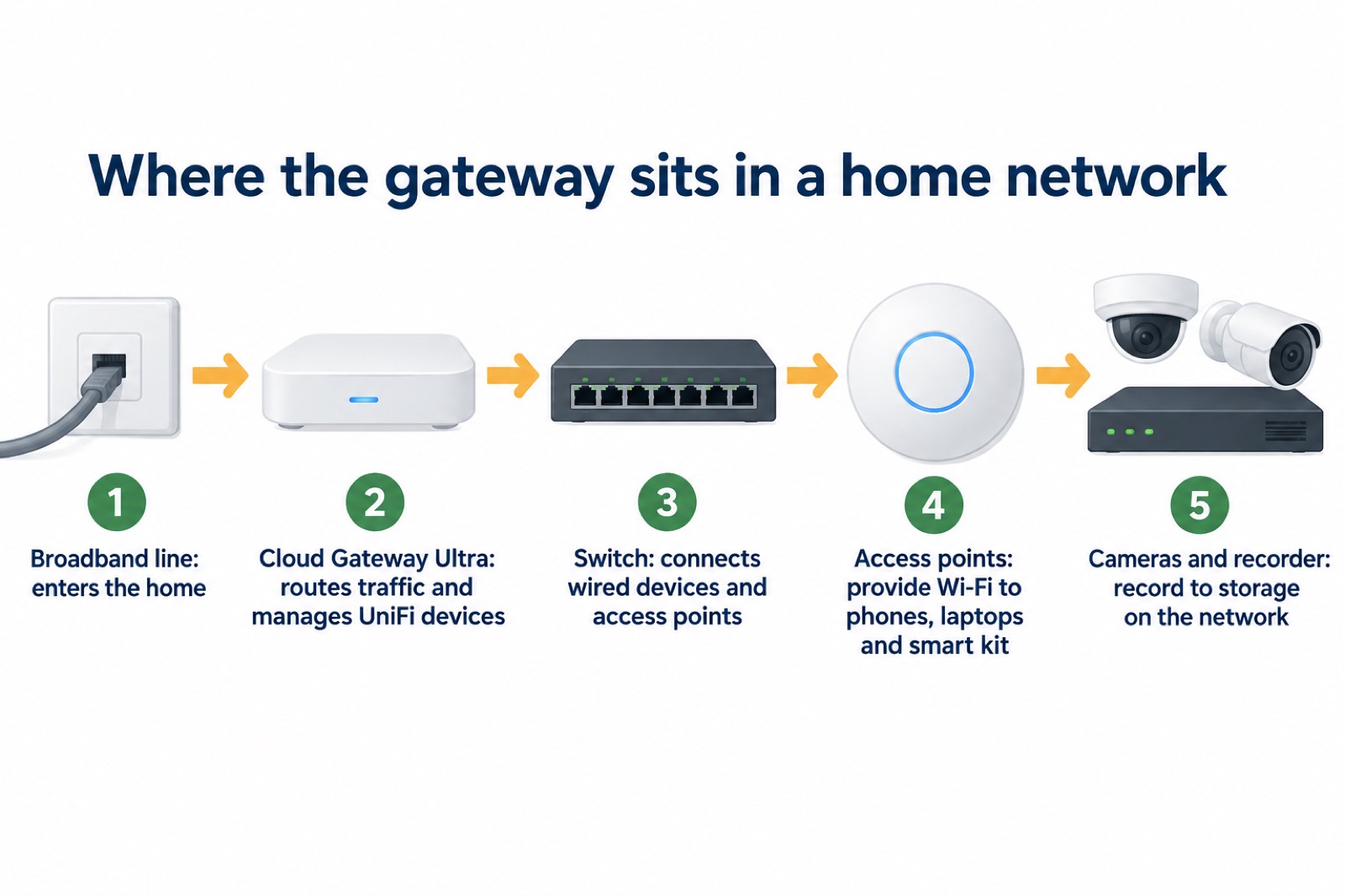
The UniFi Cloud Gateway Ultra is a small network gateway from Ubiquiti, the maker of the UniFi range. It sits between your broadband line and everything else in the house, routing traffic, managing your UniFi devices and, in a home with UniFi Protect cameras, acting as the network the cameras and recorder talk over. For a household, its appeal is simple: one box that keeps the network and the cameras on a single, manageable system, with a second internet connection able to take over if the first fails.
What it is not is a recorder. Recordings need storage, such as a UniFi Network Video Recorder, and the gateway's job is to keep the network running so those recordings continue. That distinction matters when you plan for a power cut or a broadband outage: the gateway can help you stay connected, but it cannot make a dead line or a dead power supply work on its own.
This page sets out what the gateway does, how many devices it can manage, how to set it up safely in a UK home, how to keep it and your recordings secure, and what to do when the power or the internet goes down. It is written for an ordinary household, not a network engineer.
What the Cloud Gateway Ultra does for a household
The gateway is the front door of your home network. Everything that connects to your broadband, from phones and laptops to smart speakers and cameras, passes through it, and it decides how that traffic is routed and managed. For a household with UniFi equipment, that means one place to see and control the devices on the network rather than a patchwork of separate apps.
Its headline capability is throughput. The gateway is rated for 1 Gbps IPS routing1, which means it can handle a full gigabit broadband line with intrusion prevention switched on. For most UK homes that is more capacity than the line itself provides, so the gateway will not be the bottleneck. It is rated for more than 300 client devices and can manage more than 30 UniFi devices1, so a typical family home with phones, tablets, a television, a doorbell and a handful of cameras sits comfortably inside its limits.
The second capability is resilience. The gateway supports multi-WAN load balancing, which lets it use more than one internet connection and keep you online when one fails1. In a household that depends on its connection for cameras, a smart doorbell or working from home, that is the feature that earns its place: if the main broadband drops, a second line can carry the traffic instead.
What it does not do is store video. If you run UniFi Protect cameras, the recordings live on a recorder or a console with storage, and the gateway's role is to keep the network and the cameras talking to it. Plan for storage separately, and treat the gateway as the thing that keeps the system connected.
Specifications at a glance
The figures below are the ones that decide whether the gateway suits your home. They come from the maker's own product information.
| Specification | Figure | What it means for you |
|---|---|---|
| IPS routing throughput | 1 Gbps1 | Handles a full gigabit line with intrusion prevention on |
| Client devices | More than 3001 | Plenty for phones, laptops, TVs, cameras and smart home kit |
| UniFi devices managed | More than 301 | Enough for a home with cameras, access points and switches |
| Multi-WAN | Load balancing across connections1 | A second line can keep you online if the first fails |
| Power supply | EU plug only on the EU Store version1 | Needs a safe UK conversion or a UK-supplied unit |
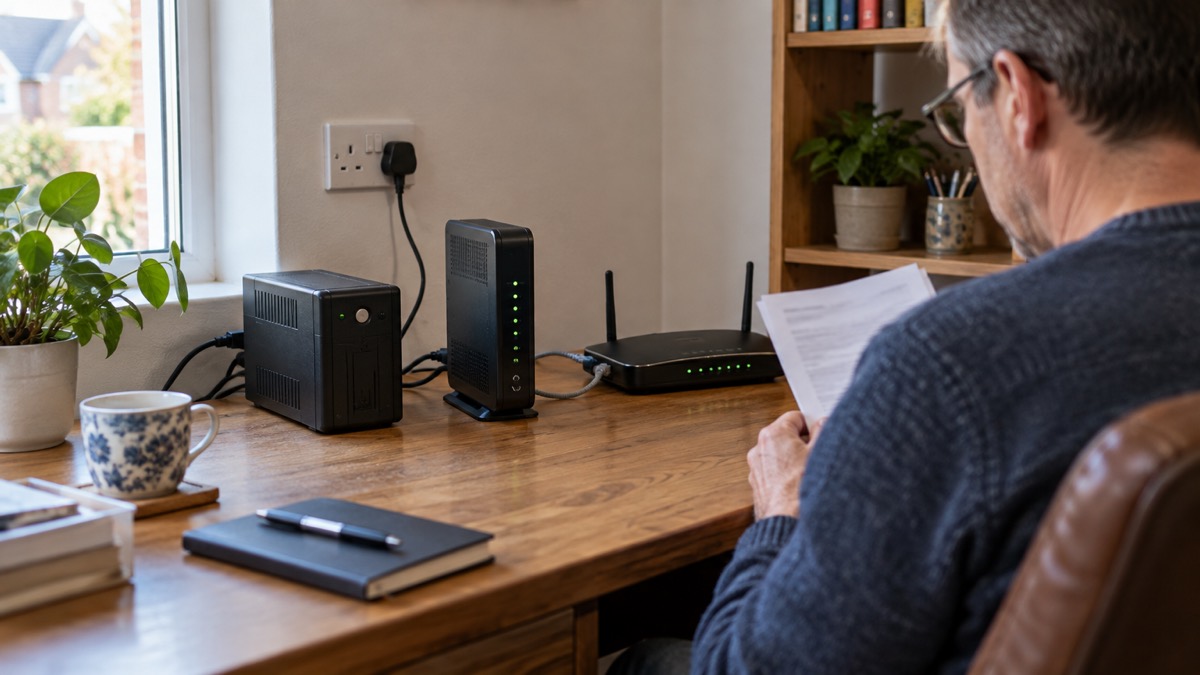
The throughput figure is the one people fixate on, but for most households the client and device limits matter more. A home with a doorbell, four cameras, two access points and a switch is already using a good share of the 30-device allowance, and adding more cameras later counts against it. Check the count before you buy if you plan to expand.
The power supply is the detail that catches UK buyers out. The EU Store version comes with an EU plug only1, so a unit bought that way needs either a safe conversion plug or a UK-supplied version. The next section deals with that properly, because it is a safety question, not a convenience one.
Keeping the internet up when one connection fails
Multi-WAN load balancing is the gateway's answer to the most common home network failure: the broadband line goes down and everything behind it stops. With a second connection attached, the gateway can spread traffic across both and keep you online when one fails1. For a household with cameras and a smart doorbell, that can mean the difference between seeing who is at the door and seeing nothing.
A second line can take several forms. A second fixed broadband service is the most robust, but a mobile broadband router is simpler to add and needs no engineer. Whichever you choose, the same caveats apply. Power failures affect mobile towers and internet services as well as your home3, so a mobile backup is only as good as the local mast's power supply. Official guidance also notes that particularly large-scale electricity failures may prevent landline telephones and mobile phone transmitters from working, which will also affect mobile internet4.
Keep a charged mobile phone with some data available in case Wi-Fi is down5. If your mobile network is down but your broadband is working, you may still be able to make calls over Wi-Fi by turning on Wi-Fi calling in your device settings6. That is a useful fallback when the gateway is keeping the home network alive but the mobile network is not.
How many devices and UniFi products it can manage
The gateway is rated for more than 300 client devices and more than 30 UniFi devices1. Those two numbers answer different questions. The client count covers everything that connects to the network: phones, laptops, tablets, smart speakers, televisions, cameras, doorbells, printers and smart home hubs. The UniFi device count covers the managed equipment, such as access points, switches and cameras that the gateway oversees.
For most homes, the client limit is generous. A family of four with a dozen smart devices, a television, a games console and a handful of cameras is well inside 300. The device limit is the one to watch if you are building out a camera system, because each camera, access point and switch counts. If you are close to the limit, a larger gateway or a separate console may suit better.
Bandwidth is the other constraint. Independent guidance advises checking that you have a strong Wi-Fi and internet connection, as limited bandwidth may struggle to support multiple devices7. A gateway rated for 1 Gbps cannot make a slow line faster, and a weak Wi-Fi signal will still drop cameras and doorbells whatever the gateway can handle. Sort out coverage before you add devices.
The power supply: the EU plug question
This is the detail that matters most for a UK buyer. The EU Store version of the gateway comes with an EU plug only1. That is not a reason to avoid the product, but it is a reason to deal with the plug properly rather than reaching for a travel adaptor.
The electrical safety guidance is clear. An EU conversion plug could make some appliances safe for use in the UK: check that the type of conversion plug is suitable for the EU plug, follow the manufacturer's instructions when fitting it, and remember that travel adaptors are not a suitable or safe alternative8. If the plug is not suitable for conversion, the advice is to replace the appliance with a UK product9.
"However, an EU conversion plug could make some appliances safe for use in the UK:"
The safest route is to buy a version supplied with a UK plug. If you already have an EU-plug unit, fit a proper conversion plug that is suitable for that plug type, following the maker's instructions, and do not use a travel adaptor as a permanent solution.
Counterfeit and look-alike power adapters are a related risk. Electrical Safety First tested 116 UK and EU counterfeit and look-alike Apple power adapters, including 56 UK and 60 EU plug-in 20W USB-C chargers10. The lesson applies to any power supply: buy from a reputable seller, and be wary of unusually cheap adapters.
Setting it up in a UK home
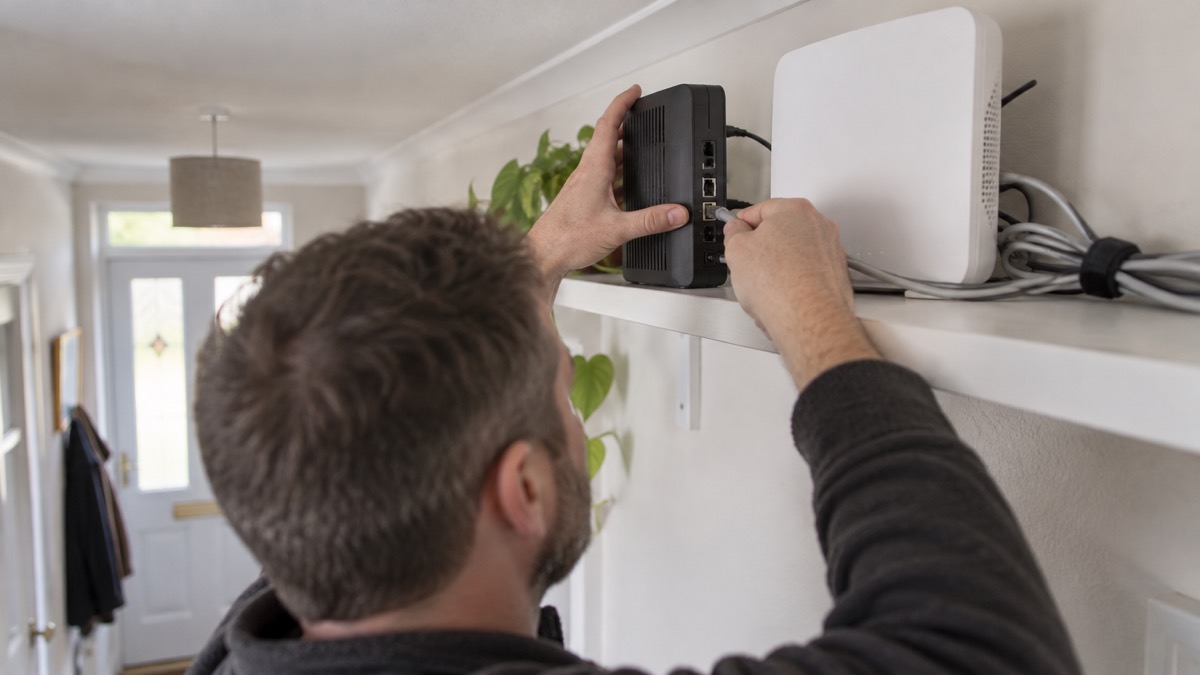
Setting up the gateway is a matter of placing it, powering it and connecting it to your broadband line. Put it somewhere dry and ventilated, near your broadband router and a mains socket, and keep it out of reach of children and pets. Connect the broadband line to the gateway's internet port, connect your switch or access points to the LAN ports, and power it on.
If you have a digital landline, the switchover guidance is worth knowing. If you already have an internet connection, the change may be as simple as plugging your phone into your broadband router rather than the socket on the wall, and in some cases an engineer visit may be required11. Other devices that relied on the old phone network, such as alarm systems, telecare devices and door entry systems, also require upgrading11. If you have a telecare device, check with the provider whether you need an upgraded device, new adapter, device battery backup or a mobile phone backup12.
Once the gateway is running, work through the basics:
- Change the default administrator password to a strong one you create yourself.
- Set up a guest network for visitors and smart devices that do not need to see the rest of your network.
- Connect your cameras and doorbell, and give each a strong password rather than the factory default13.
- Test the connection by unplugging the main line and checking the backup takes over.
- Label the cables so you can reconnect them quickly after a power cut.
The smart device law is relevant here. It applies to any consumer smart device that connects either to the internet or to a home network, for example by Wi-Fi14. That covers cameras, doorbells and many of the devices you will connect to the gateway, and it is a reason to keep their software up to date.
Running it on a battery backup
A power cut is the test that separates a network that is merely convenient from one that is genuinely useful in an emergency. A small uninterruptible power supply, or UPS, provides a few minutes of emergency battery backup if power fails and can help keep communications platforms, Wi-Fi connections and computer and tablet devices running2. That is enough to ride out a short interruption or to shut the system down cleanly.
For longer runtime, the maker guidance is to use only sine wave systems for long runtime battery backed solutions15. A modified sine wave supply can cause problems with sensitive electronics, so check the specification before you buy.
The limits are worth stating plainly. A power cut can take out the mobile towers and internet services your cameras depend on3, so even a gateway on battery backup may have nothing to send. If your cameras record to a local recorder on the same UPS, they may keep recording for as long as the battery lasts, but remote viewing will fail if the broadband line is down.
If you have a landline that will not work during a power cut, your landline provider might offer you a free solution, such as a back-up battery unit, for a minimum of one hour16. That is separate from the gateway, but it is part of the same planning.
Keeping recordings and access secure
A gateway that manages cameras is only as secure as the weakest device on the network. The independent guidance for internet-connected cameras is to replace factory-set passwords with secure ones you create yourself, for any camera that needs a password as well as your Wi-Fi password to connect13. Do that for every camera and doorbell, and change any password you have reused elsewhere.
Backups matter too. Cloud storage requires a reliable internet connection to back up and restore data, so it may not be suitable if your connection is slow or unreliable, you use a metered connection, or you are creating particularly large backups17. For camera recordings, a local recorder is the more dependable option, with cloud storage as a secondary copy if your connection can carry it. Turn on auto-backup so that data on your smartphone is automatically copied to the cloud18, so that footage you save to your phone is not lost if the phone is lost or damaged.
Keep the gateway's software up to date. The smart device law applies to consumer smart devices that connect to the internet or a home network14, and updates are how security fixes reach you. Check for firmware updates regularly, and do not put off installing them.
Support and warranty
Support and warranty terms are set by the maker, Ubiquiti, so check the terms supplied with your unit and keep your proof of purchase. Warranty periods differ between products and regions, and the retailer you buy from may handle returns. Register the device with the maker so support can identify it if you need help.
If you buy from the EU Store, be aware that the plug issue is a practical one: a unit supplied with an EU plug only1 may need a conversion plug before it can be used safely in a UK socket. That is not a warranty matter, but it is worth sorting out before you install the gateway.
For help with the wider questions of home security and cameras, see the Home Security: A Household Guide and the guide to Home Cameras and CCTV. If you are planning for power cuts, the Backup Power at Home guide and Keeping Your Home Protected in a Power Cut cover the household side in more detail.
Sources (18)
- UniFi Cloud Gateway Ultra, Ubiquiti
- Be winter ready, Electricity North West
- Utility failure, Essex Prepared
- UK National Risk Register 2017, GOV.UK, 2017
- Tips to prepare for a power cut, National Grid
- Phone and broadband outages, Prepare campaign
- Smart homes, Electrical Safety First
- Electrical safety in the kitchen, Electrical Safety First
- Electrical safety in the bedroom, Electrical Safety First
- Counterfeiters are developing new and dangerous tactics to dupe consumers, experts warn, Electrical Safety First
- Moving landlines to digital technologies, GOV.UK
- Telecare national action plan, GOV.UK
- How to ensure internet-connected cameras are secure, Get Safe Online
- Smart devices law, NCSC
- Choice of UPS inverter, Power Inspired
- Advice for disabled persons and carers - Be Ready, Be Ready (beready.campaign.gov.uk)
- Always back up your most important data, NCSC
- Ransomware prevention and recovery, NCSC, 2026