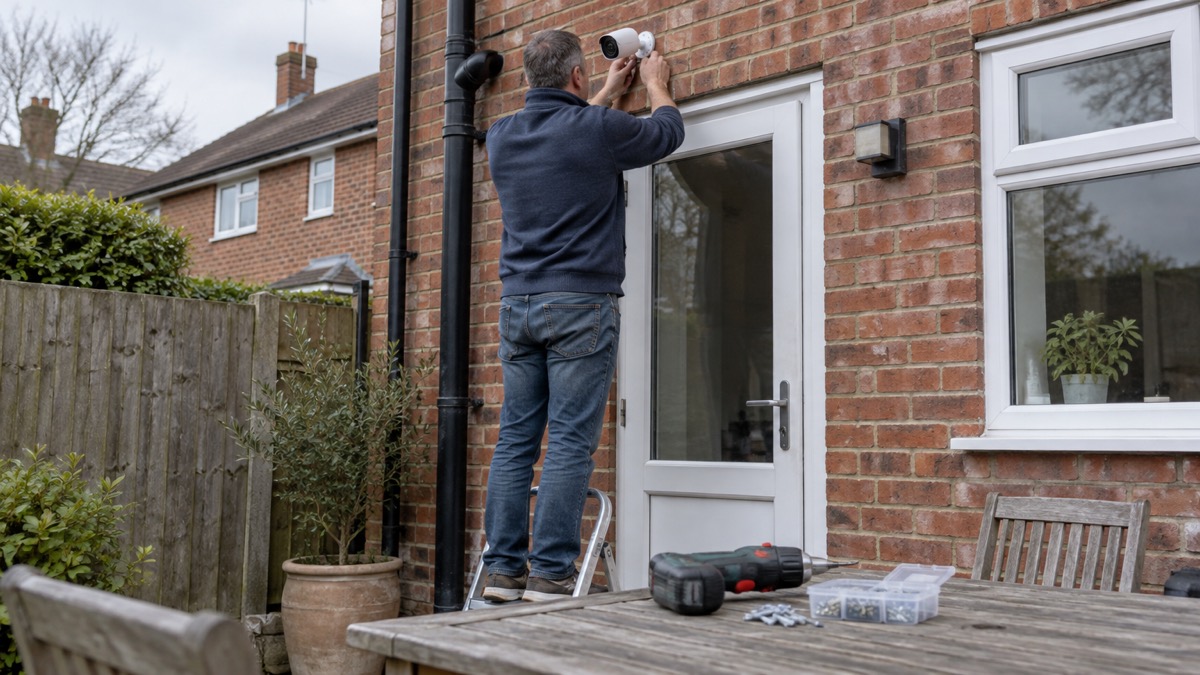
The Arlo Pro 6 is a battery-powered security camera that Arlo lists for indoor and outdoor use, recording 2K+ video at 2560x1440 with a 160° diagonal field of view and an IP65 weather rating1. It runs from a removable battery that Arlo rates at up to 8 months, and it connects straight to a home Wi-Fi router on 2.4GHz or 5GHz without a hub2. For a household, that combination is the point: a camera you can put on a garage wall or in a hallway, with no cable run and no installer.
What it will not do is replace a burglar alarm or a smoke alarm. It is one part of a wider picture, and the home cameras and CCTV guide sets out where cameras fit and where they do not. This page covers what the Pro 6 does, what the subscription adds, how to charge and mount it safely, and how to keep the account and the footage secure.
What the Arlo Pro 6 is and who it suits
Arlo describes its range as a smart security ecosystem for homes and small businesses, with cameras, video doorbells and floodlights, and the company is backed by Verisure, an alarm provider3. The Pro 6 sits in that range as a spotlight camera: a single unit with a built-in light, a siren and two-way audio, which Arlo lists among the deterrence features across its cameras3.
The camera itself weighs 197g and measures 87.1mm by 52mm by 78.6mm, so it is small enough to sit on a bracket under a gutter or on a shelf indoors1. It has no pan and tilt, so you aim it once when you mount it and it stays where you point it2. That makes it a good fit for a fixed view: a drive, a side gate, a back door, a shed, or a hallway looking at the front door. It is a less good fit if you want one camera to sweep a large yard, because nothing moves it.
Arlo sells it in one to four camera packs in the UK1. The one camera kit contains the Pro 6 Spotlight Camera, an indoor charging cable, a rechargeable battery, a wall mount and screw kit, a quick start guide and a security decal1. You provide the Wi-Fi, the phone and the fixing surface.
Specifications
Arlo's own product page gives the figures below. Where a retailer or a review lists something different, the maker's figure is the one to work from.
| Specification | Arlo Pro 6 |
|---|---|
| Video resolution | 2K+ (2560x1440), HDR1 |
| Field of view | 160° diagonal1 |
| Night vision | Colour and infrared black and white1 |
| Digital zoom | 12x1 |
| Image sensor | 4 megapixels, 12-bit colour1 |
| Motion detection | 1 PIR sensor, 130° horizontal, range 7.5m1 |
| Audio | Two-way with noise and echo cancellation2 |
| Weather rating | IP651 |
| Operating temperature | -20° to 45° Celsius1 |
| Power | Removable battery1 |
| Charge time | 3.5 hours at 5V, 2A, room temperature1 |
| Connectivity | 2.4GHz and 5GHz Wi-Fi, Bluetooth onboarding1 |
| Wireless range | Up to 91m line of sight1 |
| Storage | Cloud1 |
| SmartHub | Optional1 |
| Dimensions and weight | 87.1mm x 52mm x 78.6mm, 197g1 |
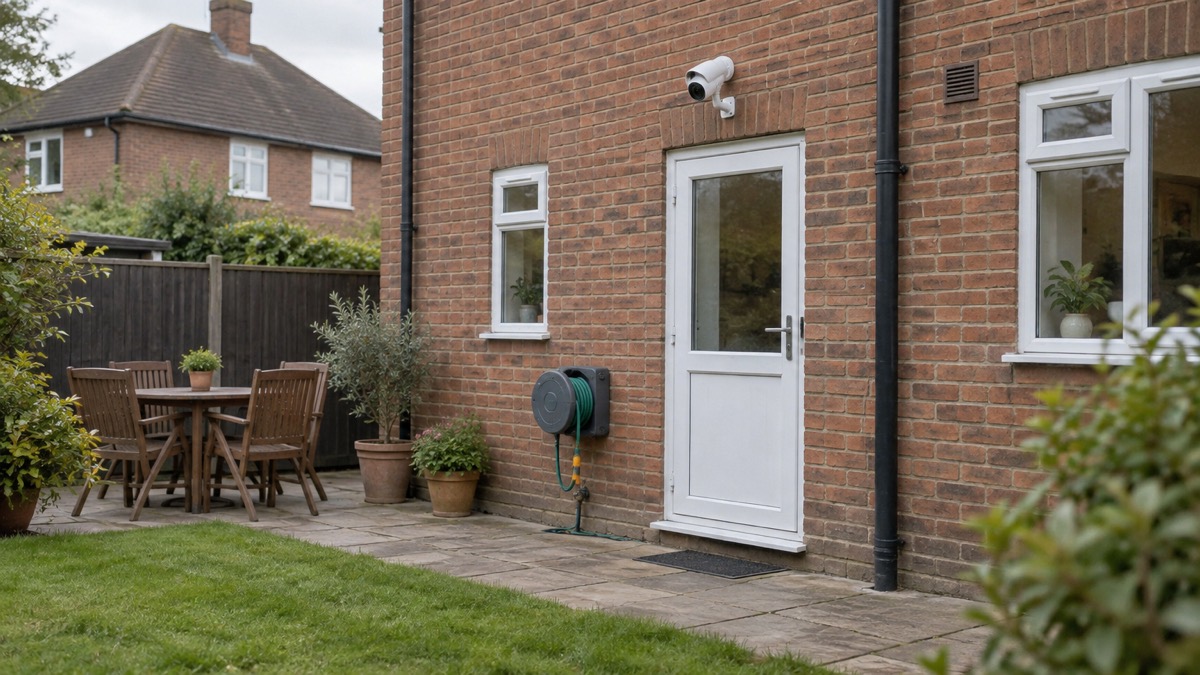
Two of those figures decide where the camera can go. The 7.5m motion detection range is shorter than the 91m wireless range, so the limit on covering a long drive is detection, not signal1. And the IP65 rating means it is protected against dust and water jets, which is why Arlo lists its outdoor cameras as built for heat, cold, rain, snow and sun3.
Battery life and charging
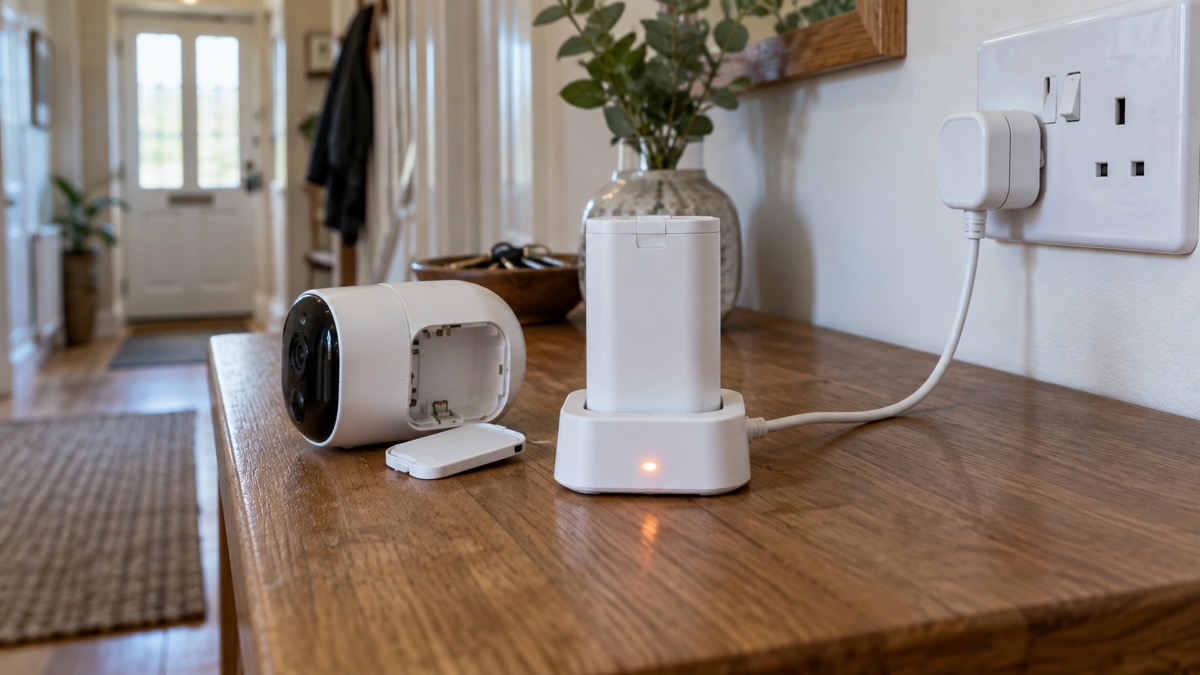
Arlo rates the battery at up to 8 months on a single charge, and gives a full charge time of 3.5 hours at 5V, 2A at room temperature1. Treat the 8 months as a best case. It assumes the camera is not being triggered constantly, the spotlight and siren are not running often, and the weather is not at the edge of the operating range. A camera covering a busy footpath, or one set to record every passing cat, will ask for a charge sooner.
The battery is removable, which is the practical advantage: you take it out, charge it indoors from the supplied cable, and refit it. Arlo's instruction is to charge at 5V, 2A at room temperature, so a standard phone charger of that rating is what the maker specifies1.
If you would rather not climb a ladder every few months, Arlo sells a Pro 6 bundle with solar panels1. At the time the maker's UK page was captured, that bundle showed as out of stock, so check availability before planning around it1. The standard kit still includes the rechargeable battery and the indoor charging cable.
Where the camera can go
The Pro 6 is listed for indoor and outdoor use, and the IP65 rating covers rain, dust, heat, cold and sun1. The operating range of -20° to 45° Celsius covers a British winter and a hot summer day in most of the UK, though a camera in direct sun on a south-facing wall can run hotter than the air temperature1.
Placement is mostly about what you want to see and what the camera can detect. With a 160° diagonal view and a 7.5m motion range, a camera at head height covering a door will catch someone approaching, while one aimed down a long garden will see the far end but may not trigger until someone is close1. Arlo's own guidance for its cameras is that all of them include night vision, with select models offering colour night vision, which the Pro 6 does1.
For the wider question of where cameras should and should not point, including the rules on filming beyond your boundary, the guide to filming beyond your boundary is the place to start. A camera that overlooks a neighbour's garden or a public footpath raises data protection questions that are separate from the hardware.
Night vision, spotlight and siren
The Pro 6 has colour and infrared black and white night vision, a built-in spotlight and a built-in siren1. Arlo describes the combination of spotlight, siren and two-way audio as alarm-level deterrence3. In practice the spotlight lights up what the camera is looking at when it detects movement, the siren makes a noise at the camera, and the two-way audio lets you speak through the camera from your phone.
The camera also detects audio as well as motion, and Arlo lists advanced AI detection for people, animals, packages and vehicles2. Arlo's own description is that the AI alerts know the difference between a stranger, a familiar face, vehicles, animals and even fire1. Those alerts are marked with an asterisk on Arlo's specification, and the fire detection and trainable AI alerts are listed as features that come with an Arlo Secure subscription sold separately1.
If a carbon monoxide alarm does sound, the Gas Safe Register's instruction is to turn off the gas supply, open windows and doors, leave the property and contact your nation's gas emergency helpline6. The home emergencies guide covers fire, carbon monoxide and gas leaks in full.
Alerts, the app and what the subscription adds
Arlo's position is that a subscription is not necessary for basic features such as live streaming and motion alerts, but that advanced features need a plan2. The Pro 6 lists cloud storage as its storage type, and Arlo's bundle description names fire detection and trainable AI alerts as subscription features1. Arlo's service plans page sets out the tiers, including a VIP customer support feature on the Arlo Secure Pro tier9.
| Feature | Without a plan | With Arlo Secure |
|---|---|---|
| Live streaming | Yes2 | Yes2 |
| Motion alerts | Yes2 | Yes2 |
| Cloud video history | Plan feature4 | Yes4 |
| Person and package detection | Plan feature4 | Yes4 |
| Custom detection zones | Plan feature4 | Yes4 |
| Fire detection and trainable AI alerts | Not included1 | Yes1 |
If you are weighing up whether a camera or a burglar alarm is the better fit for your home, the comparison of alarms and cameras sets out the difference in what each does when something happens.
Setting up and keeping it secure
Arlo's setup instruction is to download the Arlo Secure app on your phone using your email and password, then follow the step by step instructions that come with the cameras1. The camera connects to your Wi-Fi during setup, and Arlo lists Bluetooth onboarding alongside dual band Wi-Fi1. Arlo's minimum home upload speed is 2 to 4Mbps, and its support guidance for other Arlo cameras is up to 1Mbps upload per camera1. If your broadband is slow or your signal is weak at the mounting point, the guide to alarms and cameras on a weak signal covers what to expect.
Once it is running, the camera is a small computer on your network, and it needs the same care as one. The National Cyber Security Centre advises installing the latest software and app updates, which contain vital security updates to help protect your devices from cyber criminals11. It also advises setting all software and devices to update automatically12, and Secured by Design advises enabling automatic updates on connected devices so they receive security fixes for vulnerabilities13. Police Scotland's advice is to keep software and apps updated for the latest security updates14, and Get Safe Online makes the same point about every device you own15.
Arlo says it uses secure EU-based cloud storage and never volunteers your personal data to authorities17. Recordings can be saved locally using a compatible Arlo base station, or in Europe-based cloud storage with an Arlo Secure plan3. The guide to camera and doorbell accounts covers passwords, two-factor authentication and what to do if an account is accessed.
Support, warranty and where to get help
Arlo sells direct in the UK with free delivery and free returns on Arlo.com UK17. The camera carries regulatory marks including CE and EU RoHS compliance1. The maker's own site is the place to check the current specification, the kit contents and the service plan terms before you buy, because the figures on a product page can change between captures.
If something goes wrong with the camera, start with the Arlo Secure app and the maker's support pages, then the retailer you bought from. For the wider question of how cameras fit into a household's security, the home security guide sets out the whole picture, from doors and locks to alarms and lighting.
Sources (17)
- Arlo Pro 6 2K+ Security Camera, Arlo, 2026
- Arlo Cameras, Arlo, 2026
- Arlo Home, Arlo, 2026
- Arlo Doorbells, Arlo, 2026
- Carbon monoxide poisoning, NHS, 2025
- Carbon monoxide alarms, Gas Safe Register, 2026
- Avoiding accidental fires in the home, nidirect, 2025
- Carbon monoxide alarms, Health and Safety Executive for Northern Ireland, 2026
- Arlo Service Plans, Arlo, 2026
- Smart camera bandwidth requirements, Verisure, 2026
- Install the latest software and app updates, National Cyber Security Centre, 2026
- Protecting devices from viruses and malware, National Cyber Security Centre, 2024
- Cyber security advice, Secured by Design, 2026
- Hacked accounts, Police Scotland, 2026
- How cybercriminals adapt their methods during cyberattacks, Get Safe Online, 2023
- Best video doorbells 2026: top smart doorbell cameras reviewed - Which?, Which?
- Arlo, Arlo, 2026

 Ajax BulletCam
 Ajax TurretCam
 Aqara Camera Hub G350
 Arlo Essential 3 2K
 Arlo Essential 3 Indoor
 Arlo Ultra 2
 Arlo Ultra 3
 Blink Outdoor 4
 Eufy SoloCam S340
 Eufy eufyCam S3 Pro Kit
 Eufy eufyCam S4 Setup
 EZVIZ BC1-B2 Kit