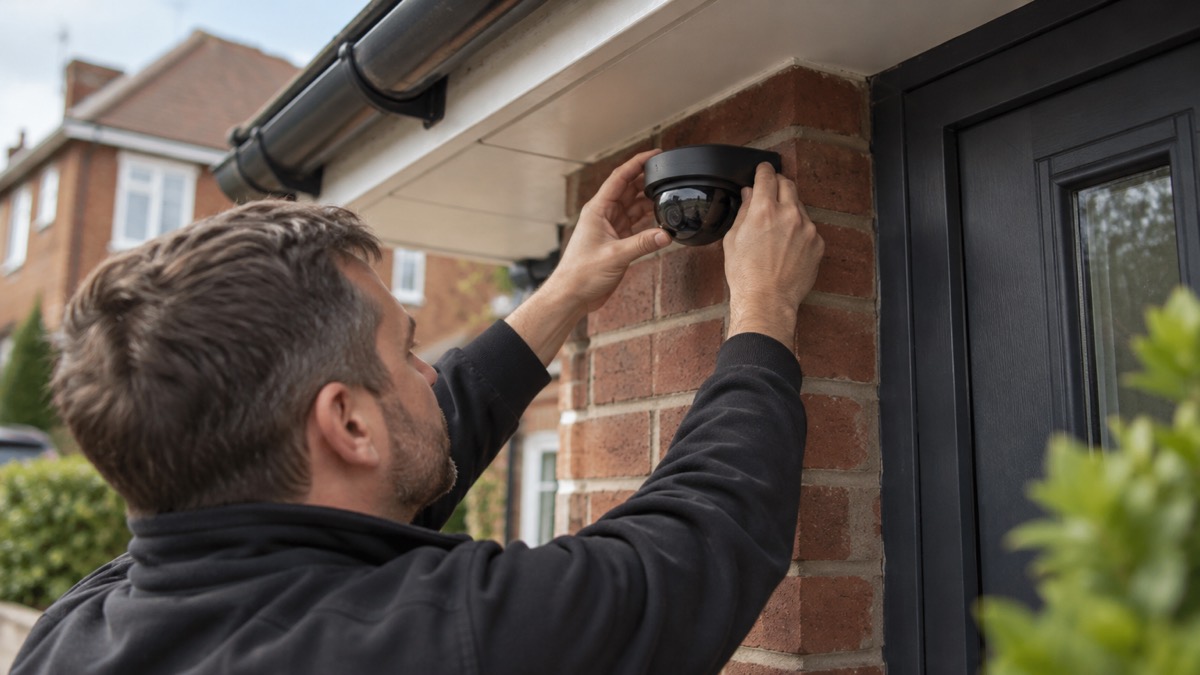
The UniFi G6 Dome is Ubiquiti's all-weather, vandal-proof 4K camera that takes its power and its data down a single Ethernet cable1. It carries a 1/1.8 inch 8MP sensor, a Multi-TOPS AI Engine for on-board detection, and infrared night vision that reaches 30 m1. It is built for outdoor use, rated IK10 against impact, and it is listed in black2.
For a household, the practical points are these. It is a wired camera, so it needs a cable run and a Power over Ethernet source, not a plug socket and Wi-Fi3. And it is one part of a system: the camera sees, but something has to record and store what it sees.
This page sets out what the G6 Dome does, how it compares with the smaller G6 Mini Dome, how to power it, where each suits a house, and how to keep it working and its recordings safe. It does not cover price, and it does not rank it against other cameras.
What the G6 Dome is and what it does for a household
Ubiquiti describes the G6 Dome as an "All-weather, vandal-proof 4K PoE camera"1. In the dome and turret range it is listed as "All-weather, vandal-proof 4K with a 1/1.8" 8MP image sensor"5. Those two descriptions are the same device: a fixed dome camera meant to be mounted outdoors and left there.
What that means in a house is straightforward. A dome shape points the lens out through a curved cover, so the direction it faces is not obvious from the ground, and the housing is built to take a knock. The IK10 rating on the G6 Dome is an impact rating: it is the tougher of the two domes in this range, where the G6 Mini Dome is rated IK082. If the camera is within reach of a passer-by, at the front of a terraced house or beside a shared entrance, that difference matters.
The camera is part of a wider system rather than a standalone gadget. Ubiquiti's outdoor-ready dome and turret cameras are listed as IP66, the weather rating for the housing, and they can be mounted on a ceiling, wall, pole or conduit5. That range of mounting options is what lets you put it where it can see the door, the drive or the side gate, rather than only where a bracket happens to fit.
It is also a wired device, and that shapes everything else on this page. A wired camera, often using PoE, gives a stable connection and continuous recording, but it needs more effort to install than a battery camera6. If you want something you can stick up in an afternoon with no cable, this is not that product. If you want a camera that stays connected and does not depend on Wi-Fi reaching the end of the garden, the cable is the point.
Specifications: sensor, 4K video and the AI engine
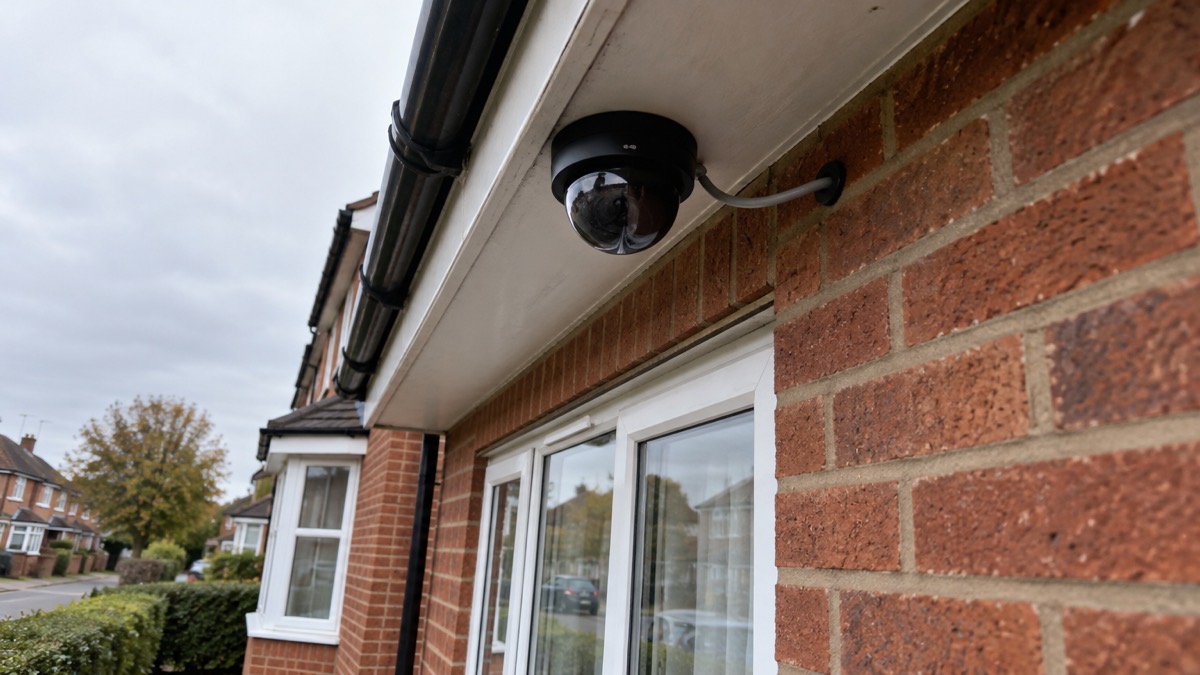
The headline numbers are the same across the two domes. Both the G6 Dome and the G6 Mini Dome carry a 1/1.8 inch 8MP image sensor and a Multi-TOPS AI Engine1. The Mini Dome is described as an "Incredibly compact 4K PoE camera"7, and the G6 Dome is a 4K camera on the same sensor1.
The sensor size is worth a moment. A larger sensor gathers more light, which is what lets a camera hold a usable picture as the light drops. Ubiquiti's comparison table for its dome and turret cameras lists two sensor sizes across the range, 1/1.2 inch 8MP and 1/1.8 inch 8MP, without labelling which model has which on the page5. The individual product pages settle it for these two: both domes are on the 1/1.8 inch 8MP sensor1.
The Multi-TOPS AI Engine is the camera's on-board processing for detection1. What it does not tell you, from the product listing alone, is which objects it recognises. Other makers in this market describe their detection in more detail: eufy, for example, says its cameras can recognise people, pets, vehicles, crying or familiar activity, with motion zones and app alerts to focus attention on meaningful events8. That is a description of a different maker's system, not a promise about this one. Before you rely on the G6 Dome to tell a person from a fox, check the current specification and the management software you will run it with.
| Feature | G6 Dome | G6 Mini Dome |
|---|---|---|
| Type | All-weather, vandal-proof 4K PoE camera1 | Compact 4K PoE camera7 |
| Image sensor | 1/1.8 inch 8MP1 | 1/1.8 inch 8MP7 |
| AI engine | Multi-TOPS AI Engine1 | Multi-TOPS AI Engine7 |
| Infrared range | 30 m (98 ft)2 | 20 m (65 ft)2 |
| Impact rating | IK102 | IK082 |
| Audio | Not stated on the product listing | Two-way audio7 |
| Colour | Black1 | Black7 |
| Power | PoE1 | PoE7 |
Night vision: how far the G6 Dome can see after dark
The G6 Dome's infrared reaches 30 m, or 98 ft2. The G6 Mini Dome reaches 20 m, or 65 ft2. Ubiquiti describes the G6 Dome's long-range infrared night vision as "ideal for discreet installations in high-traffic areas"1, and the Mini Dome's as "IR night vision designed for discrete monitoring of high-traffic indoor areas"7.
Thirty metres is a long way in a domestic garden. It is the difference between seeing the far end of a drive or the back of a plot and seeing only the patio. For most houses the limit is not the camera but the light: infrared works by reflecting off surfaces, and a wet night, a dark fence and a deep garden all reduce how clear the picture is at the far edge of the range.
The practical question is where the camera points. A dome aimed along a wall gives you a long, narrow view; one aimed across a garden gives you a wide view with less reach. If the thing you most want to see is the gate at the bottom of a long garden, the 30 m figure is the one that matters. If it is the front door and the path, either dome will do, and the smaller one may be easier to site.
Toughness: IK10 on the Dome, IK08 on the Mini Dome
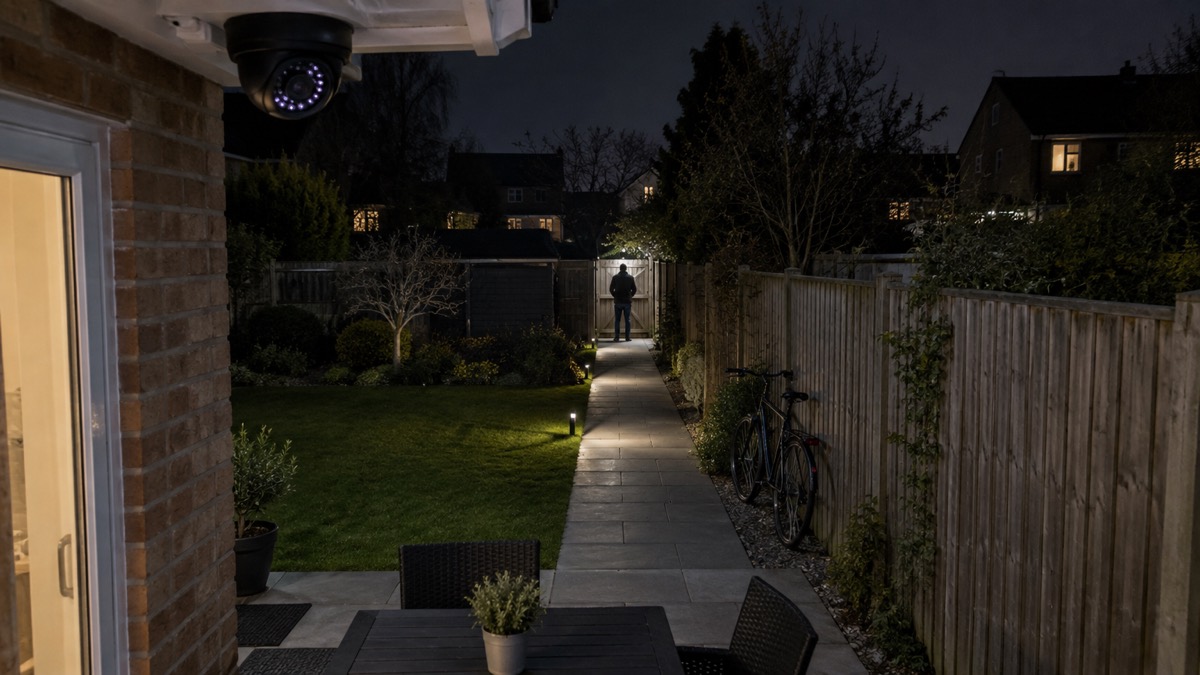
The two domes are rated differently for impact. The G6 Dome is IK10 and the G6 Mini Dome is IK082. Ubiquiti's comparison table for the range lists IK10 as the tamper resistance figure for its dome and turret models5.
IK ratings describe how much mechanical impact a housing survives. The higher the number, the harder the knock it is built to take. In a house, the rating is a guide to where you can safely put the camera. A camera at head height beside a public footpath, on the corner of a terraced row, or in a shared entrance where anyone can reach it, is exposed in a way that one under the eaves at the back is not. The G6 Dome's IK10 rating is the reason to choose it for those exposed spots.
The weather side is covered separately. Ubiquiti lists its outdoor-ready dome and turret cameras as IP665, which is the rating for a housing that keeps out dust and strong jets of water. That is what makes an outdoor mounting realistic in a UK winter, and it is why the camera can be left up through wind and rain rather than taken down each autumn.
Neither rating makes a camera immune. A determined person with a tool can damage any domestic camera, and the point of the rating is to see off the casual knock and the thrown stone, not a planned attack. What actually protects the recording is where it is stored: if the footage is on a recorder inside the house rather than on a card in the camera, damaging the camera does not destroy the evidence.
Powering the camera over PoE
The G6 Dome takes its power over the Ethernet cable, which is what PoE means: a PoE camera receives both power and data through a single Ethernet cable3. You need Cat5e or better cable for the run3. A standard home router cannot power a PoE camera directly, because most routers do not provide Power over Ethernet through their LAN ports3.
So the camera needs something to supply the power. In a UniFi setup that is normally a PoE switch, a PoE injector, or a PoE network video recorder. A full PoE system is made up of the PoE cameras, a PoE network video recorder, the Ethernet cables, the router and the viewing devices3. The camera is one component, and the recorder is what turns a stream of pictures into something you can go back and watch.
This is the main practical difference between a wired camera and a battery one. A wired camera, often using PoE, gives a stable connection and continuous recording, but it needs more effort to install6. The effort is the cable run: through a wall, under a floor, or in conduit along an outside wall. Once it is in, there is no battery to change and no Wi-Fi signal to worry about at the far end of the garden.
If you are weighing up whether a cable is worth it for your house, the comparison of wired or battery security cameras sets out the trade-offs, and Home Cameras and CCTV covers the wider choice of camera types.
Where each dome suits a household
The two domes are close relatives with different jobs. The G6 Dome, with its 30 m infrared and IK10 housing, suits the exposed outdoor position: the front of the house by the pavement, a shared entrance, a driveway that runs deep, a back garden with a gate at the far end1. The G6 Mini Dome, smaller, with 20 m infrared, IK08 and two-way audio, suits the sheltered spot: under a porch, inside a garage, in a hallway or a covered passage where you might also want to speak to whoever is there2.
| Your situation | Which dome fits |
|---|---|
| Camera within reach of the pavement or a shared entrance | G6 Dome, for the IK10 housing2 |
| Long drive or deep garden to cover after dark | G6 Dome, for the 30 m infrared2 |
| Porch, garage or covered passage | G6 Mini Dome, for the compact body and 20 m infrared2 |
| You want to speak to a caller through the camera | G6 Mini Dome, which lists two-way audio7 |
| Camera on a dark wall where you want it unnoticed | Either, both listed in black1 |
A camera is one layer of home security, not the whole of it. The police in Scotland advise householders to change door hardware such as the handle and escutcheons to ones that meet the Domestic Buildings Gold standard, because they are harder to break9. A camera records what happens; a good lock makes the attempt harder in the first place. The guide to how burglars choose a home explains what puts them off, and Doors and Locks covers the hardware side.
Where you site the camera matters as much as which one you buy. A camera that is hidden from prying eyes is harder to sabotage, and that principle applies to the recorder as much as the lens: Ajax's manual for its NVR H series advises choosing an installation site where the recorder is hidden from prying eyes, for example in the pantry, to reduce the likelihood of sabotage10. The same logic applies to a UniFi recorder: keep it indoors, out of sight, and out of reach.
Keeping it working in a power cut or an internet outage
The camera has no battery. It draws its power down the Ethernet cable, so when the power goes off at whatever feeds that cable, the camera stops3. That is the honest answer to the question most households ask, and it is worth planning around rather than being surprised by.
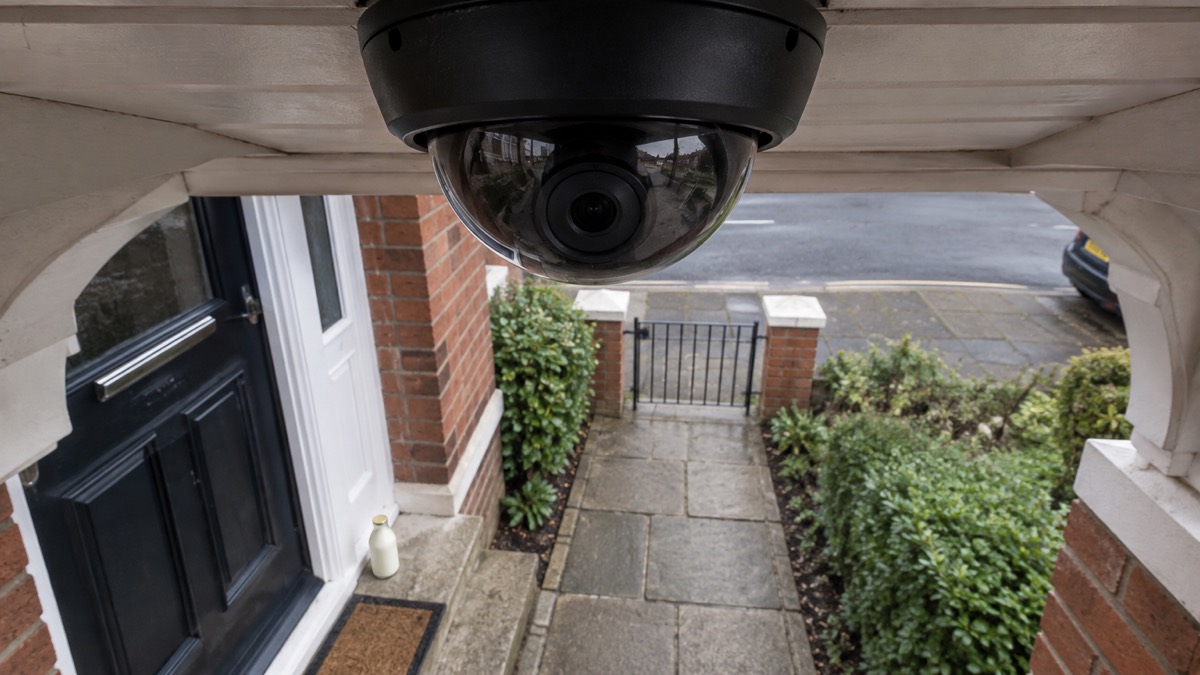
Three things have to stay powered for you to keep recording through a cut: the camera, the network equipment it plugs into, and the recorder that stores the footage. Backing up only one of them achieves nothing. If you want the system to ride out an outage, the whole chain needs to be on a backup supply, and the guide to Backup Power at Home covers how to size that.
There is a second dependency that catches people out. Digital landlines cannot carry a power connection, so handsets and routers must be powered from your home supply and will not work in a power cut unless you have a backup power system such as a battery or generator4. If your broadband comes in over a router that is plugged into the mains, an internet outage and a power cut arrive together, and remote viewing on your phone stops even if the camera is still recording locally.
The practical arrangement for most houses is this: keep the recorder and the network switch on a small battery backup so the system keeps recording through a short cut, and accept that a long outage will take it down. What you should not do is rely on the camera as your only record. Check after any outage that it came back up and is still recording.
The guide to Keeping Your Home Protected in a Power Cut covers the wider question of security during an outage, and Can Security Cameras Record Without the Internet? explains what still works when the broadband drops.
Setting it up and keeping it ready
Setting up a G6 Dome is a cable job first and a software job second. Plan the cable run before you drill: Cat5e or better, from the camera position to wherever the switch or recorder will sit3. Mount the camera where it can see what you need it to see, on a ceiling, wall, pole or conduit as the mounting allows5, and keep it out of easy reach if the position is exposed.
Then check three things, in this order:
- Power. Confirm the camera is receiving power over its network cable and is running.
- Recording. Confirm the recorder is capturing and storing footage, not just showing a live picture.
- Remote viewing. Confirm you can see the camera from your phone when you are out, and that the account is secured with a strong password and two-factor authentication where offered. The guide to Camera and Doorbell Accounts covers locking this down.
Keep the camera clean. A dome cover that has collected a summer of dust and spider webs will give a soft picture at night, and the infrared is only as good as the surface it passes through. Wipe the cover when you clean the windows, and check the view after a storm.
Support, warranty and where to get help
Ubiquiti sells the G6 Dome through its own UK store, and the product listing is the place to check the current specification and the box contents for the model you are buying1. The wider range, including the G6 Edge Bullet listed as coming to the UK store in Q4 2026, is on the same store's physical security pages2.
If something goes wrong with the camera, work through the obvious causes first: check the PoE port is delivering power, check the cable is seated at both ends, and check the recorder is running. Most failures in a PoE system are a cable or a port rather than the camera itself.
For the household side of security, the police are the people to call when something happens. The guide to Scotland and Northern Ireland covers reporting crime and getting support where the arrangements differ from England and Wales.
If you are still deciding whether a camera is the right first step for your home, the guide to Burglar Alarm or CCTV Camera sets the two side by side, and the Home Security section covers the whole picture, from doors and locks to alarms and cameras.
Sources (10)
- UniFi G6 Dome product page, Ubiquiti, 2026-11-03
- All Physical Security, Ubiquiti, 2026-11-03
- PoE IP Cameras, Reolink, 2026-11-03
- UK transition from analogue to digital landlines, GOV.UK, 2023-01-06
- Dome and Turret Cameras, Ubiquiti, 2026
- Best security camera features for UK weather conditions, eufy, 2025-09-17
- UniFi G6 Mini Dome product page, Ubiquiti, 2026-11-03
- Security Hub, eufy, 2026-11-03
- Break-in and housebreaking, Police Scotland, 2026-11-02
- NVR H series manual, Ajax Systems, 2026-10-27

 Ajax BulletCam
 Ajax TurretCam
 Aqara Camera Hub G350
 Arlo Essential 3 2K
 Arlo Essential 3 Indoor
 Arlo Pro 6
 Arlo Ultra 2
 Arlo Ultra 3
 Blink Outdoor 4
 Eufy SoloCam S340
 Eufy eufyCam S3 Pro Kit
 Eufy eufyCam S4 Setup