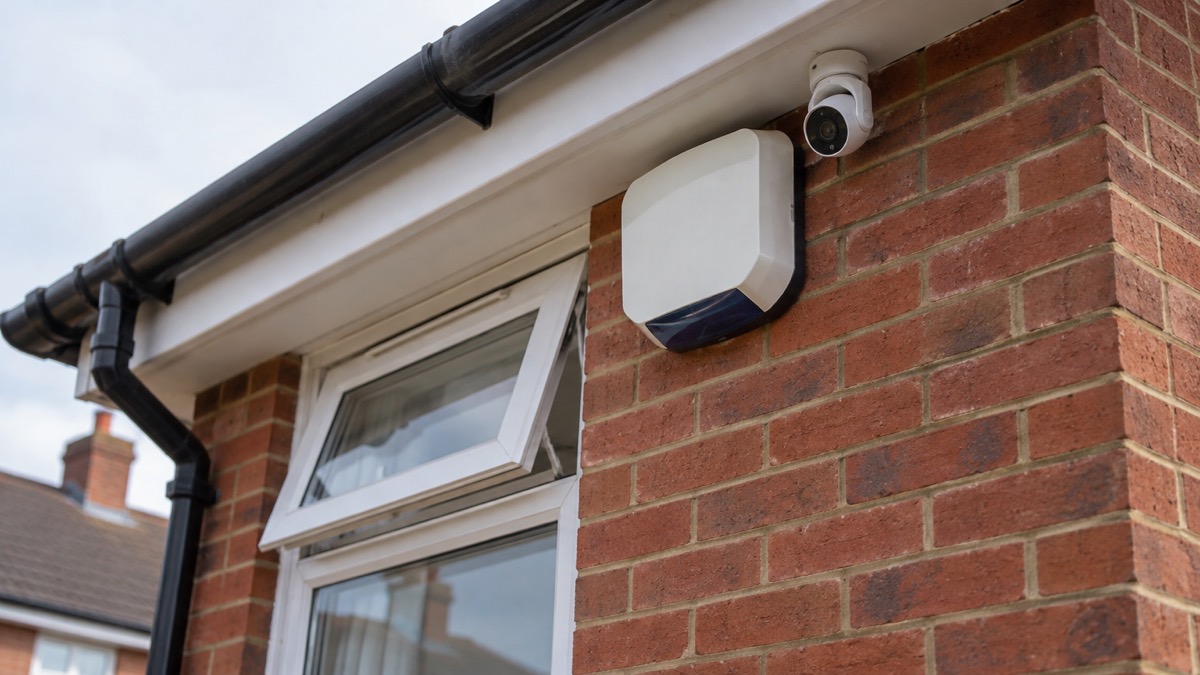
If you own a Hive HomeShield alarm, a Hive View indoor camera or a Hive View Outdoor camera, the most important thing to know is that Hive told Which? it would end software support for all three on 1 August 20251. From that date the system stops receiving the updates that keep smart devices secure and working as intended, and the app, notifications and any monitoring arrangement can no longer be relied on.
That does not mean your home is unprotected. It means the protection you thought you had has changed, and you need to check what still works, decide what replaces it, and do both without leaving a gap. The steps below take you through what the end of support means in practice, how to check your home is still covered, and how to replace the system safely.
What the end of support means for your alarm and cameras
Software support is the part of a smart device that never stops mattering. The National Cyber Security Centre (NCSC) advises that older devices will eventually stop receiving updates, and that keeping software up to date is one of the most effective ways to protect yourself online4. A security system that no longer receives updates is in that position permanently.
From 29 April 2024, new UK law means all smart devices must meet basic cyber security requirements, including stating the product support end date5. That rule applies to devices sold from that date. It does not restart support for a system whose support has already ended, but it does explain why the end date matters: it is the point at which the maker stops patching the software.
In practical terms, for a household:
- The alarm may still sound. A siren that works today can keep working, but you should not count on it as your main protection once the software behind it is frozen.
- The app and notifications are the weak point. Arming, disarming, alerts to your phone and any monitoring all depend on software that is no longer maintained.
- The cameras are affected too. The Hive View and Hive View Outdoor are named in the same end of support notice as the alarm1.
- Your recordings need rescuing. Anything you want to keep should be downloaded now, not left in the cloud on the assumption you can log in later.
Your HomeShield subscription has been cancelled
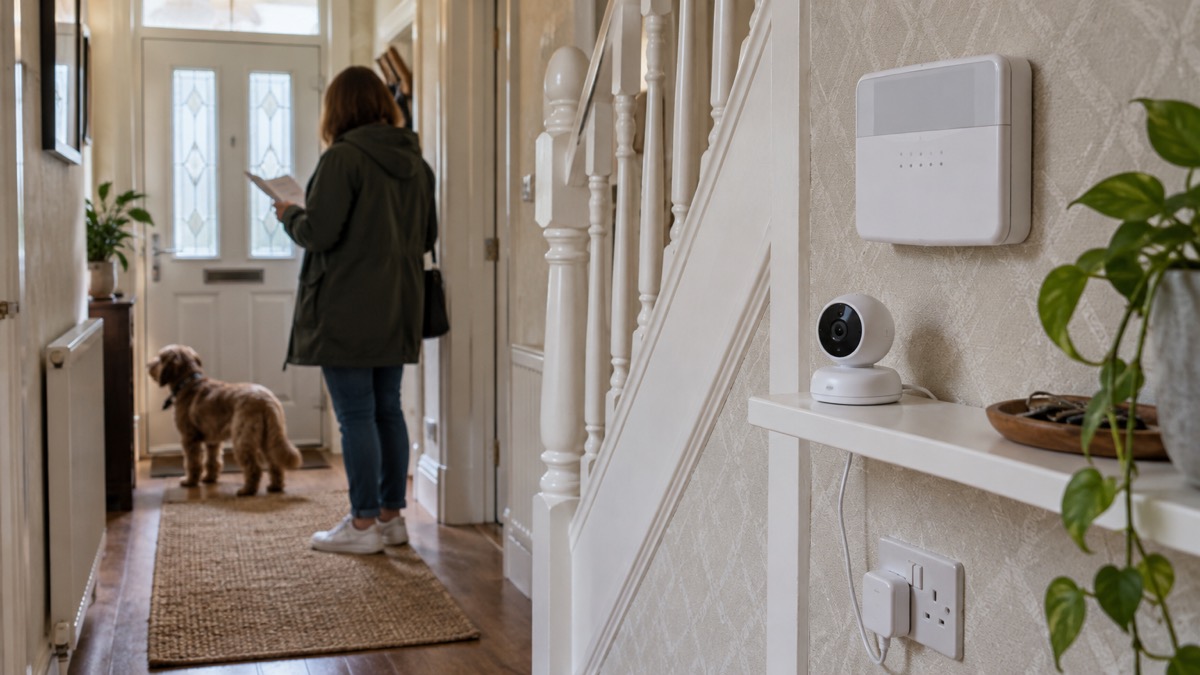
When software support ends, the service your subscription paid for cannot be delivered in the way it was sold. The practical position for most households is that the subscription is no longer providing what it did, and you should confirm your account status with Hive rather than assume either way.
There are three things to do, in this order.
- Contact Hive and ask for your account status in writing. Ask specifically about the end of support date, your subscription, access to recordings and what happens to your data.
- Download your recordings before you cancel anything. Once access goes, it tends to go for good.
- Change your Hive account password if you are stopping using the service, so that an old login cannot be used to reach anything still linked to it.
On refunds, no figure or promise can be given here. Ask Hive what applies to your account and keep a record of the answer. If you paid by card and believe you were charged for a service that had ended, your card provider is the next place to ask.
Checking whether your home is still protected
The end of a smart alarm is a good moment to check the protection that does not depend on any subscription: smoke alarms, carbon monoxide alarms, door and window security, and a clear escape plan. Fire and rescue services across the UK offer free tools for exactly this.
The Home Fire Safety Checker is a free online tool that guides you around the home helping you spot fire risks2. It asks a series of questions to work out the level of risk in your home, or the home of someone you care for2. In Greater Manchester, completing the online home fire safety check tells you whether you are eligible for a Home Fire Safety Assessment, and if you are, the service will telephone to arrange the visit6. In North Yorkshire, eligibility for a Home Fire Safety Visit is decided the same way: those not at increased risk of fire are not eligible for an in-person visit but still receive personalised safety advice7.
| Nation and service | How to start | What you get |
|---|---|---|
| London Fire Brigade | Free online Home Fire Safety Checker2 | Personalised advice on fire risks in the home |
| Greater Manchester | Online home fire safety check6 | Advice, and a telephone assessment if eligible |
| North Yorkshire | Online Home Fire Safety Check7 | Advice, and a visit if eligible |
| Cheshire | Short survey8 | Free home fire safety check if eligible |
| Cornwall | Short survey9 | Free home fire safety check if eligible |
| Warwickshire | Safe and well visit application10 | Visit covering home safety, including home security10 |
| Suffolk | Safer home visit eligibility check11 | Visit for those who need it |
| North Wales | High-rise fire safety advice12 | Advice for residents of flats |
While you wait, check the basics yourself. Smoke alarms should be tested, and if an alarm is beeping or behaving unusually with no sign of fire, press the test button: the alarm will sound briefly and this may help to reset and clear the fault13. Check for dust and insects, and consider temperature changes such as heating turning off at night13.
If you live in a flat, your building's evacuation strategy matters more than any gadget. If you have not already been contacted and you require support evacuating, contact your housing provider or managing agent and tell them you need support14. If you spot any damage to firefighting equipment, report it to your housing provider as soon as you can; they will arrange for repairs15.
Replacing a HomeShield system safely
Replacing a smart alarm is a small project with a clear order. Do the account work first, the physical work second, and the new system last.
Before you remove anything:
- Download your recordings before access ends.
- Cancel or confirm your subscription with Hive.
- If you rent, ask your landlord or housing provider before removing equipment fitted to the property.
- If you live in social housing, you may be able to get help and support for your home from your local council, an accredited home improvement agency or handyperson service, your social letting agency, or your social housing provider3.
Removing the old kit:
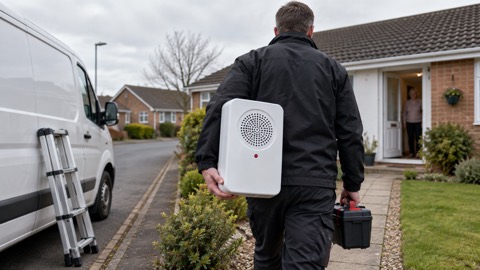
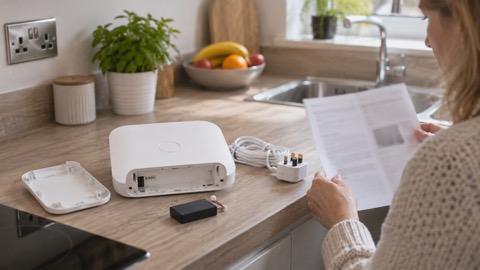
- Cameras and sensors that plug in or run on batteries can usually be taken down and unplugged.
- Anything wired into the mains should be left to a qualified electrician. Do not open a mains-powered panel yourself.
- If you own your home, you may be able to get help and support from an accredited home improvement agency or handyperson service through First Stop Care Advice for older people, or Home Improvement Agencies3.
Choosing what replaces it:
The right replacement depends on what you want the system to do. A few distinctions decide it:
| What you want | What suits it | What to check |
|---|---|---|
| An alarm that works without the internet | A system with its own siren and sensors | Whether alerts reach you without a subscription |
| Cameras you can watch remotely | Cameras with a privacy shutter and local storage | Whether recordings are kept on the device or in the cloud |
| Monitoring by a receiving centre | A monitored alarm | Who responds and under what conditions |
| No ongoing cost | A self-monitored system | What you lose when nobody is watching |
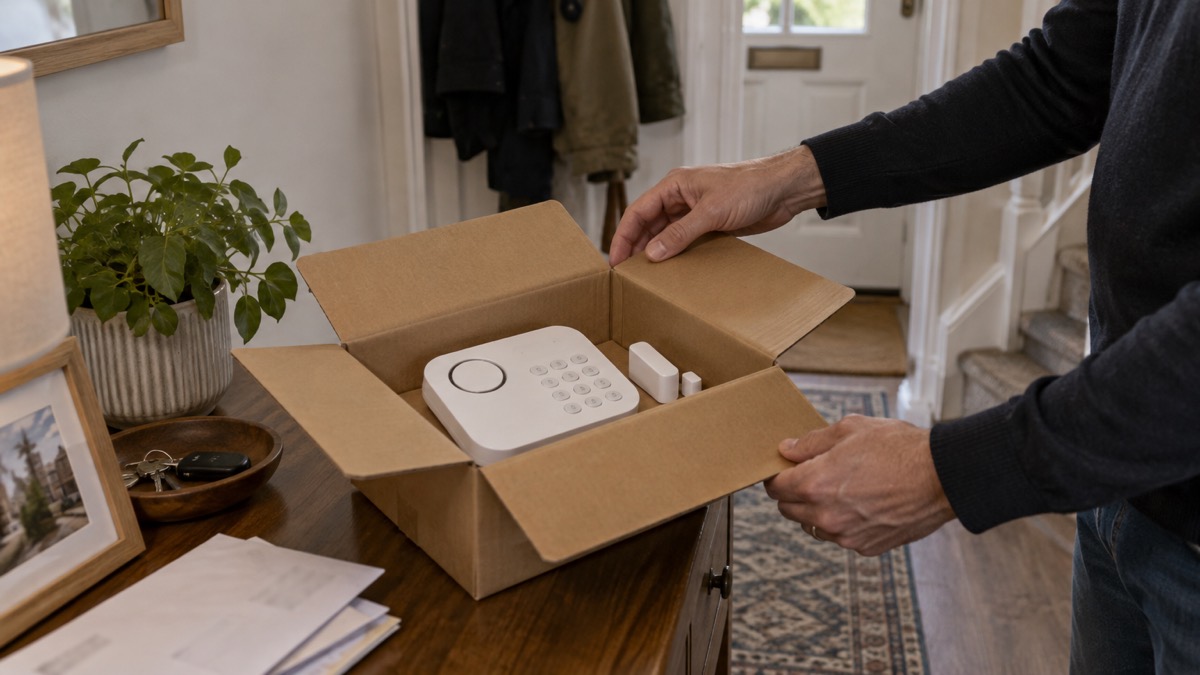
One maker, SimpliSafe, states that its system has no contracts or hidden fees and can be cancelled anytime, and that all its indoor cameras have an integrated privacy shutter16. Those are the maker's own claims for its own products; check them against your own circumstances.
For the wider picture, our guides on burglar alarms, monitored alarms and home cameras set out the types side by side. If you are weighing an alarm against cameras, Burglar Alarm or CCTV Camera compares what each does. If you want to know how long a replacement will be supported, How Long Do Cameras and Doorbells Get Software Updates? covers the question that the HomeShield case makes urgent.
Where to get help as a HomeShield owner
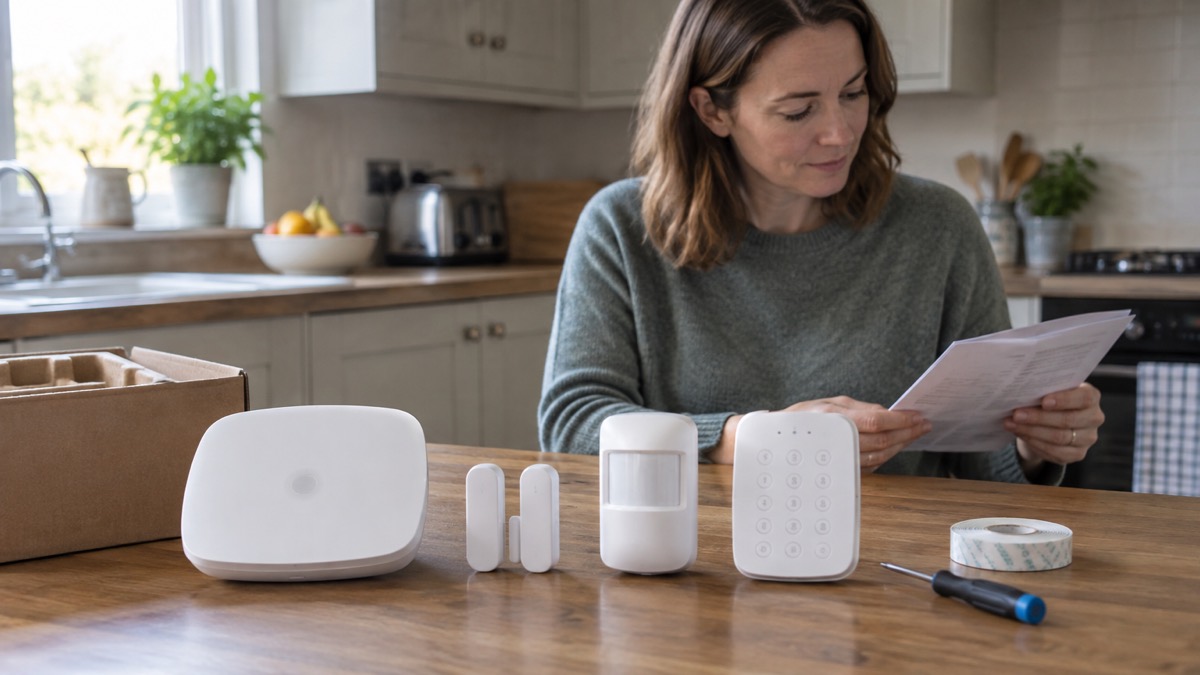
You are not on your own with this, and the help available is mostly free.
For fire safety at home: start with your local fire and rescue service's online home fire safety check2. If you care for someone else, Suffolk Fire and Rescue Service offers fire safety advice for people who care for others in the community11, and North Yorkshire runs safe and well visits that cover home security as well as fire10.
For home repairs and adaptations: if you own your home, an accredited home improvement agency or handyperson service may be able to help17. If you live in social housing, your council, an accredited agency, your social letting agency or your housing provider may be able to help17. In Somerset, Home Safety Support Officers can be contacted to discuss home safety, home repairs, hoarding and safe, warm and secure grants, on 0300 303 7794 or at sip-propertysupport@somerset.gov.uk17.
For support after an emergency: if you have been through a flood, fire or storm, seek support if you need it once home18. If you do not have insurance, contact your district council for assistance19. If you need help pumping water from your property, contact your home insurer to request assistance, or the Environment Agency on 0345 988 1188 for advice20.
For energy and billing: you can tell your energy supplier someone you trust to get bills and letters for you21. If you are on the Priority Services Register, that is the route for extra help during a power cut; our guide to Extra Help in an Emergency explains who qualifies and how to join.
For your account: contact Hive through the support pages of your Hive account or the Hive website. Have your account number and device names ready, and ask about the end of support date, your subscription, recordings and your data.
"Seek support if you need it"
Sources (21)
- Best burglar alarms and smart security systems, Which?, 2025
- Protect your home from fire, London Fire Brigade, 2026
- Beat the heat: keep cool at home checklist - GOV.UK, UK Health Security Agency (GOV.UK)
- Install the latest software and app updates, NCSC, 2021
- Smart devices in the home, NCSC, 2024
- Home Fire Safety Assessment, Greater Manchester Fire and Rescue Service, 2026
- Safe at home: frequently asked questions, North Yorkshire Fire and Rescue Service, 2026
- Home fire safety check, Cheshire Fire and Rescue Service, 2026
- Keeping safe, Cornwall Council, 2026
- Apply for a safe and well visit, Warwickshire County Council, 2026
- Fire safety advice for someone who cares for others in our community, Suffolk County Council, 2026
- High-rise living, North Wales Fire and Rescue Service, 2026
- Fire alarms and carbon monoxide detectors, Lincolnshire County Council, 2026
- Fire safety information for residents living in flats operating an evacuation strategy, Greater Manchester Fire and Rescue Service, 2026
- Escape plan for blocks of flats, London Fire Brigade, 2026
- SimpliSafe, SimpliSafe, 2026
- Contact Home Safety Support, Somerset Council, 2026
- Step 3: recovering from an emergency, Essex Prepared, 2026
- After a flood, Nottinghamshire County Council, 2026
- During a flood, Nottinghamshire County Council, 2026
- Priority Services Register, Surrey County Council, 2026

 Abode Security Kit
 Ajax CombiProtect
 Ajax DoorProtect Plus
 Ajax GlassProtect
 Ajax HomeSiren
 Ajax Hub 2 Plus
 Ajax Hub 2G Jeweller
 Ajax Hub 4G Jeweller
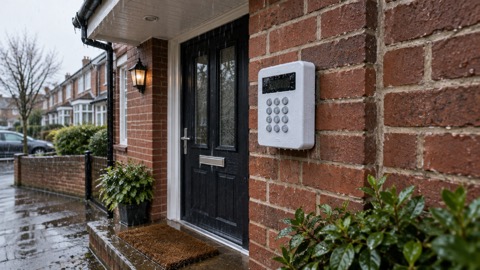 Ajax KeyPad Outdoor
 Ajax KeyPad Plus
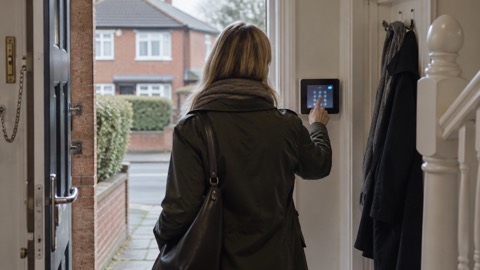 Ajax KeyPad TouchScreen
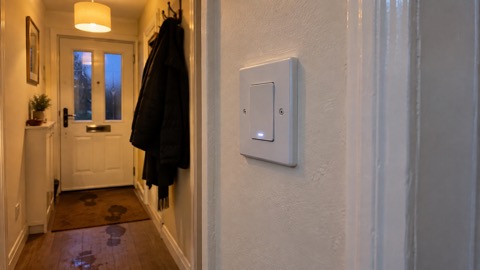 Ajax LightSwitch