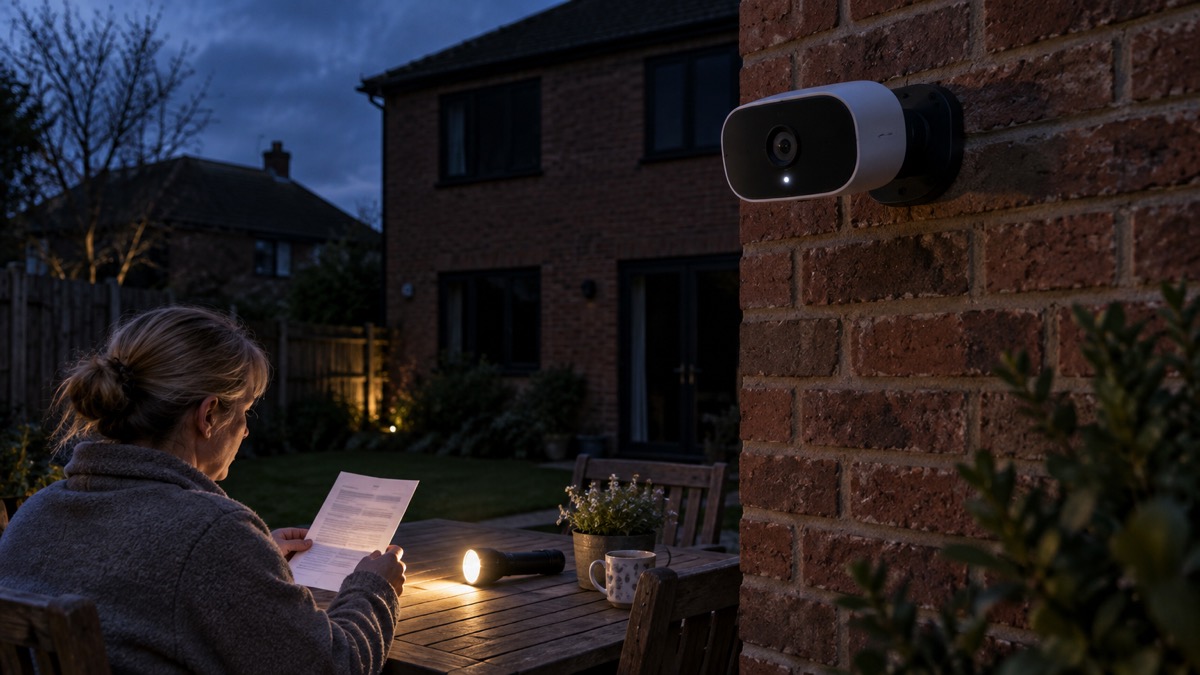
The Reolink Argus 4 Pro is a battery and solar outdoor camera with two lenses stitched into one wide picture. Reolink describes it as a "Smart 4K ColorX Dual-Lens Solar/Battery Camera with 180° Panorama", and the headline numbers are a 5120x1440 (8 megapixels) image at 15fps, a 180° horizontal by 50° vertical field of view, and an IP66 weatherproof rating1. It runs from a built-in 5000mAh rechargeable battery that you top up with a solar panel or a 5V 2A USB charger, and it records to a microSD card of up to 512GB with no subscription fee1.
For a household, that combination answers a common problem: a garden, drive, yard or allotment edge where there is no mains socket and no easy cable run, but where you would still like to see what happens. The wide view means one camera covers a broad sweep rather than a narrow slot, and local storage means footage stays on a card you own rather than in a paid cloud plan.
This page sets out what the camera is, what it can and cannot do, how to charge and mount it safely, how to keep recordings without a subscription, and what support to expect. It does not rank it against other cameras. If you are still deciding what kind of camera suits your home, start with Home Cameras and CCTV: Types and How to Choose.
What the Argus 4 Pro is and who it suits
The camera is built around two sensors rather than one. Reolink's Argus range page explains that dual-lens models such as the Argus 4 Pro provide a 180° panoramic view, helping reduce blind spots without installing multiple cameras3. The maker's specification puts the resolution at 5120x1440, which it calls 8 megapixels, running at 15fps, with a fixed f=4mm lens and a 1/1.8" CMOS sensor1. In plain terms, you get one very wide, reasonably detailed picture instead of several narrower ones.
That shape suits specific places. A side return, a driveway, a back garden with a gate at one corner, or the front of a lock-up garage are all cases where a single wide view does more than a narrow lens pointed at one spot. It is less suited to identifying a face or a number plate at distance, because a panoramic image spreads its pixels across a wide arc. If identification at range is your priority, a narrower lens or a wired camera is the better fit, and our comparison of Wired or Battery Security Camera? sets out the trade-offs.
Because it is battery powered, it needs no electrician and no cable trench, which is why it suits rented homes, outbuildings and gardens far from the house. The cost of that freedom is maintenance: somebody has to reach it to charge it, or you fit a panel and hope for enough sun. Reolink sells the camera in the United Kingdom among other countries1.
Specifications at a glance
The table below gathers the maker's own figures. Where a reviewer gives a different number, the maker's figure is used and the difference is noted underneath.
| Specification | Reolink's figure |
|---|---|
| Resolution | 5120x1440 (8 megapixels) at 15fps1 |
| Field of view | 180° horizontal, 50° vertical1 |
| Lens and sensor | f=4mm fixed, F/1.0 aperture, 1/1.8" CMOS1 |
| Night vision | Colour night vision with spotlights, 5 pieces at 2W and 6500K; no infrared1 |
| Weatherproofing | IP661 |
| Operating temperature | -10°C to 55°C (14°F to 131°F)1 |
| Operating humidity | 20% to 85%1 |
| Battery | 5000mAh rechargeable, non-removable1 |
| Charging | Solar panel or 5V 2A USB charger, USB-A to USB-C cable only1 |
| Storage | microSD up to 512GB, FAT32, Class 10 or faster1 |
| Connectivity | Wi-Fi 6 dual-band 2.4GHz and 5GHz, Bluetooth 5.01 |
| Wireless security | WPA/WPA2/WPA31 |
| Dimensions and weight | 128 x 87 x 80mm, 400g1 |
| Warranty | 2-year limited warranty1 |
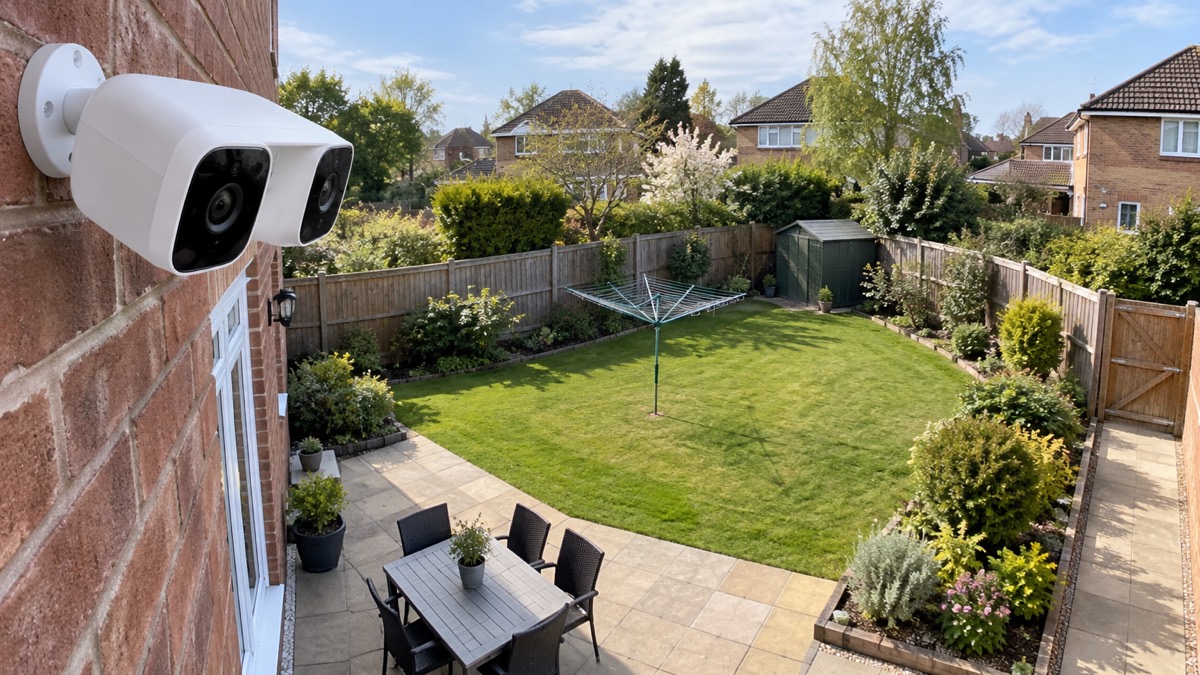
One reviewer describes the camera as stitching two 4MP sensors into a single 4K (3840 x 2160) frame at 180 degrees, and gives the battery as a 6,000mAh pack4. Reolink's own specification states 5120x1440 and a 5000mAh battery1. Where the two disagree, the maker's figures are the ones to plan around, and the retailer or reviewer figure is worth knowing only as a second opinion.
Colour at night, without infrared
Most budget cameras switch to black and white infrared after dark. This one does not have infrared at all: Reolink lists "Infrared Night Vision NO" in its specification1. Instead it uses what the maker calls ColorX, which it says delivers full-colour images at night without needing a spotlight3. The lens has an F/1.0 aperture, which Reolink states lets in four times more light than an F2.0 aperture1.
There are two ways it produces a colour picture after dark, and the difference matters for you and for your neighbours. With the spotlights on, five 2W units at 6500K light the scene1. With them off, the camera relies on the large aperture and sensor to gather what light there is1. Reolink also states that the camera saves 2W/h per hour compared with an infrared 4K camera at night in its own laboratory test, and gains up to 12 extra days of standby time1.
The practical consequences are worth thinking through before you mount it:
- Light pollution: 6500K spotlights are a cool white and are bright. Point them at your own ground, not at a neighbour's bedroom window or a shared path.
- Default behaviour: Reolink states that by default the camera's spotlights and siren are motion-activated and turn on automatically when motion is detected1. If you want a quiet camera, change that in the app before you rely on it.
- Battery cost: spotlights and sirens draw power. A camera that lights up every fox will need charging more often.
A reviewer's account differs here, describing a built-in spotlight giving full-colour footage with an infrared fallback when the spotlight is off4. The maker's specification says there is no infrared1, so plan on the maker's description: colour with or without the lights, and no infrared mode to fall back on.
Battery life and charging it safely
Reolink's headline figure is about 2 months per charge, on the condition that the camera records 300 seconds a day1. That is five minutes of recording in 24 hours, which is a quiet site. The maker also states that 10 minutes of charging can power the camera for 24 hours, and that battery life varies with settings, usage and temperature1. A reviewer's experience is more demanding: on a busy driveway, they report a recharge every three to four weeks, with "months" of standby at low motion-event volume4. Both are true of different sites. A path used by a household several times an hour will drain faster than a gate used twice a day.
Charging is where safety matters most, and the maker's instructions are specific. Reolink recommends a solar panel for non-stop power and calls it the most friendly charging option for the camera's battery; the compatible panel is the Reolink Solar Panel 2 (6W)1. The alternative is a 5V 2A USB charger, using a USB-A to USB-C cable only, which is included in the package1. The maker states it is acceptable to charge the camera while it is working, but not for long1.
Because the battery cannot be removed, you cannot bench-charge a spare and swap it in. Plan the mounting so you can reach the camera with a cable, or fit the solar panel and treat USB charging as the occasional top-up. The camera warns you when the battery reaches 10%1, which is your cue to act before it goes dark.
Detection, alerts and what sets them off
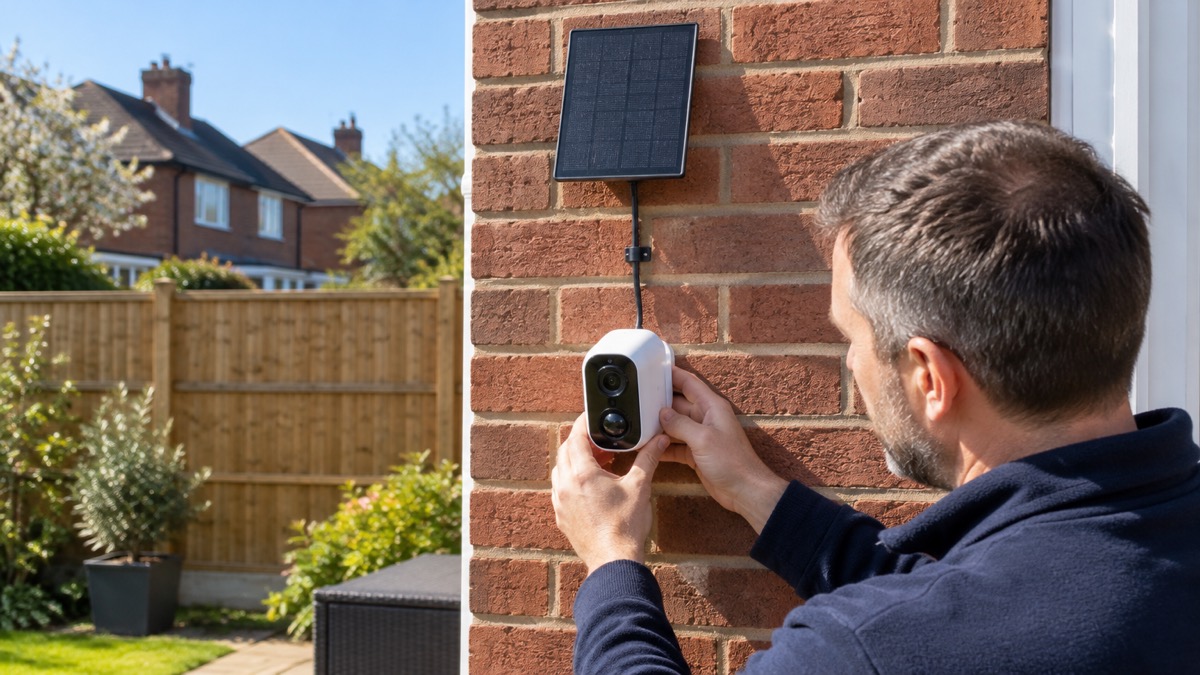
The camera detects motion in two layers. The first is a passive infrared sensor, which Reolink states covers 170° horizontally at an adjustable distance of up to 10m (33ft)1. The maker explains that PIR sensors are more sensitive to the infrared radiation from humans and animals, and so dramatically reduce false alarms caused by fluttering moths or flying twigs1. The second layer is software: the camera lists PIR detection, motion detection, person detection, vehicle detection and animal detection1. Reolink's wider guidance says its cameras can identify people, vehicles and other movements to reduce false alarms7.
For a household, the useful setting is person and vehicle detection with the PIR distance tuned to your plot. A camera covering a public footpath will trigger constantly on passers-by; one covering your own gate will not. The reviewer notes that the on-device person, vehicle and animal detection runs locally4, which is worth knowing if you would rather footage and analysis stayed on the camera.
Two-way audio is included1, so you can speak through the app. Reolink's range page notes that two-way audio and smart person detection make its cameras practical for front doors and entrances3. If a doorbell is what you actually want, our guide to Video Doorbells: What They Do and How to Choose One covers that separate job.
Keeping recordings without a subscription
The Argus 4 Pro records to a microSD card and needs no subscription. Reolink states plainly that no subscription fees are required, and that RTSP is supported by using a Reolink Home Hub1. The camera supports local SD card storage and cloud storage, and can support NAS through the Home Hub1. Reolink's outdoor camera range page makes the same point across its products: its outdoor cameras do not require any subscription or fee for the features and local storage8.
What you need to know before first use:
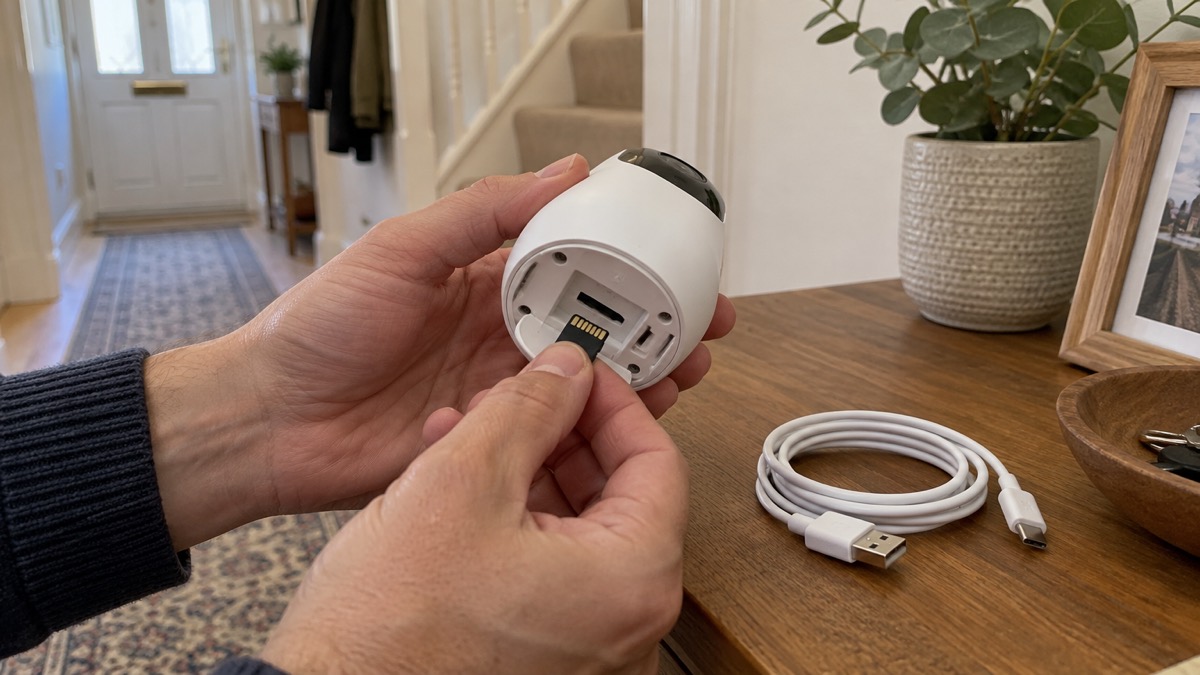
- The card is not included. Reolink states the camera does not come with a microSD card but has a slot for one1.
- The format matters. It supports cards up to 512GB with FAT32 format and Class 10 or higher read and write speed1.
- It can also store time-lapse. The maker notes it can save time-lapse photos and videos to the SD card1.
- Cloud is optional and regional. Reolink Cloud is supported but available in selected countries only1.
If you want footage on your own network storage rather than a card, the Reolink Home Hub is one option in the range, and there is a newer Reolink Home Hub 2 alongside it. For a wider look at how subscriptions change what you can see, our page on Camera and Doorbell Accounts: Stopping Strangers Getting In covers account security, which matters as much as where the footage sits.
Wi-Fi, range and where to mount it
The camera connects over Wi-Fi 6 on both 2.4GHz and 5GHz, with Bluetooth 5.0 for setup, and supports WPA, WPA2 and WPA3 wireless security1. Reolink's own guidance explains the choice between bands: most units use 2.4GHz because it reaches farther and passes through walls better, while 5GHz can carry more data and reduce crowded-network lag7. A reviewer adds a caution worth heeding: Wi-Fi 6 dual-band is welcome, but battery cameras still suffer at the edges of mesh networks4.
The practical rule is to test before you drill. Take the camera to the intended mounting point, check the signal in the app, and only then fix the bracket. A camera that drops off the network records nothing useful and drains its battery trying. If your garden or outbuilding has weak signal, our page on Alarms and Cameras on a Weak Mobile Signal or Slow Broadband sets out the options.
Mounting height is a balance. High enough to be out of easy reach, low enough that the wide view is not all rooftops, and angled so the PIR cone covers the ground you care about rather than the pavement beyond your boundary. The camera weighs 400g and measures 128 x 87 x 80mm1, so it is light enough for a wall, a post or a bracket on a shed, provided the fixing is sound.
Using it indoors, and the smart home question
Reolink states the camera can be used both indoors and outdoors, and that it is IP66 certified weatherproof1. Its indoor camera page adds that most Reolink indoor cameras can be used both indoors and outdoors and share the same features9. Indoors, the same rules apply as outdoors: point it at your own space, keep it away from a radiator or a sunny window that could trigger false alerts, and remember the spotlights and siren are motion-activated by default1.
On voice control, Reolink lists Google Assistant and Alexa under smart home compatibility, and states that the camera currently works with Google Assistant1. Its Wi-Fi camera guidance describes working with voice assistants for hands-free control7. Treat that as convenience for viewing, not as the way you manage the camera: detection zones, storage and charging status live in the Reolink app.
The reviewer notes that ONVIF and RTSP can be enabled, allowing use with Home Assistant, Frigate and Scrypted, and that there is no native HomeKit support4. The maker's own line is narrower: RTSP is supported by using a Reolink Home Hub1. If you run a home automation system, check both before you plan around it.
Support, updates and warranty
Reolink offers a 2-year limited warranty on the Argus 4 Pro, with support through its support site, and a 30-day money back guarantee1. The app runs on Windows and Mac on a computer, and iOS and Android on a phone1. The camera supports H.264 and H.265 video compression and up to 12 simultaneous streams, two main and ten sub streams1.
Software support is the part buyers often forget. Which? reports that Reolink said it will support cameras for at least two years after the product is last for sale10, and in separate guidance that Reolink said it will support cameras for at least three years after the product's end-of-life date11. The two statements differ, so treat the longer as the one to hope for and the shorter as the one to plan on. Our page on How Long Do Cameras and Doorbells Get Software Updates? explains why this matters for any camera you mount outside.
Reolink states that it handles orders within 24 hours and passes packages to forwarders within 48 working hours12. That is delivery handling, not a promise about installation or support response times.
What comes in the box and what to add
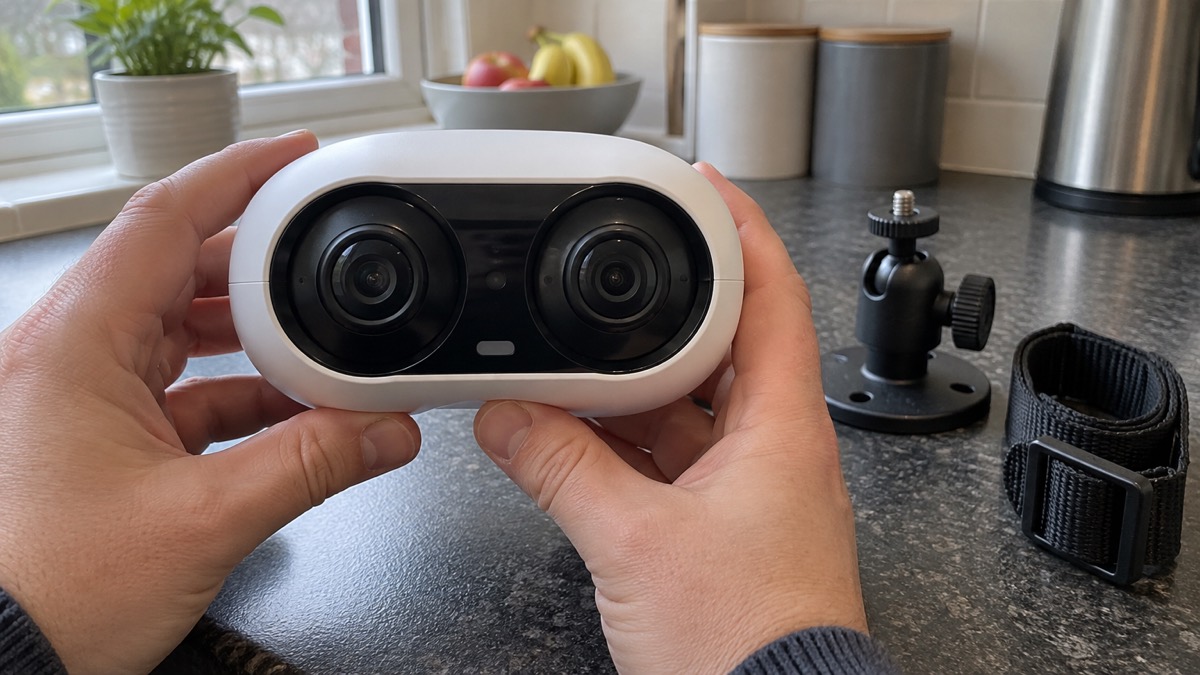
Reolink lists the contents as the Argus 4 Pro, a mounting plate, a security bracket, a strap and a USB-C cable1. That is the camera and the means to fix it to a wall or a pole, plus the charging cable. It is not a complete system.
Before you mount it, have ready:
- A microSD card up to 512GB, FAT32, Class 10 or faster1
- A 5V 2A USB charger for occasional charging, or the Reolink Solar Panel 2 (6W) for continuous top-up1
- A phone with the Reolink app on iOS or Android1
- A fixing suitable for your wall, post or shed, since the bracket is supplied but the wall is yours
- A plan for reaching the camera to charge it, because the battery cannot be removed1
If you are weighing this against a wired camera, a doorbell or a full alarm, our guides on Burglar Alarm or CCTV Camera: Which Suits Your Home? and Home Security: A Household Guide put cameras in the context of locks, lighting and alarms. A camera records; it does not by itself stop anyone.
Sources (12)
- Reolink Argus 4 Pro product page, Reolink, 2026-11-03
- Reolink Argus 4 Pro product page (US), Reolink, 2026-11-02
- Reolink Argus Series cameras, Reolink, 2026-11-03
- Reolink Argus 4 Pro review, Easy-Going Nerd, 2026-10-25
- Batteries and chargers, London Fire Brigade, 2026-10-25
- OPSS launches safe vapes usage and disposal awareness campaign, Office for Product Safety and Standards, 2026-03-04
- Reolink WiFi security cameras, Reolink, 2026-11-03
- Reolink outdoor security cameras, Reolink, 2026-11-03
- Reolink indoor security cameras, Reolink, 2026-11-03
- How to buy the best smart video doorbell, Which?, 2026-10-16
- Best indoor security cameras, Which?, 2026-08-18
- Reolink Home Hub 2, Reolink, 2026-11-02

 Ajax BulletCam
 Ajax TurretCam
 Aqara Camera Hub G350
 Arlo Essential 3 2K
 Arlo Essential 3 Indoor
 Arlo Pro 6
 Arlo Ultra 2
 Arlo Ultra 3
 Blink Outdoor 4
 Eufy SoloCam S340
 Eufy eufyCam S3 Pro Kit
 Eufy eufyCam S4 Setup