
Home Assistant is smart home software that brings a household's connected devices together so they can be monitored and controlled in one place. Devices from major makers are built to work with it: Aqara's camera hub lists Home Assistant alongside HomeKit Secure Video, Google Home, Alexa and SmartThings as platforms it integrates with1, and its door and window sensor works with the same voice assistants for alerts and spoken questions2. For a household thinking about emergencies, that matters because a smart home can tell you what is happening at home, control doors, heating and lighting, and raise the alarm when something goes wrong3.
This page sets out what a Home Assistant setup can realistically do for a UK household before, during and after an emergency: which sensors and cameras work with it, how it fits alongside proper security and fire safety measures, what happens to it in a power cut, and where to get help with the home itself. Smart kit is one layer of preparedness, never the whole answer, and the official guidance throughout this page says what should sit underneath it.
What a smart home hub does for a prepared household
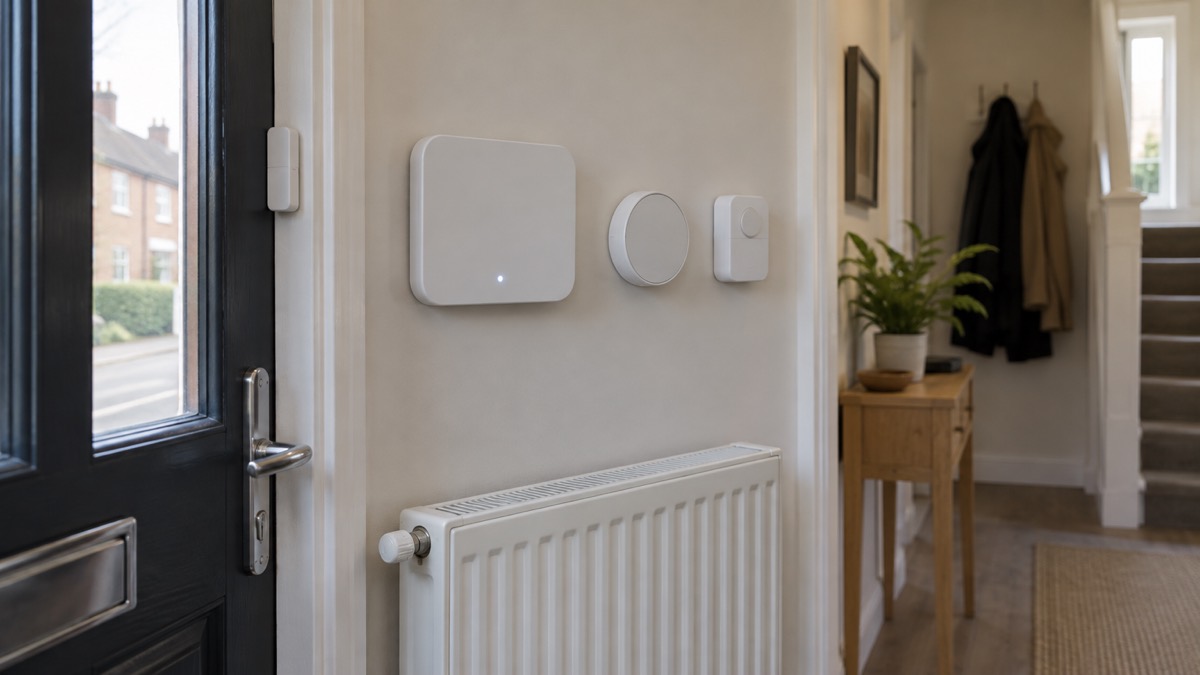
The core idea behind a system like Home Assistant is that instead of each smart device living in its own maker's app, they are brought together so the household can see and control them in one place. Official guidance on assistive technology describes what these systems do in practice: smartphone or voice-activated systems control areas of the home such as door opening, turning heating or lights on and off, and opening and closing windows3. Those are exactly the functions a household wants during an emergency: lights you can turn on when the power is unstable, heating you can manage remotely for an older relative, and doors and windows you can check are closed before a storm.
For preparedness, the value is information and control. A door sensor tells you a door has opened when it should not have. A camera shows you whether the flood water has reached the hallway. A smart plug tells you whether the freezer is still drawing power. None of that replaces the basics, and official community resilience guidance is clear about what households should have regardless: know the local risks such as flooding, know which family members need extra assistance, have insurance and somewhere to go, know where torches and a battery powered or wind-up radio are kept, and have working smoke alarms7.
A smart home setup earns its place by making those basics easier to act on. If a sensor tells you a window is open, the resilience checklist item about knowing your home becomes something you can check from your phone. If a camera shows a burst pipe, you can send a neighbour to the stopcock before you get home. The rest of this page covers what the devices can and cannot do, and what to have ready for the day the technology itself fails.
Devices that work with it: sensors, cameras and voice assistants
Home Assistant works by connecting to devices, and the range of compatible devices is wide. Aqara's Camera Hub G350 lists Home Assistant among the platforms it integrates with, alongside HomeKit Secure Video, Google Home, Alexa and SmartThings1. Its door and window sensor, the P2, works with Siri, Google Assistant and Alexa: using the supported voice assistants, you can receive alerts about events such as door entries, or ask about whether a door is open2. That cross-compatibility matters for a household that already has one voice assistant and does not want to replace it.
Sensors are the part of a smart home that carries the most weight in an emergency, because they report facts about the house without you having to be there. A door and window sensor is the clearest example: it tells you when something opens. The same principle extends across the home. Official telecare guidance lists the devices that can be added to a supported system for extra protection: falls detectors, smoke alarms, sensor pads, sensor lights and door sensors8. A household supporting an older or disabled family member can build up that kind of coverage gradually, starting with the doors that matter most.
Cameras add eyes. The Aqara Camera Hub G350 is one device that lists Home Assistant among its supported platforms1. Note the maker's own wording on cloud features: the cloud storage requires the HomeGuardian plan, which has a free trial included and activated automatically1. That means a camera may begin storing footage in the cloud on a trial basis as soon as you set it up, so decide before the trial ends whether you want to continue with a subscription or rely on local recording, and check the maker's documentation for how each option stores your footage.
"The cloud storage requires HomeGuardian plan, which has a free trial included and activated automatically."
When you choose devices, check two things in the maker's specifications: which platforms the device lists, and what it needs to join them. A device that lists Home Assistant, Google Home, Alexa and HomeKit gives you options if you later change how you run your home1. A device tied to a single maker's app and cloud gives you fewer.
Matter support: the shared standard, and what it needs
Matter is the standard that lets smart devices work across different platforms, and it is the reason a single sensor can appear in several systems at once. Aqara's Door and Window Sensor P2 is a door and window sensor with native Matter support over Thread2. Thread is the low-power wireless network these devices use, and it needs specific hardware to work.
The maker's requirements are worth reading before you buy. To add the P2 to a Matter-enabled app, your device or devices need to have both a Matter controller and a Thread border router, and the maker states plainly that a Matter-compatible Thread border router is required2. In practice, that means the hub or device you run your smart home on must provide both functions. Check the specifications of your existing setup first: if it does not act as a Thread border router, a Matter sensor will not join it, and you will need additional hardware or a different sensor.
The range of device types Matter covers is broad. Aqara states that its platform supports a wide range of Matter device types, including contact sensors, occupancy sensors, light sensors, on/off light switches, dimmer switches, thermostats, smart plugs, dimmable and colour lights, door locks, temperature and humidity sensors, smoke and CO alarms, air quality sensors, leak, freeze and rain sensors, curtains and shades, fans, air purifiers, water heaters, refrigerators and laundry machines1. For a prepared household, the standouts in that list are the smoke and CO alarms, the leak and freeze sensors, and the temperature sensors: those are the ones that warn you of a fire, a carbon monoxide risk, a burst pipe or a room that has become dangerously cold or hot.
One maker's note on how it implements the standard: the support of Matter light switches and dimmers is realised via the Light device type1. That is the kind of detail that explains why a switch sometimes behaves like a light in an app, and it is worth knowing when you set up automations.
Where to place the hub
Placement follows the maker's instructions for your specific hub, and the instructions are not the same for every device. One worked example from a maker's manual shows the kind of restriction to look for: the Ajax Hub 2 is designed for indoor installation only9. A hub specified for indoor use must not be fitted in a garage, shed, outbuilding or anywhere exposed to the weather, so check your own hub's manual before deciding on a cupboard under the stairs or a mount in the porch.
Practical placement comes down to three things. First, connectivity: a hub that connects to your router by cable needs to be close enough for the cable, and wireless hubs need a reliable signal where they sit. Second, environment: keep the hub in a room that stays within the maker's stated conditions, away from damp and extremes of heat and cold. Third, visibility: put it where you can see its indicator lights, because a hub that has silently lost connection is the failure you most want to notice before an emergency, not during one.
The maker's manual also shows what to expect in the box, which is worth checking at purchase so you know whether you need to buy a cable or mounting kit separately. For the Ajax Hub 2, the package contains the hub, a power cable, an Ethernet cable, an installation kit, a SIM card supplied depending on the region, and a quick start guide9. Your hub's contents list will differ, so read its own documentation.
Power cuts: what stops, and what it costs to keep it running
This is the section that decides whether a smart home helps in an emergency or becomes another thing that fails. Anything powered from the mains stops when the power stops: the hub, the router, mains cameras and any device without a battery. Battery-powered sensors may keep measuring, but with no hub running there is nothing to collect their reports or act on them. If your household relies on the system for security or for checking on a relative, plan for how the hub and router stay powered.
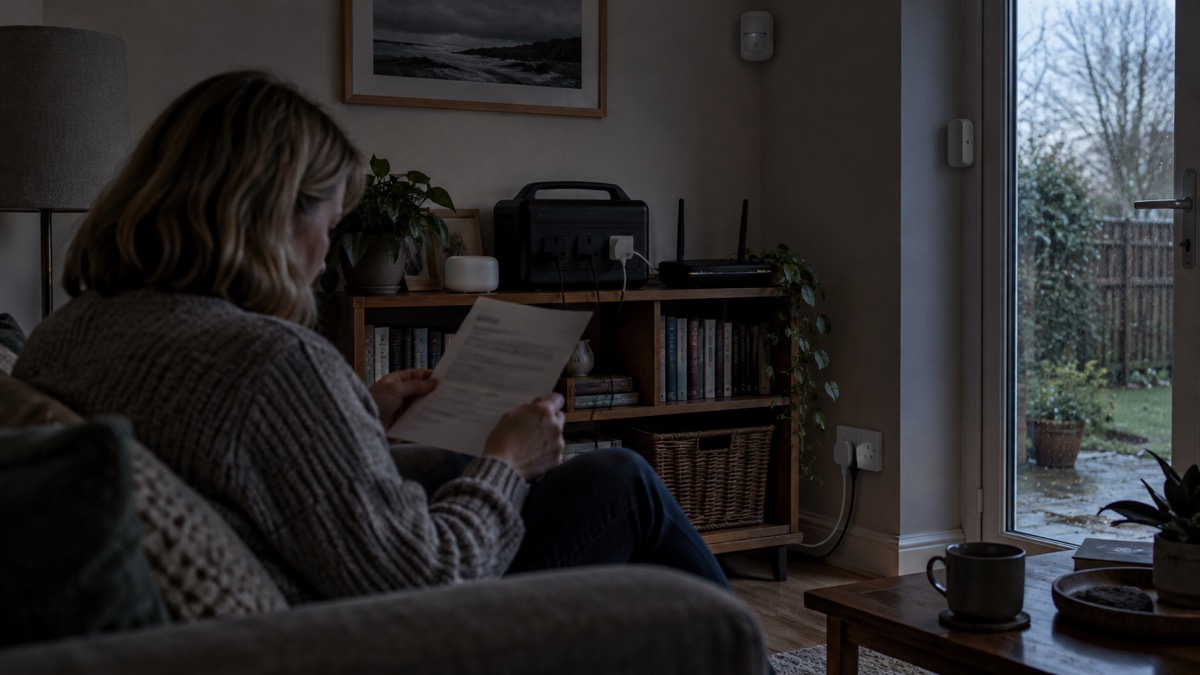
The power demands are small compared with household appliances, which is what makes backup realistic. Official preparedness guidance notes that the average desktop computer idles at 80 watts, and a Sony PlayStation uses about 200 watts both when active and when idle4. A small hub draws far less than a desktop, so keeping a smart home alive in a power cut is a modest load, but it is a continuous one: the hub and router must run for the whole outage, not just an hour, and a small backup battery that would barely notice the hub will still be drained by time.
If you are sizing a backup power system, a maker's worked example shows the arithmetic. Jackery's guidance on setting up a home backup power system gives the example that a 3,000W load for one hour at 12V, with 85 per cent inverter efficiency and 80 per cent depth of discharge, requires 368 Ah of battery10. It also states that a 2,000W continuous load needs at least a 3,000W inverter/charger and a 48V 200Ah LiFePO4 battery to run for roughly 3.2 hours10. Those figures are for whole-home loads, not a hub, but the method is the same: work out the watts, the hours and the losses before you buy. Our backup power guide and power cuts guide cover this in full.
Networks can fail independently of the power, too. Official guidance on phone and broadband outages advises: if your landline is not working, try using your mobile; and if your mobile network is down but you have a working internet connection, you may still be able to make calls over Wi-Fi by enabling WiFi Calling on your device12. A smart home system that depends on an internet service will be affected by a broadband outage even with power intact, so know which of your functions need the internet and which do not. Our staying informed guide covers keeping in touch when networks fail.
Using it for home security
A smart home can strengthen home security, but it does not replace the measures that official and independent advice is built on. Independent testing by Which? of burglar alarms and smart security systems examines things like alarm volume and how long the maker promises software updates, and it flags where the software update period is unknown13. That last point matters for a security purchase: a smart system that stops receiving updates is a system whose security claims expire. Check the maker's update commitment before relying on any smart security device.
Two examples from that testing show the spread of what is on sale: the SimpliSafe Starter Kit with Bell Box has a 109dB alarm and is compatible with Alexa and Google Assistant, with no key fob included and a software update period unknown; the Somfy Protect Home Alarm has a 102dB alarm, is compatible with Alexa and Google Assistant, includes key fobs, and also has a software update period unknown13. An older system in the same review, the Abode Iota, is compatible with Alexa, Apple HomeKit, Google Assistant and Philips Hue13. The lesson for a buyer is that compatibility and volume are easy to compare, and the update commitment is the figure that is hardest to find and matters most over years of ownership.
Treat smart sensors as the reporting layer on top of physical security. Door and window sensors tell you when something opens2; cameras let you look1; but good locks, lighting and an alarm with a loud siren remain the core. Our home security guide sets out the full picture, including how a smart setup fits alongside traditional alarms.
Fire safety: the checks that matter more than any app
Whatever smart devices you install, fire safety comes first, and the official advice is direct. Dorset and Wiltshire Fire and Rescue Service's safety at home guidance says to fit a working smoke alarm5. A smart home can include smoke and CO alarms among its Matter device types1, which means alerts can reach your phone, but a smart alarm is still an alarm: it must be fitted, tested and working, and it does not replace an escape plan.
Your local fire and rescue service will help, free of charge, and this is one of the most underused services in the UK. Manchester Fire and Rescue Service's Home Fire Safety Assessment includes identifying hazards with the householder, safe bedtime routine advice, agreeing an escape plan, checking smoke and heat alarms, fitting alarms if needed, and signposting to other support services6. London Fire Brigade's online Home Fire Safety Checker states that no personal data that can identify you is collected when using the tool14, so you can use it without concern on that front. Warwickshire Fire and Rescue Service offers Safe and Well visits, which include home security among the areas covered15.
The arrangements are similar across the four nations, with local variation in name and route:
| Nation | What is offered | How to get it |
|---|---|---|
| England | Home Fire Safety Assessments: hazard identification, bedtime routine, escape plan, alarm checks and fitting, signposting6; online checker with no identifying data collected14 | Your local fire and rescue service |
| Scotland, Wales | Safe and Well checks are available to help you be fire safe at home16 | Your local fire and rescue service |
| Northern Ireland | In-person Home Fire Safety Checks; a family member, friend, neighbour or care worker can be present to provide support during the visit17 | Northern Ireland Fire and Rescue Service |
For households that include someone with specialist health equipment, London Fire Brigade's guidance for carers and support workers notes that home fire safety visits can be arranged at any time, 24/718. Belfast City Council's home safety scheme for seniors offers help with repairs by a vetted handyperson at a reduced rate, and a selection of free helping-hand aids and equipment subject to stock availability19. The Ards and North Down "Stay Warm, Stay Safe" scheme adds that safety equipment may be provided and, with the householder's consent, onward referrals made to other agencies who can assist20.
If you live in shared or rented accommodation, Dorset and Wiltshire Fire and Rescue Service's safer housing guidance covers fire safety measures for the home, including smoke alarms and escape planning16, and residents of flats in England can check whether their building has fire safety issues through the official fire safety in flats service21.
Helping an older or disabled relative with smart home support
A smart home setup is often most valuable for a household supporting someone who lives alone, and there is a well-established support network around this in the UK. Council telecare services provide assisted technology, and you can add other devices to a telecare system for extra support, including falls detectors, smoke alarms, sensor pads, sensor lights and door sensors8. Warwickshire's assistive technology guidance describes the same capability: smartphone or voice-activated systems to control areas of the home such as door opening, turning heating or lights on and off, and opening and closing windows3.
Falls are the risk most often flagged by official guidance. Oxford Health NHS Foundation Trust's falls guidance includes home risk questions and states that if you answer "no" to any of them, help is available22. Staffordshire County Council offers the Falls Assistant tool, an NHS-approved self-assessment with advice23. A door sensor, a falls detector or a well-placed smart button can help close the gap between a fall happening and someone knowing about it.
Help with the home itself is also available. Staffordshire's maintaining your home guide points to AskSARA, which can help you find equipment to make everyday tasks easier24. If you own your home, official guidance says you may be able to get help and support from an accredited home improvement agency or handyperson service25, and Home Improvement Agencies can be contacted on 0300 124 031526. Age UK notes that Home Improvement Agencies and local handy person schemes have a vital and cost-effective role in helping older people to tackle safety issues27. For leaseholders in England, the Leaseasehold Advisory Service offers free advice21, and if you are having work done, official guidance says to choose someone registered with a "competent person" scheme who can self-certify that their work complies with building regulations28.
If you are worried about a relative or elderly neighbour, the Age UK helpline is open 8am to 7pm every day29, and NHS Dorset gives the same advice: contact the helpline or your local council30. Our extra help guide brings the whole picture together, including the Priority Services Register for households that depend on power or water.
Heat, cold and the rest of the household plan
A smart home can help you watch conditions, but the official temperature advice is the standard to hold your home to. Official guidance says to heat your home to at least 18°C in the rooms you regularly use, such as your living room and bedroom, if you can31, and Ready Scotland gives the same figure for cold weather32. A temperature sensor in the rooms that matter lets you check that from anywhere, which is useful when the person in the room is an older relative who may not feel the cold. In hot weather, the official keep cool at home checklist is the guide to work through25.
The rest of your preparedness does not depend on any smart device, and the official checklists are short. Lincolnshire's emergency advice tells households to locate the electric, gas and water shut-off valves, keep necessary tools near the gas and water shut-off valves, and teach family members how to turn off utilities33. Scotland's emergency kit guidance includes a whistle34. Oxfordshire's community resilience guidance adds the items we noted earlier: know where the torches and battery powered or wind-up radio are, and have working smoke alarms7.
A numbered way to bring it together:
- Fit and test smoke alarms, and agree an escape plan, with free help from your fire and rescue service if you want it6.
- Locate your electric, gas and water shut-off valves and keep the tools you need beside them33.
- Build your emergency kit, including a torch, a battery powered or wind-up radio and a whistle34.
- Add sensors where they warn you of real risks: doors, smoke and CO, leaks and freezes, and room temperature1.
- Plan how the hub and router stay powered through an outage, and how you stay in touch when networks fail12.
- Register for extra support if anyone in the household depends on power, water or communications11.
Our getting started guide and emergency kit guide cover the first steps, and the home emergencies guide covers fire, carbon monoxide, gas leaks and burst pipes in detail.
Frequently asked questions
Does Home Assistant work with Alexa, Google Home and Apple HomeKit? Yes, devices that connect to Home Assistant are often built to work across several platforms at once. Aqara's camera hub lists Home Assistant alongside HomeKit Secure Video, Google Home, Alexa and SmartThings, and its door and window sensor works with Siri, Google Assistant and Alexa for alerts and spoken questions. So you can keep using the voice assistant you already have while bringing devices together in one place.
Does it support Matter devices? Matter is the shared standard that lets smart devices work across platforms. Sensors with native Matter support over Thread are already on sale, such as Aqara's Door and Window Sensor P2. To add a Matter sensor to an app, your device or hub needs to be both a Matter controller and a Thread border router, so check that your setup provides both before buying Matter devices.
What happens to my smart home in a power cut? Mains-powered hubs, routers and cameras stop working when the power goes, and so do any devices that depend on them. Battery-powered sensors may keep reporting, but nothing can act on the information without a running hub. If you rely on the system, plan backup power for the hub and router, and remember that some medical and assistive equipment can also stop during an outage, so anyone who depends on it needs a separate plan.
Can a smart home system replace a proper burglar alarm? Not on its own. Independent testing of smart security systems looks at how long makers promise software updates, alarm volume and how the monitoring works, and some systems score poorly on update commitments. A traditional alarm with a loud siren, good locks and lighting remains the core of home security; smart sensors are best treated as an addition that tells you what is happening.
Where should I put the hub? Follow the maker's instructions for your specific hub. Some hubs are designed for indoor installation only, so they must not be fitted in a garage, shed or outdoors. Keep the hub near your router if it needs a cable connection, in a room that stays warm, and where you can check its indicator lights easily.
Is my data stored locally or in the cloud? It depends on the devices and services you use. Some camera makers require a subscription plan for cloud storage, with a free trial activated automatically, while other setups keep recordings at home. If privacy matters to you, check each device's documentation for where recordings and sensor data are stored before you buy, and read the privacy notice of any service you sign up to.
Who do I contact for help with home safety beyond smart kit? Your local fire and rescue service offers free home fire safety checks across the UK, and some can fit alarms and refer you to other support. Councils and home improvement agencies help with repairs and equipment, and the Age UK helpline is open 8am to 7pm every day if you are worried about an older relative or neighbour.
Can smart home tech help an older or disabled family member? Yes. Assistive technology can control door opening, heating and lighting, and telecare systems can be extended with falls detectors, smoke alarms, sensor pads, sensor lights and door sensors for extra support. An NHS-approved falls self-assessment is available, and during cold weather alerts carers should check the person can still contact their care team.
Sources (34)
- Aqara Camera Hub G350 product page, Aqara, 2026-03-18
- Aqara Door and Window Sensor P2 product page, Aqara, 2026-09-28
- Assistive technology, Warwickshire County Council
- Failure of national electricity, Wiltshire and Swindon Prepared, 2026-10-25
- Safety at home, Dorset and Wiltshire Fire and Rescue Service, 2026-04-30
- Home Fire Safety Assessment, Manchester Fire and Rescue Service, 2026-10-29
- Community resilience, Oxfordshire County Council, 2026
- Telecare, Staffordshire County Council, 2025-07-20
- Ajax Hub 2 manual, Ajax Systems, 2026-10-27
- Setting up a home backup power system, Jackery, 2026-08-19
- Disabled people and carers, Ready Scotland, 2026-10-25
- Phone and broadband outages, Prepare (UK government), 2026-10-12
- Best burglar alarms and smart security systems, Which?, 2026-05-19
- Protect: Home Fire Safety Checker, London Fire Brigade, 2026-10-29
- Apply for a Safe and Well visit, Warwickshire County Council, 2026-10-29
- Shared and rented accommodation, Dorset and Wiltshire Fire and Rescue Service, 2025-06-24
- Home fire safety checks, Northern Ireland Fire and Rescue Service, 2026-10-29
- Specialist health equipment: guidance for carers, London Fire Brigade, 2026-10-25
- Home safety scheme for seniors, Belfast City Council, 2026-10-29
- Stay Warm, Stay Safe leaflet, Ards and North Down Borough Council, 2025
- Check if your building has fire safety issues, UK government, 2026-10-29
- Falls guidance: at home, Oxford Health NHS Foundation Trust, 2026-09-15
- Falls prevention, Staffordshire County Council, 2026
- Maintaining your home, Staffordshire County Council, 2026
- Beat the heat: keep cool at home checklist, UK government, 2026-07-21
- Beat the heat: resources for hot weather, UK government, 2026-07-21
- New website promotes home safety, Age UK, 2018-11-05
- Oil storage regulations and safety at home, UK government, 2026-10-29
- Neighbour and vulnerable people support, South Western Ambulance Service NHS Foundation Trust, 2026-10-29
- Top tips to stay well in the cold weather, NHS Dorset, 2025-01-07
- How to stay well in winter, Village Medical Centre Wirral, 2026-10-29
- Cold, snow and ice, Ready Scotland, 2026-03-25
- Get help and advice in an emergency, Lincolnshire County Council, 2026-10-29
- Emergency kit, Ready Scotland, 2026-10-22