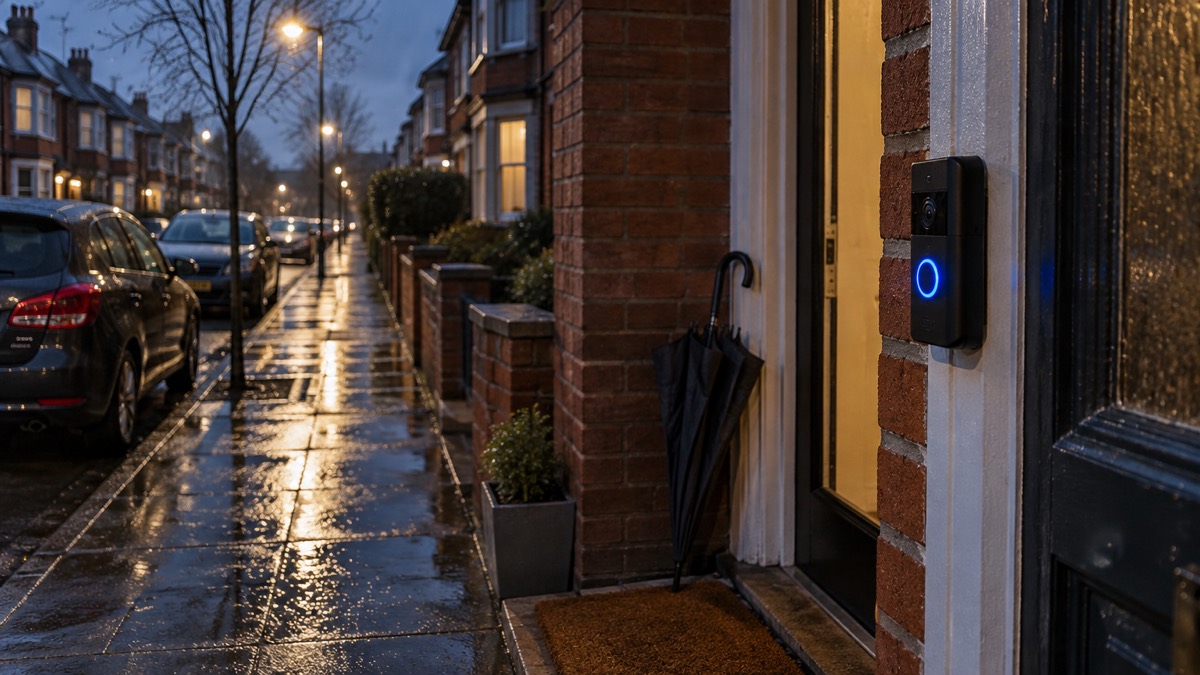
The Yale Smart Video Doorbell is a discontinued product, and the date that matters most is January 2028. That is when Yale's software support for it ends, according to Which?1. Until then it does the job a video doorbell is bought for: it shows you who is at the door, lets you speak to them from your phone, and gives you a view of the doorstep before you open the door. After that date it will still work, but it will no longer receive the updates that keep a connected device secure.
For a household preparing for emergencies, the doorbell is a small but useful piece of the plan. It lets you see and speak to a caller without opening the door, which matters during a flood, a storm or any period when strangers may knock offering help or work. It also depends on things that fail in an emergency: mains power, your Wi-Fi and your broadband. Knowing how it behaves when those go is part of owning it.
This page covers what the doorbell does, the specifications that decide whether it fits your home, how it is powered, how to install and secure it, what changes when updates end, how to keep it useful through a power cut or outage, and where to get support. It does not cover prices, and it does not rank it against other doorbells.
Discontinued, with software updates for four years after
The Yale Smart Video Doorbell is no longer a current product, and Yale's support for it runs to a fixed date rather than indefinitely. Which? reports that Yale will support its Smart Video Doorbell until January 20281. The same independent guidance describes Yale's software update period for the product as four years from discontinuation1. Yale has said it will support its smart alarm products for four years2.
That is not unusual for connected security kit, but it is shorter than some buyers assume. Which? reports that Ring has said it will support all video doorbells for at least four years after the device is last available to purchase, and that Eufy will update its doorbells for at least five years from launch1. The difference matters because a doorbell is fixed to your wall and wired in: replacing it is a job, not a swap.
The same January 2028 date applies to another Yale product. Which? reports that Yale will support its Smart Indoor Camera until January 20286. If you own both, they reach the end of updates together, which is a sensible moment to review the whole front-door and indoor camera set-up in one go rather than piece by piece.
For a household plan, the practical step is to write the date down. Put January 2028 against the doorbell in whatever list you keep of household equipment, alongside the smoke alarm test dates and the boiler service. When the date approaches, decide whether to replace the doorbell or accept the risk of running an unpatched device, and budget the time for the swap.
What the Yale Smart Video Doorbell does at the front door
A video doorbell combines a camera, a microphone and a speaker at the door with an app on your phone. Ring, describing its own doorbells, says they feature a built-in camera and Two-Way Talk, so you can speak to whoever is at your door from your phone, and that they send notifications to a smart device7. That is the core function of the category, and the Yale doorbell sits within it.
Yale's wider smart alarm range, which the doorbell is designed to work alongside, is app-enabled and can be controlled remotely8. Yale describes the range as offering pre break-in detection, with alerts before an intruder reaches your home8. The doorbell is one sensor in that picture: it watches the approach to the door, while door and window sensors watch the openings themselves. Yale's SensCheck door and window sensors, for example, provide instant chime notifications or tamper alerts directly to a smart device when the status of a door or window changes9.
For emergency preparedness, the value is in three situations:
- A caller you do not want to open the door to. You can see and speak to them first, which is the same principle as checking a caller's identity before letting them in.
- A knock while you are dealing with something else. During a flood, a storm or a power cut, you may be busy, wet or injured. Answering from your phone lets you deal with the caller without leaving what you are doing.
- A record of the doorstep. A camera view of the front of the house is useful after an incident, and useful before one as a visible deterrent.
What it cannot do is keep working without power and a network. It is not a substitute for a door chain, a spyhole or the habit of checking identity before opening the door. Treat it as one layer, alongside the physical door security covered in Doors and Locks: Standards, Cylinders and Making Entry Harder and the wider choices in Video Doorbells: What They Do and How to Choose One.
Specifications that decide how it fits your home
The specifications that matter for a doorbell are not the headline camera numbers. They are the ones that decide whether it will work on your wall, in your hall, and on your Wi-Fi.
| What it decides | What to check | Source |
|---|---|---|
| Power | Wired models need existing doorbell wiring and a standard 18-volt AC supply | Which?1 |
| Detection range | Good doorbells will spot someone up to 2.5 metres away | Which?1 |
| Network | A smart camera needs an existing internet connection with Wi-Fi to communicate | Verisure10 |
| App control | Yale's smart alarm range is app-enabled and can be controlled remotely | Yale8 |
| Integration | Yale's smart alarm range connects with other smart brands such as Google Home, Philips Hue and Alexa | Yale8 |
| Multiple properties | Yale's range can protect more than one home, to keep an eye on elderly parents or a rental property | Yale8 |
The detection range figure is the one most often overlooked. A doorbell that spots someone up to 2.5 metres away will catch a caller at the threshold, but it will not cover a long front garden or a shared path1. If your door is set well back from the pavement, the doorbell tells you about the person at the door, not the person approaching it.
The Wi-Fi requirement is the other one to test before you buy. A doorbell at the front of the house is often the furthest point from the router, and a weak signal there shows up as dropped live video and missed notifications. If your signal is marginal, the page on Alarms and Cameras on a Weak Mobile Signal or Slow Broadband sets out what helps.
Wired or battery: how it gets its power
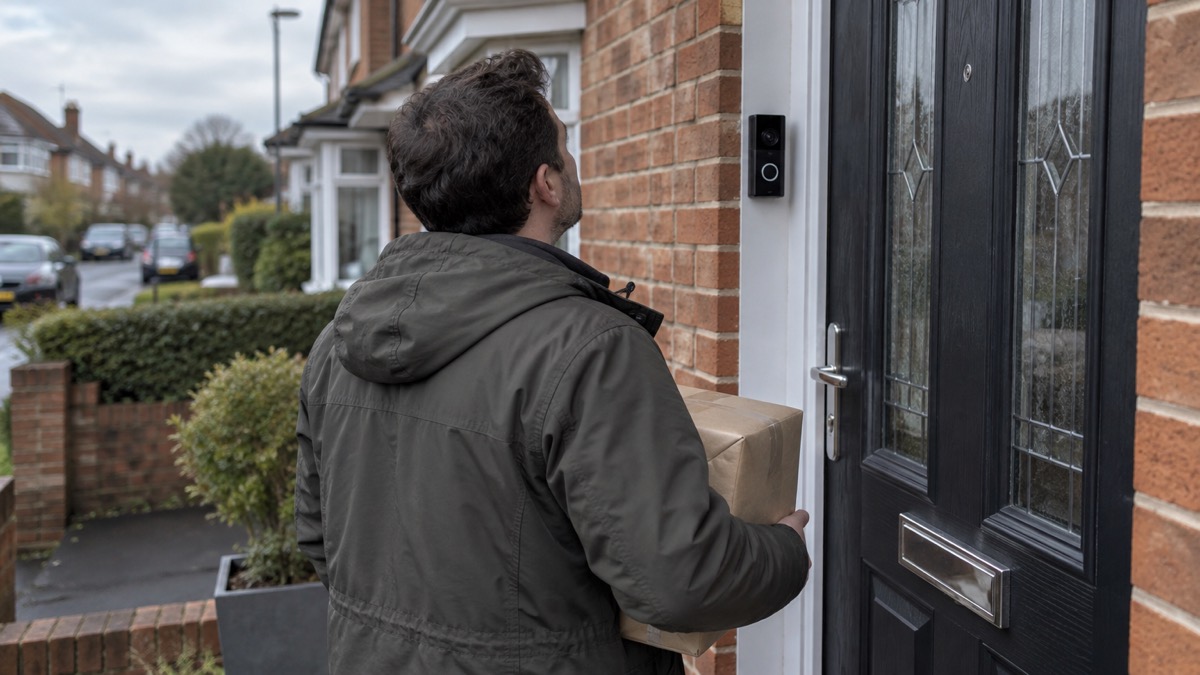
The single biggest decision for fitting a doorbell is how it gets its power, and it is decided by what is already in your wall.
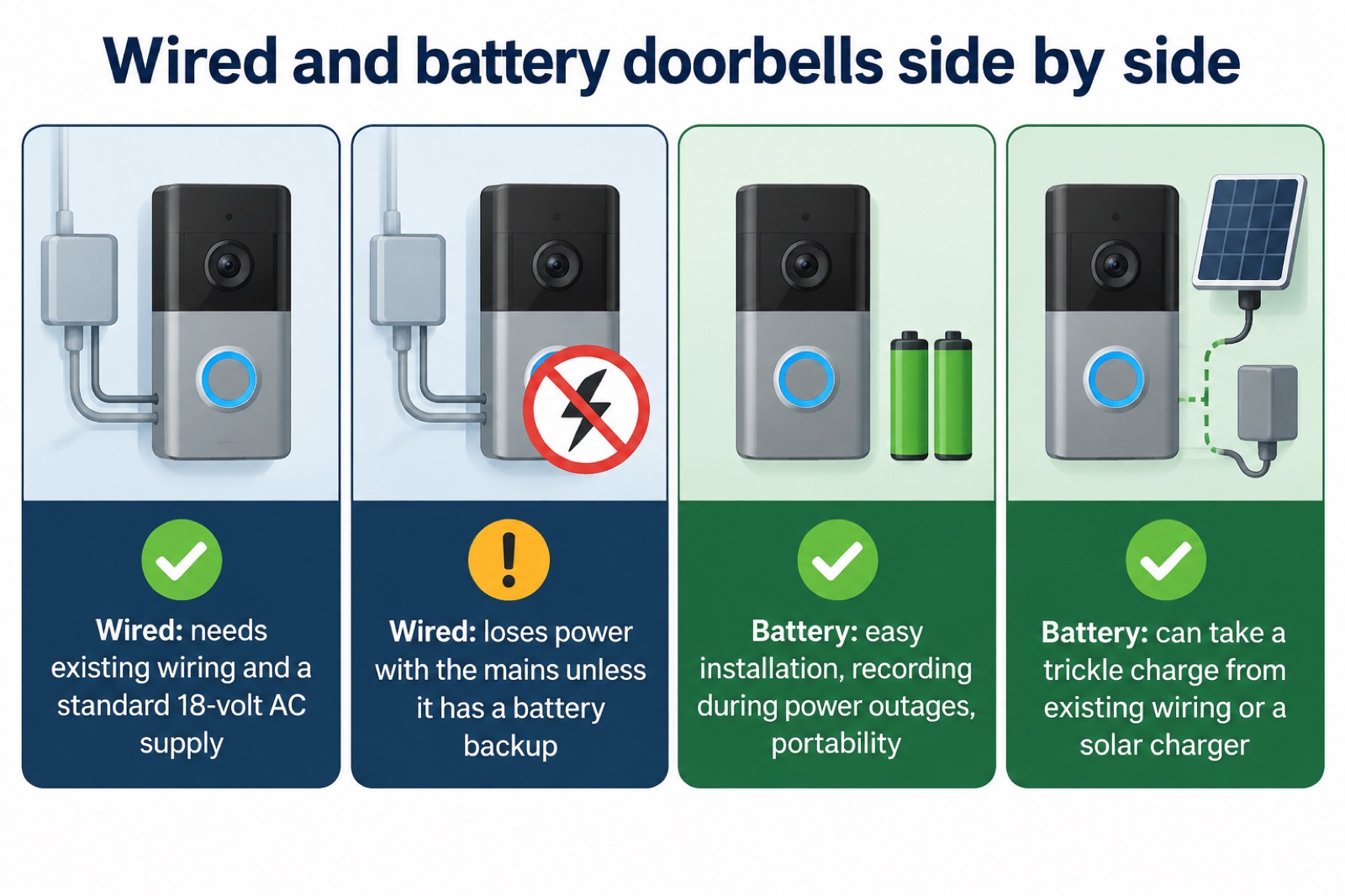
Wired doorbells require existing doorbell wiring, along with a standard 18-volt AC supply to power the camera1. If your home has a wired push button and a transformer that meets that supply, a wired doorbell is a straight swap. If it does not, the wiring has to be installed, which is electrical work.
Battery doorbells avoid that. Ring, describing its own products, says some of its doorbells and cameras are battery-powered and some are hardwired only, needing home wiring or a plug-in adapter7. It also notes that battery-powered doorbells can be wired to your existing doorbell system, but they only receive a trickle-charge from it, and that doorbell solar chargers can provide a trickle charge too, with the battery as the primary source7. Reolink, describing its own range, says a wireless, battery-powered video doorbell is better for easy installation, recording during power outages, and portability11.
For emergency preparedness, that last point is the one that counts. A battery doorbell keeps its own power when the mains fails, so it can keep watching the door and answering callers through a power cut, as long as your Wi-Fi and broadband are still up. A wired doorbell loses its supply with the mains unless it has a battery backup.
If you are choosing between the two for a home you are preparing, the page on Battery or Wired Video Doorbell? works through the trade-offs. Whichever you choose, the doorbell is only one part of the front door: the lock, the door and the frame do the physical work, and Doors and Locks: Standards, Cylinders and Making Entry Harder covers those.
Installing and setting it up safely
Yale describes its smart alarm range as a DIY system that is fully integrated with other security devices and smart home tech products8. That means the doorbell is designed to be fitted and set up by the household rather than by an installer, but DIY does not mean careless. Two parts of the job carry real risk: the electrical connection and the account security.
The electrical side. If you are fitting a wired doorbell, the work involves your home's doorbell circuit and a transformer. Electrical Safety First, the independent charity, warns that security systems, smart speakers, connected appliances, children's toys and many other products all require setting up and using carefully to ensure they do not compromise safety and security12. If you are not confident working on mains wiring, use a qualified electrician. Do not improvise a supply.
The account side. A doorbell is a camera on your home network, and the National Cyber Security Centre (NCSC) warns that live feeds or images from smart cameras can in rare cases be accessed by unauthorised users, because some cameras ship with well-known or guessable default passwords such as admin or 000003. The NCSC's advice is to keep your camera secure by regularly updating it, and if available switch on automatic software updates3. Police Scotland adds that a smart device not protected with a strong password or kept updated is more likely to be hacked4.
A safe set-up, in order:
- Change the default password before the doorbell goes live. Do not leave a factory password in place3.
- Switch on automatic updates if the app offers the option3.
- Give the doorbell its own Wi-Fi network or guest network if your router supports one, so a compromised camera cannot reach your other devices.
- Set up two-factor authentication on the Yale account if it is offered.
- Check the app's sharing settings so that only the people in your household can view the feed.
- Test the motion detection by walking up to the door from the pavement, and adjust the zone so it covers the approach, not the street.
The NCSC publishes fuller guidance in Smart security cameras: using them safely in your home3. For the account side specifically, Camera and Doorbell Accounts: Stopping Strangers Getting In covers passwords, sharing and what to do if you think someone else has access.
What changes when software updates end
January 2028 is not a switch-off date. The doorbell will keep working, but it will stop receiving the updates that fix security flaws and improve the software. The NCSC is clear that older devices will eventually stop receiving updates5, and that updates include protection from viruses and other kinds of malware, and will often include improvements and new features5. Get Safe Online notes that some devices, like your smartphone, can auto-update security fixes, but the router, the smart light bulbs or the smart fridge might not13.
Which? is equally clear about the consequence. It says that if a video doorbell you own falls out of update support, there is an increased risk in using it, and that although it is unlikely to immediately get hacked, the risk does go up with out-of-support products1.
Electrical Safety First adds a further warning that bears on any attempt to keep an old device going: continuing to use the device or attempting to fix it yourself, or using an unauthorised repairer, could impact on your other smart devices in the network14.
So what should a household do as the date approaches? There are three sensible options:
- Replace it before the date. The cleanest option, and the one that keeps your front door covered without a gap.
- Keep it, but harden everything around it. Change the password again, keep the router and phone updated, and accept that the doorbell itself is the weakest link.
- Retire it and rely on the physical door security covered in Doors and Locks: Standards, Cylinders and Making Entry Harder.
Whichever you choose, the decision belongs in your household plan before January 2028, not after. The page on How Long Do Cameras and Doorbells Get Software Updates? compares support periods across the market.
Keeping it working through a power cut or Wi-Fi outage
A doorbell is a small device with two dependencies that fail in exactly the emergencies this site is about: mains power and the internet. Knowing how it behaves when each goes is the difference between a useful tool and a dead box on the wall.
When the power goes. A battery doorbell keeps running on its own battery. A wired doorbell without a battery backup stops. The wider principle is the same one that applies to smart locks: Which? notes that a smart door lock is battery-powered, so in a power cut the door stays locked and the motor still works, and you can enter with a keypad, fob, fingerprint scanner or nearby phone via Bluetooth, though if Wi-Fi is down, remote unlocking, access logs and voice control may not work15. A doorbell behaves the same way: the local function survives, the remote function does not.
When the Wi-Fi or broadband goes. The doorbell needs a network to send you anything. Verisure, describing its own cameras and doorbell, says you will need an existing internet connection with Wi-Fi for the cameras and video doorbell to use to communicate10. Without it, the doorbell may still record locally or chime, but your phone will not get the alert.
When the mobile network goes too. The government's preparedness campaign advises that if your landline isn't working, try using your mobile, and that if your mobile network is down but you have a working internet connection (Wi-Fi) you may still be able to make calls over Wi-Fi by enabling Wi-Fi Calling on your device16. Age UK advises having a battery back-up to keep a digital landline working in a power cut, especially if you have a telecare device that relies on your landline, and contacting your telephone service provider, who may offer this for free17. Energy Networks notes that mobile devices, including internet dongles, could have limited or no service during a power cut, and advises asking your internet and telephone providers for further advice18.
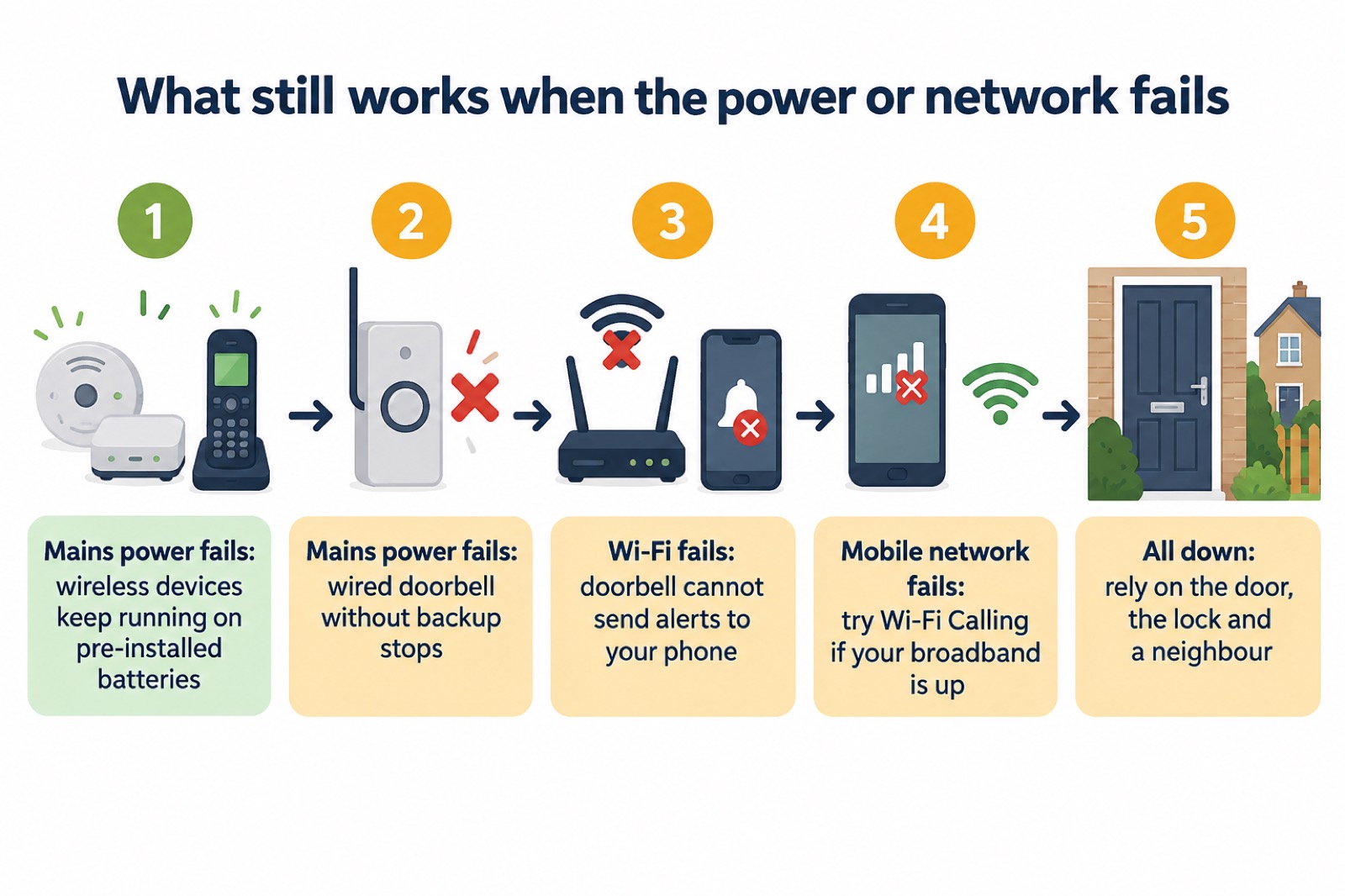
The practical preparation is straightforward. Keep the doorbell's battery charged if it is a battery model, and know how to check the level in the app. Keep a phone charging bank charged so your phone survives a long outage. And do not let the doorbell become your only way of knowing who is at the door: a spyhole, a door chain and a habit of checking identity work when nothing else does. The page on Keeping Your Home Protected in a Power Cut covers the wider household preparations.
Support and warranty from Yale
Yale's support for the doorbell runs to January 20281. Beyond that date, the maker's commitment ends, and the device becomes your responsibility.
Yale's wider smart alarm range gives a sense of how the maker positions support. Yale says there are no monthly fees on its Smart Alarm range, but you can add cellular backup or upgrade to professional monitoring with Securitas if you want it8. It also says there are no subscriptions or monthly fees on its Sync Alarm range8. For a household that wants the doorbell to keep working through a broadband outage, cellular backup is the relevant option, because it gives the system a second route to the monitoring centre when the landline or broadband fails.
Yale also offers a simpler alternative for households that do not want an app at all. It describes its Traditional Alarms as a simple, low-tech 'no smart phone, no app' burglar alarm, with no need to connect to the internet or Wi-Fi, and a bell-only alarm8. That is worth knowing if the doorbell is part of a wider alarm decision: the page on Burglar Alarms: Types and How to Choose One sets out the options.
For warranty terms, check the documentation that came with your doorbell and the current terms on Yale's own site, since terms change and this page cannot state them for you. If you bought the doorbell as part of a wider Yale system, the alarm and the doorbell may have different support periods, so check each one.
Where to get help:
- Yale's own support pages for the doorbell and its app, for setup and account questions.
- Your retailer, for warranty claims within the period they cover.
- A qualified electrician, for any wiring work on a wired model.
The maker's page is at Yale, and the wider subject of choosing and living with a doorbell is covered in Video Doorbells: What They Do and How to Choose One.
Sources (18)
- How to buy the best smart video doorbell, Which?, 2026-10-16
- Best burglar alarms and smart security systems, Which?, 2026-05-19
- Smart security cameras: using them safely in your home, National Cyber Security Centre, 2020-03-03
- Smart devices, Police Scotland, 2026-11-02
- Install the latest software and app updates, National Cyber Security Centre, 2021-12-21
- Best indoor security cameras, Which?, 2028-01
- Doorbell security camera FAQ, Ring, 2026-11-03
- Alarms: which is right for me, Yale, 2026-11-02
- SensCheck, Yale Door and Window Solutions, 2026-11-03
- Frequently asked questions, Verisure, 2026
- Video doorbells, Reolink, 2026-11-03
- How to ensure internet-connected cameras are secure, Get Safe Online, 2020-03-03
- How to safeguard IoT gadgets at home, Get Safe Online, 2023-02-07
- Smart homes, Electrical Safety First, 2026-10-25
- Do I need a smart door lock?, Which?, 2026-04-15
- Phone and broadband outages, UK Government preparedness campaign, 2026-10-12
- Staying safe, Age UK, 2025-08
- Care and assisted living providers, Energy Networks Association, 2026-10-25

 Ajax BulletCam
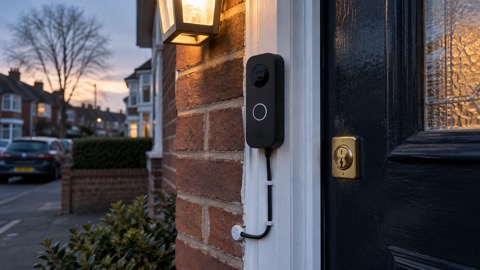 Ajax DoorBell
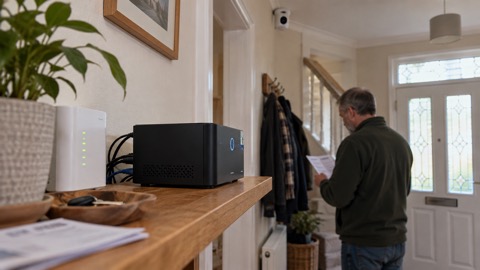 Ajax NVR
 Ajax TurretCam
 Aqara Camera Hub G350
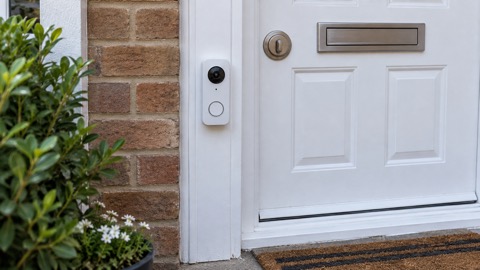 Arlo Essential 2K Doorbell
 Arlo Essential 3 2K
 Arlo Essential 3 Indoor
 Arlo Pro 6
 Arlo Ultra 2
 Arlo Ultra 3
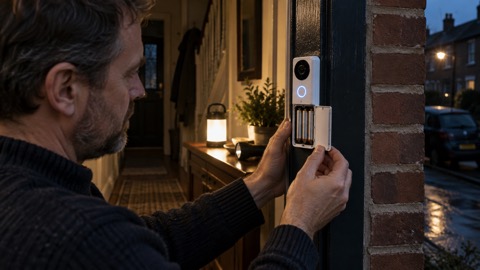 Blink Battery Doorbell 2K+