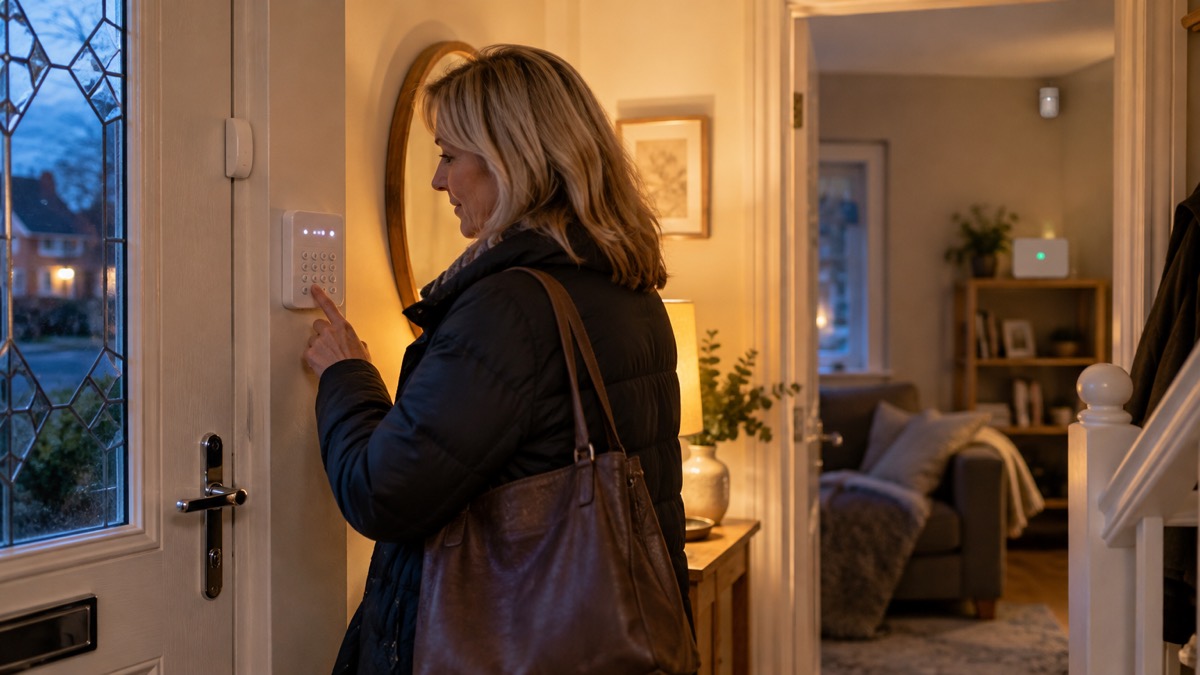
The Ring Alarm (2nd Gen) is a do-it-yourself home security system that you fit yourself and run from an app. The five-piece kit is built around a Base Station, which connects to your home broadband by Ethernet or Wifi and talks to the sensors by Z-Wave, a low-power radio link. You arm and disarm it from the Ring app or from a Keypad, and it has three modes: Disarmed, Home and Away1.
It is a burglar alarm, not a fire alarm and not a monitored alarm by default. Ring states that standard features, including the up-to-24-hour backup battery, remote arming and disarming from the app, the security modes, Alexa compatibility and real-time mobile notifications, are available out of the box and free. A compatible Ring Subscription, sold separately, is needed for digital arming and disarming and certain other in-app features, and it unlocks Alarm Calls and Cellular Backup1.
So the honest answer to "do I need a subscription?" is: not for the basics, but yes if you want the system to keep working when the internet drops, or to ring your emergency contacts when the alarm goes off. This page sets out what the kit does, what each part needs, how alerts reach you, and how to return it if it is not right for your home.
What the Ring Alarm is and what it suits
The kit is a set of battery-powered sensors that report to a Base Station, which in turn reports to your phone. Ring describes the three security modes as follows: in Disarmed, all sensors in your home are disabled, so you can come and go without triggering the alarm; Home activates the exterior and perimeter sensors; Away activates all sensors1. That pattern suits a household that wants the doors and windows watched while everyone is out, and the perimeter watched overnight while people move about inside.
It is a self-install system. The Contact Sensor (2nd Generation) mounts to a door or window frame, and the Range Extender (2nd Generation) plugs into a standard electrical socket to carry the signal further1. Nothing in the kit needs wiring into the mains beyond the Base Station's adapter and the Keypad's adapter, which makes it practical for a rented flat or a house where you would rather not chase cables into walls.
What it does not do is summon help on its own. Without a subscription there is no Alarm Call to your emergency contacts and no Cellular Backup, so a triggered alarm is a notification on your phone and a siren in the house1. If you want a response beyond that, the choices are a monitored alarm service or the Guard Response tier described below. For how monitoring works in general, see Monitored Alarms: Receiving Centres and Who Responds, and for the wider choice between the two approaches, Monitored or Self-Monitored Alarm?.
It also sits alongside, rather than replaces, the things that keep a household alive in an emergency. A working smoke alarm is the first thing any fire and rescue service will tell you to fit2, and a carbon monoxide alarm is needed near any fuel-burning appliance3. The Ring Alarm is a security layer on top of those, not a substitute for either.
What needs a Ring subscription, and what does not
Ring is specific about the split. The free tier covers the up-to-24-hour backup battery, remote arming and disarming from the Ring app, the security modes, Alexa device compatibility and real-time mobile notifications1. The subscription covers all the devices in your home and unlocks two things that matter in an emergency: Alarm Calls, so your emergency contacts can get a call when your alarm is triggered, and Cellular Backup, to keep the alarm online if your internet connection is lost1.
| Feature | Without a subscription | With a compatible Ring Subscription |
|---|---|---|
| Backup battery (up to 24 hours) | Yes1 | Yes1 |
| Remote arming and disarming from the app | Yes1 | Yes1 |
| Security modes (Disarmed, Home, Away) | Yes1 | Yes1 |
| Real-time mobile notifications | Yes1 | Yes1 |
| Digital arming and disarming and certain other in-app features | No1 | Yes1 |
| Alarm Calls to your emergency contacts | No1 | Yes1 |
| Cellular Backup if the internet is lost | No1 | Yes1 |
The practical consequence is that the free tier is a notification system and the subscription tier is a calling system. If your reason for buying an alarm is that someone should be told when it goes off while you are away, the subscription is the part that does that work, and the kit alone will not.
The Base Station every Ring Alarm setup needs
Every Ring Alarm setup is built on the Base Station, and the Keypad and sensors are useless without it. Ring sells the Base Station with the Alarm Security Kit, and the Keypad product page states plainly that it requires a Ring Alarm Base Station, sold with the Alarm Security Kit1.
The Base Station's power specification is a 100-240V 50/60Hz AC adapter with a rechargeable lithium ion battery backup included1. That backup is the up-to-24-hour battery referred to in the free feature list, and it is what keeps the system alive through a short power cut. It is not a generator and it is not a whole-home backup: it keeps the alarm running, nothing else.
Its connectivity is Ethernet, Wifi and Z-Wave, plus Cellular Backup with a compatible Ring Subscription1. In practice that means you can cable it to the router for a steadier link, or run it on Wifi, and the sensors reach it over Z-Wave rather than over your broadband. That last point is worth understanding: the radio link between sensor and Base Station does not depend on the internet, so a broadband outage does not stop the sensor triggering the siren. What it stops is the message reaching your phone.
Keypad (2nd Gen) and accessory compatibility
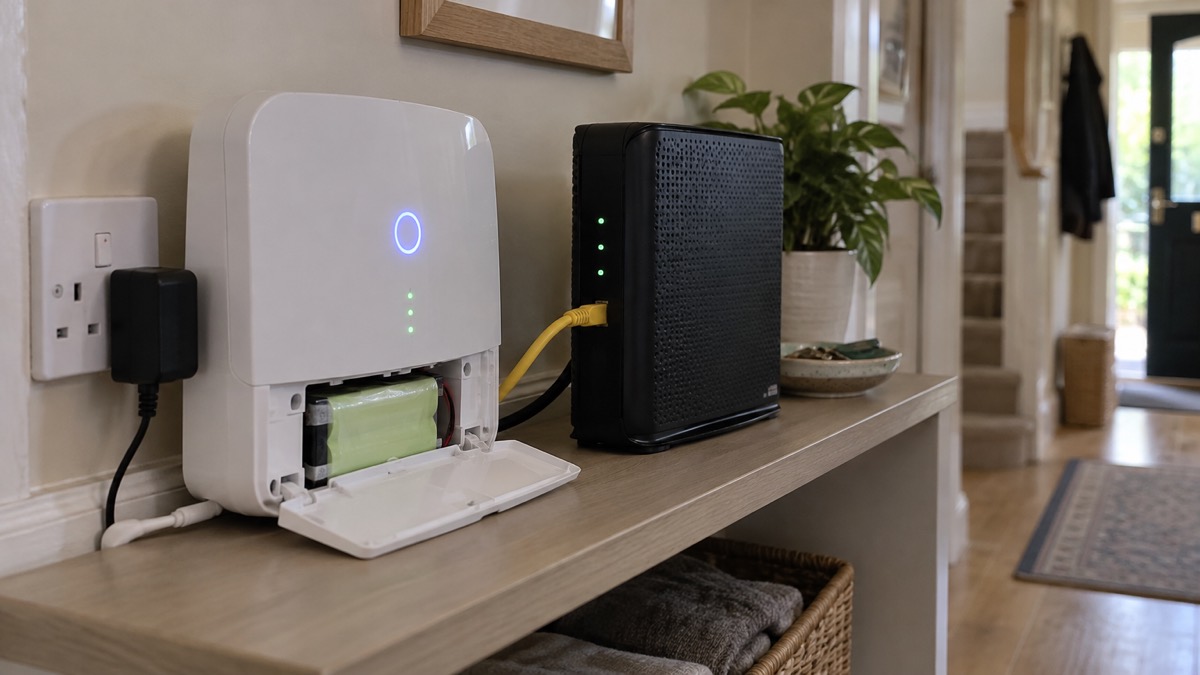
The Keypad is the part you use at the door, and Ring's specification for it is worth reading before you plan where things go. It is compatible with 1st and 2nd generation Ring Alarm devices and accessories, and requires the Ring Alarm Base Station1. That compatibility statement is the answer to the common worry about mixing generations: the 2nd Gen Keypad is stated to work with both.
Its power is a 100-240V 50/60Hz AC adapter with a built-in rechargeable battery backup included, so it keeps working for a time if the socket loses power1. Its siren is rated at 75 dB at 30cm1. It connects by Z-Wave, with a stated range of 76m to the Base Station in open air and line of sight1. It can be wall mounted with a Quick-Release Bracket or placed on a flat surface1.
That 76m figure is an open-air, line-of-sight measurement, and walls, floors and metal will reduce it. In a large or thick-walled house, plan the Keypad's position with that in mind, and use the Range Extender, which plugs into a standard electrical socket, where the signal has to travel further1.
| Keypad (2nd Generation) specification | Detail |
|---|---|
| Compatibility | 1st and 2nd generation Ring Alarm devices and accessories1 |
| Requires | Ring Alarm Base Station, sold with the Alarm Security Kit1 |
| Power | 100-240V 50/60Hz AC adapter and built-in rechargeable battery backup1 |
| Siren | 75 dB at 30cm1 |
| Connection to Base Station | Z-Wave, 76m range in open air, line of sight1 |
| Installation | Wall mount with Quick-Release Bracket, or flat surface1 |
Adding a second keypad is therefore a matter of buying another Keypad (2nd Generation) and pairing it to the same Base Station, provided it is within radio range or served by a Range Extender. Households with more than one entrance often want a keypad at each, so that nobody has to walk through the house to disarm the system at night.
Internet and mobile connection: how alerts reach you
The Ring Alarm depends on two separate networks, and it is worth being clear about which does what. The sensor-to-Base-Station link is Z-Wave and does not need the internet. The Base-Station-to-you link runs over your broadband, and only with a subscription does it add Cellular Backup to keep the alarm online if your internet connection is lost1.
That matters because broadband and mobile outages are a recognised household hazard in their own right. The preparedness guidance for phone and broadband outages is to plan for how you would call for help and receive warnings if the connection drops4. If you have medical or personal alarm devices that use phone or internet connections, check with the provider or manufacturer how they work if the network is down, for example how your personal alarm or diabetes sensor would function if mobile or broadband service is lost4.
For the phone side, Ofcom's advice is to turn on Wi-Fi calling in your settings on your mobile device to allow calls over your broadband connection if your mobile network is unavailable5. If your mobile provider is experiencing an outage, you will be able to automatically use another provider's network to call 999 or 112 free of charge, displayed as "emergency calls only" on Android or "SOS only" on iOS5.
The other alerting system in the UK works the other way round, from the government to you. Emergency Alerts are sent using mobile phone networks to compatible mobile phones and tablets in a specific geographical area8. They are sent to compatible 4G and 5G mobile phones within an area of risk, do not need your location or phone number, and only the government and emergency services can send them9. Your phone does not have to have mobile data or Wifi to get an alert10. It may make a loud siren-like sound even if set on silent, vibrate, and read out the alert10, for approximately ten seconds9.
Guard Response subscription tier for UK homes
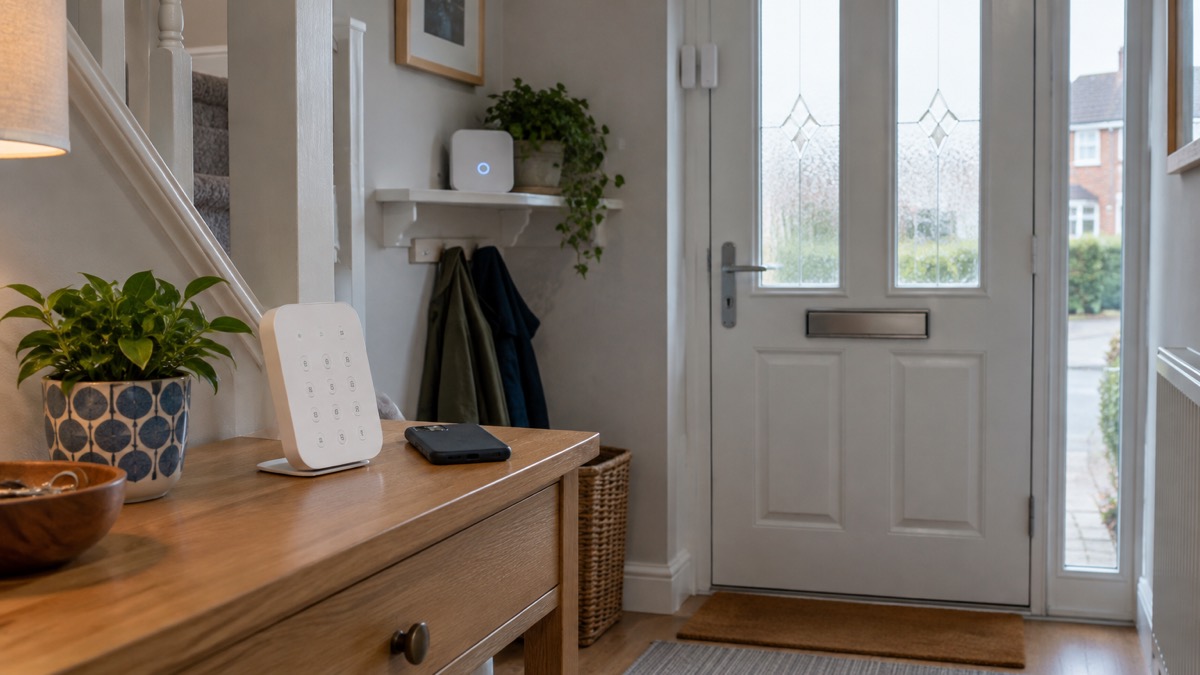
Ring introduced a Guard Response tier for UK customers in July 2026. It automatically dispatches a licensed security guard to a triggered alarm within 30 minutes, and the guard then calls the emergency services if needed11. Most wireless alarm systems need internet or mobile network (GSM/4G) connections to send alerts, so the response depends on that link holding when the alarm is triggered7.
That is a different proposition from an Alarm Call to a friend or neighbour. An Alarm Call tells someone you have nominated; Guard Response sends a person to the property. It is a subscription rather than a piece of kit, so it changes what happens after the alarm sounds rather than what the alarm can detect. Because most wireless alarm systems need internet or mobile network (GSM/4G) connections to send alerts, the response depends on that link holding7.
Whether it is worth it depends on what you are protecting and how far away you are when something happens. A household that is often out, or that has no nearby contact who could attend, gets more from a physical response than one where a neighbour will always look in. The general comparison between monitored and self-monitored arrangements is set out in Monitored or Self-Monitored Alarm?, and the question of who actually responds to an alarm, and how quickly, in How Police Respond to Burglaries and Intruder Alarms.
Using it safely alongside the rest of your home
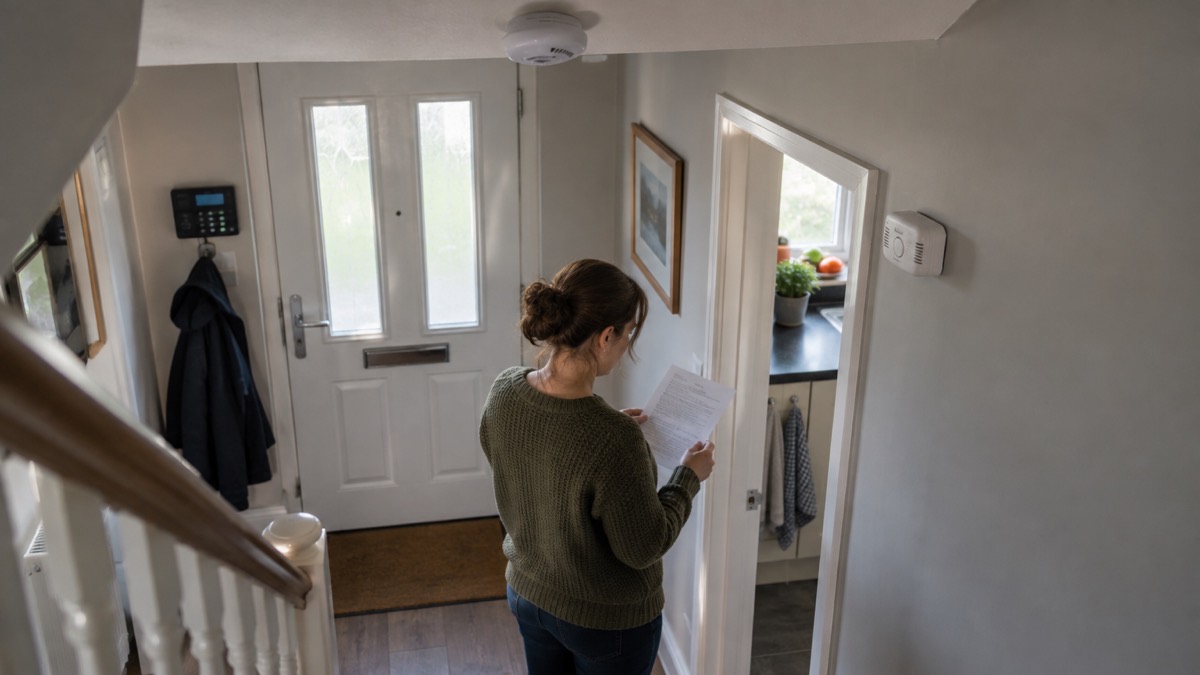
A security alarm is one layer, and the fire and rescue services are consistent about the others. Fit a working smoke alarm2. Test the alarm every week12. If the alarm has a base plate, ensure that the unit is attached firmly to the baseplate13. You should have a carbon monoxide alarm in every room where there is a fuel-burning appliance3.
If anyone in the household relies on amplified phones, flashing alerts, care alarms or pendant alarms, make sure they will still function alongside whatever you install14. A pendant alarm is worn on the wrist or around the neck, and pressing the button triggers a call to an alarm receiving centre14. That is a different service from a burglar alarm, and it is the one that matters for a fall or a medical emergency.
For households that need extra support, there are routes to help. In Scotland, telecare services provide personal and home safety alarms, and the NHS Inform page explains how to ask for an assessment14. In Greater Manchester, a Home Fire Safety Assessment can be requested using the Online Home Fire Safety Check tool or by telephoning 0800 555 815 if you do not have internet access, with the permission of the person being referred12. If you are worried about a relative or elderly neighbour, contact your local council or call the Age UK helpline on 0800 678 1602, open 8am to 7pm every day15.
Returns: 30 days for a full refund
Ring states that you have 30 days from the date you received your device or devices to request a full refund with no questions asked1. That is the maker's own returns policy, and it is the window to work to if the kit turns out not to suit the house, the signal or the household.
Two practical points. First, the clock runs from the date you received the devices, not the date you ordered, so keep the delivery note. Second, request the return through Ring's own channels rather than sending the kit back unannounced, so that the request is logged inside the 30 days. Keep the packaging until you have decided, since sensors and keypads are easier to return complete.
If you are weighing up whether to keep it, the questions worth asking are the ones this page has covered: does the free tier do enough, or do you need Alarm Calls and Cellular Backup; is the Base Station's position good enough for the Z-Wave signal to reach every sensor; and is a notification on your phone the response you actually want, or do you need a monitored service or the Guard Response tier. The comparison pages on Monitored or Self-Monitored Alarm? and Burglar Alarms: Types and How to Choose One set out the alternatives without ranking them.
Where to get help
Ring's own product pages are the starting point for support, subscription questions and returns, and the Ring app carries account and device help. Have your order details and the device serial number ready when you make contact.
For anything that is not a product question, use the emergency services rather than a manufacturer. Call 999 for a fire, a crime in progress or a medical emergency6. For non-emergency police matters in England and Wales, dial 101; the same number reaches the anti-terror hotline on 0800 789 321 if you have information about terrorism16. If you smell gas, contact the Gas Safe Register on 0800 408 550017.
If you are concerned about a threat of arson, call 0800 05 02 999 or send an email marked as "high importance" with "ARSON THREAT" in the subject line, including any additional risks and information18. If a neighbour's alarm is sounding repeatedly, try to contact them, and if you cannot, call 999; do not attempt to enter the property yourself13.
For help with the cost of heating or with energy supply problems, the energy advice for England and Wales sets out the guaranteed standards, including that if you are in credit and a final bill is agreed, the old supplier has 10 working days to refund you, or pay £30 compensation19. For a household that needs support at home, a Home Fire Safety Assessment can be requested in Greater Manchester using the Online Home Fire Safety Check tool or by telephoning 0800 555 815 if you do not have internet access, with the permission of the person being referred12.
Sources (19)
- Ring Alarm Security Kit (5-piece, 2nd Gen), Ring, 2026
- Safety at home, Devon and Somerset Fire and Rescue Service, 2026
- Carbon monoxide, Devon and Somerset Fire and Rescue Service, 2026
- Phone and broadband outages, UK Government Prepare campaign, 2026
- Stay connected in severe weather, Ofcom, 2026
- Smoke alarms, Devon and Somerset Fire and Rescue Service, 2026
- Fire prevention advice to rural communities, Lancashire Prepared, 2026
- National emergency alerts, Warwick District Council, 2026
- 10 things to know about emergency alerts, Lancashire Prepared, 2026
- Emergency alerts, GOV.UK, 2026
- Best home security system, The Independent, 2026
- Home fire safety visits, Staffordshire Fire and Rescue Service, 2026
- Problem with your smoke or heat alarm, Greater Manchester Fire and Rescue Service, 2026
- Telecare, NHS Inform Scotland, 2024
- Use the right service this winter, Hampshire Hospitals NHS Foundation Trust, 2026
- Malicious threats and security incidents, West Yorkshire Prepared, 2026
- Gas safety, Argyll and Bute Council, 2026
- Book a home safety visit, Devon and Somerset Fire and Rescue Service, 2026
- Energy domestic consumer advice, England and Wales, Ofgem, 2023

 Yale Sync Smart Home Alarm