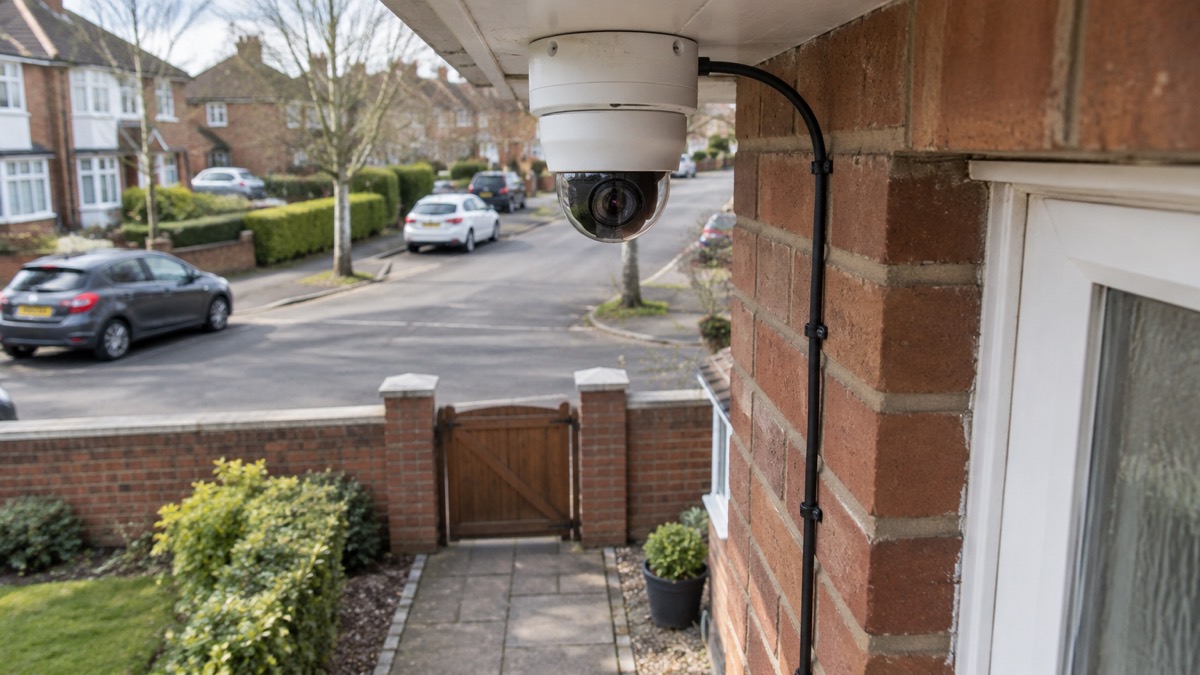
The Philips Hue Secure wired camera is a mains-powered outdoor camera from Philips that plugs into a socket through a 12V adaptor rather than running on a battery. It films at 1080p in the standard version and 2K in the 2K Wired model, with a 141.2 degree field of view, and it is rated IP65 for the camera itself, so it is built to sit outside in British weather1. It works with Hue lights to switch them on or trigger a light alarm when it detects movement, and it can join Alexa, Google Assistant, Apple HomeKit and Matter systems through a Hue Bridge1.
For a household, the practical appeal is simple: there is no battery to remember to charge, and it slots into lighting you may already own. The practical catch is equally simple. It needs mains power at the point where you fit it, the power supply unit is only IP20 and must stay dry, and the smart features people expect, such as voice control and Matter, depend on the Hue Bridge1. This page sets out what the camera does, what the specifications mean for fitting it, and how to use it safely.
What the Hue Secure wired camera does for your home
The camera is one part of a wider Hue security set-up. The maker describes cameras, contact sensors and video doorbells uniting with smart lights to help protect a home, all monitored and controlled in the Hue app4. The wired camera is listed as suitable for a balcony, garage, hallway, home office, kitchen, living room, office or outside, and its placement is given as back garden and front garden1. In other words, it is not only an outdoor camera: the same unit can watch a hallway or a garage from the inside.
The feature that distinguishes it from a plain camera is the lighting link. The maker states that it works with Hue lights to trigger light alarms or turn lights on when activity is detected2, and that Hue Secure can be used with all your lights, both indoor and outdoor5. For a household, that means a detection at the back door can bring on a light in the garden or the kitchen, which is often more of a deterrent than a recording nobody watches until afterwards. If you are weighing up cameras against other measures, our guide to home cameras and CCTV sets out the wider choices, and outdoor lights that deter burglars covers the lighting side in more detail.
It is a wired camera, and the maker lists the type simply as wired1. That is the central fact for planning: it is not a device you can put on a fence post and forget. It needs a power source, and the cable run and the position of the adaptor decide where it can go. If you are unsure whether a wired or battery camera suits your home, our comparison of wired or battery security cameras walks through the trade-offs.
Specifications: 1080p or 2K video and a 141.2 degree view
There are two versions in the maker's listings, and the difference matters when you choose. The standard Hue Secure wired camera records at 1080p HD, while the 2K Wired Camera records at up to 2K, listed as Quad HD video1. Both share a 141.2 degree camera lens field of view and a 16:9 image ratio1. A wide field of view means fewer cameras to cover a garden or drive, but it also means more of the scene is small in the frame, so position it where faces and doors are not at the far edge.
| Specification | Hue Secure wired camera | Hue Secure 2K Wired Camera |
|---|---|---|
| Maximum resolution | 1080p HD1 | 2K, Quad HD2 |
| Field of view | 141.2 degrees1 | 141.2 degrees2 |
| Image ratio | 16:91 | 16:92 |
| Night vision | Yes, infrared LED1 | Yes, infrared LED2 |
| Sound alarm | 78 dB1 | 78 dB2 |
| Two-way talk | Yes1 | Yes2 |
| Motion detection | Yes1 | Yes2 |
| Mounting | Ceiling, standing, wall1 | Ceiling, standing, wall2 |
| Dimensions | 74 mm high, 92 mm long, 74 mm wide1 | 74 mm high, 92 mm long, 74 mm wide2 |
| Weight | 0.47 kg net1 | 504.3 g net2 |
| IP rating | IP65 camera, IP20 PSU1 | IP65 camera, IP20 PSU2 |
| Operating temperature | -20 to +45 °C1 | -20 to +45 °C2 |
| Mains power | 100 to 240 V1 | 100 to 240 V2 |
| Camera adaptor | 12VDC/24DC1 | 12VDC/24DC2 |
| Connectivity | Wi-Fi 2.4 to 5 GHz, Zigbee, Bluetooth1 | Zigbee, Wi-Fi 2.4 to 5 GHz, Bluetooth2 |
| App requirement | Android 12.0+, iOS 17+1 | Android 12.0+, iOS 17+2 |
| Minimum upload speed | 6 Mbit/s1 | 6 Mbit/s2 |
| Warranty | 2 years1 | 2 years2 |
The 2K model also lists an image sensor given as CMOS F35, an integrated LED, an adjustable spot head and an IR receiver2. The standard model lists the same sensor and an adjustable spot head1. Both are Class III, described as Safe Extra Low Voltage, which reflects the low-voltage supply the camera runs on rather than the mains socket the adaptor plugs into1.
Mains power through a 12V adaptor: no battery to charge
The camera plugs into an outlet and takes mains power of 100 to 240 V, stepped down through a 12VDC/24DC camera adaptor1. The maker states plainly that it plugs in to an outlet and that batteries are not included, because none are needed1. For a household, that removes the chore that defeats many battery cameras: remembering to bring a unit in, charge it and refit it, often in the rain.
The trade-off is that the camera stops when the power does. In a power cut, a wired camera has no supply unless it is on a circuit backed up by something else. If you want to keep watching during an outage, our guide to keeping your home protected in a power cut explains what can realistically stay running, and backup power at home covers the options. Do not run an extension lead out to a camera through a window or door as a permanent fix: it defeats the weather sealing of both the camera and the house.
The maker gives the cable length for the 2K wired model as 3,000 mm2. That is the distance to plan around. Measure from the socket or the dry place where the adaptor will sit to the mounting point before you commit, and allow for the route around a corner or through a wall. If the run is longer than the cable allows, the camera is not the right fit for that corner of the house.
Fitting it outside: IP65 camera, IP20 power supply
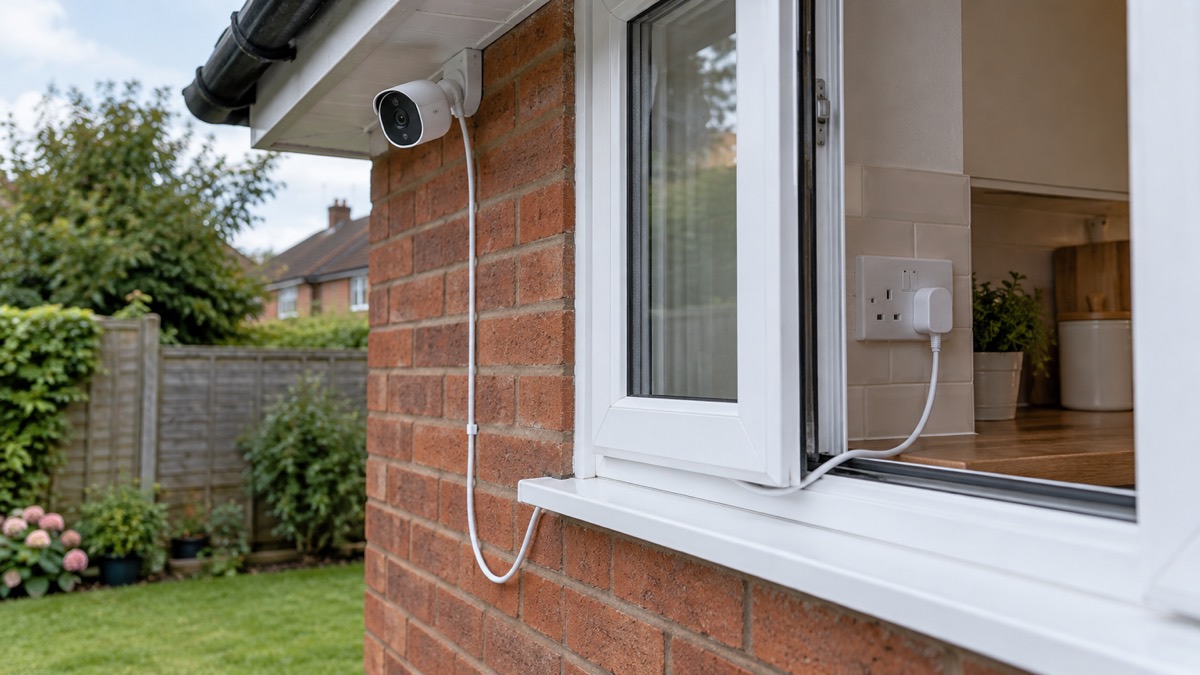
The two ratings on the box are not the same, and the difference decides how you install it. The camera is IP65, which the maker describes as fully weatherproof, and it is listed as suitable for indoor and outdoor use1. The power supply unit is IP201. An IP20 rating means protection against solid objects but no protection against water, so the adaptor must not be left out in the rain. The safe arrangement is a camera on the wall outside and the adaptor plugged in indoors, in a garage or in a properly sheltered enclosure.
The maker lists ceiling, standing and wall mounting for both versions, and the camera has an adjustable spot head so it can be angled after fitting1. The 2K model is not rotatable in the sense of panning remotely, since the maker lists rotatable angle as no2. That means you set the view at installation and it stays there, so take time to aim it at the door, path or gate you actually want to watch rather than the widest possible view.
Works in -20 to +45 °C weather
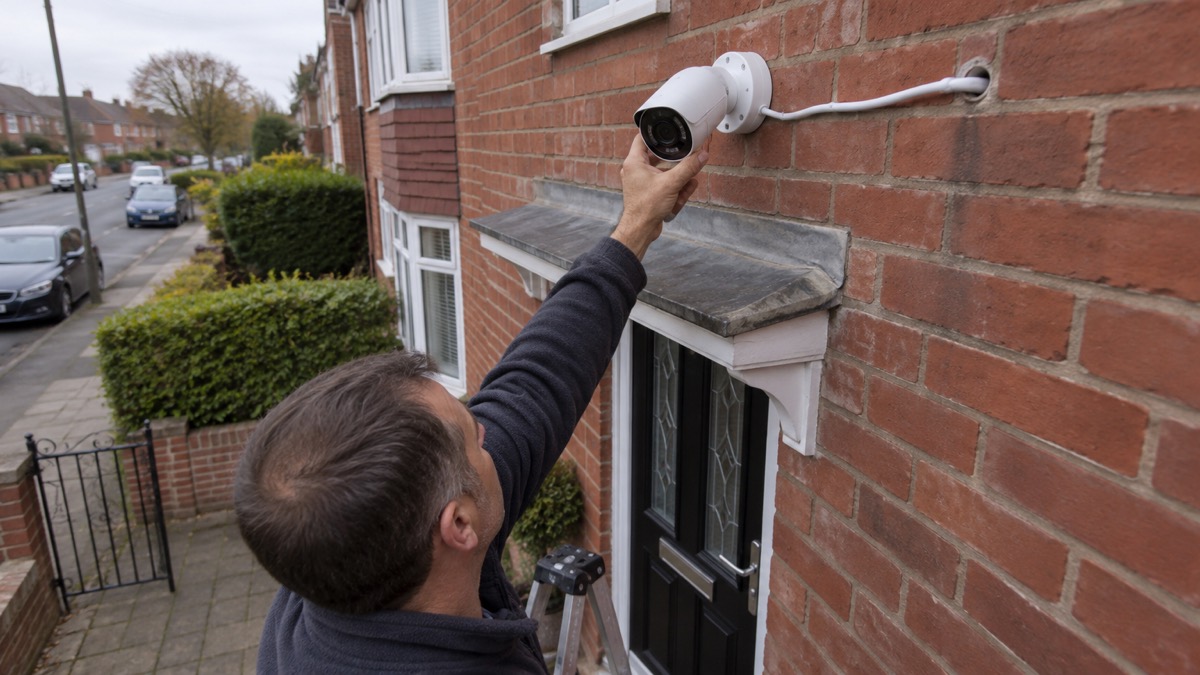
The maker gives an operating temperature range of -20 to +45 °C for both versions1. That covers a British winter cold snap and a summer heatwave on a shaded wall, but it is worth thinking about where the sun falls. A camera in direct afternoon sun on a south-facing wall can run hotter than the air temperature, so a shaded position under eaves is kinder to it in July as well as drier in January.
For comparison, other makers publish their own ranges: Arlo lists -20 °C to 45 °C for its wireless video doorbell, and Ring lists -30 to 48.5 °C for its security cameras without batteries when hardwired or plug-in6. Those are different products with different ratings, not a ranking, but they show that the Hue figure is a normal working range rather than an unusually narrow one. If your camera is somewhere genuinely exposed, such as a coastal wall or an unheated outbuilding, check the range against the coldest and hottest your spot is likely to see.
Cold weather also affects the rest of the system. A wired camera has no battery to lose capacity in the cold, which is one reason people choose it, but the phone in your pocket and the router indoors still need to work for you to see anything remotely. Our guide to alarms and cameras on a weak mobile signal or slow broadband covers what to check before relying on remote viewing.
Night vision, motion alerts and the 78 dB alarm
The camera has infrared night vision, motion detection and a sound alarm rated at 78 dB, with two-way talk so you can speak through it1. The 2K model also lists an IR receiver and an integrated LED2. In practice, the alarm is a local deterrent: it makes a noise at the camera, which may startle someone in the garden, but it is not a monitored alarm and nobody is dispatched because it sounds. If you want a response rather than a recording, our comparison of monitored or self-monitored alarms explains the difference, and burglar alarms: types and how to choose one sets out the wider options.
Motion alerts are only useful if they are tuned. A camera pointed at a hedge or a busy pavement will send alerts all day, and most households end up ignoring them. The Philips Hue Secure 2K Wired Camera has motion detection and a 78 dB audio alarm, so you can set it to tell you when someone is there rather than watching a feed2. The lighting link helps here: a light coming on when someone approaches is a clearer signal than a phone notification you may not see.
The maker's own product pages carry customer reviews, and the overall score shown is 2.8 from 4 reviews1. That is a small sample and should be read as such, but one reviewer quoted on the 2K page reports a faulty product, a courier losing the return, and no response from customer service when dealing direct with Philips Hue2. Treat that as one household's reported experience, not a pattern, and keep your proof of purchase.
Warranty, updates and disposal
The camera carries a 2-year warranty1. More important for a security device is how long it keeps getting software updates, because a camera that stops receiving them becomes a weaker point in your home network over time. The maker gives a defined support period of a minimum of 60 months from the date of purchase from an authorised reseller1. Which? reports that Philips Hue said it will support the product for at least five years from purchase from an authorised reseller3. The two figures agree: 60 months is five years.
That support period is tied to buying from an authorised reseller, so keep the receipt and buy from a recognised retailer rather than an unknown marketplace seller. Our guide to how long cameras and doorbells get software updates explains why this matters more than the warranty for a device that watches your home. Keep the Hue app and the camera firmware up to date, and use a strong, unique password on your Hue account; our guide to stopping your security camera being hacked covers the account settings worth checking.
At the end of its life, the maker states that the product should be disposed of according to local rules and not with regular household waste1. In the UK that means taking it to a household waste and recycling centre that accepts small electricals, or using a retailer's electrical take-back scheme where one is offered. Do not put it in the general bin.
Using it without wifi, with Hue lights and with voice assistants
The maker lists the camera as working without Wi-Fi, and it connects over Zigbee and Bluetooth as well as Wi-Fi1. That is a genuine advantage for a garden with a weak signal, but it needs reading carefully. Without an internet connection you will not get remote viewing or phone alerts, so the no-Wi-Fi capability is about local control and recording rather than full remote security. Our guide to security cameras that record without the internet sets out what is and is not possible.
For voice control, the maker lists Amazon Alexa, Google Assistant and Samsung SmartThings, with a Hue Bridge required1. The camera also appears on the maker's third-party compatibility list alongside Google Home, Apple HomeKit, IFTTT, Klikaanklikuit, Matter and Sonos1. Matter functionality is stated as working via the Hue Bridge1. The practical point is that the Bridge is the hub that brings the camera into these systems, so if you do not already own one, factor it into your plans. The maker's motion sensors work with Alexa, Google Assistant and Apple HomeKit, which shows the same pattern across the Hue range8.
The app requirements are specific: Android 12.0 and above, or iOS 17 or later, and a minimum home upload speed of 6 Mbit/s1. Check both before buying. An older phone or a slow upload connection will make the camera frustrating whatever its specifications say. If you are setting up a wider system, our guide to camera and doorbell accounts covers keeping strangers out of it, and is it safe to view your home camera remotely covers the risks of watching from your phone.
Sources (8)
- Hue Secure wired camera, Philips Hue, 2026
- Hue Secure 2K Wired Camera, Philips Hue, 2026
- Best indoor security cameras, Which?, 2026-08-18
- Smart home security, Philips Hue, 2026
- Security lighting guide, Philips Hue, 2023-09-01
- Wireless video doorbells, Arlo, 2026
- Doorbell and security camera FAQ, Ring, 2026-11-03
- What can you do with Philips Hue motion sensor, Philips Hue, 2026

 Ajax BulletCam
 Ajax TurretCam
 Aqara Camera Hub G350
 Arlo Essential 3 2K
 Arlo Essential 3 Indoor
 Arlo Pro 6
 Arlo Ultra 2
 Arlo Ultra 3
 Blink Outdoor 4
 Eufy SoloCam S340
 Eufy eufyCam S3 Pro Kit
 Eufy eufyCam S4 Setup