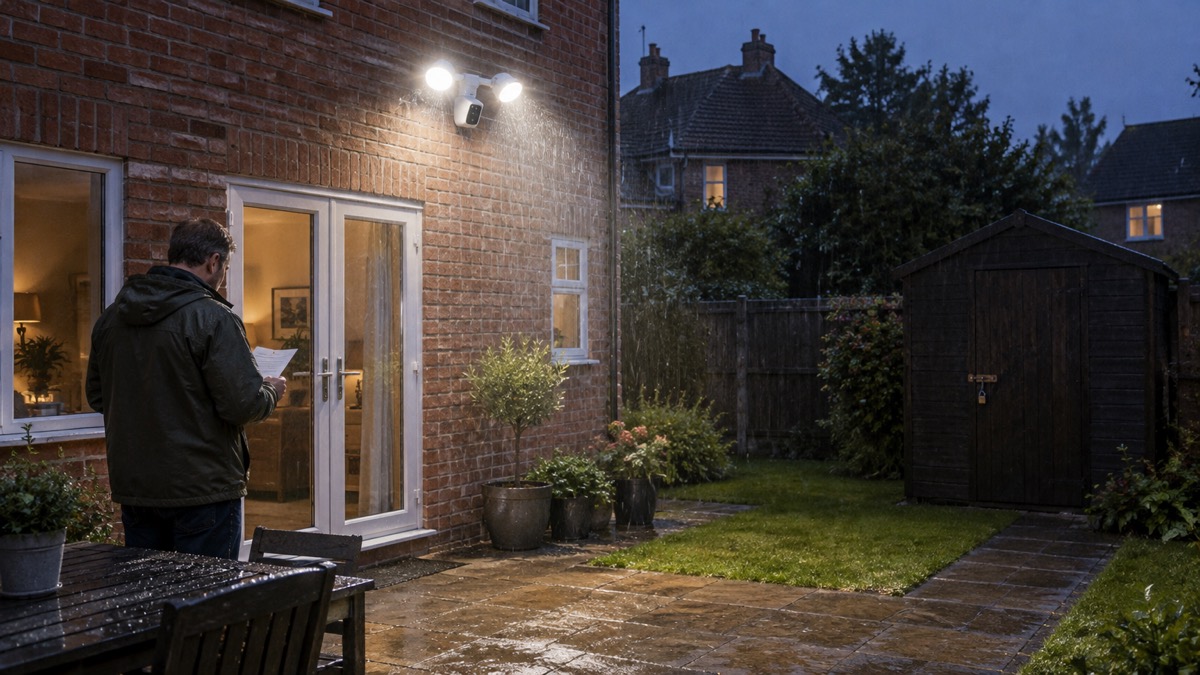
The Philips Hue Secure Floodlight Camera is an outdoor floodlight with a security camera built into the same fitting. It puts out up to 2,250 lumens at 4,000 K, records at 1080P with night vision, and needs a Hue Bridge to work, though it does not need a Secure subscription1. If you are weighing one up, the things that decide whether it suits your house are the light output, the Bridge, the mounting angle and the weather ratings.
This page sets out what the unit is, what it can do, where it can be fitted and how to look after it, using Philips's own published specifications. It does not compare it with other cameras or rank it against them; it tells you what you are getting so you can judge that for yourself.
What the Philips Hue Secure Floodlight Camera is
The unit combines two things in one housing: a floodlight and a security camera. Philips describes it as powerful, colourful light with an integrated 1080p camera with night vision, and its own security lighting guide calls it a product that features both a floodlight and a security camera1. The camera uses a CMOS F35 image sensor, records at a maximum resolution of 1080P in a 16:9 image, and has a lens field of view of 141.2 degrees1. Night vision works with an infrared LED, and motion detection is built in1.
The two halves of the fitting are rated differently, which matters when you come to plan the wiring. The floodlight is Class I, earthed, and rated IP44. The camera is Class III, safe extra low voltage, and rated IP65, fed through a 12VDC/24DC adaptor1. In plain terms, the floodlight is a mains fitting that must be earthed, and the camera is a low-voltage unit that is the better protected of the two against weather. Philips lists the whole assembly as especially designed for balconies, garages and outside areas including front and back gardens1.
It is a wired outdoor fitting rather than a battery camera, so it needs a permanent mains supply at the point where it is mounted. The floodlight has a single light source, is dimmable through the Hue app and with switches, and has a nominal lifetime of 25,000 hours1. Net weight is 1.45 kg and gross weight 2.4 kg, so it is light enough for most wall constructions but still worth fixing into something solid1.
Light output: 2,250 lumens at 4,000 K
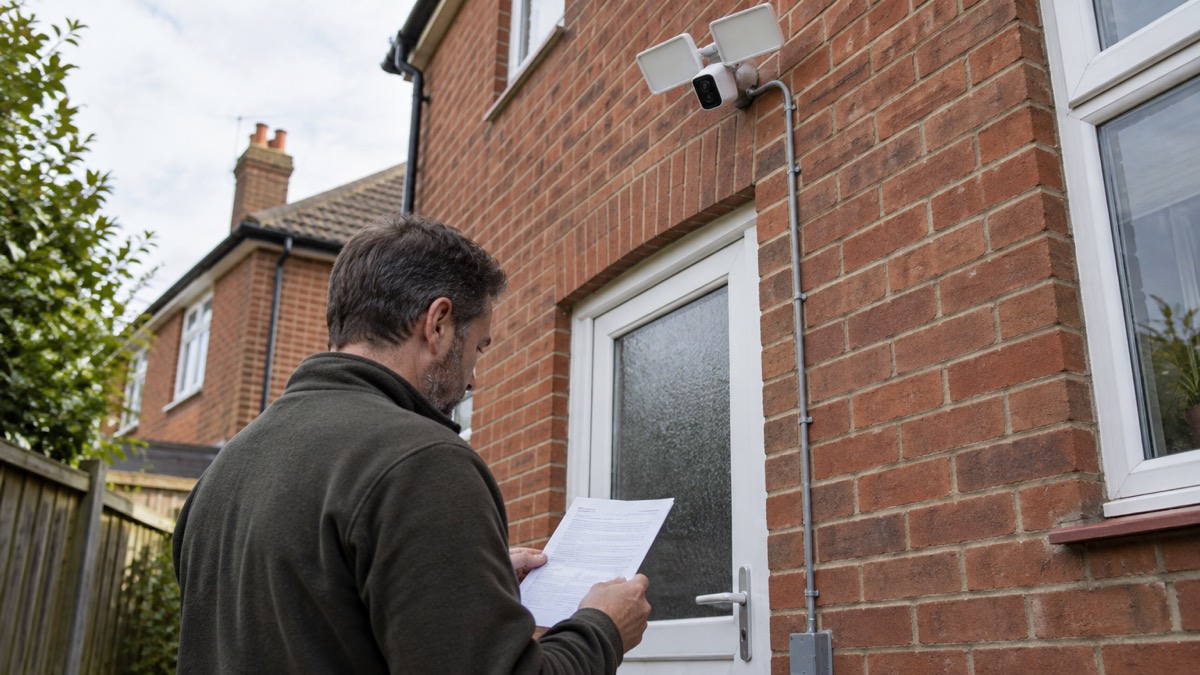
The headline figure is 2,250 lumens at a colour temperature of 4,000 K, which is a neutral white rather than a warm domestic tone1. At 2,700 K, the warmer end of its range, output falls to 2,050 lumens1. Philips's own blog describes the output as up to 2,250 lumens2. The maximum lumen output is reached at 4,000 K, so if you dim or warm the light you are trading brightness for colour1.
For a household, that output is in the range you would expect from a serious outdoor security light rather than a decorative garden fitting. It is bright enough to light a drive, a rear garden or a side return, and because it is a Hue light it can be dimmed and scheduled rather than simply switched. The camera can also trigger other Hue lights: in the camera's settings you choose which lights you want it to bring on1. That lets a detection light a path or a doorway the floodlight itself does not cover.
Two practical points follow. First, a light this bright pointing at a neighbour's window is a nuisance and, depending on how it is aimed and used, can become a data protection question as well; our page on filming beyond your boundary covers where a camera may look. Second, brightness is not the same as coverage. The camera sees 141.2 degrees, but the floodlight is a single source, so aim it at the ground you want lit rather than at the horizon1.
| Setting | Output | Colour temperature |
|---|---|---|
| Maximum | 2,250 lumens | 4,000 K |
| Warm white | 2,050 lumens | 2,700 K |
It needs a Hue Bridge, but not a Secure plan
The camera requires a Hue Bridge, in the same way as any other Philips Hue outdoor light1. The Bridge is the hub that connects your Hue devices to your home network and to the app, and it is also what provides Matter functionality and the voice assistant integrations1. Without a Bridge, the floodlight camera will not work as intended, so budget for one if you do not already have Hue lighting.
A Secure plan is a separate matter. Philips states plainly that you do not need a Secure plan to use the floodlight camera, but that a plan gives access to more features such as video history and activity zones1. So the camera works out of the box for live viewing and alerts, and the subscription is what adds stored history and the ability to mask off parts of the view. Whether that matters depends on whether you want to look back at what happened last night or only at what is happening now.
Connectivity is Zigbee and Wi-Fi on 2.4GHz to 5GHz, and Philips lists the camera as working without Wi-Fi1. That is worth reading carefully: the camera does not need a Wi-Fi link of its own because it talks to the Bridge over Zigbee, but the Bridge itself connects to your router. A broadband outage will still stop remote viewing even though the camera is not relying on Wi-Fi.
Mounting: wall or ceiling, angled up to 60 degrees
The camera can be mounted on a wall or a ceiling, and it can be set at a 60-degree angle in any direction1. There are limits: it cannot point straight down, cannot point straight up, and cannot sit parallel to the wall1. Those restrictions come from the bracket and housing, and they decide where on a wall the fitting will actually work.
In practice, the 60-degree range means you can angle the camera down towards a path or across a garden, but you cannot flatten it against the wall to look along the brickwork, nor hang it straight down like a pendant. Plan the position around the view you want and the angle the bracket allows, not the other way round. The camera is rotatable, which helps fine-tune the aim once it is up1.
Height matters as much as angle. Fitting it high enough to be out of easy reach protects it and gives a better view, and it is the same principle that applies to any outdoor camera; our guide to home cameras and CCTV sets out the general rules on placement and coverage. Because this is a mains fitting with an earthed floodlight, the electrical work should be done by someone competent to do it, and the circuit isolated before anything is connected.
Weather and temperature limits: IP65 camera, IP44 floodlight
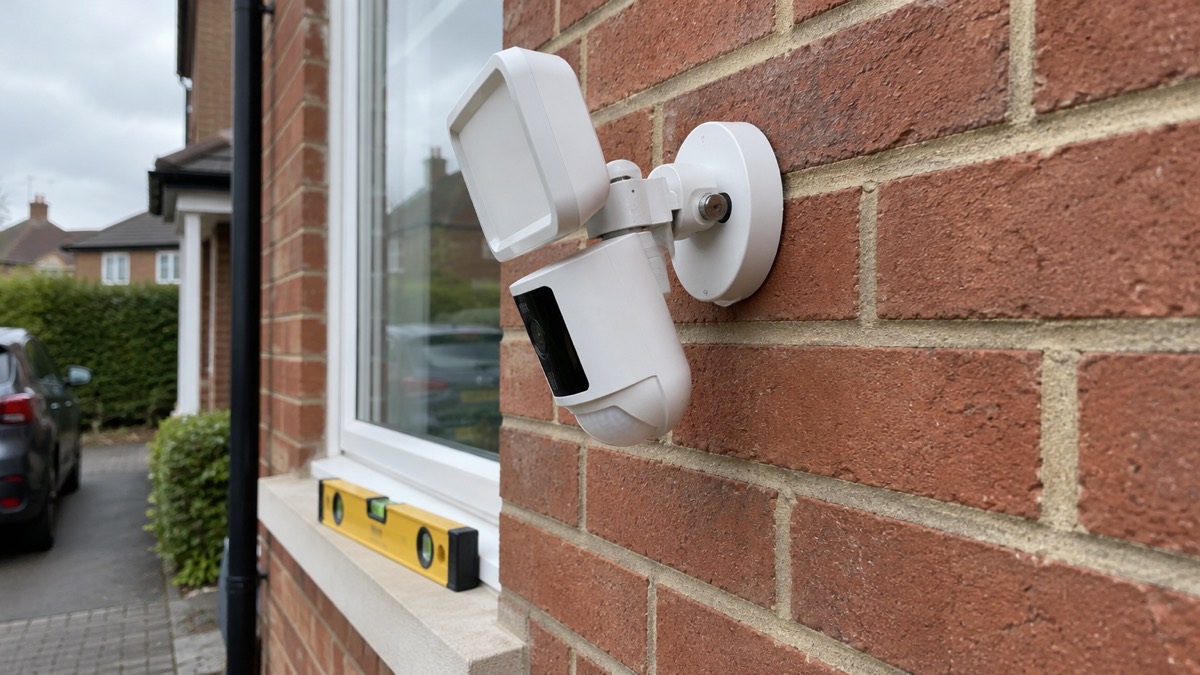
The two ratings on the unit tell you what each part will tolerate. The camera is IP65, which means it is protected against dust and against water jets. The floodlight is IP44, which means it is protected against splashing water1. The lower figure applies to the floodlight, so the fitting as a whole should be sited where it is not taking direct, driven rain or standing water.
The operating temperature range is -20°C to 45°C, and Philips gives the ambient range as -20 to +45 °C1. That covers a British winter and a hot summer day, but it is a limit rather than a target: a fitting in direct sun on a very hot day, or one enclosed in a tight porch, can run hotter than the air around it. Mounting it where air can move around the housing is sensible.
| Part | Rating | What it means |
|---|---|---|
| Camera | IP65 | Dust tight and protected against water jets1 |
| Floodlight | IP44 | Protected against splashing water1 |
| Whole unit | -20°C to 45°C | Operating and ambient temperature range1 |
Support, updates and warranty
Philips gives a 2 year warranty on the floodlight camera and a defined support period of a minimum of 60 months from the date of purchase from an authorised reseller1. In its own words, Philips Hue said that it will support the product for at least five years from purchase from an authorised reseller4. Five years is the floor, not a promise of indefinite updates, so it is worth knowing when your support window started.
Buying from an authorised reseller matters for both the warranty and the support period, because both are tied to purchase from one1. Keep the receipt. If you are buying second-hand, you may not get the benefit of either.
The app requirements are part of support too. The Philips Hue app needs Android 12.0 and above, or iOS 17 or later1. A phone that falls below those versions will eventually stop running the app, and with it your ability to view and control the camera. Our page on how long cameras and doorbells get software updates explains why this matters more than the hardware.
At the end of its life, Philips says to dispose of the product according to local rules and not with regular household waste1. Take it to a council waste electrical point rather than the bin.
Where it fits in a home security plan
A floodlight camera earns its place where you want light and a view from the same fitting: a back door, a drive, a side return or a garage approach. It suits a household already using Hue lighting, because the Bridge is then already there and the camera can trigger other lights1. It suits less well a home with no Bridge, a weak upload speed, or a mounting position where the 60-degree limit will not give the view you need1.
It is one layer, not a whole system. A camera records and alerts; it does not physically stop anyone. Our guide to burglar alarms and the comparison of a burglar alarm or CCTV camera set out how the two work together, and outdoor lights that deter burglars covers placement of lighting more generally. If you are choosing between a camera and a doorbell at the front door, video doorbell or outdoor camera works through the difference.
Whichever you fit, secure the account. Philips lists AES encryption and end-to-end encryption for the camera1, but the account is the weak point; our page on camera and doorbell accounts explains how to lock one down. For the wider picture, start with home security: a household guide.
Sources (4)
- Hue Philips Hue Secure flood light camera, Philips Hue, 2026
- Security lighting guide, Philips Hue, 2023
- Secure 2K wired camera, Philips Hue, 2026
- Best indoor security cameras, Which?, 2026

 Ajax BulletCam
 Ajax TurretCam
 Aqara Camera Hub G350
 Arlo Essential 3 2K
 Arlo Essential 3 Indoor
 Arlo Pro 6
 Arlo Ultra 2
 Arlo Ultra 3
 Blink Outdoor 4
 Eufy SoloCam S340
 Eufy eufyCam S3 Pro Kit
 Eufy eufyCam S4 Setup