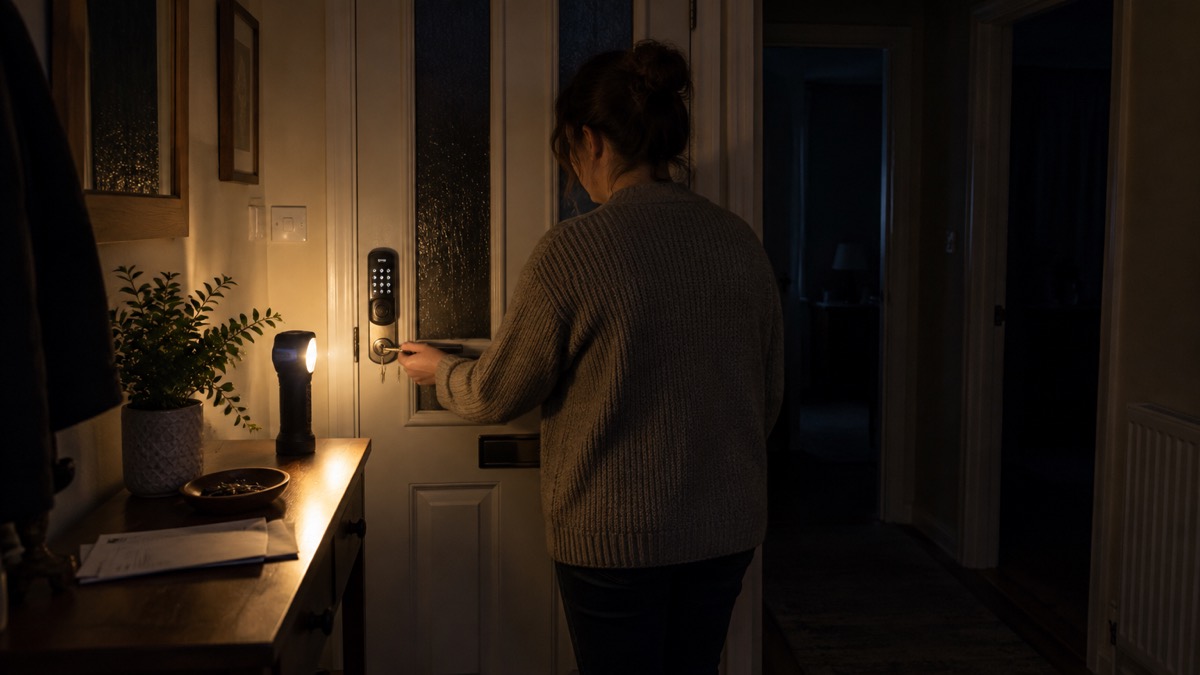
If you are wondering whether a power cut will lock you out of your own front door, the short answer is usually no. Most smart door locks run on their own batteries, so when the mains go off the door stays locked and the motor still works. You can still get in with a keypad, fob, fingerprint scanner or a nearby phone connected by Bluetooth1.
What stops working is the part that needs the internet. If your Wi-Fi is down, remote unlocking, access logs and voice control may not work, but the lock itself carries on1. The real risk of being locked out is not the power cut at all: it is a flat battery, and that is something you can plan around.
This page sets out what still works when the mains and Wi-Fi go down, the backup ways in you should have ready, how to stay ahead of the battery, and how to get out safely if there is a fire. It is written for an ordinary UK household, whether you already have a smart lock or are thinking about one.
Most smart locks run on batteries, so a power cut does not lock you out
The reason a smart lock survives a power cut is simple: it does not depend on the mains. Which? explains that because the lock is battery powered, if there is a power cut the door will stay locked and the motor will still work1. The lock is doing exactly what it would do on any other day, just without the internet behind it.
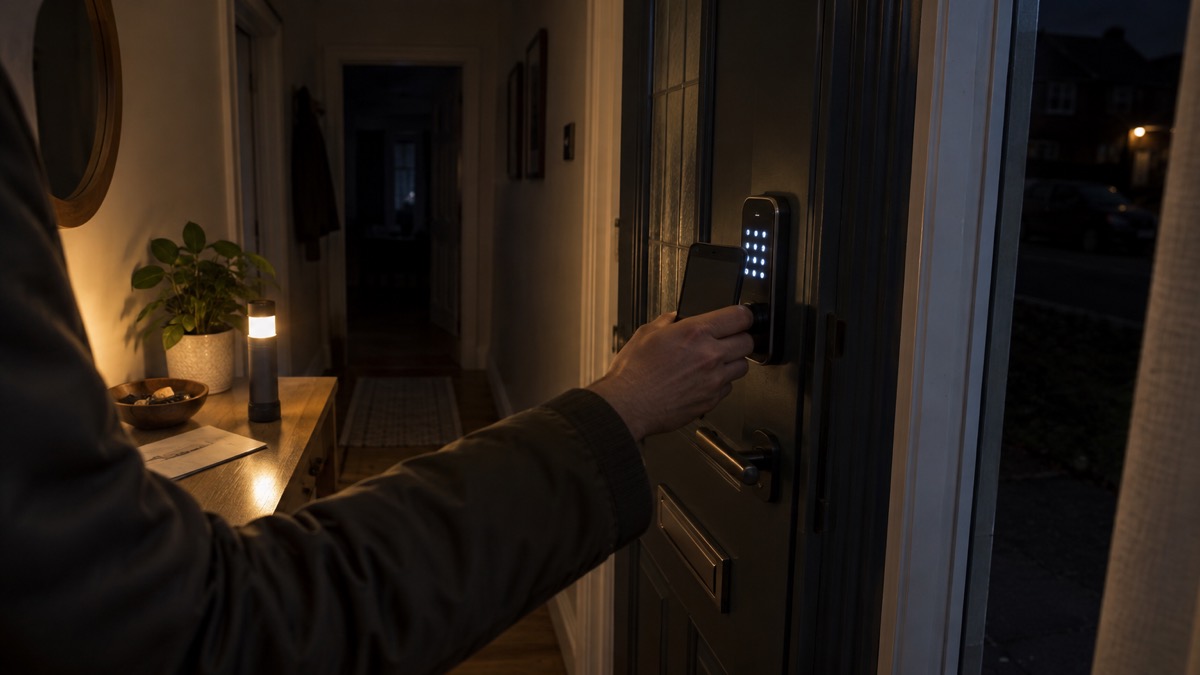
That matters because a power cut takes out a lot more than the lights. Gas boilers and heating, electrical appliances and your home's internet and landline connections will stop working, and you might also lose mobile phone signal3. Gas boilers and hobs, heat pumps, internet and phones won't work without power4. A smart lock on its own battery sits outside all of that.
What you lose is convenience, not access. Which? notes that if your Wi-Fi is down, remote unlocking, access logs and voice control may not work, but you can still enter with a keypad, fob, fingerprint scanner or a nearby phone via Bluetooth1. So the app on your phone may not reach the lock over the internet, but standing at the door with your phone in Bluetooth range is a different matter.
It is worth knowing how your own lock behaves before an outage rather than during one. Test it while you are at home: turn off your home Wi-Fi at the router and see what still opens the door. If the keypad, fob or Bluetooth entry works with the internet off, you know where you stand. If you are not sure, keep a physical key on you until you are.
One more thing to check: if you have solar panels, a heat pump, an EV charger or home batteries, these will automatically switch off during a power cut to protect the home and engineers, and should not be damaged5. That is normal and not a fault. It does mean you should not count on home battery storage to keep your lock or router running unless you have checked how your system is set up.
What still works when the mains and Wi-Fi go down
It helps to separate what a smart lock needs from what your home needs. The lock needs its own battery. The features around it need the internet, and your home's internet needs mains power. Once you see those as three separate things, a power cut becomes much less worrying.
| What you might rely on | In a power cut | In a Wi-Fi or broadband outage |
|---|---|---|
| The lock motor and bolt | Works, because the lock is battery powered1 | Works1 |
| Keypad, fob, fingerprint | Works1 | Works1 |
| Nearby phone over Bluetooth | Works1 | Works1 |
| Remote unlocking and access logs | May not work1 | May not work1 |
| Voice control | May not work1 | May not work1 |
| Home hub or bridge | Loses power with the mains | Depends on your broadband |
Your phone is the other thing to think about. Cordless phones probably won't work during a power cut, because they take their power straight from the mains and most don't have battery back-up6. If your landline isn't working, try using your mobile; and if your mobile network is down but you have a working internet connection, you may still be able to make calls over Wi-Fi by enabling Wi-Fi Calling on your device7.
For the wider picture of keeping a home protected when the power fails, see Keeping Your Home Protected in a Power Cut. And if you have not yet chosen a lock, Smart Locks: How They Work and What to Check sets out what to look for.
Your backup ways in: physical key, keypad and emergency power contacts
The single most useful thing you can do is keep a physical key as a backup. Some locks are built with this in mind: the maker of the Ultion Nuki states that even if the battery runs out, the lock remains operational using a traditional key9. If your lock has a key override, carry that key, and keep a spare somewhere sensible rather than under the mat.
Keypads and fobs are the next layer. Because they work without the internet, a keypad code or a fob is a reliable way in during an outage1. Give the code only to people who need it, and change it if someone leaves the household or a code is shared more widely than you intended.
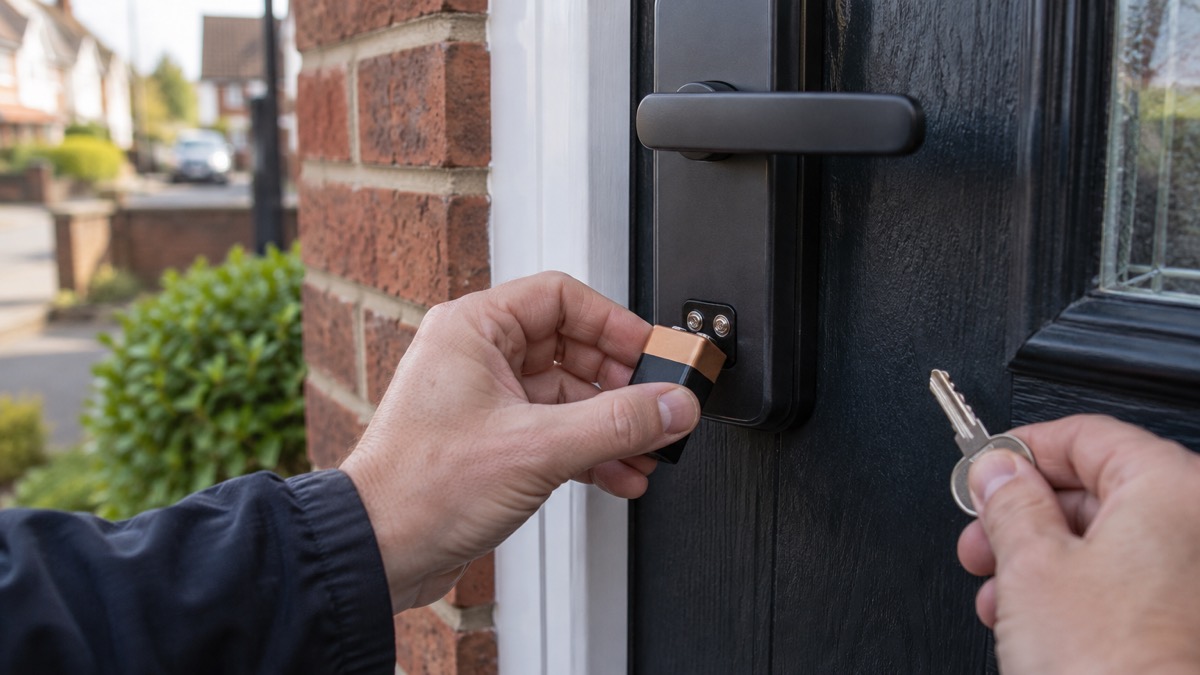
Some locks also offer emergency power contacts. These let you hold a separate battery against terminals on the outside of the lock to power it briefly when the internal batteries are flat, so you can open the door and change them. Not every model has them, so read your own lock's instructions and find out whether yours does before you need it. Where a traditional key override exists, that is the simpler fallback.
Keep the information you would need in a power cut where you can find it without a screen. Write down important phone numbers on paper and store them somewhere easy to find in a power cut, including emergency contacts, medication list, radio frequencies and insurance policy details10. Have a written list of emergency contacts including family, friends, work, school, GP, pharmacist and utility companies11. Keep a physical copy of key information such as telephone numbers and insurance details12.
Your household emergency kit should include spare keys to your home and car13. That is the Scottish Government's advice for a ready kit, and it applies just as well south of the border. For a full list, see Emergency Kit: What a UK Household Should Keep Ready.
Low batteries: the real lockout risk and how to avoid it
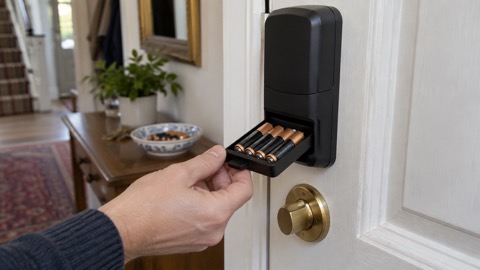
A power cut is unlikely to lock you out. A flat battery is the thing that actually does it, and it is entirely avoidable. Which? reports that smart door lock batteries can last from six months to a couple of years, but eventually the battery will need replacing or recharging1. The same source notes that the app notifies you when the battery is low1.
Treat that notification as a job for the same week. The maker SwitchBot tells owners of its Lock Pro to remember to replace batteries upon low battery notifications14. That is a maker's instruction for its own product, and it is good practice for any battery lock: when the lock tells you the battery is going, change it.
How long you get depends on the lock and on how busy the door is. Which? notes that Aqara claims its U200 lock can last up to six months between charges1. If your door is used by several people, or the lock does a lot of motorised locking and unlocking, expect to be at the shorter end. Our guide to how long smart lock batteries last goes into more detail.
Some locks build in more than one layer of power. The maker of the SwitchBot Lock Ultra describes triple battery protection, with main, backup and emergency power keeping the lock always working15. That is the maker's description of its own product; check what your own lock offers.
A few habits make a flat battery much less likely to catch you out:
- Change or recharge the batteries as soon as the app warns you, not when they fail1
- Keep a physical key on your person, not just in the house, if your lock has a key override9
- Test the keypad and the key override now and then, so you know they work
- Keep spare batteries of the right size in the house
- Note the battery type your lock needs, so you are not guessing in the dark
If you are renting or in a shared home, check who is responsible for changing the batteries and who holds a key. Smart Locks in Rented and Shared Homes covers the questions to ask.
Getting out safely: inside handles and fire escape
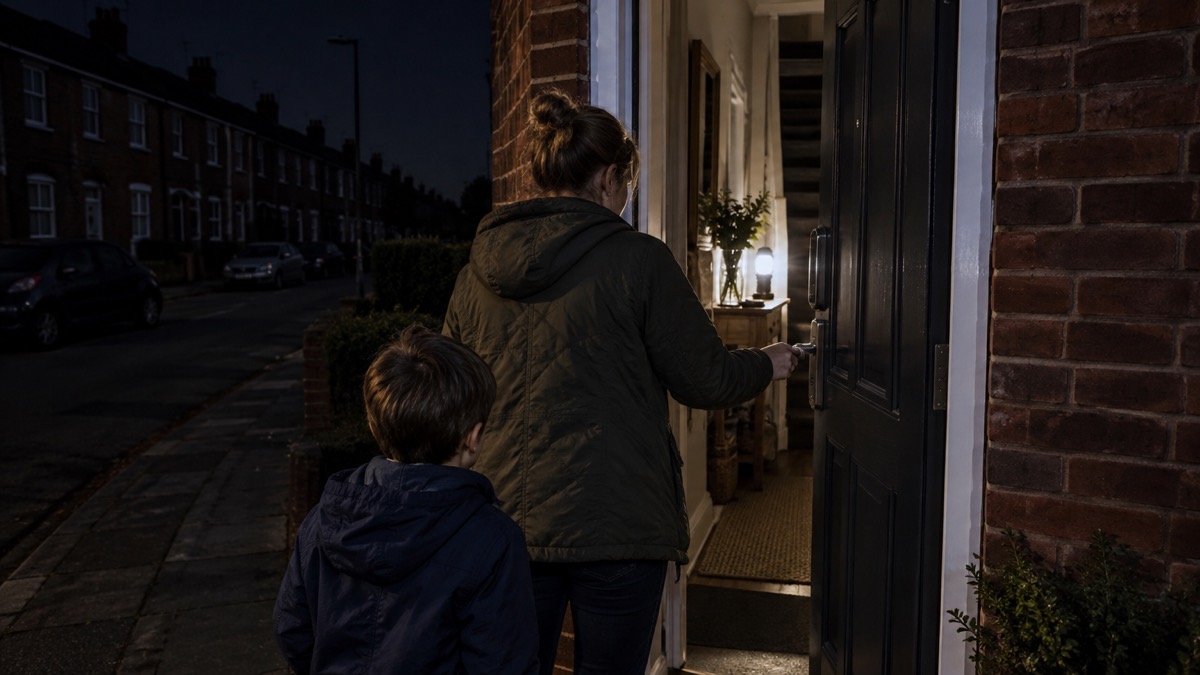
Getting in is only half the story. In a fire, the lock must not stop you getting out. Before anything else, make sure everyone in the household knows how to open the door from the inside without a phone, an app or a code. Practise it.
The fire and rescue services are clear about the basics. Have a fire escape plan, keep access routes clear, close all doors at night and have your keys at the ready16. Once you are out, stay out17. Get out, stay out, call 999 as soon as you are safe to do so18.
Keys matter more than people expect. Keep doors and window keys accessible, avoid keeping them in the kitchen because this is where most fires in the home start, and everyone in the flat should know where the keys are19. If you use a smart lock, the same rule applies to whatever opens it: a key, a fob or a thumb turn. It should be reachable in the dark and without a phone.
If you can't get out, go into a room that has a window and a phone and shut the door20. That advice is aimed at people who use mobility aids, but it holds for anyone trapped by fire. A phone kept charged and to hand, and a window you can open, give you a way to call for help.
For more on planning an escape, see Home Emergencies: Fire, Carbon Monoxide, Gas Leaks and Burst Pipes. If you are in a flat, Flats and Shared Entrances: Door Entry and Communal Doors explains how communal doors and entry systems fit in.
Where to get help if you are locked out
If you are locked out, the first question is whether the problem is the lock or the power. If the power is off in your area, report it. Call 105 for free and you will be put through to your electricity network operator2. You can also report it directly to your local network operator using their website, or call 105; if the supply is cut off because of a faulty energy meter, contact your energy supplier instead21.
If the power goes off you can report this by calling 105 or visit the Power Cut website to be directed to the operator for your area22. Save important contact numbers, including the national power cut reporting number 105, to your phone23. Add the emergency numbers to your contacts24. Store key information such as the power cut helpline number, 105, on your phone25.
If you are locked out and the power is fine, the problem is the lock or the key. Our guide Locked Out of Your Home: What to Do and Choosing a Locksmith sets out how to get back in safely and how to choose a locksmith. Do not force a door or damage a lock yourself unless there is an emergency.
If a neighbour has power and you do not, check whether neighbours are safe and have a power cut too; if they have power, your trip switch may have activated26. That is worth knowing before you assume the worst.
For households that need extra help, there is support. If you rely on medical equipment or have mobility needs, ask your electricity network operator about its Priority Services Register, and see Extra Help in an Emergency: Older, Disabled and Medically Dependent Households. For the wider picture of preparing for outages, see Power Cuts: A Household Guide.
Sources (26)
- Do I need a smart door lock?, Which?, 15 April 2026
- Help with a power cut, Ofgem, 2026
- Storms and bad weather, Energy Networks Association, 25 October 2026
- Your operator, Power Cut 105, 29 October 2026
- Planned power cuts, SSEN, 29 October 2026
- What to do in a power cut, SP Energy Networks, 26 October 2026
- Phone and broadband outages, Prepare, 12 October 2026
- Disabled people and carers, Ready Scotland, 25 October 2026
- Why trade professionals should recommend the Ultion Nuki Plus smart lock, Brisant Secure, 25 September 2024
- Get prepared for emergencies, Prepare, 21 October 2026
- Tips to prepare for a power cut, Electricity North West, 26 October 2026
- Risks, Surrey County Council, 28 October 2026
- Emergency kit, Ready Scotland, 22 October 2026
- SwitchBot Lock Pro, SwitchBot, 3 November 2026
- SwitchBot Lock Ultra, SwitchBot, 3 November 2026
- Avoiding accidental fires in the home, nidirect, 16 October 2025
- Escape plan, Scottish Fire and Rescue Service, 26 October 2026
- Escape plan, Devon and Somerset Fire and Rescue Service, 2026
- Fire safety information for residents living in flats, Greater Manchester Fire and Rescue Service, 29 October 2026
- Fire safety for people with mobility difficulties, Devon and Somerset Fire and Rescue Service, 2026
- Check if you can get payment for a power cut, Ofgem, 2026
- Power, gas and water: what if they fail, Surrey County Council, 29 December 2025
- What to do in a power cut, Northern Powergrid, 25 October 2026
- Types of power cut, Power Cut 105, 25 October 2026
- 10 things you should do now to prepare for winter, Met Office, 25 October 2026
- Stay safe in snow, Met Office, 25 October 2026
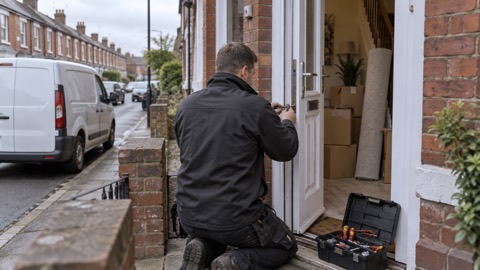 Moving Home Locks Checklist
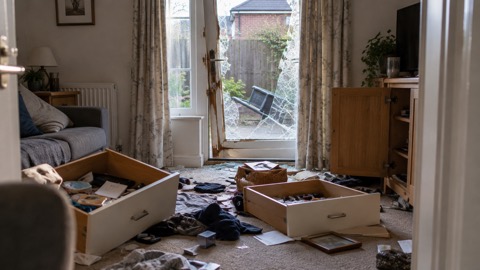 After a Break-In Checklist
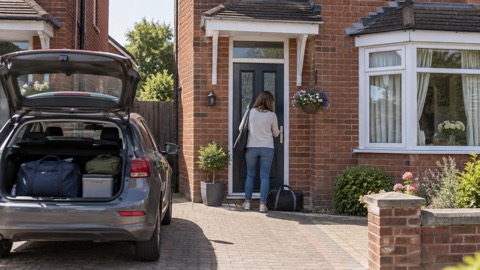 Holiday Security Checklist
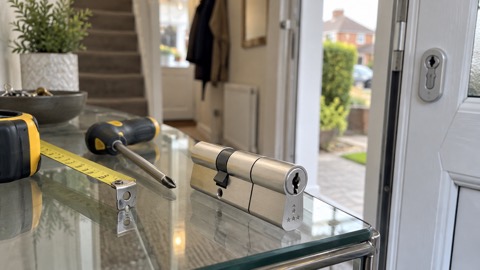 Fitting an Anti-Snap Cylinder
 British Standard Door Locks
 Double Locking a uPVC Door
 Garage to House Door Safety
 Police Preferred Key Safes
 Where to Fit a Key Safe
 Letterbox Guards
 Measuring a Euro Cylinder
 PAS 24 Doors and Windows
 Securing Patio Doors
 Smart Lock Battery Life
 Smart Locks in Rented Homes