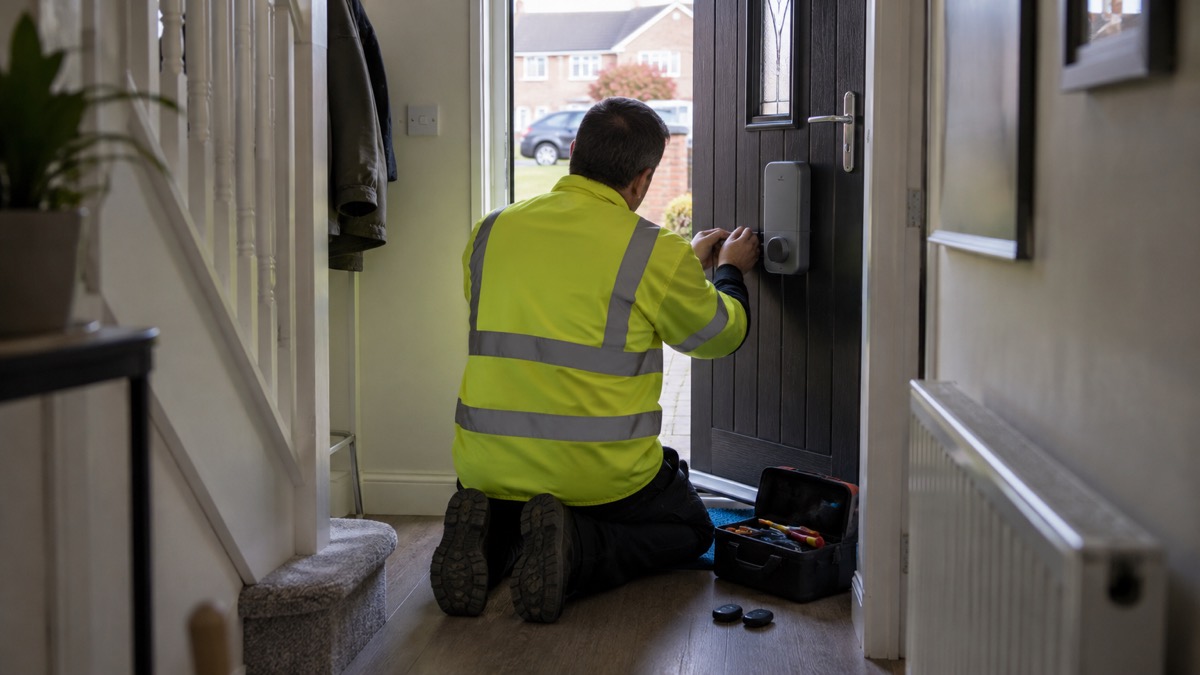
The Ultion Nuki is a smart lock built around a 3 Star PLUS Ultion cylinder, made by Ultion with Nuki electronics, and designed to fit British PVC and composite doors. The part that keeps your home secure is the cylinder: Ultion states it carries the BSI Kitemark, and the Nuki unit has what the maker describes as the highest AV security rating, with three stars1. The smart part adds keyless entry, codes, fobs and phone control on top of a lock that still works with a physical key.
If you are deciding whether to fit one, the practical questions are whether it fits your door, what happens in a power cut, and what happens when the battery runs flat. On the first, Ultion says the lock is designed for existing doors with handle fixings of 215mm, 211mm or 122mm, and for doors with an escutcheon lock, with no drilling or wiring needed1. On the second, the lock is Bluetooth and battery powered, so you can still control the door from home using your phone, wireless keypad, wireless fob or key; only remote connections that rely on the internet and mains power are affected1. On the third, the maker states the built-in rechargeable battery lasts up to 9 months, and the app warns you below 20% charge2.
This page sets out what the lock is, how the versions differ, how to fit and use it, how to charge it safely, and where to get help if something goes wrong. It does not compare it with other locks or recommend it over any other product.
Ultion Nuki and Ultion Nuki Plus: how the versions differ
Ultion sells the lock in more than one form, and the names have shifted as the product has been updated. The current model is the Ultion Nuki 2025, launched in November 2025, which combines the Ultion 3 Star PLUS core with built-in Wi-Fi and Matter over Thread smart home compatibility2. Earlier listings describe the Ultion Nuki and the Ultion Nuki Go, and the "Plus" name appears in reviews of the earlier generation rather than as a separate specification on Ultion's own product pages.
What stays the same across the range is the security core. Ultion states that every Ultion Nuki has an ultra-secure Ultion 3 Star PLUS lock at its heart, and that the cylinder carries the BSI Kitemark4. Which? describes the same arrangement in plain terms: the Ultion Nuki replaces your current cylinder, so the underlying lock remains secure even if the smart motor is removed5. That is the point of building a smart lock around a cylinder rather than a motorised latch: the physical lock does the security work, and the electronics add convenience.
The differences between versions are mainly about power and connectivity:
| Feature | Ultion Nuki 2025 | Ultion Nuki Go |
|---|---|---|
| Battery | Built-in rechargeable, charged by USB-C on or off the door2 | 4x AA batteries, bundled, lasting over a year4 |
| Charging time | 2 hours by USB-C3 | Not stated |
| Smart home | Matter over Thread; Apple Home, Google Home, Amazon Alexa, Samsung SmartThings2 | Works with Alexa and Google Home, with a passcode on unlock4 |
| Wi-Fi | Included as standard3 | Remote access via a one-time in-app upgrade, per Brisant's launch note |
| Cycle life | Not stated for this model | Not stated |
Ultion's own pages do not describe a migration path between its versions, so check with Ultion before assuming settings carry over. Nuki's app does list a data migration feature for moving settings from a previous Nuki Smart Lock, which Nuki describes for its Smart Lock Ultra6.
A 3 Star PLUS cylinder with BSI Kitemark and AV-TEST level 3
The security claim rests on two separate things, and it is worth keeping them apart. The first is the cylinder: a 3 Star PLUS Ultion lock, which Ultion states carries the BSI Kitemark1. Which? describes the BSI Kitemark as the highest physical security standard for the cylinder5. The second is the electronics: Ultion states the Nuki unit has the highest AV security rating, with three stars, and that the lock is regularly inspected and certified by independent security institutes1. Nuki states its smart lock was certified by AV-TEST as a secure smart home product in 20257.
Ultion also states that there is no security standard that this locking mechanism has not passed3. That is the maker's own claim and should be read as such; the independent points are the Kitemark on the cylinder and the AV-TEST certification of the electronics.
On the digital side, Ultion states that all communication with the lock is protected with end-to-end encryption of the kind commonly used in online banking1. The Ultion Nuki Go page adds that the lock blocks electromagnetic interference and cyber-attacks, that data is encrypted and cannot be deciphered, and that USB flash drives cannot be plugged in to access data or corrupt firmware8. These are maker statements about its own product.
For context on what a cylinder rating means and how it sits alongside other door hardware, see Doors and Locks: Standards, Cylinders and Making Entry Harder. If you want to know how a smart lock compares with a traditional key lock for your circumstances, Smart Lock or Traditional Key Lock? sets the trade-offs out side by side.
Does the Ultion Nuki fit my door?
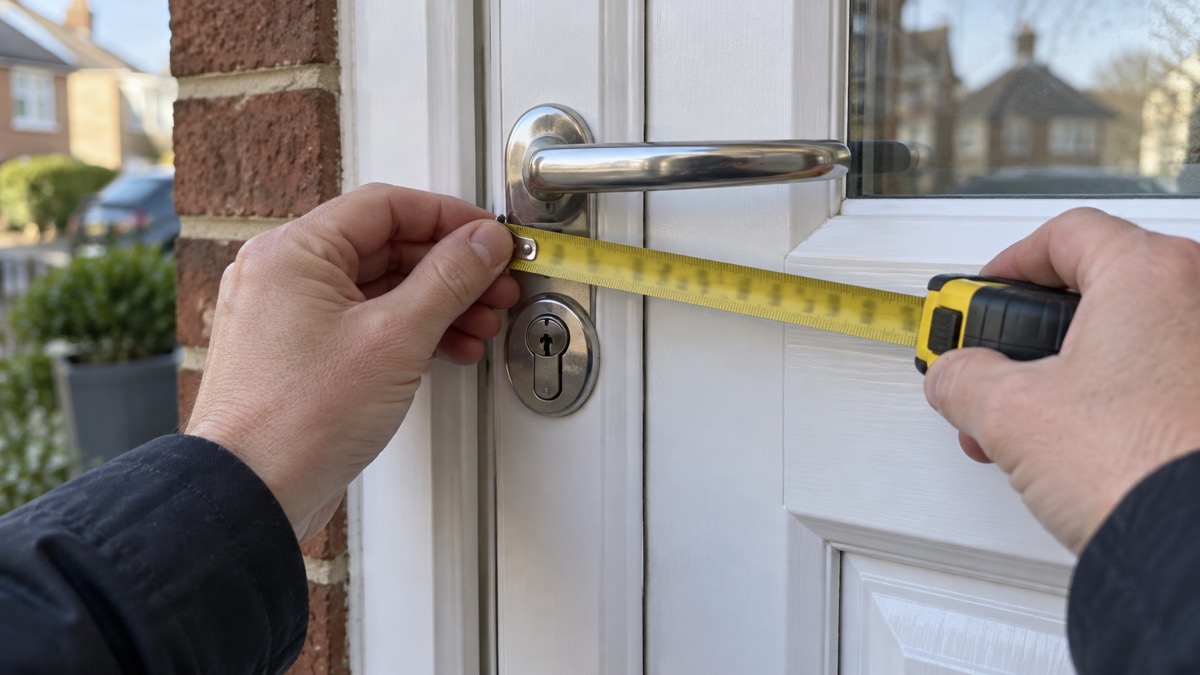
Fitting is the question that decides everything else, and Ultion gives specific measurements. The lock is designed to fit existing doors with handle fixings of 215mm, 211mm or 122mm, and doors with an escutcheon lock1. The distance between the centre of the handle (the spindle) and the barrel (the keyhole) should be 92mm1. Which? confirms the same handle fixing measurements and adds that no drilling or wiring is needed, so you should be able to fit it yourself5.
Beyond the measurements, Ultion states the lock replaces all common UK push down door handles using the existing fixing holes, and that there is an escutcheon model for doors without a push down handle3. It also states that the lock works with doors where the handle must be lifted to lock: all unlocking features work, and you lift the handle as normal when passing through1. For long handles, the included escutcheon version covers it3.
If your door is a composite or uPVC model with multipoint locking, the lift-to-lock action matters. Sussex Police's guidance for uPVC and multi-locking doors is to lift the handle, then turn and remove the key, so the hooks and latches engage: "lift, lock and remove"9. With an Ultion Nuki fitted, you still lift the handle as normal; the lock's own motor handles the rest.
In a power cut it still opens by phone, keypad, fob or key
This is the question most households ask before buying any smart lock, and the answer is reassuring. Ultion states that, being Bluetooth and battery powered, you can still control the door while at home using your phone, wireless keypad, wireless fob or key; only remote connections that rely on the internet and power are affected1. Which? puts it the same way: in a power cut the door stays locked and the motor still works, and you can enter with a keypad, fob, fingerprint scanner or a nearby phone over Bluetooth; if Wi-Fi is down, remote unlocking, access logs and voice control may not work5.
The practical consequence is that the lock is not dependent on your broadband or your electricity supply for everyday entry. What stops working is the remote side: letting someone in from another town, checking an access log, or asking a voice assistant to unlock the door.
For the wider picture, Keeping Your Home Protected in a Power Cut and Do Smart Locks Work in a Power Cut? cover what else to prepare. The lock itself is one less thing to worry about: it keeps working while the lights are off.
Battery life: up to 9 months per charge
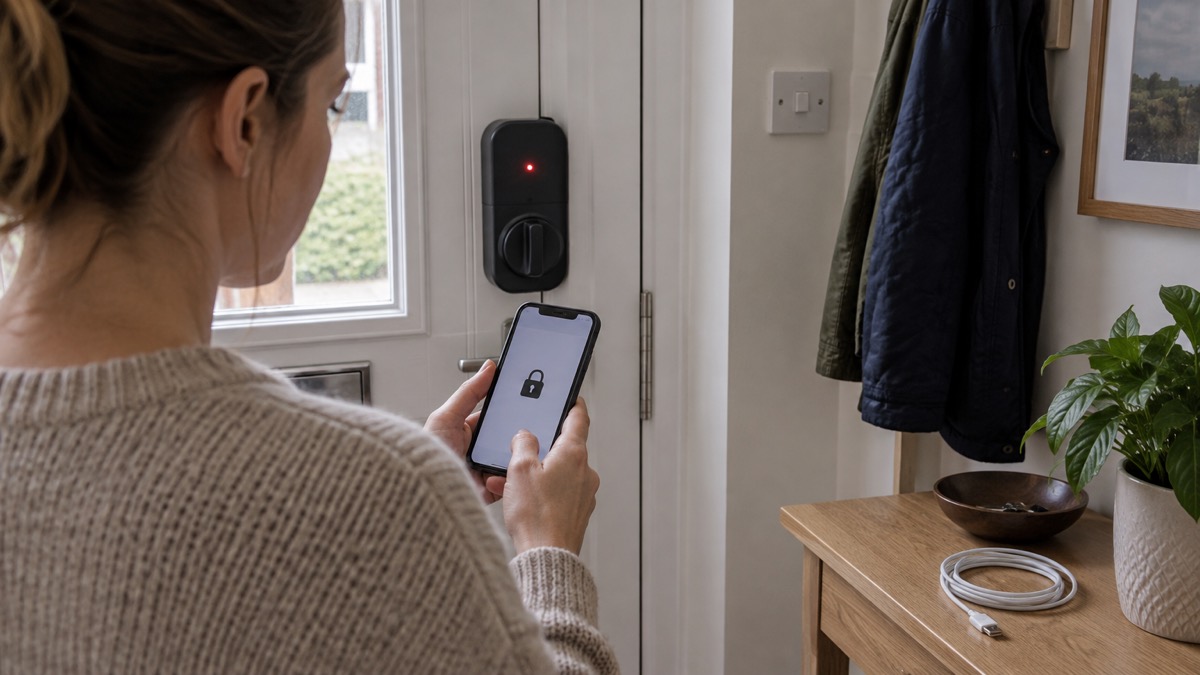
Ultion states the built-in rechargeable battery in the Ultion Nuki 2025 will keep powering your door lock for up to 9 months, and that the app will notify you when it needs charging2. The battery can be charged by USB-C, either on or off the door, in only two hours2. Earlier Ultion Nuki listings describe a rechargeable battery lasting several months per charge1, and the Ultion Nuki Go uses 4x AA batteries that the maker says will last over a year4.
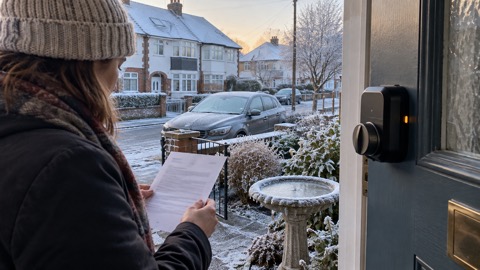
The lock warns you before it stops. Ultion states that when the battery level reaches below 20% you will be notified via the Nuki app and directly on the Smart Lock via the LED lights, and that email notifications can be enabled1. That gives you time to charge it at a convenient moment rather than discovering the problem at the door.
If you use rechargeable AA batteries in an earlier model, Ultion recommends Panasonic eneloop pro, which it states last about twice as long as alkaline batteries8. For the 2025 model the battery is built in, so there is nothing to buy.
When the battery runs flat: key, dial and 9V backup
Even a well-managed battery can catch you out, and the lock is designed so that a flat battery is an inconvenience rather than a lockout. Ultion states that you can use a key from the outside and the dial on the inside until the batteries are replaced8. The lock can always be operated manually through a physical high-security key or the manual thumbturn1.
The key you use depends on what you ordered. If you supplied the code from your existing Ultion key when ordering, the new lock works with that key1. If you did not, the lock comes with its own keys. Either way, keep a key somewhere you can reach it from outside the house, and treat it as you would any other door key: Keys: Spares, Hiding Places and Lost Sets explains the options.
For Nuki's own locks, the maker lists several backup routes if the battery is flat or the phone is unavailable: ask someone with access permission, use Nuki Web, use a compatible smart watch, use a Nuki Keypad with code or fingerprint, use a Nuki Fob, or use a physical key with an emergency and danger function cylinder6. Ultion's pages do not list a 9V battery terminal for the Ultion Nuki, so do not assume one; the key and the inside dial are the stated routes8.
Ways to lock and unlock, from auto unlock to visitor codes
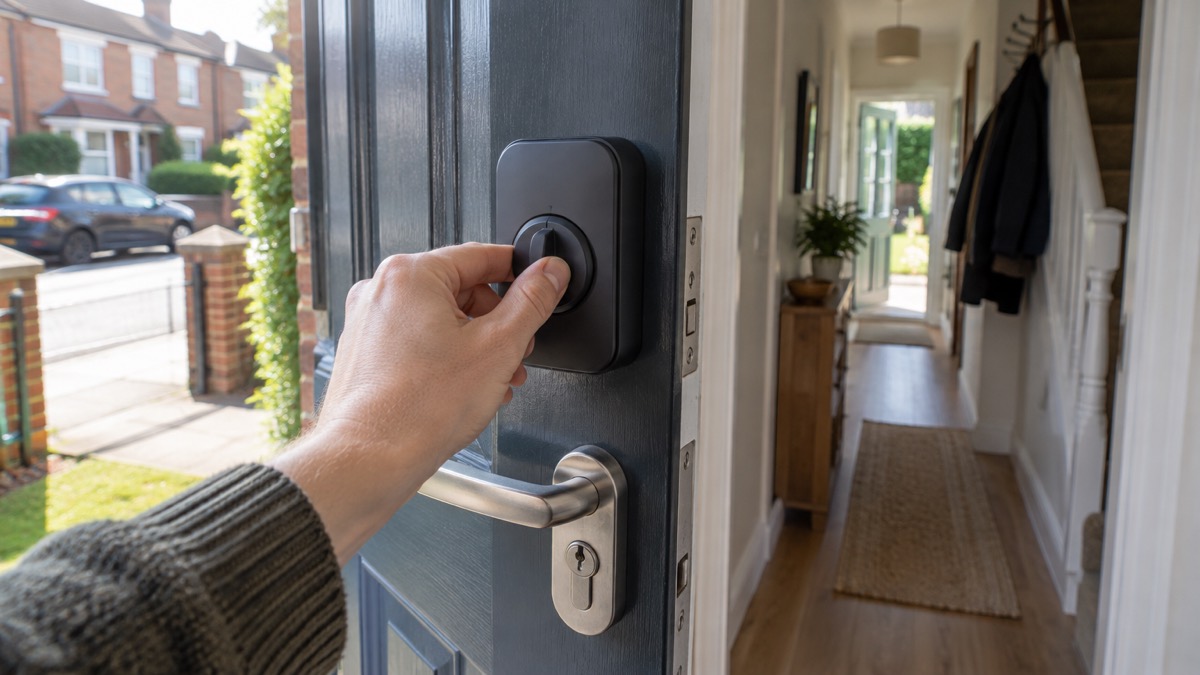
The lock offers more ways in than a key alone, and each suits a different household. Ultion states that at the centre of the lock is a button: a simple press locks or unlocks the door, or you can twist the dial for manual operation2. The wireless fingerprint keypad opens the door with fingerprint recognition or a 6 digit entry code, and holds 200 different passwords1. It is battery and Bluetooth powered, with no wires or drilling, and can be positioned anywhere within Bluetooth range of the door rather than on it1. Codes can be set to work only at specific times and on particular days1.
The key fob opens the door with the push of a button, and Ultion states it can be set to require 2 or 3 presses to unlock, so an accidental press in a pocket will not open the door1. The fob has 10 years of battery life1.
Auto Unlock is the feature that divides opinion. Ultion states it works by combining GPS, Bluetooth and geofences (iBeacons): if the app establishes a Bluetooth connection within 20 minutes of entering the geofence, your door will automatically unlock1. The feature can be turned on and off and customised8. Auto Lock works the other way: a timer set from the app starts whenever the door is unlocked and locks it again once the timer expires1. Night Mode locks the door automatically at the start of Night Mode and enables energy saving mode until morning, and auto lock can be restricted to Night Mode only or set on schedules1.
For short lets, Ultion states that Airbnb guests automatically receive a digital access code after booking, which expires at the end of their stay1. For regular visitors such as a cleaner or carer, timed keypad codes do the same job without sharing a permanent code1.
Smart home links and voice unlock safeguards
The Ultion Nuki 2025 supports Matter over Thread, which Ultion states ensures compatibility with major smart home platforms including Apple Home, Google Home, Amazon Alexa and Samsung SmartThings2. Earlier listings describe integration with Apple HomeKit, Google Home, Amazon Alexa, Homey and other systems1. Nuki states that its locks integrate into many common systems including smart assistants, intelligent doorbells and smart home hubs15.
Voice unlock is convenient and needs a safeguard. Ultion states that during Alexa or Google Home setup you are prompted to set up a passcode, that Alexa then asks for the passcode whenever an unlock request is made, and that the code is not required when you lock the door1. Set that passcode, and do not use one that can be heard through a window or guessed from a birthday.
"Alexa then asks for the passcode whenever an unlock request is made. The Code is not required when you lock the door."
Remote access depends on the internet being up. Nuki states that its Smart Lock Pro and Smart Lock Ultra have a built-in Wi-Fi module that connects the lock directly to your home Wi-Fi7, and that a Nuki Bridge connects a Smart Lock to your home internet for remote access7. Ultion states Wi-Fi is included as standard on the Ultion Nuki3. If your broadband is slow or your mobile signal weak, Alarms and Cameras on a Weak Mobile Signal or Slow Broadband covers what still works.
Charging, storing and looking after the lock safely
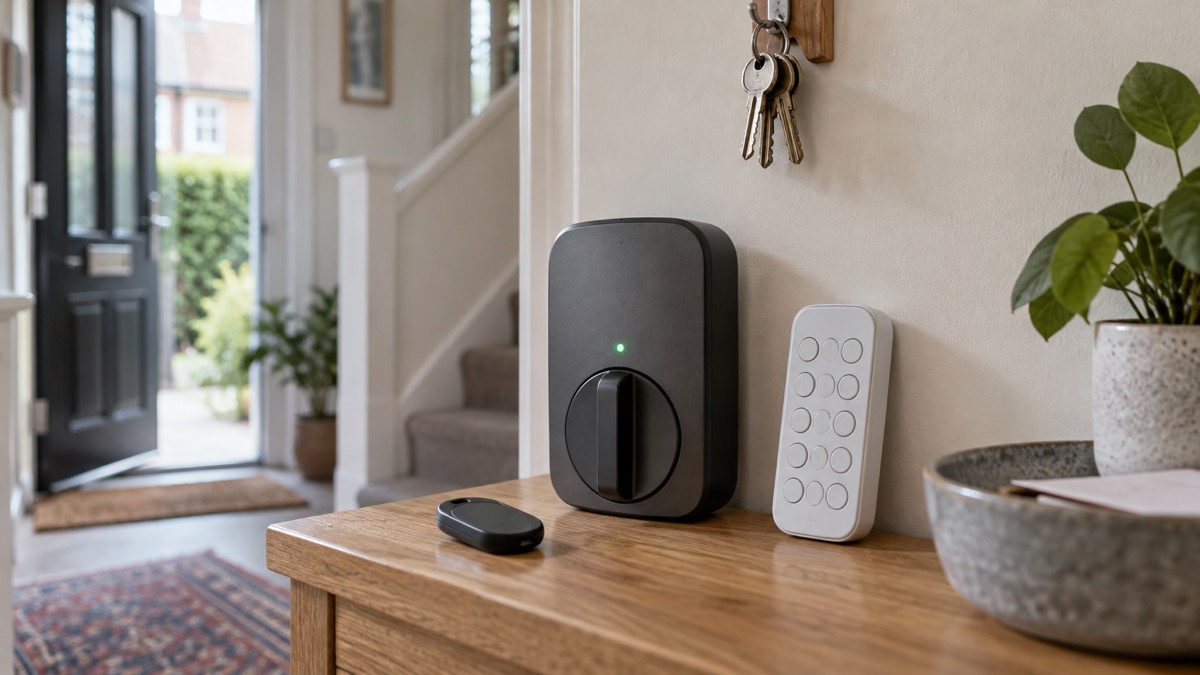
The Ultion Nuki's rechargeable battery is the part that needs care. Ultion states it can be charged by USB-C on or off the door in two hours2. London Fire Brigade's advice on batteries and chargers applies to any lithium-ion device in the home: charge on a hard, flat surface, do not leave charging unattended for long periods, and do not cover the charger. If a battery is not holding charge, gets hot, bulges or you hear hissing noises when charging, unplug immediately, according to the Isles of Scilly safety warning14. The fire and rescue service also advises letting lithium battery powered tech run flat on a regular basis and recharging from flat to maintain battery health13.
Spare and flat batteries should be stored well out of reach, particularly button cells, which pose a serious risk to children if swallowed16. The Ultion Nuki key fob contains a battery with a 10 year life1; when it eventually needs replacing, treat the old cell as you would any button battery.
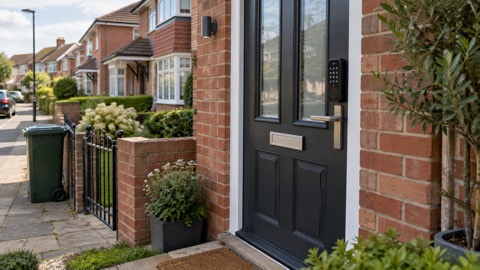
On the door itself, Ultion states there is no drilling or wiring, and it takes only minutes to replace your existing handle with an Ultion Nuki3. You can keep your current outside handle or replace it with an Ultion handle, and the external handle comes in seven colours with a range of fixing sizes3. The lock is listed in White/Steel, Black/Steel or Chrome/Steel3.
If you are moving into a new home with a smart lock already fitted, Police Scotland's advice is that you can change your locks if you want to17. Ask the seller for the app account, the keys and any keypad codes, and remove their access before you rely on the lock. Moving Into a New Home: Locks and Keys Checklist sets out the order to do it in.
Where to get help and what to do if something goes wrong
Ultion states there are no ongoing charges for the lock, including no charge for sending additional electronic keys1. Firmware updates and remote control arrive through the Nuki app2, so keep the app installed and the lock's software current. If you lose a phone, remove its access from the app and change any keypad codes that phone could see.
For the lock itself, your first point of contact is Ultion, whose product pages carry the fitting measurements and the key transfer service1. For the wider security of your home, Smart Locks: How They Work and What to Check explains what to look for in any smart lock, and Home Security: A Household Guide covers doors, windows, alarms and lighting together.
If you are locked out, Locked Out of Your Home: What to Do and Choosing a Locksmith explains how to get back in without damaging the door. If you have been burgled, Coming Home to a Break-In: What to Do First and After a Burglary: Crime Numbers, Insurers, Repairs and Support take you through the first steps. In Scotland and Northern Ireland, reporting and support arrangements differ: Scotland and Northern Ireland: Reporting Crime and Getting Support sets them out.
Sources (17)
- Ultion Nuki 2025 product page, Ultion, 2026
- The all-new Ultion Nuki 2025, Ultion, 2025
- Ultion Nuki product page, Ultion, 2025
- Ultion Nuki Go product page, Ultion, 2026
- Do I need a smart door lock?, Which?, 2026
- Nuki Smart Lock Pro (5th Gen), Nuki, 2026
- How Nuki works, Nuki, 2026
- Ultion Nuki, Ultion, 2025
- Door and window lock advice, Sussex Police, 2026
- Being prepared, National Grid, 2026
- Power cuts, UK Government Be Ready campaign, 2026
- Protect yourself and your family, Dorset Prepared, 2026
- Lithium-ion batteries, South Wales Fire and Rescue Service, 2026
- Lithium battery safety warning, Council of the Isles of Scilly, 2025
- Nuki, Nuki, 2026
- Button battery safety, NHS Wrightington, Wigan and Leigh, 2026
- Break-in and housebreaking, Police Scotland, 2026
 Aqara Smart Lock U200
 SwitchBot Lock Ultra