
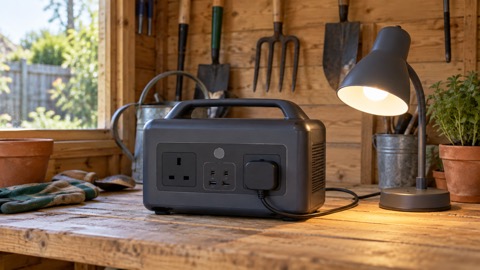
The Jackery Explorer 240 v2 is a small portable power station: a battery in a carry case with mains sockets and USB ports on the front, which you charge from the wall and then use to run small appliances when the power goes off. The maker gives it a 256Wh LiFePO4 battery and a rated output of 300W1. That is enough for a fan, a laptop, a phone or a small light for hours, not enough for a kettle, a heater or a full-size fridge.
For a household preparing for power cuts, the useful numbers are these. A full charge from a wall socket takes 2 hours, or 1 hour if you start the maker's fast-charge mode from its app1. Solar charging with one 100W panel takes 3.3 hours in good sun, and the maker says a separate adapter is needed to connect a panel1.
This page sets out what the unit is, what it will and will not run, how to charge it, and how to use and store it safely. It does not give a price, and it does not rank it against other power stations. If you are still deciding what kind of backup power suits your home, start with Backup Power at Home: A Household Guide.
What the Explorer 240 v2 is, and who it suits
This is the smallest unit in its class that the maker sells: it describes the Explorer 240 v2 as the smallest 300W power station among mainstream brands, with an integrated folding handle1. The battery chemistry is LiFePO4, which the maker says is engineered for durability and a long service life3. The unit is UL certified, and the maker lists UL1778 and FCC EMI Class-B certification alongside 52 layers of protection and shock-resistant features1.
The connections decide what it is good for. The maker lists one 100W USB-C port, one 15W USB-C port and one 15W USB-A port, plus mains output at 300W2. The USB-C port works as both input and output at 100W, so the same port can charge the unit quickly or charge a laptop quickly1. One maker page describes 100W PD USB-C ports that can charge two devices at once, while another lists a single 100W USB-C port; the two descriptions disagree, so check the ports on the unit you receive4.
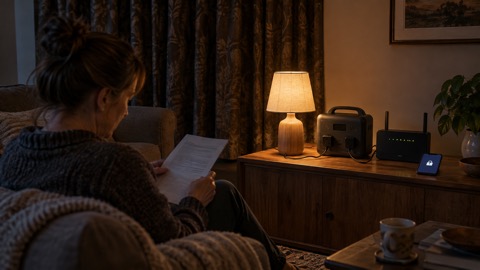
By size and output it suits a flat or a small household that wants to keep phones, a router, a laptop, a fan and a few lights going through an evening without power. It does not suit anyone planning to run a fridge, a boiler or anything with a heating element. For a wider look at what these units can and cannot do, see Portable Power Stations: What They Do and How to Choose.
| Specification | Maker's figure |
|---|---|
| Battery capacity | 256Wh1 |
| Battery chemistry | LiFePO43 |
| Rated output | 300W1 |
| USB outputs | One 100W USB-C, one 15W USB-C, one 15W USB-A2 |
| USB-C input and output | 100W1 |
| Charge time, wall socket | 2 hours, 0% to 100%1 |
| Charge time, fast mode via app | 1 hour2 |
| Charge time, one 100W solar panel | 3.3 hours1 |
| Weight | 7.7 lbs1 |
| Noise | 42dB1 |
| Operating temperature | -10 to 40 degrees Celsius1 |
| Warranty | 3 years plus 2 years extended, if bought from the official website1 |
What it will run in a power cut, and for how long
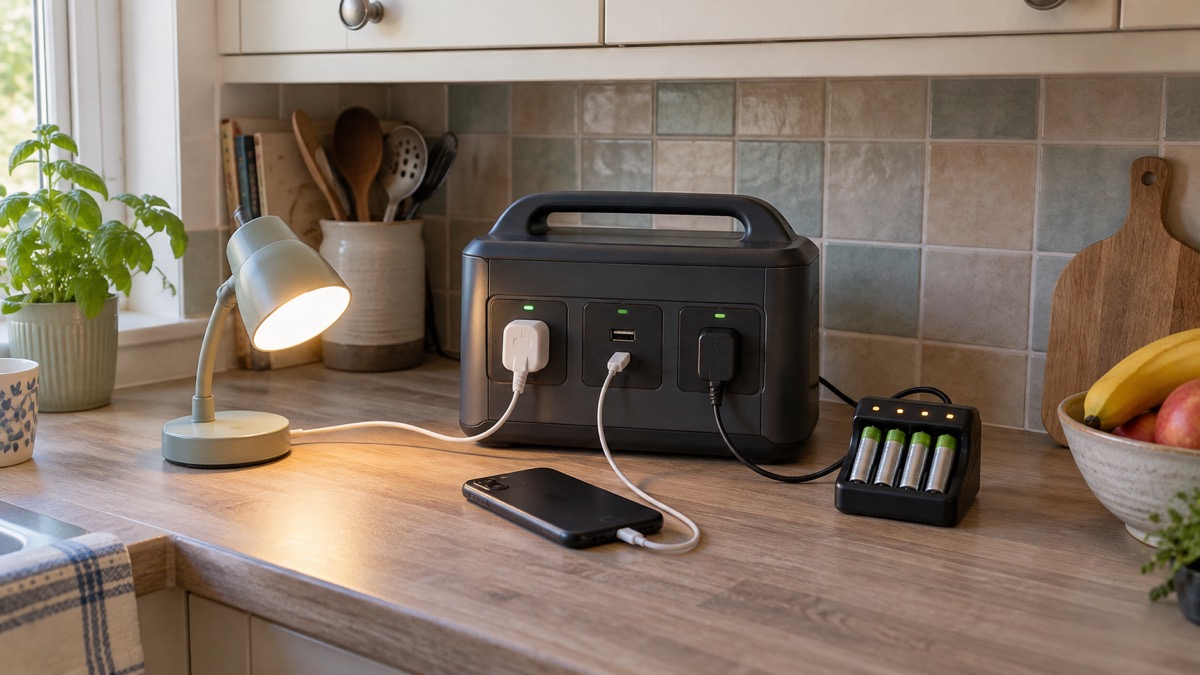
The maker publishes run times for common devices, and they are the best guide to what a power cut will feel like with this unit in the house. A camera at 8.4W gets 10 charges and a 60W drone gets 4 charges1.
The pattern is simple: the lower the wattage, the longer it runs. A phone charger draws a few watts, so it will last for days of top-ups. A fan or a laptop is a few tens of watts, so it lasts an evening and into the next day. Anything that heats, such as a kettle, a heater or a hair dryer, draws far more than 300W and will either trip the unit's protection or drain it in minutes. The maker's own guidance is that the unit is limited to 300W output1.
To work out your own devices, add up the watts on each label and compare with the maker's figures. Our guide to Watts, Watt-Hours and Surge Explained covers the arithmetic, and How Long Will a Power Station Run a Fridge or Laptop? goes further on the devices people ask about most. The maker's own figures give a camera (8.4W) 10 charges and a drone (60W) 4 charges5.
Charging: two hours from the wall, one hour in fast mode
The maker gives three ways to charge: solar, wall and car1. From a wall socket the unit goes from 0% to 100% in 2 hours1. If you use the maker's app, you can start an emergency flash charge mode that the maker says brings a full charge in 1 hour2. The maker describes this as ensuring the power station is ready in the shortest time possible2.
That makes it a useful top-up on a long journey or a way to recharge from a vehicle during an outage, but not a quick fix. Our guide to Can You Charge a Power Station from Your Car? explains what to check before you try it.
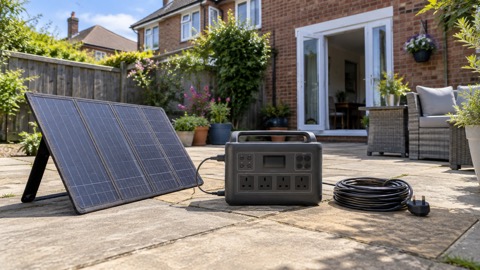
Solar charging depends heavily on the panel. Those figures assume good conditions. The maker notes that solar charging works but is slow and requires full sun, and that connecting a panel needs an additional 8020 to USB-C adapter1. Plan for the adapter before you need it, because a panel you cannot connect is no use in a cut. For more on panel choice, see What Size Solar Panel Do I Need to Charge a Power Station? and Portable Solar Panels for Charging in a Power Cut.
Battery life: 3,000 cycles and about 10 years
The maker states the Explorer 240 v2 is built with a LiFePO4 battery that lasts about 10 years and holds up after 3,000 charge cycles1. A cycle is a full charge and discharge, so partial top-ups count for less. The maker's general guidance for its power stations gives an example: used once every three days, roughly 120 cycles a year, a 4,000-cycle unit lasts over 10 years6. The Explorer 240 v2's 3,000-cycle figure is lower than that example, so treat 10 years as the maker's headline claim rather than a guarantee.
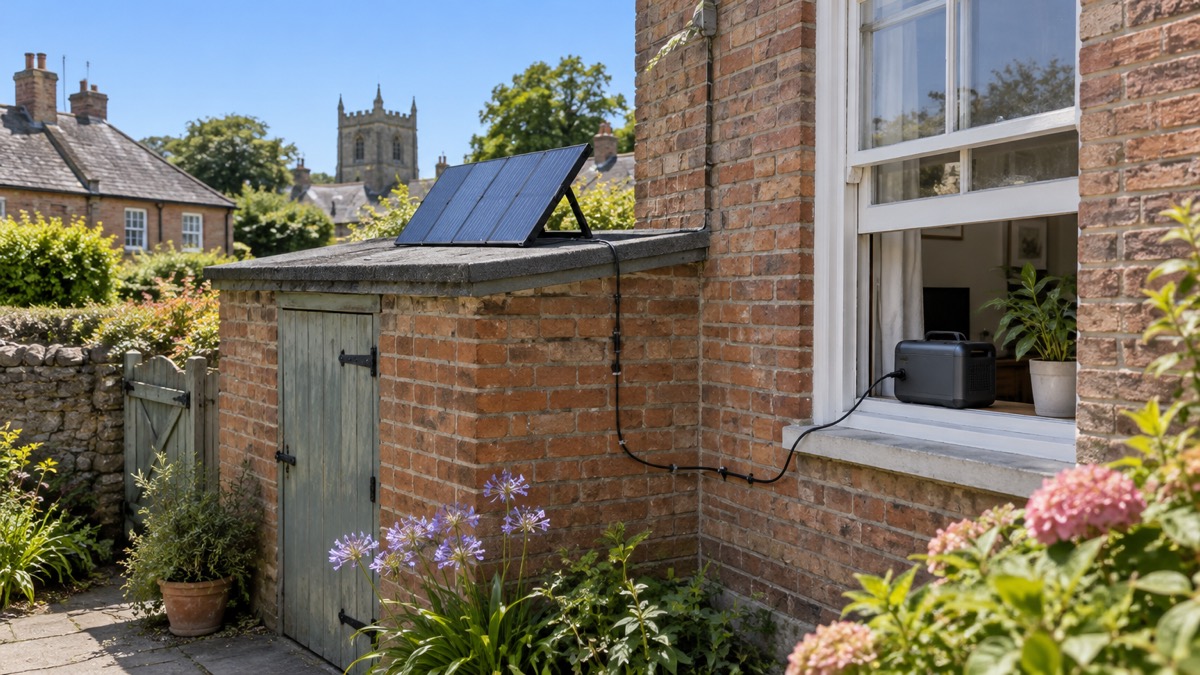
What shortens battery life in practice is heat and deep discharge. The maker gives an operating range of -10 to 40 degrees Celsius for the power supply, and -10 to 65 degrees Celsius for solar panels, and warns that outside that range the product may not work1. Storing it in a cold garage or a hot loft works against you. Our guides to What Temperature Should Batteries Be Stored At? and How to Store a Power Station When Not in Use cover the practicalities.
A simple routine keeps the battery healthy: keep it partly charged rather than flat, store it somewhere dry and moderate, and run it down and recharge it now and then so you know it still works. If you plan to charge it overnight, read Is It Safe to Charge Overnight? first.
Using it as a UPS, and what that means at home
The maker describes a UPS function with a 20ms transfer time, so devices plugged into it switch to battery power almost instantly when the mains fails1. That is useful for a router, a desktop computer or a small appliance that dislikes being cut off mid-task. It is not the same as a dedicated uninterruptible supply built for medical equipment, and the maker does not claim that.
If you want to use it this way, plug in only what the 300W output can carry, and check that the device tolerates the switchover. Our guide to Using a Power Station as a UPS: Switchover Times explains what the transfer time means in practice. For anything medical, such as a CPAP machine or oxygen concentrator, speak to the equipment supplier and read Powering CPAP, Oxygen and Other Medical Devices From a Battery before relying on any battery.
Safety: heat, charging and where to put it
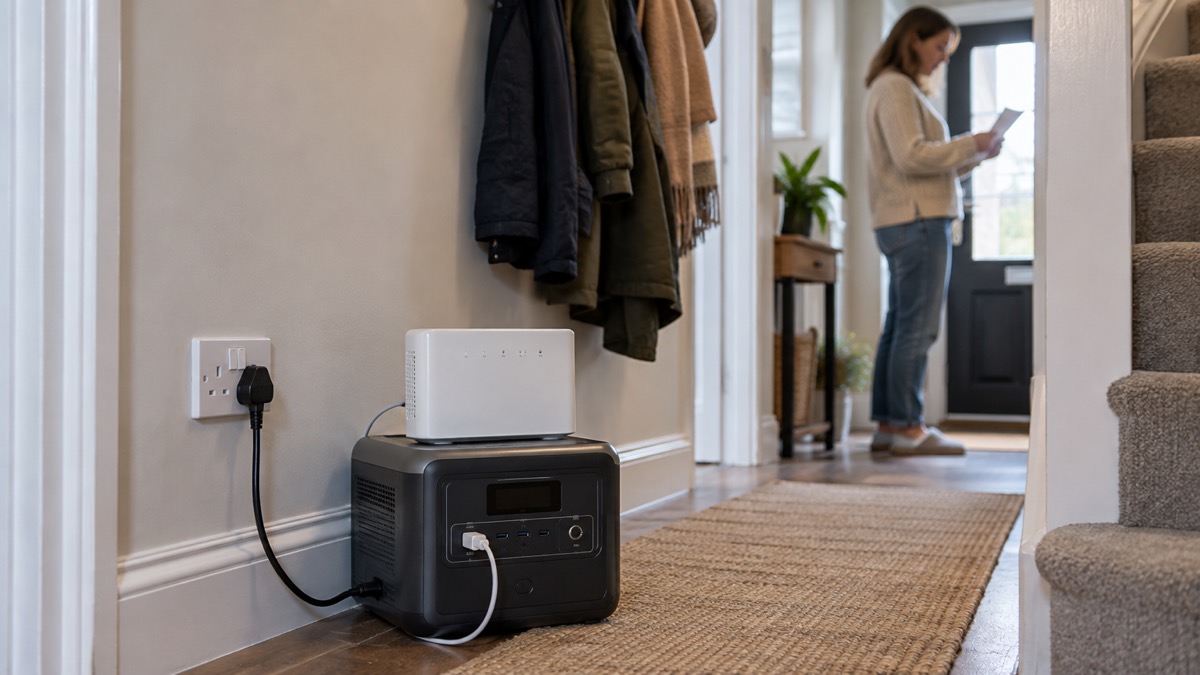
The maker's own instruction is that the unit should be used within its operating temperature range, and that outside it the product may not work1. Beyond that, treat it as you would any lithium battery appliance: charge it on a hard, non-flammable surface, keep it away from soft furnishings and anything that could block its vents, and do not leave it charging unattended for long periods if you can avoid it. The maker lists 52 layers of protection and shock-resistant features, but protection is not a substitute for sensible placement1.
The fire and rescue service advice on lithium batteries is to buy from reputable sellers, use the charger supplied with the product, and stop using a battery that is swelling, hot or damaged. Our guides to Lithium-Ion Battery Safety at Home, Warning Signs a Lithium Battery Is Dangerous and What to Do If a Lithium Battery Catches Fire set out what to watch for and what to do.
The maker's certifications are UL, UL1778 and FCC EMI Class-B1. These are US schemes. They are not the same as UKCA marking, so ask the seller for the UK conformity information you would expect on any mains electrical product. Our guide to UKCA, CE and Battery Safety Markings Explained explains what to look for.
What comes in the box, and what you need to add
The maker lists the power station, an AC charge cable and a user manual1. That is the whole package. There is no solar panel, no car charging cable mentioned in the box list, and no adapter for solar. If you want to charge from the sun, you need a panel and the 8020 to USB-C adapter the maker says is required1.
Before you buy, decide what you want the unit to do. If it is phones and a router, the box contents are enough. If it is a fan through a summer outage or a laptop through a working day, you may want a second charging method. Our Power Cut Backup Power Checklist sets out what a household should have ready, and Power Bank or Portable Power Station helps you decide whether a smaller power bank would do the job instead.
Support, warranty and buying in the UK
A new Explorer 240 v2 bought from the maker's official website carries a 3-year warranty plus a 2-year extended warranty applied automatically1. The refurbished version carries a 6-month warranty2. At the time of writing the maker's product page showed the unit as sold out, and the refurbished listing also showed as sold out1. Availability changes, so check the maker's site and UK retailers directly rather than assuming stock.
The maker's European support address is hello.eu@jackery.com7. For warranty claims, keep your proof of purchase, because the extended warranty depends on buying from the official website1. The maker also states that it was the first portable power brand to have its carbon footprint verified by TÜV SÜD, and that a number of its power stations and SolarSaga panels hold TÜV carbon neutral certification8. That is a maker claim about its wider range, not a specification of this unit.
If you are weighing this unit against larger ones, the Jackery brand page lists the rest of the range, and Jackery Explorer 1000 (standard, Pro) covers a bigger model for households that need more output.
Sources (9)
- Jackery Explorer 240 v2 Portable Power Station, Jackery, 2026-10-25
- Jackery Explorer 240 v2 Portable Power Station Refurbished, Jackery, 2026-10-25
- Solar Generator 240 v2 Series, Jackery, 2026-10-25
- Jackery Solar Generator 240 v2 (Refurbished), Jackery
- Jackery Power Calculator, Jackery, 2026-10-25
- Jackery Buying Guide, Jackery, 2026-10-25
- Jackery Explorer 1000 v2 User Manual, Jackery, 2024
- Solar Generator 2000 Pro, Jackery, 2026-10-25
- Jackery Explorer 2000 Plus Portable Power Station Refurbished, Jackery, 2026-10-25

 BLUETTI Apex 300 Power Station
 BLUETTI Elite 100 V2
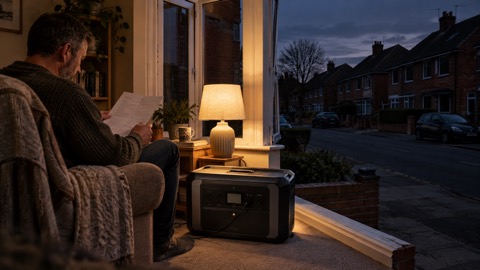 Anker SOLIX C2000 Gen 2
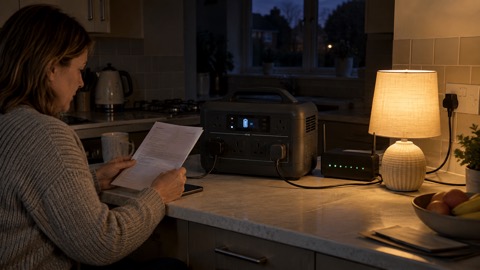 Anker SOLIX C1000 Power Station
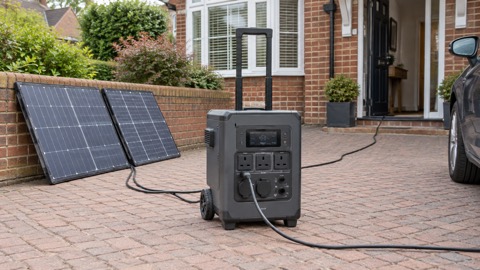 EcoFlow DELTA Pro
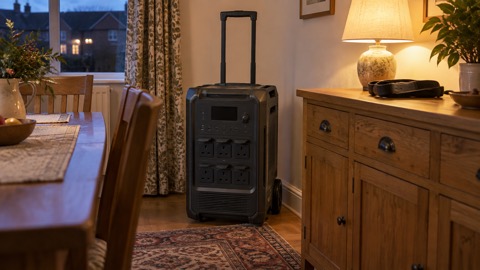 BLUETTI Elite 400
 Anker SOLIX C300 Power Station
 EcoFlow DELTA 3
 EcoFlow DELTA 2 and DELTA 2 Max
 EcoFlow DELTA and DELTA Max
 EcoFlow RIVER 3 and RIVER 3 Plus
 EcoFlow RIVER 2 and RIVER 2 Max