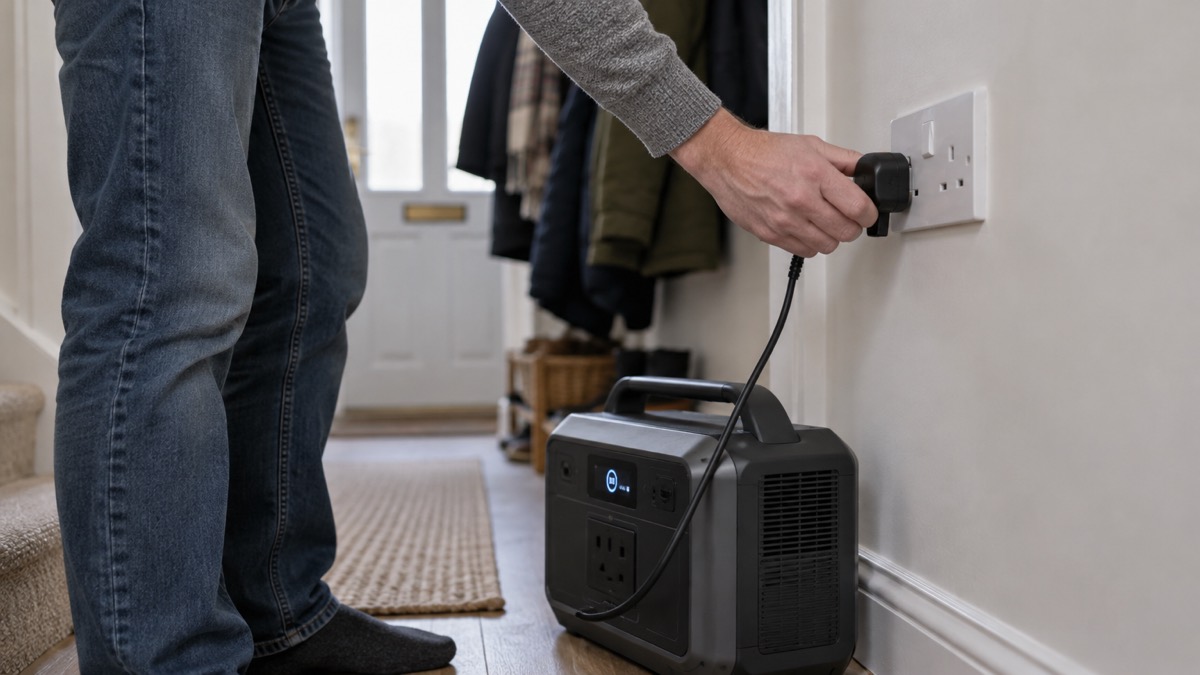
The Jackery Explorer 1000 and Explorer 1000 Pro are portable power stations: lithium battery packs with mains sockets, USB ports and a 12V car socket built in. You charge them from a wall socket, a car or a solar panel, and they run household appliances without any fuel or fumes. The Explorer 1000 Pro stores 1002Wh and delivers 1000W continuously, with a 2000W peak for motor-driven appliances starting up1. The standard Explorer 1000 stores 1070Wh and delivers 1500W rated, with a 3000W surge peak2.
For a household, that is enough for the things people miss most in a power cut: phones, a router, lights, a laptop, a small fridge or a fan. Jackery says the Pro can support 90% of daily used appliances, from mobile phones to refrigerators, and even pumps1. It is not a whole-house backup. It cannot run an electric shower, an oven or a heat pump, and it must never be connected to your home's wiring. Used as a stand-alone appliance, it is quiet, safe indoors and needs no servicing.
This page sets out how the two versions differ, what each can run and for how long, how to charge and store them so they are ready when the power fails, and the safety instructions Jackery gives for its own product.
Explorer 1000 or Explorer 1000 Pro: how the two versions differ
Jackery describes the Explorer 1000 Pro as the fully updated version of the Explorer 1000, and says it will keep selling the standard model alongside it1. The differences that matter to a household are charging speed, battery chemistry, weight and the extras built into the Pro.
The Pro has an internal power adapter, so a single cable recharges it from the wall with no separate power brick to lose1. It has two independent DC input ports for solar charging, which Jackery says do not affect each other1. It can diagnose its own faults and show them on its screen, and it uses a ternary lithium battery rated for 1000 full charge cycles to about 80% of original capacity1. Jackery says it is approximately 70% of the weight and size of alternatives with the same capacity1.
The standard Explorer 1000 uses a LiFePO4 battery, rated for 4000 cycles to 70% or more capacity, and weighs about 10.8kg2. Its manual describes a Jackery App over Wi-Fi and Bluetooth, an energy saving mode, a light with low, high and SOS settings, and a UPS-style switchover to battery within 20ms2. It is the more connected, longer-lived battery of the two, while the Pro is the faster to recharge.
| Feature | Explorer 1000 | Explorer 1000 Pro |
|---|---|---|
| Battery capacity | 1070Wh2 | 1002Wh1 |
| AC output | 1500W rated, 3000W surge2 | 1000W rated, 2000W surge1 |
| Battery chemistry | LiFePO42 | Ternary lithium1 |
| Cycle life | 4000 cycles to 70%+2 | 1000 cycles to about 80%1 |
| Weight | About 10.8kg2 | About 11.5kg1 |
| App and Wi-Fi | Yes, 2.4GHz Wi-Fi and Bluetooth2 | No app connection1 |
| Wall charging | Not stated in the manual | 1.8 hours1 |
Specifications: capacity, output and ports
The Explorer 1000 Pro has three AC outlets rated at 1000W with a 2000W peak surge, two USB-C ports at up to 100W Power Delivery, a USB-A port at 18W maximum and a car port at 120W (12V/10A)1. It can run devices requiring less than 1000W, and Jackery fits a pure sine wave inverter to deliver stable power to appliances1. It supports pass-through charging, so you can run devices while it recharges, which Jackery says has no adverse effect on the battery1.
The standard Explorer 1000 has two AC outlets at 230V, USB-C1 at 30W, USB-C2 at 100W, USB-A at 18W and a 12V 10A car port2. Its AC input accepts 220V to 240V at 50Hz, which suits UK mains, and its two DC 8mm input ports accept 12 to 16V at 8A maximum, or 16 to 60V at 10.5A maximum, doubling to 21A or 400W maximum2.
Both are built for indoor use. The Pro uses 94V-0 fireproof material, has 12 levels of protection in its battery management system against overvoltage, high temperature and short circuits, and Jackery says it still works after being dropped from 0.9 metres onto any surface three times1. Its working noise is 30dB, and it does not exceed 46dB within 1 metre1. The standard model's manual gives a charge temperature of 0°C to 45°C and a discharge temperature of -10°C to 45°C2.
What it can run, and for how long
Jackery publishes a working time formula: working time equals the Explorer's watt-hours multiplied by 0.85, divided by the operating power of your device1. The 0.85 allows for losses in the inverter. Use the wattage printed on the appliance's label, because a device that draws more power drains the battery proportionally faster.
Jackery's own examples for the Explorer 1000 Pro give a feel for real appliances: a 300W blender for 2.5 hours, a 700W ice maker for 1.2 hours, a 550W coffee maker for 1.5 hours, a 650W toaster for 1.3 hours and an 850W kettle for 1 hour1. It also lists a 350W space heater, a 380W electric wheelchair and a microwave among supported devices1. These are maker figures for short bursts of use, not all-day running.
Two limits catch people out. First, the surge: a fridge compressor or a pump can draw several times its running wattage for a moment, which is why the peak rating matters. Second, the automatic shutdown. The Pro turns outputs off after 12 hours of no load or very low consumption, and its low power thresholds are 2W or less on USB, 18W or less on AC and 2W or less on the car port1. The standard Explorer 1000's energy saving mode is on by default and switches all outputs off after 12 hours when nothing is connected or the load is AC 25W or less, USB 2W or less or car 2W or less2. A phone left charging overnight may therefore stop charging before morning.
If you are working out what to keep running first, our guide to deciding what to keep running when the mains fails sets out the order most households choose, and watts, watt-hours and surge explained covers the arithmetic behind the formula.
Charging from the wall, the car or a solar panel
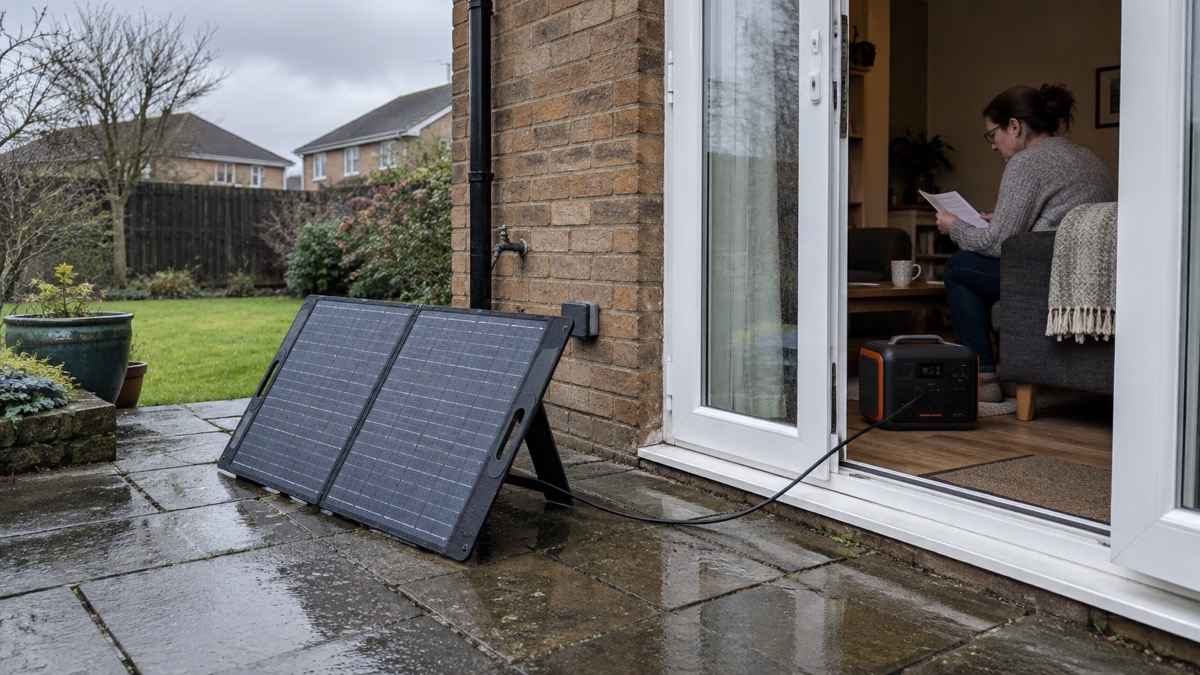
The Explorer 1000 Pro supports wall charging, car charging and solar charging1. From the wall it fully recharges in 1.8 hours, or 2 hours using fast charging with the AC charger1. From a car charger it takes 12 hours, and from solar it takes 9 hours1. Jackery also lists a solar charging time of 1.8 hours with 800W of solar panels, which does not match the 9 hour figure; the two documents disagree, so treat solar charging time as dependent on how much panel you connect1. The unit has an internal MPPT controller, and its two DC input ports are independent and will not affect each other1.
The standard Explorer 1000 charges from an AC wall outlet, a solar panel or a 12V car charger2. It also has an emergency charging mode that Jackery says charges it in about 1 hour from the wall, switched on through the Jackery app3. The manual is clear that this should be reserved for situations needing a rapid increase in power and is not recommended for regular, long-term use2.
On solar, Jackery states: "We strongly do not recommend using other solar panel brands to recharge Jackery power station products."1 The Pro has an internal MPPT controller to get the most from a panel1, and its two DC input ports are independent1. Solar panel connectors are only included when you buy four or more panels together with the 1000 Pro1. The standard model's two DC8020 ports each accept a 100W or 200W panel directly, and two 100W panels on one port need a connector sold separately2. For the wider picture, see portable solar panels for charging in a power cut and how long solar charging takes in the UK.
Storing it so it is ready: keep the charge above 50%
A power station is only useful if it holds its charge between outages. Jackery's advice for the Explorer 1000 Pro is to keep battery power above 20% when using or storing it day to day, and to recharge it every 3 months to keep the battery above 50% when it is not in use1. With 100% capacity, Jackery says it can go on standby for more than 365 days1.
The standard Explorer 1000's manual is blunter about neglect: if it is stored for a long period, 3 to 6 months, with the power depleted, performance will deteriorate and it may become unchargeable2. Charge it fully before first use2. Its low battery indicator stays on below 20% and flashes below 5%2. Its default standby time is 2 hours, after which it shuts down if it is neither charging nor discharging, and this can be adjusted in the app2.
Temperature matters for both. The Explorer 1000 Pro supplies power between -10 and 40 degrees Celsius, and Jackery warns that outside that range the product may not work1. Its solar panels are rated for -10 to 65 degrees Celsius1. The standard model charges between 0°C and 45°C and discharges between -10°C and 45°C2. A cold garage in January is not the place to charge either unit.
Our guide to storing a power station when not in use covers the wider routine, and what temperature batteries should be stored at explains why the cold matters.
Using it safely in a power cut
Both units are designed to sit on a floor or worktop and feed appliances through their own sockets. They are not wired into your home's circuits, and Jackery's manual for the standard Explorer 1000 warns against connecting equipment with high uninterruptible power requirements such as data servers and workstations, and says to connect only one device and not to use more than one unit at a time2. Its UPS function switches to battery within 20ms but is not a professional UPS and does not support 0ms switching2.
The Explorer 1000 Pro is not waterproof, and Jackery asks owners to keep it away from rain1. Neither unit should be used outdoors in wet weather or left where water can reach it. Keep extension leads sensible: our guide to extension leads and overloading with backup kit explains how to avoid daisy-chaining.
If a fault appears, the standard Explorer 1000 shows codes F0 to FE. For F8, remove the load or unplug the charging plug; for F9, remove the load; other codes need after-sales service2. The Pro can self-diagnose faults and display them to the customer1. For general battery safety, see lithium-ion battery safety at home and are portable power stations a fire risk.
Support, warranty and the refurbished option
The standard Explorer 1000 carries a 3 year standard warranty, 36 months from the date of purchase, with a 2 year extended warranty available by registering the product online or contacting customer service2. The warranty is limited to the original consumer and is not transferable, and it excludes misuse, unauthorised repair and products bought through online auction houses2. Jackery's European contact address is hello.eu@jackery.com2.
The Explorer 1000 Pro (Refurbished) is sold with a 6 month warranty and a 30 day money back period1. That is much shorter cover than the standard model's 36 months, so if you choose refurbished, test it thoroughly while the warranty runs. Jackery also says the carrying case or upgraded carrying case for the Explorer 1000 fits the Explorer 1000 Pro1.
In the box with the Explorer 1000 Pro you get one AC cable, one car charger cable, two 8mm adapters converting DC7909 to DC8020, and a user manual1. A USB-C PD cable is not included and must be bought separately1. The standard Explorer 1000 ships with the unit, an AC charging cable and a user manual2. Jackery offers a free cable on all official orders1.
For the wider range, see our Jackery brand page, and for how this kind of unit compares with a fuel generator, read portable power station or petrol generator for a power cut.
Sources (3)
- Jackery Explorer 1000 Pro product page, Jackery, 2026-10-25
- Jackery Explorer 1000 v2 User Manual, Jackery, 2024
- Jackery Explorer 1000 solar generator collection, Jackery, 2026-10-25

 BLUETTI Apex 300 Power Station
 BLUETTI Elite 100 V2
 Anker SOLIX C2000 Gen 2
 Anker SOLIX C1000 Power Station
 EcoFlow DELTA Pro
 BLUETTI Elite 400
 Anker SOLIX C300 Power Station
 EcoFlow DELTA 3
 EcoFlow DELTA 2 and DELTA 2 Max
 EcoFlow DELTA and DELTA Max
 EcoFlow RIVER 3 and RIVER 3 Plus
 EcoFlow RIVER 2 and RIVER 2 Max