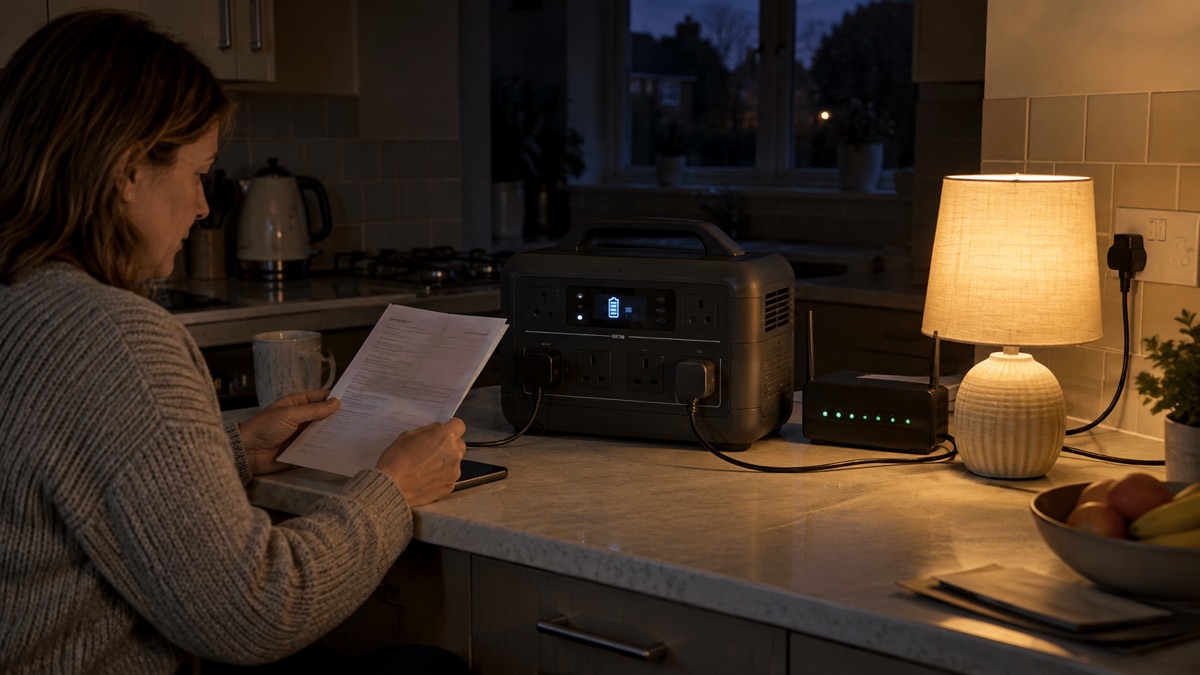
The Anker SOLIX C1000 is a portable power station for the home: a battery in a carry case that runs mains appliances through ordinary three-pin sockets when the power goes off. The standard model stores 1056Wh and delivers 1800W, with a 2400W surge through Anker's SurgePad mode1. The newer C1000 Gen 2 stores 1,024Wh and delivers 2,000W, with a 3,000W peak2. Both are lithium iron phosphate (LFP) units, the chemistry that lasts longest and is least prone to overheating.
For a household, the practical difference is speed and size. The standard C1000 recharges from a wall socket to 100% in 58 minutes at 1,300W1. The Gen 2 does it in 49 minutes at 1,600W2. Both can take up to 600W of solar and recharge fully in about 1.8 hours in good sun1. The Gen 2 is 14% smaller and 11% lighter than comparable models, at 11.3kg2.
One thing to know before you buy: Anker's UK store lists the standard C1000 as sold out1. The Gen 2 is the model currently on sale. Neither is a generator: there is no fuel, no exhaust and no carbon monoxide, which makes it safe to use indoors, unlike a petrol generator. For how power stations fit into a household plan, see Portable Power Stations: What They Do and How to Choose.
C1000 and C1000 Gen 2: how the two versions differ
The two models look similar but are different machines. The Gen 2 is the current model, with a faster inverter, a different screen and a slightly smaller battery. Anker lists the Gen 2 at 1,024Wh against the standard model's 1056Wh3. The Gen 2 has an LCD screen where the standard C1000 has a light bar5, and its maximum AC input is 1,600W against 1,300W on the standard model6.
The clearest differences are in the table below. The Gen 2 has a colour LCD screen where the standard has a light bar5. It has four AC outlets against the standard's nine ports in total7. It recharges faster and has a quicker UPS switchover. It is also lighter, at 11.3kg against 12.9kg for the standard2.
The one place the standard wins is expansion. The standard C1000 accepts an expansion battery that takes total capacity to 2112Wh, or about 2kWh3. The Gen 2 does not: Anker lists its maximum capacity as not applicable7. If you want to grow capacity later, the standard model is the one that allows it, though you will need to find one in stock.
| Feature | C1000 (standard) | C1000 Gen 2 |
|---|---|---|
| Battery capacity | 1056Wh1 | 1,024Wh2 |
| Rated output | 1800W1 | 2,000W2 |
| Surge or peak | 2400W SurgePad1 | 3,000W peak2 |
| AC outlets | 9 ports in total1 | 4 AC outlets7 |
| Mains recharge to 100% | 58 minutes1 | 49 minutes2 |
| Max AC input | 1,300W1 | 1,600W2 |
| Solar input | 600W max3 | 600W, 60V max2 |
| UPS switchover | under 20ms3 | 10ms2 |
| Expansion battery | yes, to 2112Wh3 | no7 |
| Weight | 12.9kg6 | 11.3kg2 |
| Screen | light bar5 | LCD5 |
| Warranty | 5 years1 | 5 years7 |
Specifications: 1056Wh LFP battery and 1800W output
The standard C1000's headline figures are a 1056Wh LFP battery and 1800W of AC output1. That is enough to run a fridge, a router, a laptop and a few lights at once, though not a kettle and an oven together. The 2400W SurgePad figure is a short burst for motors and heating elements, not a continuous rating1.
The Gen 2 raises the output to 2,000W with a 3,000W peak2. It has nine ports in total, including USB-C at up to 140W and USB-A at 12W2. The standard model is rated at 1800W with 9 ports3, and Anker lists its USB outputs as two USB-A and two USB-C5.
Both use LFP chemistry, which Anker rates for long life. The standard model is rated to 3,000 cycles1; the Gen 2 retains over 80% capacity after 4,000 full charge cycles2. Anker describes the standard as good for use every day for 10 years3. For what watts and watt-hours mean in practice, see Watts, Watt-Hours and Surge Explained.
UPS mode switches over in under 20ms for a CPAP or router
Both models can act as an uninterruptible power supply (UPS). Plugged into the mains with a device connected, the power station passes mains power through and switches to battery within milliseconds when the supply fails. The standard C1000 switches in under 20ms, certified8. The Gen 2 switches in 10ms2.
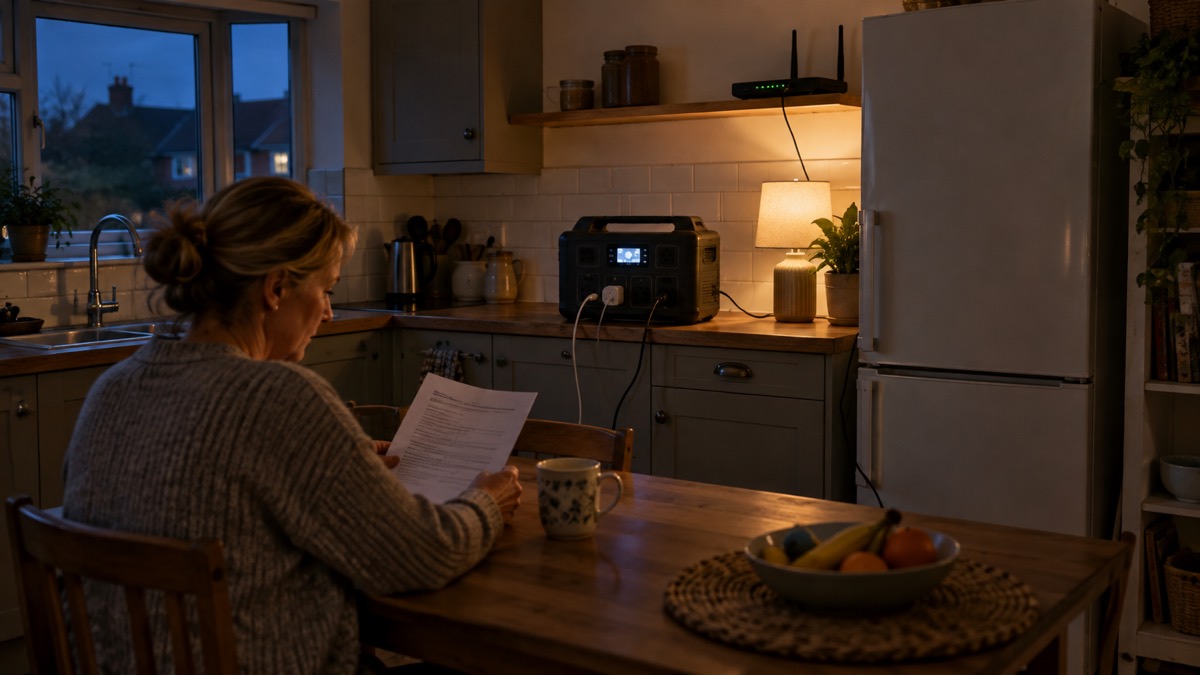
That matters for two groups of household kit. A router will usually ride through a 10 to 20ms gap without dropping the connection, so a power cut does not necessarily mean losing broadband. A CPAP machine will keep running without waking the user. Anker specifically names CPAP machines as a device the UPS keeps running smoothly8.
There are limits. The UPS only works while the power station is plugged in and charged, and it only covers what is plugged into it. It is not a whole-house backup. For more on switchover times and what they mean for medical devices, see Using a Power Station as a UPS: Switchover Times and Powering CPAP, Oxygen and Other Medical Devices From a Battery.
Recharging from the mains: full in about an hour
The standard C1000 recharges from a wall socket to 100% in 58 minutes at 1,300W1. Anker also quotes 80% in 43 minutes and a full charge in under an hour1. The Gen 2 does 100% in 49 minutes at 1,600W2. Anker says the Gen 2 was certified by Guinness World Records on 14 August 2025 as the fastest recharging portable power station in the 1kWh class4.
Fast charging is useful in a power cut, but it draws a lot from the ring main. A 1,600W draw is close to the limit of a single UK socket circuit, so avoid running other high-draw appliances on the same circuit while charging. For safe charging practice, see Safe Battery Charging at Home Checklist.
Charging speed depends on temperature. Anker states that UltraFast Charging activates when the battery temperature is above 20°C, and that charging at 0 to 20°C significantly reduces speed9. In a cold garage in winter, expect a slower charge. The standard C1000's charging temperature range is 0°C to 40°C3.
Solar charging: up to 600W through the XT-60 input
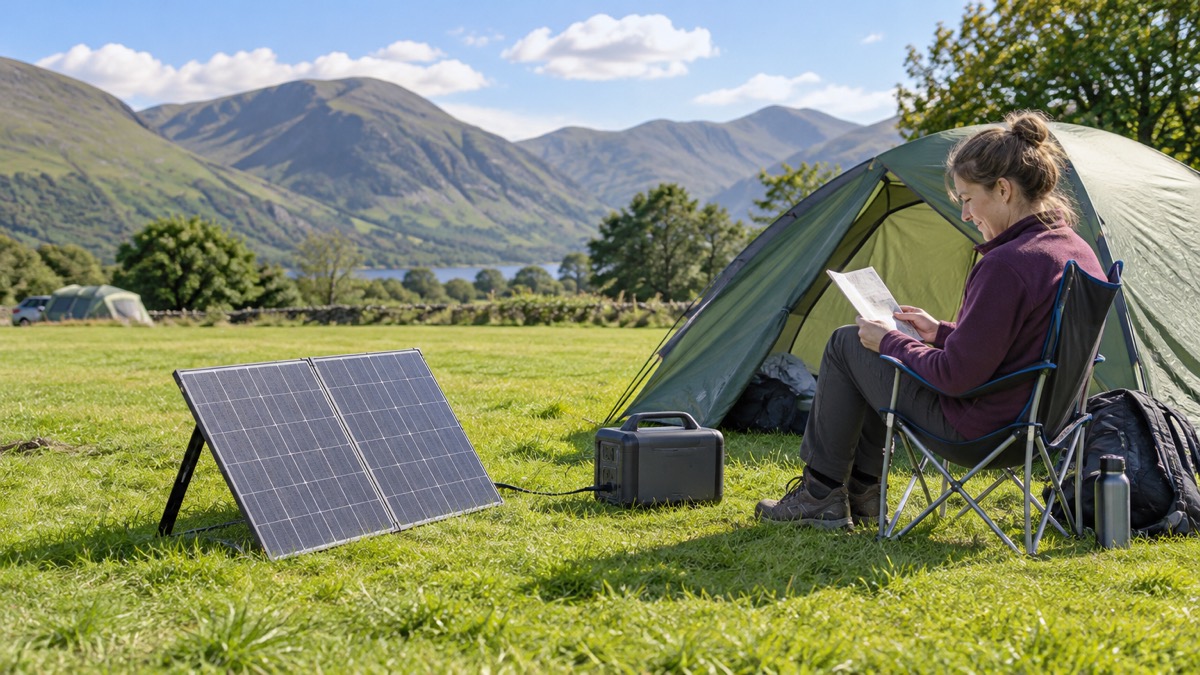
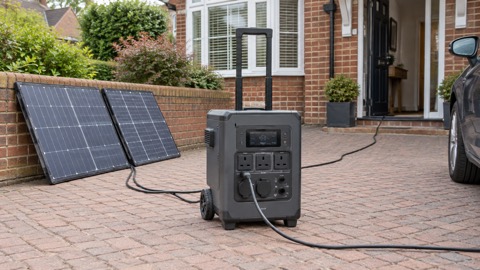
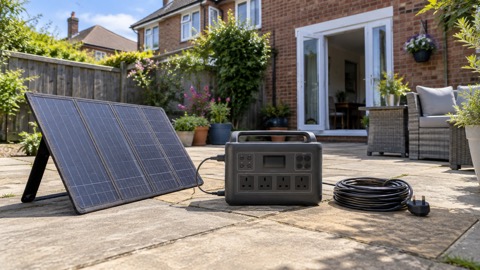
Both models accept up to 600W of solar through an XT-60 input, and both recharge fully in about 1.8 hours in good sun1. The standard C1000 takes an 11-60V solar charger with an XT-60 connector1. The Gen 2's input is rated 11-28V at 8.2A, or 29-60V at 14.5A, 600W max7.
In the UK, 1.8 hours assumes full sun and a clear day, which is not the norm for much of the year. Expect longer in winter, cloud or shade. Anker lists compatible panels for the standard model as its 625, 531 or PS400 series3. The Gen 2 takes up to 600W at 60V maximum through its solar input5.
Solar charging is the only way to keep a power station topped up in a long outage without mains power. A 400W panel in good conditions will recharge the Gen 2 in a few hours; a 200W panel will take longer. For panel sizing, see What Size Solar Panel Do I Need to Charge a Power Station? and Portable Solar Panels for Charging in a Power Cut.
Where SurgePad and the car socket fall short
SurgePad is Anker's name for the short burst of extra power above the rated output. It activates when total output exceeds the rated output, and Anker says heat-generating devices work best with it10. It does not support precision instruments or devices with voltage protection or a strict voltage requirement10. That means medical equipment, some electronics and anything sensitive should run on the normal AC output, not SurgePad.
The car socket has its own quirk. Anker says overload protection is sometimes triggered for devices under 120W, and advises inserting the device into the car charging port first, then activating the car charging switch1. The car socket output is 120W6. It is fine for a phone or a small cooler, not for anything demanding.
The Gen 2's port layout includes a car socket with its own button, an XT60i solar input, an AC input port and an overload protection switch2. Knowing where these are helps when you need to reset after an overload.
Storing it between emergencies: check charge weekly, top up below 30%
A power station that sits flat for months will lose capacity. Anker's storage advice is specific: turn off all outputs when not in use to avoid battery power loss, store in a dry and cool area, check battery capacity each week, and if it is below 30%, charge to 100%1. Anker also says to fully charge once every 3 months1.
Anker's general advice for its portable power stations is to recharge to 100% after every use to preserve battery lifespan11. That is a slightly different instruction from the weekly check, and the two can be read together: use it, recharge it, then check it weekly and top up if it drops below 30%.
Store it where it will not get damp or freeze. Anker's instruction is to store the unit in a dry and cool area, and to check the battery capacity each week, charging to 100% if it falls below 30%3. A cold garage in winter is not a cool, dry indoor spot, so bring it indoors before charging. For more, see How to Store a Power Station When Not in Use and What Temperature Should Batteries Be Stored At?.
Anker power bank recalls and what owners should do
Anker has recalled some of its power banks, not the SOLIX C1000. The recall covers model A1647, with an ACCC recall advertisement dated 2 October 202412. In June 2025 Anker expanded the recall to models A1647 and A1652, and asked customers who received 2024 recall information to re-check all their power banks using the 2025 submission form13.
If you own an Anker power bank, check the model number against the recall notice. The C1000 is a power station, not a power bank, and is not part of this recall. For general battery safety, see Lithium-Ion Battery Safety at Home and Warning Signs a Lithium Battery Is Dangerous.
Support, warranty and where to get help
Both models carry a five-year warranty1. The standard C1000's LFP battery is rated to 3,000 cycles1, and Anker describes it as good for use every day for 10 years3. The Gen 2 retains over 80% capacity after 4,000 cycles2.
The Anker app connects by Wi-Fi and Bluetooth and lets you set the AC recharging speed, view real-time status and schedule power use10. Anker says you need to connect to a network before using the app for the first time, then connect the power station to your off-grid devices3.
For household planning around power cuts, see Power Cuts: A Household Guide and Backup Power at Home: A Household Guide. For the maker's other products, see Anker.
Sources (13)
- Anker SOLIX C1000 UK product page, Anker, 2026-10-25
- Anker SOLIX C1000 Gen 2 UK page, Anker, 2026-10-25
- Anker SOLIX C1000 EU product page, Anker, 2026-10-25
- Anker SOLIX C1000 Gen 2 EU page, Anker, 2025-09
- Anker SOLIX C1000 Gen 2 EU product page, Anker, 2026-10-25
- Anker SOLIX C1000 AU camping page, Anker, 2026-10-25
- Anker SOLIX C1000 and C2000 Gen 2 AU page, Anker, 2026-10-25
- Anker SOLIX C1000 | UltraFast Recharging, Long-Lasting Power - Anker SOLIX EU, Anker SOLIX
- Anker SOLIX C1000 Gen 2 with PS200 solar panel, Anker, 2026-10-25
- Anker SOLIX C1000 Power Station 1,056Wh | 1,800W - Anker SOLIX AU, Anker SOLIX
- Best Solar Generator 2025 - Anker SOLIX UK, Anker SOLIX UK
- Anker Power Bank A1647 recall, Anker, 2024-10-02
- Anker Power Bank A1647 and A1652 recall, Anker, 2025-06

 BLUETTI Apex 300 Power Station
 BLUETTI Elite 100 V2
 Anker SOLIX C2000 Gen 2
 EcoFlow DELTA Pro
 BLUETTI Elite 400
 Anker SOLIX C300 Power Station
 EcoFlow DELTA 3
 EcoFlow DELTA 2 and DELTA 2 Max
 EcoFlow DELTA and DELTA Max
 EcoFlow RIVER 3 and RIVER 3 Plus
 EcoFlow RIVER 2 and RIVER 2 Max
 BLUETTI Elite 30 V2