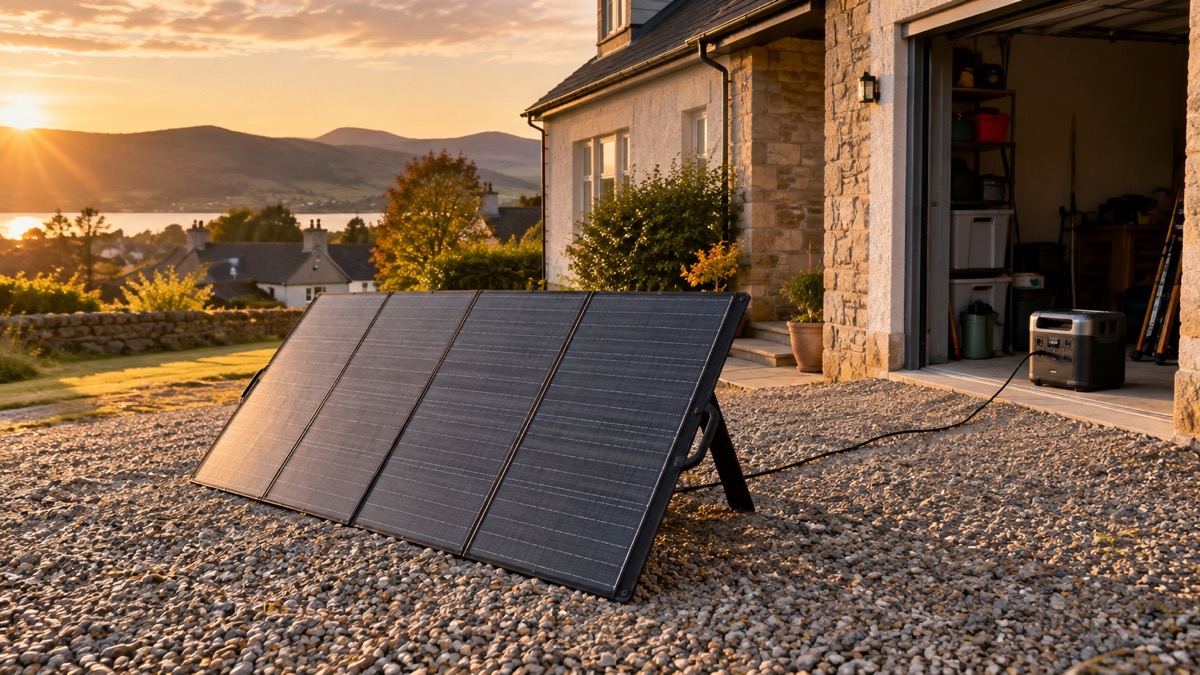
The Anker SOLIX PS400 is a folding solar panel rated at 400W, made to charge a portable power station when the mains is down or you are away from a socket. For a household preparing for a power cut, its job is simple: put it in the sun, point it at the light, and let it top up the battery you are relying on. Anker rates it at 400W with an operating voltage of 48V and an operating current of 8.33A, and states an open circuit voltage of 60V1.
It is a serious piece of kit rather than a pocket charger. The panel weighs 15.9 kg and folds to 913 × 659 × 47 mm, opening out to 2,591 × 913 × 30 mm1. That is a two-handed job to move and set up, so think about where it will stand before an emergency, not during one. Anker recommends pairing it with the SOLIX F2000 Portable Power Station, and it charges power stations with an MC4 input port and a maximum voltage of up to 60V1.
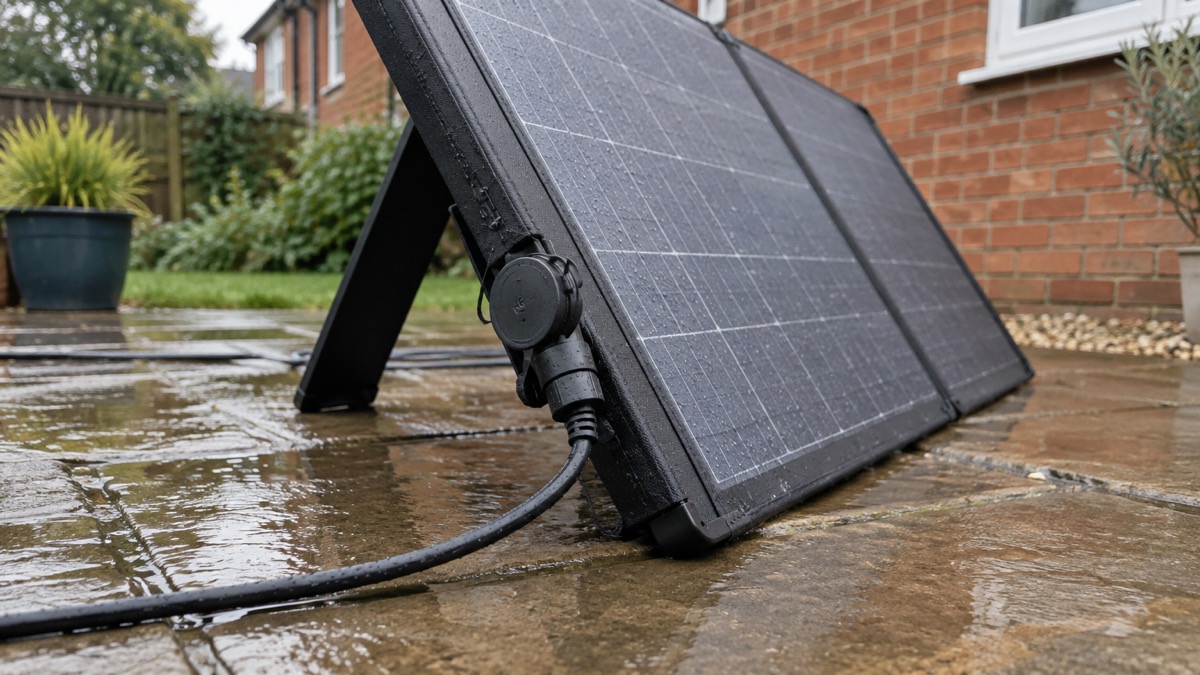
The panel carries an IP67 rating, but the maker's own instruction is that the MC4 ports must be covered with the rubber plug before the panel is exposed to rain or water1. Read that carefully: the panel is protected, the connectors need looking after.
What the PS400 does for a household in an emergency
A folding panel like this is the part of a backup power plan that does not run out. A power station holds a fixed amount of energy; once it is flat, it stays flat unless you can recharge it. The PS400 gives you a way to put energy back in from daylight, which matters most in a long outage, or when you have used the battery heavily and the mains is still off.
Anker describes the panel as a bifacial portable solar panel rated at 400W2. The maker's own guidance is that output depends on the weather and the area of direct sunlight, and that you should adjust the position and angle of the solar charger for maximum sunlight and larger output power1. That is the honest picture: the 400W figure is a rating, not a promise for a grey November afternoon in Leeds.
Where it fits in a household plan is as a companion to a power station, not a standalone generator. It has an MC4 output port and charges portable power stations with an MC4 input port and a maximum voltage of up to 60V1. If you have not yet chosen a battery, our guide to portable solar panels for charging in a power cut sets out how panels and stations work together, and what size solar panel you need helps you match one to your station.
Specifications at a glance
The figures below come from Anker's own product page unless marked otherwise. Where the distributor Generators Direct lists a different figure, both are given.
| Specification | Figure | Source |
|---|---|---|
| Rated power | 400W | Anker1 |
| Panel type | Bifacial portable solar panel | Anker2 |
| Operating voltage | 48V | Anker1 |
| Operating current | 8.33A | Anker1 |
| Open circuit voltage | 60V | Anker1; Generators Direct agrees3 |
| Cell type | Monocrystalline | Anker1 |
| Conversion efficiency | Up to 23% | Anker3 |
| IP rating | IP67 | Anker1; Generators Direct agrees3 |
| Weight | 15.9 kg | Anker1; Generators Direct lists 15.90 kg3 |
| Folded dimensions | 913 × 659 × 47 mm | Anker1 |
| Unfolded dimensions | 2,591 × 913 × 30 mm | Anker1 |
| Output port | MC4 | Anker1 |
| Warranty | 24 months | Anker1; Generators Direct lists 2 years3 |
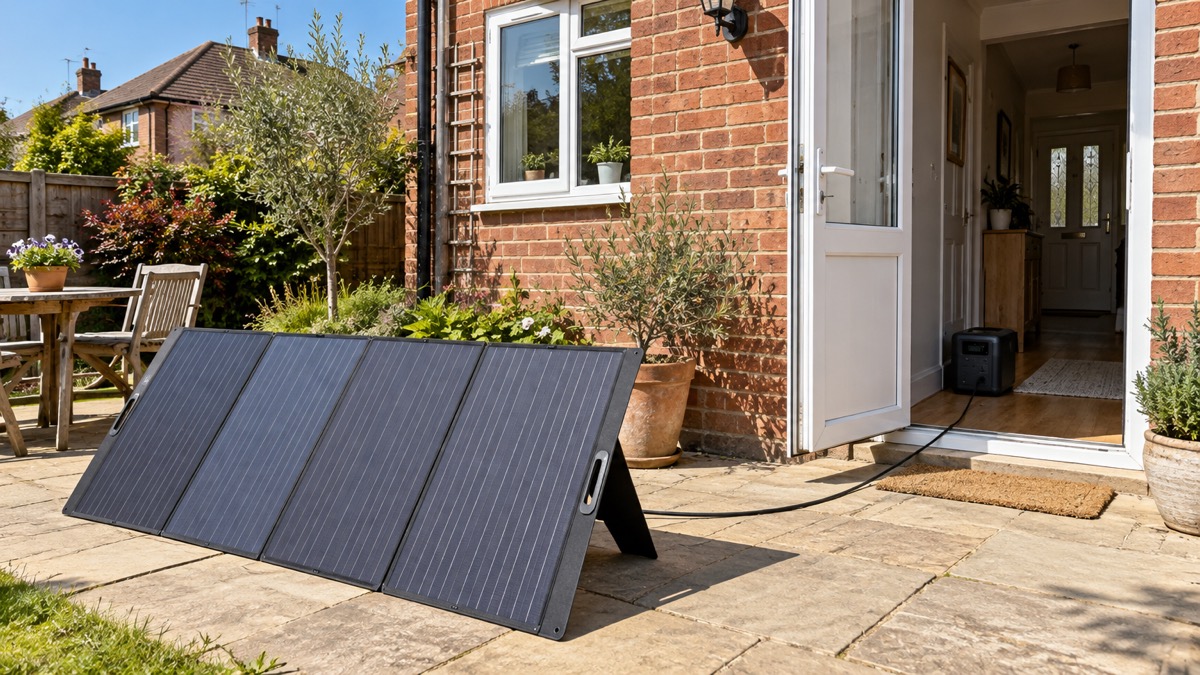
The two documents agree on every headline figure, which is reassuring for a purchase you may be making to sit in a cupboard for years. The one point where they part company is the kickstand angles, covered below.
Size and weight: what it takes to set up
At 15.9 kg the PS400 is not something you carry up a ladder or sling on a backpack. It is a panel you set down, unfold and leave in place for the day. The folded size of 913 × 659 × 47 mm is roughly the footprint of a large suitcase laid flat, so it stores against a wall or under a bed without much fuss1. Unfolded it spans 2,591 mm across, which is a long run of panel: you need a clear patch of garden, a flat roof you can safely reach, or a balcony with room to spare.
For an emergency plan, that has two consequences. First, decide now where it will go. A south-facing garden or a spot that catches the sun for most of the day is ideal, and you want to know the route from there to wherever the power station sits indoors. Second, think about who will move it. If the household includes someone with limited strength or mobility, plan for a second person to help, or site the panel somewhere it can stay put.
The panel is built to be left out in the weather while it works, but the maker's rain instruction still applies to the connectors1. Our guide to portable solar panels covers the wider question of siting and cable runs, and the safe battery charging checklist is worth a read before you first plug anything in.
Getting the most power from the panel
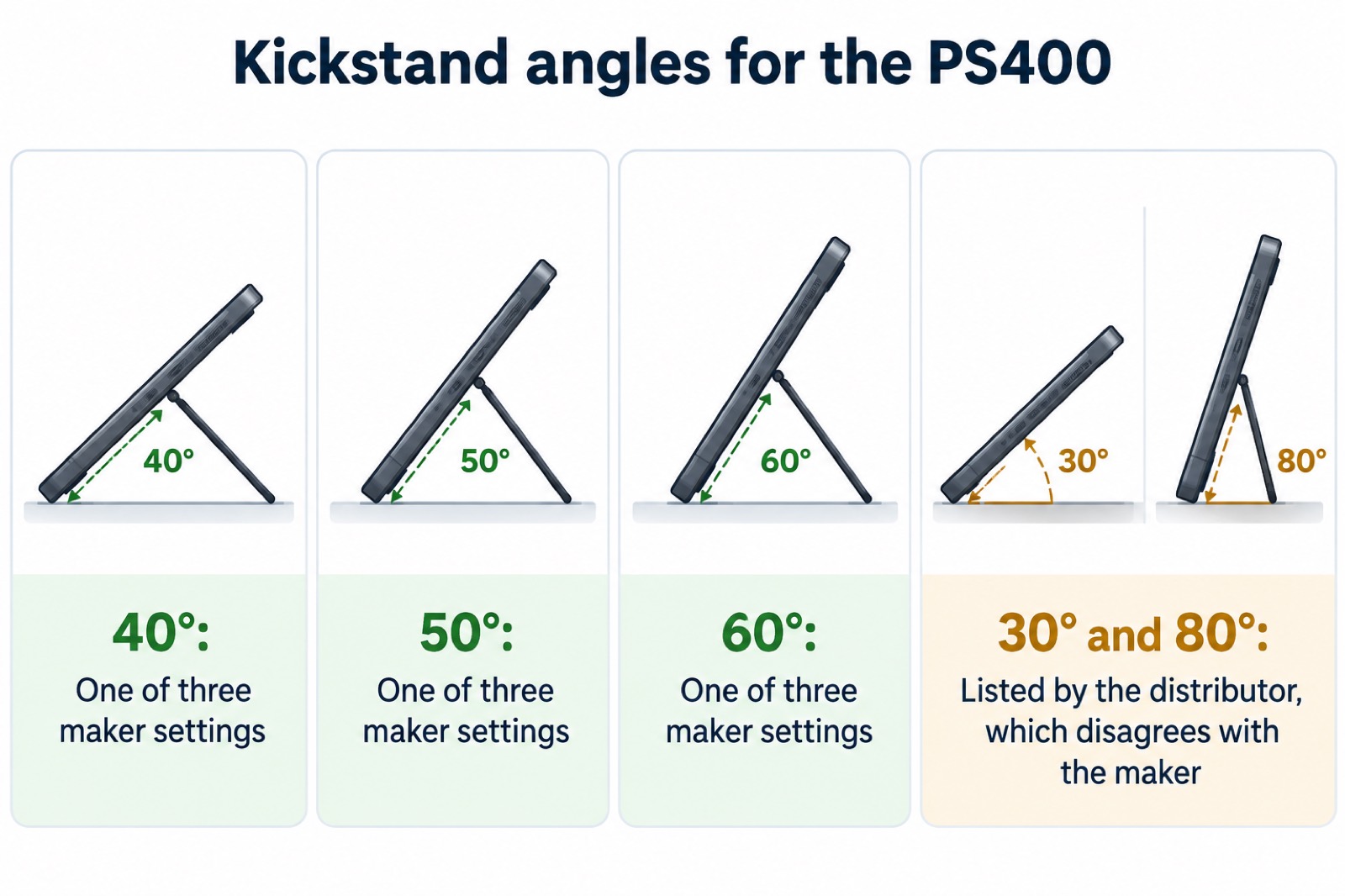
Anker fits an adjustable kickstand with three positions: 40°, 50° or 60°1. The maker's advice is to adjust the position and angle of the solar charger for maximum sunlight and larger output power1. The angle you want changes with the season and the time of day, because the sun sits lower in winter and higher in summer. A steeper angle suits a low winter sun; a shallower one suits a high summer sun. The three settings give you room to experiment on a clear day and note what works where the panel will stand.
Generators Direct lists the adjustment differently, as four settings at 30, 40, 50 and 80 degrees3. Follow the maker's three-position figure for the panel itself, and treat the distributor's list as a description that may not match the unit you receive.
Two practical habits make a difference. Move the panel through the day to follow the sun rather than leaving it fixed from morning to dusk, and keep the face clean. The independent guidance from Electrical Safety First notes that most panels have a self-cleaning coating which, when installed at a suitable angle, allows rain to clear dirt and debris4. A suitable angle therefore does double duty: more light, and less grime.
Keeping the MC4 ports dry in rain
The PS400 carries an IP67 rating, which Anker states plainly and Generators Direct repeats1. That is a strong rating for the panel itself. It is not a licence to leave the connections open to the sky. Anker's instruction is specific: the MC4 ports must be covered with the rubber plug before being exposed to rain or water1. The panel has an MC4 output port, and that is the part you protect1.
This is not an unusual caution. Jackery's own safety warning for its solar panels says to keep the output ports and connectors dry and free from moisture5. The principle is the same across makers: the panel surface is built for weather, the connectors are the weak point.
In practice, that means a simple routine. Set the panel up, connect the cables, then fit the rubber plug over any port not in use. If rain is forecast and you are not charging, bring the panel in or cover the connectors. If you are charging in light rain, check that every joint is seated and that the plug is doing its job. Our guide to running a generator in the rain covers the parallel question for fuel generators, where the risks are greater.
Cables, reach and connecting to a power station
The box contains the panel, two 9.84 ft MC4 solar charging extension cables, an MC4 to XT-60 solar charging cable converter, a welcome guide and the 24-month warranty1. Generators Direct lists the same contents with metric figures: two 9.8 ft (3 m) MC4 cables and a 1.6 ft (0.5 m) MC4 to XT-60 cable3. The two descriptions agree on what you get.
That gives you a workable reach. The two long MC4 cables carry the power from the panel, and the short XT60 converter adapts the end to a power station's XT60 solar input. If your station takes an MC4 input instead, you connect the MC4 cables directly.
Before you buy, check three things on your power station: that it has an MC4 input port, that its solar input accepts a maximum voltage of up to 60V, and that the connector type matches what the panel supplies1. The 60V open circuit voltage is the figure to compare against your station's limit1. If your station's input is rated lower, the panel is not the right match.
Warranty and support
Anker backs the PS400 with a 24-month worry-free warranty, and the box contents list includes it alongside friendly customer service1. Generators Direct describes the same cover as a 2-year warranty3. The two agree.
It is worth knowing how that compares with the batteries the panel charges. Anker's solar generator pages state a 5-year full device warranty on those products6. The panel's cover is shorter, which is normal for an accessory, but it means you should register the purchase and keep the receipt somewhere you can find it years later. A warranty you cannot prove is a warranty you cannot use.
For a household plan, the practical step is to test the panel soon after it arrives, while the warranty is fresh. Set it up on a sunny day, connect it to your power station, and confirm it charges. Note the date and keep the paperwork with your emergency kit. If something is wrong, you want to find out in June, not in the middle of a January outage.
The Anker power bank recalls, and whether they affect this panel
They do not. The recalls concern Anker power banks, not the PS400 solar panel. Anker reported a fire risk issue on the A1647 power bank, and the ACCC recall advertisement is dated 2 October 20247. In June 2025 Anker launched an additional recall covering models A1647 and A1652, and asked customers who received 2024 recall information to re-check all their power banks using the 2025 submission form8.
If you own an Anker power bank, check its model number against the recall notices rather than assuming it is unaffected. Our pages on the Anker A1647 Power Bank and the Anker A1652 Power Bank set out what owners should do. The PS400 itself is a solar panel, not a battery, so the recall does not apply to it.
Where the PS400 fits in a household plan
The PS400 is a top-up tool. It will not run a fridge on its own, and it will not replace a generator for heavy loads. What it does is keep a compatible power station charged from daylight, which extends how long that station can carry the things you have decided matter: phones, a radio, a torch, perhaps a medical device. Our guide to deciding what to keep running when the mains fails helps you work out what those things are.
Before an emergency, do four things. Check your power station's solar input against the 60V ceiling and MC4 port1. Decide where the panel will stand and who will move its 15.9 kg1. Practise setting it up at each of the three angles1. And store the rubber plug where you will find it, because the rain instruction depends on it1.
During an outage, set the panel out in direct sun, angle it to the light, connect it, and check the station is charging. Bring it in or plug the ports if rain arrives1. After the event, clean the face, dry the connectors, and store it folded and flat.
For the wider picture, our backup power section covers generators, power stations, batteries and the safety rules that go with them, and the Anker brand page gathers the maker's products in one place.
Sources (8)
- Anker SOLIX PS400 400W Solar Panel, Anker SOLIX, 2026-10-25
- Anker SOLIX F3000 + PS400 Bifacial Portable Solar Panel, Anker SOLIX, 2026-10-25
- Anker SOLIX PS400 400W Foldable Solar Panel, Generators Direct, 2026-05-12
- Solar panels, Electrical Safety First, 2026-10-25
- Jackery HomePower 2000 Plus v2, Jackery, 2026-10-25
- Anker SOLIX Solar Generators, Anker SOLIX, 2025
- Anker Power Bank A1647 Recall, Anker, 2024-10-02
- Anker Power Bank Recall, Anker, 2025-06

 BLUETTI Apex 300 Power Station
 BLUETTI Elite 100 V2
 Anker SOLIX C2000 Gen 2
 Anker SOLIX C1000 Power Station
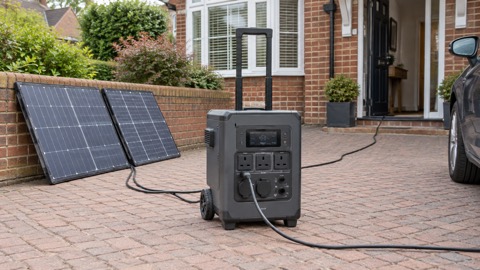 EcoFlow DELTA Pro
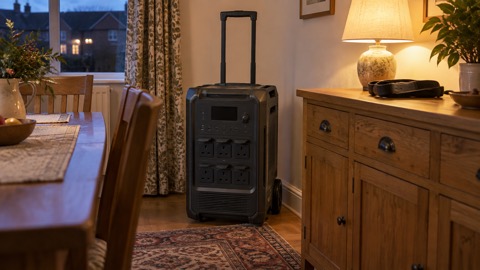 BLUETTI Elite 400
 Anker SOLIX C300 Power Station
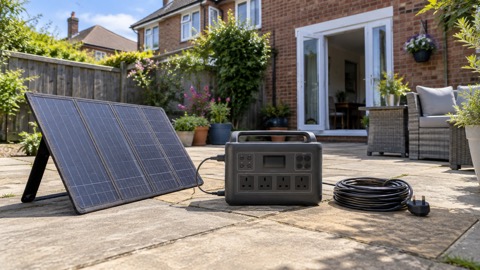 EcoFlow DELTA 3
 EcoFlow DELTA 2 and DELTA 2 Max
 EcoFlow DELTA and DELTA Max
 EcoFlow RIVER 3 and RIVER 3 Plus
 EcoFlow RIVER 2 and RIVER 2 Max