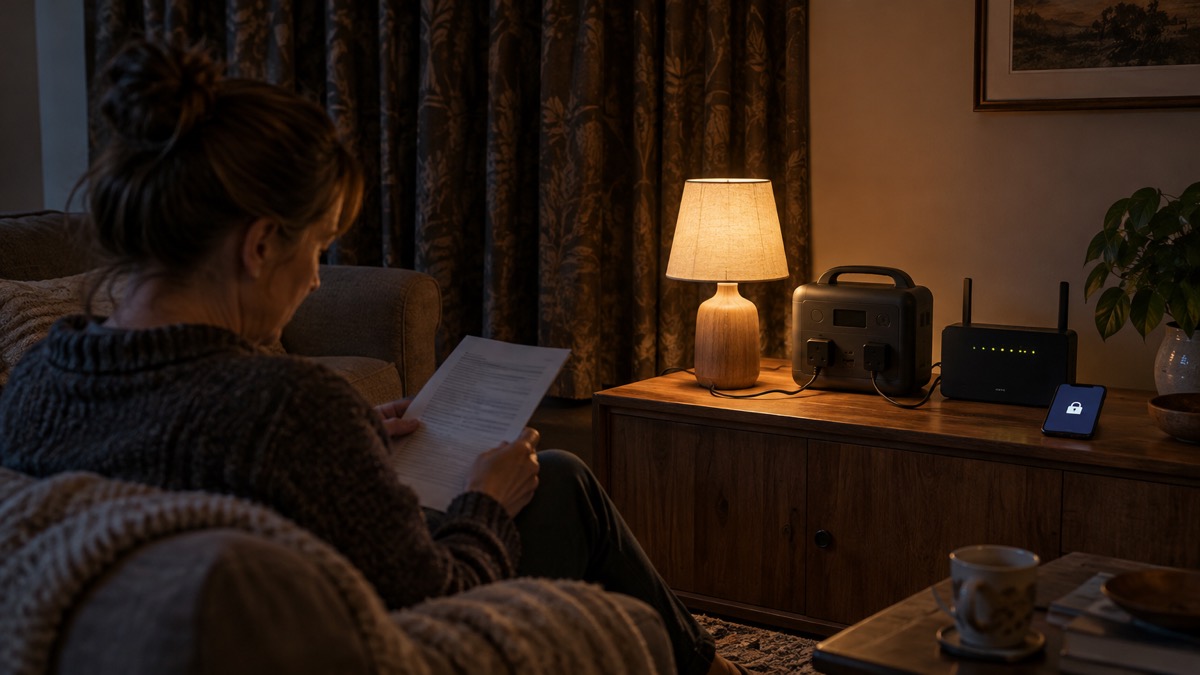
The EcoFlow RIVER 3 and RIVER 3 Plus are small portable power stations: rechargeable batteries with mains sockets, USB ports and a 12V car socket, meant to keep a few essentials running when the power goes off. The RIVER 3 holds 245Wh and gives 300W from its single mains socket, with a 600W X-Boost mode1. The RIVER 3 Plus holds 286Wh, gives 600W from three mains sockets, and can be stacked with an extra battery to reach 858Wh2.
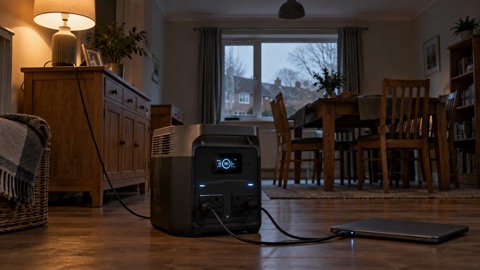
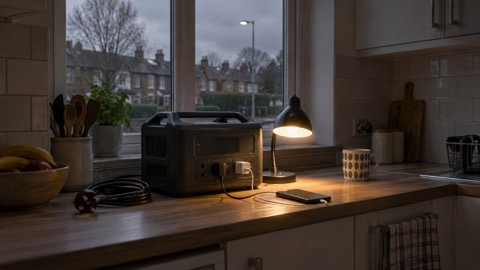
For a household, the practical difference is what you want to keep alive. A router, a phone, a light and a laptop will run for many hours on either unit. A desktop computer, a small fridge or a heating appliance needs the Plus, and even then only for a limited time. Both charge from a wall socket in about an hour, which makes them easy to top up before a forecast storm or a planned outage1.
Neither unit is a whole-house backup. They are not wired into your consumer unit, and the maker's water and temperature limits decide where they can safely live. What follows sets out the versions, the specifications, what each can realistically run, how to charge and store it, and the safety limits EcoFlow itself sets.
RIVER 3 and RIVER 3 Plus: how the versions differ
EcoFlow sells the RIVER 3 in a standard form and a UPS variant, and the RIVER 3 Plus in a standard form and a Wireless version. The differences that matter to a household are output, socket count, switchover time and whether you can add a battery.
| Version | Capacity | Rated output | Mains sockets | Switchover | Extra battery |
|---|---|---|---|---|---|
| RIVER 3 | 245Wh | 300W (600W surge, 600W X-Boost) | 1 | Under 20 ms | No |
| RIVER 3 UPS | 245Wh | 300W (600W X-Boost) | 1 | Under 10 ms | No |
| RIVER 3 Plus | 286Wh | 600W (1200W surge, 1200W X-Boost) | 3 | Under 10 ms | Yes, up to 858Wh |
| RIVER 3 Plus (Wireless) | 286Wh | 600W (1200W surge, 1200W X-Boost) | 3 | Under 10 ms | Yes, up to 858Wh |
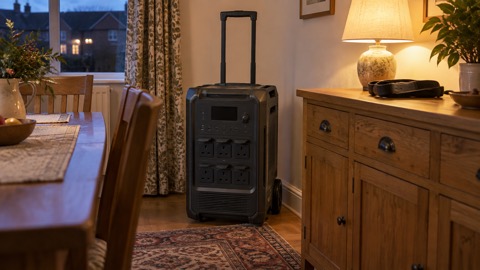
The figures above come from EcoFlow's own product pages1. The RIVER 3 is the lighter unit at 3.55 kg and measures 25.5 x 21.2 x 11.3 cm; the RIVER 3 Plus is 4.7 kg and 234 x 232 x 146 mm1. Both are small enough to carry from room to room, which matters if you want to move the unit to whatever needs power.
The Wireless version is listed with a switchover of under 10 ms, the same figure the maker gives for the standard Plus1. If you do not need that, the standard Plus does the same job on paper. The maker gives the Plus a switchover of under 10 ms, so it is the version to look at if your main concern is a desktop computer that must not restart during a brief dip in the mains2.
If you are still deciding whether a power station is the right kind of backup for your home at all, the guide to portable power stations sets out how they compare with generators and what they can and cannot do.
Capacity and output: 245Wh at 300W, or 286Wh at 600W
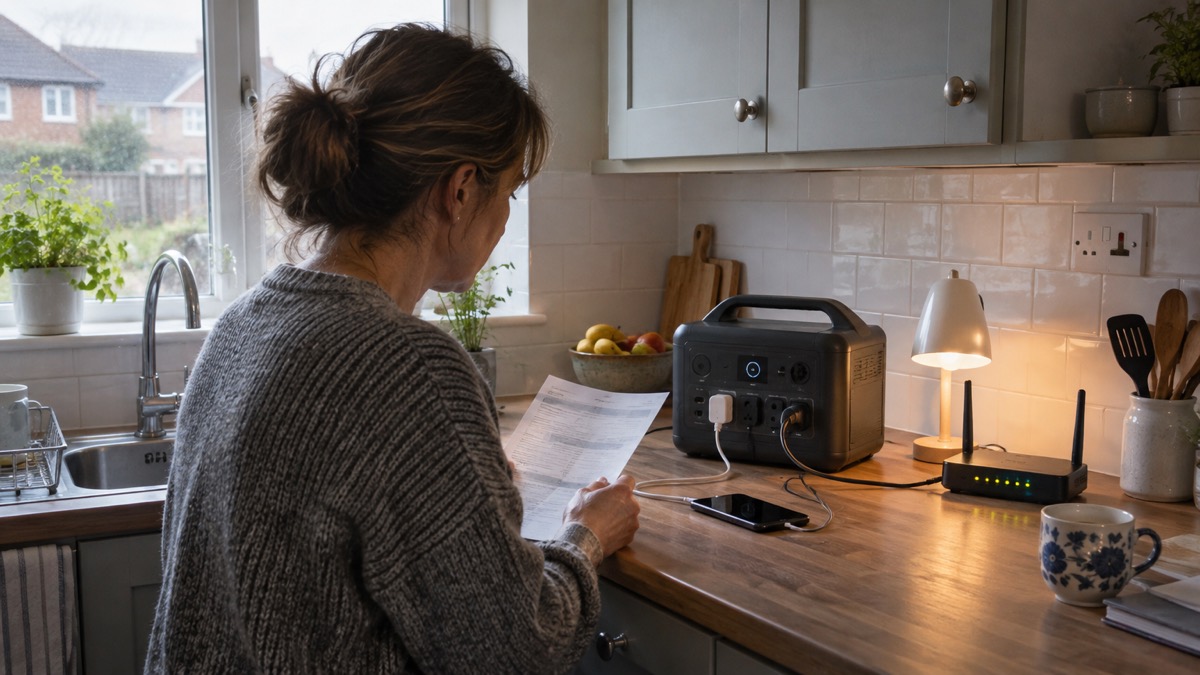
Capacity in watt-hours is the size of the tank; output in watts is the size of the tap. The RIVER 3's 245Wh tank and 300W tap suit small electronics1. The RIVER 3 Plus's 286Wh tank and 600W tap suit a wider range, including a desktop computer and small kitchen appliances2.
EcoFlow's X-Boost mode lets each unit run appliances that draw more than its rated output: 600W on the RIVER 3 and 1200W on the RIVER 3 Plus1. The maker states that the Plus can continuously handle 1200W heating devices in X-Boost mode2. That does not make it a heater backup: a heating appliance at that draw will empty a 286Wh battery quickly, and the run time will be short.
The surge rating covers the brief spike when a motor or compressor starts. The RIVER 3 is listed with a 600W surge and the RIVER 3 Plus with 1200W1. If an appliance trips the unit on start-up, its surge is probably beyond the rating.
If the numbers are unfamiliar, the guide to watts and watt-hours explains how to work out what an appliance draws and how long a battery will last. The short version: divide the capacity by the appliance's wattage to get a rough run time, then allow for losses.
What it can run in a power cut, and for how long
EcoFlow gives a few worked examples for the RIVER 3 Plus. It can run a 3W Wi-Fi router for up to 35 hours, and it can run 600W computers for at least 21 minutes, which the maker frames as enough time for a safe shutdown2. The RIVER 3 is listed with a double runtime claim for appliances under 100W, based on tests using a 3W light or Wi-Fi router1.
| Load | Unit | Maker's stated run time |
|---|---|---|
| 3W Wi-Fi router | RIVER 3 Plus | Up to 35 hours2 |
| 600W computer | RIVER 3 Plus | At least 21 minutes2 |
| Appliances under 100W | RIVER 3 | Double runtime, tested with a 3W light or router1 |
Those figures are the maker's own and assume a full battery and a steady load. In a real outage, a router's draw varies, the battery ages, and cold weather reduces what you get. Treat them as a ceiling rather than a promise.
The pattern is clear: the smaller the load, the longer the unit lasts. A phone charges in a fraction of the battery. A router runs for a day or more. A laptop runs for hours. A fridge, a kettle or a heater will flatten either unit in a short time. That is why the first job in any outage is to decide what actually needs to stay on, which is the subject of deciding what to keep running.
For a longer outage, the RIVER 3 Plus with an extra battery is the more useful unit, because you can add capacity rather than buy a second station. The guide to power station run time works through the sums for fridges, laptops and routers in more detail.
Keeping a router or computer on: switchover under 20 ms
A power station used as a UPS sits between the mains and the appliance. When the mains fails, the unit switches to battery. The shorter that switch, the less likely a computer or router is to notice.
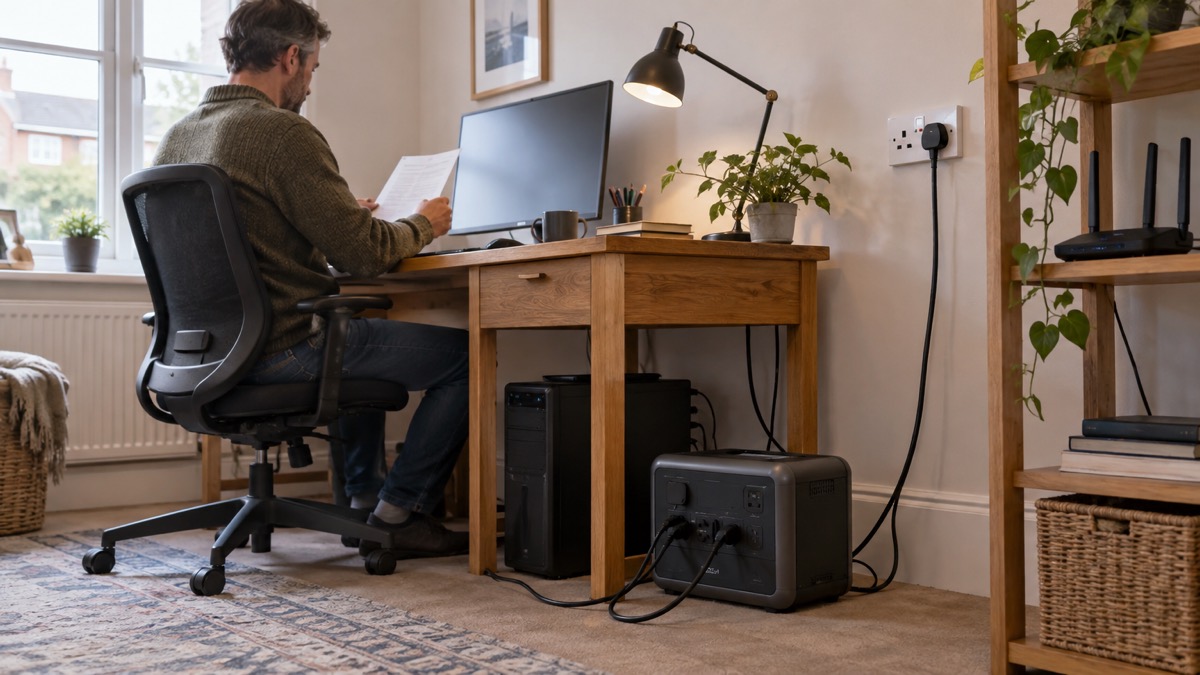
EcoFlow lists the RIVER 3 at under 20 ms and the RIVER 3 UPS variant at under 10 ms1. The RIVER 3 Plus is listed at under 10 ms2. The maker's own pages disagree slightly on the Plus: one page gives under 10 ms, while a reviewer's unit is reported at 7 ms. Both are below the threshold at which most equipment will restart, so the practical advice is the same.
To use it this way, plug the appliance into the unit's mains socket, plug the unit into the wall, and leave it switched on. The unit passes mains power through and takes over when the supply drops. The guide to using a power station as a UPS covers the setup and the limits.
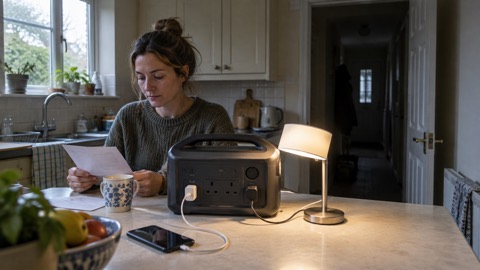
A word of caution: a UPS keeps a router alive, but it does not keep the broadband line alive if the cabinet on the street loses power. Check whether your connection survives an outage before relying on it. For phones, a small power bank is often enough and costs the main battery nothing.
Four ways to charge it, with times from 1 hour
EcoFlow lists four charging options for both units: mains, solar, car and generator1. The times differ by method and by unit.
| Method | RIVER 3 | RIVER 3 Plus |
|---|---|---|
| Mains (AC) | 0 to 100% in 60 minutes1 | 0 to 100% in 60 minutes2 |
| Solar | 0 to 100% in as fast as 2.6 hours at 110W1 | 0 to 100% in 1.5 hours at 220W2 |
| Car | 0 to 100% in 2.8 hours at 100W1 | 0 to 100% in 3.3 hours at 220W2 |
| Generator | 0 to 100% in 60 minutes1 | 0 to 100% in 1 hour2 |
The mains figure is the one to plan around. Both units refill in about an hour, so a short warning before a storm is enough to top up. EcoFlow states that the Plus fast-charges in 1 hour with X-Stream and that it offers 1-hr fast charging with no battery damage2.
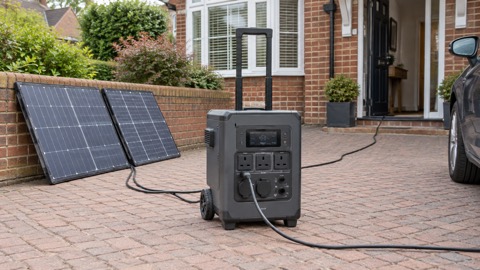
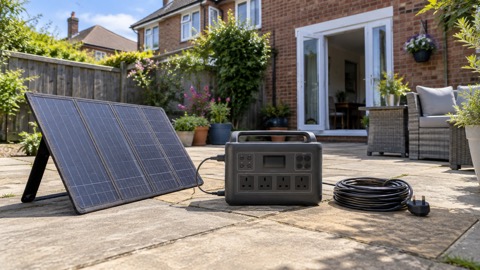
Solar charging depends on the panel and the weather. EcoFlow lists the RIVER 3's solar input at 11 to 30V, 8A, 110W, and the Plus at up to 220W1. The maker's general guidance for the RIVER series is that panels take 3 to 8 hours to reach 80%, depending on how many panels you use7. In a UK winter, expect the slower end. The guide to portable solar panels explains panel sizing and angle.
Car charging draws from your vehicle's socket. The RIVER 3 takes 100W and the Plus 220W1. Check your car's socket rating before drawing that much, and do not charge from a car with the engine off for long, or you may not start it. The guide to charging a power station from your car covers the practicalities.
Generator charging is listed by EcoFlow, but a petrol generator brings carbon monoxide risk. The fire and rescue service advice is to keep generators outdoors and never run them in a garage or indoors. The guide to generator safety sets out the rules.
Adding an extra battery to the RIVER 3 Plus: up to 858Wh
The RIVER 3 Plus can take a Smart Extra Battery. EcoFlow sells two: the EB300 at 286Wh and the EB600 at 572Wh5. Stack one at a time and the capacity reaches 858Wh5.
| Extra battery | Capacity | Weight |
|---|---|---|
| EB300 | 286Wh | Not listed |
| EB600 | 572Wh | 5.8 kg |
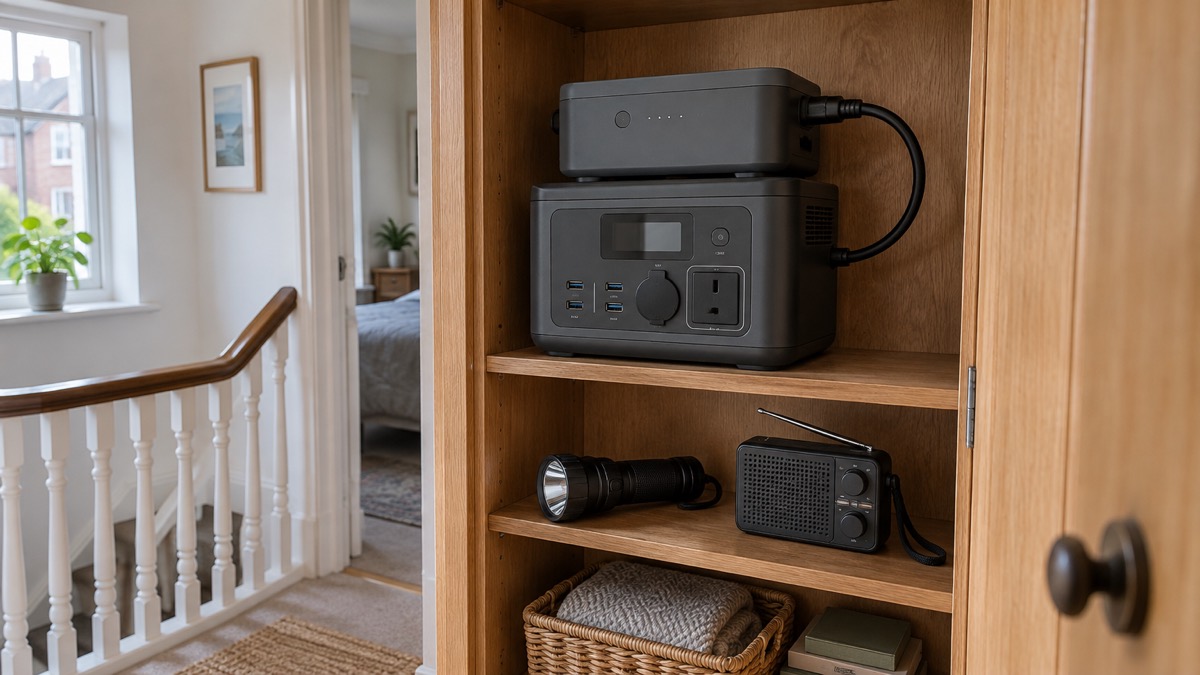
The extra battery uses the same LFP chemistry as the main unit and is listed with a 10-year lifespan and a 5-year warranty5. It has its own USB-C port rated at 140W maximum, so it can charge or power devices on its own5. EcoFlow states that adding an extra battery gives the RIVER 3 Plus 140W USB-C charging and recharging, plus the freedom to use the battery on its own2.
The maker's advice is that the extra battery suits short outdoor trips with minimal devices, and that you can use it independently to lighten your load5. For a household, the practical use is to double the run time of a router or a laptop during a long outage without buying a second station.
The extra battery is not a substitute for a larger power station if you need to run heavy appliances. It adds capacity, not output: the Plus still gives 600W rated and 1200W in X-Boost2. If you need more output, a larger unit is the answer, and the guide to what capacity power station you need helps you work that out.
Where it must not go: water, heat and cold limits
EcoFlow sets clear temperature limits. The charge temperature is 0℃ to 45℃ on both units1. The discharge temperature is -10℃ to 45℃1. The optimal operating temperature is 20℃ to 30℃1. The RIVER 3 Plus storage temperature is -10℃ to 45℃2.
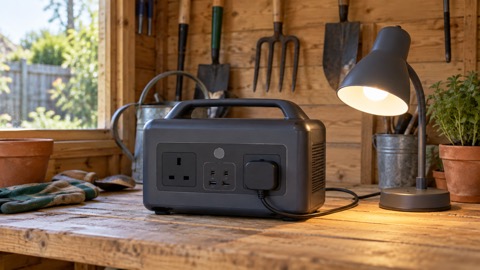
That means a garage or shed that drops below freezing in winter is not a good home for either unit. Charge it indoors, and if it has been stored somewhere cold, let it come up to room temperature before plugging it in. The guide to charging lithium batteries below freezing explains why.
The IP54 rating is not a licence to use the unit outdoors in a storm. It covers the battery pack, not the sockets, screen or casing. If your area floods, move the unit upstairs or to high ground before the water arrives. The fire and rescue service advice is never to drive through flood water3.
Heat matters too. The optimal range tops out at 30℃, and a unit left in a hot conservatory or a car in summer will run outside its comfort zone. The fire service's open water safety advice is to avoid entering rivers, lakes, quarries and reservoirs4.
Battery life, storage and warranty
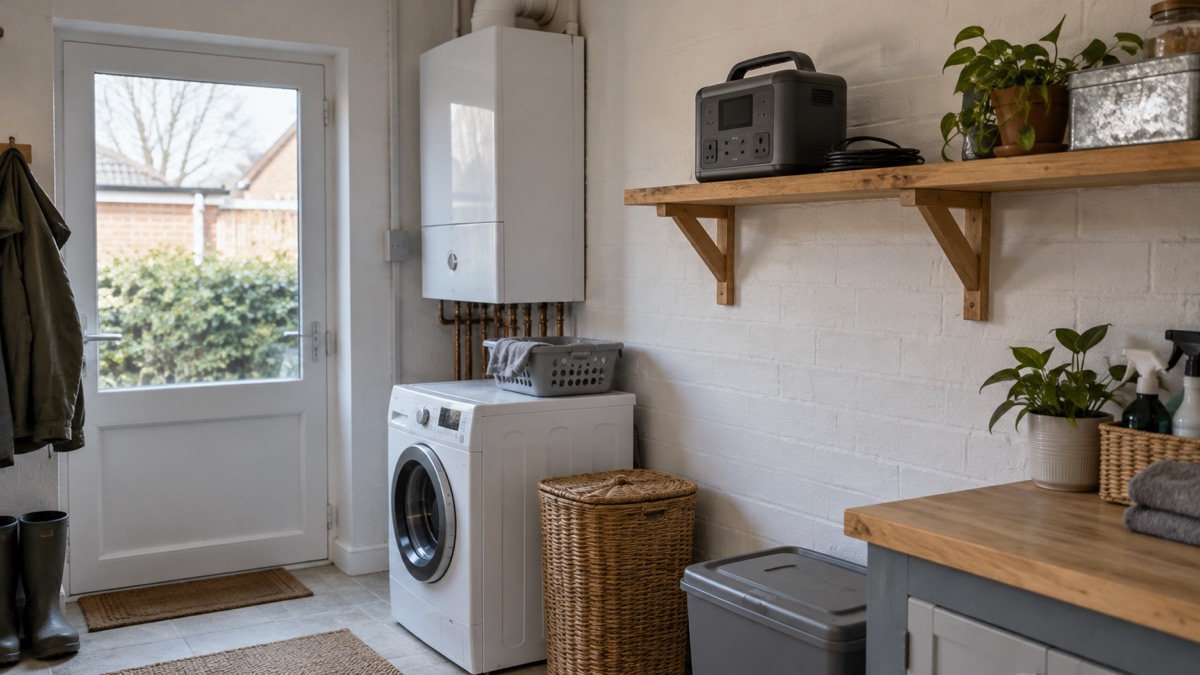
Both units use LiFePO4 chemistry, listed at 3000 cycles to 80% capacity1. EcoFlow describes that as around 10 years of everyday use before capacity drops to 80%1. The extra battery uses the same chemistry and is listed with a 10-year lifespan and a 5-year warranty5.
The RIVER 3 is listed with X-Guard battery protection, an algorithm for cloud-based battery monitoring with more than 40 safety measures covering current, voltage, temperature and circuit risks1. That is the maker's own description of its protection system.
For storage, keep the unit within the temperature range, away from damp, and out of direct sunlight. A partly charged battery is generally kinder than a flat one, though EcoFlow does not give a specific storage charge level on these pages. The guide to storing a power station covers the general approach.
EcoFlow sells both units through its UK site with warranty protection and lifetime support1. The RIVER 3 page also lists a 30-day price guarantee1. Warranty terms and support are the maker's, so check them at the point of sale.
If you want to compare the RIVER 3 with the larger EcoFlow models, the EcoFlow brand page lists the range, and the guide to the RIVER 3 Plus covers that model in more detail. For the wider question of what to keep running and for how long, start with the backup power guide.
Sources (8)
- EcoFlow RIVER 3 Portable Power Station, EcoFlow, 2026-10-25
- EcoFlow RIVER 3 Plus Portable Power Station, EcoFlow, 2026-10-25
- EcoFlow Portable Power Stations, EcoFlow, 2026-10-25
- EcoFlow RIVER 3 Solar Generator, EcoFlow, 2026-10-25
- EcoFlow RIVER 3 Plus Smart Extra Battery, EcoFlow, 2026-10-25
- EcoFlow RIVER 3 Plus Wireless Portable Power Station (Refurbished), EcoFlow, 2026-10-25
- EcoFlow RIVER Portable Power Stations, EcoFlow, 2026-10-25
- EcoFlow RIVER 3 Portable Power Station (Refurbished), EcoFlow, 2026-10-25

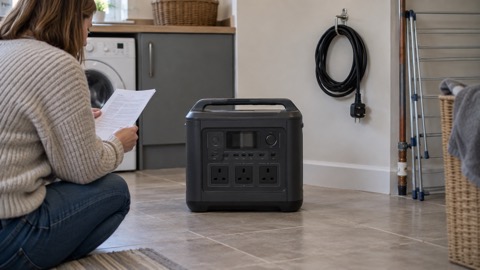 BLUETTI Apex 300 Power Station
 BLUETTI Elite 100 V2
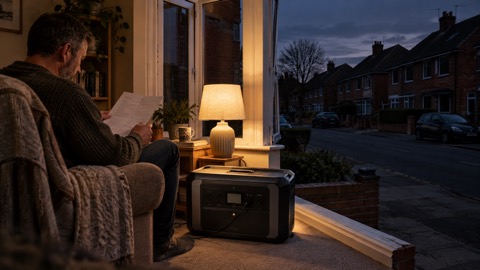 Anker SOLIX C2000 Gen 2
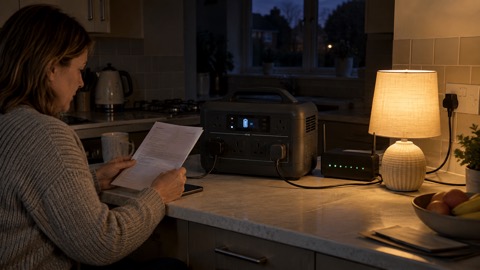 Anker SOLIX C1000 Power Station
 EcoFlow DELTA Pro
 BLUETTI Elite 400
 Anker SOLIX C300 Power Station
 EcoFlow DELTA 3
 EcoFlow DELTA 2 and DELTA 2 Max
 EcoFlow DELTA and DELTA Max
 EcoFlow RIVER 2 and RIVER 2 Max
 BLUETTI Elite 30 V2