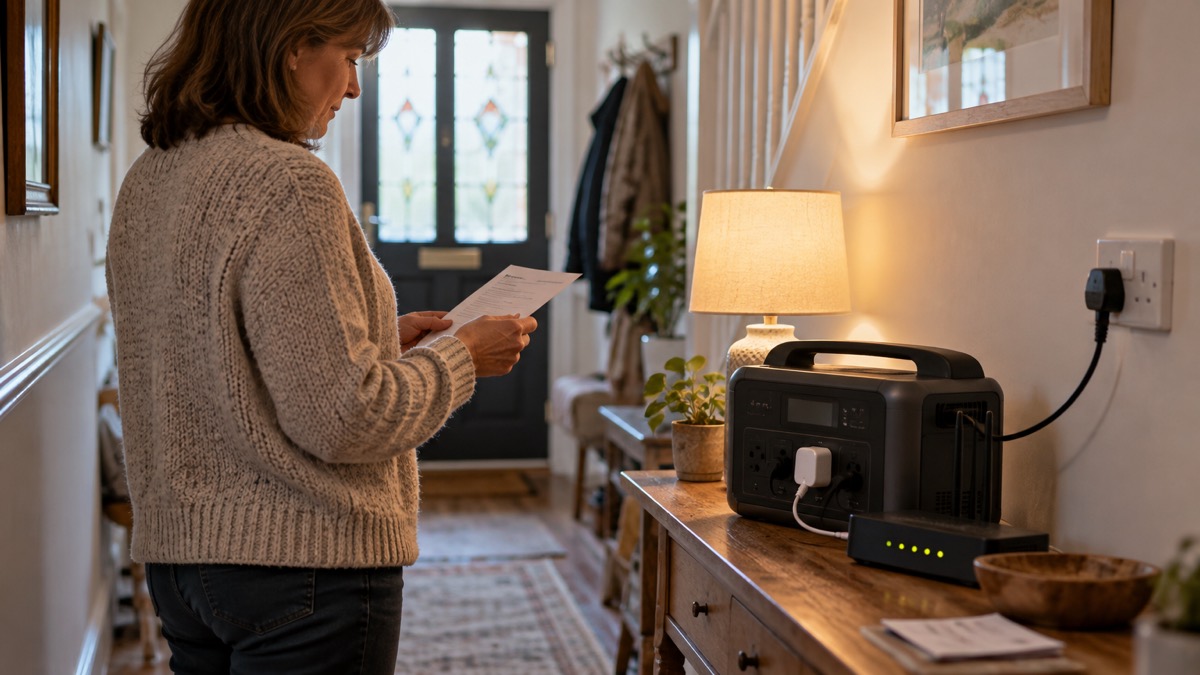
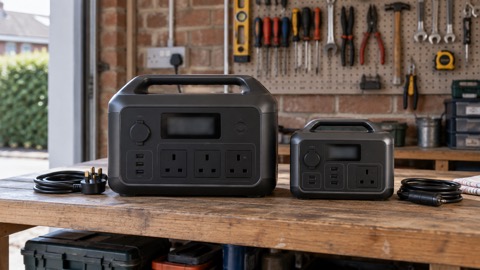
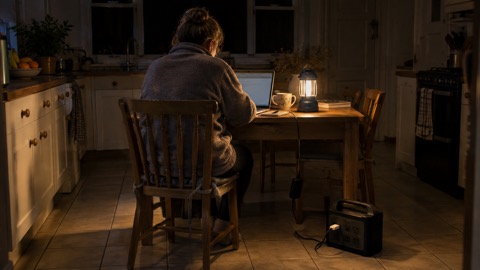
A portable power station is a battery in a box with mains sockets on the front. Plug a lamp, a router or a laptop charger into it and the device runs from the battery, not from the wall. That makes it useful in a power cut, but it does not automatically make it an uninterruptible power supply. A true UPS switches to battery in an instant when the mains drops, so a computer never notices. Most power stations are not sold with a published switchover time, so you cannot assume a router or desktop will ride through a cut without a brief drop.
What a power station does reliably is give you power you can carry to where it is needed, after the lights have gone out. A unit in the 200 to 500Wh class will keep phones, laptops and small lights going, and a laptop draws up to 100 watts, so the arithmetic is on your side for light loads1. The limits are the heavy appliances, the medical equipment that must not stop, and the simple fact that a battery only helps if it was charged before the cut.
Plan around three things: what you need to keep running, how much power each item draws, and how you will recharge the unit if the outage lasts. The rest of this page takes those in turn, with the safety points that decide whether the kit helps or harms.
What a power station can keep running, and what it cannot
The honest answer is that a power station is very good at small, steady loads and poor at big ones. Phones, a router, a laptop, a table lamp and a radio are all within reach of a modest unit. A kettle, an electric shower, an oven or a fan heater are not, at least not for long. The way to decide is to look at the wattage on each appliance and compare it with the unit's output rating.
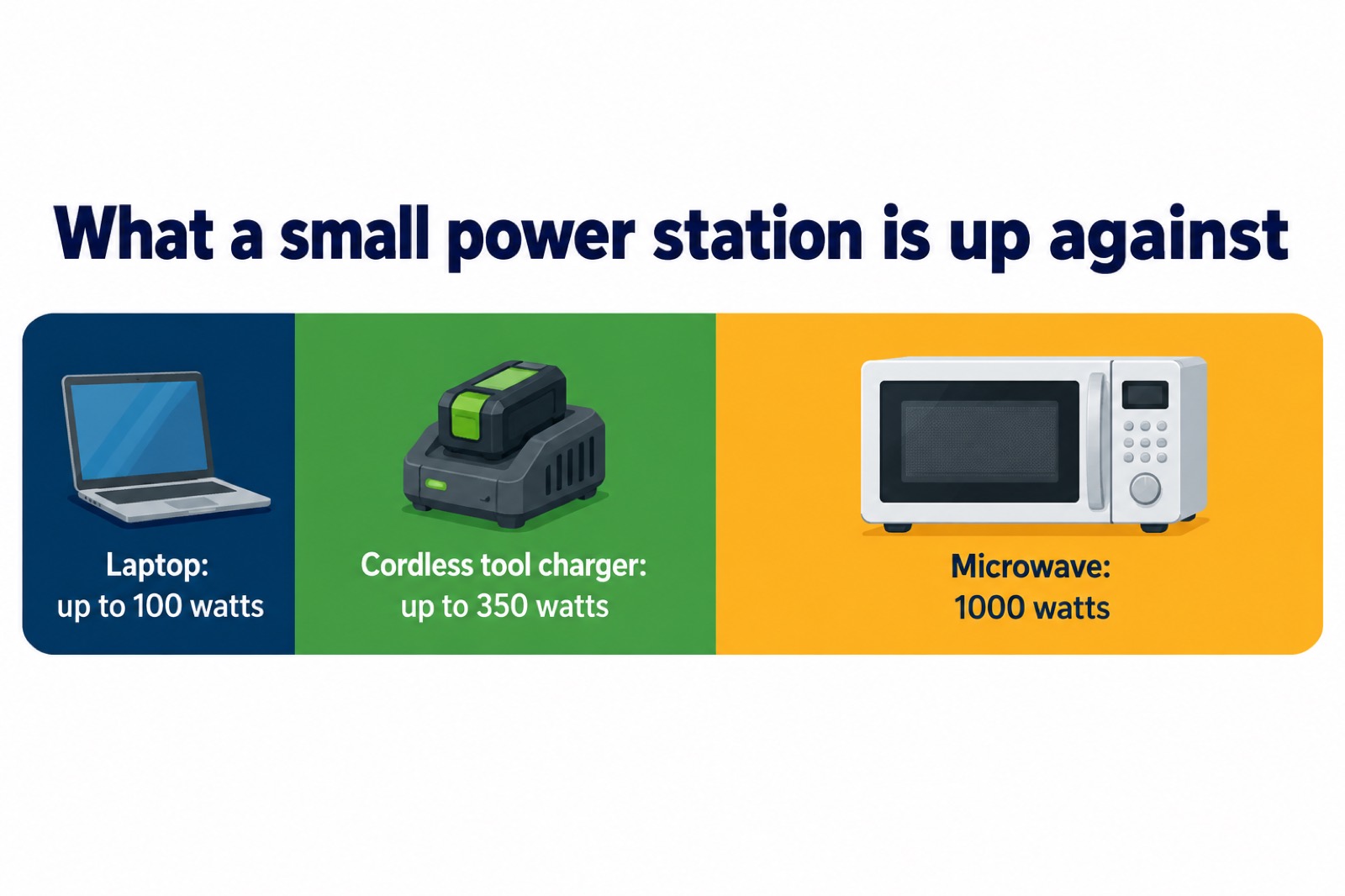
Electrical Safety First publishes typical ratings that make the sums concrete. A laptop uses up to 100 watts, a microwave 1000 watts, and a cordless tool battery charger up to 350 watts1. A 1000W unit can run the microwave, but only just, and nothing else at the same time. The same unit would run a laptop many times over. This is why the question "what can it run" has no single answer: it depends entirely on what you plug in.
There is a second limit that catches people out. Some appliances draw a surge of power when they start, well above their running figure, and a unit that is close to its limit may shut down rather than cope. Generators deal with this with an overload warning that tells you to unplug something5; power stations usually just trip. If a unit keeps cutting out when you switch an appliance on, that is the sign you have asked too much of it.
For a household working out what to keep running, the sensible order is communications first, then light, then comfort. Decide in advance which devices matter and check their wattages against the unit. Our guide to deciding what to keep running when the mains fails walks through that choice, and watts, watt-hours and surge explained covers the arithmetic.
| Appliance | Typical power draw | What it means for a small power station |
|---|---|---|
| Laptop | Up to 100 watts1 | Comfortable for hours on a 200 to 500Wh unit |
| Cordless tool charger | Up to 350 watts1 | Heavy load, drains a small unit quickly |
| Microwave | 1000 watts1 | At the limit of a 1000W unit, nothing else alongside |
Outputs: AC sockets, USB ports and DC outlets
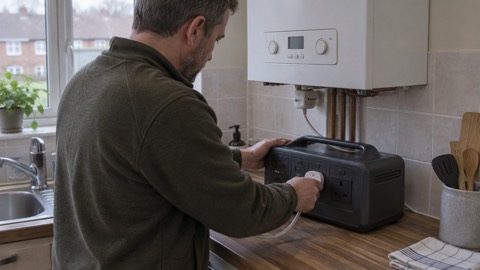
The sockets on the front decide what you can plug in without adaptors. A typical portable generator, for comparison, offers two 230V 13A sockets, a 12V DC outlet and two USB ports5. Power stations follow a similar pattern: mains sockets for anything with a plug, USB ports for phones and small devices, and sometimes a 12V outlet for car-style accessories. Match the outlet to the device and you avoid adaptors altogether.
USB charging has become genuinely useful. USB Battery Charging delivers typically 7 to 10 watts, enough to charge phones and headphones more quickly than an old standard port4. USB-C Power Delivery goes further: it lets small devices such as phones charge quickly while larger devices such as laptops and monitors can receive much higher power through the same type of cable6. That means one good USB-C port can charge a laptop without its mains brick, which is a real saving on a small unit.
Adaptors are where people come unstuck. Electrical Safety First warns that travel adaptors are not a suitable or safe alternative for mains appliances1, and that an appliance without a standard UK plug or conversion adaptor may not meet UK safety requirements7. If a device came with a foreign plug, do not improvise a connection to a power station. Use the lead it was supplied with, or leave it.
Capacity: 200 to 500Wh covers phones, laptops and small lights
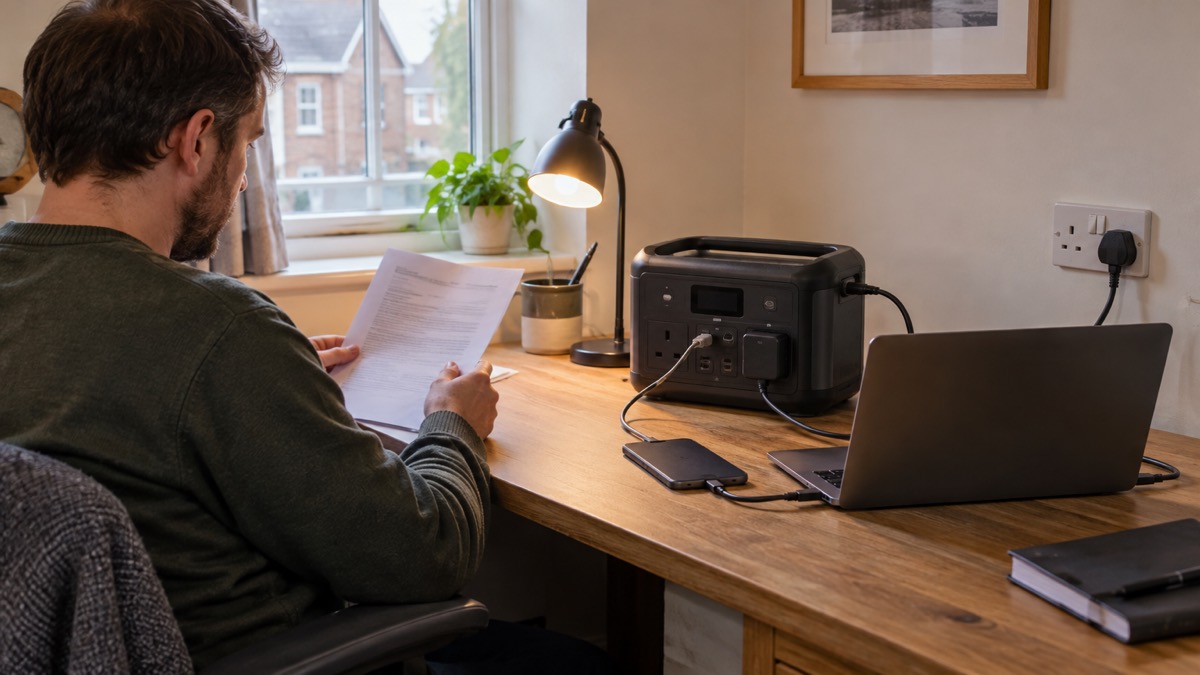
Capacity is the size of the tank, and for a household that wants to keep phones, a laptop and a few lights going, a unit in the 200 to 500Wh range is the sensible starting point. The figure to compare is watt-hours: a 100 watt laptop run for two hours uses 200 watt-hours, so a 500Wh unit has room for that plus charging and lighting. Our guide to what capacity power station you need works through the sums for a whole household.
Smaller devices are cheap to run. A phone charged over USB Battery Charging draws typically 7 to 10 watts4, so a phone is a rounding error against a laptop. A portable power bank can hold enough power to charge a mobile several times and is well worth having to hand to stay connected in a blackout8. Many households will get most of the benefit from a power bank plus one modest power station, rather than a single large unit.
There is a neat trick if you have two phones. Switch on wireless power sharing on the phone with plenty of battery, place your low-battery phone on the back of it, and it will start charging9. That costs nothing and saves the power station for the devices that need mains power.
Not for medical appliances: the warning most units carry
This is the section to read twice. A power station is not a medical device and should not be treated as one. National Grid's advice on the digital landline switchover is blunt: do not assume a personal alarm, fall detector or medical pendant will keep working after the switch to digital phone lines, or during a power cut2. If someone in the household depends on a device for their health, the plan needs to come from the equipment supplier and the utility, not from a battery you bought for the router.
The same caution applies to anything that must not stop. A power station that switches over with a brief gap, or that trips when a load surges, is not a substitute for equipment designed to run continuously. Ask the maker of the medical device what it needs, and register for the help that exists. The Priority Services Register is the route for vulnerable households, and our guide to powering CPAP, oxygen and other medical devices from a battery sets out what to check.
Keeping a power station charged and ready for a cut
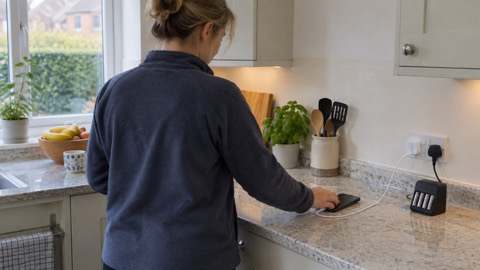
A power station is only useful if it is full when the power goes. The routine is simple: charge it, check it, and keep it where you can reach it in the dark. Northern Powergrid's advice is to regularly charge emergency medical and communications equipment and devices, and to have a backup battery pack for extra power if possible10. That covers the power station and the phones.
For a planned outage you have notice, so use it. If your letter says you will be connected to a temporary generator, turn off your solar panels before the planned outage and turn them back on once mains power has been restored, because panels left on may feed electricity into the generator and cause it to stop working11. That is a specific instruction for planned works, and it matters: a household that ignores it can knock out the supply for the street.
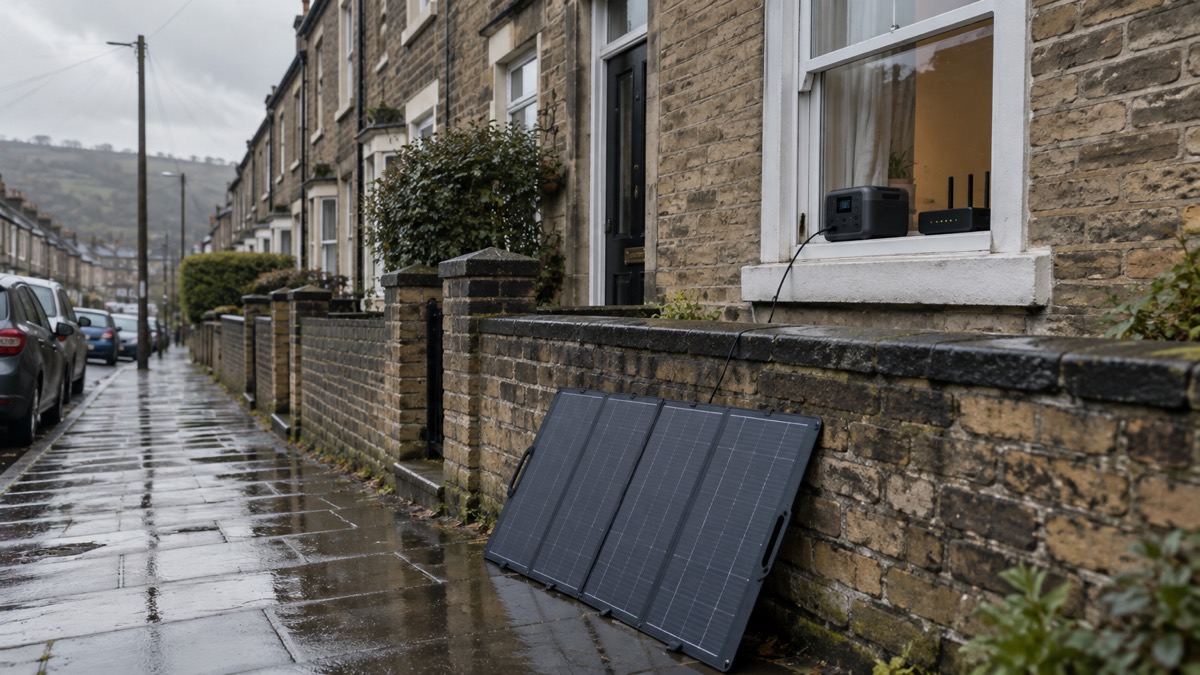
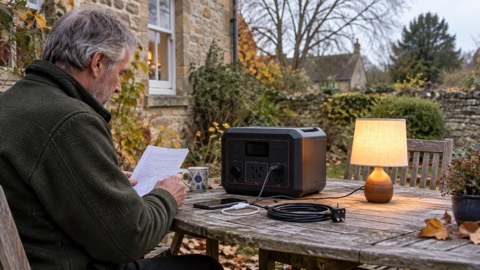
Solar charging is a genuine option but a slow one. Power stations can be charged with solar panels, and it will take a while3. In a UK winter, treat panels as a way to stretch a unit over several days, not to refill it by lunchtime. Our guide to portable solar panels for charging in a power cut covers sizing and realistic expectations.
Charging from a car is faster if you have the right kit. One maker states its unit reaches 100% in 2.6 hours using an 800W alternator charger, which it describes as eight times faster than a standard car socket12. Without that, a car socket is a slow top-up. Never charge or run anything from a car in a closed garage.
Where the power station fits alongside other backup
A power station is one option among several, and the right choice depends on what you are protecting. For phones and a radio, a power bank is enough. For a router and a laptop, a modest power station is the natural fit. For a whole house, neither will do, and a generator or a home battery is the conversation. Our backup power guide sets the options side by side, and portable power stations: what they do and how to choose goes deeper on the kit itself.
| Need | Sensible first choice | Why |
|---|---|---|
| Phones and a radio | Power bank | Holds enough to charge a mobile several times8 |
| Router, laptop, lights | 200 to 500Wh power station | Light loads, hours of run time1 |
| Whole home | Generator or home battery | A portable unit will not power the whole home as normal5 |
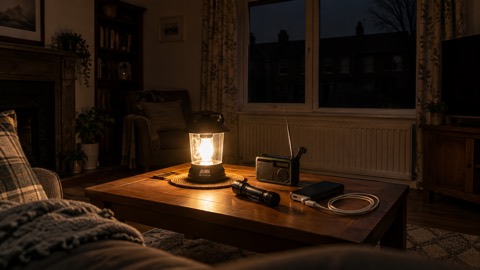
Two safety points apply whatever you choose. Keep a torch handy14, and keep a battery or wind-up radio with spare batteries, because updates may be broadcast by radio during a power cut15. If the power is out, use a battery-powered or wind-up radio and try both digital and FM stations; a car radio works too, but in severe weather it might be safer to stay indoors16. Write down radio station frequencies on paper15.
On heat, a portable heater is a good alternative to a heating system that will not work in a cut, but take care where you put it and never leave children alone with it17. Choose a heater with a trip switch, which will switch off if knocked over18. And keep flames out of the plan where you can: switch off electrical items when not in use19, and be careful not to overload an extension lead, because some appliances use more power than others20.
Sources (20)
- Ratings of electrical appliances, Electrical Safety First, 2026-10-25
- The landline switchover, National Grid, 2026-10-25
- Emergency kit packing list, Which?, 2026-09-30
- USB chargers, Electrical Safety First, 2026-10-26
- How to buy the best generator, Which?, 2026-01-20
- Chargers, Electrical Safety First, 2026-10-26
- Plugs and fuses, Electrical Safety First, 2026-10-25
- What to do in a power cut, Which?, 2026-06-04
- Tips to help you during a power cut, Electricity North West, 2026-10-26
- Tips to prepare for a power cut, Electricity North West, 2026-10-26
- Planned power cuts - SSEN, Scottish and Southern Electricity Networks (SSEN)
- Anker SOLIX C2000 Gen 2, Anker, 2026-10-25
- Planned power cuts, Electricity North West, 2026-10-25
- Adverse weather events, Llangattock Community Council, 2026-10-25
- Power cuts, UK Government, 2026-10-21
- Emergency plan, Scottish Government, 2026-03-24
- Being prepared for a power cut, SP Energy Networks, 2026-10-26
- Stay warm safely in winter, Dorset & Wiltshire Fire and Rescue Service, 2026
- Child safety hub: fire, RoSPA, 2026-10-26
- Extreme weather winter guide, London Fire Brigade, 2025-01
 Power Cut Backup Power Checklist
 Backup Power Before Winter
 Safe Battery Charging at Home
 Running a Generator Indoors
 Carbon Monoxide from Generators
 Generator Sizing for a Power Cut
 Generator Run Time on a Tank
 Storing Petrol at Home
 Diesel Storage at Home
 Storing a Generator
 Generators in Cold Weather
 Generator Noise and Neighbours
 Power Station Capacity Sizing
 Power Station Run Time
 Power Station for a Gas Boiler