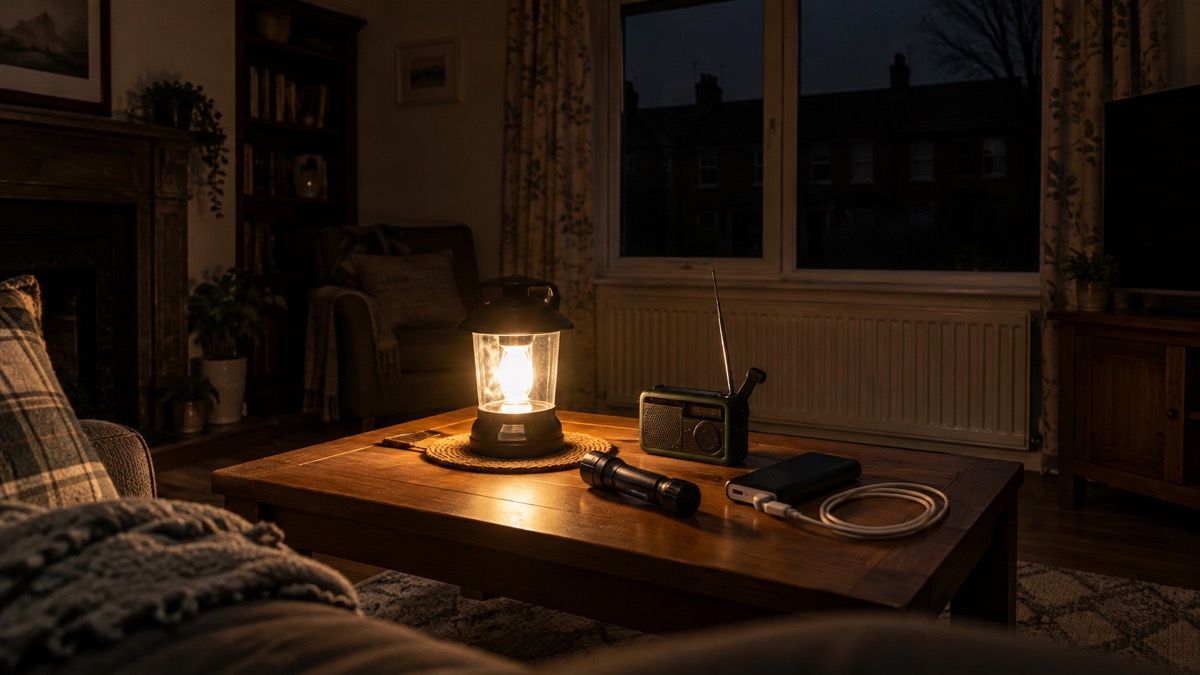
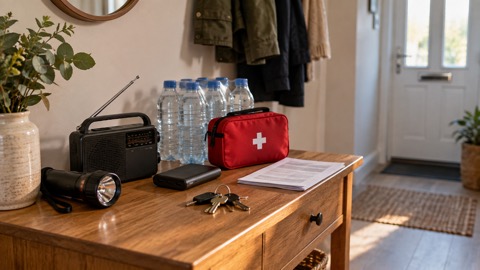
A power cut is rarely dangerous in itself, but it is inconvenient in ways that catch households out: the phone goes flat, the torch has no batteries, the number for the network operator is saved on the device that has died. The kit that gets a household through is small and cheap to assemble: multiple torches with spare batteries, a battery-powered or wind-up radio, fully charged power banks, warm clothing and blankets, and paper copies of important contact numbers1. The Met Office adds a separate battery charger and suggests storing the power cut helpline number, 105, on your phone in case power and mobile networks are affected2.
The single most useful habit is keeping things charged before you need them. Government guidance for storms is to charge mobile phones, power banks and any back-up batteries for medical equipment in case there is a power cut3. A charged power bank that only charges a phone is still worth having4.
This checklist sets out what to have ready, what each item does, how to keep it working, and how to charge and store the batteries safely. Work through it once, then check it before winter and before any named storm.
The power cut kit list
Have these ready before the lights go out. Each item earns its place because it does something the others cannot.
Power bank or power station: what each one keeps running
A power bank and a portable power station do different jobs, and most households need the first long before they need the second. A power bank is a pocket-sized battery that charges a phone, tablet or compatible medical device8. A power station is a larger battery with mains sockets, covered in more depth in Portable Power Stations: What They Do and How to Choose.
| Kit | What it keeps running | Who it suits |
|---|---|---|
| Power bank | Phones, tablets or other devices, and compatible medical devices8 | Every household; a fully charged one is the first thing to have ready2 |
| Separate battery charger | Spare cells for devices, charged without using the mains | Households with several devices or a radio |
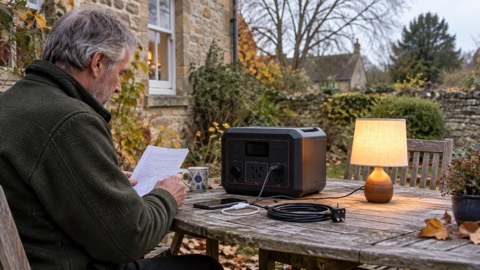
| Small power station (200 to 500Wh) | Phones, laptops and lights | Households wanting to run a lamp or laptop for longer |
| Larger power station | AC sockets, USB ports and DC outlets, for camping, emergency home backup during power cuts and outdoor events9 | Households with a fridge or tools to keep running; most of these devices include the warning that they're not intended for use with medical appliances9 |
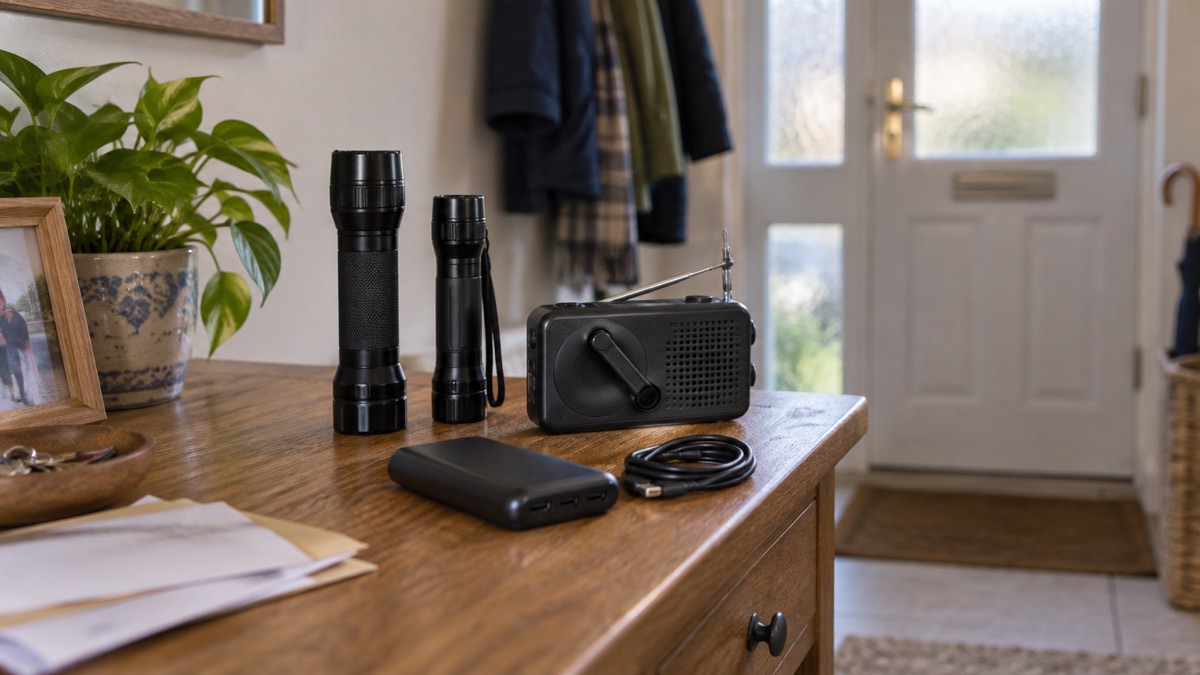
The official starting point is modest. Government guidance describes the essentials for coping with a power cut as battery candles, torches and batteries, and a mobile phone power pack14. A charged power pack "can be very helpful in an emergency or power cut. Even if it just charges a phone"4. If you are weighing up the two, see Power Bank or Portable Power Station.
Smaller power stations cover phones, laptops and lights
A power station in the 200 to 500Wh class is the step up from a power bank: enough to keep a phone, a laptop and a lamp going through an evening, without the fuel, fumes and ventilation needs of a generator. It suits a household that wants a light on in the room it is sitting in, or a laptop charged for work, rather than one trying to run heating or a fridge.
What it can and cannot do comes down to capacity, which is explained in Watts, Watt-Hours and Surge Explained and What Capacity Power Station Do I Need?. Before buying, decide what you actually want to keep running, which is the subject of Deciding What to Keep Running When the Mains Fails. For most households the honest answer is phones, a light and a radio, and a power bank plus torches covers that.
If you rely on medical equipment, a power station is not a substitute for a plan. Government guidance is to make a plan with your care provider or clinical care teams now about what will happen in a power cut, and to make sure essential medical equipment has a battery back-up9. Power cuts affect equipment such as stair lifts, bath hoists and adjustable beds8. Parents of technology-dependent children are advised to think through hoists, feeding pumps, mattresses, ventilators, monitors, lamps and nebulisers, and the battery back-up or alternative for each16. More detail sits in Powering CPAP, Oxygen and Other Medical Devices From a Battery.
Safe charging and storage for lithium-ion batteries
Lithium-ion batteries are in far more of the home than people realise: mobility aids, mobile phones, power packs, laptops, children's toys, power tools and e-cigarettes17. They are safe when treated well and dangerous when they are not, which is why every fire and rescue service in the UK now gives the same advice.
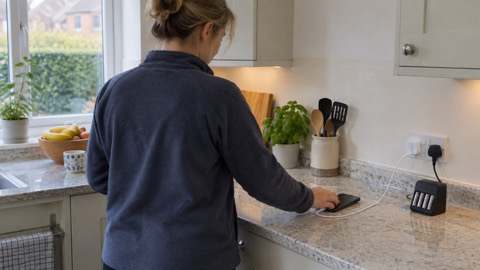
- Charge batteries in a safe, visible location, away from flammable materials and escape routes18.
- Do not charge devices in hallways, landings or near doors where they could block your escape19.
- Do not cover the charger, battery or device while charging, which can cause overheating or even a fire20.
- Do not overload power sockets or use unsuitable extension cords, and use uncoiled extension leads rated for your devices20.
- Unplug after charging and use manufacturer-approved chargers21.
- Always follow the battery usage, storage and charging guidelines in the user guide13.
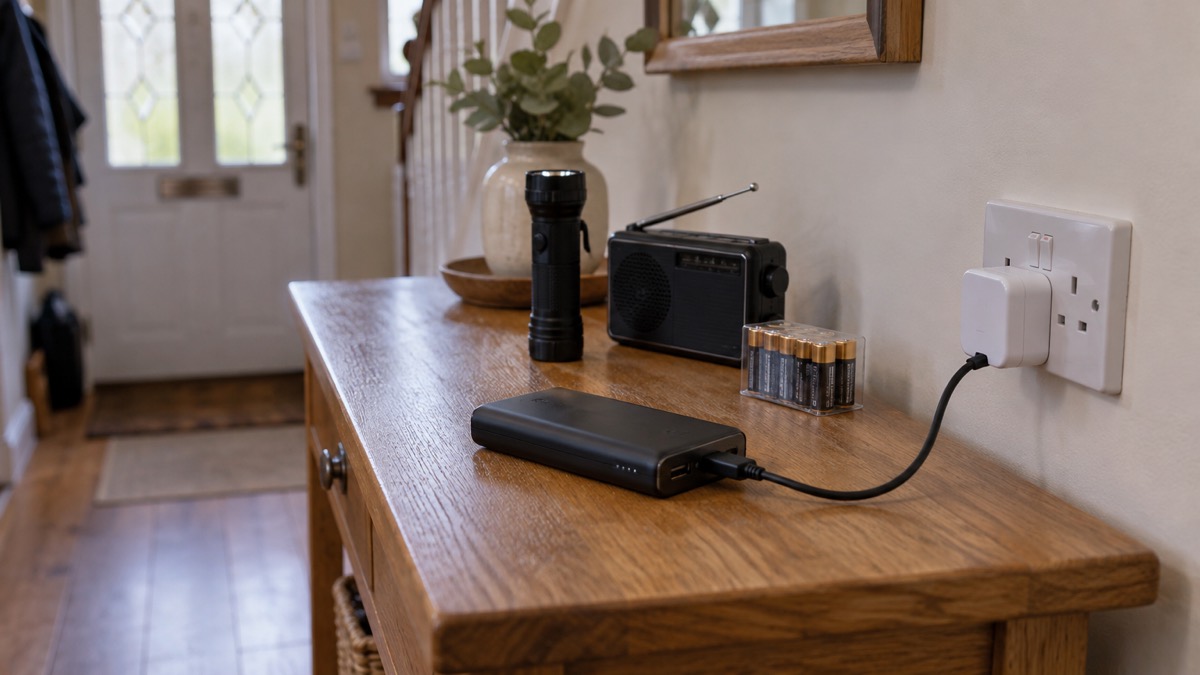
The same rules apply to the batteries in your power cut kit as to an e-bike. Charge batteries in a safe, visible location, away from flammable materials and escape routes20. Do not cover the charger, battery or device while charging, as this can cause overheating or even a fire21, and do not charge devices in hallways, landings or near doors where they could block your escape22. For a fuller walk-through, see Safe Battery Charging at Home Checklist and Lithium-Ion Battery Safety at Home.
Signs a battery is failing, and what to do about recalls
Check your batteries regularly. Fire services advise inspecting your product for damage or warning signs that a battery might be failing and becoming a fire risk23. Warning signs include hissing or cracking sounds, and lumps, leaking or physical damage to the battery casing24.
If a battery shows signs of failing, turn off the device and unplug it from the power source immediately, then call the device manufacturer or retailer for further instructions24. If a battery shows signs of overheating, swelling or other damage, do not use it: dispose of it appropriately and report the defect to the manufacturer21. A battery you suspect is damaged should be recycled and should not be used or charged20.
Recalls are the other route by which a safe-looking product becomes dangerous. Manufacturers issue recall notices if an electrical appliance could develop a fault, including a risk of electric shock or fire22. If a product is recalled, stop using it immediately, follow the manufacturer's instructions, and arrange repair, replacement or return if required26. Check the Government recall page and the Electrical Safety First list of recalled items27.
Registering your appliances means you hear about a recall first. Registration needs the model name or number, serial number and purchase date22. You can also register for safety alerts and product recalls for e-bikes and e-scooters26. For power banks and power stations, keep the receipt and the manual, and check the maker's own safety instructions.
Keeping the kit ready, and where to get help
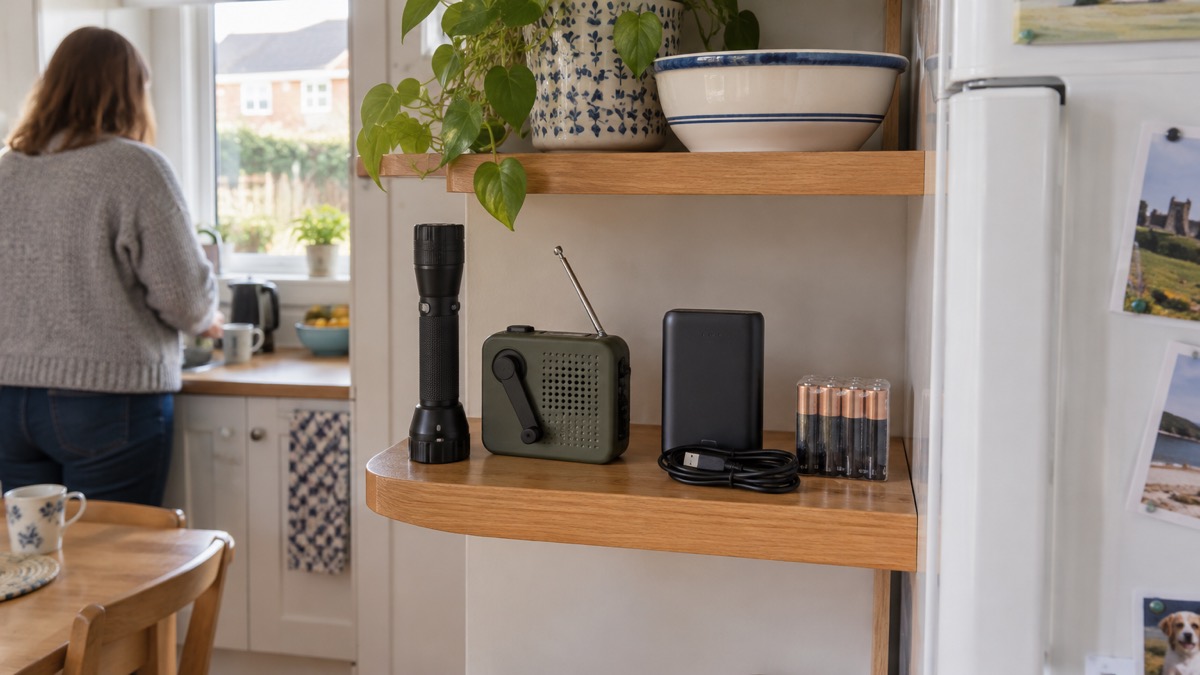
A kit is only useful if it works when you reach for it. Test torches and radios, replace batteries, and top up power banks on a regular schedule, and do it before winter and before any named storm. The Met Office's winter preparation advice includes storing the power cut helpline number on your phone2. The Met Office also advises knowing where your fuses and trip switches are, testing smoke alarms regularly, and keeping a supply of new batteries in torches and radios12.
If the power goes, call 105 free and you will be put through to your electricity network operator5. You can also visit the Powercut 105 website to find your supplier and report a power cut11. In Scotland, the national emergency plan sets out the same 105 number for power cuts28. In Northern Ireland, the advice for strong winds includes keeping phones, laptops, tablets and power banks fully charged, and having telephone numbers to hand12.
Some households need more support. The Priority Services Register gives, wherever possible, advanced notice of scheduled power cuts10. Sign up for it in case of power cuts6. It is designed to keep the most vulnerable customers up to date in a power cut and provide additional support if needed16. If you have a landline, contact your provider to check whether your phone or telecare kit will work during a power cut; providers may offer a free back-up battery unit for a minimum of one hour to enable emergency calls11.
Sources (28)
- Prepare an emergency kit, British Red Cross, 2026-10-25
- 10 things you should do now to prepare for winter, Met Office, 2026-10-25
- Be informed about hazards: storms, UK Government, 2026-10-19
- Yourself, Wiltshire and Swindon Prepared, 2026-10-25
- Check if you can get payment for a power cut, Ofgem, 2026
- What to do in a power cut, Met Office, 2026-10-25
- Be ready for emergencies, UK Government, 2026-10-21
- 12 tips to prepare for a power cut, Horsted Keynes Parish Council, 2026
- Be informed about hazards: power cuts, UK Government, 2026
- Join your supplier's Priority Services Register, Ofgem, 2026
- Be informed about hazards: power cuts, UK Government, 2026-10-21
- Strong winds weather warning information and advice, nidirect, 2026-10-24
- Electrical safety, North Yorkshire Fire and Rescue Service, 2026-09-14
- Stay safe in lightning, Met Office, 2026-10-25
- Stay safe in a thunderstorm, Met Office, 2026-10-25
- Parental letter re power shortages, NHS North West Children's Operational Delivery Network, 2022-11-25
- E-scooter, e-bike and mobility scooter fire safety advice, North Yorkshire Fire and Rescue Service, 2026-03-25
- Lithium battery fire safety, Mid and West Wales Fire and Rescue Service, 2026-10-26
- Lithium-ion batteries, National Fire Chiefs Council, 2026-10-09
- Lithium-ion batteries, Scottish Fire and Rescue Service, 2025-11-27
- Battery fires, Devon and Somerset Fire and Rescue Service, 2026
- Electrical safety, Scottish Fire and Rescue Service, 2025-02-27
- Charge safe campaign, North Yorkshire Fire and Rescue Service, 2026-08-18
- Spot the warning signs, London Fire Brigade, 2026-10-25
- Charging safety, Oxfordshire County Council, 2026
- Registering your e-bike or e-scooter for safety alerts and product recalls, London Fire Brigade, 2026-10-25
- Digital easy read fire safety booklet, London Fire Brigade, 2026
- Emergency plan, Ready Scotland, 2026-03-24
 Backup Power Before Winter
 Safe Battery Charging at Home
 30-Day Household Checklist