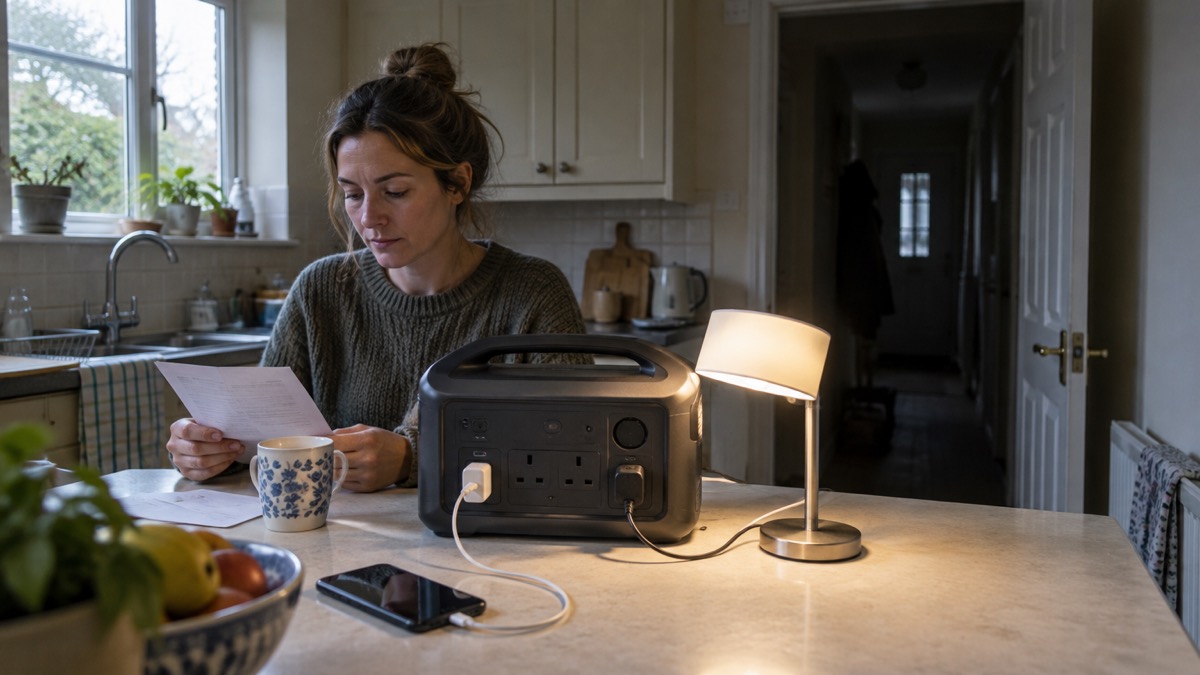
The BLUETTI Elite 30 V2 is a small portable power station: a 288Wh battery in a unit weighing 4.3 kg, with eight output ports and 600W of rated output that can momentarily reach 1500W for simple heating appliances1. It is the sort of unit a household buys to keep phones, a router, a lamp and perhaps a small appliance going through a power cut, rather than to run a house.
What it will and will not do comes down to its size. At 288Wh it holds a modest amount of energy, so it suits short outages and light loads. The maker fits automotive-grade LiFePO₄ cells and quotes 3000+ charge cycles with a 5-year warranty1. It can switch over to battery in 10 milliseconds or less when the mains fails, which is fast enough for most plugged-in equipment to ride through without resetting1.
This page sets out the maker's own figures for the Elite 30 V2, what those figures mean for a UK household in a blackout, and how to charge, store and run it safely. Where the maker's documents give two different figures for the same thing, both are given below.
What the Elite 30 V2 is and who it suits
The Elite 30 V2 is a compact power station built around a 288Wh lithium iron phosphate battery, housed in a durable ABS shell with a battery management system the maker describes as smart, for safety and stability2. BLUETTI states that it was one of the first to adopt the LiFePO₄ battery type in portable power stations3. The unit weighs 4.3 kg, light enough to carry from room to room or put in a car boot1.
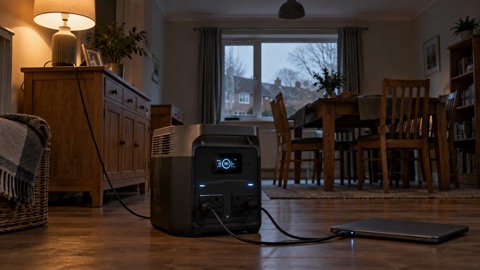
It suits a household that wants a grab-and-go unit for short outages: keeping the router alive, charging phones, running a lamp or a fan, and powering a laptop through an evening. It is not a whole-home backup and it is not designed to be wired into your house's circuits. If you are weighing up what size of power station you actually need, the guide to what capacity power station you need sets out how to work it out from the appliances you want to keep running.
The maker's own figures for the unit are set out below. Where a retailer or a second maker page gives a different figure, the maker's figure is used here.
| Specification | Figure |
|---|---|
| Battery capacity | 288Wh1 |
| Battery chemistry | Automotive-grade LiFePO₄1 |
| Weight | 4.3 kg1 |
| Rated AC output | 600W4 |
| Momentary output | Up to 1500W for pure resistive devices2 |
| Output ports | 81 |
| USB-C output | PD 3.1, up to 140W5 |
| UPS switchover | 10ms or less1 |
| Bypass power | 980W1 |
| Charge to 80% | 45 minutes1 |
| Standby consumption | 4.5W1 |
| Noise under light loads | Below 30dB4 |
| Cycle life | 3000+ charge cycles1 |
| Warranty | 5 years1 |
Outputs: 600W rated, 1500W for heaters and kettles, eight ports
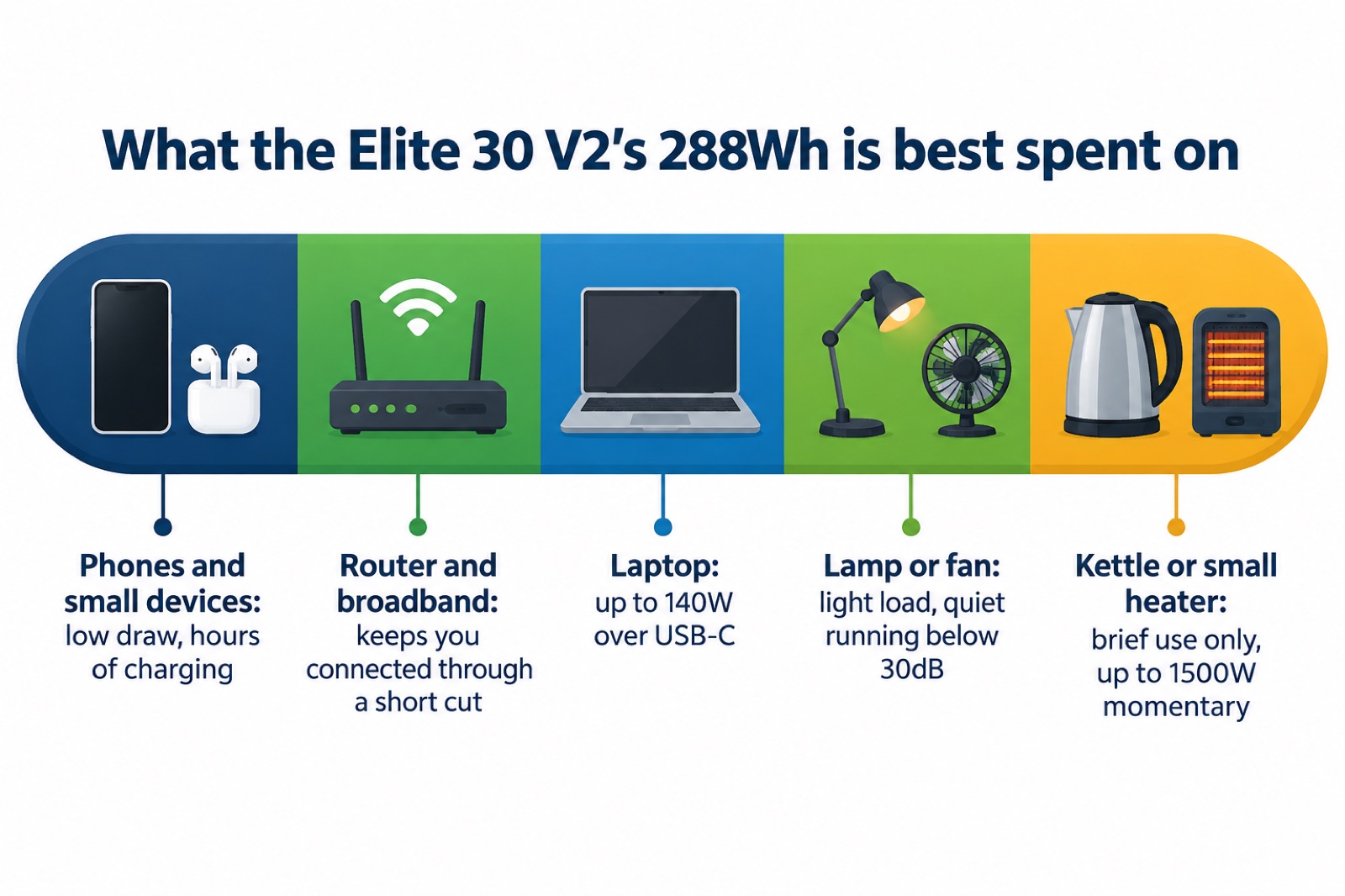
The Elite 30 V2 gives you eight output ports1. Its steady rated output is 600W, and the maker quotes 1500W of lifting power for pure resistive devices, meaning simple heating elements such as a small heater or a kettle can draw a brief surge above the rated figure4. That distinction matters: a resistive appliance with no motor can use the higher momentary figure, but a device with a motor, such as a fridge compressor, is a different proposition and the maker's 1500W figure is specifically for pure resistive loads2.
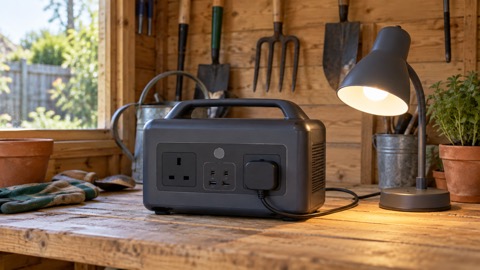
The USB-C port uses the PD 3.1 protocol and delivers up to 140W, enough for many modern laptops and fast phone charging5. If you want to understand what those watt figures mean in practice, the guide to watts, watt-hours and surge explains the difference between running power and starting power, and the guide to USB-C charging and Power Delivery covers cables and ratings.
What it can run in a power cut, and for how long
How long the Elite 30 V2 lasts depends entirely on what you plug in. The maker's home backup page quotes a run time of 5 hours for the unit6. Treat the run time as dependent on the load: a phone and a router will last far longer than a heater.
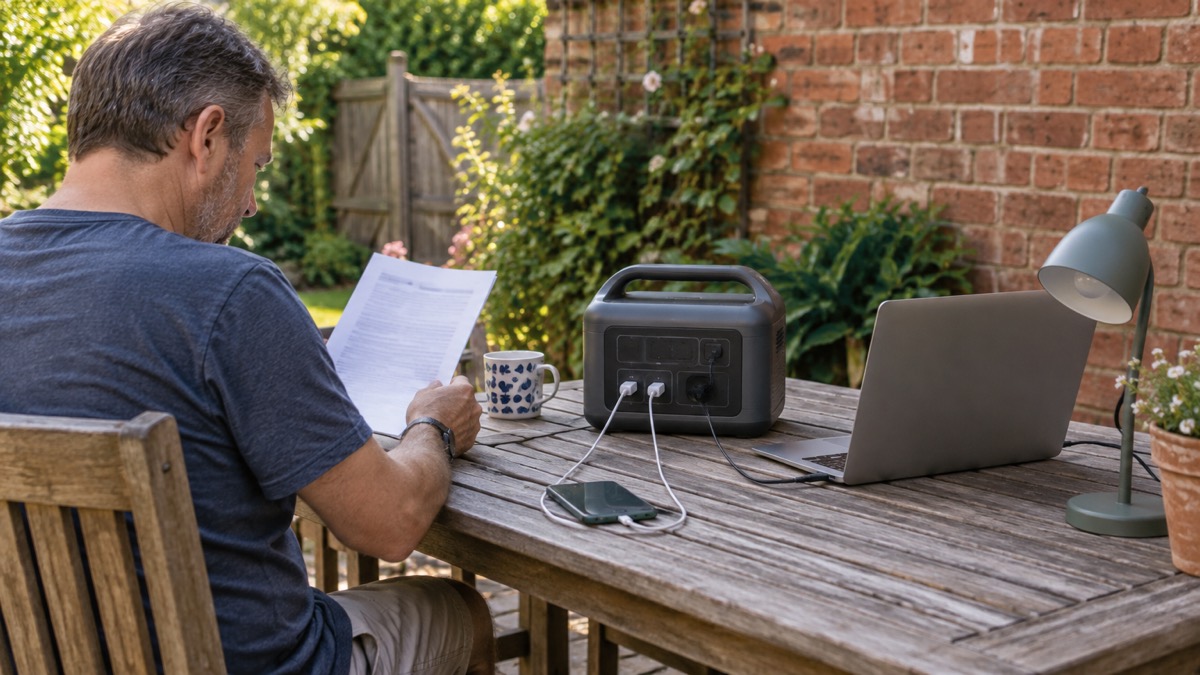
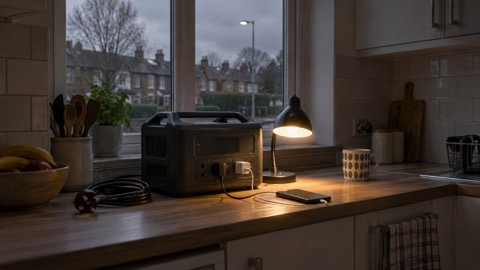
The practical approach is to decide what matters most and run only that. A router, a phone charger and a lamp draw little; a kettle or a small heater will flatten a 288Wh battery quickly. The guide to deciding what to keep running when the mains fails helps you rank appliances, and the guide to how long a power station will run a fridge or laptop shows how to estimate from the appliance's own wattage.
Keeping essentials on during a blackout: UPS switchover and pass-through power
The Elite 30 V2 can act as an uninterruptible power supply. The maker quotes a switchover time of 10 milliseconds or less, described as pro-grade UPS backup, with 980W of bypass power1. In practice that means if you have a device plugged into the unit and the unit is itself plugged into the mains, the device keeps running when the mains drops, because the unit switches to its battery almost instantly.
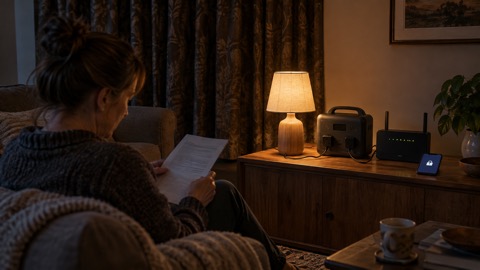
That is useful for equipment that dislikes being cut off: a router, a desktop computer, a smart speaker or a piece of home medical kit. It is not a substitute for a properly installed home battery or a generator wired into your house. If you want to understand how UPS mode compares with other backup options, the guide to using a power station as a UPS covers switchover times, and the guide to connecting a generator or battery to your home's wiring explains why plugging a power station into your house's circuits is a job for a qualified electrician, not a DIY task.
Pass-through charging is the related feature: the maker says the unit supports up to 980W of bypass power, allowing you to run your devices and recharge the unit at the same time2. So during a longer outage, if the mains comes back briefly, the unit can top itself up while still powering what is plugged into it.
Charging it: mains, car and solar
The Elite 30 V2 can be recharged several ways. On mains power the maker quotes a recharge to 80% in 45 minutes, using what it calls TurboBoost charging1. That speed is one of the unit's main selling points for a household that wants to top up quickly between outages.
The box includes an AC charging cable and a car charging cable2, so you can recharge from a wall socket or from a vehicle's outlet. If you are thinking about solar charging, the guide to portable solar panels for charging in a power cut explains what to look for, and the guide to how long solar charging takes in the UK sets realistic expectations for our climate.
The unit can also be charged using a BLUETTI B80 battery in Power Bank Mode, with the B80 sold separately1. That is a way of feeding power in from another battery, not a way of adding capacity to the Elite 30 V2 itself.
| Charging method | What you need | Maker's figure |
|---|---|---|
| Mains | AC charging cable (included) | Not stated by maker |
| Car | Car charging cable (included) | Not stated by maker |
| Solar | Not stated by maker | Not stated by maker |
| B80 battery | B80 in Power Bank Mode (sold separately) | Not stated by maker |
Battery lifespan, standby drain and warranty
The maker quotes 3000+ charge cycles for the Elite 30 V2, with a 5-year warranty1. It also says the unit delivers up to 10 years of reliable performance5. Those two figures describe different things: cycle life is how many full charge and discharge cycles the battery is rated for, while the 10-year figure is a broader lifespan claim. The maker does not reconcile them, so treat both as the maker's own estimates rather than guarantees.
Standby consumption is quoted as low as 4.5W1. That is the power the unit draws when it is on but not doing much, and it matters if you leave it plugged in and ready as a UPS: over a long period it will slowly drain the battery. The maker also says the unit achieves up to 50% less self-consumption5, which is a claim about how efficiently it holds its charge when idle.
To get the most from the battery, store the unit in a cool, dry place and avoid leaving it fully discharged for long periods. The guide to how to store a power station when not in use covers this in detail, and the guide to what temperature batteries should be stored at explains why heat is the enemy of lithium cells.
Setting it up and managing it with the BLUETTI app
The Elite 30 V2 can be controlled through the BLUETTI app over WiFi or Bluetooth. The maker says the app lets you set charging speed and power limits, schedule operations, use Memory Mode and monitor the unit in real time2. That is more control than most small power stations offer, and it is useful for a household that wants to cap how fast the unit charges, or to schedule charging for a cheaper time of day.
Memory Mode is worth switching on. The maker says enabling it means the unit remembers your preferred settings even after a blackout1, so you do not have to reset output limits or charging speeds every time the power drops. For a unit used as a UPS, that saves a lot of fiddling.
Safety, support and warranty
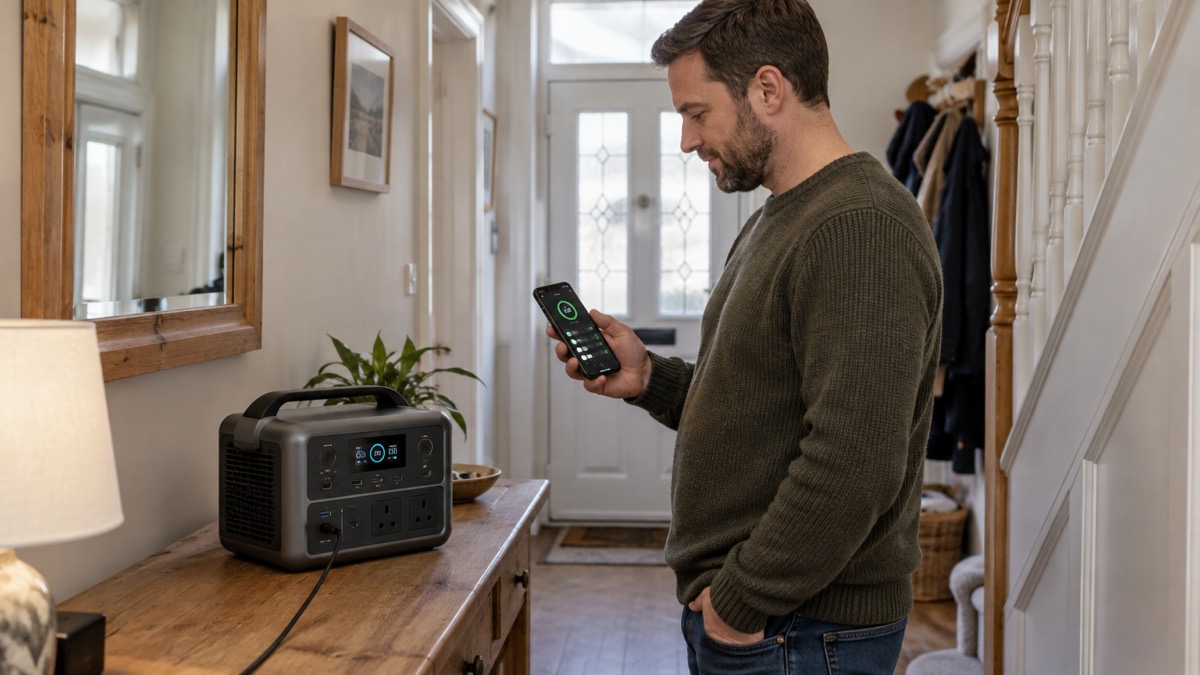
The Elite 30 V2 is backed by a 5-year warranty1. The maker fits a smart battery management system and a durable ABS shell for safety and stability2. The unit runs below 30dB under light loads, quiet enough for a bedroom4.
For safety, the main points are to use the supplied cables, to keep the unit dry, and to follow the maker's instructions in the documentation that comes in the box. The grounding screw supplied with the unit is there for earthing where appropriate; if you are unsure how to use it, leave it and take advice from a qualified electrician. The guide to UKCA, CE and battery safety markings explains what the markings on the unit mean.
If you are comparing this unit with others, the guide to portable power stations: what they do and how to choose sets out the questions to ask, and the BLUETTI brand page covers the maker's wider range. For a broader look at keeping the lights on, see backup power at home.
Sources (6)
- BLUETTI Elite 30 V2 (grey), BLUETTI, 2026-10-25
- Elite 30 V2 100W, BLUETTI, 2026-10-25
- BLUETTI portable power station, BLUETTI, 2026-10-25
- BLUETTI Elite 30 V2 (green), BLUETTI, 2026-10-25
- Elite 30 V2 portable power station, BLUETTI, 2026-10-25
- Home battery backup, BLUETTI, 2026-10-25

 BLUETTI Apex 300 Power Station
 BLUETTI Elite 100 V2
 Anker SOLIX C2000 Gen 2
 Anker SOLIX C1000 Power Station
 EcoFlow DELTA Pro
 BLUETTI Elite 400
 Anker SOLIX C300 Power Station
 EcoFlow DELTA 3
 EcoFlow DELTA 2 and DELTA 2 Max
 EcoFlow DELTA and DELTA Max
 EcoFlow RIVER 3 and RIVER 3 Plus
 EcoFlow RIVER 2 and RIVER 2 Max