If you own an Anker A1652 power bank, the first thing to do is stop using it and check whether your unit is part of the recall. Anker's safety notice is blunt: "Stop using the device immediately." That applies even if the power bank still works normally, because "even if the device appears to function normally, any unit confirmed to be part of this recall should be stopped from use"1. The recall covers three models, the A1642, the A1647 and the A1652, and Anker asks owners to store the device in a safe location, verify the serial number through its online form, and only then follow the claim process1.
The A1652 is a small lithium-ion power bank of the kind many households keep in a drawer for a power cut. That is exactly what it is for: keeping a phone alive when the mains fails. Anker's own guidance is that a confirmed unit should not be thrown away, returned to the company, Amazon or anyone else, or placed in used battery recycling boxes at retail and home improvement stores until Anker has confirmed what to do with it1. The disposal route matters as much as the decision to stop using it.
This page sets out what the recall means, how to find your model and serial number, how to contact Anker, why a recalled battery must not go in household rubbish, and how to keep phones charged in a power cut if your power bank is out of action.
Anker A1652 recall: stop using it and check your unit
The recall is not new, and it has grown. Anker ran an earlier recall covering the A1647, and in June 2025 it launched an additional recall covering the A1647 and A1652, asking customers who had received the 2024 recall information to re-check all their power banks using the 2025 submission form1. That detail matters for a household: a power bank you checked two years ago and set aside as fine may not have been checked against the current list. Check every Anker power bank in the house, not just the newest one.
The instruction is the same for all three models. Anker's notice says to store the device in a safe location, verify the serial number via the submission form, and immediately stop using the product1. A separate Anker notice repeats the point: stop using the device immediately and do not dispose of it until Anker confirms the unit qualifies4.
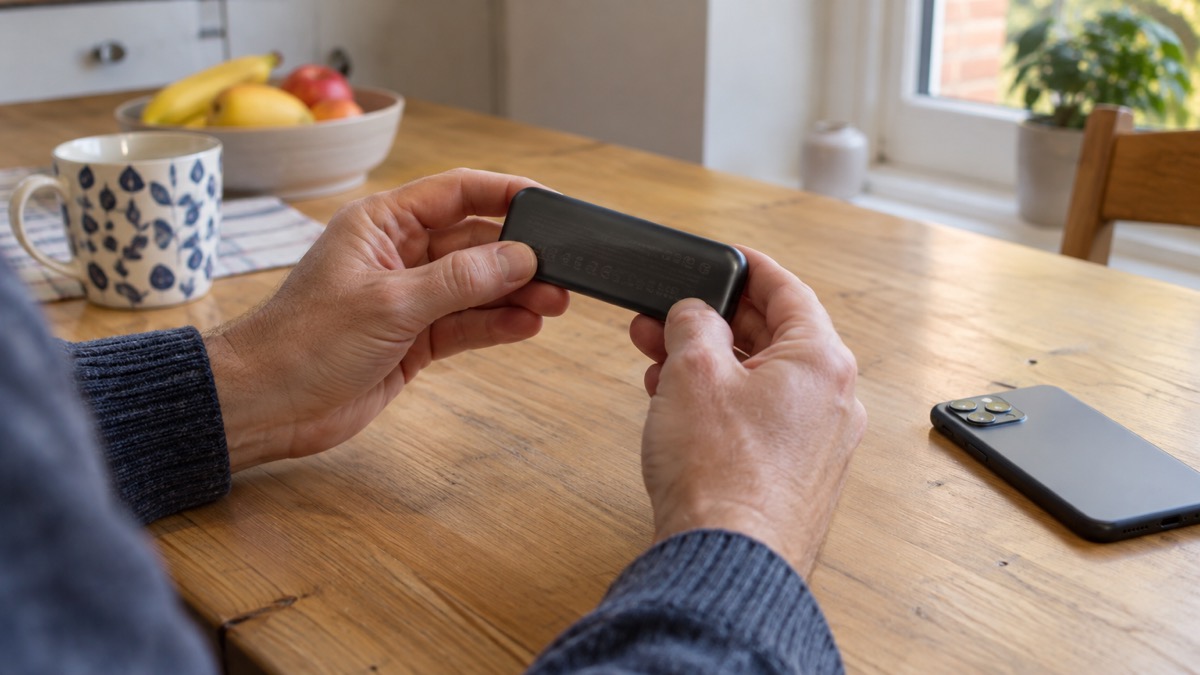
To identify your unit, turn it over. Anker says you can verify the model by looking at the bottom of the power bank, where the model name and the model number appear as Model: A1642, A1647 or A1652, alongside a 16-digit serial number1. Serial numbers do not contain the letter O or the letter I, so a character that looks like one is a zero or a one1.
| What to check | Where to find it | What it looks like |
|---|---|---|
| Model | Bottom of the power bank | Model: A1642, A1647 or A16521 |
| Serial number | Bottom of the power bank | 16 digits, no letter O or letter I1 |
| Recall status | Anker's online form | Verified against your serial number1 |
If the label is worn, scratched or missing, you cannot complete the serial number check. In that case treat the unit as suspect if you believe it may be one of the three models, stop using it, and contact Anker directly rather than guessing.
How to contact Anker about a recalled power bank
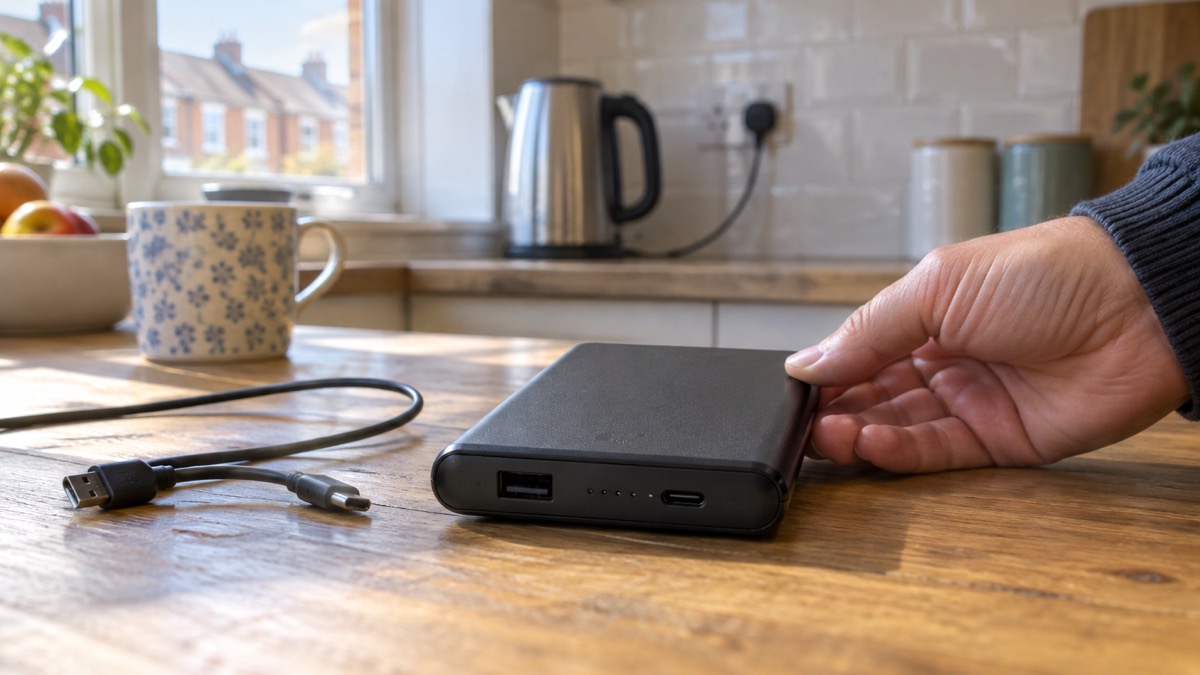
Once your unit is confirmed as part of the recall, Anker asks you to submit the Recall Claim form at anker.com/rc2506-form2. The form is the route to a replacement, and it is also where you verify the serial number or submit proof of purchase using the online recall form at www.anker.com/mmrc2506-form4.
If the form does not fit your circumstances, email works. Anker's customer service address is support@anker.com, and its notices ask you to put a recall reference in the subject line: "Anker Power Bank Recall" for the power bank recall1, or "535 Power Bank Recall" where that reference is specified5. Including the right subject line helps your message reach the team handling recalls rather than general enquiries.
A few situations need a little more preparation:
- You were given the power bank as a gift. Anker states that gift recipients can still get a replacement but must contact the original purchaser for the order invoice1. Ask the person who gave it to you for the order details before you submit.
- You have no receipt. The form allows you to verify your serial number or submit proof of purchase, so a serial number check may be enough on its own4. If you have neither, explain this in your email.
- You bought it second-hand. Ask the seller for the original order details, and contact Anker to ask what it will accept in place of a receipt.
Why a recalled power bank must not go in household rubbish
A power bank is a lithium-ion battery in a plastic case, and a faulty one can fail dangerously. Electrical Safety First explains that swollen power banks are a sign of an internal failure and may mean the device is at risk of catching fire, sparking thermal runaway, where toxic fumes are expelled and a fire occurs6. That is why the disposal instructions are unusually strict.
Anker's notice sets out what not to do in plain terms: do not throw the power bank into the trash or recycling bin, do not return it to the company, Amazon or anyone else, and do not place it in used battery recycling boxes at retail and home improvement stores1. A second Anker notice adds that you should not put the recalled battery in the rubbish, the general recycling stream, such as street-level or kerbside collections, or used battery drop-off boxes at retail or home improvement stores4. The same warning appears in other makers' recall notices, which ask owners not to throw the unit away in household trash, curbside recycling or standard battery drop-off bins7.
The reason is straightforward once you picture the journey. A bin lorry compacts its load, and a recycling plant sorts and crushes mixed waste. A damaged or failing lithium cell in either place can be punctured or shorted, and the result is a fire in a vehicle or a plant, or in the back of a collection van outside your house. Shop drop-off boxes are intended for spent batteries that are not known to be faulty, and a recalled unit does not belong among them.
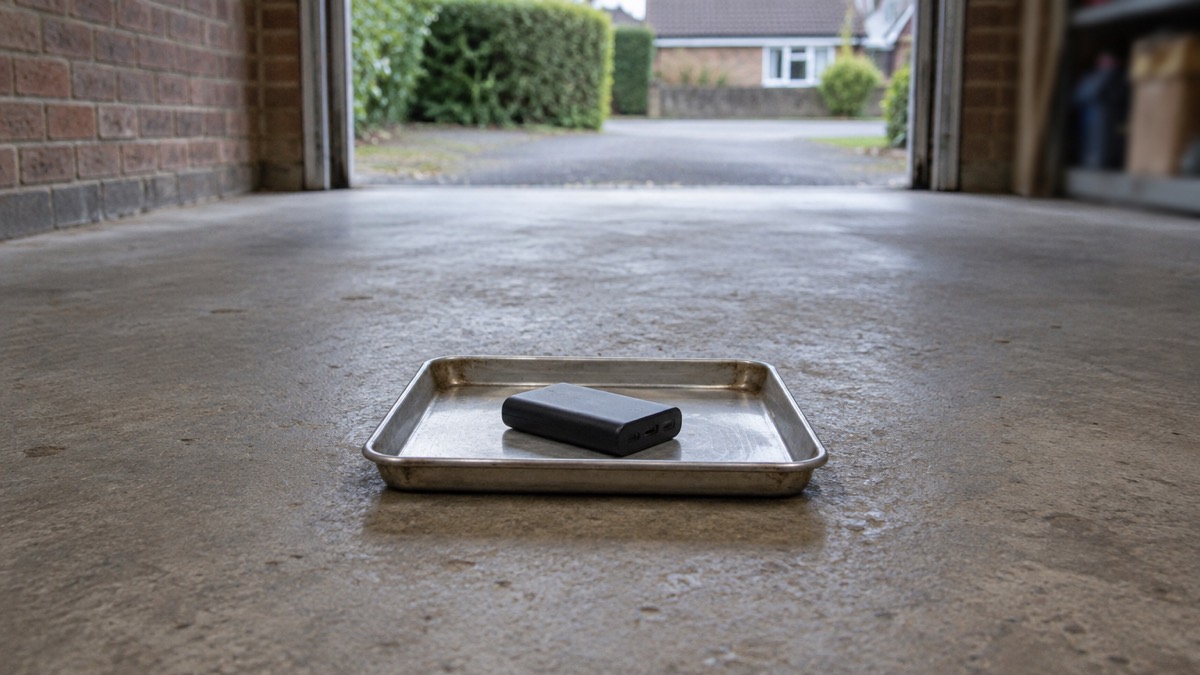
So what should you do with it in the meantime? Anker's instruction is to store the device in a safe location while you complete the verification1. In practice that means out of use, out of reach of children, away from anything that could readily catch light, and not on charge. Keep it somewhere cool and dry, and do not keep using it "just for now" while you wait for a reply. If a unit becomes swollen, hot, or starts to smell odd or spark, unplug it at once and contact the retailer or manufacturer, which is the advice Electrical Safety First gives for any power bank showing those signs7.
Keeping phones charged in a power cut without the A1652
If your power bank is out of action, the household still needs a way to keep a phone alive. The standard advice from network operators and local resilience forums is consistent: keep a mobile phone fully charged, and keep a charged power bank as a backup8. A charged power pack is worth having even if it only charges a phone, because it keeps you in contact with loved ones in an emergency or power cut9. The Met Office suggests a separate battery charger, and storing key information such as the power cut helpline number, 105, on your phone10.
The other half of the plan is a phone that does not depend on the mains at all. Cordless phones will not work during a power cut, so keep a corded phone plugged in or have one ready to use3. Many modern telephones, especially digital or cordless ones, will not work without power, so keep an analogue phone or a charged mobile phone to hand11. Age UK makes the same point for older households: many landline phones do not work in an emergency, so have a non-electric landline phone to hand and know where to plug it in12.
| What to keep ready | Why it matters in a power cut |
|---|---|
| A charged mobile phone | For calls and for going online for updates13 |
| A charged power bank | To top the phone up when the mains is off8 |
| A corded analogue phone | Cordless phones will not work without power3 |
| The number 105 written down | The power cut helpline, stored on the phone and on paper10 |
| A car or wind-up charger as a fallback | A manual wind-up charger or an in-car charger will keep a mobile phone alive; remove the phone when fully charged to conserve the car's battery14 |
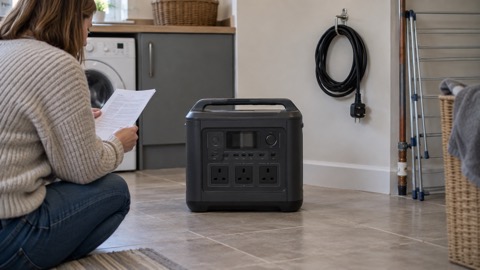
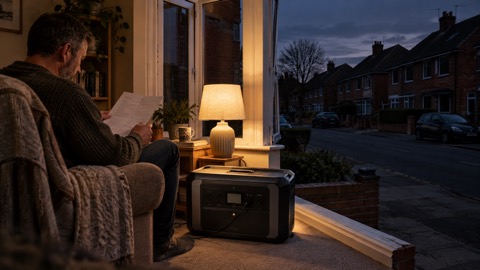
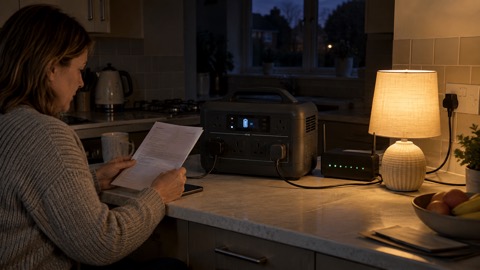
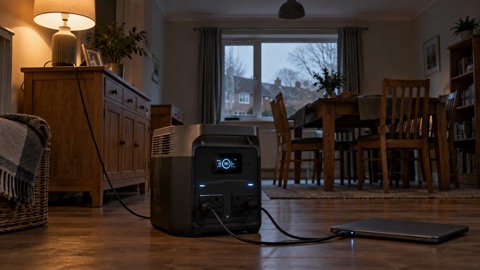
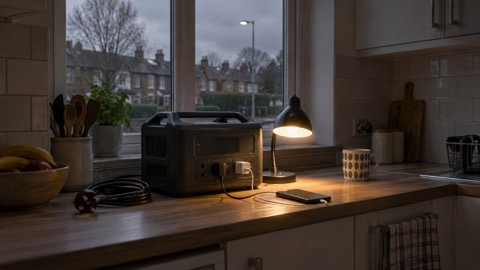
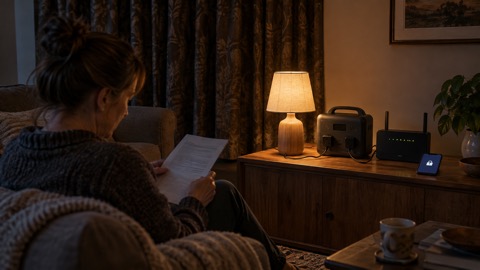
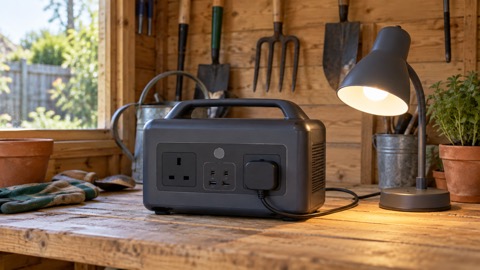
A replacement power bank is one option once Anker has dealt with your recalled unit. If you are choosing what to buy, the wider guide to power banks for emergencies sets out capacities and what they will charge, and the power bank or power station comparison explains when a larger unit is worth the space. For a household that wants to run a router or a lamp as well as a phone, a portable power station does more, at a higher cost in money and shelf space.
Whatever you use, charge it before trouble arrives. Network operators advise keeping a mobile phone fully charged so you can go online for updates or call if you have a power cut13, and keeping any battery packs charged alongside it15. A power bank that has sat empty in a drawer for a year is no help on the night the lights go out.
Using and storing a power bank safely
A power bank is safe when it is undamaged, charged with the right kit and kept within its limits. Electrical Safety First advises regularly checking the charger, the plug and the socket outlet for burn marks, sounds of arcing, meaning buzzing or crackling, or a plug that feels too hot to touch16. While charging, if you notice odd smells, sparking, smoke, swelling, cracks or damage, unplug immediately and contact the retailer or manufacturer16.
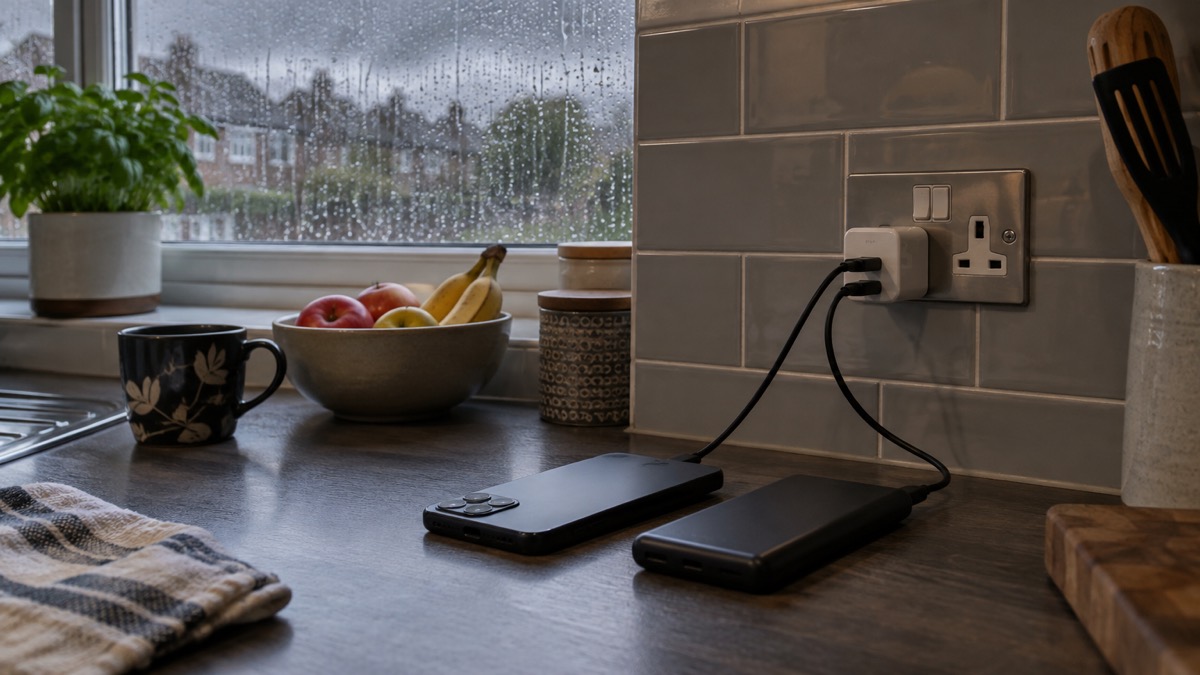
Keep chargers unplugged and out of reach when not in use, which is particularly relevant in a house with young children17. Store the power bank somewhere cool and dry, and charge it on a hard surface rather than on a soft furnishing where heat cannot escape. If you want a step-by-step routine, the safe battery charging checklist walks through the set-up, and the guide to lithium-ion battery safety at home covers warning signs in more detail.
If you are flying, follow airline rules and never put power banks in checked luggage: keep them in your hand luggage, and if you spot any signs of damage or deformation while flying, alert airline staff straight away, as they are trained to deal with it7. A unit that is part of the recall should not travel at all until Anker has confirmed what to do with it.
For a household building a power cut plan, the power cut backup power checklist lists what to have ready, and the backup power section covers the wider choices from power banks to generators. The power cuts guide explains what happens during an outage and who to contact, and Staying Informed and in Touch in an Emergency covers radios, alerts and keeping in contact when the phone signal is stretched.
Sources (17)
- Anker Power Bank Recall: A1642, A1647, A1652, Anker, 2025
- Anker power bank recall notice, Anker, 2026-10-25
- Tips to prepare for a power cut, Electricity North West, 2026-10-25
- Anker recall verification and claim form, Anker, 2025
- Anker 535 Power Bank Recall, Anker
- Is your power bank a flight risk?, Electrical Safety First, 2026-10-25
- Power banks safety advice, Electrical Safety First, 2026-10-25
- What to do in a power cut, Northern Powergrid, 2026-10-25
- Yourself: personal resilience, Wiltshire and Swindon Prepared, 2026-10-25
- Top tips to be weather ready, Met Office, 2026-10-25
- Preparing for a power cut, National Grid, 2022-09
- Are we ready for the next crisis?, Age UK, 2016-02
- Power cut advice, Energy Networks Association
- Storm power cut tips, The AA, 2016-11-01
- Staying safe in the snow, North Yorkshire Fire and Rescue Service, 2023-03-09
- Power banks product safety guidance, Electrical Safety First, 2026-10-26
- Burns and scalds, RoSPA

 BLUETTI Apex 300 Power Station
 BLUETTI Elite 100 V2
 Anker SOLIX C2000 Gen 2
 Anker SOLIX C1000 Power Station
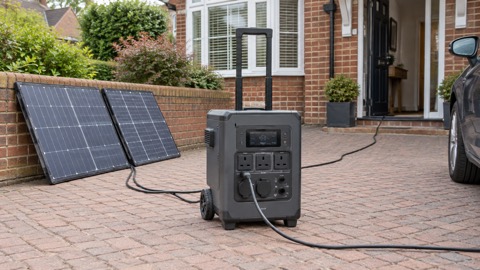 EcoFlow DELTA Pro
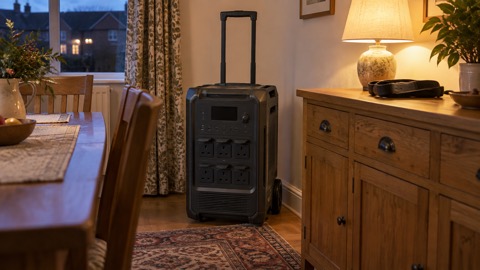 BLUETTI Elite 400
 Anker SOLIX C300 Power Station
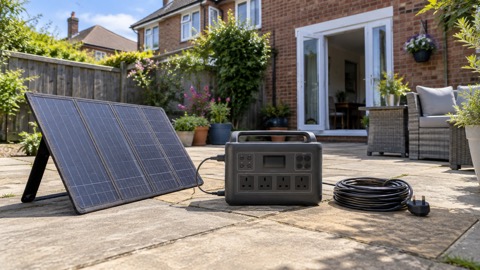 EcoFlow DELTA 3
 EcoFlow DELTA 2 and DELTA 2 Max
 EcoFlow DELTA and DELTA Max
 EcoFlow RIVER 3 and RIVER 3 Plus
 EcoFlow RIVER 2 and RIVER 2 Max