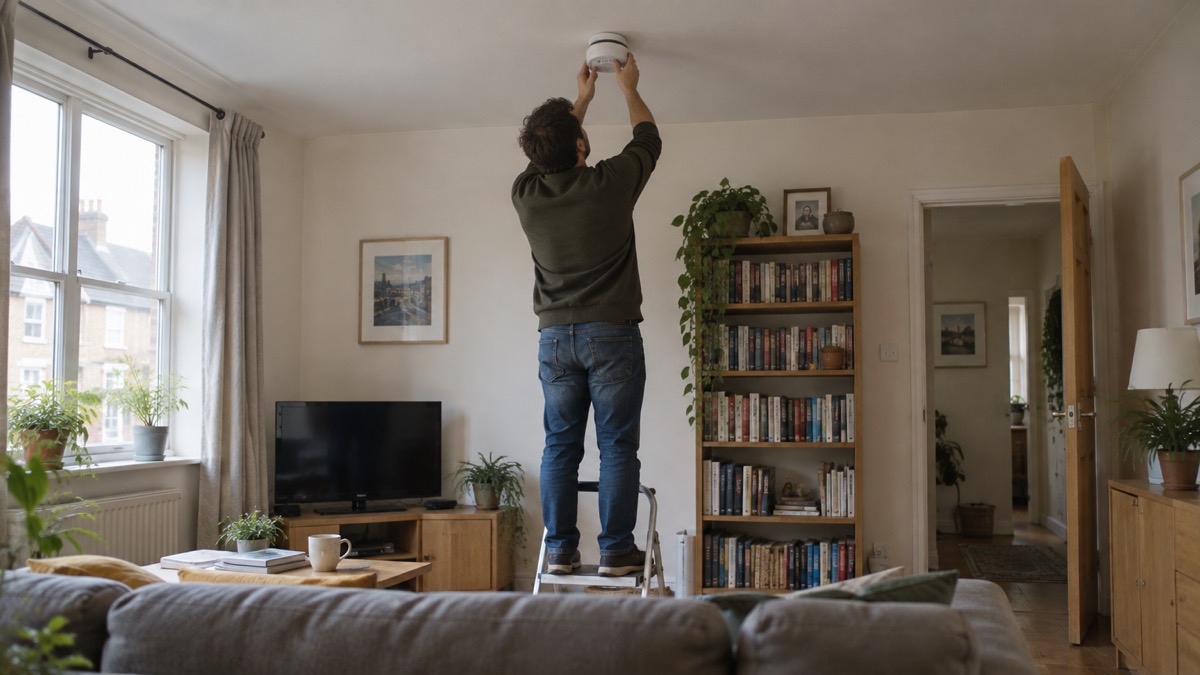
The Firehawk FHB10-RF is a battery-powered optical smoke alarm that talks to the other Firehawk RF-Link alarms in your home by radio, so that when one sounds they all sound. It has a sealed-in 10 year lithium battery, an auto switch mounting plate that turns it on when it is clipped to the plate and off when it is removed, and a 10 year warranty1. For a household getting ready for a power cut, a storm or any night when the mains might fail, that matters: it keeps working when the electricity does not.
What you do with it is simple. Fit one on each level of your home, in hallways, corridors and all escape routes, and within 3 metres of all bedroom doors, and interconnect them all2. Then test the system from every alarm, not just one, so you know each unit is genuinely linked3. A red light flashing once a minute is normal: it means the alarm has power4.
What the FHB10-RF is and what it does for a household
The maker describes the FHB10-RF as a battery optical multi-criteria-enhanced radio interlinked smoke alarm5. In plain terms it is an optical smoke alarm, which means it looks for smoke rather than heat, and it carries a radio transmitter so it can be linked wirelessly to other Firehawk RF-Link devices. The maker lists it as suitable for use as part of a Grade F1 system, which is a system of one or more battery powered detectors run from a tamper proof primary battery6.
For an ordinary household the point of the radio link is coverage. A fire that starts in a kitchen or a downstairs cupboard can be sounding an alarm in an upstairs bedroom within seconds, without any wiring between the two. The maker's minimum protection advice is to install at least one smoke alarm on each level of your home, in hallways, corridors and all escape routes, and within 3 metres of all bedroom doors, with all alarms interconnected2. That is the layout the radio link is designed to serve.
The alarm also carries the maker's TSE-Technology, which it says provides stability across a range of environmental conditions, reducing nuisance alarms whilst enhancing detection4. It has a unique X-Profile detection chamber controlled by bespoke software, and an alarm silence button that the maker describes as ideal in non-emergency situations such as nuisance alarms4. Those two features are about the same problem: an alarm that goes off for steam or cooking smoke is an alarm a household learns to ignore, and the maker has built in ways to reduce that without switching the unit off.
It is one of a family. The Firehawk range includes a heat alarm, a carbon monoxide alarm and a hard of hearing alarm, and the FHB10-RF links with all of them3. If you are choosing between alarm types for different rooms, the site's guide to smoke alarms and how to choose one sets out the options, and the comparison of optical or ionisation alarms explains why an optical unit like this one suits escape routes and living areas.
Assembling the alarm and radio base without blocking the antenna
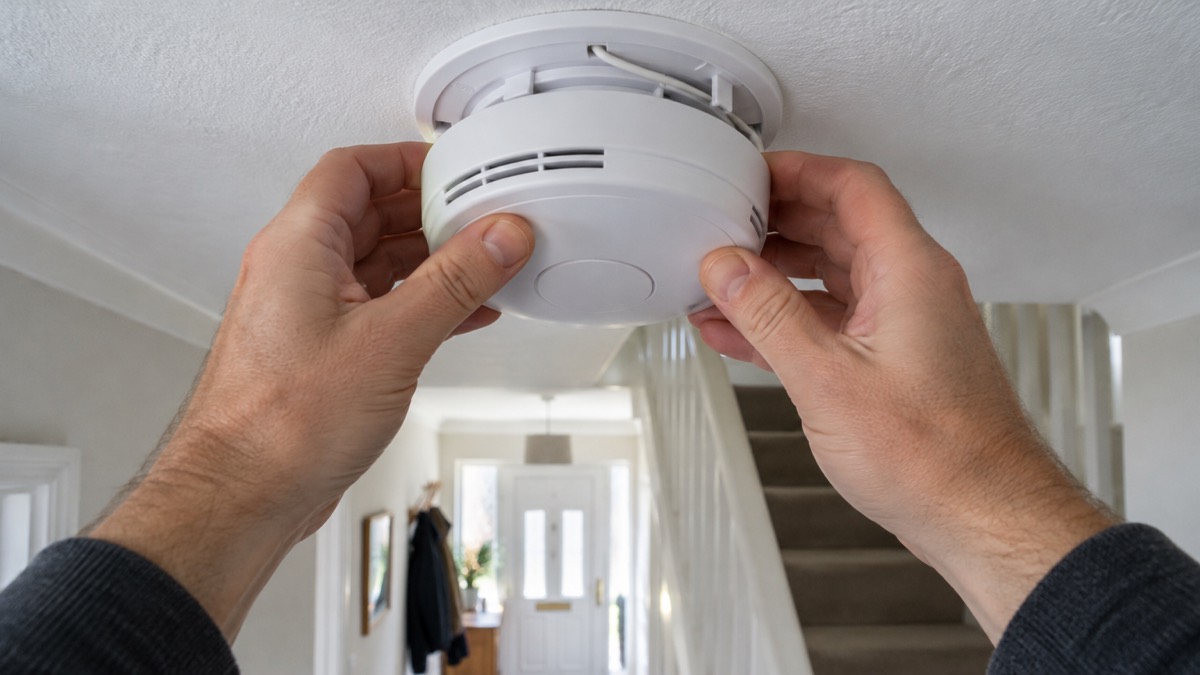
The FHB10-RF comes as two parts that lock together: the alarm head and the radio base, which the maker also calls the pattress. To assemble it, bring the alarm and radio base together and twist or slide to lock into place. The light will flash red and the device will beep when they are locked together3. On Firehawk smoke and heat alarms generally, the maker's instruction is to line up the vertical line on the alarm with the arrow on the base, then twist clockwise; to remove it, press the security tag and twist anti-clockwise7.
There is one assembly detail that decides whether the radio link works at all. The maker's manual carries an explicit warning that the wire can interfere with the radio's antenna if it is not secured in the retaining slot3. In other words, the linking range and reliability depend on that wire being tucked where it belongs, not left loose across the aerial. If you are assembling several alarms, check this on each one before you close the unit up.
Once assembled, the unit behaves in a particular way at the plate. The FHB10-RF uses an auto switch mounting plate: power is automatically switched on when the alarm is attached to its mounting plate and off when it is removed4. That is convenient, because there is no separate switch to forget, but it has a consequence you should know about. An alarm that is off its plate is off, and it will not detect smoke. FireAngel makes the same point about its own battery powered alarms, warning that removing the smoke alarm from its base plate will deactivate the unit and prevent it from detecting smoke8. Treat a Firehawk alarm sitting on a table, waiting to be fitted, as not protecting anyone.
Linking your alarms: press test, wait for the beep
Linking is the step that turns a set of individual alarms into a system. The maker's procedure is short. Press the test button on any assembled alarm, which puts it into linking mode and makes its light flash red and green3. Then wait a few seconds for the alarm to beep and stop flashing its lights; at that point the alarm is linked3. Repeat for each alarm you want in the system, up to the maker's maximum of 20 x RF-Link alarms5.
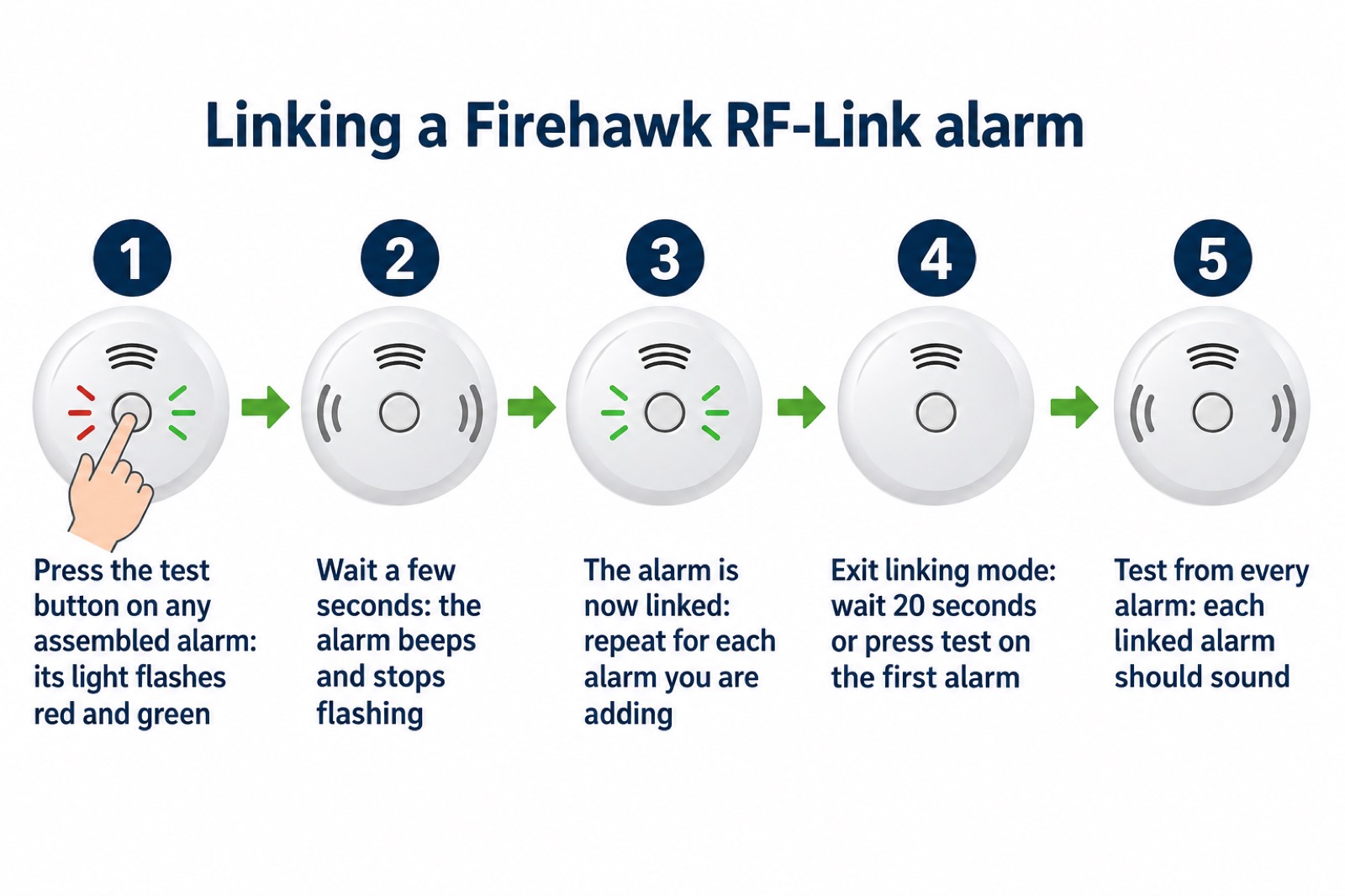
The maker's pairing guide for the wider RF-Link range gives the same sequence in the same words, which is reassuring if you are linking a mixture of Firehawk devices: bring the alarm and radio base together and lock them, wait a few seconds for the beep and for the lights to stop flashing, and the alarm is linked9. The guide also says to perform a test from each alarm in the system to ensure every alarm is successfully linked9.
If you are adding a new alarm to a system that is already running, the route is slightly different. Open any already linked alarm and press the white RF button on the radio pattress to enter linking mode; the red and green LED will flash3. The same button starts the reset procedure described below3. Once you have finished, leave linking mode by waiting 20 seconds or pressing the test button on the first alarm3.
Testing the system from every alarm
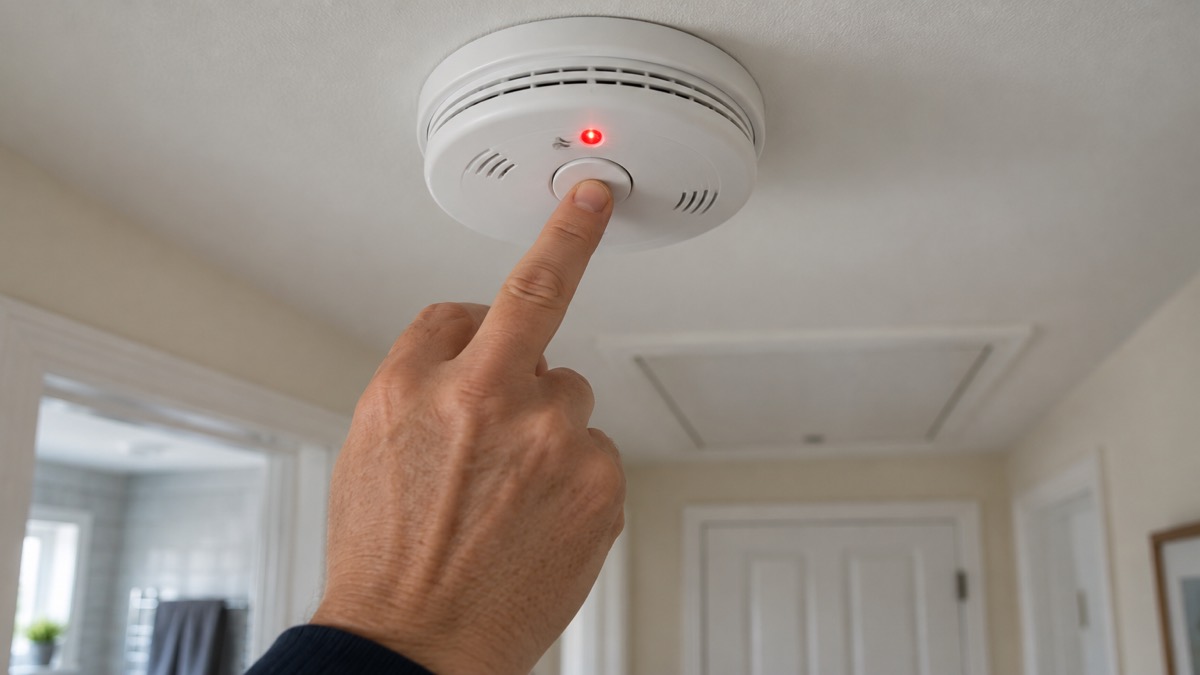
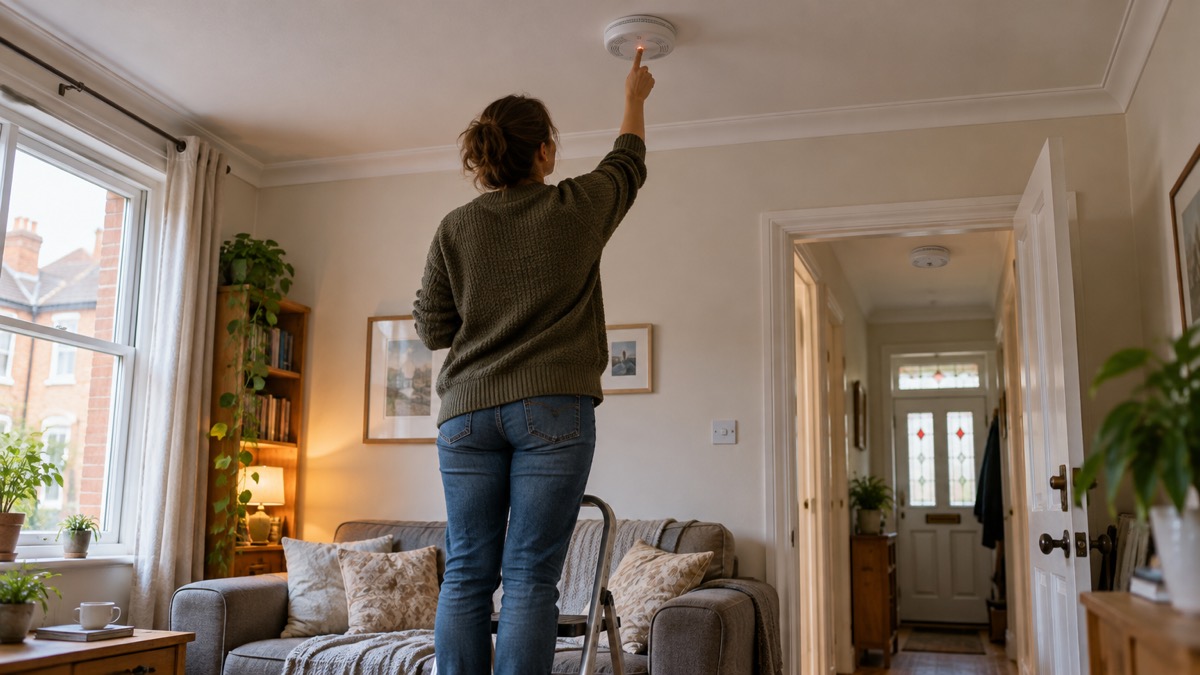
Testing is where a linked system earns its keep, and it is the step most households get wrong. The maker's instruction is to press the test button on any one alarm and wait for each linked alarm to sound, then to perform a test from each alarm in the system to ensure every alarm is successfully linked3. The reason for testing from every unit is that a test from one alarm proves the others receive from that one; it does not prove that every alarm can transmit. Testing each in turn checks both directions.
How often? The fire and rescue service advice is to make sure you test the alarm every week10. The alarm maker Aico advises testing all alarms once a month and ensuring all interconnected alarms sound11. Those two figures differ, and both are in circulation: weekly from the fire service, monthly from the manufacturer. Testing weekly satisfies both, and on a linked system the weekly test is quick, because pressing one button should set off every alarm in the house.
A few things go wrong at this stage, and the maker's troubleshooting guide names them:
- One beep every 11 seconds means the test button is jammed2.
- A double beep every minute is the maker's fault warning2.
- The test button light stays steadily on or off, rather than flashing about once every minute when the unit is not in alarm, which the troubleshooting guide lists as a fault indicator12.
If any of those appear, deal with them before you rely on the alarm. A unit with a jammed test button cannot be tested, and an untested unit in a linked system is a gap you cannot see.
What the lights and beeps mean
Most of the questions households ask about this alarm are about a light or a sound, and the maker's answers are consistent across its product pages. The red LED flashes once a minute to indicate power, and flashes constantly to indicate an alarm condition4. So a slow red blink is good news: the unit is powered and watching. A rapid, constant red flash alongside the sound means it has detected smoke.
The pattress has its own light. When you plug the alarm into the pattress and switch on the radio base, the pattress LED will flash green twice per second3. If it does not, the maker's manual says to complete the reset step3. The reset is done by holding the Link button on the radio pattress until the red and green LED appears, then releasing it so the pattress begins to flash green, then switching the pattress off14.
| What you see or hear | What the maker says it means | What to do |
|---|---|---|
| Red light flashes once a minute | Power indicator, normal4 | Nothing |
| Red light flashes constantly | Alarm condition4 | Treat as a fire until you are certain there is none |
| Pattress LED flashes green twice per second | Alarm connected to the radio base3 | Nothing |
| Pattress LED not flashing green | Not connected as expected3 | Complete the reset step3 |
| Double beep every minute | Fault2 | Check the alarm and its plate |
| One beep every 11 seconds | Test button jammed2 | Free the test button |
| Test button light steady on or off | Fault indicator12 | Check the unit |
The silence button is for nuisance alarms, not for fires. The maker describes it as ideal in non-emergency situations such as nuisance alarms4, and the low battery warning can be silenced for up to 10 hours, which the maker says maintains continuous protection during sleeping hours4. That overnight silence is a sensible feature: it stops a low battery chirp waking the house at 3am without leaving anyone unprotected until morning. It is not a reason to delay replacing an alarm at the end of its life.
Keeping it ready: battery, mounting plate and replacement
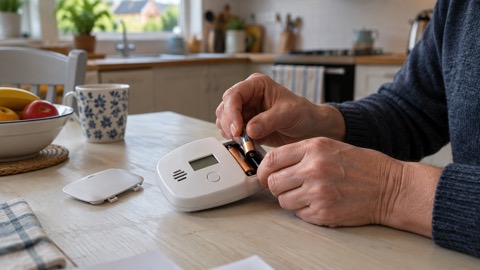
The FHB10-RF is built to be low maintenance. It has a sealed-in 10 year lithium battery4, so there is no annual battery change and no moment where the alarm sits on a kitchen worktop waiting for a new cell. The maker describes it as a long life optical smoke alarm with a sealed-in 10 year battery and lists a 10 year warranty13. The datasheet gives the same 10 year warranty figure5.
That design choice has a trade-off worth understanding. A sealed battery means the whole alarm is replaced at the end of its life rather than the battery alone. The site's comparison of sealed 10 year or replaceable battery alarms sets out the two approaches side by side. For a prepping household, the sealed unit's advantage is that it cannot be left dead because nobody had a spare battery in the drawer; the disadvantage is that you must diarise the replacement date, because nothing will remind you except the alarm's own low battery warning.
The mounting plate does the switching. Power is automatically switched on when the alarm is attached to its mounting plate and off when it is removed4. That is why the maker's reset and linking steps involve opening an alarm and pressing a button on the pattress: the plate is the interface between the alarm head and the radio base. It is also why you should never leave an alarm off its plate for long. FireAngel's warning about its own battery alarms applies in spirit: removing the alarm from its base plate will deactivate the unit and prevent it from detecting smoke8.
What works with it: RF-Link alarms and Grade F1 systems
The FHB10-RF is one part of a compatible family. The maker lists it as compatible with the Firehawk RF-Link range of smoke alarms (FHB10-RF), heat alarms (FHH10-RF), carbon monoxide alarms (CO10-RF), the RF-Link module for mains alarms (FHN600RF) and the hard of hearing alarm (FHN800HIA)4. The manual gives the same list, describing FireHawk RF-Link devices as able to be radio linked wirelessly to smoke alarms, heat alarms, carbon monoxide alarms, RF-Link equipped mains smoke and heat alarms fitted with the FHN600RF module, and hearing impaired control units3.
| Device | What it adds to the system | Where it suits |
|---|---|---|
| FHB10-RF smoke alarm | Optical smoke detection, radio link5 | Hallways, corridors, escape routes, within 3 metres of bedroom doors2 |
| FHH10-RF heat alarm | Heat detection, radio link4 | Rooms where smoke alarms nuisance-trip, such as kitchens |
| CO10-RF carbon monoxide alarm | CO detection, radio link4 | Rooms with a fuel-burning appliance or flue |
| FHN600RF RF-Link module | Brings mains smoke and heat alarms into the radio system4 | Homes with existing mains alarms |
| FHN800HIA hard of hearing alarm | Warning for people with hearing loss4 | Bedrooms of hard of hearing occupants |
That compatibility is what makes the system useful in an emergency. A heat alarm in the kitchen, a smoke alarm on the landing and a carbon monoxide alarm by the boiler can all be tied together, so a problem anywhere in the house raises the alarm everywhere. The maker describes its RF-Link range as offering easy setup interconnectivity for all smoke, heat, carbon monoxide and hard of hearing alarms15. If you are planning a mixed system, the site's guide to interlinked alarms and how linking works explains the principles, and heat alarms: what they do and where they go covers the kitchen side. For households with a deaf or hard of hearing occupant, smoke and CO alarms for deaf and hard of hearing people explains the warning devices that work alongside an alarm like this one.
The maker also lists the FHB10-RF as suitable for use as part of a Grade F1 system6. The site's guide to alarm standards, BS 5839-6 and system grades explains what the grades mean for a home. If you are weighing up whether to go battery or mains, the comparison of battery or mains smoke alarms and of wireless or wired interlinked alarms cover the trade-offs, and the Firehawk brand page lists the rest of the range.
Where it fits a household emergency plan
A smoke alarm is the one piece of emergency kit that earns its place every single night, and the FHB10-RF is built for the nights when the mains does not. Because it runs on its own sealed battery and links by radio, a power cut, a tripped circuit or a flooded consumer unit does not take it out of service. That is the prepping case for it: it is protection that survives the emergency rather than depending on the supply.
The fire and rescue service position is blunt about why it matters. Staffordshire Fire and Rescue Service advises householders to make sure they test the alarm every week10, and Electrical Safety First reports the case of an Ipswich man who escaped a blaze with his family thanks to a life saving smoke alarm, with experts urging residents to test theirs and to replace batteries when needed16. A working alarm buys the minutes that get a household out.
To keep the FHB10-RF ready:
- Test the system from every alarm, weekly if you follow fire service advice, monthly at minimum on the maker's guidance10.
- Check the red light is flashing once a minute on each unit, which shows it has power4.
- Keep the alarm on its mounting plate, because off the plate it is switched off4.
- Note the fitting date, so the 10 year life and 10 year warranty are not forgotten13.
- Link any new alarm to the existing system and test from every unit afterwards3.
If you have a fire at home, the site's guide to what to do if a fire starts in your house sets out the order of actions, and how to make a fire escape plan is the preparation that turns an alarm sounding into a safe exit. For a flat, what to do if there is a fire in your block of flats covers the different decisions. The fire safety checklist for your home and the bedtime fire safety checks are the routines that keep an alarm system working between tests. If you are unsure how often to test, how often to test smoke and CO alarms goes through the intervals, and why does my smoke alarm keep chirping deals with the noises that are not a fire.
Sources (16)
- Battery powered optical smoke alarm, Fireblitz (Firehawk)
- FireHawk FHB10-RF Manual 2025, Fireblitz, 2025
- RF-Link Pairing Guide, Fireblitz, 2026
- FireHawk FHB10-RF Hard of Hearing Alarm, Fireblitz, 2026
- FireHawk FHB10-RF Spec Sheet 2025, Fireblitz, 2025
- Fire Alarms and British Standards, Fireblitz, 2026
- FireHawk Smoke and Heat Alarm Installation and Maintenance, Fireblitz, 2024
- Installing Your Battery Powered Smoke Alarm, FireAngel, 2024
- FireHawk RF-Link Pairing Guide, Fireblitz, 2023
- Home Fire Safety Visits, Staffordshire Fire and Rescue Service, 2026
- How to Test Smoke Alarms, Aico, 2026
- FireHawk Troubleshooting Guide, Fireblitz, 2019
- FireHawk Smoke Alarms Support, Fireblitz, 2024
- FireHawk RF-Link Multiple Control Unit Setup, Fireblitz, 2024
- Why Choose FireHawk Alarms - FireBlitz, FireBlitz
- Ipswich Man Escapes Blaze Thanks to Life Saving Smoke Alarm, Electrical Safety First, 2026

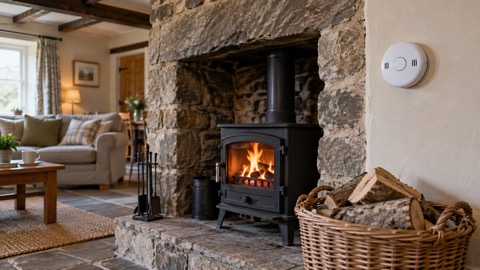 FireAngel FA3313 CO Alarm
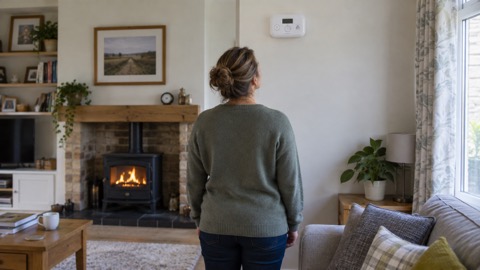 FireAngel FA3322 CO Alarm
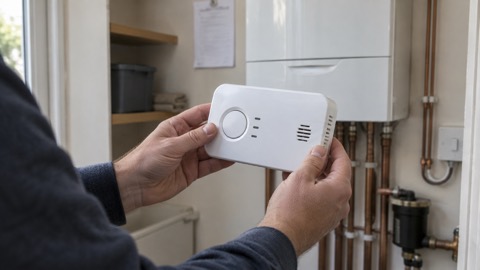 FireAngel FA3820 CO Alarm
 FireAngel FA6812 CO Alarm
 FireAngel FA6813 CO Alarm
 FireAngel FA6829S CO Alarm
 FireAngel CW1-PF CO Alarm
 FireAngel W2-CO-10X CO Alarm
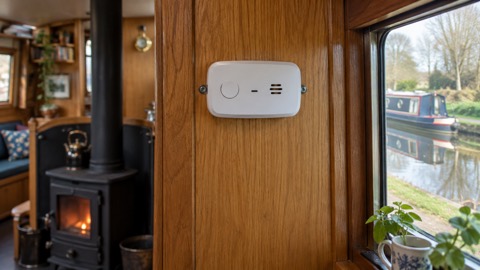 FireAngel FP1820W2-R CO Alarm
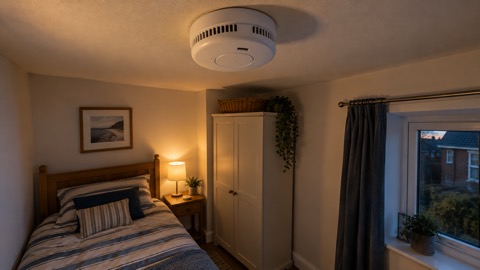 FireAngel FP2620W2-R Alarm
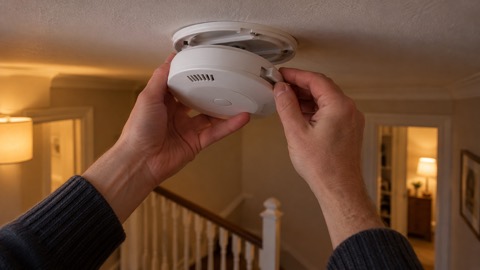 FireAngel ST-632 Smoke Alarm
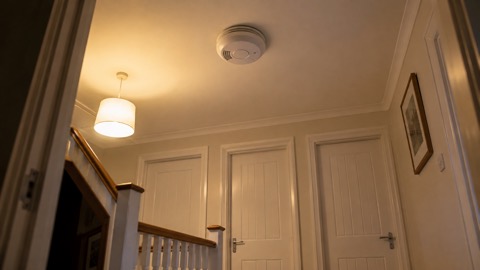 FireAngel ST-750 Smoke Alarm