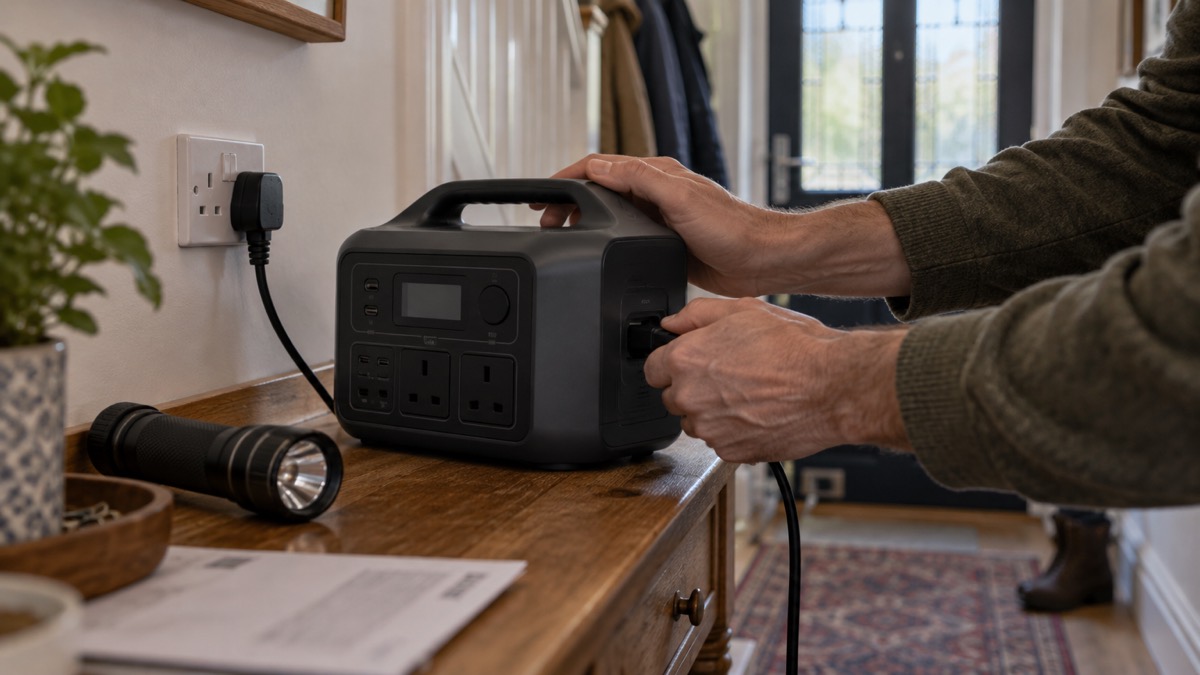
The DJI Power 500 is a portable power station with a 512Wh battery, made by DJI1. For a household preparing for a power cut, that means a battery you can carry from room to room and plug ordinary mains appliances into, without petrol, fumes or a generator running outside. It has two AC output ports, two USB-C ports, two USB-A ports and one SDC Lite port, and it can be recharged from the mains, from USB-C chargers or from solar panels with an adapter module2.
The figures that matter most in an emergency are how fast it refills and how it is topped up when the mains is down. From the mains AC input the maker gives a fastest recharge of about 70 minutes from 0% to 100%, or about 50 minutes to 80%4. Through USB-C, both ports together can recharge it at 200 W maximum2. Solar charging needs a separate adapter module before panels will work3.
This page sets out what the unit can do, how to keep it charged and ready between emergencies, how to use it safely, and where to go for support. It does not cover prices, and it does not rank the unit against other products. If you are still deciding what backup power your household needs, start with Deciding What to Keep Running When the Mains Fails and the wider Backup Power at Home guide.
What the Power 500 is and who it suits
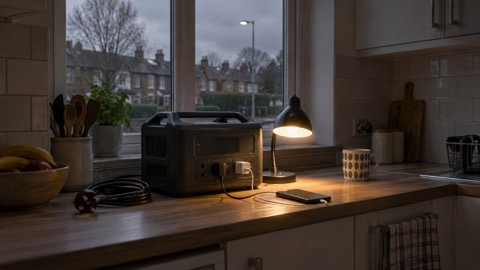
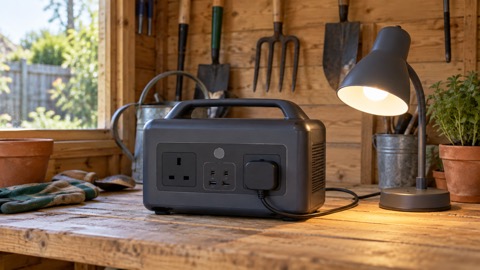
The Power 500 is a portable power station, a battery in a case with mains sockets and USB ports on the front1. It is not wired into your house. You plug appliances into it directly, which means it suits a household that wants to keep a small set of things running during a cut rather than power the whole home. The maker describes three ways to supply power from it: the AC output port for household appliances, the USB ports for laptops, phones and digital devices, and the SDC Lite port for accessory extensions and fast charging of selected DJI drone batteries3.
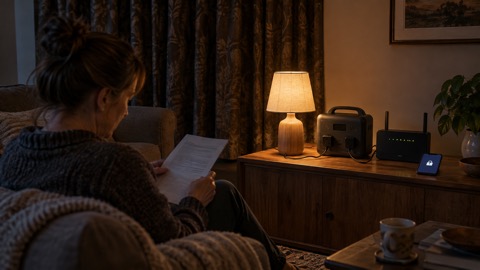
That shape of kit fits some households better than others. If your priority during a cut is phones, a laptop, a radio, a few lamps and perhaps a small appliance, a unit of this size and port layout is built for exactly that. If you need to run a fridge, a boiler or medical equipment for hours, the capacity and the number of AC ports are the things to check against your own list before you rely on it. The Portable Power Stations guide explains how to match a unit to what you need to keep running, and What Capacity Power Station Do I Need? works through the sums.
Specifications at a glance
The maker's published figures give a clear picture of what the unit offers. Where the maker's own pages give slightly different wording for the same specification, the figures below follow the maker's product and support pages.
| Specification | Figure |
|---|---|
| Battery capacity | 512Wh1 |
| AC output ports | 22 |
| USB-C ports | 2, two-way2 |
| USB-C output | Up to 100 W per port, device must support PD 3.02 |
| USB-C input | DC 5 to 20 V, max 100 W per port, charger must support PD 3.03 |
| USB-C input, both ports | 200 W maximum combined2 |
| USB-A ports | 22 |
| SDC Lite port | 12 |
| SDC Lite input | DC 22.4 to 29.2 V, max 300 W, 10 A3 |
| SDC Lite output | 9 to 27 V, max 240 W3 |
| AC input (DYM500H) | AC 220 to 240 V, 540 W recharging, 1000 W bypass mode7 |
| AC input (DYM500L) | AC 100 to 120 V, 540 W recharging, 1000 W bypass mode4 |
| Fastest recharge | About 70 minutes from 0% to 100%, about 50 minutes to 80%4 |
| Switchover time | 0.02 seconds3 |
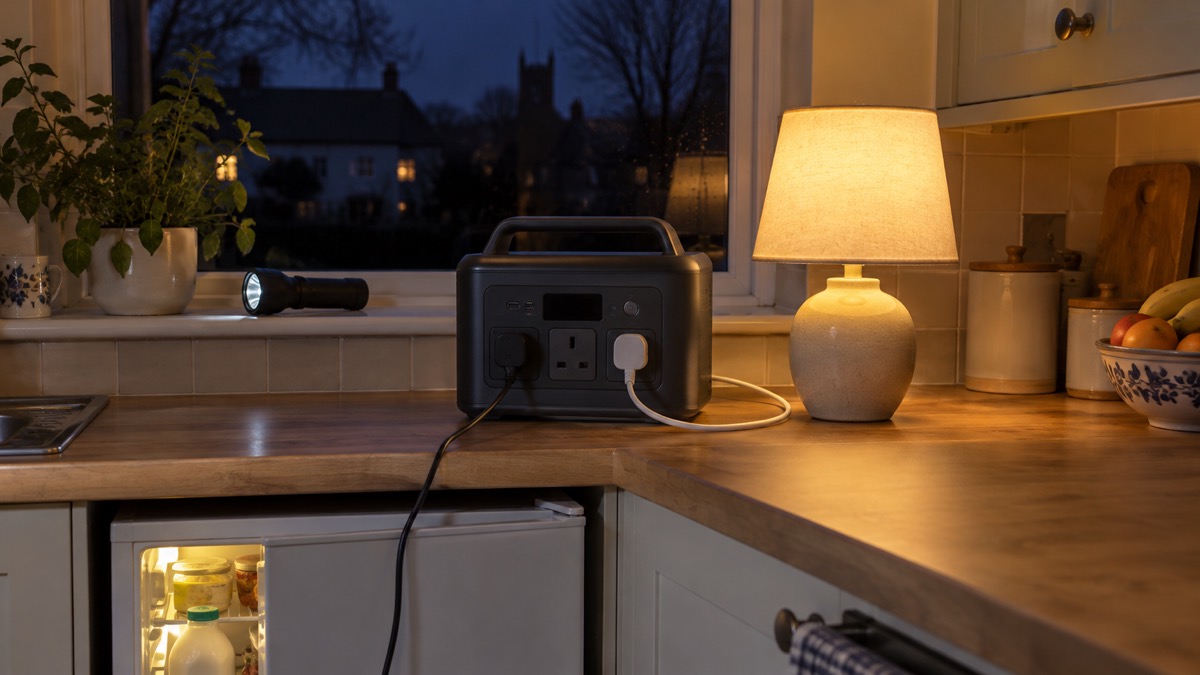
One point to note: the maker's store page also describes the USB-C ports as "Dual 140W USB-C Ports"2, while its product and support pages give 100 W maximum per port2. The maker's own guidance for the Power Series says the 140 W figure applies where the device being charged supports the PD 3.1 protocol and uses a cable meeting EPR specifications5. Treat 100 W per port as the figure to plan around unless you have checked your device and cable against that condition.
Charging it from the mains, USB-C and solar
How you refill the battery decides how useful it is in a long outage. The maker gives the AC input as the fastest recharging method, taking about 70 minutes from 0% to 100% and about 50 minutes from 0% to 80%4. When connected to grid power, the unit supports 540 W and 270 W recharging2. The 540 W maximum comes with conditions: the maker states that to achieve it the battery level must be at least 60% and the ambient temperature must be within the range the maker specifies for that rate7. In a cold house in winter, expect the slower rate.
USB-C charging is the fallback when the mains is out but you have power banks or a car charger. Both USB-C ports can recharge the unit at 200 W maximum combined, or supply power at 100 W maximum each2. The charger you use must support the PD 3.0 protocol2. The USB-C Charging, Power Delivery and Cables Explained guide covers what that means for the cables and chargers you already own.
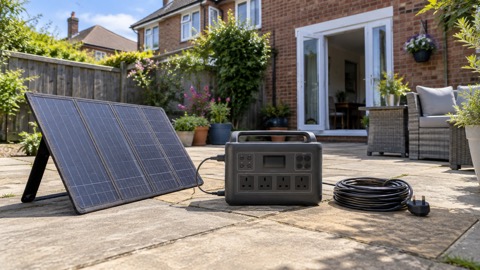
Solar charging is not built in. The unit connects to one DJI Power Solar Panel Adapter Module (MPPT), which can then connect to one to three solar panels2. The maker recommends panels from its certified brand Zignes, and says panels not officially recommended need converting to an XT60 interface2. If you are planning solar as your main refill method, read Portable Solar Panels for Charging in a Power Cut and What Size Solar Panel Do I Need to Charge a Power Station? before buying panels.
What it can run, and for how long
The maker states that the unit has a 512Wh capacity and a 300W AC output, with a 600W surge1. Beyond that, how long the battery lasts depends entirely on what you plug in, and the maker does not publish run times for appliances in the material here. The honest answer for a household is that you need to work it out from the wattage of each device and the capacity of the battery. The Watts, Watt-Hours and Surge Explained guide sets out the method, and How Long Will a Power Station Run a Fridge or Laptop? applies it to the two appliances households ask about most.
What the port layout tells you is the shape of a sensible plan. The two AC output ports take household appliances2. The two USB-C ports at up to 100 W each suit laptops and phones that support PD 3.02. The two USB-A ports cover older devices and small accessories2. The SDC Lite port is for accessory extensions and fast charging of selected DJI drone batteries3. If your emergency plan includes a laptop for information, phones for contact and a few lamps, this is the kind of unit that covers it. If it includes a fridge or a boiler, check the figures carefully first, and see Can a Power Station Run a Gas Boiler in a Power Cut?.
Keeping it ready between emergencies
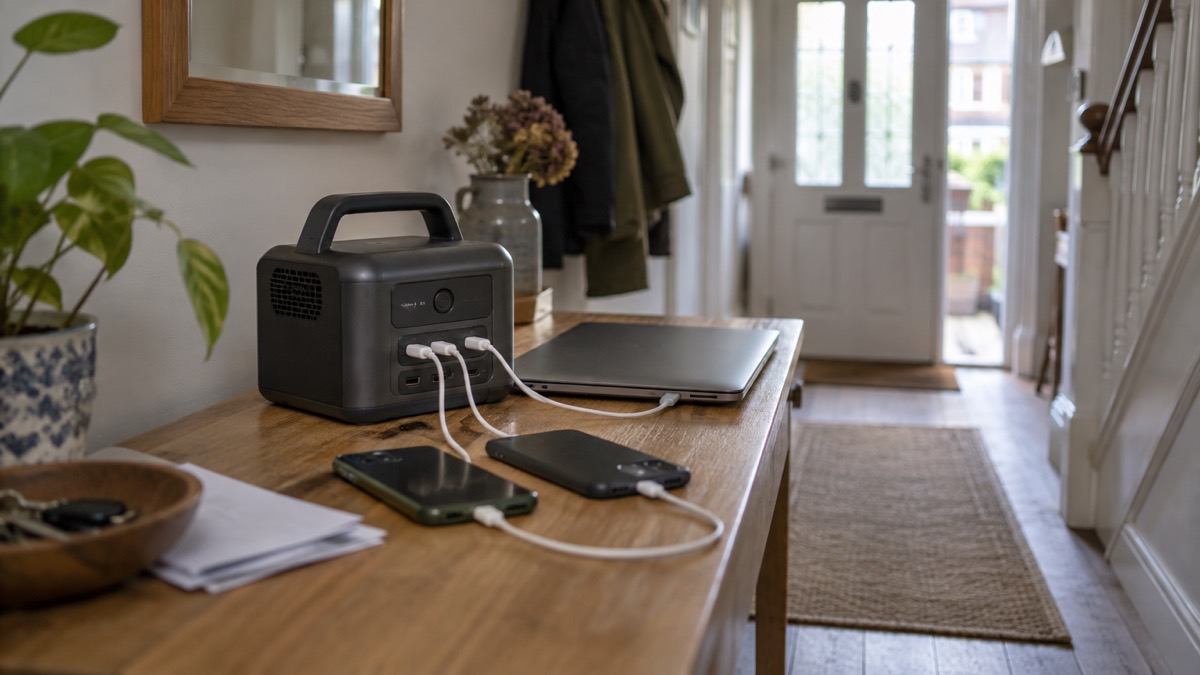
A power station that is flat when the lights go out is no help. The maker's cycle life figures give a clue to how the battery is best treated: the cycle life is measured at room temperature, recharging in the 270W Standard Recharge Mode and at an output power of 500 W8. That tells you the maker expects the unit to be used and recharged in ordinary room conditions, not left in a cold shed or a hot loft.
A practical routine for a household is to check the charge level on the first of each month, top it up to full, and run a small load from it briefly so you know the ports work. Keep the charger and any USB-C cables with the unit so nothing is missing when you need it. Store it where you can reach it quickly and where the temperature stays moderate. The How to Store a Power Station When Not in Use guide covers storage in more detail, and What Temperature Should Batteries Be Stored At? explains why room temperature matters.
- Keep the charging cable with the unit so it is not lost between emergencies
- Check and top up the charge regularly rather than only before winter
- Store it where it will not be exposed to extremes of heat or cold
- Note what you plan to run from it, and check the ports match that list
Using it safely in a power cut
Lithium batteries need care, and the maker's own instructions are the ones to follow for this unit. The Lithium-Ion Battery Safety at Home guide sets out the general rules, and the Safe Battery Charging at Home Checklist is a useful walk-round before you plug anything in.
Use the unit on a hard, stable surface where it cannot be knocked over, and keep it away from water and from anything that could fall on it. Charge it where you can see it, not under a pile of coats. If the case becomes hot, swollen or damaged, stop using it and follow the maker's support advice. The What to Do If a Battery Starts Swelling and What to Do If a Lithium Battery Catches Fire guides cover those situations. For charging overnight, see Is It Safe to Charge Overnight?.
Support, warranty and where to get help
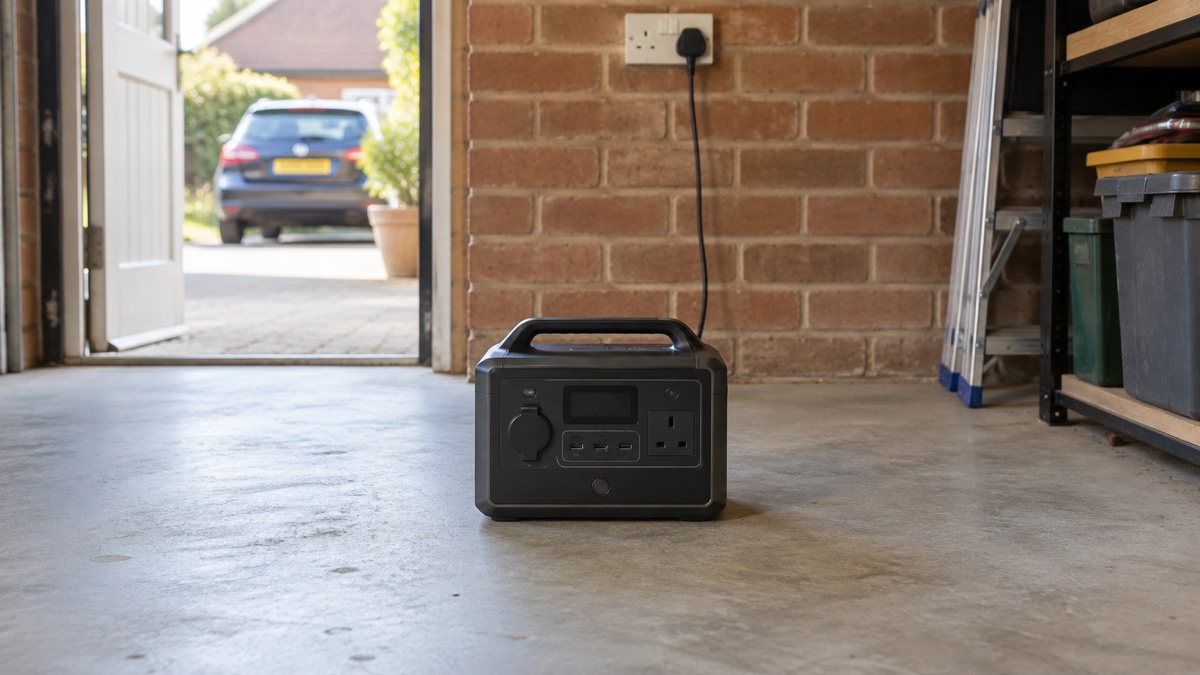
The maker publishes support pages for the Power 500 covering specifications, charging methods and port functions3. If a port is not behaving as expected, the first step is to check the device and cable against the PD 3.0 requirement, since the maker states that the device being charged should support that protocol for the USB-C ports to deliver their maximum6. If the unit itself is faulty, contact the maker through its support pages rather than attempting a repair yourself.
For a household, the wider question is where to turn when the power is out and you need help. Your electricity network operator runs the Priority Services Register, which gives extra support during a power cut to people who are older, disabled or medically dependent. If you rely on powered medical equipment, the Powering CPAP, Oxygen and Other Medical Devices From a Battery guide explains what to plan for, and the Power Cut Backup Power Checklist helps you assemble everything in one place. For the wider picture of what to do before, during and after a cut, see Power Cuts: A Household Guide.
Sources (8)
- DJI Power 500, DJI, 2026
- DJI Power 500 product page, DJI, 2026
- DJI Power 500 specifications, DJI, 2026
- DJI Power 500 support, DJI, 2026
- Beginner's guide to portable power stations, DJI, 2026
- DJI Power 500 support (global), DJI, 2026
- DJI Power 500 support, DJI, 2026
- DJI Power 500 specifications (global), DJI, 2026

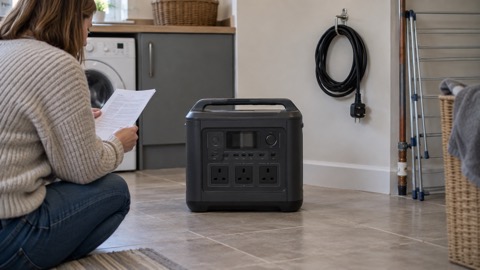 BLUETTI Apex 300 Power Station
 BLUETTI Elite 100 V2
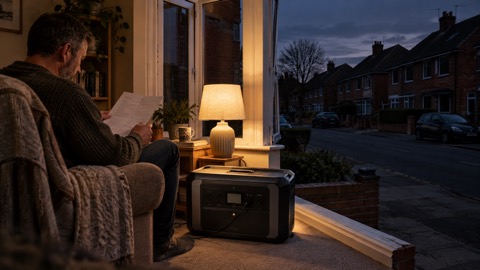 Anker SOLIX C2000 Gen 2
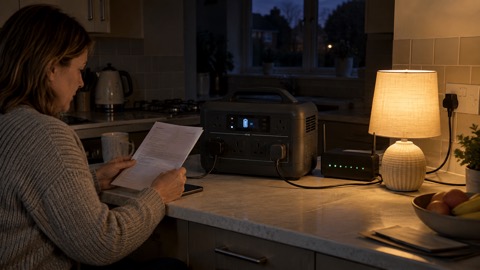 Anker SOLIX C1000 Power Station
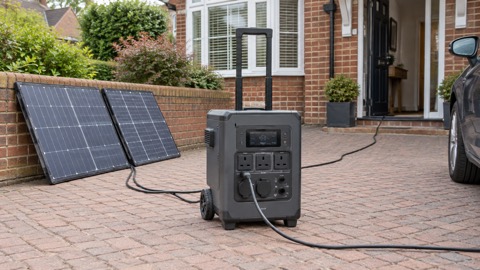 EcoFlow DELTA Pro
 BLUETTI Elite 400
 Anker SOLIX C300 Power Station
 EcoFlow DELTA 3
 EcoFlow DELTA 2 and DELTA 2 Max
 EcoFlow DELTA and DELTA Max
 EcoFlow RIVER 3 and RIVER 3 Plus
 EcoFlow RIVER 2 and RIVER 2 Max