
A DJI portable power station is a large rechargeable battery in a box that you charge from the mains before an emergency and then use to run a few essentials when the power goes off. The model most UK households will meet is the DJI Power 1000 Mini, which the maker says has a 1000W maximum output, can power select 1200W appliances, and can start powering connected devices within 0.01 seconds of a cut1. It is not a whole-house generator and it will not run everything, but it will keep a fridge, a phone charger, a router or a lamp going for a while.
The point of owning one is preparation, not shopping. Charge it before a storm, keep it somewhere cool and dry, know what it can and cannot run, and register it so the maker can reach you if a fault is found. The maker states the unit has an approximate lifespan of 10 years, calculated on the basis of completing one full recharge and discharge cycle nearly every day1.
This page covers what DJI kit does for a household in a power cut, how to work out run time, how to charge and store it safely, and how to get support, register the product and dispose of an old battery properly. For the wider picture, see Backup Power at Home and Power Cuts: A Household Guide.
What DJI makes for UK households
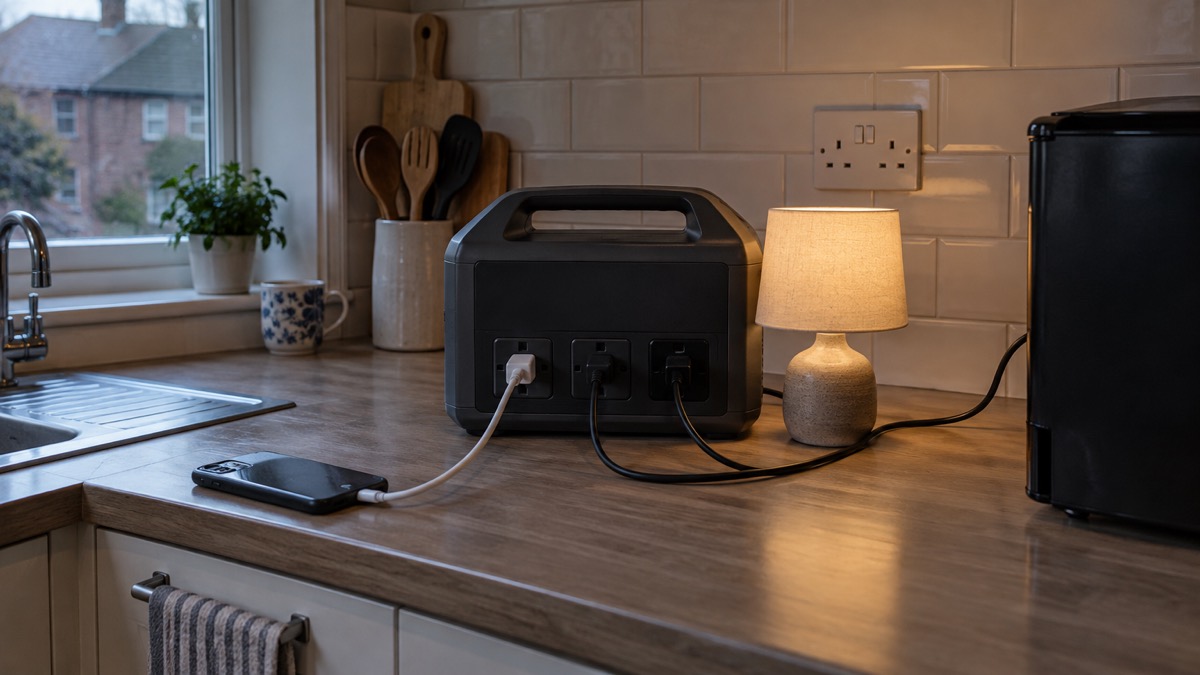
DJI is best known for drones, and its household power kit grows out of that: batteries that charge drone flight packs quickly, and portable power stations that can also run ordinary household appliances. For emergency preparedness, the relevant product line is the portable power station, and the model with published detail is the DJI Power 1000 Mini1. A smaller unit, the DJI Power 500 Portable Power Station, sits alongside it in the range.
The Power 1000 Mini is a single box that you charge at home and carry to where it is needed. It has several charging routes: mains AC power, a DJI Power Car Battery Charging Cable, a DJI Power MC4 Solar Power Charging Cable, a DJI Power Car Power Charging Cable, and a USB-C port or USB-C retractable cable1. That spread matters in an emergency, because it means the unit can be topped up from a car or a solar panel if the mains is off for days.
It also has outputs that suit particular jobs. It can supply power to car-powered appliances through the DJI Power SDC to Car Charger Plug Power Cable, and charge model aircraft batteries through the DJI Power SDC to XT60 Power Cable (12V)1. For a household that already owns DJI drones, the same unit fast-charges intelligent flight batteries across the Matrice 4 Series, Mavic 3 Series, Mavic 4 Pro, Air 3 Series, Matrice 30 Series and Inspire 3, using the corresponding fast charge cable for drones1.
That drone charging is a niche use for most households, but it illustrates the design: one battery unit, several cables, each doing a specific job. If you are building a household plan around backup power rather than drones, read the Backup Power at Home guide first and treat the power station as one item within it, alongside torches, a radio and spare batteries4.
What a DJI power station can run in a power cut
The honest answer is: some things well, some things not at all. The maker states the Power 1000 Mini has a 1000W maximum output and powers select 1200W appliances, maximising energy for essentials1. It also states that when powering appliances rated at 100 to 400W, such as refrigerators, TVs, computers and gaming consoles, it provides approximately 10% longer runtime than the DJI Power 10001.
The limitation is motors. The maker states that motor-driven appliances such as chainsaws, compressors and air conditioners may not be supported because of their high startup power1. That is the single most useful thing to know before a cut: a fridge is fine, a circular saw or a fan-assisted air conditioner may trip the unit the moment it starts.
| What you might want to run | What the maker says | What it means for you |
|---|---|---|
| Fridge, TV, computer, games console (100 to 400W) | Approximately 10% longer runtime than the DJI Power 10001 | The sweet spot: these are the appliances the unit is designed around |
| Select 1200W appliances | Powered by a 1000W maximum output unit1 | Check the appliance's own rating before relying on it |
| Chainsaws, compressors, air conditioners | May not be supported due to high startup power1 | Do not plan on power tools or air conditioning |
| Car-powered appliances | Supplied via the DJI Power SDC to Car Charger Plug Power Cable1 | Useful for 12V kit such as a car fridge or pump |
| Router and phone | Charge from the USB-C port or USB-C retractable cable1 | Keeps you informed and in touch, which official guidance treats as a priority5 |
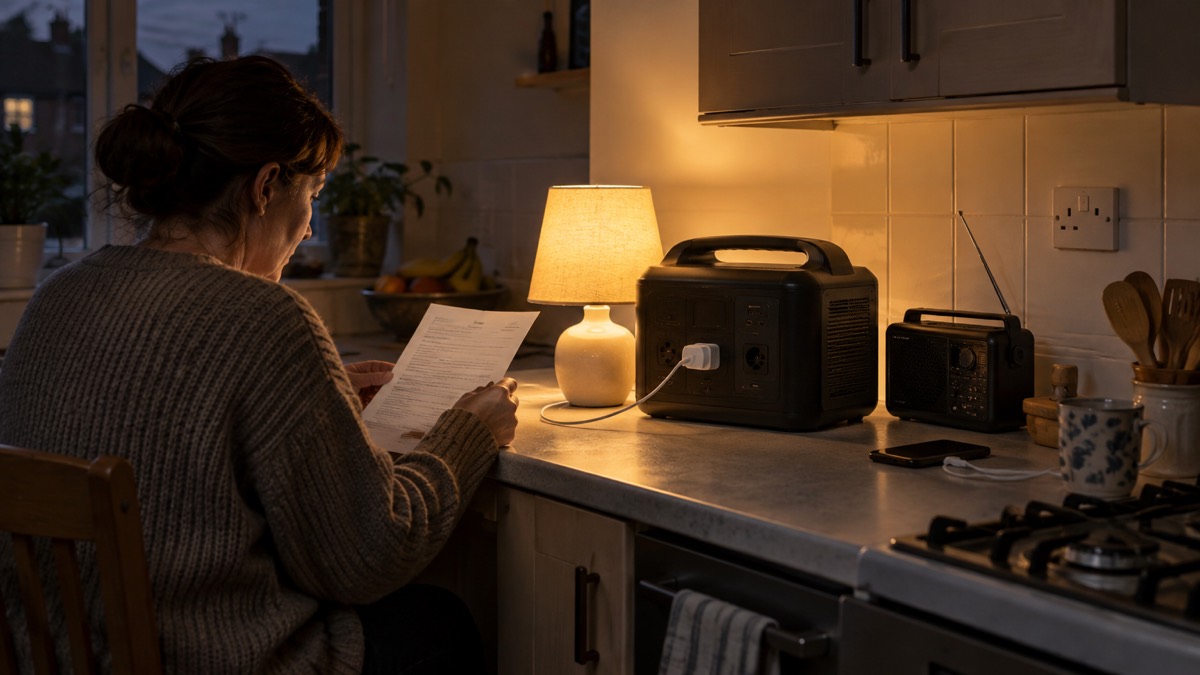
For the household, the practical rule is to decide in advance which two or three appliances matter most, check their wattage on the label, and test them on the unit before you need it. Keep fridge and freezer doors closed during an outage to protect the food6, and use devices sparingly to conserve battery power until you can charge them again5. The Emergency Kit guide sets out the rest of what to have ready.
Working out how long your kit will last
Run time is not one number. It depends on what you plug in, how full the battery is, and how old it is. The maker gives one comparison figure that is genuinely useful: when powering appliances rated at 100 to 400W, the Power 1000 Mini provides approximately 10% longer runtime than the DJI Power 10001. Beyond that, the maker's published detail does not give hour-by-hour figures for each appliance, so plan by testing rather than by guessing.
Two other figures shape the long view. The maker states the unit will have an approximate lifespan of 10 years, calculated on the basis of completing one full recharge and discharge cycle nearly every day1. And it states the unit can get a drone ready to fly in as fast as 30 minutes1, which tells you the charging side is quick when the unit itself has charge.
A simple way to plan is to list what you would run, in priority order, and for how long each day. Then test it: run the unit with those loads for an hour and see how much charge is left. That is your own measurement, not a manufacturer's claim, and it is the only one that reflects your appliances.
Charging a DJI power station before an emergency
The best time to charge is before the weather arrives. Official storm guidance is blunt: charge your phone, power banks and any essential medical equipment before the storm arrives2. Treat the power station the same way. A unit that is half empty when the lights go out is half a unit.
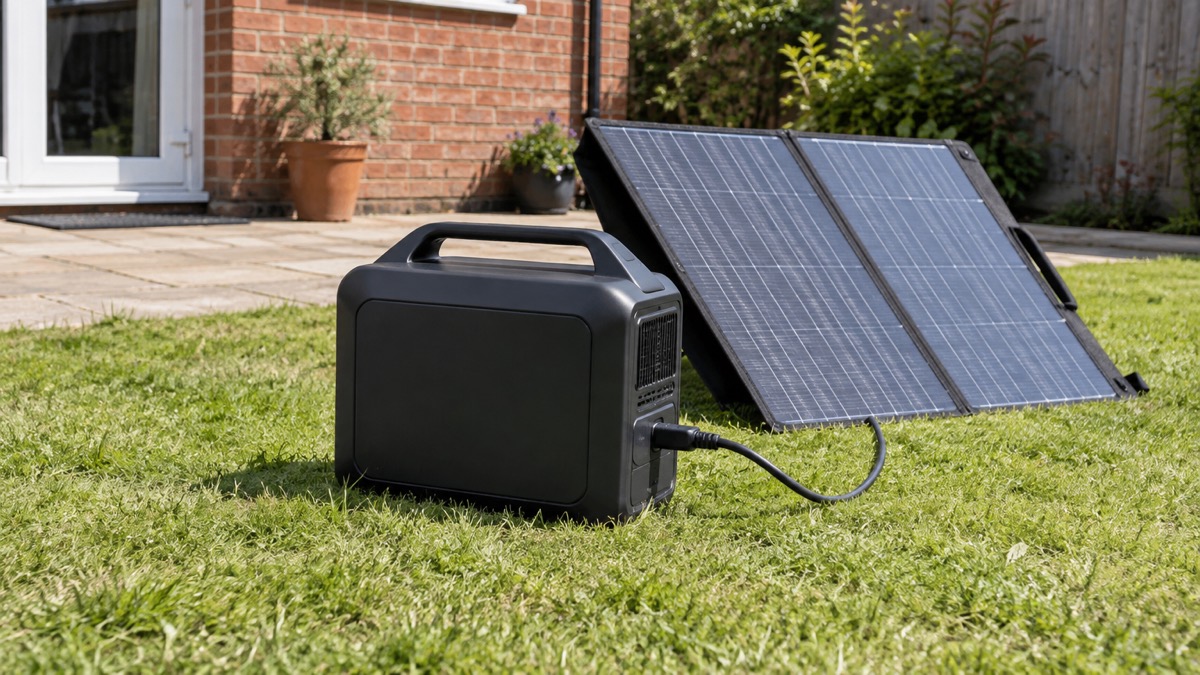
The Power 1000 Mini can be recharged from grid power through the AC input port, from a car battery using the DJI Power Car Battery Charging Cable via the SDC port at up to 400W, from a solar panel using the MC4 cable, from a car power outlet, or by USB-C1. The maker also states that AC input power and SDC car charging input power can be adjusted within the DJI Home app1, which lets you match charging to what your home supply or car can give.
If you are charging drone batteries from the unit, the maker gives a specific instruction: after the flight, wait until the drone battery has cooled down before connecting it to the corresponding DJI Power SDC fast charging cable, otherwise charging speed may be affected1. That is a maker's instruction for its own product and worth following.
- Charge the unit, and any battery pack or essential equipment, fully the day before a planned power cut8.
- Charge your devices before the beginning of any extreme weather event that the Met Office warns about9.
- Top it up from a car battery at up to 400W if the mains is off for a long period1.
- Keep the charging cables with the unit, not in a drawer somewhere else.
- Test the solar input on a sunny day so you know it works before you rely on it.
Safe use indoors during an outage
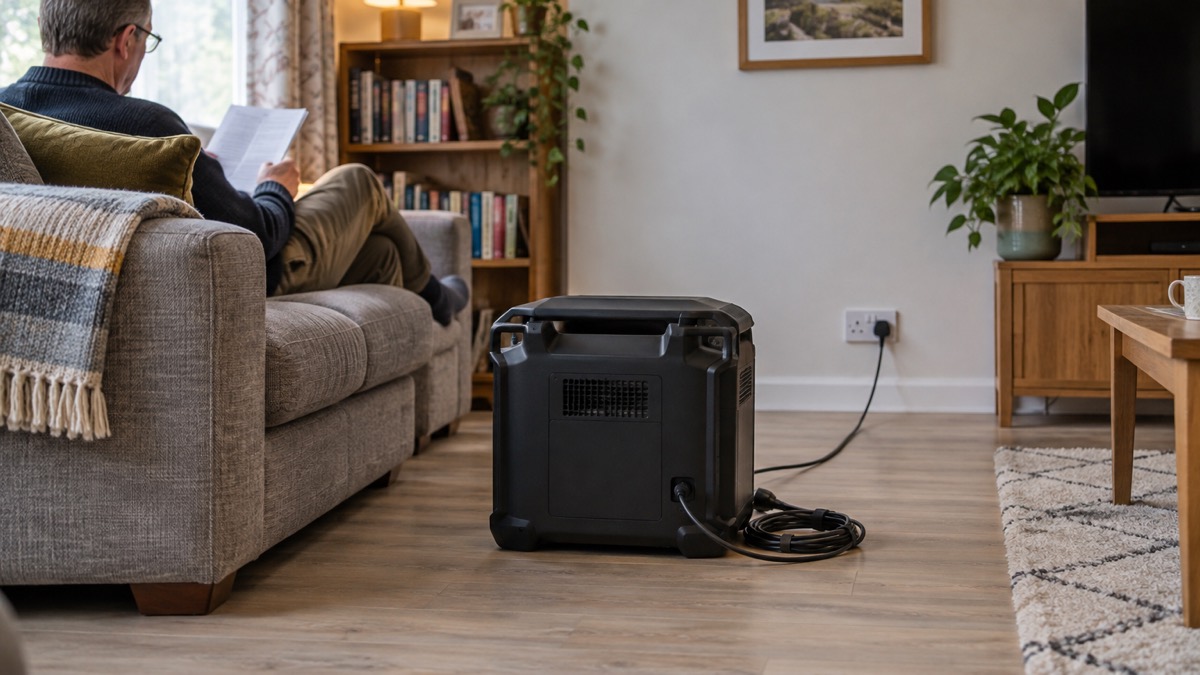
A power station is safer indoors than a petrol generator, because it produces no exhaust fumes. That does not make it risk-free. The battery inside is a lithium-ion battery, and fire and rescue services treat those with care. Fire Scotland advises checking your battery regularly for any signs of damage, and states that if you suspect it is damaged it should be recycled and should not be used or charged10. Batteries can be damaged by dropping them or if your electric bike or electric scooter has been involved in a crash10; the same logic applies to a power station that has been knocked about.
Place the unit on a hard, stable surface, away from soft furnishings and anything that could burn, and keep it out of the reach of children and pets. Do not cover it while it is charging. Switch off appliances at the socket when not in use, when you go to bed or when you go out, unless they are designed to be left on, like freezers3.
Other outage habits matter alongside the kit. Wigan Council advises switching off appliances like straighteners and stoves during a cut, keeping a light on in one room so you know when power returns, and keeping blankets and thick jumpers available6. Cheshire Fire and Rescue Service advises switching off and unplugging electrical appliances that are not in use12, and Dorset and Somerset's fire guidance is to turn off and unplug appliances unless they are meant to be left on, like your freezer13. A power station does not change any of that; it just keeps a few things running while you do it.
Storing a DJI power station so it is ready
Storage is where most households lose the benefit of a power station. A unit left in a cold shed or buried under boxes will not be charged when you need it. Keep it somewhere dry, at room temperature, and easy to reach, ideally near where you would use it.
Government guidance on preparing for a power cut includes keeping a supply of candles14, but fire services are clear that candles are a fire risk and torches are safer. The Emergency Lighting at Home guide covers this in full. The point for storage is that the power station should sit alongside your torches, radio and spare batteries as one kit, not as a separate gadget.
- Keep the unit and its cables together in one place you can reach in the dark.
- Store it dry and away from damp, which is a particular risk after a flood.
- Check the charge every few months and top it up.
- Keep a battery-powered or wind-up radio with it, and try both digital and FM stations if the power is out15.
- If you are going away, use lights on timers and keep curtains in a normal position so the house does not look unoccupied16.
After a flood, drying out a property brings its own risks. Official guidance advises ensuring good ventilation if using portable indoor heating appliances to dry out indoor spaces, and keeping windows and doors open on dry days while ensuring your home is still secure9. Do not use the power station to run a heater in a sealed, damp room.
Expansion batteries and accessories
The Power 1000 Mini is designed to work with a set of DJI accessories rather than as a lone box. The maker lists the DJI Power Car Battery Charging Cable, the DJI Power MC4 Solar Power Charging Cable, the DJI Power Car Power Charging Cable, the USB-C retractable cable, the DJI Power SDC to Car Charger Plug Power Cable, the DJI Power SDC to XT60 Power Cable (12V), and the corresponding fast charge cables for drones1.
Each does a specific job in an emergency:
| Accessory | What it does | When it matters |
|---|---|---|
| DJI Power Car Battery Charging Cable | Fast recharges the unit from a fuel car battery via the SDC port, up to 400W1 | Mains off for days and you have a car |
| DJI Power MC4 Solar Power Charging Cable | Recharges from a solar panel1 | Long outages in daylight |
| DJI Power Car Power Charging Cable | Recharges from a car power outlet1 | Topping up on the move |
| USB-C port or retractable cable | Charges phones and small devices1 | Keeping in touch and informed5 |
| DJI Power SDC to Car Charger Plug Power Cable | Supplies power to car-powered appliances1 | 12V kit such as a car fridge |
| DJI Power SDC to XT60 Power Cable (12V) | Charges model aircraft batteries1 | Hobby use |
| Drone fast charge cables | Fast charges intelligent flight batteries across listed DJI drone series1 | Households that already fly DJI drones |
The maker's warranty excludes certain accessories, including the retractable cable module1, so check what is covered before you rely on a particular cable. Keep spares of the cables you would actually use in a cut, and label them so you are not hunting for the right one in the dark.
DJI support and warranty in the UK
The Power 1000 Mini comes with a default warranty period of five years, and certain accessories, including the retractable cable module, are not included1. The maker also lists up to 30-day returns1. Those are the maker's own terms for its own product; read them in full on the product page before you buy, because the detail of what is excluded matters more than the headline.
Registration is the step that makes a warranty useful. Cheshire Fire and Rescue Service puts it plainly: register your electrical items with the manufacturer to be informed of any safety recalls8. The Office for Product Safety and Standards issues recalls and alert notices on its website, so it is worth checking there too17.
To register, you will need the brand name, model, serial number and purchase date18. Keep those details somewhere you can find them, and photograph the label on the unit. If you are registering several appliances at once, the Register My Appliance website is designed to make that straightforward18.
For support, use the DJI UK store's support pages. The published product information does not give a general UK hotline number or opening hours, so check the current details there rather than relying on a number from elsewhere. If your query concerns a safety fault, put it in writing as well, so there is a dated record.
Safety notices and recalls
Recalls are rare but they happen, and the household's job is to be reachable. The Office for Product Safety and Standards issues recalls and alert notices on its website19, and Fire Kills advises searching the Government's list of product safety alerts, reports and recalls and registering your appliances so you can be notified if your product is recalled20. Electrical Safety First also carries recalls and safety notices for white goods21.
A recent example shows how a recall notice works. A product recall was issued for Bull and Cygnus Fire Alarm Detection Systems after a manufacturing defect in the network control unit was found that may cause a loss of communication between devices in the fire alarm system22. The notice states that during a loss of communication there may be delayed fire detection and alarm activation in the case of a fire, increasing the risk of injury or loss of life22. That is the kind of notice you want to receive, which is why registration matters.
For disposal, the rules are consistent across fire services. Do not put old batteries or electrical items in any of your household bins, including recycling bins3. Check items for hidden batteries before recycling3. Take all batteries and battery-containing electricals to a safe drop-off11. If a battery is damaged, swollen or overheating, take it directly to the Reuse and Recycling Centre11. Vaping devices with damaged batteries should also go to designated recycling facilities23.
If you need help from someone else, the Extra Help in an Emergency guide sets out the Priority Services Register and other routes. For a household that is anxious during a cut, Wigan Council's advice is to notify a friend or neighbour and check on vulnerable neighbours6.
Sources (23)
- DJI Power 1000 Mini, DJI, 2026
- Storm preparation, Cornwall Council, 2026-10-29
- Be battery aware, Manchester Fire and Rescue Service, 2026-10-29
- Emergency kit checklist, Neath Port Talbot Council, 2026-10-29
- Phone and broadband outages, Prepare campaign, 2026-10-12
- Power cuts, Wigan Council, 2026-10-29
- Future of landline calls, Ofcom, 2026-08-26
- Electrical safety, Manchester Fire and Rescue Service, 2026-10-29
- Cleaning up after flooding, Derbyshire County Council, 2026-10-29
- Lithium-ion batteries, Scottish Fire and Rescue Service, 2025-11-27
- Battery safety, Tower Hamlets Council, 2026-10-29
- Escape routes, Cheshire Fire and Rescue Service, 2026-05-20
- Escape plan, Devon and Somerset Fire and Rescue Service, 2026
- Strong winds: information and advice, nidirect, 2026-10-24
- Emergency plan, Ready Scotland, 2026-10-29
- While you are away, Mid and West Wales Fire and Rescue Service, 2026-10-29
- Electrical items, London Fire Brigade, 2026-10-25
- Register your appliance, Cornwall Council, 2026-10-29
- Electrical fire safety, Warwickshire County Council, 2026-10-29
- Fire prevention, Fire Kills, 2026-03-25
- White goods, Cheshire Fire and Rescue Service, 2026-05-20
- Product recall for Bull and Cygnus Fire Alarm Detection System, Office for Product Safety and Standards, 2026-08-12
- Smoking, vaping and e-cigarettes, Warwickshire County Council, 2026-10-29
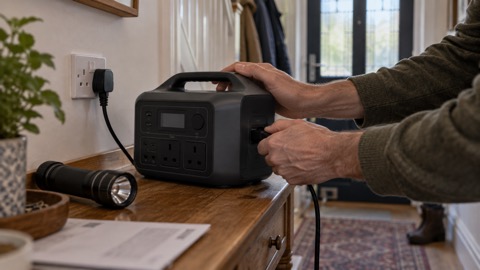 DJI Power 500 Portable Power Station