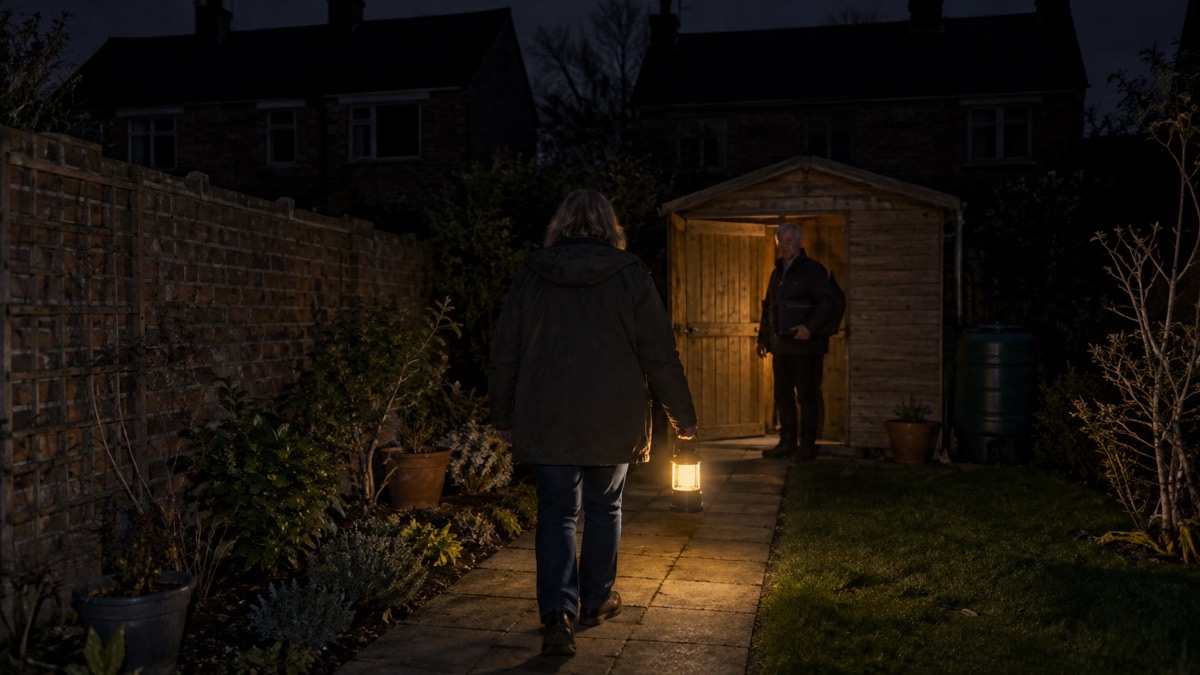
The NEBO Galileo Tempest 350 is a small lantern and spotlight that runs on three AA batteries. The maker lists it at 350 lumens on its brightest lantern setting, with a run time of 6 hours on that mode and up to 40 hours on the lowest white lantern mode1. It also has a spotlight that reaches 112 meters on Spot High, a red mode for night use, and a waterproof rating of IPX72.
For a household preparing for power cuts, that combination matters. A battery lantern that takes ordinary AA cells will still work when the mains has been off for days, as long as you keep spare batteries. The Tempest 350 weighs 113g and stands 120mm high, so it can sit on a table, hang from its lanyard or attach to a metal surface with its magnetic base2. This page sets out what each mode does, how long it lasts, how to change the batteries safely, what IPX7 covers, and how the rechargeable Galileo 1000 and 1000 Flex differ if you want a lantern you can plug in and use as a power bank.
What the Galileo Tempest 350 is and what it suits
The Tempest 350 is a 350 lumen lantern with a spot and torch feature, multiple beam patterns, a red COB mode and folding metal hanging hooks2. It is powered by three alkaline AA batteries, which come in the box along with a detachable lanyard1. The maker describes the body as having a 360 ARCUS design, C.O.B technology, dimming with power memory recall, a magnetic base, a carry lanyard and a folding handle3.
In practice, that makes it a lantern for a room and a torch for a job. The 360 degree lantern modes light a space from a table or a shelf, while the spotlight throws a narrow beam down a garden, along a path or into a loft. The red mode is for when you want light without wrecking your night vision, and the folding hooks let you hang it from a tent loop or a hook in a cupboard2.
It suits a household that wants a light which does not depend on mains charging. Because it takes AA cells, you can keep a pack of spares and swap them in when the light dims, rather than waiting for a battery to charge. That is the same logic behind our guide to torch batteries and the spare batteries to keep for your lights.
If you want a lantern that lights a whole room for longer, or one that can top up a phone, the rechargeable Galileo models further down this page are the alternative. For a comparison of the two approaches, see rechargeable or battery torches for emergencies.
Run time: 6 hours at 350 lumens, up to 40 hours on low
The maker publishes a run time and beam distance for each mode. The brightest lantern setting is not the one to leave on all evening: it lasts 6 hours, while the lowest white lantern mode runs for 40 hours1. The table below sets out the modes the maker lists for the Tempest 350.
| Mode | Brightness | Run time | Beam distance |
|---|---|---|---|
| 360 C.O.B High | 350 lumens | 6 hours | 13 meters |
| 120 C.O.B High | 180 lumens | 9 hours | 15 meters |
| 360 C.O.B Low | 50 lumens | 30 hours | 5 meters |
| 120 C.O.B Low | 35 lumens | 40 hours | 5 meters |
| Spot High | 150 lumens | 10 hours | 112 meters |
| Spot Low | 45 lumens | 32 hours | 63 meters |
| Red High | 30 lumens | 20 hours | 2 meters |
| Red Low | 6 lumens | 60 hours | Not listed |
Source: maker's product page1.
The pattern is the one you would expect from any battery light: the brighter the setting, the shorter the run. A 350 lumen lantern for 6 hours is enough for an evening in one room, but if a power cut runs into a second night, the low modes are what keep you going. At 35 lumens the 120 C.O.B Low mode runs for 40 hours, which covers several evenings on one set of batteries1.
The red modes are the longest lasting. Red Low at 6 lumens runs for 60 hours, and Red High at 30 lumens runs for 20 hours1. Red light is useful when you need to see without losing your night vision, for example checking on a child or moving around a dark house. Our guide to red light mode explains when it helps.
Light modes, dimming and Direct-to-Red on the Tempest 350
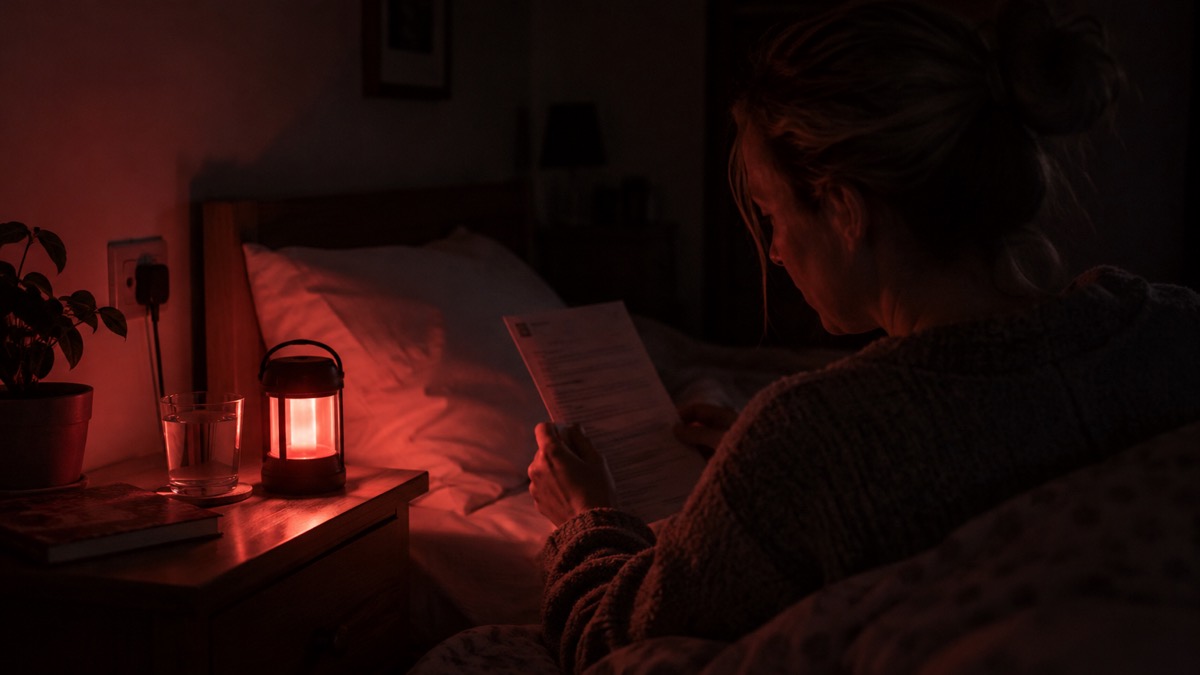
The Tempest 350 has a base positioned button for power and mode selection. Pressing it cycles through the modes in this order: OFF, 120 degree white, 360 degree white, red, spot high, spot low, and back to OFF2. That order puts the room-filling lantern modes first and the spotlight last, so you are not blinded by a narrow beam when you just want to see the room.
Two features make it easier to use in the dark. The first is dimming. The maker states that all lights have continuous dimming and brightening cycling with memory: when the light is on, press and hold the power button to dim or brighten, and release at the brightness you want. Double-tap to recall the last saved mode2. That means you can set a low level for a bedroom and return to it without cycling through every mode.
The second is Direct-to-Red. When the unit is off, press and hold the power button to go straight to the red mode4. That is useful if you wake in the night and do not want a white light in your eyes, or if you are checking on someone without waking the house.
The maker also lists Smart Power Control and power memory recall among the features2. In everyday terms, the light remembers the brightness you last set, so you do not have to reset it each time. If you are choosing between a lantern and a torch for a power cut, our comparison of lantern or torch sets out which lights a room better.
Changing the AA batteries safely
The Tempest 350 takes three alkaline AA batteries4. To replace them, the maker's instruction is to turn the base to the unlock position, remove the base and replace the batteries, then attach the base and turn it to the lock position1. The base also holds the power button, so make sure it is fully locked before you rely on the light.
The maker's safety instruction is clear: do not mix old and new batteries4. Mixing cells of different ages or types can cause leakage or poor performance, and it makes it harder to know when the set is due for replacement. Change all three at once, and keep the spares together so you are not hunting for a matching cell in the dark.
A few habits make battery changes safer and easier:
- Keep a pack of AA alkaline batteries with the lantern, not in a drawer in another room.
- Change all three cells at the same time, and dispose of the old ones responsibly.
- Check the battery compartment for signs of leakage before fitting new cells.
- Store the lantern with the batteries out if it will not be used for a long period, so a leak does not damage the contacts.
For button and coin cells used in smaller lights, the Royal Society for the Prevention of Accidents advises choosing packs that keep each battery securely sealed where possible5. That advice is about small cells rather than AA batteries, but the principle of keeping spares sealed and away from children applies to any battery you store. Our guide to storing spare coin cell batteries safely with children covers the smaller cells in more detail.
Waterproof to IPX7: what the Tempest 350 survives
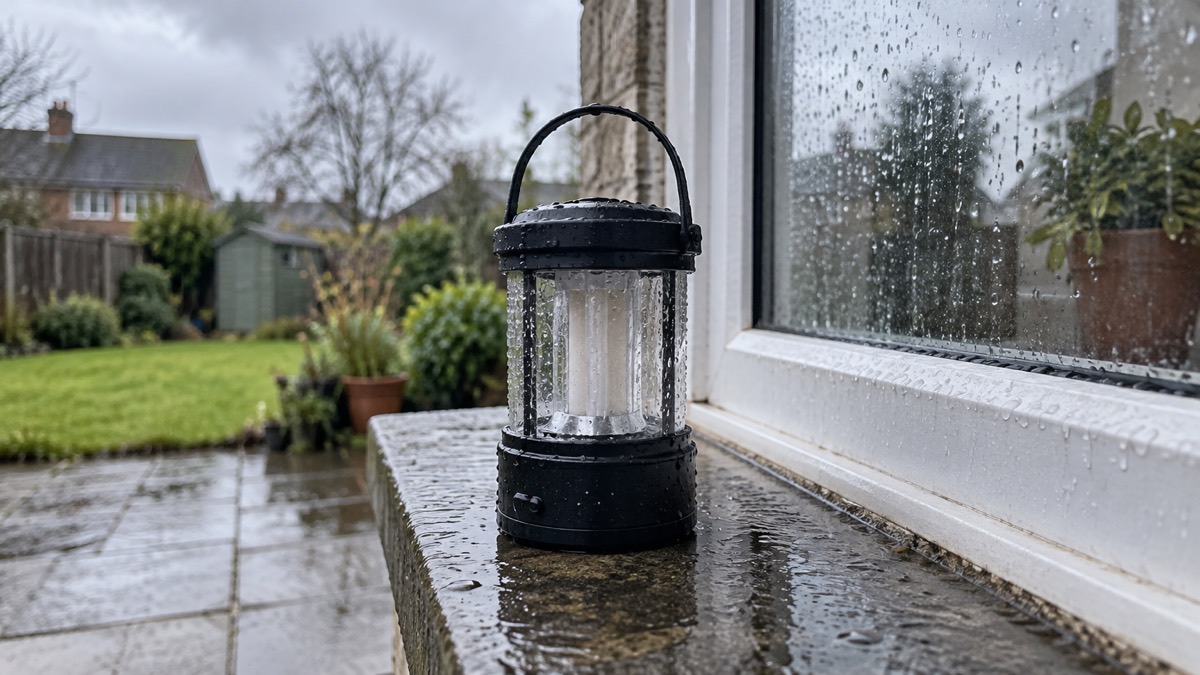
The Tempest 350 is rated IPX72. The maker explains that this rating means the device can survive accidental submersion in up to 1 meter of fresh water for 30 minutes, and that it does not cover high-pressure water jets or saltwater exposure2. In household terms, that covers a knock into a sink, a soaking in the rain or a drop into a puddle, but not a hose aimed at it or a trip to the beach.
The Tempest 500 carries the same IPX7 rating and the same explanation from the maker6. The rechargeable Galileo 1000 is rated IPX4, which the maker describes as protection against water splashes from any direction4. The Galileo 500 and Air 500 are also IPX47. If you want a light for a wet garden or a leaky roof, the IPX7 rating on the Tempest models is the more protective of the two.
Our guide to what IPX ratings mean for torches and lanterns explains the scale in more detail. The practical point is to close the battery base fully after a change, because the rating depends on the seals being intact.
Galileo 1000 and 1000 Flex: rechargeable lantern, D-cell backup and power bank
If you want a lantern you can recharge from the mains and use to top up a phone, the Galileo 1000 and 1000 Flex are the models to look at. The maker describes the Galileo 1000 as a versatile lantern featuring ARCUS technology, Flex-Power and an integrated power bank6. Flex-Power means it can run on its included rechargeable battery or on six D size alkaline batteries: unscrew the bottom cap, insert the six D cells and replace the cap6.
The Galileo 1000 Flex is a rechargeable camping lantern and power bank with a 2600mAh USB A output connector for powering or charging most USB devices9. It has five light modes: 360 degree COB High, 120 degree COB High, 360 degree COB Low, Red High and Red Low9.
The table below sets out how the models differ on the facts the maker publishes.
| Model | Power | Brightest mode | Power bank | Water rating |
|---|---|---|---|---|
| Tempest 350 | 3 x AA alkaline | 350 lumens | No | IPX72 |
| Tempest 500 | Rechargeable | 500 lumens | No | IPX76 |
| Galileo 500 | Rechargeable | Not listed here | Yes | IPX47 |
| Galileo 1000 | Rechargeable or 6 x D | 1000 lumens | Yes | IPX44 |
| Galileo 1000 Flex | Rechargeable or 6 x D | 1000 lumens | 2600mAh9 | Dust resistant9 |
| Galileo 1600 Flex | Rechargeable or 6 x D | 1600 lumens | Yes | Not listed here10 |
| Galileo Air 500 | 3 x AA alkaline | 500 lumens | No | IPX48 |
The Galileo 1600 Flex is the brightest of the family, at 1600 lumens, and also runs on its included rechargeable battery or six D cells10. The Galileo Air 500 is a 500 lumen collapsible lantern with six light modes, powered by disposable AA batteries; the maker states that rechargeable batteries cannot be charged in the lantern8. The Galileo 500 is a rechargeable lantern with ARCUS technology, Flex-Power and an integrated power bank11.
For a household, the choice comes down to how you want to keep the light running. A battery lantern like the Tempest 350 or Air 500 depends on your stock of AA cells. A rechargeable model like the Galileo 1000 depends on mains charging before the outage, with the D-cell backup as a fallback. Our guides to the Galileo 1000, Galileo 1000 Flex, Galileo 1600 Flex, Galileo 500, Galileo Air 500 and Tempest 500 set out each model in full.
Charging the Galileo 1000 and using it to charge a phone
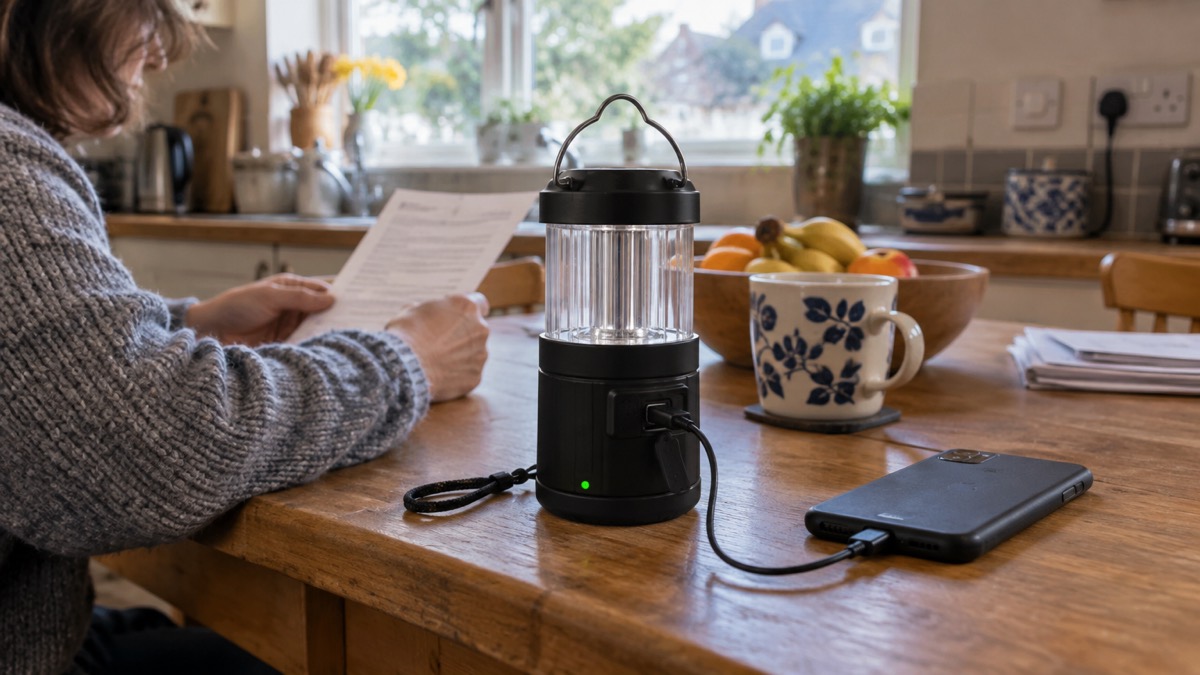
The Galileo 1000 has a USB-C charging port and a USB-A output for charging USB devices4. To charge the lantern, remove the charging port cover and plug the USB-C cable into the charging port4. The maker's manual for the same model describes a micro USB cable into the charging port6, so the two documents disagree on the connector; check the port on your own unit before buying a cable.
To use it as a power bank, remove the USB cover on the back and plug your device into the USB port6. The maker lists a USB-A output connector for powering or charging most USB devices4. The Galileo 1000 Flex has a 2600mAh USB A output for the same purpose9, and the Galileo 1600 Flex also serves as a power bank for USB-powered devices10.
The charging indicator shows solid red while charging and solid green when fully charged6. NEBO describes its charge indicators as coloured LEDs that communicate charging progress and battery status12. The Galileo 500 uses the same red and green convention11.
Charging a lithium-ion battery safely matters. Fire and rescue services advise checking the battery and charger regularly for signs of damage, and not using or charging damaged batteries13. Electrical Safety First advises regularly checking the battery for swelling, dents, deformities and signs of overheating, and stopping use and charging immediately if you notice damage14. The Scottish Fire and Rescue Service warns that heat, damage or improper handling can cause lithium-ion batteries to catch fire or explode13.
For more on charging safely, see our guides to charging and storing rechargeable torches safely and can the wrong USB charger damage a torch battery. If you are setting up lighting for a power cut, our power cut checklist and lighting your home safely when the power goes off cover the wider plan.
Where to get help and support
If you are buying a NEBO light, the maker's own product pages and manuals are the place to check the specification for your model, because some figures differ between the maker's manual and its product page. The beam distance for 120 degree COB High is 17 meters in the manual and 18 meters on the product page6. Where the two disagree, check your own unit's packaging or manual.
For fire safety advice in your home, your local fire and rescue service offers free home fire safety visits. Our guide to free home fire safety visits from your fire service explains how to arrange one. If you have a disability or rely on electricity for medical equipment, ask your energy supplier about the Priority Services Register, which our guide to lights for older and disabled people in a power cut covers.
For the wider picture on preparing for an outage, see our guides to power cuts and backup power at home. The maker's brand page is at NEBO.
Sources (14)
- Galileo Tempest 350 product page, NEBO Tools, 2026-10-25
- Galileo Tempest 350 manual page, NEBO Tools, 2026-10-25
- Triple Light Kit product page, NEBO Tools, 2026-10-25
- Galileo 1000 product page, NEBO Tools, 2026-10-26
- Child safety hub: poisoning, RoSPA, 2026-10-26
- Galileo 1000 manual page, NEBO Tools, 2026-10-26
- Galileo 500 product page, NEBO Tools, 2026-10-25
- Galileo Air 500 product page, NEBO Tools, 2026-10-25
- Galileo 1000 Flex product page, NEBO Tools, 2026-10-26
- Galileo 1600 Flex product page, NEBO Tools, 2026-10-25
- Galileo 500 manual page, NEBO Tools, 2026-10-25
- Lighting technology, NEBO Tools, 2026-10-25
- Lithium-ion batteries, Scottish Fire and Rescue Service, 2025-11-27
- Hoverboards and self-balancing boards, Electrical Safety First, 2026-10-25

 NEBO Leo 800 Flex
 NEBO Poppy Puck Light
 Fenix CL20R V2.0 Lantern
 Fenix CL26R Pro Lantern
 Fenix CL28R Lantern
 Fenix CL30R Power Lantern
 Ledlenser ML4
 Ledlenser ML6
 BioLite AlpenGlow Mini
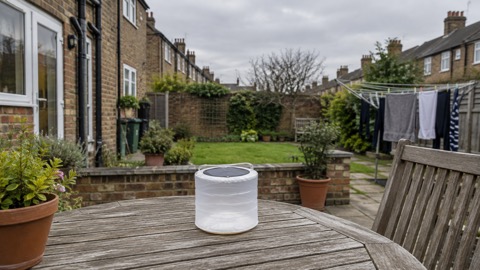 MPOWERD Luci Emergency
 MPOWERD Luci Original
 MPOWERD Luci Charge 360