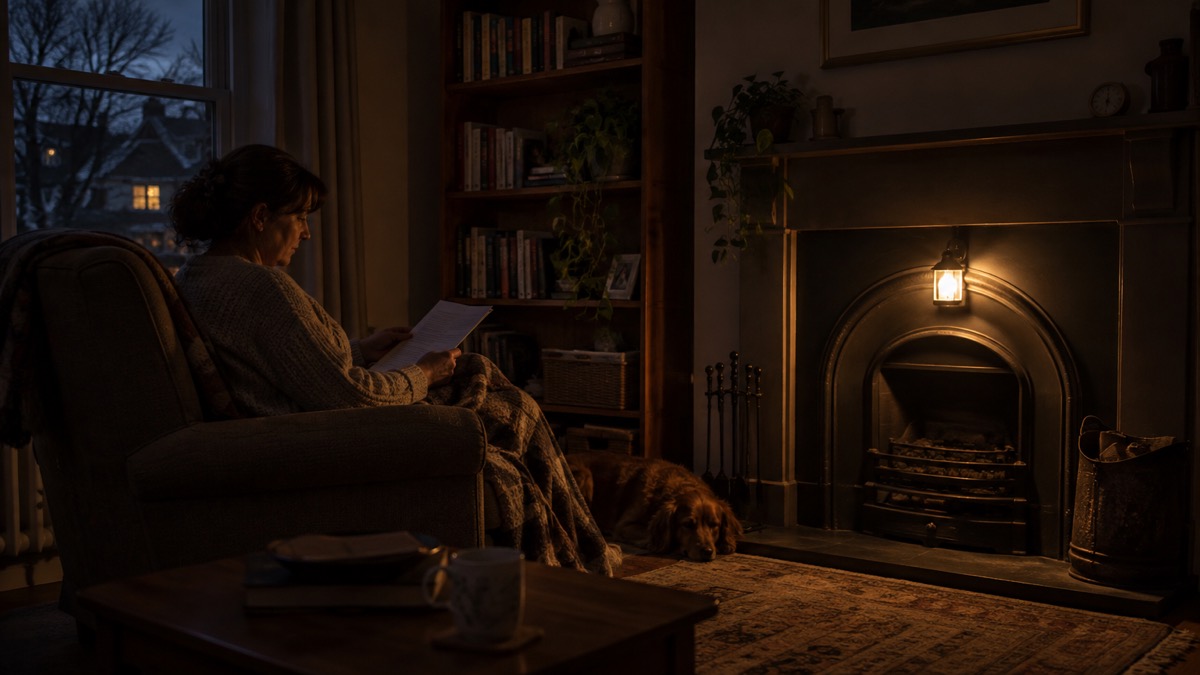
The Fenix CL26R Pro is a compact rechargeable lantern with a maximum output of 650 lumens, built around a replaceable 5000mAh 21700 battery1. It is the kind of light a household buys once and keeps charged for the evening the power goes off: it can stand on a table, cling to a fridge door by its magnet, or hang from its retractable hook, and on its lowest down-lighting setting it runs for up to 17 days1.
For a UK household, that long low setting is the point. A lantern that lights a whole room for days without a change of battery does a different job from a hand torch. This page sets out what the CL26R Pro can do, how long each setting lasts, how to charge and store it safely, and what to check before you rely on it.
It is not a substitute for a torch you can carry, and it is not a substitute for having a plan. It is one well-specified light among the several a prepared household keeps. The sections below take the specifications in turn, then the practical business of keeping the lantern ready.
What the Fenix CL26R Pro is and who it suits
The maker describes the CL26R Pro as an "ultra compact, go anywhere professional quality lantern"1. In practice that means a light small enough to live in a kitchen drawer and bright enough to light a room. It has multiple lighting elements: forward only lighting, 360 degree lighting, down lighting, and red and red flash1. The light comes from seven sets of COB light board plus a cold white LED1.
That combination of modes is what separates a lantern from a torch. A torch throws a beam in one direction; a lantern can sit in the middle of a table and light the people around it. The 360 degree and down modes together give the full 650 lumens, while the forward mode gives a single 25 lumen output that runs for 67 hours1. The forward mode suits a focused pool of light, for reading or for finding something in a cupboard, without lighting the whole room.
Who it suits: a household that wants one light for the kitchen table during an outage, a light that can be hung in a stairwell or bathroom, and a light that doubles as a power bank for a phone. It is less suited to someone who wants a light to carry in a pocket on a walk, which is a torch's job. If you are weighing up the two, our guide to lanterns and torches sets out which lights a room better.
The lantern is listed as in stock by the UK distributor1. It is one of a family of Fenix lanterns; the Fenix CL20R V2.0 is a smaller sibling, and the Fenix CL28R and Fenix CL30R are larger ones, each with its own specifications.
Up to 17 days of light on the lowest setting
The headline figure for emergency use is the Down 1 setting: 5 lumens for 17 days, which the maker labels "17 days emergency lighting"1. That is the setting to use when the power is off and you do not know for how long. It is dim, but it is enough to move around a room, find things and avoid tripping, and it will outlast almost any outage.
The other settings trade runtime for brightness. The table below gives the maker's figures for each.
| Mode | Output | Runtime |
|---|---|---|
| Down 1 | 5 lumens | 17 days1 |
| Down 2 | 50 lumens | 58 hrs1 |
| Down 3 | 150 lumens | 15 hrs1 |
| Low | 50 lumens | 40 hrs1 |
| Med | 200 lumens | 13 hrs1 |
| High | 500 lumens | 10 hrs total runtime1 |
| Forward only | 25 lumens | 67 hrs1 |
| Red constant | 3 lumens | 125 hrs1 |
| Red flash | 3 lumens | 240 hrs1 |
The pattern is worth understanding before you need it. Down 2 at 50 lumens runs for 58 hours, more than two days, and is bright enough to cook or read by. Down 3 at 150 lumens gives 15 hours, which covers an evening and the following morning at a comfortable brightness. High at 500 lumens gives 10 hours total runtime, which is a lot of light for a short emergency or for a job that needs it1.
A sensible habit is to start an outage on Down 1 or Down 2 and only move up if you need to. The difference between 17 days and 15 hours is the difference between a light that sees you through and one that needs charging in the middle of a crisis. Our page on how long a camping lantern runs in a power cut explains the same trade-off across lantern types.
Size, weight, toughness and mounting
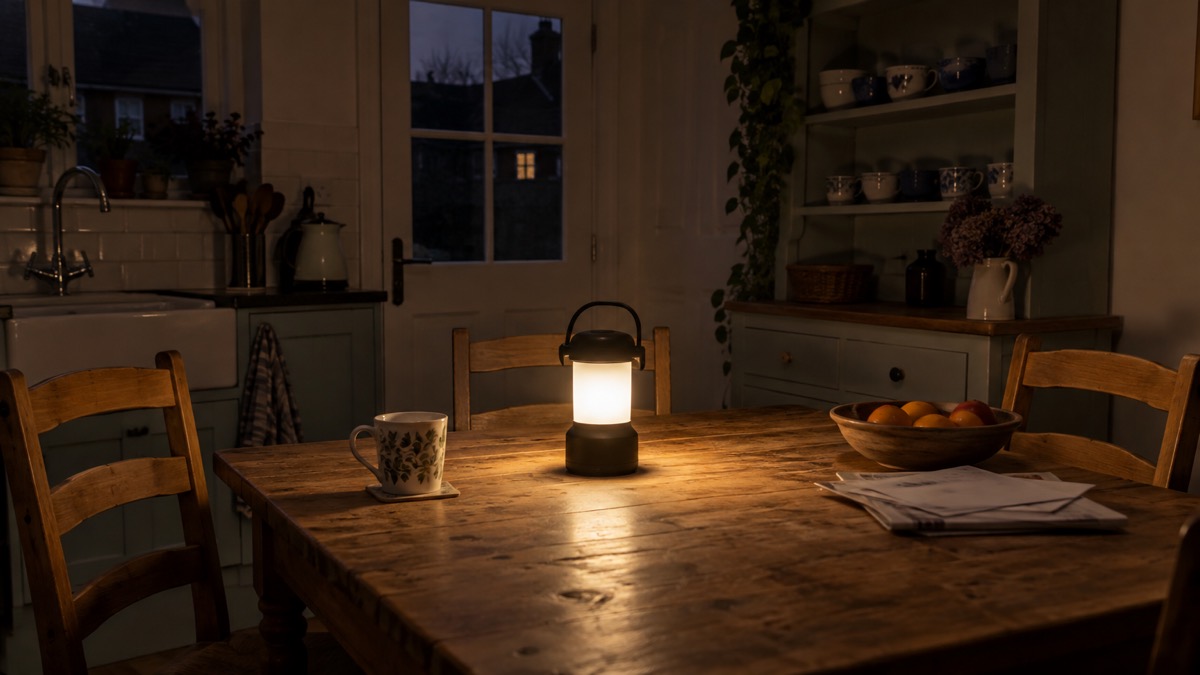
The lantern measures 66mm deep including the switch, 59.5mm wide and 114mm high, and weighs 199 grams excluding the battery1. That is small enough to store in a drawer and light enough to hang from a hook without pulling it out of the wall.
It is rated IP66, which the maker describes as weatherproof and dustproof, and it is 1m drop tested1. For a household light, the drop rating matters more than the waterproofing: lanterns get knocked off tables in the dark. Our guide to what IPX ratings mean explains what the numbers cover.
There are three ways to mount it, and each suits a different room1:
- Free standing on a table, worktop or floor, for lighting a room from the middle.
- Magnetically attached to a fridge, a metal shelf or a fusebox door, for hands-free light where you are working.
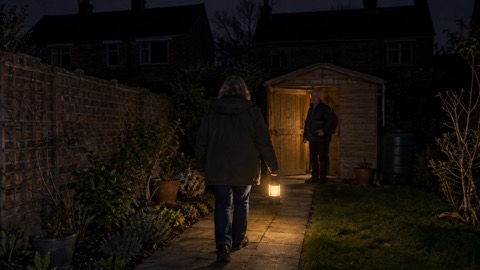
- Hanging from the built-in retractable hook, for a stairwell, a tent, a shed or a bathroom with nothing to stand it on.
The magnet is the feature most households underuse. A power cut often sends someone to the fusebox or the meter cupboard, and a lantern stuck to the metal door lights the job without anyone holding it.
Charging it, and using it as a power bank
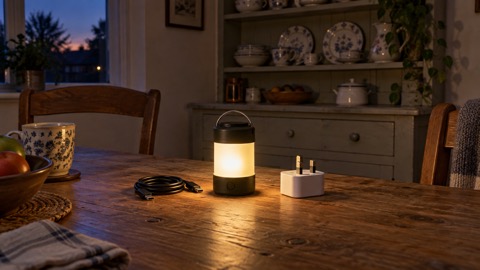
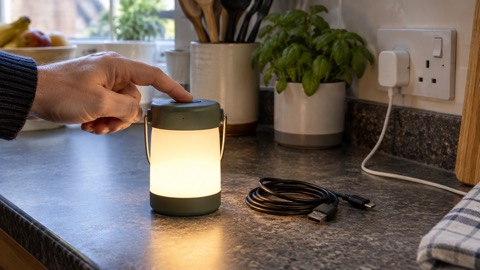
The battery recharges through a built-in USB-C socket, and a cable is supplied1. The maker gives a charge time of about 3.5 hours at 5V 2A, which is a typical mobile phone charger1. Charging from a phone charger is convenient, but it means the lantern competes with your phone for the same socket and the same power bank in an outage, so charge it before bad weather rather than during it.
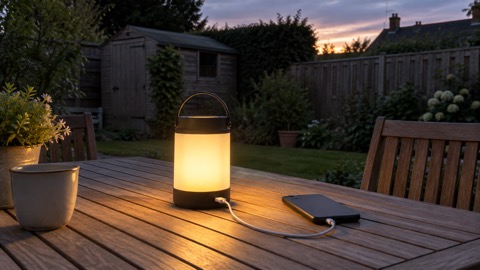
The lantern also has a USB-A discharge socket, so it can be used as a power bank to top up a phone1. That is a useful second job for a light that is already charged and sitting on the table. It does not replace a dedicated power bank, but it means a phone can be kept alive from the same device that lights the room.
The maker states that only the Front, Low (25 lumens maximum), Down 1, Down 2 (25 lumens maximum), Red light and Red flash outputs can be operated while charging1. In other words, the brighter settings are not available while the cable is plugged in. Plan to charge with the lantern off or on a low setting, and to unplug it before you need full brightness.
The lantern shows its charge level with four indicator lights: four lights on means 100% to 80%, three means 80% to 60%, two means 60% to 40%, one means 40% to 20%, and one flashing means 20% to 1%1. Check the indicator before you put the lantern away, and top it up if it is below three lights.
If you want to understand how charging and storage affect battery life generally, our guide to charging and storing rechargeable torches safely covers the principles. For the specific question of whether a light can be used while charging, see can you use a torch while it is charging.
The battery, the 18650 option and spare cells
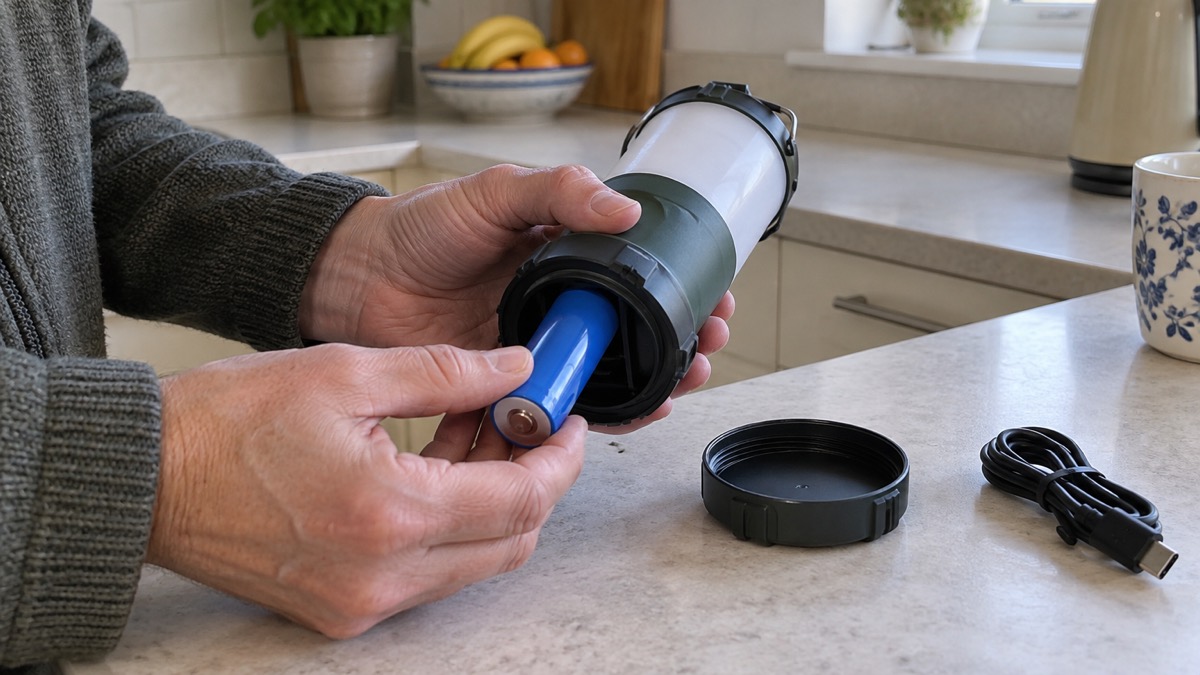
The lantern is powered by a high capacity, replaceable Fenix 5000mAh 21700 battery, and the maker specifies the Fenix ARB-L21-5000 V2, which is included1. A replaceable cell is a real advantage for a household light: when the battery eventually wears out, the lantern does not have to be thrown away.
The maker also states that the lantern can use an 18650 battery with a Fenix ALF-18 battery holder, which is sold separately1. That gives you a second option if you already keep 18650 cells for torches. It is not a straight swap: the 18650 needs the holder to fit, and the holder is an extra part to buy and keep track of. Our guide to torch batteries, including 18650 cells, explains the sizes.
On spare batteries: the included 5000mAh cell gives up to 17 days on the lowest down setting, so a spare is optional rather than essential1. If you do keep one, keep the same type the maker specifies, store it away from children and metal objects, and check it periodically. The maker's low voltage protection is worth knowing about: if the battery voltage falls below 3.0 V, the lantern stops discharging automatically1. That protects the cell from being run flat, but it also means a lantern left on for weeks will eventually go dark and need charging.
Keeping it ready for a power cut
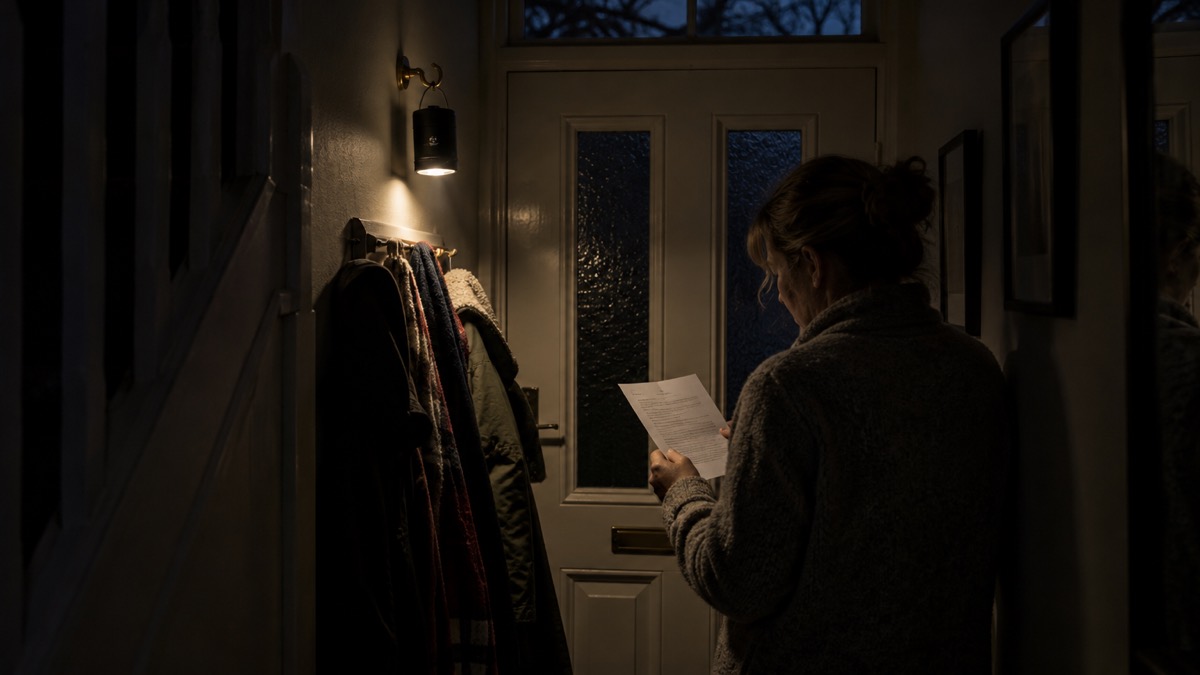
A lantern is only useful if it is charged and findable when the lights go out. Official advice is consistent on this: keep a fully charged torch handy, and gather torches and batteries before bad weather arrives2. The Met Office warning advice puts it plainly:
"People cope better with power cuts when they have prepared for them in advance. It's easy to do; consider gathering torches and batteries, a mobile phone power pack and other essential items."
Official guidance on power cuts includes keeping important documents safe and handy, and keeping a mobile phone fully charged4. Independent advice adds regularly charging emergency medical and communications equipment and devices, with a back up battery pack for extra power if possible3. A lantern that doubles as a power bank fits neatly into that routine.
A short routine keeps the CL26R Pro ready:
- Charge it to four lights after any use, and check the indicator before storing it1.
- Store it where you will find it in the dark, not in a cupboard behind other things. Our page on where to keep torches so you can find them has suggestions.
- Check it before winter and before named storms, alongside your other lights. The lighting checks before winter checklist covers the whole set.
- Keep the charging cable with it, so a phone charger is all you need to top it up1.
- Learn the controls before you need them, so you know how the rotary switch and push button work in a hurry.
Northern Ireland's official advice for strong winds and heavy rain also includes keeping a supply of candles and making sure you are prepared in case there is a power cut6. That advice sits alongside, not instead of, the torch recommendation. A rechargeable lantern is the safer primary light; candles are a last resort.
For the wider picture of what to have ready, see our power cut checklist and the power cuts section.
Red light, beam coverage and the controls
The red modes are the most misunderstood part of a lantern like this. Red constant at 3 lumens runs for 125 hours, and red flash at 3 lumens runs for 240 hours1. Red light is easier on night-adjusted eyes and less disruptive to other people in the room, which makes it useful for a bedside light, a night-time check of a sleeping child, or a light you leave on in a hallway overnight. The flash mode makes the lantern easier to find or to signal with. Our page on what red light mode is for goes further.
Beam coverage is given two ways in the listings. The distributor lists a maximum beam distance of 15m diameter, while other Fenix listings describe a 15m beam radius1. What matters practically is the mode: 360 degree lighting fills a room, down lighting concentrates light below the lantern, and forward lighting throws a pool of light in one direction1.
The controls are a rotary switch and an electronic push button switch1. The rotary switch selects the lighting mode and the push button cycles the output levels. Learn the sequence in daylight: in a dark hallway during an outage is not the time to discover which way the dial turns. Our guide to lumens, beam distance and run time explains how to read the output figures.
Heat, step-down and looking after it
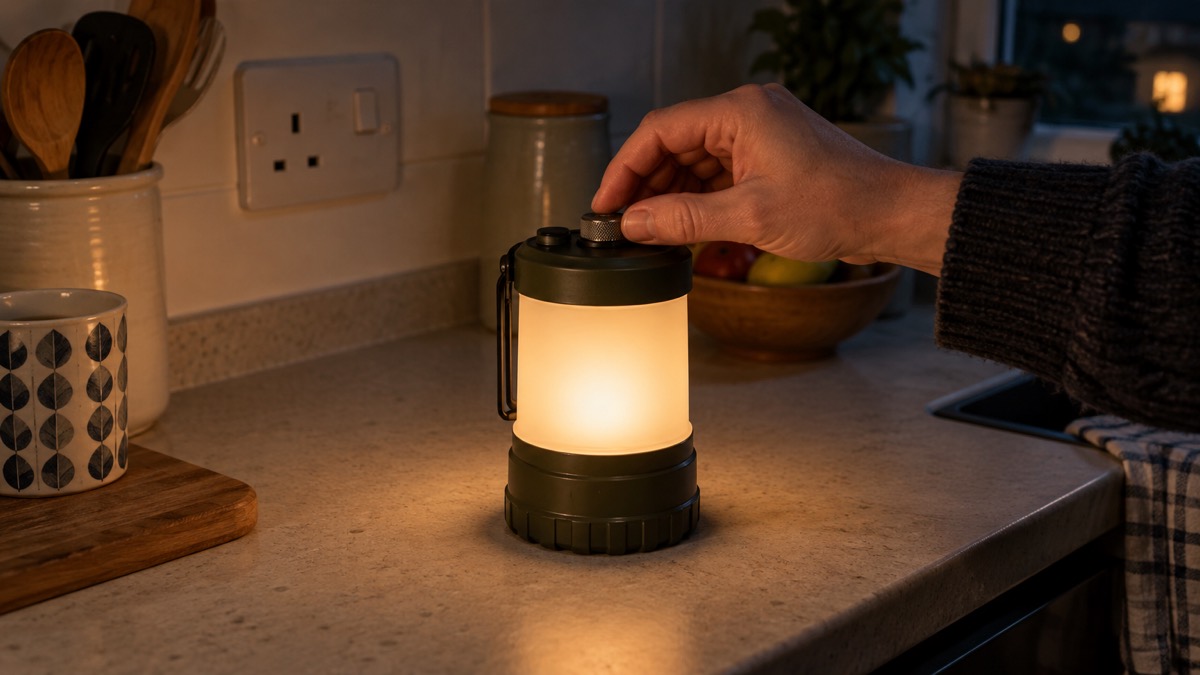
The CL26R Pro protects itself from overheating. The maker states that when the lantern reaches 48°C it automatically steps down a few lumens every 0.5 seconds to reduce the temperature, and when it drops below 46°C it returns to the previous output1. This is normal behaviour on the higher settings, not a fault. If the lantern dims on High, it is managing its own heat.
To get the best from it, keep the lantern out of direct sun and away from soft furnishings that trap heat, and do not cover it while it is running. Use the lower settings for long outages and save High for short bursts. The step-down protects the electronics and the battery, and it is one reason the maker's runtime figures are given as totals rather than as a guarantee of constant brightness.
The warranty is 5 years on the lantern in the UK, with 1 year on the battery1. Keep your proof of purchase. If the lantern develops a fault, contact the retailer first. For anything involving a damaged battery, a swollen cell or a charger that gets hot, stop using it and seek advice; our page on recalled and unsafe torches and chargers explains how to check and report.
Sources (9)
- Fenix CL26R Pro Multi Beam Rechargeable Lantern, Fenixlight UK, 2026-10-26
- UK weather warnings, Met Office, 2026-10-24
- Tips to prepare for a power cut, Electricity North West, 2026-10-26
- Types of power cut, Powercut105, 2026-10-25
- National Risk Register, Cabinet Office, 2020
- Strong winds weather warning information and advice, nidirect, 2026-10-24
- Strong winds and heavy rain warning information and advice, nidirect, 2026-01-27
- Fenix PD36R Pro, Fenixlight UK, 2026-10-26
- Fenix CL20R V2.0 Lantern, Fenixlight UK, 2026-10-26
 NEBO Galileo Tempest 350
 NEBO Leo 800 Flex
 NEBO Poppy Puck Light
 Fenix CL20R V2.0 Lantern
 Fenix CL28R Lantern
 Fenix CL30R Power Lantern
 Ledlenser ML4
 Ledlenser ML6
 BioLite AlpenGlow Mini
 MPOWERD Luci Emergency
 MPOWERD Luci Original
 MPOWERD Luci Charge 360