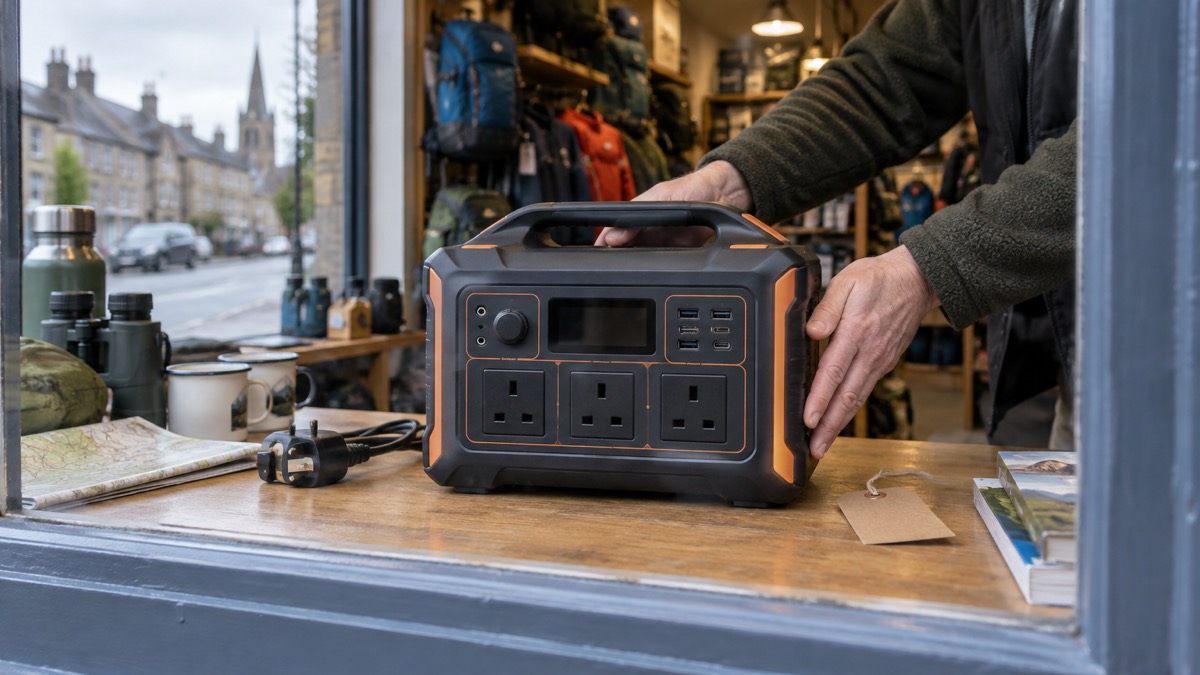
The Jackery HomePower 1000 v2 is a portable power station with a 1024Wh lithium iron phosphate (LiFePO₄) battery, a 1500W rated output and a 3000W surge, built to keep a few essentials running when the mains fails1. For a household preparing for power cuts, its most useful feature is a UPS function that switches over in under 10 milliseconds, so a desktop computer or router does not drop when the power goes1. It weighs 10.6 kg, which one person can lift, and it can be recharged from the mains, from solar panels or from a car2.
Before you buy one for a UK home, check one thing carefully. Jackery's datasheet lists the AC input as AC100V to 120V, 60Hz, and the AC output as 120V at 60Hz2. UK mains is not that, so the model as specified is not a plug-and-play UK appliance. Confirm with the seller that the unit you are buying is the version intended for UK mains before you rely on it in an emergency.
This page sets out what the unit can do, what it can and cannot run, how to charge it, how to store it so it is ready, and how to get support. It is one option among many; if you are still deciding what kind of backup power suits your home, start with Portable Power Stations: What They Do and How to Choose.
What the HomePower 1000 v2 is and what it does in a power cut
This is a battery in a box with an inverter inside it. You charge it from the mains while the power is on, and when the power fails it supplies mains-shaped electricity to whatever you plug into it. Jackery describes it as a solar generator and portable power station with a UPS function3. The pure sine wave output means it produces the smooth waveform that sensitive electronics expect, rather than a rough approximation2.
In a power cut, that combination does three jobs for a household. First, the UPS function keeps a computer, router or similar device running through the moment of the outage, with a switchover of under 10ms1. Jackery claims it keeps a PC running 100 times longer than a traditional UPS, which is the maker's own comparison3. Second, the AC outlets let you run small mains appliances for a limited time. Third, the USB ports keep phones and radios charged, which matters for staying informed.
The unit has three AC outlets, one 12V car charging port, two USB-C ports (one 30W, one 100W) and one USB-A port at 18W1. It also has an LED light built in2. For a household plan, think of it as covering the small, steady loads: the router, a phone charger, a lamp, a laptop, a fan. It is not a whole-house backup.
Listed for 120V 60Hz: check before using it on UK mains
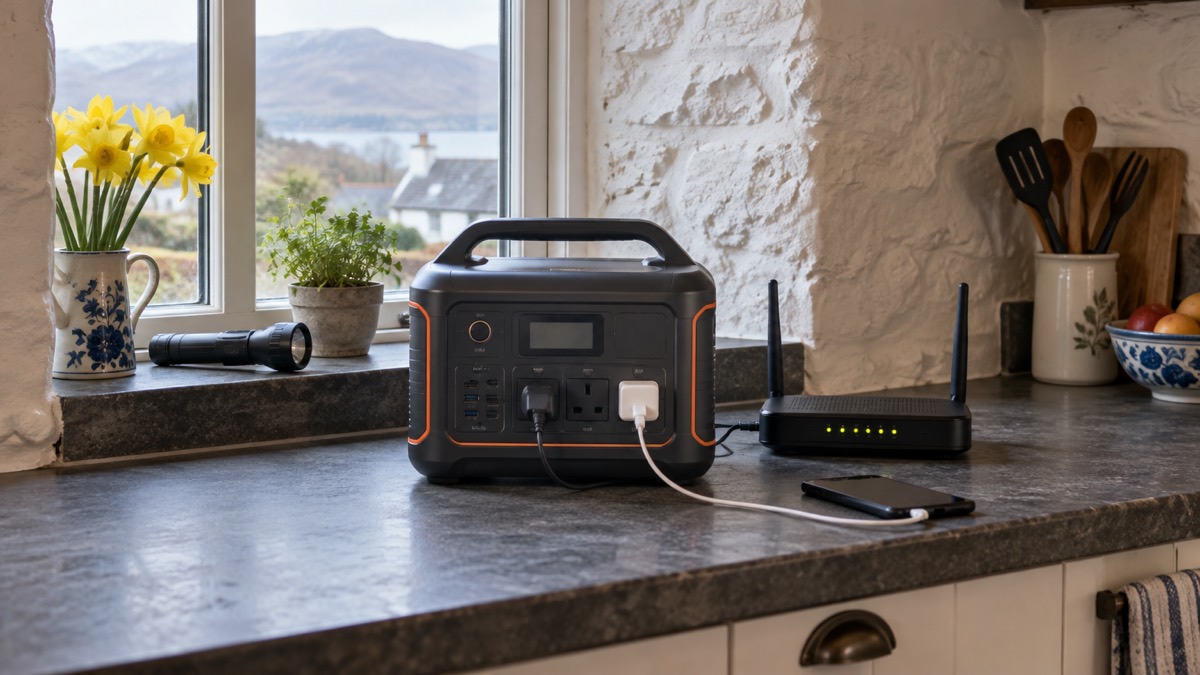
This is the most important practical point on the page. Jackery's datasheet gives the AC input specification as AC100V to 120V, 60Hz, 15A maximum, and the AC output as 120V at 60Hz, 12.5A, 1500W rated2. Those are North American mains figures. A unit built to that specification is not designed to be plugged into a UK 230V socket, and UK appliances are not designed for its output.
The datasheet also notes that the AC charging cable included with the unit bears the UL certification mark2. UL is a North American safety certification. That is consistent with a unit specified for that market, and it is another reason to check exactly which version you are buying.
What to do:
- Ask the seller, in writing, whether the unit is the version intended for UK mains, and keep the reply.
- Check the label on the unit itself when it arrives against the datasheet figures.
- If it is the 120V version, do not plug it into UK mains and do not plug UK appliances into it.
- If you want a power station you can use in a UK power cut without this question, look at units specified for UK mains; the portable power stations guide explains what to compare.
Specifications: 1500W output, 3000W surge, 10.6 kg
The headline figures are a 1500W rated output and a 3000W surge1. The surge figure is the brief peak the unit can supply when a motor starts, such as a fridge compressor kicking in. The rated figure is what it can supply continuously. The datasheet gives the maximum instantaneous output as 3000W2.
| Specification | Figure | Source |
|---|---|---|
| Battery capacity | 1024Wh | 1 |
| Battery chemistry | LiFePO₄ | 2 |
| Cycle life | 6,000 cycles to at least 70% capacity | 2 |
| Rated AC output | 1500W | 1 |
| Surge output | 3000W | 1 |
| Output waveform | Pure sine wave | 2 |
| AC outlets | 3 | 2 |
| USB-C | 1 x 30W, 1 x 100W | 1 |
| USB-A | 18W | 1 |
| Car charging port | 12V, 10A maximum, 120W | 2 |
| Dimensions | 31.4 x 20.1 x 23.4 cm | 2 |
| Weight | 10.6 kg | 2 |
| UPS switchover | 10ms (product page: sub-10ms) | 1 |
| Noise, cooling fan | 30dB or less | 2 |
| Standby consumption | 16W or less | 2 |
| Surge protection | 3kV surge resistance, built-in lightning protection | 1 |
The 6,000-cycle figure is worth understanding. Jackery states the battery supports 6,000 or more cycles for over 16 years of daily use, based on one charge and discharge per day1. The datasheet gives the same cycle count as 6,000 cycles to at least 70% capacity2. For a household that uses the unit occasionally in outages rather than daily, the battery should hold its capacity for a long time.
What it can run, and for how long
Jackery's own customer reviews, published on its product page, describe the unit powering a refrigerator during blackouts of up to 2 hours at a time, and being charged in the car1. The same reviews say it is not good enough to power a freezer1. Treat those as customer experience rather than a guarantee, but they give a realistic sense of scale: a fridge for a couple of hours, small devices for longer.
For a sump pump, Jackery says the unit may be able to power one, but compatibility and runtime depend on the pump's power requirements, especially the startup surge1. Many smaller pumps, such as some 1/3 HP models, may fall within its specifications1. In a flood, that is the moment to check your pump's rated and surge watts against the 1500W and 3000W figures before you rely on it.
Jackery's own runtime table, published for a different model in its range, gives a sump pump at 800W running for 5.0 hours and a Wi-Fi router at 10W running for 81.6 hours4. Those figures are for a larger unit, so do not read them across to the 1000 v2; they show the shape of the calculation, not this unit's runtime.
The unit also has a feature Jackery calls Priority Routing, which automatically shuts down less critical devices at a preset battery level to keep essentials running1. One thing to know: Jackery states that the non-priority port will not automatically turn back on after mains power is restored and the battery rises above the threshold; you have to switch it on manually1.
Charging from the mains, solar panels or a car
Jackery lists AC charging, solar and a 12V car outlet as ways to recharge the unit1. The datasheet adds detail on each.
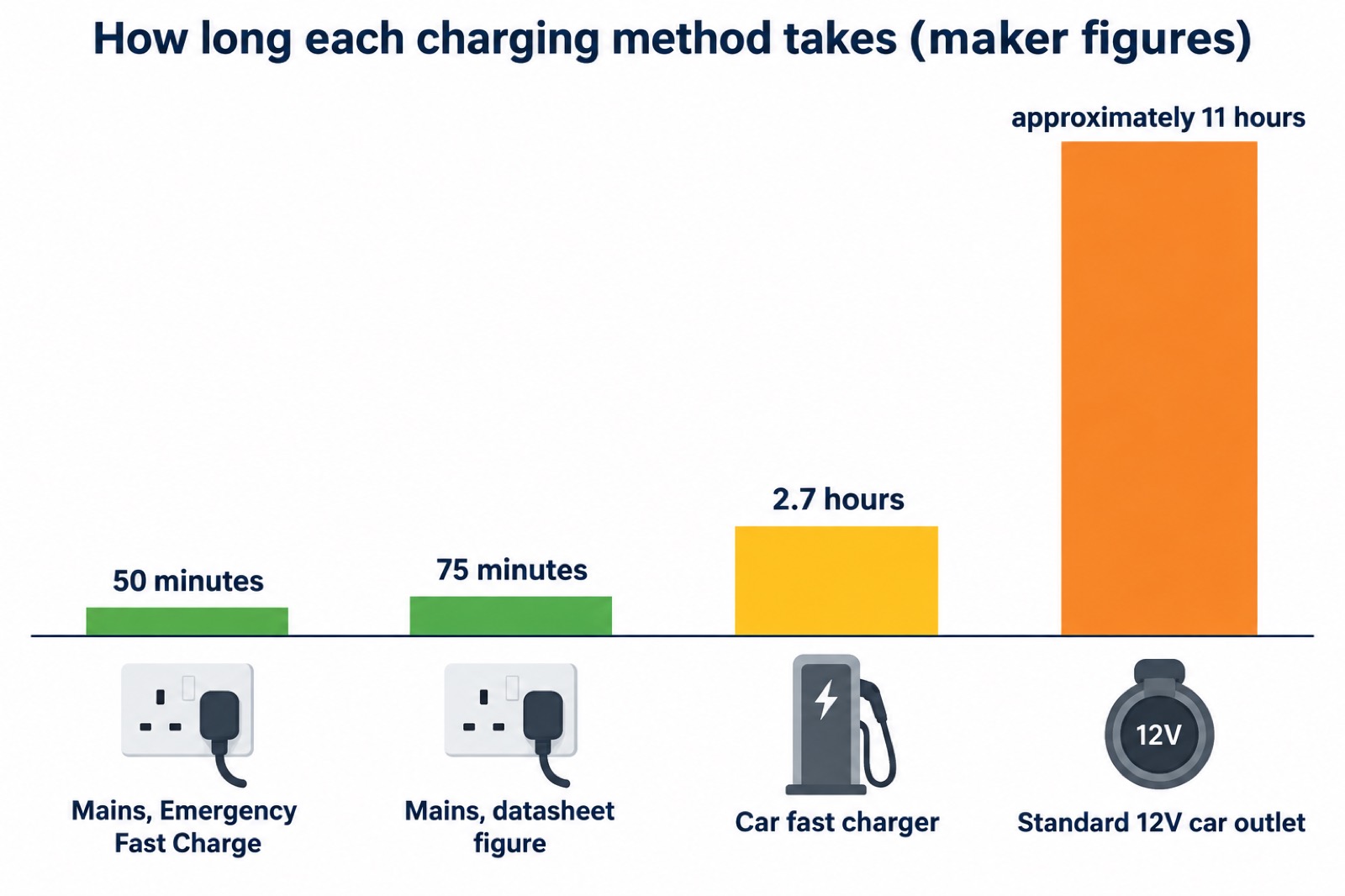
From the mains. The datasheet gives an AC charging time of 75 minutes2. Jackery's product page states the unit is fully charged in just 50 minutes under Emergency Fast Charge mode1. The two figures differ, so plan on the longer figure if you need a reliable estimate. The datasheet also gives a minimum power of 1200W required for the AC input2.
From solar. The solar input port is a DC8020, with a specification of 16V to 60V at 12A maximum, doubling to 21A maximum and 400W maximum2. The unit supports one, two or four panels2. One or two panels connect using the included cable with no purchase required; four panels need two SolarSaga adapters2. The two DC input ports are wired in parallel, so you cannot mix panels of different wattages, and three panels are not supported2. Charging from a roof high-voltage solar system is not supported2. For more on matching panels to a unit, see Portable Solar Panels for Charging in a Power Cut.
From a car. The car charger port is 12V, 10A maximum2. Jackery states it takes approximately 11 hours to fully charge through a standard 12V car outlet1. The datasheet gives 2.7 hours with a car fast charger2. You cannot charge from solar and a car charger at the same time2.
From a generator. Jackery states that charging from a gas generator is supported, provided the generator gives 100 to 120V AC, a pure sine wave, and an output power higher than the power station's rated charging power2. Note the voltage requirement: a UK generator will not match it. Never run a generator indoors; see Generator Safety: Carbon Monoxide, Fuel and Electric Shock.
Storing it safely so it is ready for an emergency
A power station is only useful if it is charged when the power goes. Jackery gives a self-discharge rate of around 1% to 3% per month2, so a unit left for months will lose charge. Check it and top it up as part of your seasonal routine; the Backup Power Checks Before Winter checklist covers the timing.
Storage temperature matters. Jackery gives three ranges: for 1 month, -20°C to 45°C; for 3 months, 0°C to 45°C; for 12 months, 0°C to 25°C, all at 0 to 60% relative humidity2. A cold garage in winter is outside the 12-month range, so if you want it to sit for a year between checks, keep it somewhere that stays between 0°C and 25°C.
For charging, the maker gives a temperature range of -10°C to 45°C (14°F to 113°F)2. Do not charge the unit outside that range; let it come up to temperature first. For more on this, see Can You Charge Lithium Batteries Below Freezing?.
Keep spare batteries for torches and radios alongside it, as official emergency kit guidance advises5. Store the unit where you can reach it in the dark, and keep the charging cable with it. The maker states that the AC charging cable supplied with the unit bears the UL certification mark1. For general battery safety at home, see Lithium-Ion Battery Safety at Home.
Support, warranty and getting help
Jackery's product page states a 5-year warranty only at jackery.com1. The datasheet gives a standard warranty of 3 years, extendable by 2 years for a maximum total of 5 years2. The two documents describe the cover differently, so check which applies to your purchase and keep the proof.
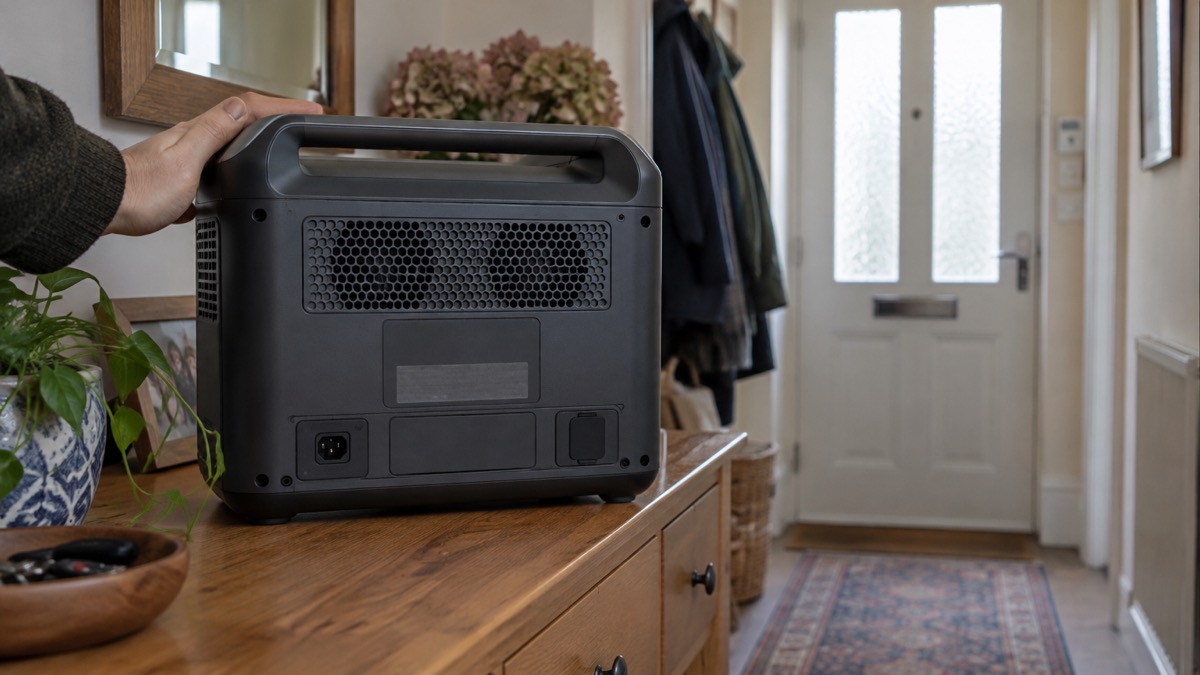
For support, you will need the serial number, which Jackery states is on the back of the device2. The unit supports app control2. If the Bluetooth and Wi-Fi module has been turned off, Jackery says to activate it by pressing the DC/USB and AC1 buttons together2. To reset the unit, Jackery gives the procedure as pressing the POWER and DC/USB buttons together for 3 seconds2.
The unit runs at under 30dB in Quiet Mode, measured at 1 metre1, and the datasheet gives the cooling fan at 30dB or less2. That makes it suitable for a bedroom or living room during an outage.
If you are building a wider plan, the Power Cut Backup Power Checklist sets out what to have ready, and Deciding What to Keep Running When the Mains Fails helps you work out which devices matter most. For the maker's other models, see the Jackery page.
Sources (5)
- Jackery HomePower 1000 v2 product page, Jackery, 2026-10-25
- HomePower 1000 V2 Basic Information, Jackery, 2026-10-15
- Solar Generator HomePower 1000 v2, Jackery, 2026-10-25
- How to build a 72-hour household emergency power outage plan, Jackery, 2026-10-10
- Emergency kit checklist, Neath Port Talbot Council, 2026-10-29

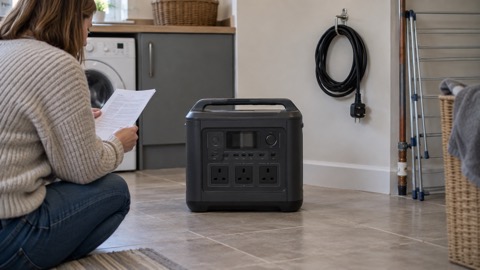 BLUETTI Apex 300 Power Station
 BLUETTI Elite 100 V2
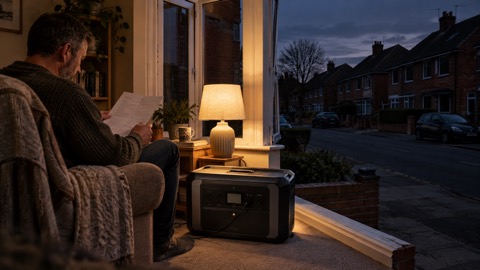 Anker SOLIX C2000 Gen 2
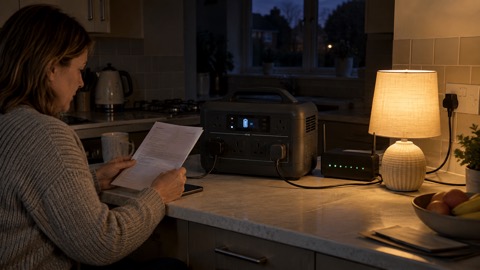 Anker SOLIX C1000 Power Station
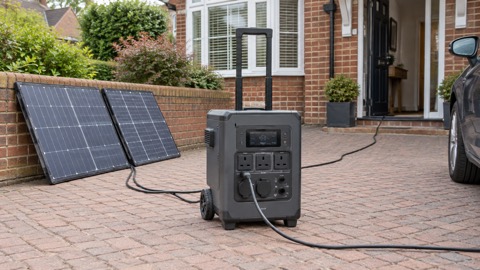 EcoFlow DELTA Pro
 BLUETTI Elite 400
 Anker SOLIX C300 Power Station
 EcoFlow DELTA 3
 EcoFlow DELTA 2 and DELTA 2 Max
 EcoFlow DELTA and DELTA Max
 EcoFlow RIVER 3 and RIVER 3 Plus
 EcoFlow RIVER 2 and RIVER 2 Max