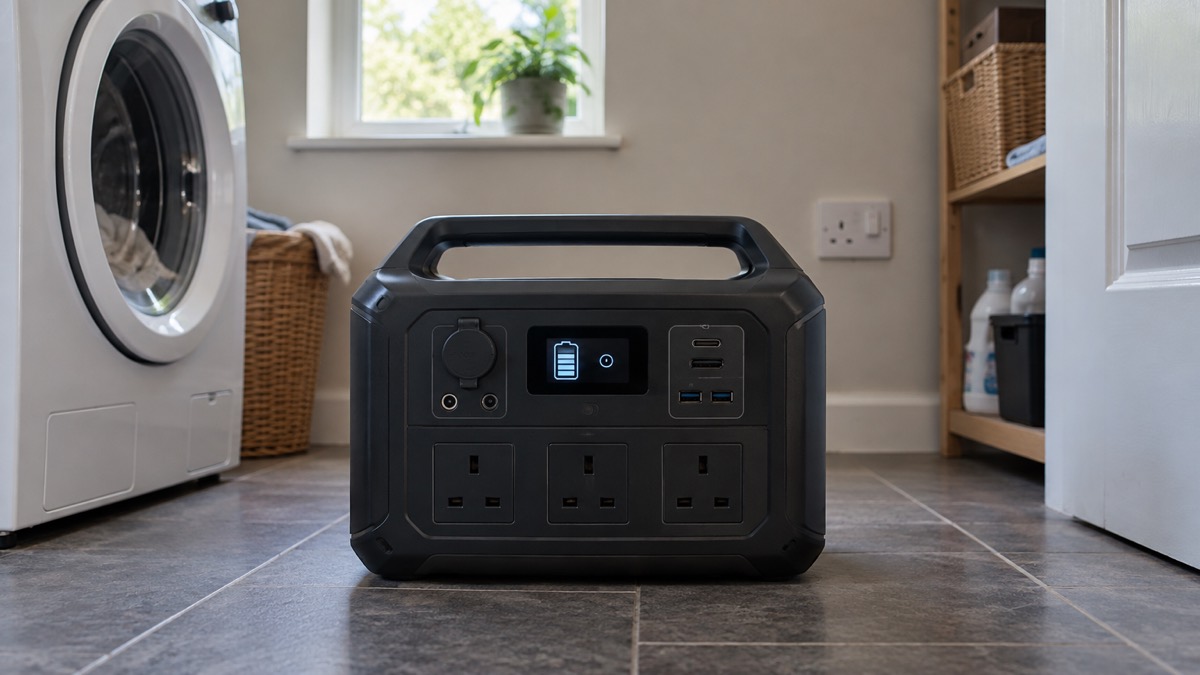
The Goal Zero Yeti 1500 is a portable power station: a large rechargeable battery in a metal case with mains sockets, USB ports and 12V outputs on the front. The maker, Goal Zero, gives it a 1,505.28Wh LiFePO4 battery, a 2,000W continuous AC inverter with 3,600W surge, and a recharge time from the wall of 0 to 80% in under an hour on its fast setting1. It launched in 2026 as a sixth generation model, replacing the earlier Yeti 1500X1.
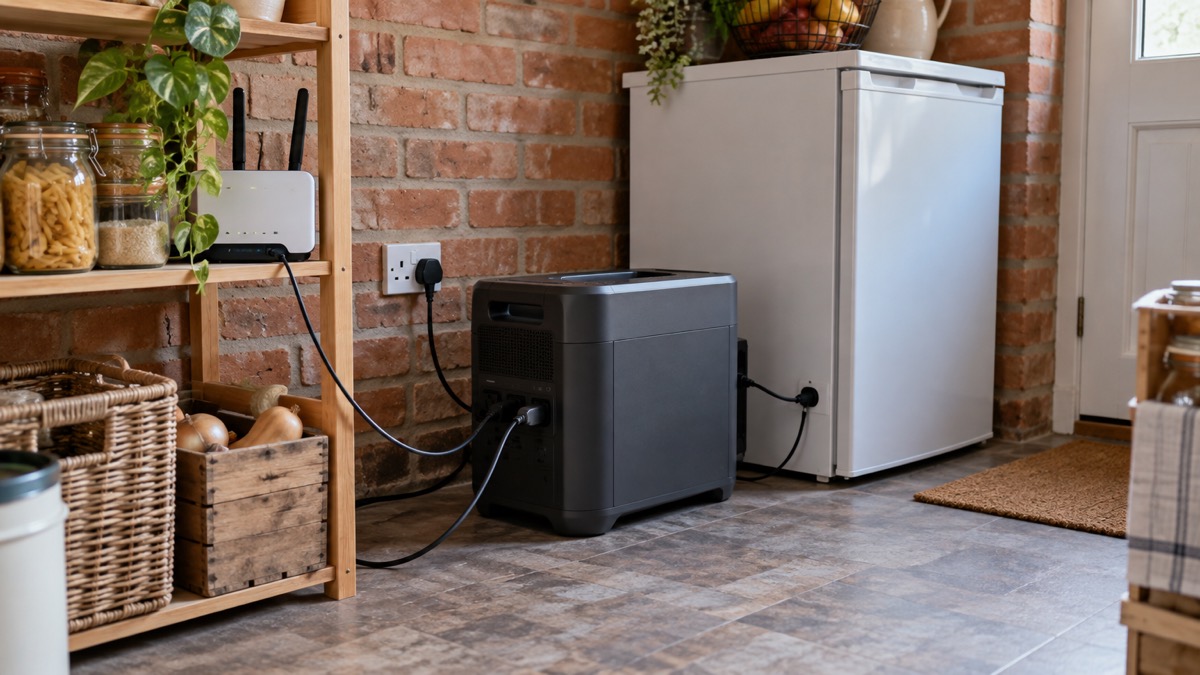
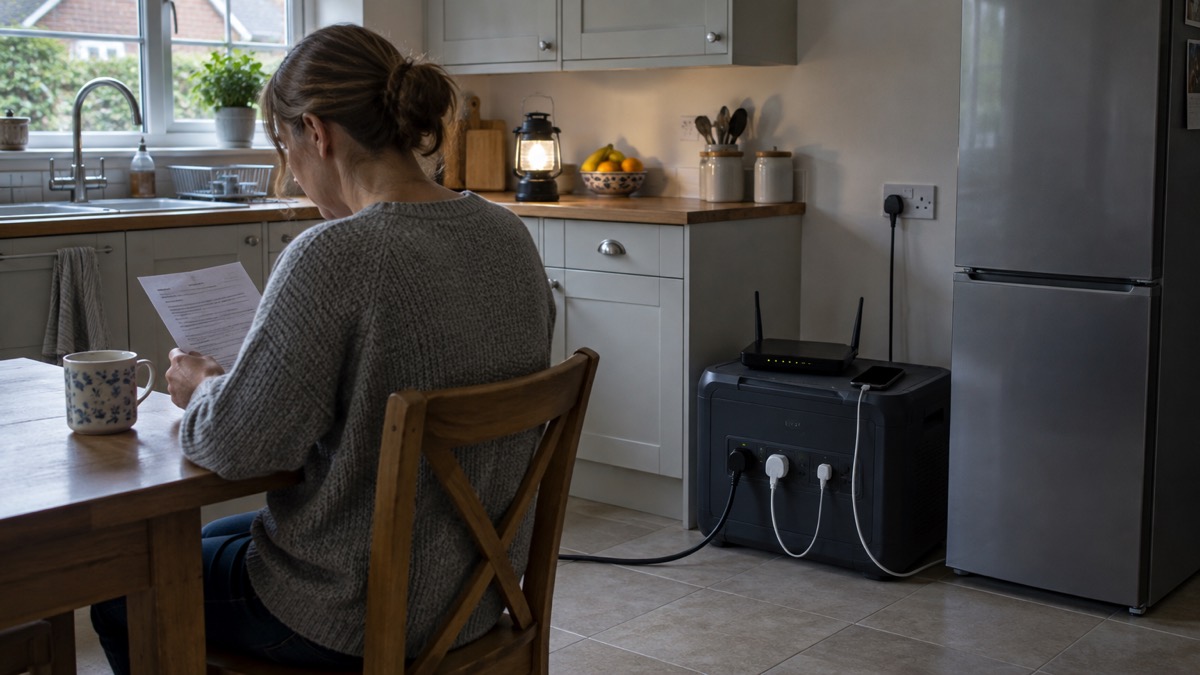
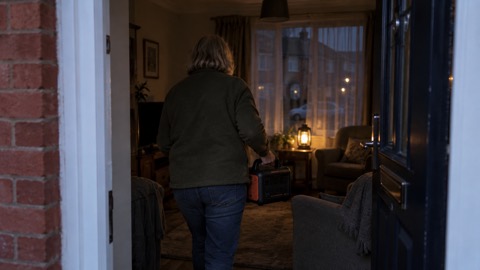
For a household, that means one box that can keep a fridge, a router, phones, a television or a CPAP machine running through a power cut, then be recharged from a wall socket or from solar panels. It is not a generator: there is no fuel, no exhaust and no carbon monoxide, so it can live indoors. It is heavy at 23.93kg, so where it sits matters as much as what it can do1.
This page sets out the maker's own figures for what the unit is, what it can run and for how long, how to charge it, and the temperature and weather limits that decide whether it will work when you need it. Where a figure comes from the maker's product pages, it is described as the maker states it.
What the Yeti 1500 is, and who it suits
The Yeti 1500 sits in the middle of a household's backup power choices. It is a battery, so it stores energy rather than making it, and everything it gives out has to be put back by charging. The maker describes it as "a very strong option for emergency use and backup power", able to power fridges, medical devices, routers and phones1. That is the maker's own assessment of its own product, and the figures below let you judge it against your household.
The battery is LiFePO4, a lithium iron phosphate chemistry. The maker states the cell technology is sixth generation, with a single cell equivalent capacity of 470.4 Ah at 3.2V3. LiFePO4 is the chemistry the maker credits for the unit's cycle life and its 10+ year estimated lifespan1. The case is aluminium with an IPX4 rating and port shields to keep rain and mud out1.
It suits a household that wants silent, fume-free backup for a defined list of essentials, has somewhere to store a heavy unit on a hard floor, and is prepared to recharge it after each use. It does not suit someone who needs to run high-draw appliances such as an electric shower or an oven for long periods, because the stored energy is finite and the inverter has a 2,000W ceiling1. If you are still deciding between a battery and a fuel generator, the guide to portable power stations and the comparison of a power station or petrol generator set out the trade-offs.
Specifications at a glance
The maker's figures for the Yeti 1500 are set out below. Where the maker's own pages give slightly different wording for the same figure, the figure itself is consistent.
| Specification | Maker's figure |
|---|---|
| Battery capacity | 1,505.28Wh (51.2V, 29.4Ah)2 |
| Battery chemistry | LiFePO4, sixth generation2 |
| Cycle life | 4,000 cycles to 80% of original capacity2 |
| Estimated lifespan | 10+ years1 |
| AC inverter | 2,000W continuous, 3,600W surge, 60Hz pure sine wave1 |
| AC outlets | Double the outlets of previous models3 |
| USB-C | One 140W, one 60W, two 30W; combined USB-C 260W1 |
| USB-A | Two, 18W max each; combined 36W1 |
| 12V outputs | HPP 405W, 6mm ports 135W each, auxiliary port 162W; combined 12V 405W1 |
| AC input | Fast charge 1,500W; low speed 750W1 |
| Solar input | 8mm up to 300W; HPP up to 600W; combined 900W1 |
| Weight | 52.75 lbs (23.93kg)1 |
| Dimensions | 15.7 x 11.4 x 12.02in (40 x 28.9 x 30.52 cm)1 |
| Charge temperature | 0° to 40°C (32° to 104°F)2 |
| Discharge temperature | -20° to 40°C (-4° to 104°F)2 |
| Ingress protection | IPX42 |
| Warranty | 5 years2 |
The unit is certified to the UL 2743 standard for portable power equipment by a third party Nationally Recognized Testing Lab, as the maker states1. If you are weighing up capacity against your own appliances, the guide to what capacity power station you need and the explanation of watts, watt-hours and surge will help you translate these numbers into your own list.
Outputs: what you can plug in
The AC side is the part most households use. The inverter gives 2,000W continuous and 3,600W surge from a pure sine wave output, which is the waveform most mains appliances expect1. The maker's instruction is blunt about the limit: "Check your device's wattage requirements, it must be below the continuous AC output rating (2000W) of your Yeti 1500. And when plugging multiple devices in at once, the cumulative wattage draw must not exceed that 2000W rating"2. Add up the labels on everything you plan to run at the same time, not just the biggest item.
The USB side is generous. There is one 140W USB-C port, one 60W USB-C port and two 30W USB-C ports, with a combined USB-C output of 260W, plus two USB-A ports at 18W each1. A 140W USB-C port will fast-charge a modern laptop. For the difference between port types and what your cables can carry, see USB-C charging, Power Delivery and cables.
The 12V side covers vehicle-style and accessory loads: a high power port at 405W, two 6mm ports at 135W each for accessories such as the maker's Alta Fridge and Skylight Area Light, and a 12V auxiliary power port at 162W, with a combined 12V output of 405W1. There is also a ground lug for installed applications such as a van or cabin1.
What it can run, and for how long
The maker publishes single-charge run times for a list of appliances. These are the maker's own test figures and will vary with the age and efficiency of your appliance, the temperature, and how full the battery is.
| Appliance | Run time from one charge |
|---|---|
| Full size fridge | 19 hours2 |
| TV | 16.4 hours2 |
| CPAP machine | 20 hours2 |
| CPAP Machine Alta 80 | 163 hours2 |
| Wi-Fi router | 131 hours2 |
| Laptop | 25 recharges2 |
| Phone | 77 recharges2 |
| Microwave | 1.3 hours2 |
| Electric kettle | 1 hour2 |
| Coffee maker | 5 pots2 |
| Heated blanket | 24 hours2 |
| Satellite internet | 32 hours2 |
The pattern is clear: low-draw devices that run continuously, such as a router or a CPAP machine, last for many hours or days, while heating appliances such as a kettle or microwave drain the battery quickly. A fridge at 19 hours is the figure most households will plan around, because it decides whether you can keep food cold through a long outage. For more on matching run times to your own kit, see how long a power station runs a fridge or laptop.
Charging from the wall: 0 to 80% in under an hour
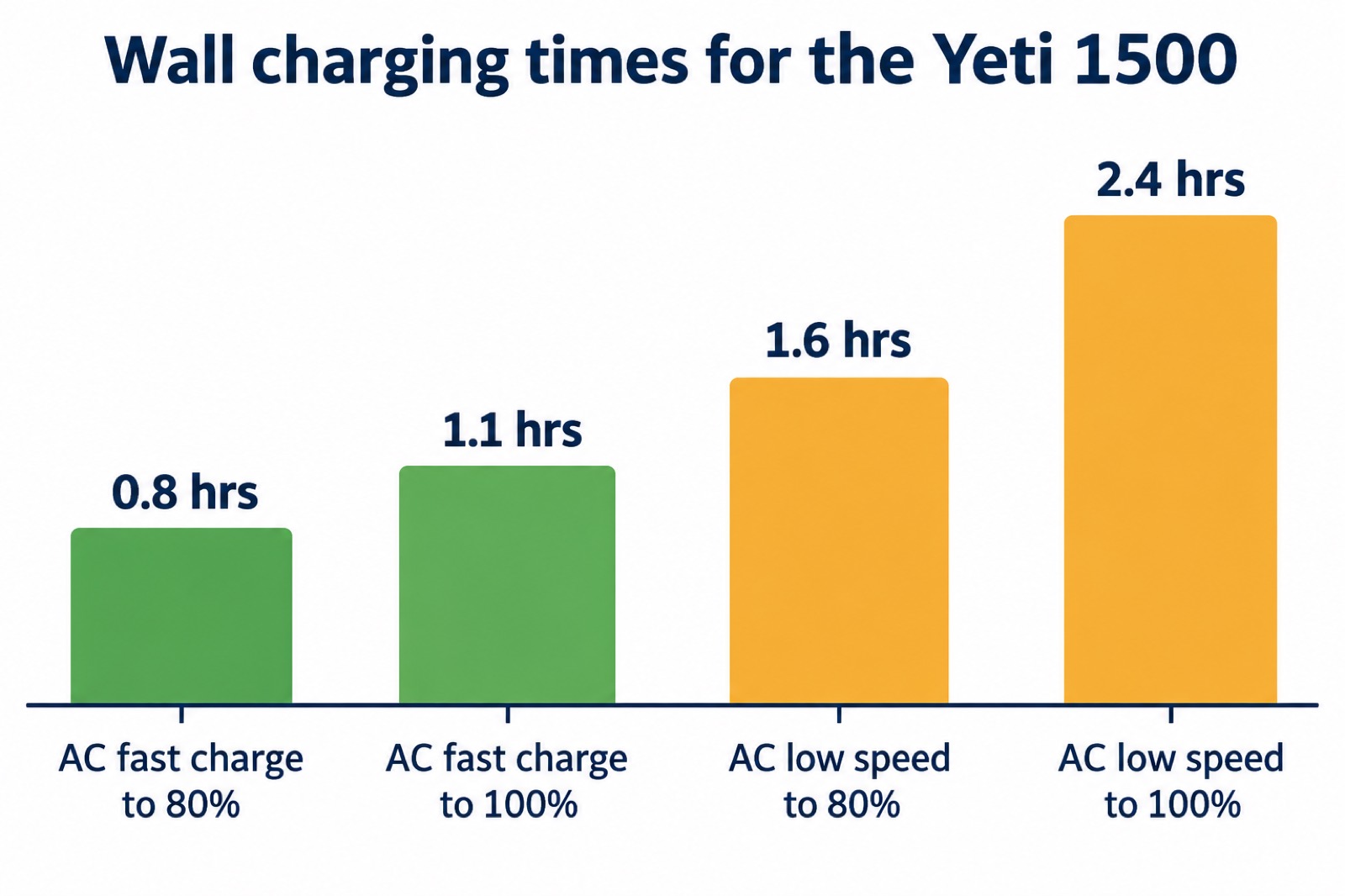
The maker's headline claim is that the Yeti 1500 is "10X faster than previous models and charges from 0-80% from the wall in under an hour"1. The detailed figures back that up. On AC fast charge with the included cable, the maker gives 1.1 hours to 100% and 0.8 hours to 80%. On AC low speed, it is 2.4 hours to 100% and 1.6 hours to 80%2.
Fast charge draws 1,500W from the socket; low speed draws 750W1. That matters in a UK home because a 1,500W draw is a heavy load on a domestic circuit. The maker provides an input limit switch: "Control how many watts your Yeti is drawing for ultrafast vs fast recharging. With a max input draw of 1500W, this can be useful if you're running other devices simultaneously from your wall outlet"1. If the socket is on a circuit shared with a kettle or heater, use the lower setting.
The unit also has automatic power switching, which the maker says moves from grid to battery in under 28ms2. That is fast enough to keep a device running through a brief interruption, which is why it is relevant to medical equipment. For how this compares with dedicated uninterruptible supplies, see using a power station as a UPS.
Solar charging: up to 900W across two inputs
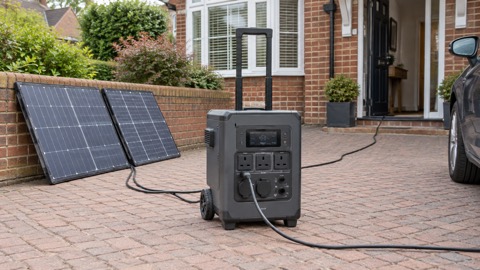
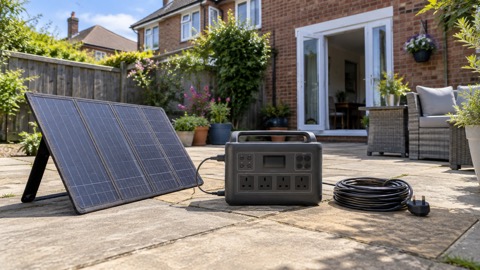
The Yeti 1500 has two solar inputs: an 8mm low voltage input rated to 300W and a High Power Port rated to 600W, giving a combined maximum of 900W1. The maker states it will recharge with any Goal Zero solar panel with no adapter required3. At the maximum 900W input, the maker gives a recharge time of 3 hours1.
Real panels are smaller than the maximum. The maker's figures for its own panels show how the time stretches: 100W solar takes 17.2 hours, 200W takes 8.6 hours, 300W takes 5.7 hours and a 400W Nomad panel takes 4.3 hours3. In a UK winter, with short days and low sun, expect the longer end of these figures and treat solar as a way to stretch a charge rather than a guaranteed daily refill. The guide to portable solar panels for charging in a power cut and how long solar charging takes in the UK cover the practical side.
The maker sells the unit on its own and bundled with panels. The 200W bundle and the 400W bundle are listed by the maker as packages built around the same power station3. If you are sizing panels, see what size solar panel you need to charge a power station.
Weather, temperature and safe use
The maker gives a discharge temperature range of -20° to 40°C (-4° to 104°F) and a charge temperature range of 0° to 40°C (32° to 104°F)2. The charge range is the one that catches people out. Below freezing, charging is outside the maker's stated range, so bring the unit indoors and let it come up to room temperature before plugging it in. The guide to charging lithium batteries below freezing explains why this matters for battery health.
The IPX4 rating means the unit is "rated to withstand splashing in any direction, but is not suitable for full on submersion"2. It is not waterproof. The maker's own instruction is direct: "We strongly recommend not operating live loads in the rain"2. Keep it out of standing water, do not use it outdoors in wet weather with appliances plugged in, and dry the ports before charging.
The maker also provides a ground lug for installed applications such as a van or cabin1. That is for fixed installations, not for a unit sitting in a kitchen. If you plan to connect the unit to your home's wiring rather than plug appliances into it directly, read connecting a generator or battery to your home's wiring before doing anything, because this is not a plug-and-play job.
The Goal Zero Power App
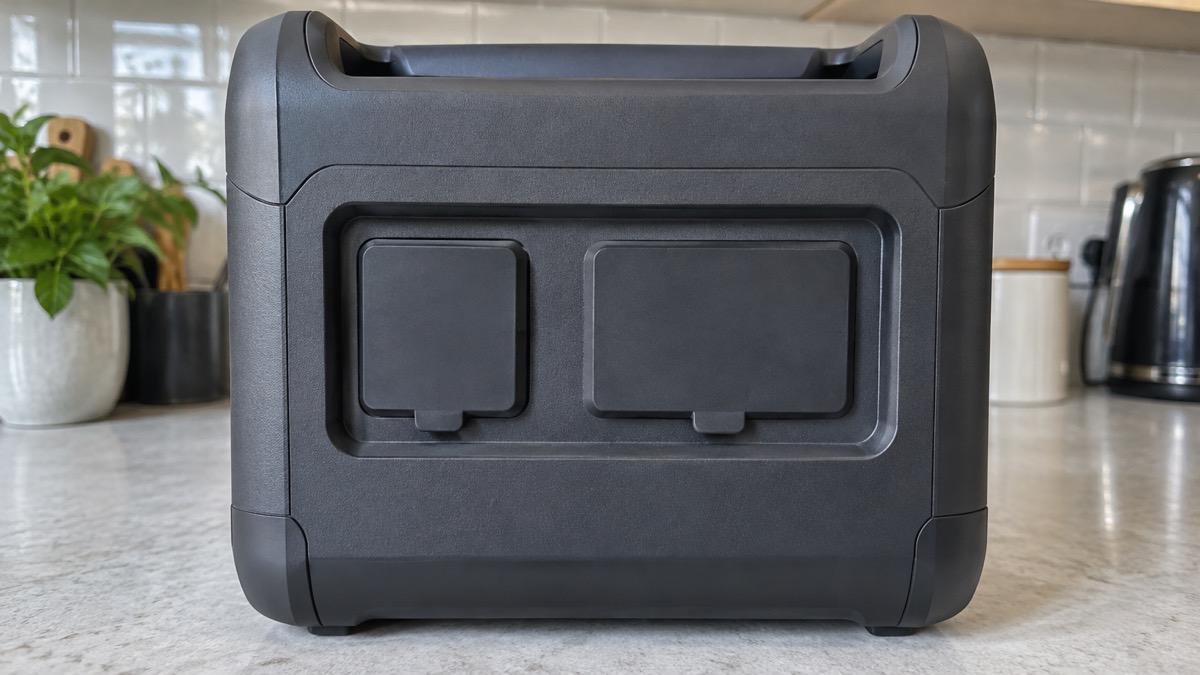
The Yeti 1500 connects by Bluetooth 4.2 and Wi-Fi and works with the Goal Zero Power App1. The maker says the app lets you "see how much power is coming in and out of your battery (helping you understand time to Empty or time to Full), toggle on/off ultrafast charging, turn ports on/off, track your energy history over time, optimize settings for future use, and receive over-the-air updates"1.
For a household, the most useful part is the time to empty and time to full display, which turns the battery from a black box into something you can plan around during an outage. Turning ports off remotely is a small convenience. The maker quotes typical data use at 45KB an hour and 1MB a day, with a worst case of 8MB an hour and 200MB a day1. If you are relying on a mobile hotspot during a power cut, that is worth knowing.
The app is not required to use the unit. The ports and the display on the unit itself work without it. Treat the app as a monitoring and control extra, not a dependency.
Weight, storage and where to keep it
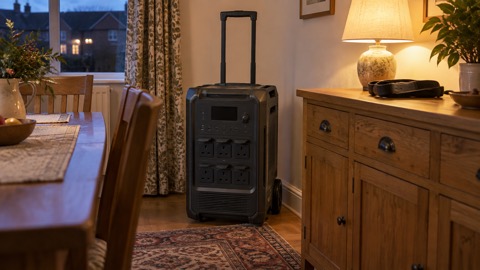
At 52.75 lbs (23.93kg) and 40 x 28.9 x 30.52 cm, the Yeti 1500 is a two-handed lift for most people and not something to carry up a ladder or into a loft1. Plan its home before it arrives: a hard, level floor, out of direct sunlight, within reach of the socket you will charge it from, and away from anywhere it could get wet or knocked.
The maker's charge and discharge temperature ranges set the storage conditions too. A garage that drops below freezing in winter is outside the charge range, so the unit will need to come indoors to charge2. A shed that bakes in summer can exceed 40°C. The guide to how to store a power station when not in use and what temperature batteries should be stored at go further.
A practical routine is to check the charge level every few months, top it up to the maker's recommended level, and run a short test with the appliances you plan to use. That way you find out about a problem before a power cut rather than during one. The power cut backup power checklist and the backup power checks before winter give you a schedule to follow.
Running a CPAP machine
The maker lists 20 hours of CPAP run time from a single charge, and 163 hours for a CPAP Machine Alta 802. It also lists automatic power switching from grid to battery in under 28ms2, which is the kind of gap that keeps a machine running through a brief interruption rather than restarting it.
If you use a CPAP machine on prescription, the decision is not just about the battery. Speak to your clinician and your equipment supplier about what backup they recommend, and test the machine on the unit before you rely on it overnight. The maker's run time is a test figure for a particular machine, and your pressure settings and humidifier will change it. The guide to powering CPAP, oxygen and other medical devices from a battery covers the wider arrangements, including how to register for priority support with your electricity supplier.
Recharging in a car
The maker lists three ways to recharge: a wall outlet, solar, and a 12V car charger accessory1. The car route uses the 8mm low voltage input, which accepts solar and car charging at up to 300W2. The maker describes it as a way to "Top of the Yeti 1500 while you're on the move with the 12V car charger accessory"1.
Car charging is slow compared with the wall. A 300W input is a fifth of the 1,500W fast wall charge, so a long drive will add a useful amount but not a full recharge in minutes. Run the engine while charging so you do not flatten the vehicle battery, and never charge in a closed garage with the engine running. The guide to charging a power station from your car covers the practicalities.
The Yeti 1500 and the older Yeti 1500X
The Yeti 1500 launched in 2026 as a sixth generation model, replacing the earlier Yeti 1500X1. The maker sets out the changes plainly: the new unit uses a LiFePO4 battery where older models used NMC lithium-ion, doubles the AC outlets, adds more USB ports including a 140W high-speed USB-C port, recharges from 0 to 80% in under an hour, and carries an IPX4 rating and vibration testing1. The maker notes that previous generations used older chemistries such as lead acid or lithium-ion NMC1.
The chemistry change is the one that matters most over time. The maker rates the LiFePO4 battery to over 4,000 cycles and states that this "translates to 10 years of DAILY use while maintaining performance"2. If you already own a 1500X, the new model is an upgrade in cycle life, port count and recharge speed rather than a different class of product. If you are buying now, the maker's current listing is the 1500.
Support and warranty
The maker lists a 5 year warranty on the Yeti 15002. Keep your proof of purchase, note the serial number, and register the unit if the maker asks you to, because a claim will normally need those details. The terms that came with your unit are the ones that apply to your purchase.
Goal Zero is described by BioLite as its sister brand, and the Yeti 1500 is listed on BioLite's site2. That is where the maker's product pages, manuals and support links sit. If you need help with a fault, start with the maker's support pages for the model, and have the serial number and date of purchase ready.
Sources (4)
- Goal Zero Yeti 1500 product page, BioLite, 2026
- Goal Zero Yeti 1500 with 200W solar generator bundle, BioLite, 2026
- Goal Zero Yeti 1500 with 400W solar generator bundle, BioLite, 2026
- Yeti 700 product page, BioLite, 2026-10-25
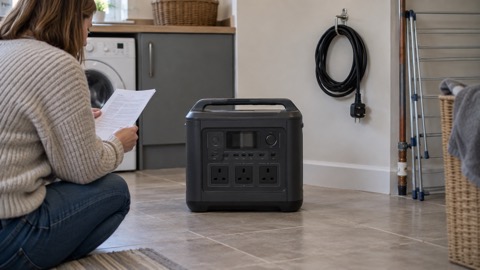 BLUETTI Apex 300 Power Station
 BLUETTI Elite 100 V2
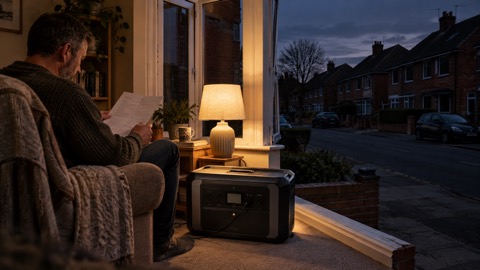 Anker SOLIX C2000 Gen 2
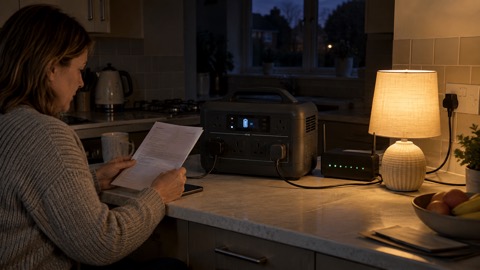 Anker SOLIX C1000 Power Station
 EcoFlow DELTA Pro
 BLUETTI Elite 400
 Anker SOLIX C300 Power Station
 EcoFlow DELTA 3
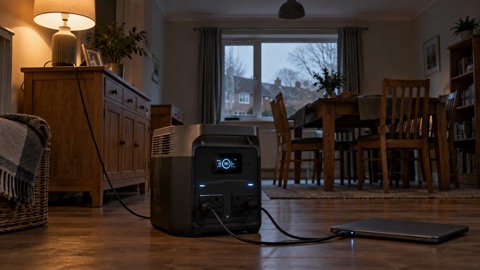 EcoFlow DELTA 2 and DELTA 2 Max
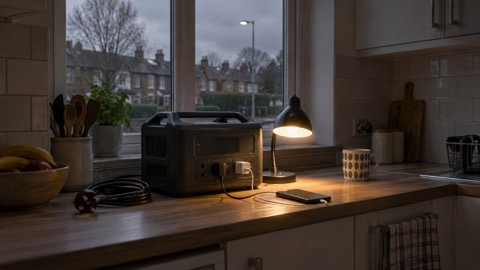 EcoFlow DELTA and DELTA Max
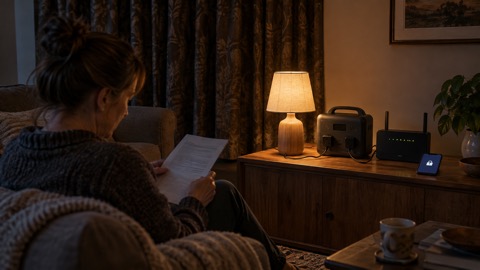 EcoFlow RIVER 3 and RIVER 3 Plus
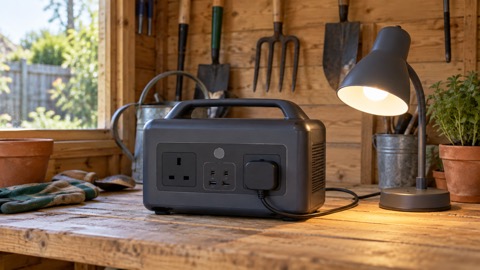 EcoFlow RIVER 2 and RIVER 2 Max