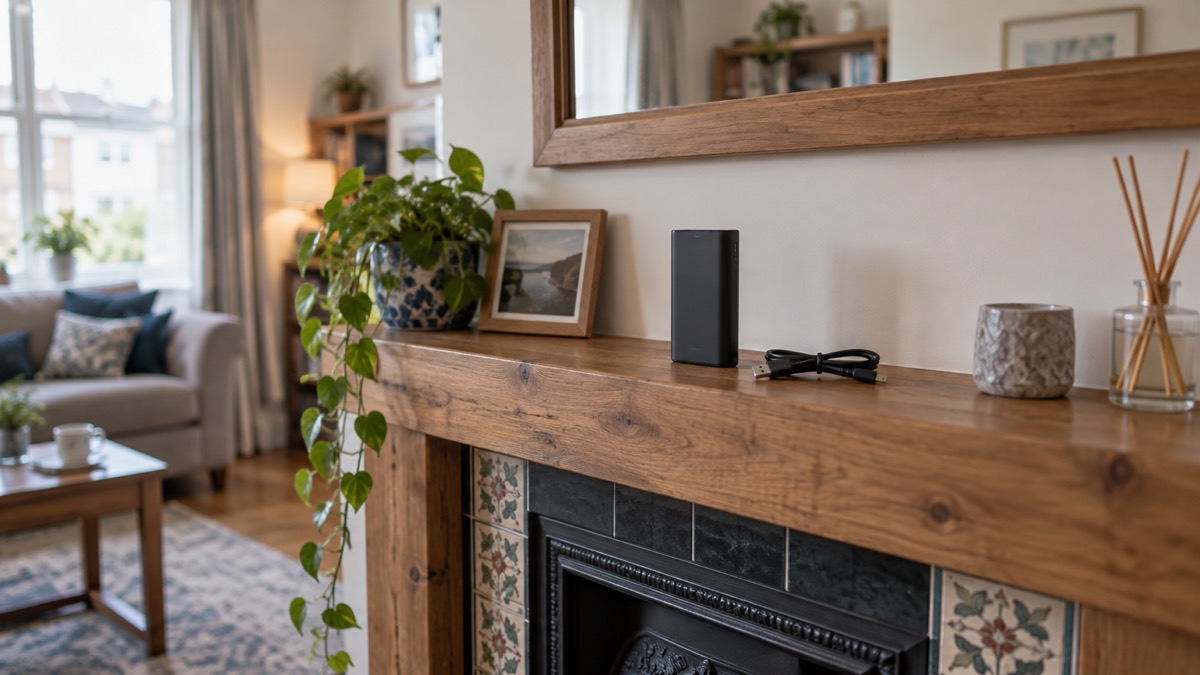
If you own a Belkin Playa USB-C power bank, the first thing to do is check its model code. The Playa PB0003 was recalled on 8 December 2025 by the Office for Product Safety and Standards, alongside the Belkin BoostCharge BPB002, because the lithium-ion batteries in these units can overheat in use, causing smoking, melting or fire1. A recalled power bank is not emergency kit. It is a fire risk sitting in a drawer, and it needs to come out of your household plan.
Stop using and stop charging the unit. Do not pack it for a trip, do not put it in the bin, and do not hand it to a shop's battery box. Follow the recall route for disposal and contact Belkin for help with your own unit.
The rest of this page explains how to identify the model, what to do with it at home, where it must never go, and what to do if a power bank of any kind starts to misbehave. If you are building backup power for power cuts more broadly, start with Power Banks: Keeping Phones Charged in an Emergency and the Power Cut Backup Power Checklist.
Stop using the Belkin Playa PB0003
The recall is the whole story of this product for a household. The Office for Product Safety and Standards recalled the two Belkin power bank models because lithium-ion batteries can overheat in use, causing smoking, melting or fire1. That is not a wear-and-tear issue or a charging habit issue. It is a fault identified in the model, and the official answer is that the unit should leave service.
What that means in practice is simple. Take the power bank out of your emergency kit, out of your bag, out of the glovebox and out of the drawer by the bed. Do not charge it to "see if it is fine". Do not leave it plugged in overnight. Do not keep it as a spare for a power cut on the reasoning that you will only use it in an emergency, because an emergency is exactly when a fire in the home is hardest to deal with.
A power bank is a battery, circuitry and one or more charging ports, often USB or USB-C4. In a household plan it is the small, cheap layer of backup power that keeps a phone alive when the mains is off. That role is genuinely useful, which is why the recall matters: it removes one model from the shelf and asks you to replace it with something that is not under a safety notice. The wider options are set out in Power Banks: Keeping Phones Charged in an Emergency, and the difference between a pocket power bank and a larger unit is explained in Power Bank or Portable Power Station.
If you are unsure whether a unit in your house is affected, the next section is the check to run.
How to check whether your power bank is a PB0003
The check is a model code match, not a guess based on colour, shape or where you bought it. The recall names two models: the Belkin BoostCharge BPB002 and the Belkin Playa PB00031. Find the code printed on the unit and compare it exactly.
Work through it in this order:
- Find the model code on the device itself. Look on the casing, including the underside and the area around the ports, for a printed model identifier.
- Match it against the two recalled codes. BPB002 and PB0003 are the affected models1.
- If the code matches, stop using and charging the unit immediately and move on to the disposal steps below1.
- If the code does not match, or you cannot find one, treat the unit as unidentified until you have confirmed it with Belkin, and inspect it for damage before it goes back into service.
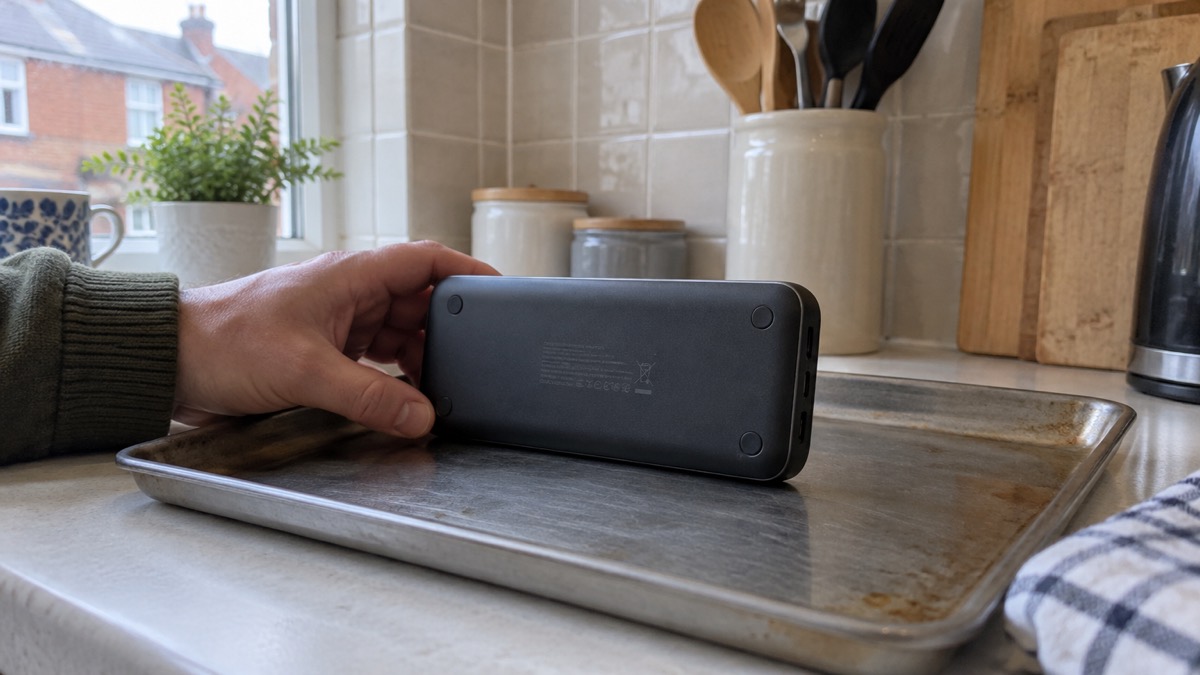
It helps to know the naming. The same product can appear under more than one label: the recall lists the Playa as PB0003, and the BoostCharge as BPB0021. If you are searching for information, search the code rather than the marketing name, because the code is what the safety notice uses.
What to do with a recalled power bank at home
Once you have confirmed the unit is affected, the aim is to get it out of the home safely and without charging it again. Keep it away from anything that burns, do not leave it on charge, and do not store it somewhere hot.
The disposal route for a recalled lithium-ion battery is not the same as for an ordinary dead battery. Guidance from Electrical Safety First is that if you notice any damage or deformation to your power bank, you should not bring the device with you when travelling, and should safely dispose of it as soon as possible at a local recycling centre that has dedicated facilities for electronics and batteries5. The same advice appears in the charity's earlier press release on airline restrictions6.
For a maker-run recall, the maker may also offer a collection route. In a comparable recall of Anker power banks, the maker's safety notice told owners to dispose of the affected unit at a certified facility that accepts recalled lithium-ion batteries, and stated that the maker would arrange pick-up, or that the unit could be shipped to the maker for disposal at its certified facility7. That is the pattern to expect: a certified disposal point, or a collection arranged by the company running the recall. Ask Belkin which route applies to your unit before you travel anywhere with it.
A short checklist for the household:
- Take the unit out of the emergency kit and out of any bag or vehicle.
- Do not charge it, and unplug it if it is already on charge3.
- Keep it away from heat and from anything flammable while it waits to be dealt with.
- Check it for swelling, leaks or a strange smell before you handle it, and stop if you see any of those signs8.
- Use a dedicated electronics and battery recycling centre, or the maker's collection route5.
If the unit is already damaged, deformed or swollen, do not carry it around in a bag with other metal objects. Treat it as something that needs to leave the house promptly and by the proper route.
Where a recalled power bank must never go
The single most important rule is that a recalled lithium-ion battery must not enter the general waste or the ordinary recycling stream. A maker's safety notice for a comparable recall is blunt about it: do not throw the power bank into the trash or recycling bin, do not return it to the company, Amazon or anyone else, and do not place it in used battery recycling boxes at retail and home improvement stores2.
That last point surprises people. The battery box by the till at a supermarket is for ordinary household batteries, not for a unit under a fire-risk recall. Putting a recalled pack in there moves the hazard from your kitchen to a shop, and from the shop into a waste stream that is not set up for it.
The fire services are consistent on the general principle. Regularly check for signs of damage like swelling, leaks or strange smells, and stop using damaged batteries immediately8. If you suspect a battery is damaged, it should be recycled and should not be used or charged10. Those two sentences cover most of what a household needs to know about any lithium battery, recalled or not.
For the wider picture on storage, charging and warning signs, see Lithium-Ion Battery Safety at Home and How to Dispose of a Damaged Lithium Battery.
Signs a power bank is damaged, and what to do
A recall is a known fault in a known model. Damage is the other route by which any power bank becomes unsafe, and it is worth knowing the signs because they apply to every unit in the house.
Official fire service guidance lists the warning signs to look for:
| Sign | What it looks like |
|---|---|
| Heat | Feels unusually hot when charging or in use8 |
| Swelling | Looks swollen, has a lump, or is leaking liquid8 |
| Smell | A burning or acrid smell, or an unusual smell8 |
| Sound | A hissing or cracking sound8 |
| Charging behaviour | Takes longer to charge or does not fully charge9 |
| Casing damage | A dent or damage that could have affected the battery inside8 |
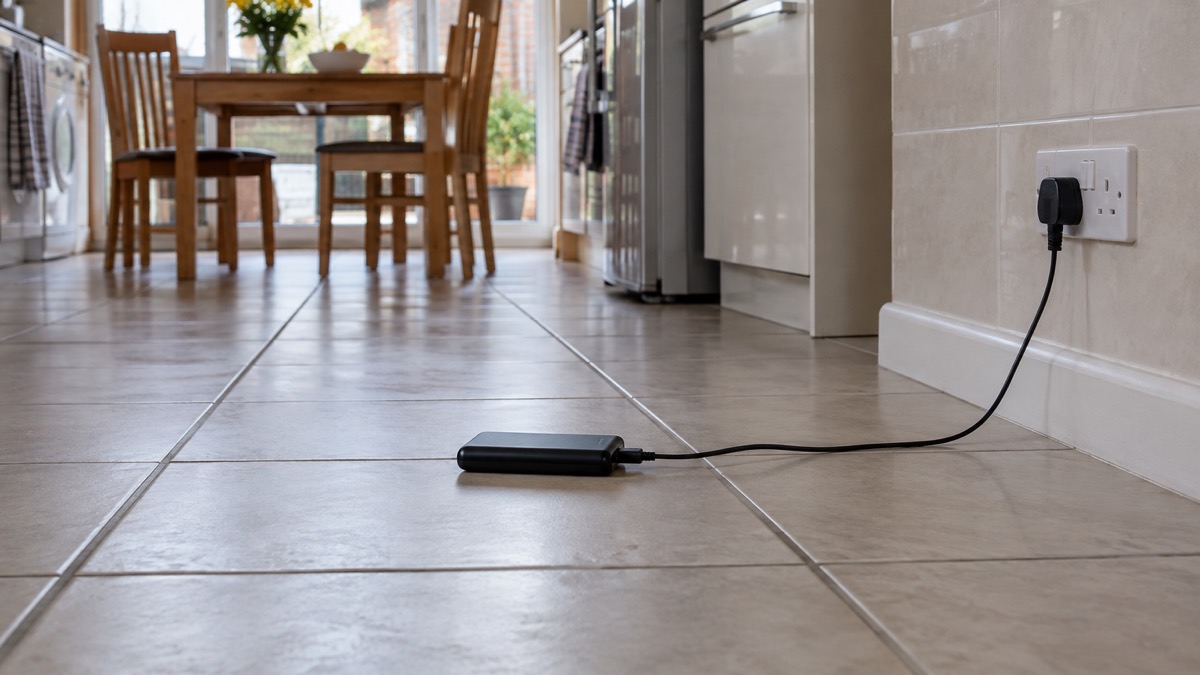
If any of these appear, stop using the device and do not charge it10. Electrical Safety First's specific instruction for a power bank that is too hot to handle is to stop using it, unplug it from the charger if it is charging, and seek advice from the manufacturer3. That is the sentence to remember: too hot to handle means stop, unplug, ask the maker.
If a battery is already producing smoke, the situation has moved from a maintenance issue to a fire risk. Do not keep charging it to see what happens. Move away from it, keep other people away, and follow the fire service's advice for a battery fire, which is covered in What to Do If a Lithium Battery Catches Fire. For the narrower question of a pack that runs warm in normal use, see Why Is My Power Bank Hot While Charging?.
Getting help from Belkin with the recall
The recall notice is the authority for what is affected, and Belkin is the company that runs the remedy for its own product. Contact Belkin through its recall support arrangements, quote the model code from your unit, and ask which disposal or collection route applies. You do not need to prove when or where you bought it to establish that the model is affected; the code does that.
Belkin's wider product range is covered on the Belkin page. If you are replacing the unit, the sensible approach is to choose a power bank that is not under a safety notice, check it for damage when it arrives, and then keep it in the emergency kit with a charging cable and a plan for keeping it topped up. The Power Cut Backup Power Checklist sets out what else belongs alongside it, and USB-C Charging, Power Delivery and Cables Explained explains which cable and port combinations will actually charge a modern phone.
A few practical points for the household plan:
- Keep a note of model codes. A short list of the model numbers of the power banks, chargers and batteries in the house makes future recall checks quick.
- Check the kit before winter. Run through the batteries and power banks you rely on, looking for swelling, leaks and smells8. The Backup Power Checks Before Winter checklist covers the seasonal version of this.
- Charge safely. Use a hard surface, keep an eye on it, and unplug anything that becomes too hot to handle3. The Safe Battery Charging at Home Checklist sets out the routine.
- Do not rely on a single pack. A phone kept alive through a power cut is the main job of a small power bank, and a household plan should not depend on one recalled or ageing unit.
If you are starting from scratch on backup power, the Backup Power at Home: A Household Guide explains how power banks, power stations and generators fit together, and Deciding What to Keep Running When the Mains Fails helps you work out what your household actually needs to keep going.
Sources (10)
- Recall notice: Belkin BoostCharge BPB002 and Playa PB0003 power banks, London Borough of Bromley, 2025
- A1642, A1647, A1652 recall, Anker, 2025
- Power banks: product safety guidance, Electrical Safety First, 2026
- Power banks, Electrical Safety First, 2026
- Is your power bank a flight risk? Experts reveal the signs it may be a fire risk, Electrical Safety First, 2026
- Major airline bans the use of power banks this week: signs yours could be unsafe, Electrical Safety First, 2024
- Recall safety notice, Anker, 2025
- Electrical safety: battery safety, Lincolnshire Fire and Rescue, 2026
- Lithium-ion batteries, Scottish Fire and Rescue Service, 2025
- Battery safety, Greater Manchester Fire and Rescue Service, 2026

 BLUETTI Apex 300 Power Station
 BLUETTI Elite 100 V2
 Anker SOLIX C2000 Gen 2
 Anker SOLIX C1000 Power Station
 EcoFlow DELTA Pro
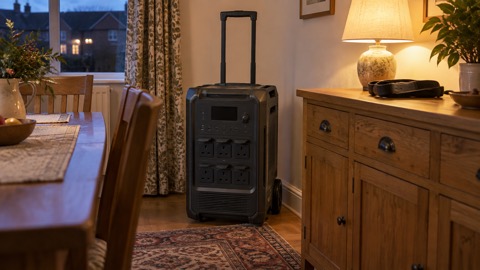 BLUETTI Elite 400
 Anker SOLIX C300 Power Station
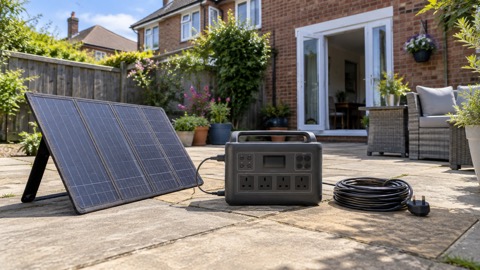 EcoFlow DELTA 3
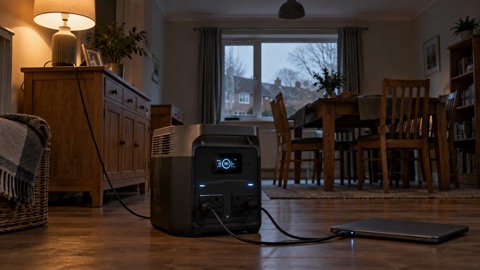 EcoFlow DELTA 2 and DELTA 2 Max
 EcoFlow DELTA and DELTA Max
 EcoFlow RIVER 3 and RIVER 3 Plus
 EcoFlow RIVER 2 and RIVER 2 Max