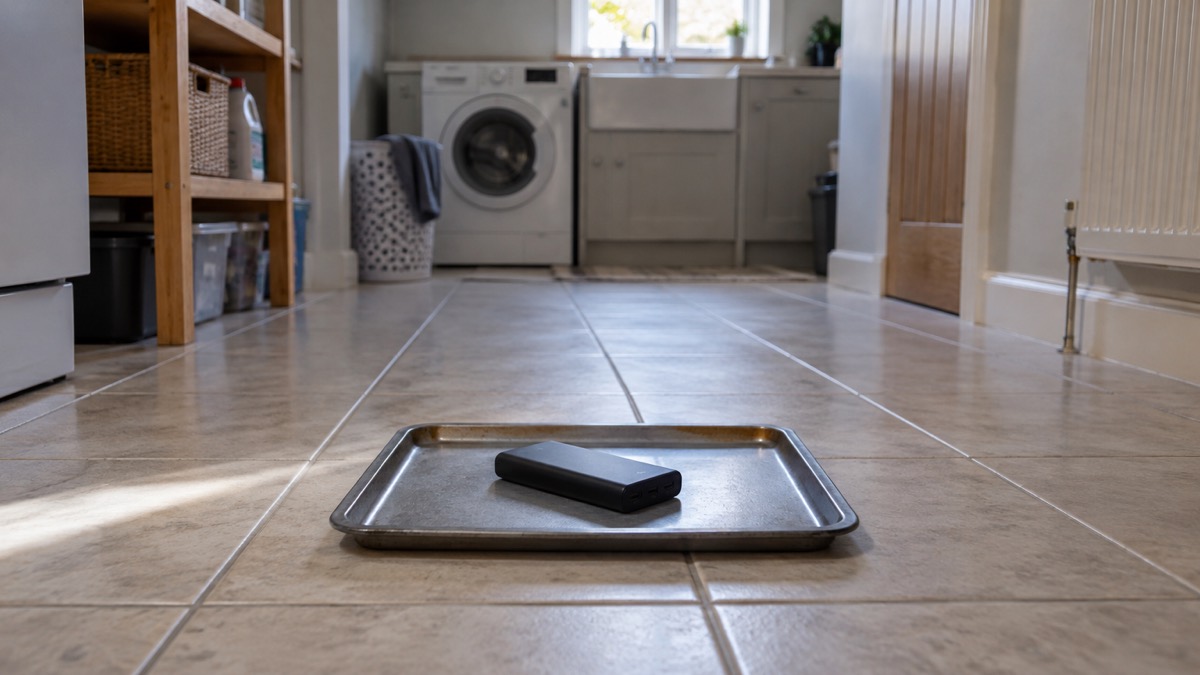
If you own an Anker power bank that has been confirmed as part of a recall, stop using it now. Anker's own safety notice is blunt: "Stop using the device immediately."1 That applies even if the unit still charges your phone perfectly well, because the risk it describes is overheating, melting, smoke or fire, and a device that appears to function normally can still be affected1.
The practical sequence is short. Check the model and serial number on the bottom of the unit, keep the device somewhere safe and away from anything that burns while you wait, then submit a claim through Anker's recall form for a refund or a gift card1. Do not put it in the bin until Anker has confirmed whether your unit qualifies2.
For a household that keeps a power bank as part of its power cut kit, this matters beyond one device. A power bank is the thing you reach for when the mains fails and you need the phone charged for updates, for calling family, or for a medical contact. A recalled unit sitting in a drawer is not backup, it is a hazard, and the replacement you choose afterwards should be checked against recall notices before it goes into your power cut backup power checklist.
Anker A1681 recall: stop using your power bank and what to do next
The first thing to understand is what a recall of this kind actually means. It is not a product that has been found slightly below standard. Anker's notice says that any unit confirmed to be part of the recall should be stopped from use immediately "due to the risk of overheating, melting, smoke, or fire"1. The same wording appears in the notice covering the earlier A1642, A1647 and A1652 models, which states that the risk applies even where the device appears to function normally2.
That last point is the one households get wrong. A power bank that holds charge and tops up a phone gives no signal that anything is wrong inside. The failure mode is internal to the lithium-ion cell, and it can develop without any outward sign until it does not. So the decision to stop using a recalled unit is not a judgement call about how the device behaves. It is a decision about whether the unit is on the list.
Anker's recall process has run in stages. The company launched an additional recall in June 2025 covering models A1647 and A1652, and asked customers who had received 2024 recall information to re-check all their power banks using the 2025 submission form3. If you checked a power bank a year or two ago and concluded it was fine, that conclusion may be out of date. Re-checking costs nothing and takes a couple of minutes. If a unit is confirmed to be part of the recall, stop using it immediately, and do not dispose of the power bank until you receive confirmation from Anker that you may3.
The steps, in order:
- Stop using the power bank and unplug it from any charger1.
- Find the model name and model number on the bottom of the unit3.
- Find the 16-digit serial number, also on the bottom3.
- Check both against the recall notice and submit them through the claim form1.
- Keep the device in a safe place until Anker confirms whether it qualifies2.
- Once confirmed, follow Anker's instructions for the refund or gift card and for disposal1.
Finding your model and serial number
Anker's instruction is specific: you verify the model of your power bank "by looking at the bottom of it" and confirming the model number printed there3. The serial number sits on the same label. It is 16 digits long, and Anker notes that serial numbers do not contain the letter O or the letter I, which is a useful check when the printing is small and worn3.
If the label has rubbed away entirely, you are in a weaker position, and the sensible course is to stop using the device and ask the maker. Anker's customer service address is support@anker.com, and for the earlier power bank recall the company asked owners to put "Anker Power Bank Recall" in the subject line3. For the 535 Power Bank recall, the equivalent instruction is to include "535 Power Bank Recall" in the subject line5. Naming the recall in the subject gets you to the right team faster.
A few practical notes on reading the label:
- Photograph the label before you handle the unit further, so you have the numbers even if the printing degrades.
- Write the serial number down somewhere other than the device itself.
- If you own several Anker power banks, check every one. The June 2025 expansion is exactly the reason not to assume the one you bought later is clear3.
- Keep any order confirmation email. A replacement requires proof of purchase, a photo of the model number on the back or side, and the serial number of the device5.
Keeping a recalled power bank safe until it has gone
Once you know a unit is affected, or suspect it might be, the question becomes where it lives until it leaves your home. Anker's guidance for the earlier recall is to store the device in a safe location while you verify the serial number and complete the claim3. In practice that means somewhere cool, dry and away from anything that will burn: not a bedside drawer, not a coat pocket by the door, not on top of a pile of paperwork.
The general safety advice for any power bank applies with more force to a suspect one. Electrical Safety First, the UK charity that campaigns on electrical product safety, advises unplugging a power bank after charging, not leaving it on prolonged charge when it is not in use, and ensuring it is uncovered and in a well-ventilated environment while charging6. A recalled unit should not be charged at all, but the same principles govern how you store it: uncovered, ventilated, and not left somewhere it could quietly heat up unnoticed.
For the rest of your battery kit, the discipline is different. A power bank that is not recalled and is being kept in reserve for a power cut needs a maintenance routine, and Anker's own guidance is to recharge it every 3 months to prevent deep discharge4. A bank left flat for a year may not be there when you need it. Our guide to lithium-ion battery safety at home covers the wider picture, and how to store a power bank when not in use goes into what actually shortens a battery's life.
Warning signs of a failing power bank
The clearest outward sign is swelling. Electrical Safety First states that swollen power banks are a sign of an internal failure and may mean the device is at risk of catching fire, sparking thermal runaway, in which toxic fumes are expelled and a fire occurs7. An earlier warning from the same body put it just as plainly: a swollen power bank may mean the device is at serious risk of catching fire8.
That is worth reading twice, because thermal runaway is not a slow smoulder you can deal with at leisure. It is a chain reaction inside the cell that produces its own oxygen, which is why a lithium battery fire is not put out by smothering it in the way a chip pan fire is. The practical response is distance and the fire and rescue service.
What to watch for, and what to do:
| Sign | What it suggests | What to do |
|---|---|---|
| Case swelling or bulging | Internal failure, risk of fire7 | Stop using it, isolate it, seek advice |
| Heat while not charging | Cell fault | Unplug, move it away from anything that burns |
| Smoke or a sweet chemical smell | Thermal runaway under way7 | Get out, keep others out, call 999 |
| Case cracking or deformation | Physical damage to the cell | Stop using it, do not charge it |
Swollen power banks are a sign of an internal failure and may mean the device is at serious risk of catching fire, sparking thermal runaway, where toxic fumes are expelled and a fire occurs8.
Electrical Safety First also asks households to stay up to date with product recalls and safety notices7. That is the single most useful habit here: a recall you never heard about is a recall that cannot protect you. Checking the maker's recall pages once or twice a year, and again whenever you buy a second-hand device, takes minutes.
If a battery does start to swell, our page on what to do if a battery starts swelling sets out the sequence, and what to do if a lithium battery catches fire covers the emergency itself. For the broader pattern of warning signs across all your battery kit, see warning signs a lithium battery is dangerous.
Where to get help with a recall
Anker runs the claim process itself, and the route is the same whether you bought direct, from a retailer or second-hand. The company asks owners whose unit is confirmed as part of the recall to submit the Recall Claim form1. The claim route for the earlier power bank recall was to verify the serial number or submit proof of purchase using the online recall form2.
What the claim offers is a full refund, or a gift card redeemable on anker.com, eufy.com, soundcore.com, ankersolix.com, seenebula.com or eufymake.com1. For the earlier recall, Anker asked for three things to initiate a replacement: proof of purchase such as an order confirmation, a photo of the model number on the back or side of the device, and the serial number3. Having those ready before you start saves a round of emails.
If the form does not fit your circumstances, email is the fallback. Anker's customer service address is support@anker.com, with the recall named in the subject line3. Say which model you have, give the serial number, and explain your situation, for example that you no longer have a receipt or that the unit was a gift.
"Do stay up-to-date with product recalls and safety notices"
A few situations worth knowing about:
- Bought second-hand. The recall is the maker's, not the seller's, so the claim goes to Anker regardless of where the device came from. Check the model and serial number first.
- Bought through an online marketplace. The same applies. Marketplace listings are a known route for batteries without proper safety markings, so if you are replacing the unit, our guide to batteries and chargers from online marketplaces is worth reading before you buy.
- Already thrown away. If it has gone to household waste, there is nothing further to do with the device. Do not put a suspect lithium battery in general rubbish in future; our page on disposing of a damaged lithium battery explains why.
- Taking it on a flight. Do not. Electrical Safety First advises following airline rules, never putting power banks in checked luggage, keeping them in hand luggage, and alerting airline staff straight away if you spot damage or deformation during a flight, because they are trained to deal with it9.
What the recall means for your household power plan
A power bank is the smallest piece of backup power a household owns, and for many homes it is the only one. It charges a phone for a day or two, runs a small torch, and keeps a radio going. It will not run a fridge, a boiler or a heater, and it is not a substitute for a portable power station if you have medical equipment or a freezer to think about. Our comparison of a power bank or portable power station sets out where the line falls.
What the recall changes is the assumption that any working power bank is a safe one. When you rebuild your kit, three habits are worth adopting:
- Check the model and serial number of any power bank against the maker's recall pages before it goes into your kit3.
- Recharge stored banks every 3 months so they are not flat when you need them4.
- Unplug after charging, and never leave a bank on prolonged charge when it is not in use6.
If you are choosing a replacement, the wider guide to power banks for keeping phones charged in an emergency covers capacity, charging speed and what a bank will realistically do in a cut. For the safe charging routine itself, the safe battery charging at home checklist is a short list you can work through once and then keep to. And if you are building out the rest of your backup power, start from the backup power at home guide and the question of what to keep running when the mains fails.
Anker's other products, including its power stations and solar kit, are covered on the Anker brand page.
Sources (9)
- Anker power bank recall notice, Anker, 2026-10-25
- Anker recall notice (mmrc2506), Anker, 2025
- Anker A1642, A1647 and A1652 power bank recall, Anker, 2025
- Power Bank Safety Guide, Anker, 2026-11-02
- Anker 535 Power Bank recall, Anker, 2026-10-25
- Power banks product safety guidance, Electrical Safety First, 2026-10-26
- Is your power bank a flight risk?, Electrical Safety First, 2026-10-25
- Major airline bans the use of power banks this week, Electrical Safety First, 2024-10
- Power banks safety advice, Electrical Safety First, 2026-10-25

 BLUETTI Apex 300 Power Station
 BLUETTI Elite 100 V2
 Anker SOLIX C2000 Gen 2
 Anker SOLIX C1000 Power Station
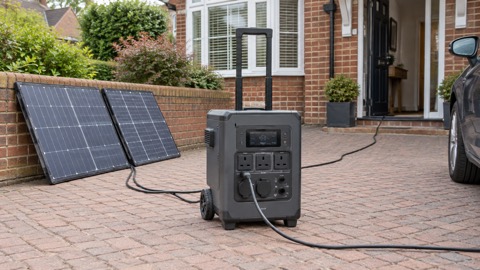 EcoFlow DELTA Pro
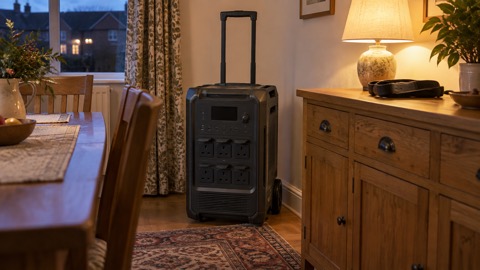 BLUETTI Elite 400
 Anker SOLIX C300 Power Station
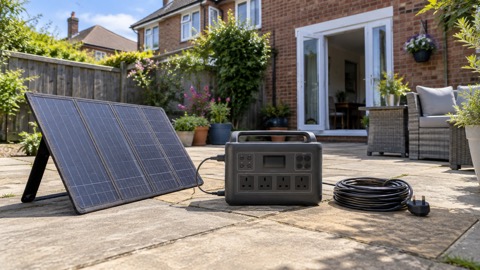 EcoFlow DELTA 3
 EcoFlow DELTA 2 and DELTA 2 Max
 EcoFlow DELTA and DELTA Max
 EcoFlow RIVER 3 and RIVER 3 Plus
 EcoFlow RIVER 2 and RIVER 2 Max