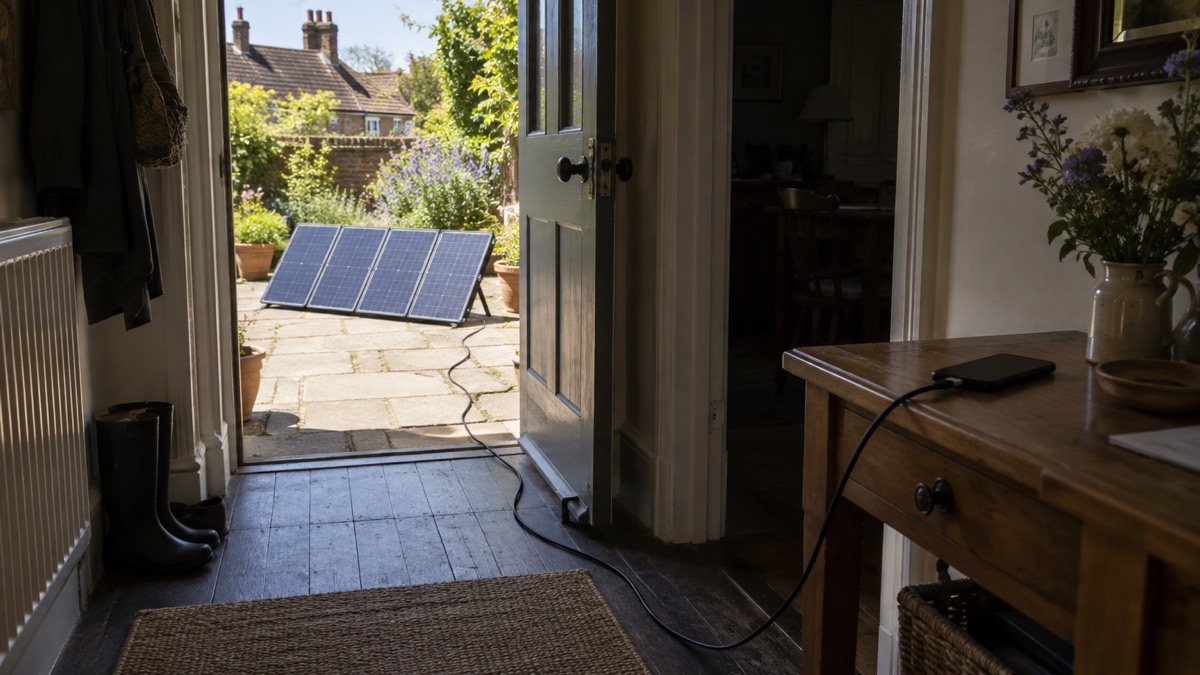
The BioLite SolarPanel 100 is a foldable 100W solar panel made to do two jobs in an emergency: charge phones and small devices directly, and refill a portable power station so the battery is ready for the next night1. It is monocrystalline, weighs 4.3 kg and folds to 51.0 x 36.2 x 3.8 cm, so it stores in a cupboard and comes out when the mains fails1. BioLite says it goes from packed to power in under sixty seconds1.
For a household preparing for power cuts, storms or flooding, that matters because a power station is only useful for as long as it holds charge. A panel gives you a way to top it back up without petrol, a generator or a trip to a charging point. One panel recharges a BioLite BaseCharge 600 in 6 hours and a BaseCharge 1500 in 16 hours, and chaining more panels shortens the larger battery's time1.
The catch is alignment. BioLite states you can miss out on up to 30% of the panel's efficiency without direct alignment, which is why the panel has a sundial built in to help you aim it1. Set it up facing the sun, keep the panel clear of dirt, and keep the power station itself under shelter while the panel takes the weather.
What the panel is and who it suits
This is a portable panel rather than a rooftop installation. It is built to be carried out, unfolded, aimed and packed away again, and BioLite sells it as a companion to its own BaseCharge power stations as well as a direct charger for devices1. For prepping, that makes it the solar half of a small backup power setup: a battery you charge from the mains while power is on, and a panel that lets you refill it when the grid is down.
It suits a household that already has, or plans to get, a portable power station and wants a way to keep it topped up through a longer outage. It also suits anyone who wants to charge phones and a laptop without running a generator, which means no fuel to store and no exhaust fumes to manage. It is less suited to someone who needs mains power for medical equipment through a long outage, where a larger battery and a planned charging routine matter more than a single panel.
Portable solar is one part of a wider picture. If you are still deciding what to keep running when the mains fails, start with deciding what to keep running and the portable solar panels guide for how panels fit alongside batteries and generators.
Specifications
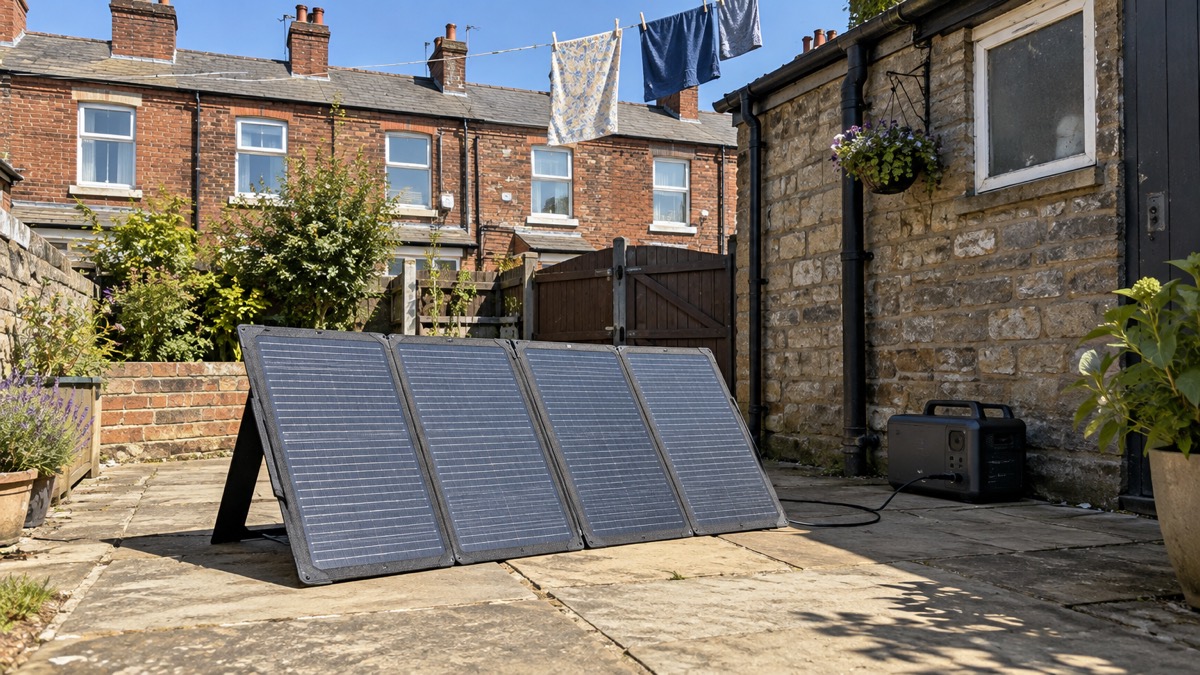
BioLite publishes a full set of electrical and physical figures for the panel. The ones that decide how you use it are the rated power, the voltage and current it delivers, and the size and weight you have to carry and store1.
| Specification | Figure |
|---|---|
| Cell type | Monocrystalline1 |
| Rated power | 100W1 |
| Power output | 100W in peak sunshine1 |
| Vmpp | 19.8V1 |
| Voc | 23.7V1 |
| Imp | 5.0A1 |
| Isc | 5.3A1 |
| Weight | 4.3 kg (11.13 lbs)1 |
| Unfolded dimensions | 51.0 x 146.0 x 2.5 cm1 |
| Folded dimensions | 51.0 x 36.2 x 3.8 cm1 |
| Panel count | Four-panel folding design1 |
| Built-in cable | 3.5m1 |
| Outputs | HPP power station connection, one USB-C PD at 45W, two USB-A1 |
The 100W rating is a peak figure in full sunshine, not a guarantee for a British winter afternoon. Treat it as the panel's best case and plan your charging around the brighter part of the day.
How long it takes to recharge a power station
Recharge time depends on which battery you are filling and how many panels you have. BioLite gives figures for its own BaseCharge models, and they show clearly why chaining panels is worth considering if you own a large battery1.
| Setup | BaseCharge 600 | BaseCharge 1500 |
|---|---|---|
| One panel | 6 hours1 | 16 hours1 |
| Two panels | not stated | 8 hours1 |
| Three panels | not stated | 6 hours1 |
| Four panels | not stated | 4 hours1 |
Two things follow from that table. First, a single panel is well matched to the smaller BaseCharge 600: six hours is roughly a good day's sunshine, so a sunny day can refill it. Second, a single panel and a BaseCharge 1500 is a slow pairing at 16 hours, which in practice means more than one day of decent weather, or adding panels.
The same principle applies to any battery: a part-charged battery fills faster than a flat one. The Caravan and Motorhome Club notes that a 75 per cent charged battery may only take a few hours to charge fully, whereas a fully discharged battery may take more than 24 hours2. Keep a power station topped up from the mains while power is on, and the panel has less work to do when it is not.
Charging phones and devices straight from the panel
You do not need a power station to use the panel. BioLite's support pages confirm the SolarPanel 100 has an onboard USB-A and USB-C PD port for direct charging3. The USB-C port is rated 45W, which BioLite describes as enough for laptops, tablets and more, and there are two USB-A ports alongside it1.
For an emergency, direct charging is the simplest fallback: unfold the panel, plug in a phone or a power bank, and let it sit in the sun. It keeps your communications going without drawing down the power station you are saving for the evening. If you want to understand what the ports and cables can and cannot do, the guide to USB-C charging and Power Delivery explains the standards, and power banks covers keeping phones charged when there is no sun at all.
The panel is also compatible with most power stations that feature an HPP Port Input, according to BioLite, so it is not limited to BioLite's own batteries1. Check your power station's input before you rely on the pairing.
Setting up and aiming it
BioLite says the panel takes you from packed to power in under sixty seconds1. The sequence is straightforward: unfold the four panels, prop them on the dual kickstands, point them at the sun, and use the analog sundial to fine-tune the angle for peak power input1. Then connect the 3.5m built-in cable to your power station or plug a device into the USB ports1.
Aiming is the step people skip, and it is the one that costs power. BioLite states plainly that you can be missing out on up to 30% of your panel's efficiency without direct alignment1. On a 100W panel that is a meaningful slice of the day's charging, and it is the difference between refilling a battery in the time BioLite quotes and falling short.
"You can be missing out on up to 30% of your panel's efficiency without direct alignment."
In practice, that means moving the panel two or three times across a sunny day as the sun tracks across the sky, rather than setting it down in the morning and leaving it. The sundial is there to make each adjustment quick.
Rain, shelter and keeping devices out of the sun
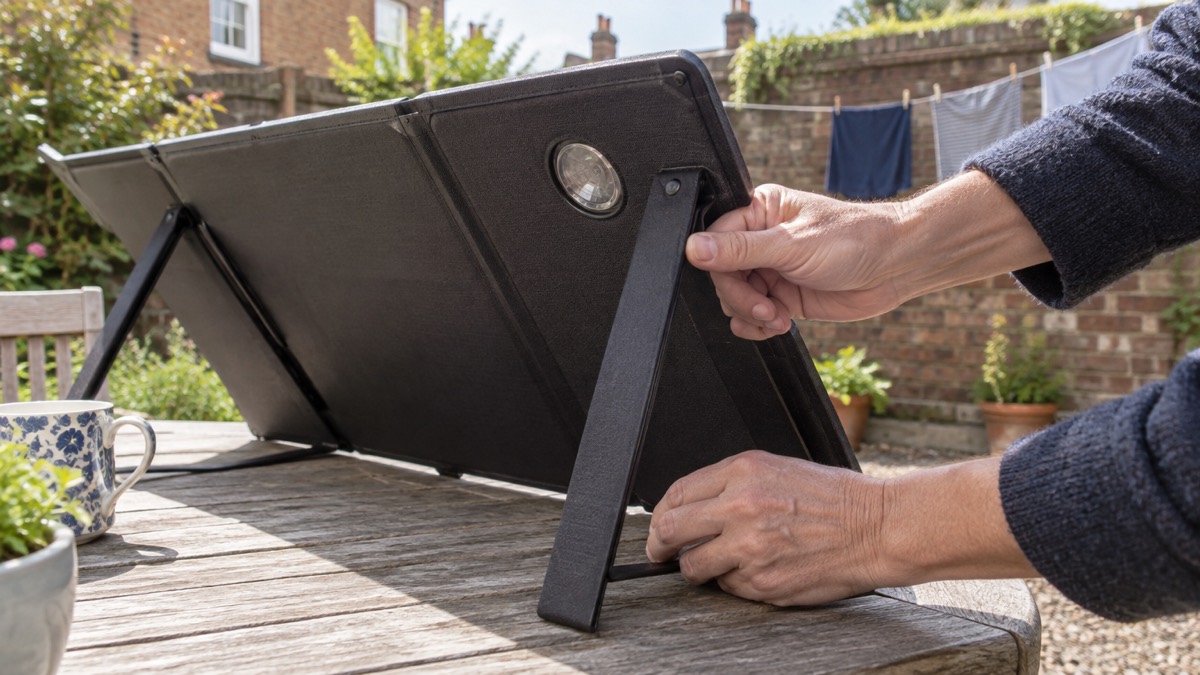
The panel is weatherproof and can handle the rain, but the power station it charges should not be out in it. BioLite's own instruction is that the SolarPanel 100 is weatherproof and can handle the rain while the BaseCharge stays under shelter4. The 3.5m cable exists to make that possible: panel out in the open, battery tucked under cover.
BioLite also advises placing your device behind the panel or under nearby shelter so it stays out of direct sun1. A phone or power station left in full sun can get uncomfortably hot, and heat is the enemy of the lithium cells inside it. If you want the wider picture on heat and batteries, see what temperature batteries should be stored at and lithium-ion battery safety at home.
Rain also does some of the cleaning for you. Electrical Safety First notes that most panels have a self-cleaning coating which, when installed at a suitable angle, allows rain to clear dirt and debris5. That helps, but it does not replace a wipe down when the panel has been stored or has collected mud and salt.
Cleaning and storing it between emergencies
BioLite's cleaning instruction is simple: to maximise panel performance, wipe it down with a damp rag to clear it of dust, dirt, mud, salt and other debris1. Do that before you rely on it, and again if it has been out in bad weather. Electrical Safety First explains why it matters: keeping panels clear of dirt and debris improves their ability to absorb sunlight, maximises energy production, and prevents hotspots which can result in a panel failing5.
For storage, the panel comes with a water resistant storage pouch, and its four-panel design folds down small enough to store in tight spaces1. Let it dry before it goes away, fold it flat, and keep it somewhere dry. A panel that lives in a damp shed with mud on the surface will underperform exactly when you need it.
A short routine keeps it ready:
- Wipe the surface with a damp rag before and after use1
- Let it dry fully before folding it into the pouch1
- Store it folded, dry and out of direct sun1
- Check the built-in cable and connectors for damage each time you unfold it1
- Top up the power station from the mains while power is on, so the panel has less to do in an outage2
If you are building this into a wider plan, the backup power checklist and the winter readiness checks set out what to have ready before the season turns.
Chaining panels and the adaptor you need to buy
The built-in cable can chain up to four panels, and BioLite says it is completely fine to use if you only have two or three1. Chaining is how you cut the recharge time of a large battery: three panels bring a BaseCharge 1500 down to 6 hours, and four bring it to 4 hours1.
The chaining adaptor is sold separately, according to BioLite1. That is worth knowing before an outage rather than during one: if you own more than one panel and a large power station, buy the adaptor when you buy the panels, and test the chain once at home so you know how it connects. A single-panel household will not need it.
Chaining is not the only way to speed things up. Using stored energy is less efficient than using energy directly from the grid or from your solar panels, so you lose some energy by comparison, as the Energy Saving Trust explains7. In a long outage, charging devices directly from the panel in daylight, and saving the battery for the evening, makes the most of the sunshine you get.
Support, warranty and where it fits your plan
BioLite sells the panel as part of a system built around its BaseCharge power stations, and the maker's support pages cover direct charging and compatibility questions1. The panel is compatible with most power stations that feature an HPP Port Input, so it can serve a battery you already own as well as a BioLite one1. For the wider range of BioLite kit, see the BioLite brand page.
Where it fits a household plan is as the refill option. A power station charged from the mains covers the first day or two of an outage; a panel covers the days after that, provided there is sun. Pair it with a plan for what you will keep running, set out in using generators and power stations during an outage, and with a realistic view of how long solar charging takes in a British winter, covered in how long solar charging takes in the UK.
If you are still choosing between a panel and other ways to keep a battery topped up, the portable solar panels guide and the solar panel sizing guide will help you match a panel to your battery. And if your household includes someone who depends on powered medical equipment, read powering medical devices from a battery before relying on solar alone.
Sources (7)
- BioLite SolarPanel 100 product page, BioLite, 2026-10-25
- Batteries technical advice, Caravan and Motorhome Club, 2026-10-25
- Can I charge devices directly from the SolarPanel 100?, BioLite, 2026-11-02
- BioLite BaseCharge 600 product page, BioLite, 2026-10-25
- Solar panels safety advice, Electrical Safety First, 2026-10-25
- Solar panels heating and cooling advice, Electrical Safety First, 2026-10-26
- Battery storage advice, Energy Saving Trust, 2026-10-06

 BLUETTI Apex 300 Power Station
 BLUETTI Elite 100 V2
 Anker SOLIX C2000 Gen 2
 Anker SOLIX C1000 Power Station
 EcoFlow DELTA Pro
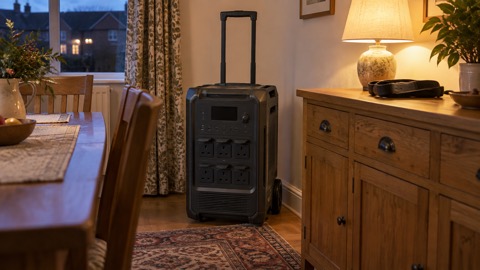 BLUETTI Elite 400
 Anker SOLIX C300 Power Station
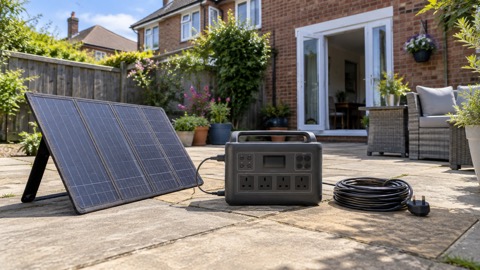 EcoFlow DELTA 3
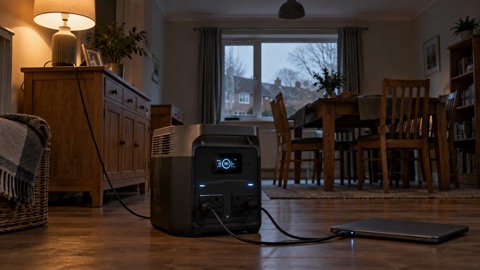 EcoFlow DELTA 2 and DELTA 2 Max
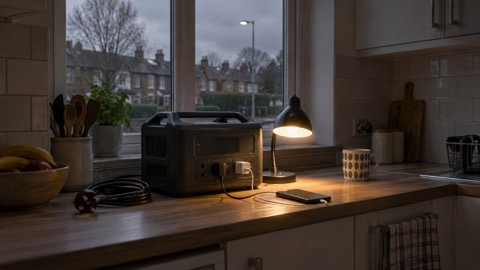 EcoFlow DELTA and DELTA Max
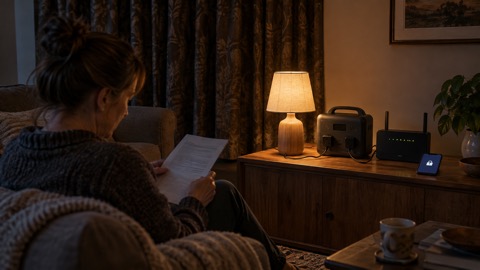 EcoFlow RIVER 3 and RIVER 3 Plus
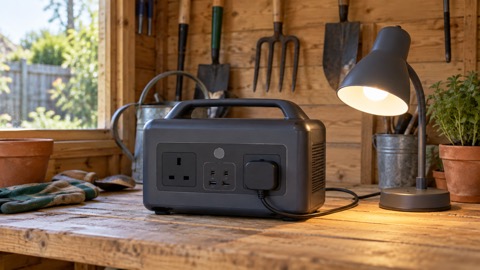 EcoFlow RIVER 2 and RIVER 2 Max