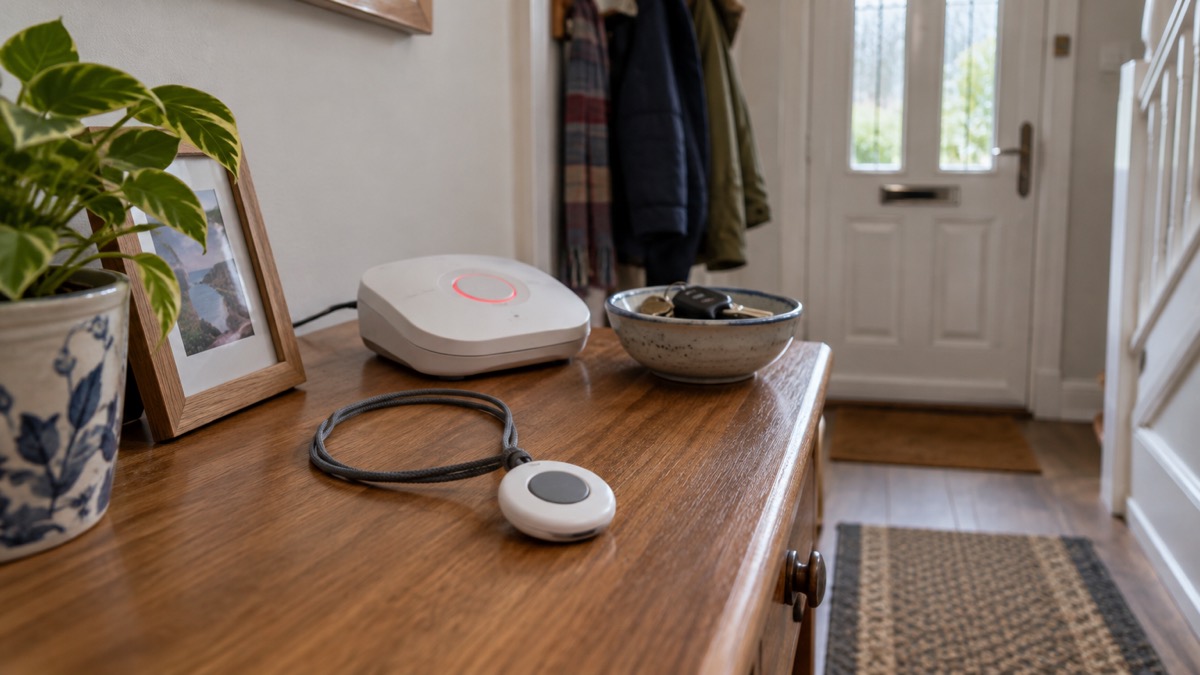
If you press your personal alarm by accident, nothing bad happens. The call centre answers, you say it was a mistake, and the call ends. Support centres are used to accidental alarms and do not mind, and some devices even have a cancel button you can press to stop the call before it connects1. The one thing you should not do is stop wearing the alarm or hesitate to press it when you genuinely need help, because the risk of a false call is trivial next to the risk of lying on the floor unable to summon anyone.
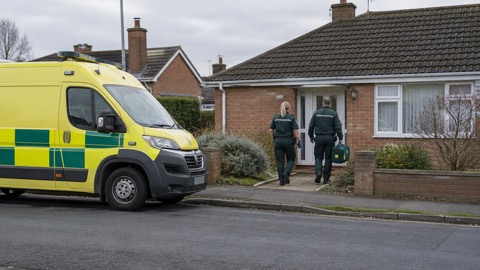
A personal alarm, worn as a pendant or bracelet, lets you call for help if you have a fall, connecting you to a call centre where you can talk to someone who can help2. When you press it, or a sensor detects a problem, the lifeline calls the control centre, where a trained member of staff assesses the situation, checks that you are okay and takes appropriate action, which could include calling a family member, a friend or the emergency services3. That is the whole point of the service: a short, calm conversation, whether you meant to press the button or not.
What matters far more than a mistaken press is whether your alarm will actually work when you need it. Official guidance warns that telecare devices and other personal alarm devices may not work without electricity or internet4, and the national switch from analogue to digital landlines may affect them2. So the useful thing to do now is not to worry about false alarms but to check your alarm's compatibility, tell your phone provider you have one, and ask your telecare provider exactly how it behaves in a power cut.
Telecare and personal alarms: what they are and what they do
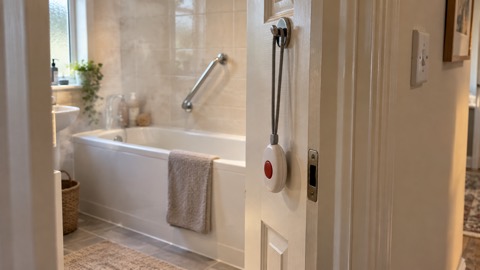
Telecare is the general name for alarm systems that help people continue to live independently by allowing someone else, typically a call centre or a relative who lives elsewhere, to make sure a person is safe7. The best-known example is the wearable personal alarm, which lets you press a button to call for help if you need it1. You wear the button on a pendant or bracelet and press it if you need help urgently8. Some systems also include sensors that raise the alarm automatically, for example if a problem is detected in the home3.
The response is deliberately human. In Warwickshire's service, pressing the personal alarm or a sensor detecting a problem makes the lifeline call the control centre, where a trained member of staff assesses the situation, checks if you are okay and takes appropriate action, which could include calling a family member, a friend or the emergency services3. Lincolnshire's telecare monitoring service puts it just as plainly: if you sound the alarm, they will contact a family member, carer or the emergency services9. The alarm is not a emergency call in itself; it is a call for someone to check on you.
That is why an accidental press is so easily absorbed. The operator's job is to establish whether you are all right, and "I pressed it by mistake" is a complete and satisfactory answer. Independent Age's advice is explicit: do not worry if you accidentally trigger the alarm, because even if you do trigger an alarm by accident, the support centres are used to this1. If your device has a cancel button, use it; if it does not, simply speak to the operator when they answer.
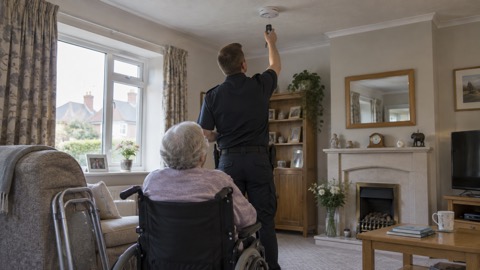
Telecare can also be linked to fire safety. Fire and rescue services note that linking fire alarms to Telecare as standard limits delays in calling the brigade, reducing the likelihood of injury or death occurring as a result of a fire7. If you have telecare fitted, it is worth checking whether it is linked to your smoke alarms7. A home fire safety visit from your local fire and rescue service may, depending on your needs, include linked alarms, monitored alarms connected to Telecare, personal fire protection systems and fire suppression systems10.
Your alarm may not work without electricity or internet
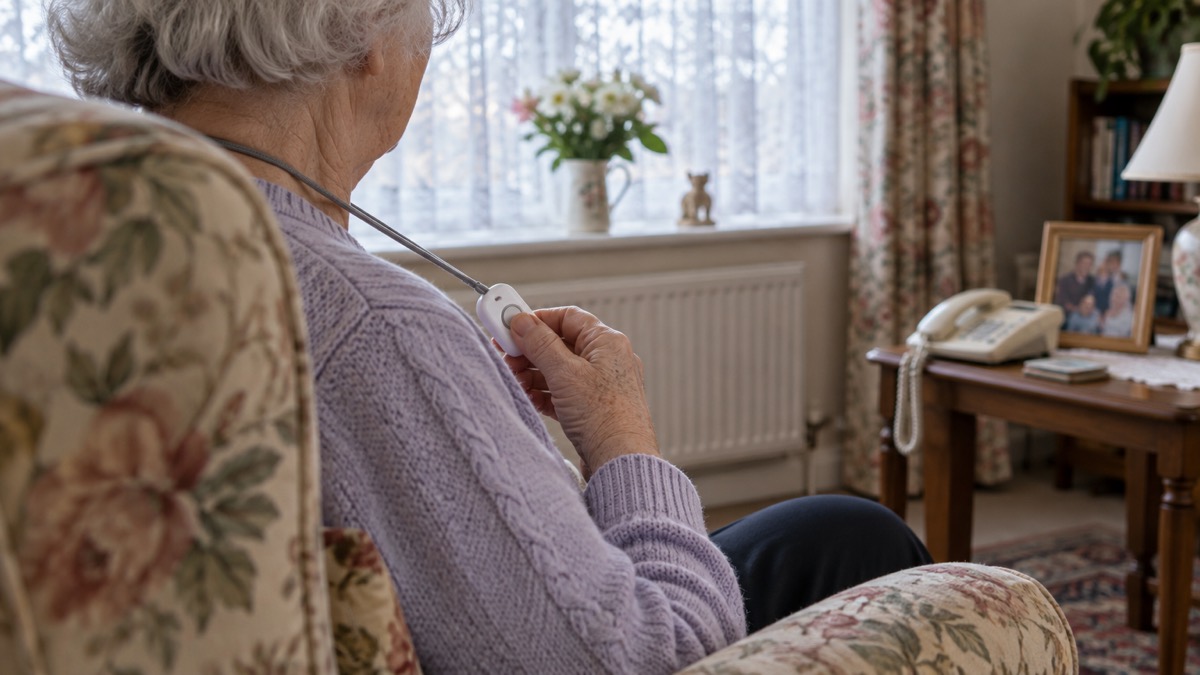
This is the part that deserves your attention far more than a false alarm. Official emergency guidance is blunt: if you use a telecare device or other personal alarm device, remember these may not work without electricity or internet4. The same warning appears in the easy-read guidance for disabled people and carers, which is written for exactly the households most likely to depend on an alarm4.
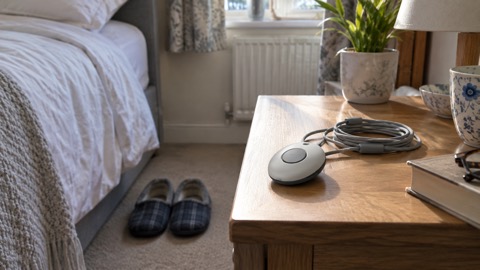
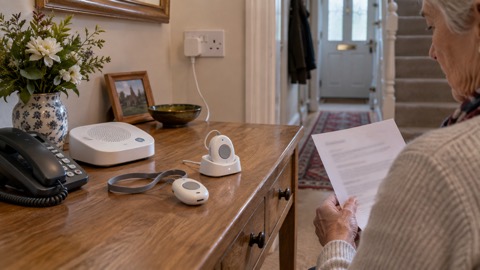
The reason is straightforward once you know how the chain works. Your pendant talks to a base unit in your home, and that base unit talks to the monitoring centre over a phone line, broadband connection or mobile network. If any link in that chain loses power or signal, the call may not get through. Official guidance on phone and broadband outages advises that if you have medical or personal alarm devices that use phone or internet connections, you should check with the provider or manufacturer how they work if the network is down, for example how your personal alarm or diabetes sensor would function if mobile or broadband service is lost11.
The same principle applies to power cuts. Government guidance for people with medical equipment says that if you have a personal alarm (also known as telecare devices) or other connected equipment monitoring your health such as diabetes sensors, you should speak to your device provider or manufacturer to understand how they will function during a power cut12. Greater Manchester's resilience guidance repeats the advice for anyone with a personal alarm or diabetes sensor: speak to your device provider or manufacturer to understand how they will work during a power cut13.
What you can do about it:
- Ask the question now, not during the outage. Ring your provider and ask what happens to your alarm when the power goes off, and for how long any backup lasts.
- Know your fallback. If your alarm depends on mains power or broadband, agree with a relative or neighbour how you will raise help if it fails.
- Keep a phone that does not depend on the same connection. A mobile phone charged and to hand gives you a second route to help.
- Tell your provider about any change. If you move to a new phone or broadband provider, check the alarm still works afterwards.
Tell your home phone provider you have a personal alarm
The UK's phone network is changing, and alarms that were designed for the old network may not behave the same way on the new one. Ofcom, the communications regulator, warns plainly that your care alarm or telecare device might not work properly on a digital landline5. Age UK explains that landlines across the UK are currently being switched over to a new digital system, which may affect telecare devices and personal alarms2.
The practical step is to tell the companies involved. South Gloucestershire Council's switchover guidance lists checking whether devices connected to your landline, such as telecare sensors and some burglar alarms, are compatible with digital lines as part of the switchover process14. Argyll and Bute Council is more direct: if you or a relative uses a Telecare alarm (which can also be known as a community alarm), contact your provider to check that it is compatible6.
So there are two calls to make, and they are different:
| Who to contact | What to tell them | Why it matters |
|---|---|---|
| Your home phone or broadband provider | That you have a personal alarm or telecare device connected to the line | So the switchover is handled with your alarm in mind14 |
| Your telecare provider or manufacturer | That your phone service is changing, and ask them to confirm compatibility | Because your care alarm might not work properly on a digital landline5 |
Do not assume that because the phone still works, the alarm does. The alarm may use the line in a different way from a telephone handset, which is exactly why compatibility needs checking rather than guessing. If you are unsure who your telecare provider is, your local council's adult social care team can usually tell you, and your paperwork or the base unit itself will normally carry a name and number.
It also helps to know how your equipment works day to day. Fire and rescue guidance for people who use mobility aids advises making sure you know how your house or personal alarm works, including any passwords or codes15. That includes knowing what the cancel button does, what the indicator lights mean, and what to say when the control centre answers.
The digital landline switchover and your alarm
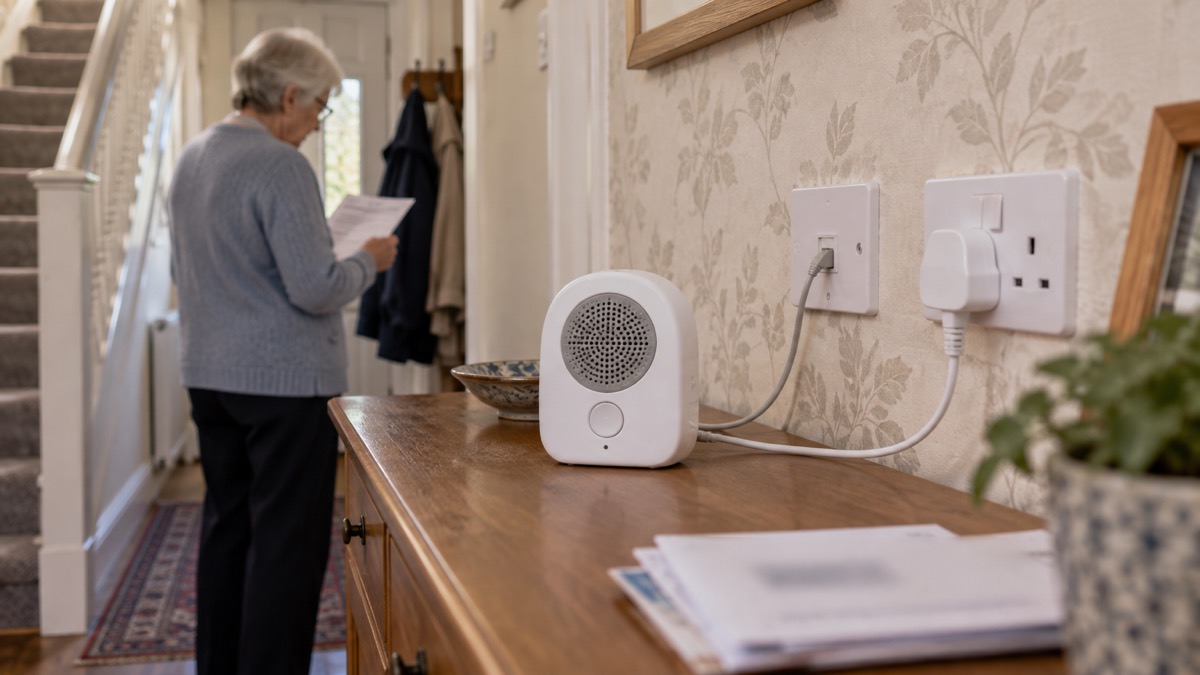
The switchover is not a rumour or a distant possibility; it is under way. Landlines across the UK are currently being switched over to a new digital system, which may affect telecare devices and personal alarms5. The UK is in the process of transitioning landlines to a new digital system, which could impact telecare devices and personal alarms2.
Behind that change sits a simple warning for anyone who relies on an alarm. Your care alarm or telecare device might not work properly on a digital landline5. Do not assume it will keep working after the switch to digital phone lines, or during a power cut2. The practical step is to contact the company that supplies your personal alarm, fall detector or medical pendant and ask them to confirm that it is compatible with the new digital phone network and what happens if the power goes off2.
For a household, the timeline means three things:
- Check compatibility before the switch reaches you. Contact your provider to check that your alarm is compatible with the digital line6.
- Do not accept an analogue-only replacement. If you are offered new equipment, ask whether it is digital-ready.
- Test after any change. Once your phone service has moved, confirm with your provider that your alarm still raises a call to the control centre.
"Your care alarm or telecare device might not work properly on a digital landline."
The arrangements are UK-wide in the sense that the switchover applies across the UK, but the delivery of telecare is local: it is arranged through councils and health services, and the equipment and monitoring provider vary from area to area. That is why the compatibility question is best put to your own provider rather than answered from a national leaflet. If you are in Scotland, Wales or Northern Ireland, the same switchover deadline applies, and your provider is still the right first call.
Ask your telecare provider how your alarm behaves in a power cut
This is the single most useful conversation you can have about your alarm, and it takes one phone call. Official guidance is consistent across several sources: speak to your device provider or manufacturer to understand how your personal alarm and connected health equipment will function during a power cut12. The same advice appears in Greater Manchester's guidance13 and in the national power cuts guidance12.
What to ask, in order:
- Does my alarm have a backup battery, and how long does it last? Ask for the figure in hours, not "a while".
- What happens to the connection during a power cut? If the base unit relies on your broadband router, the router may be off even if the alarm has a battery.
- Will the control centre know my alarm has lost power? Some systems report a fault; others go silent.
- What should I do instead? Agree a fallback, such as a charged mobile phone and a named neighbour who will check on you.
- Does my alarm work if the internet is down but the power is on? If you have medical or personal alarm devices that use phone or internet connections, check with the provider or manufacturer how they work if the network is down, for example how your personal alarm or diabetes sensor would function if mobile or broadband service is lost11.
It is also worth asking about the range of your pendant, so you know where in the home and garden you can raise a call. One council telecare service states that a call can be raised from anywhere in the home or garden within a 300 metres radius at the press of the button16. That is one provider's specification, not a universal standard, so check your own.
If you are choosing equipment or reviewing what you have, the pages on personal alarm types and on what happens when you press a personal alarm go through the options and the response process in more detail. Households that depend on powered medical equipment should also read the guidance on telecare and power cuts and on backup power at home, and anyone arranging care for an older relative may find the carer's emergency plan a useful place to record the alarm details, the provider's number and the fallback arrangements.
Sources (16)
- Technology to keep you safe at home, Independent Age, 2026
- Telecare, Age UK, 2026
- Assistive technology, Warwickshire County Council, 2026
- Easy Read: Disabled Persons and Carers, Prepare campaign, 2024
- Future of landline calls, Ofcom, 2026
- Digital phone switchover, Argyll and Bute Council, 2026
- Alarms, London Fire Brigade, 2026
- Digital easy read fire safety booklet, London Fire Brigade, 2026
- Telecare, Lincolnshire County Council, 2026
- Smoke alarms and heat alarms, London Fire Brigade, 2026
- Phone and broadband outages, Prepare campaign, 2026
- Power cuts, Prepare campaign, 2026
- Loss of essential services, Greater Manchester Combined Authority, 2026
- Switchover to digital landlines, South Gloucestershire Council, 2026
- Fire safety for people with mobility difficulties, Devon and Somerset Fire and Rescue Service, 2026
- What's available from the Telecare service, Isle of Anglesey County Council, 2026
 Carer's Emergency Plan
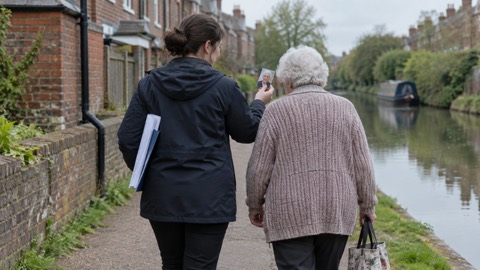 Herbert Protocol Form
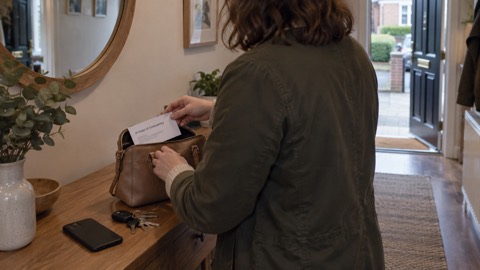 In Case of Emergency Card
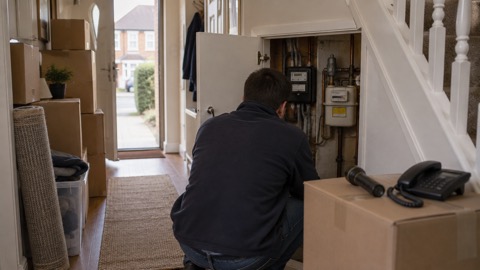 PSR After Moving House
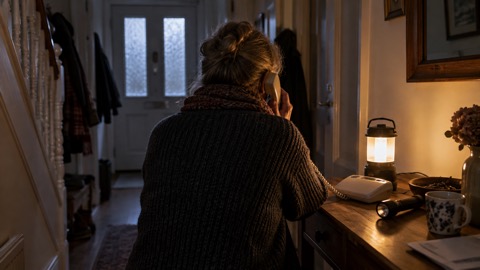 Telecare Alarm in a Power Cut
 Pressing Alarm but Cannot Speak
 Falls a Fall Detector May Miss
 Alarm Pendant in Bath or Shower
 Pendant Battery Life
 Free Locking Cooker Valves
 Herbert Protocol
 Cared-For Person Missing
 Refer for a Fire Safety Check
 Testing Alarms With Mobility
 Electric Blankets and Dementia